


When watching online videos, you will often see videos without subtitles, even on YouTube. Even in the Taiwanese market where subtitles are very common, there are still many videos without subtitles. This article will recommend a free and open source tool “autotranslate” that is very generous. It uses Whisper and ChatGPT models to help us transcribe videos into subtitle files. It also supports many websites, more than a hundred, common ones, and even supports Google Drive import.
In addition to generating subtitle files for online videos, creators can also use this tool to create subtitle files for their own videos for free. autotranslate also has a translation function, but translation requires filling in your own API Key, so it depends on whether you need it.
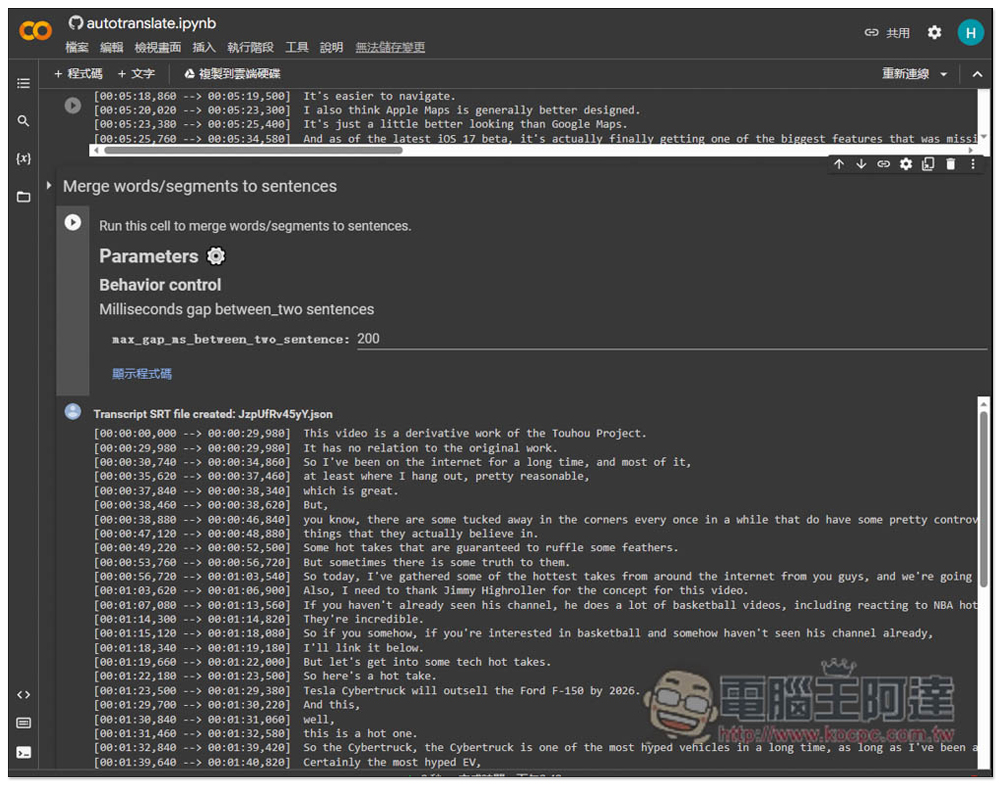
autotranslate is an online tool that uses Whisper and ChatGPT to generate video subtitle files and translate subtitles, supporting hundreds of websites.
autotranslate is an open source tool mounted on GitHub. The interface is relatively complicated, but after you actually operate it once, you will find it is not as difficult as you imagined.
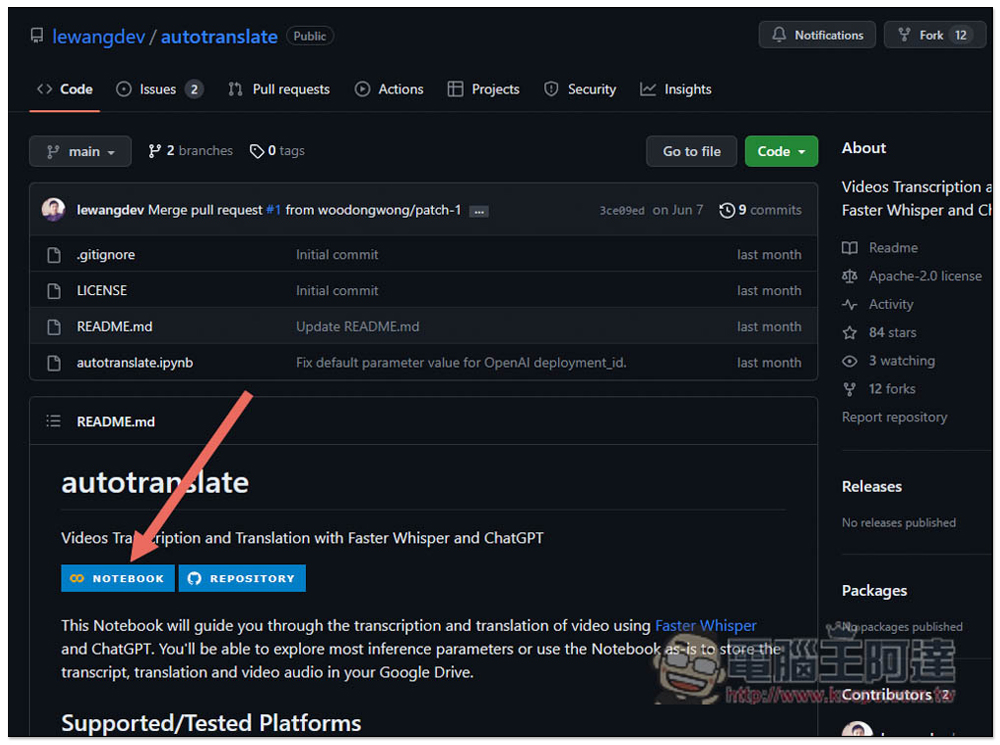
First, go to the GitHub project. If you have time, you can browse the introduction. If you want to use it directly, press NOTEBOOK:
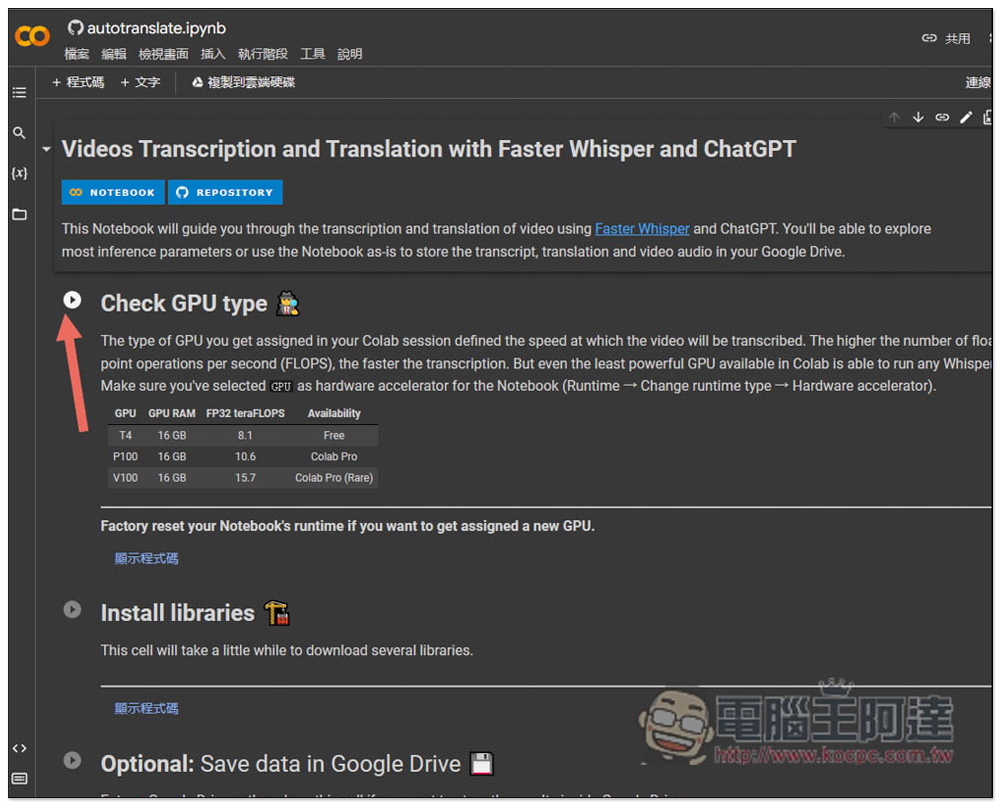
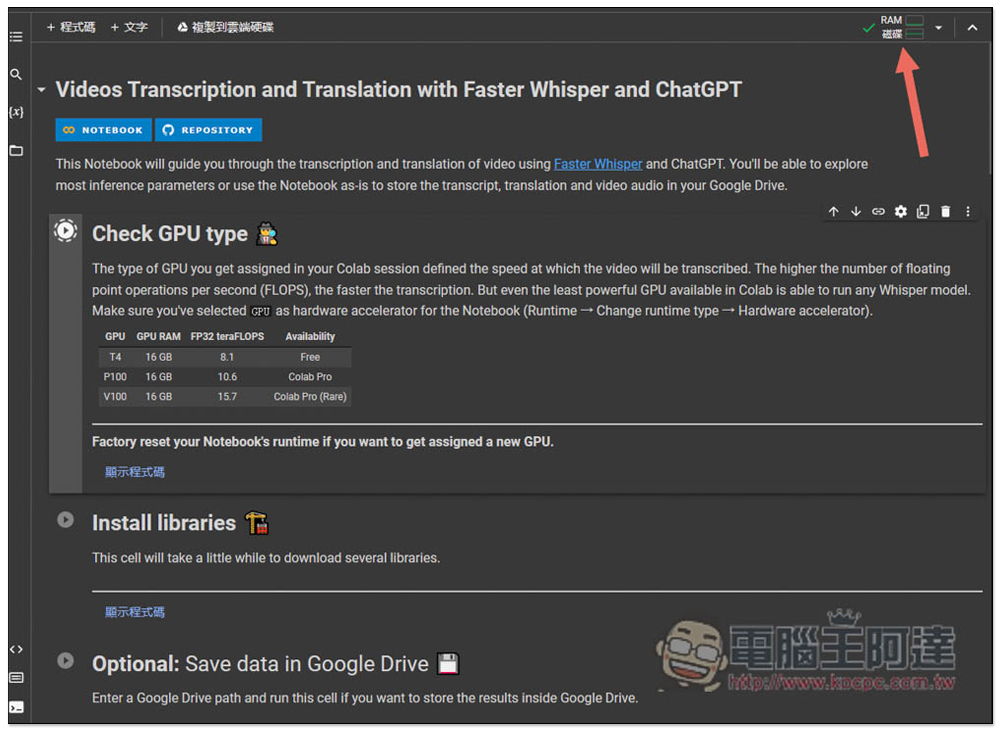
You will enter this screen. It doesn’t matter if you don’t understand it. Just follow the step-by-step instructions and you will know how to use it. Please click the play button to the left of Check GPU type first. It will check the GPU type in your computer and temporarily use a little of your computer resources during processing:
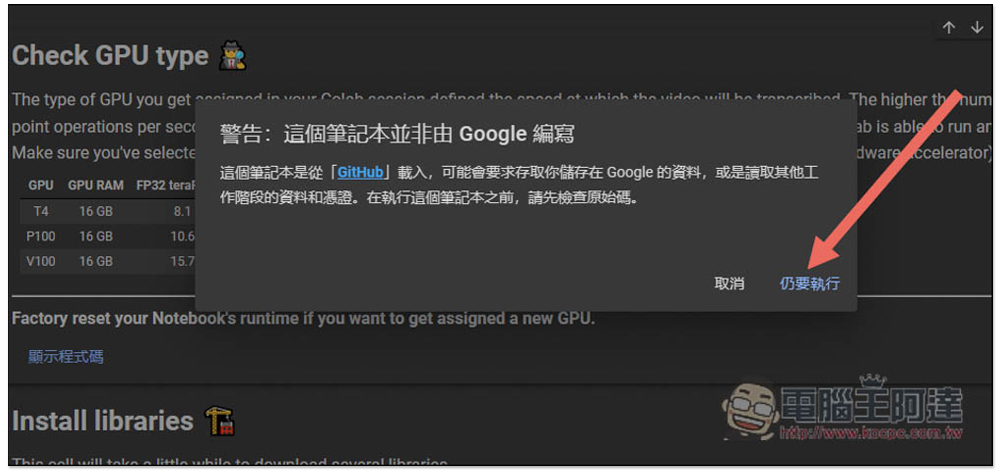
This message will pop up, click to still execute:
After running, the RAM and disk check icons will be displayed in the upper right corner:
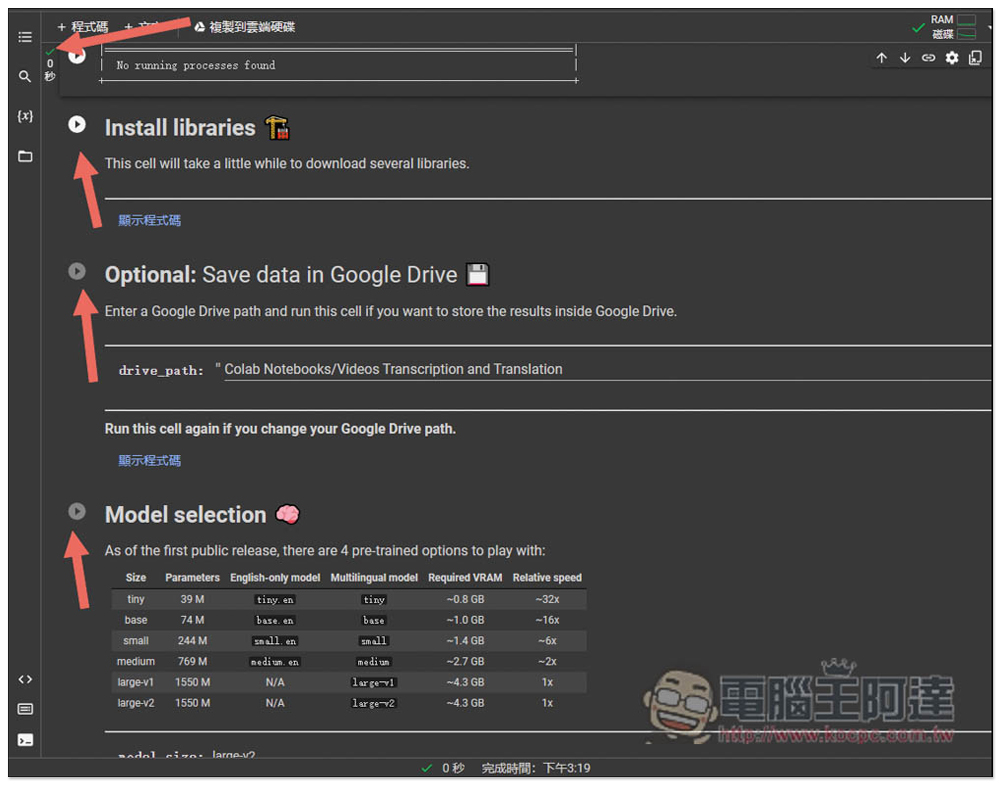
Then follow the order of each field and press the play button on the left. After running, press next like this. After running, a check icon will be displayed on the left:
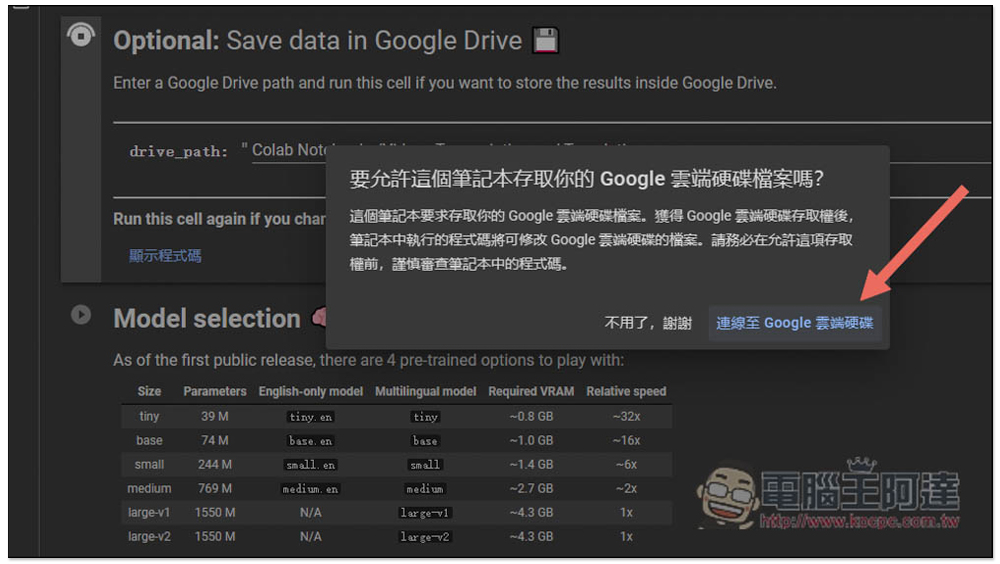
In addition, Save data in Google Drive is optional. If you want it to be automatically saved to the cloud drive after running, you can run the connection and click “Connect to Google Drive”:
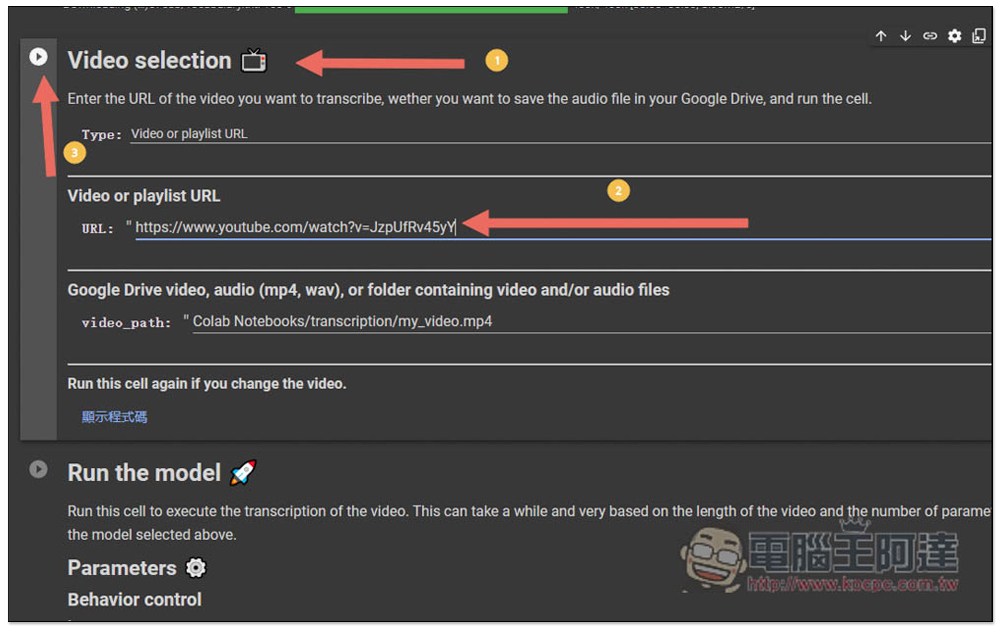
When you come to the Video selection field, enter the YouTube video link you want to convert to a subtitle file, or another video link (For a complete list of supported websites, click here to browse) in the Video or playlisht URL field. Videos stored in Google Drive are also supported. Fill in the path in the video_path section and press the play button when finished:
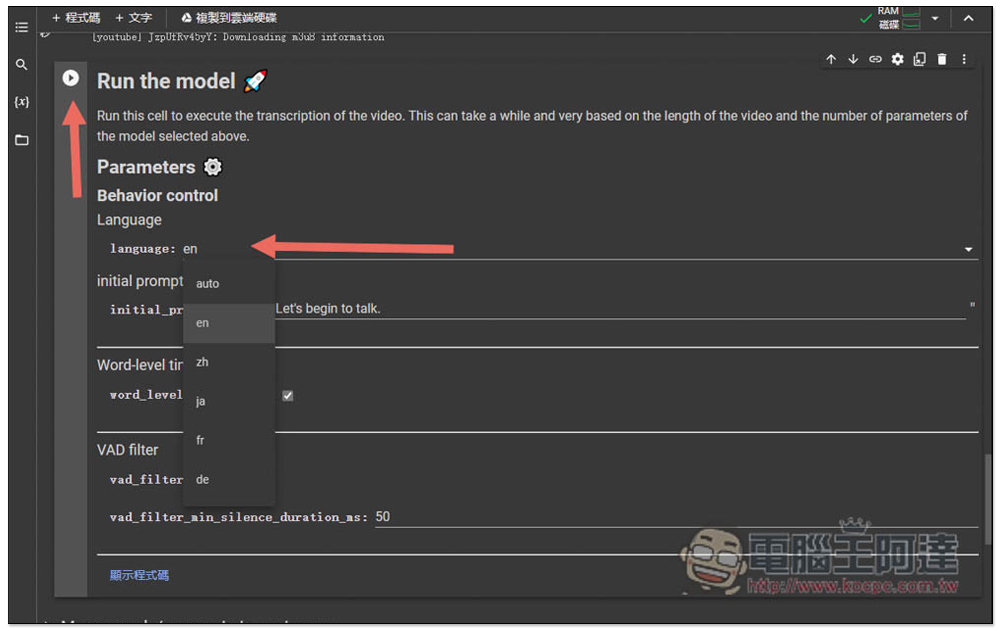
Run the model Select the language of this video. Currently, it supports five languages: en, zh, ja, fr and de. After selecting, press the play button:
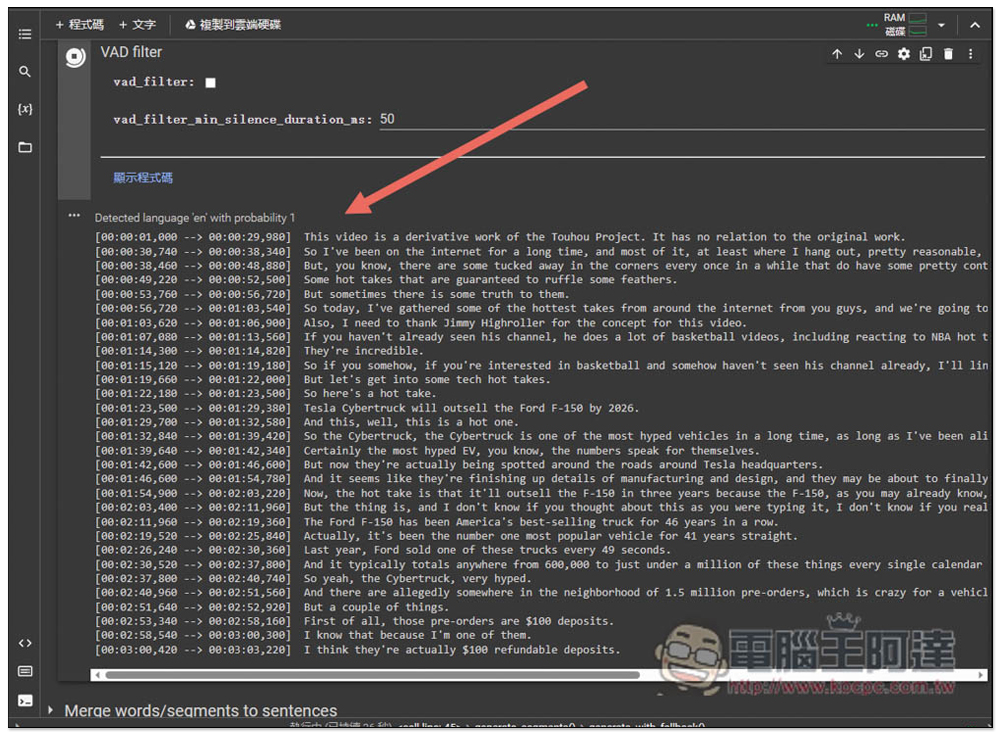
Then you can see the results below. The speed is quite fast. I tested this YouTube video for 14:30, and it was completed in about 1 minute:
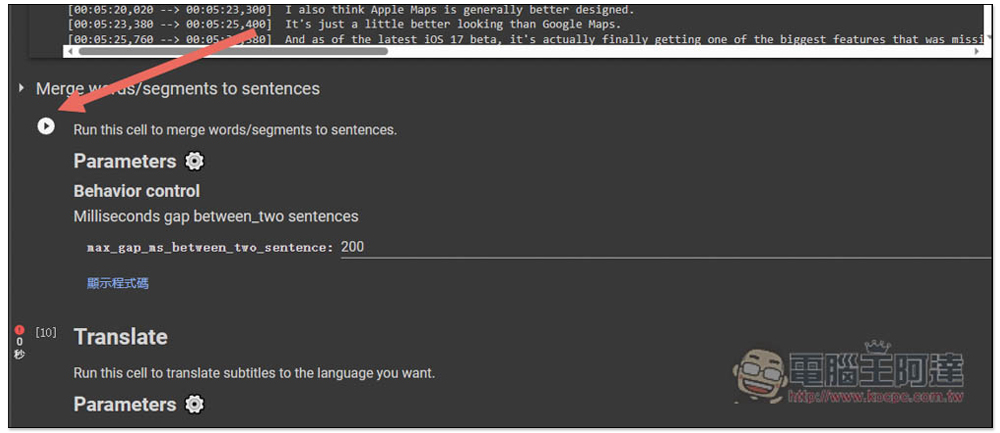
At this time, it has not been saved as an SRT subtitle file. You need to click the play button next to Merge words to do so:
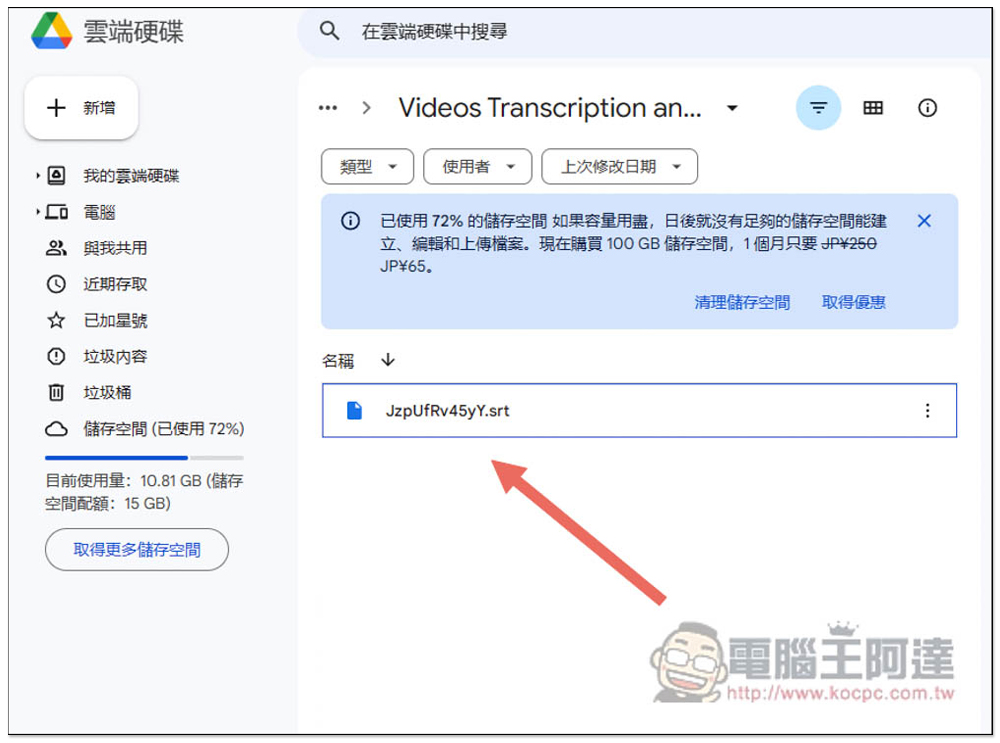
The default will be placed in the Video Transcription…. folder:
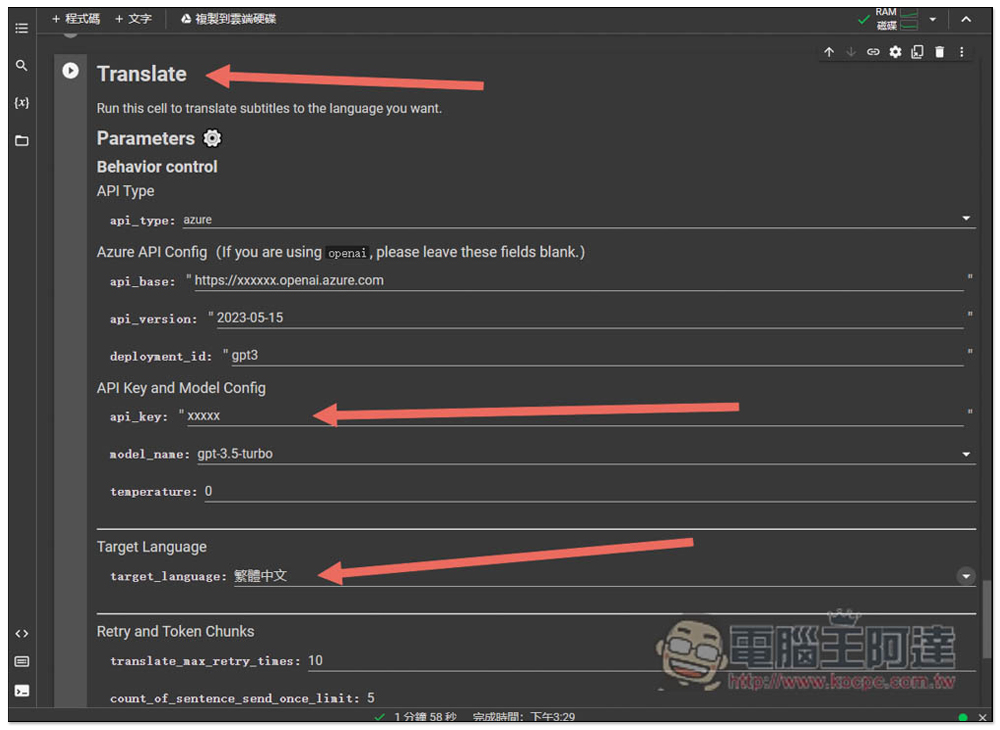
Translate below is a translation tool. You need to fill in your api_key. Currently, it only supports gpt-3.5 turbo:
Source: KOCPC Chinese