


When browsing Instagram, you will often see some content that you want to download and collect. If you haven’t found a useful download tool, this iGram is worth trying. It has a Chinese interface and is super simple to operate. You can directly paste the URL of your personal profile and browse limited-time updates, Highlights, posts, IGTV and REELS at once. Of course, you can also paste the URL you want to download.
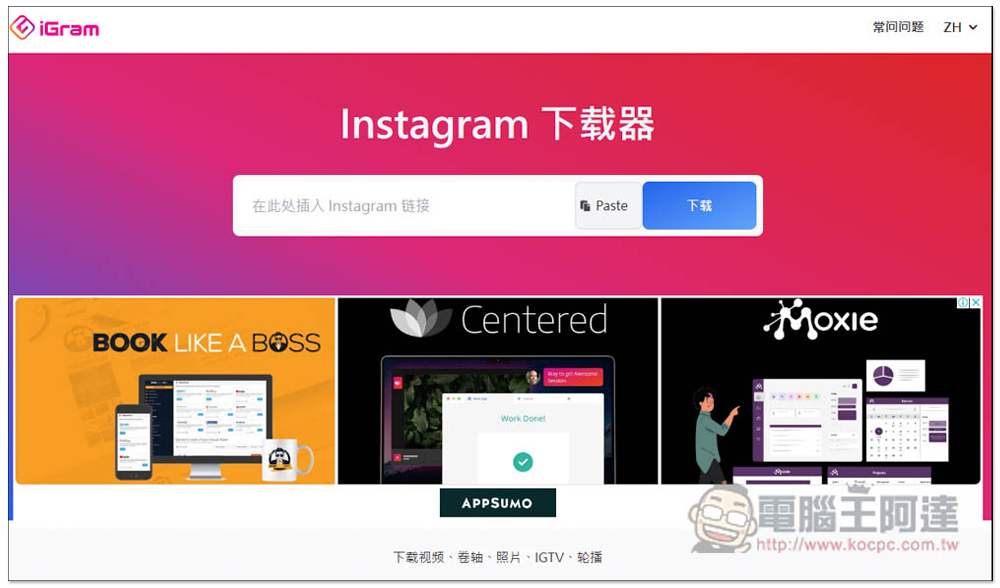
iGram is an all-in-one Instagram free downloader that supports photos, videos, limited time updates, REELS, personal files, etc.
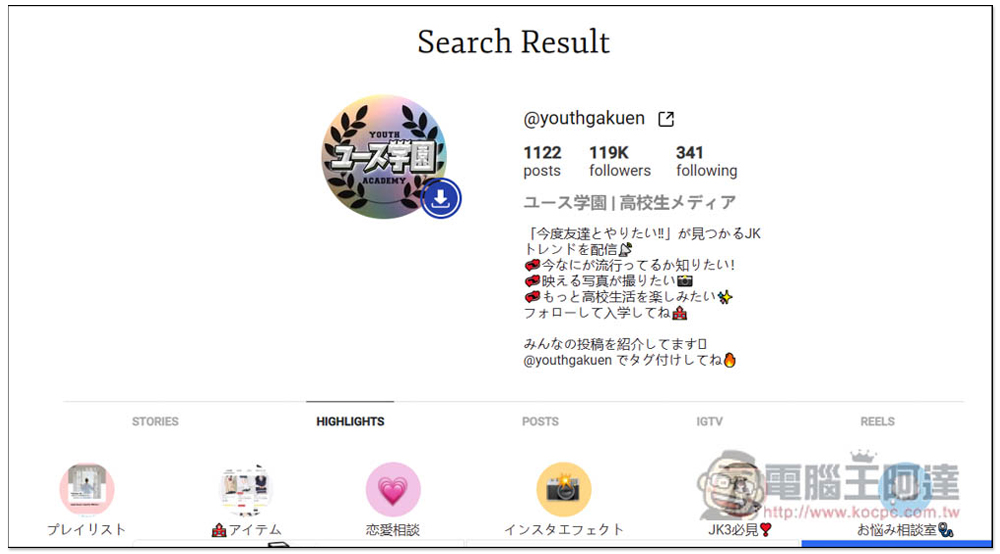
After entering the IGram website, paste the Instagram URL you want to download in the search field, then click Download. Wait for a few seconds and the results will appear below. The picture below shows the URL of the personal profile:
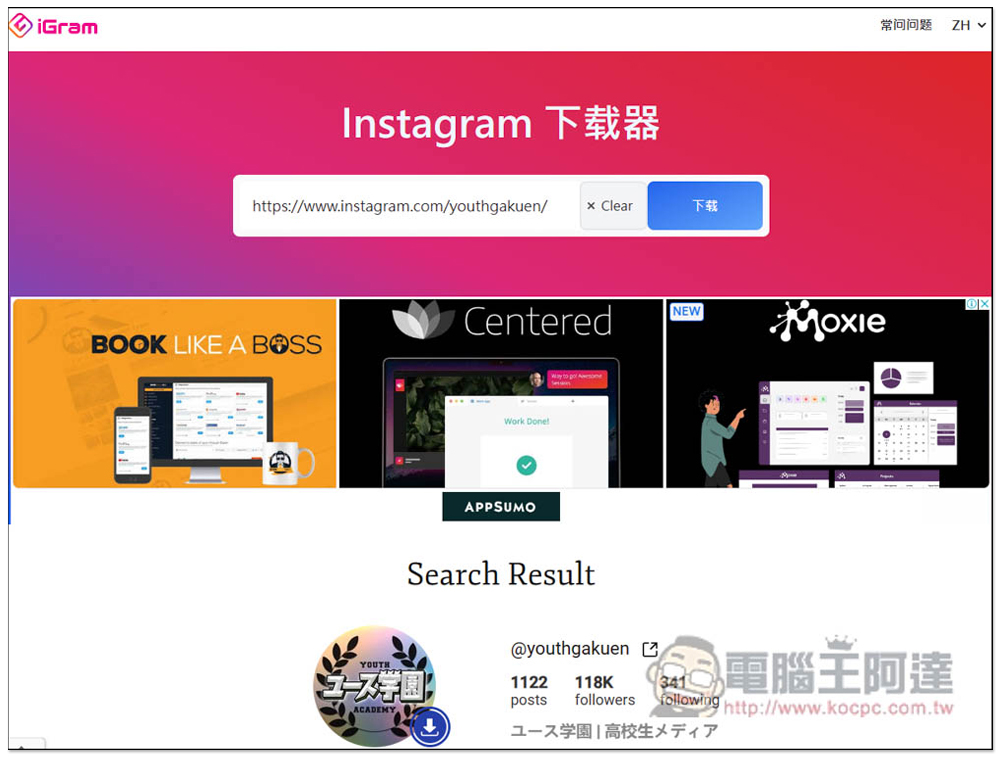
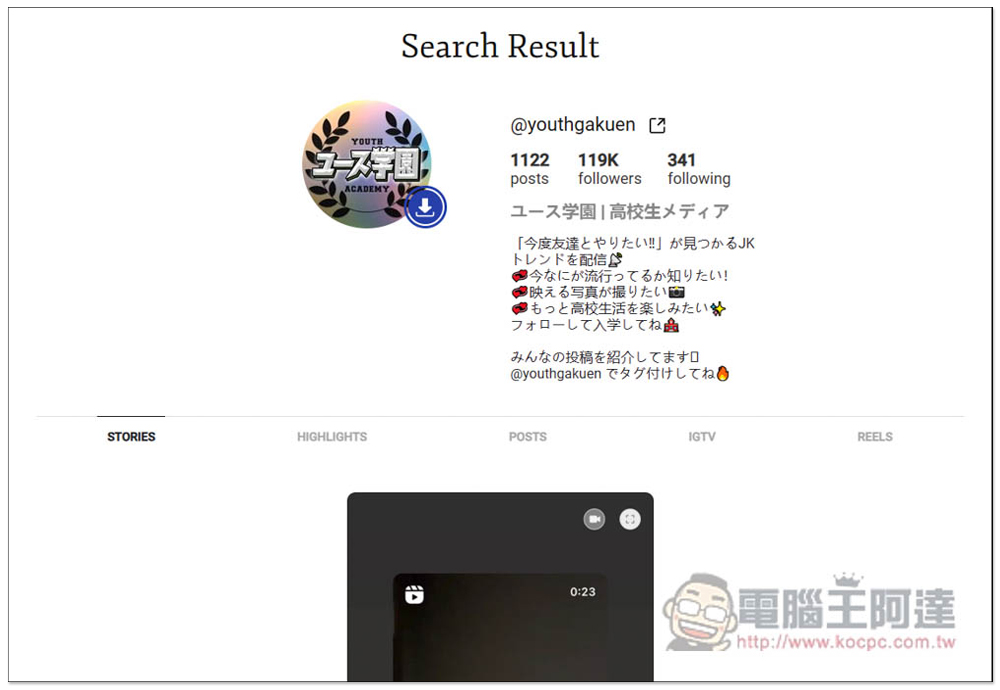
You can browse this person’s SOTRIES limited-time updates, HIGHLIGHTS, POSTS posts, IGTV and REELS at one time. However, I don’t know if it is just slow reading or for other reasons. There is no problem with STORIES limited-time updates, HIGHLIGHTS and POSTS posts, but IGTV and REELS cannot be read, and the content of POSTS posts will also be displayed. Therefore, it is recommended that if you want to download IGTV or REELS, it is better to search the video URL directly:
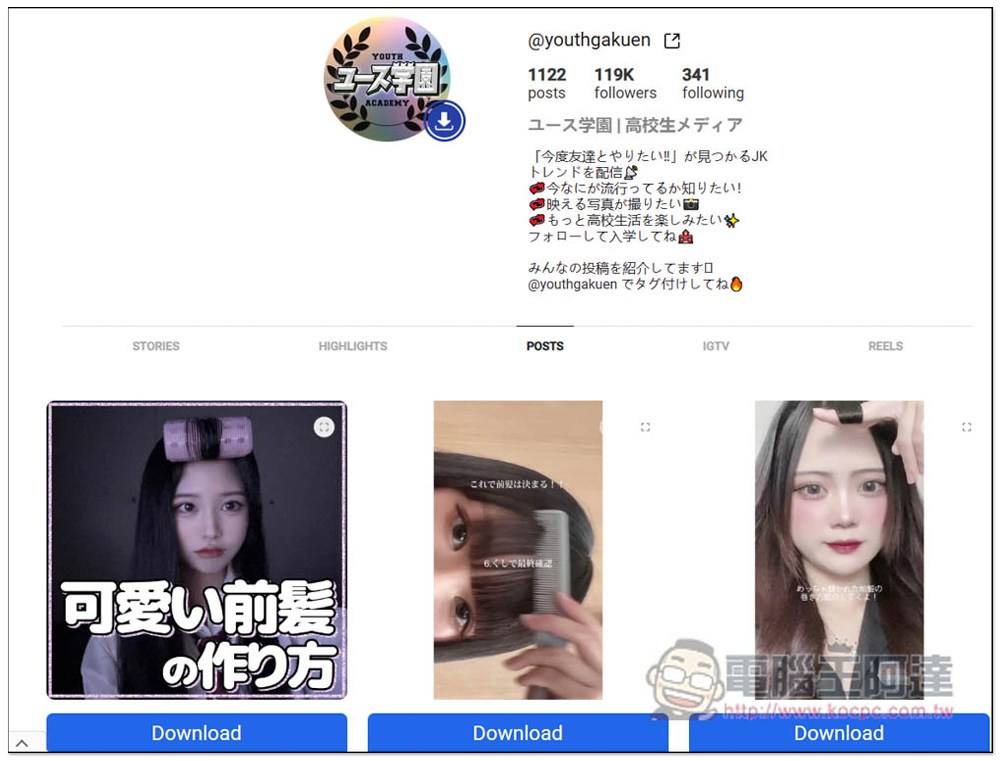
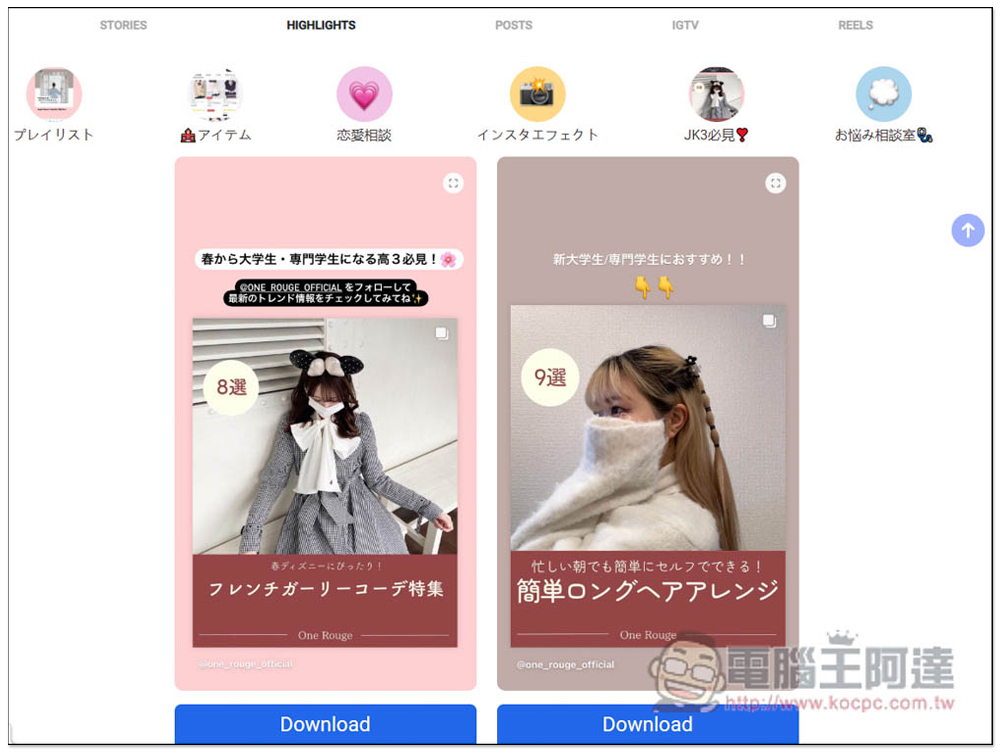
There will be a Download button below each post, click it and the download will start:
HIGHLIGHTS There is no problem when I test it. The HIGHLIGHTS content of this file will be displayed:
If the content has multiple pictures or videos, separate download buttons will also be provided:
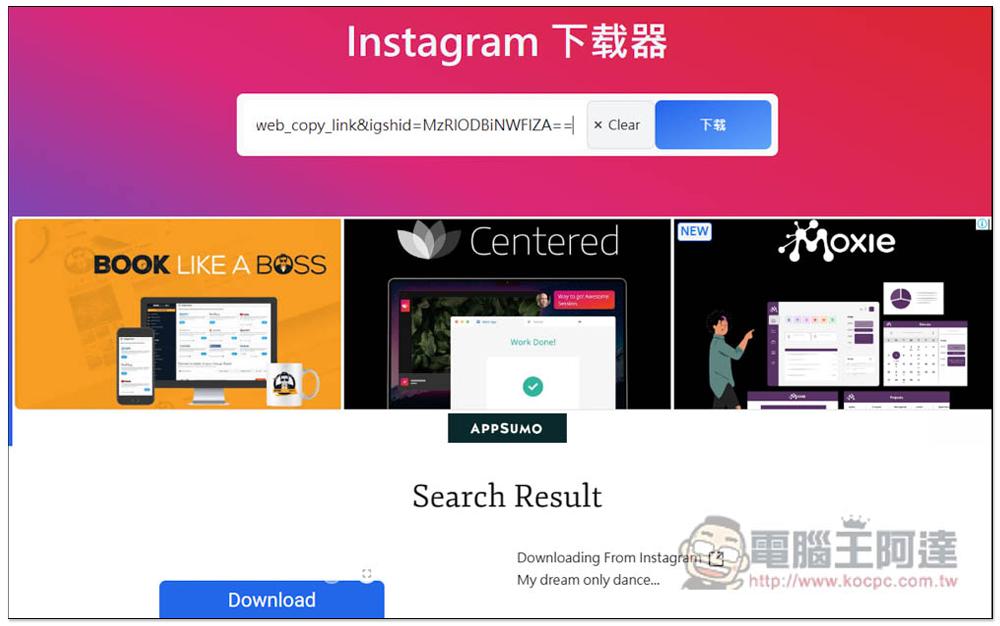
It’s okay to simply paste an Instagram photo or video URL, but the preview image may not appear. Like the picture below, when I paste the video URL, it doesn’t appear. You can download it when you see the blue Download button:
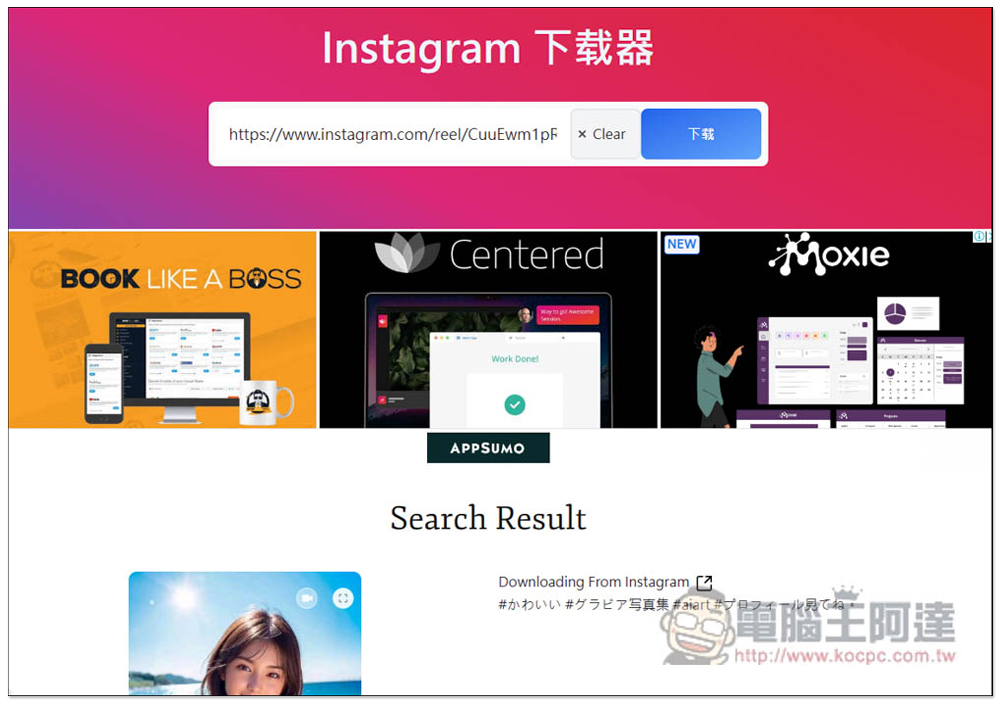
There is no problem with posting the REEFS actual test URL, and a preview image will also be displayed:
As for download quality, according to the website, all videos and photos downloaded by iGram have the same quality as the file uploaded, which means there will be no compression.
Unfortunately, this app does not support one-click downloading of all content, so if you want to download a lot of content from the same person, it is recommended to use the personal file URL method, and different people can only download it one by one.
This tool can be used as long as you have a browser. Winodws, Mac, iOS and Android are all supported. On the Q&A page, the developers also mentioned that they are working on a new browser extension that can help users download faster. They are not sure when it will be launched. Those who need it can always pay attention.
In addition, this type of online download tool may fail every once in a while, so if you suddenly stop using it, you can consider other IG downloaders, like the ones we introduced before Snapinsta, you can try the iOS version INSTDOWN。
Source: KOCPC Chinese