


After every meeting or speech you record, do you have to face that endless pile of audio files? Editing, transcribing, writing summaries—just thinking about it gives you a headache? Well, now you really don’t have to suffer through it anymore! Let me introduce you to this super-popular, ultra-low-maintenance AI Speech-to-textThe amazing Atter, this one not only supports both iOS and Android platforms, but also boasts zero ads, no subscription, completelyFreeWhether you’re a student, office worker, creator, or even a participant in multilingual meetings, this App is definitely your secret weapon for efficient work, meeting notes, and voice organization.
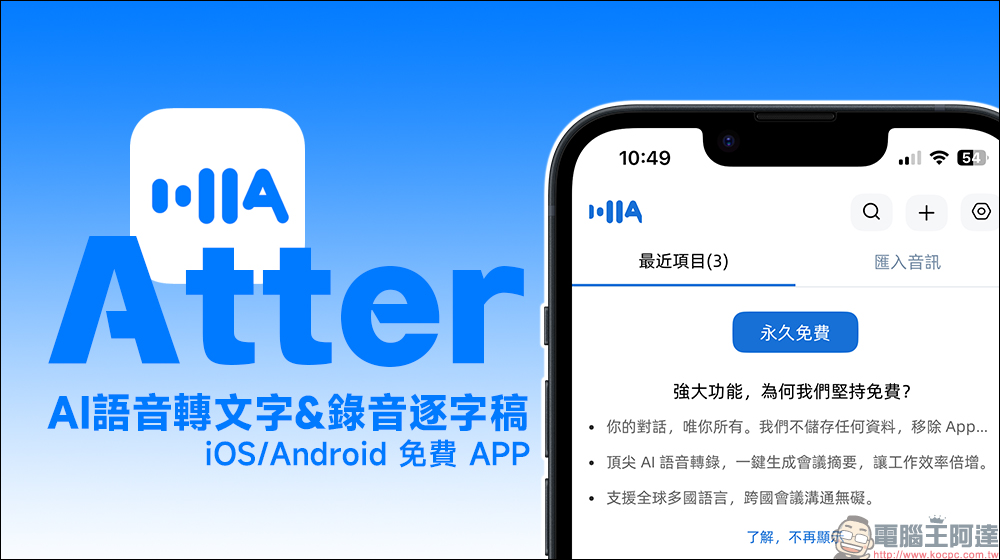
Free and ad-free! Atter App: One-tap AI voice-to-text & recording transcription that also creates summaries for you—works on both iOS and Android.
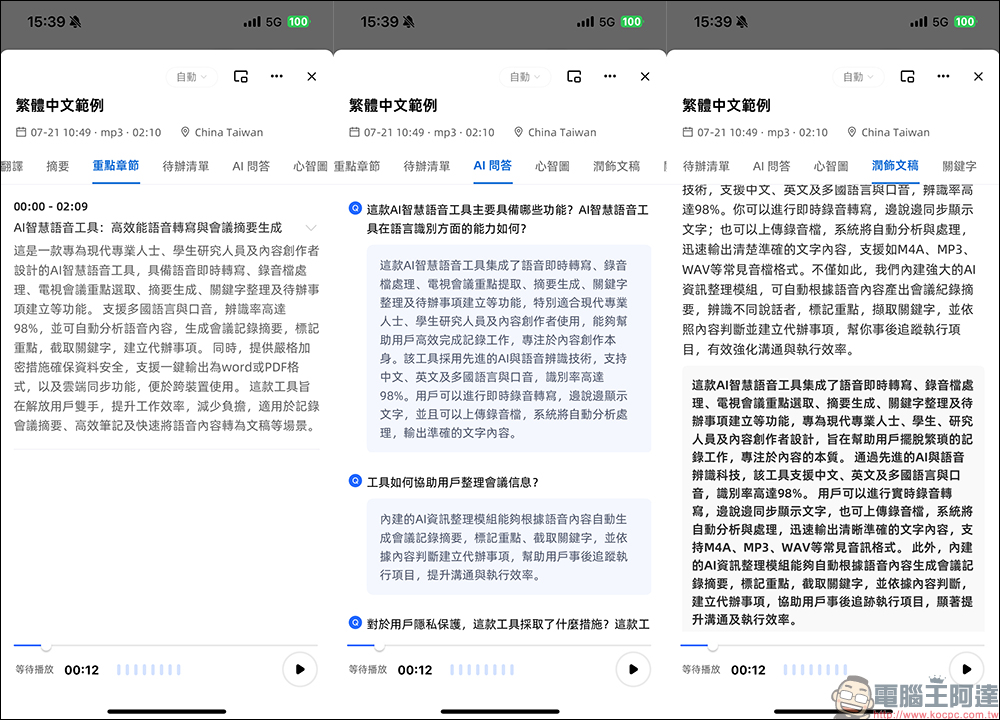
Nowadays, AI has become so powerful that it makes you wonder if you’re living in the future. The AI speech-to-text app “Atter” introduced today is a perfect example. Unlike traditional speech-to-text tools that can only “transcribe what they hear,” Atter is more like another version of you inside your brain—it thinks, organizes, condenses the key points, and can even draw clear, well-structured mind maps for you.
Atter uses the latest AI technology. Not only can it “understand what you say,” but it can also “organize key points,” “generate meeting minutes,” “create mind maps,” and even “translate in real time”! This is no longer just a recording app, but a super powerful smart assistant in your pocket, and it’s completely free—it’s absolutely fantastic.
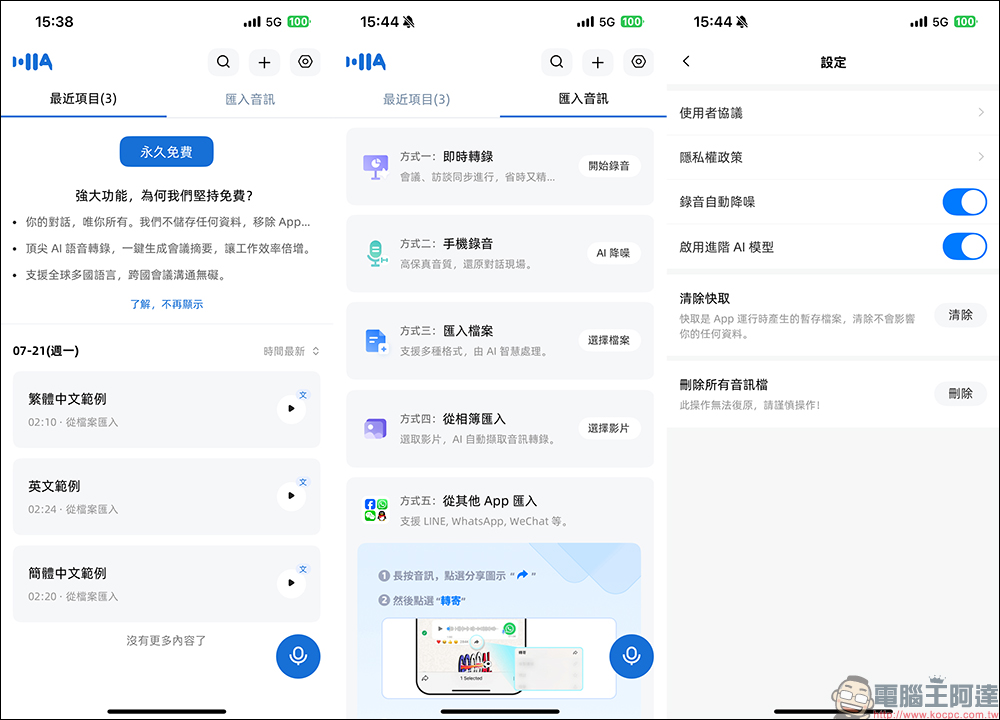
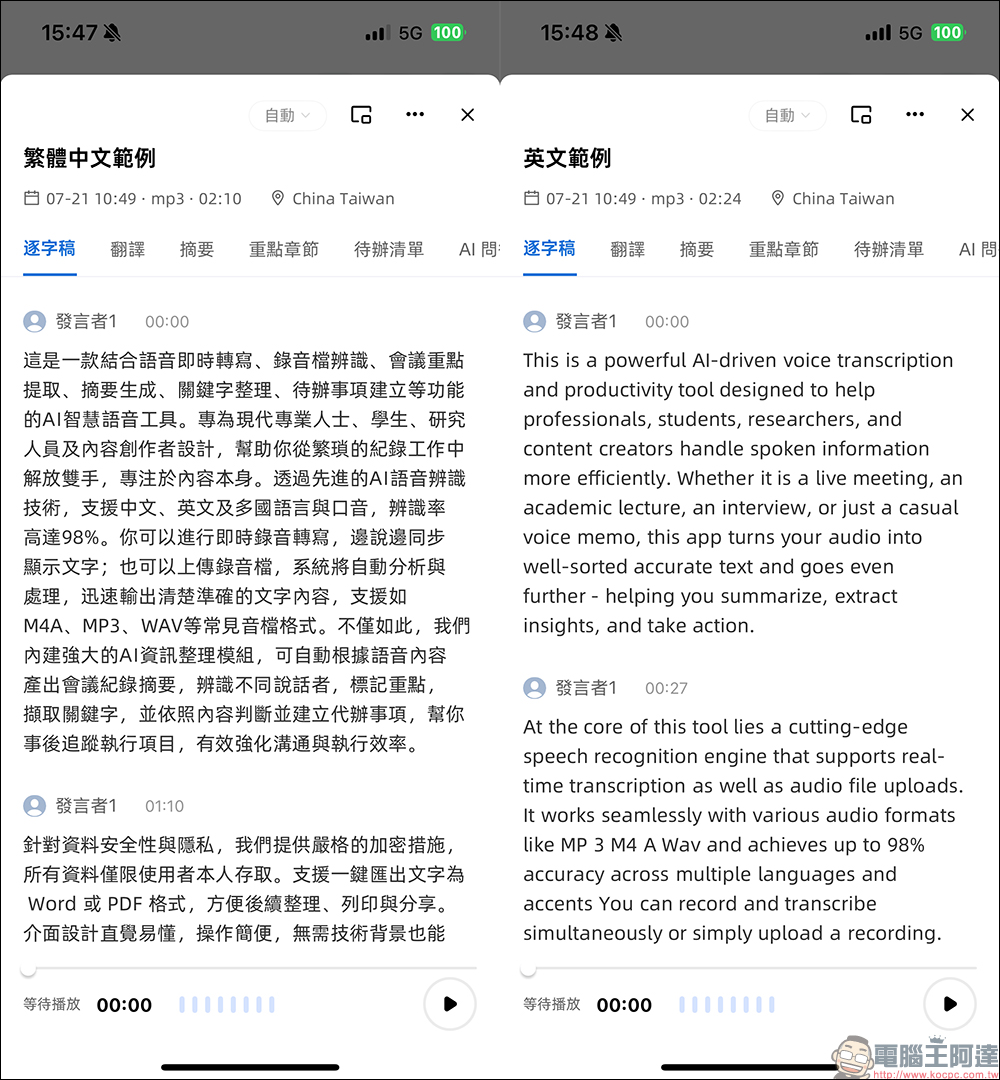
Just open Atter and you can talk directly to your phone—it instantly transcribes your speech into text, whether it’s for interviews, lecture notes, or jotting down spur-of-the-moment ideas. The transcription accuracy is also impressive, with Chinese recognition rarely producing garbled nonsense, and it even adds punctuation and paragraph breaks automatically, making the overall reading experience more natural than Google’s voice input.
For the recording feature, Atter uses high-quality audio recording technology that preserves the original sound with exceptional fidelity. The transcribed content also automatically filters out filler words—things like “um,” “uh,” and “you know” are removed to make the text look more professional and easier to read. It’s also optimized for meeting scenarios, such as “speaker separation,” where different speakers are tagged so you can clearly see who said what at a glance.
Atter’s built-in real-time translation feature is also impressive, supporting over 30 languages. Even during an international meeting, you can simply place your phone on the table, and it will transcribe and translate the other party’s speech. For professionals who frequently communicate with foreign clients, this is a major advantage.
Many similar apps on the market require subscriptions, limit transcription time, or are packed with ads that disrupt the experience. But Atter breaks all those conventions—no ads, no login, no subscription, and unlimited use with no caps on length or number of sessions. All features are fully open.
You’re not seeing things—this is genuinely free, and it’s not one of those “limited-time free” deals mentioned before. The experience is also completely uncompromised, running smoother and better than many paid tools. Atter is powered by advanced AI voice models, delivering service quality and results that absolutely exceed expectations.
Conclusion
In this era where everything demands speed and precision, an app that can understand voice, convert it to text, and then organize it into presentations and summaries is not just convenient—it’s a productivity catalyst. Atter truly shatters the myth of “free = bad,” delivering a laid-back and powerful experience. If you haven’t tried it yet, go download Atter and give it a shot. Starting today, let AI handle the most troublesome tasks for you!
Download the Atter App:
iOS version (App Store)|Android version (Google Play Store)
Further Reading:
Source: KOCPC Chinese