


When surfing the Internet, you may sometimes need information from a certain web page. At this time, most of the time, you should separate the page of that web page to facilitate quick switching. However, this will display the entire web page, and a lot of information will not be used. This article will recommend another “independent window” extension function that I think is more convenient. It allows us to specify the page to be saved. Leave a section of the webpage and then display it independently in a new window. This means that I can only keep the information content I need and cut off the rest. Not only is it easier to read, this method can also keep the videos being played on all audio and video websites in a separate window. There are many ways to use it, such as Chrome and Edge. can be installed.
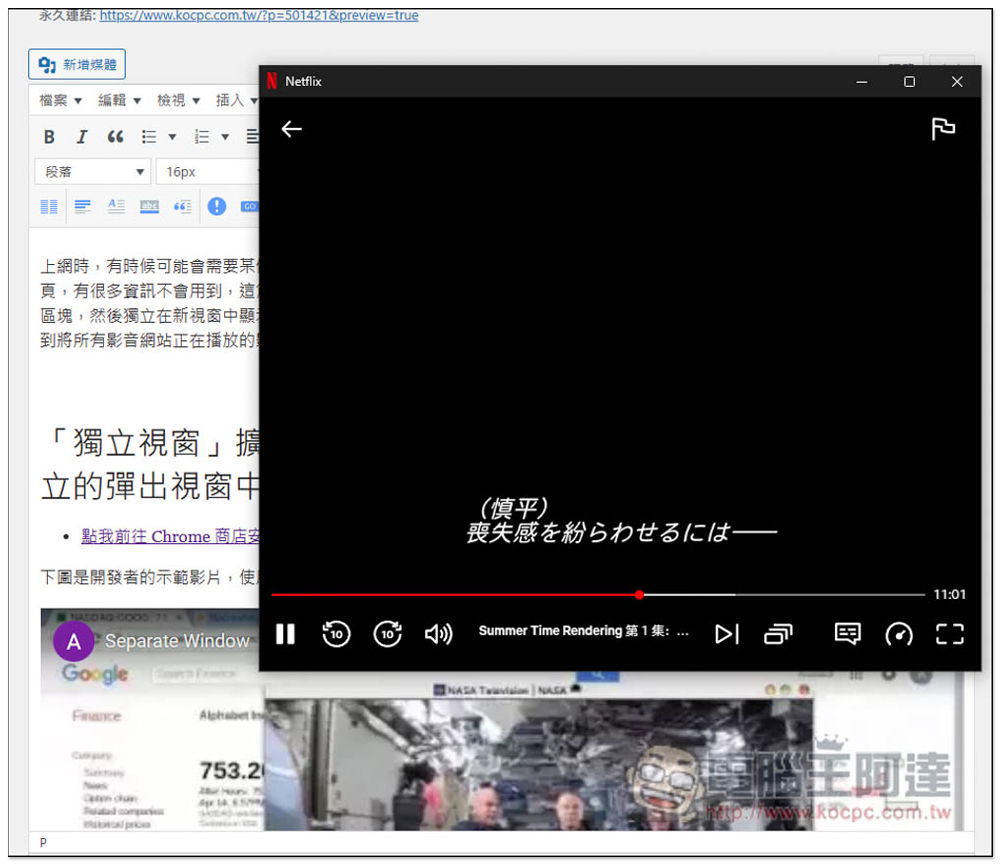
The “Independent Window” extension function allows you to specify any area of the web page to be displayed in an independent pop-up window.
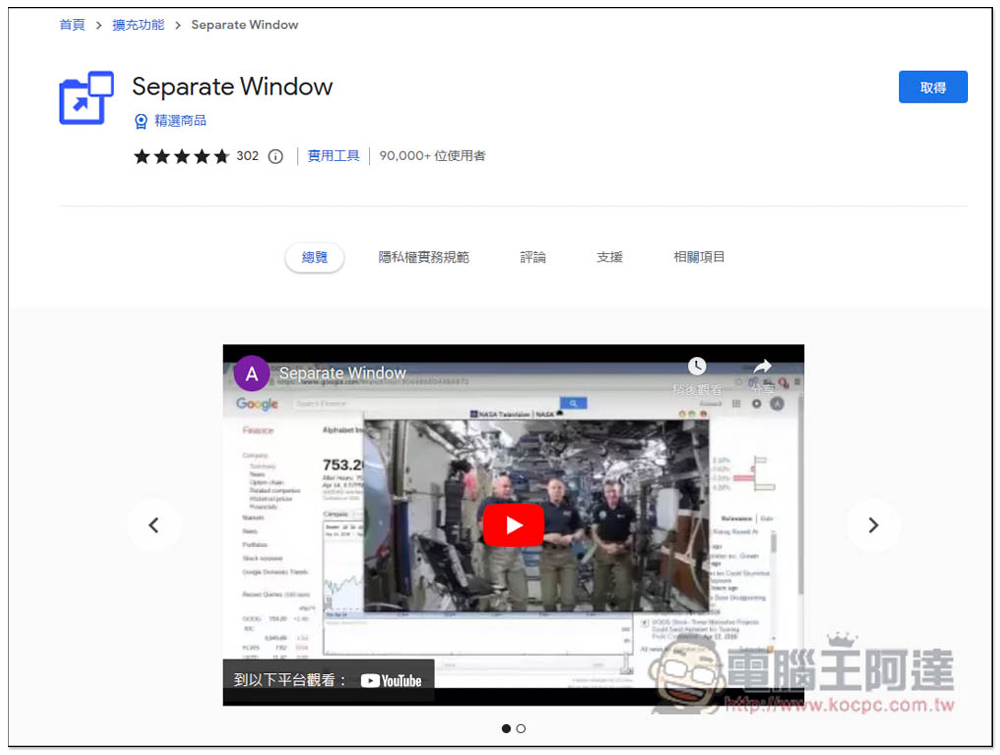
The picture below is a demonstration video from the developer, and the effect is like this:
After entering the Chrome store page of “Independent Window”, click “Get” on the right:
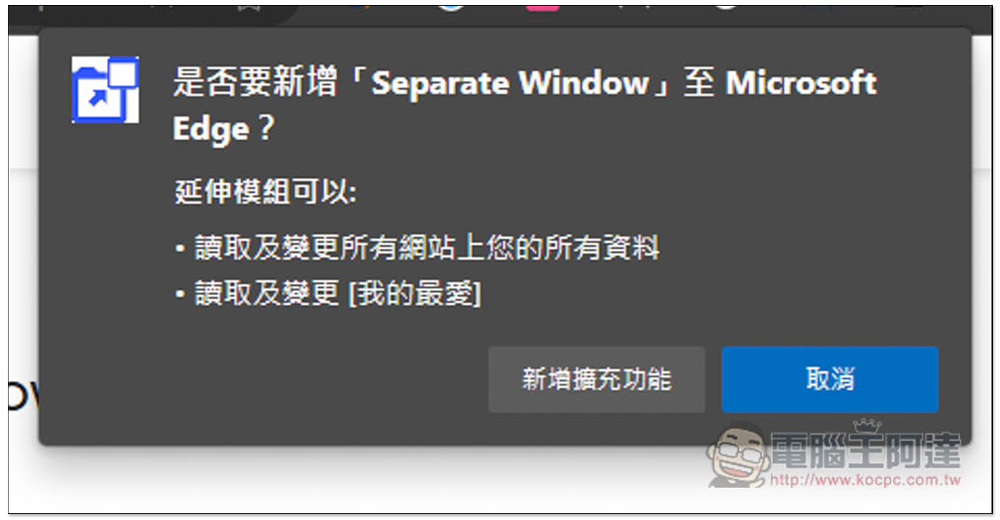
This message window will pop up above, click “Add extension”:
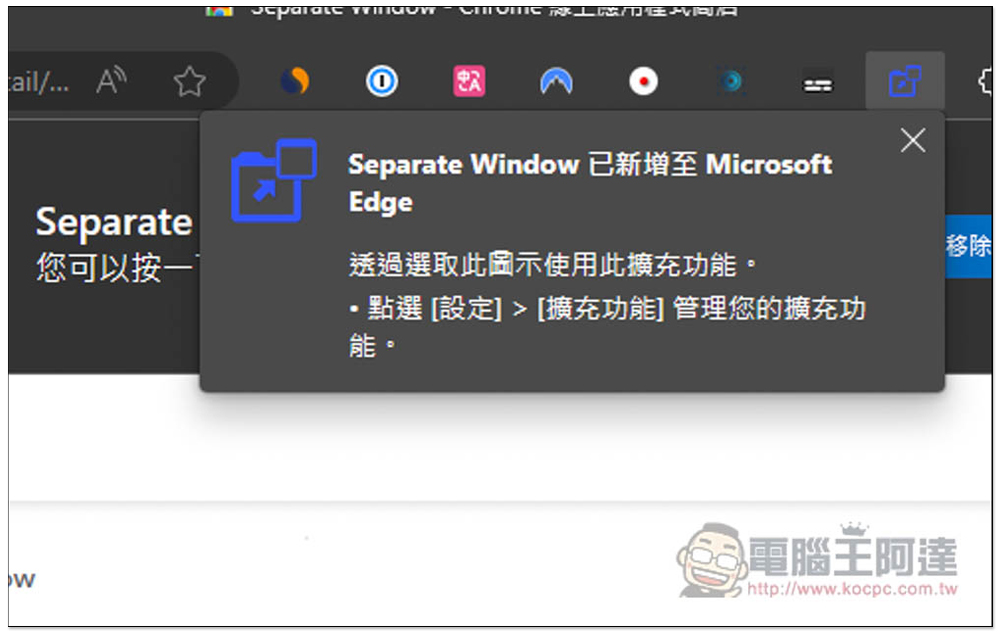
This window appears in the upper right corner to indicate that the installation is complete. However, the browser will now hide newly installed extensions by default, so it needs to be opened manually:
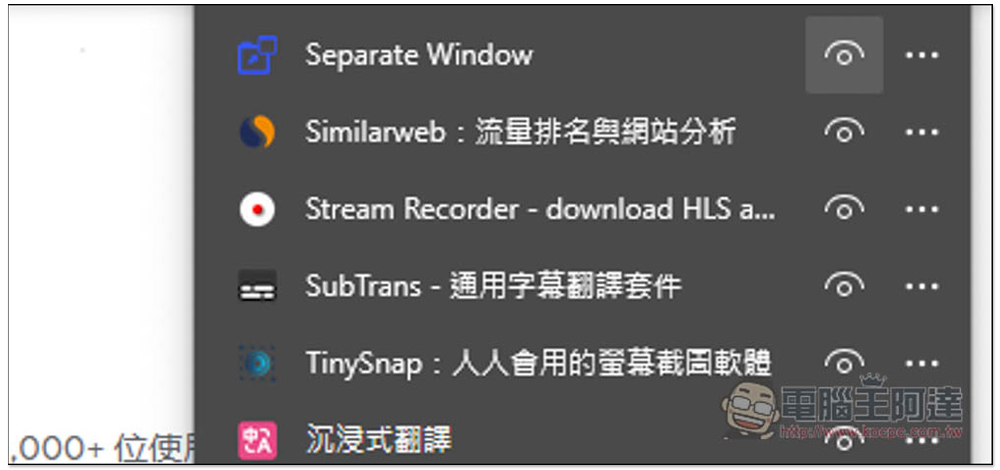
Open the puzzle icon on the far right, find this extension, and open the right eye to complete:
The operation method is very simple. It mainly has two functions, “Select the selection area” or “Entire Tab the entire page.” It is different from using browser paging to realize independent windows. Using this extended function to retain the entire paging will get a very clean new window. Unlike the browser, there are also unused functions such as the URL bar, tool bar, and menu bar:

Taking YouTube as an example, after entering the playback page, I use the Select function:

Select the area where the video will play:

Then the area where the video plays will be a separate new window, and other information in the original web page will be cut off. Not just YouTube, but any website can achieve this effect. Therefore, people who like to watch Netflix can also use this extended function to separate the video into a separate window and watch the video while doing other things:

Some people may look at the real-time quotes of stocks while working or using computers. At this time, they can also use this extended function to separate the real-time quote area:

Every day I need to refer to the latest foreign technology information, organize and write Chinese reports. With this extended function, I can easily switch reading. Although this does not have a built-in pin function, it can be achieved through some third-party tools, such as the ones we have introduced DeskPins You can put any window on top of all screens:

If you have a Mac, you have to look for it. I haven’t tested an app that can pin the window to the top.
Another thing to note is that this extension has not been updated for a long time, and I am not sure whether it will be available in the future. At least it works fine in my current test, so if you can’t use it after installing it, it may not be supported.
Source: KOCPC Chinese