


It seems that after the launch of the badge function was criticized as “pointless”, YouTube was also stimulated (?) and immediately launched a new function of locking the screen to prevent accidental touches. In the past two days, it has immediately added 2 more experimental features that can be used by YouTube Premium subscribers. The two new functions added this time are “long press to set the playback speed to 2 times” and “enlarge the preview image when jumping”. Continue reading YouTube’s new 2x fast-forward gesture function, how to enable it. Read the text of the report here.

▲Image source: YouTube
YouTube’s new 2x fast forward gesture function, how to enable it is here
It seems that after launching the badge function, it was criticized “Pointless” After that, YouTube was excited (?) and launched it immediatelyNew feature to lock screen to prevent accidental touches, in the past two days, 2 more experimental features have been added that are available to YouTube Premium subscribers – eh, that’s right, since only one experimental feature can be enabled/tried at a time, no matter how much you like it, you can only choose one to play (get down on your knees).
The two new functions added this time are “long press to set the playback speed to 2 times” and “enlarge the preview image when jumping” – I tried the latter for a while and found that there was not much difference (QQ – looking at the official icon, it should be that you can use a nearly full window to confirm the screen after the jump); I think the former is quite practical!
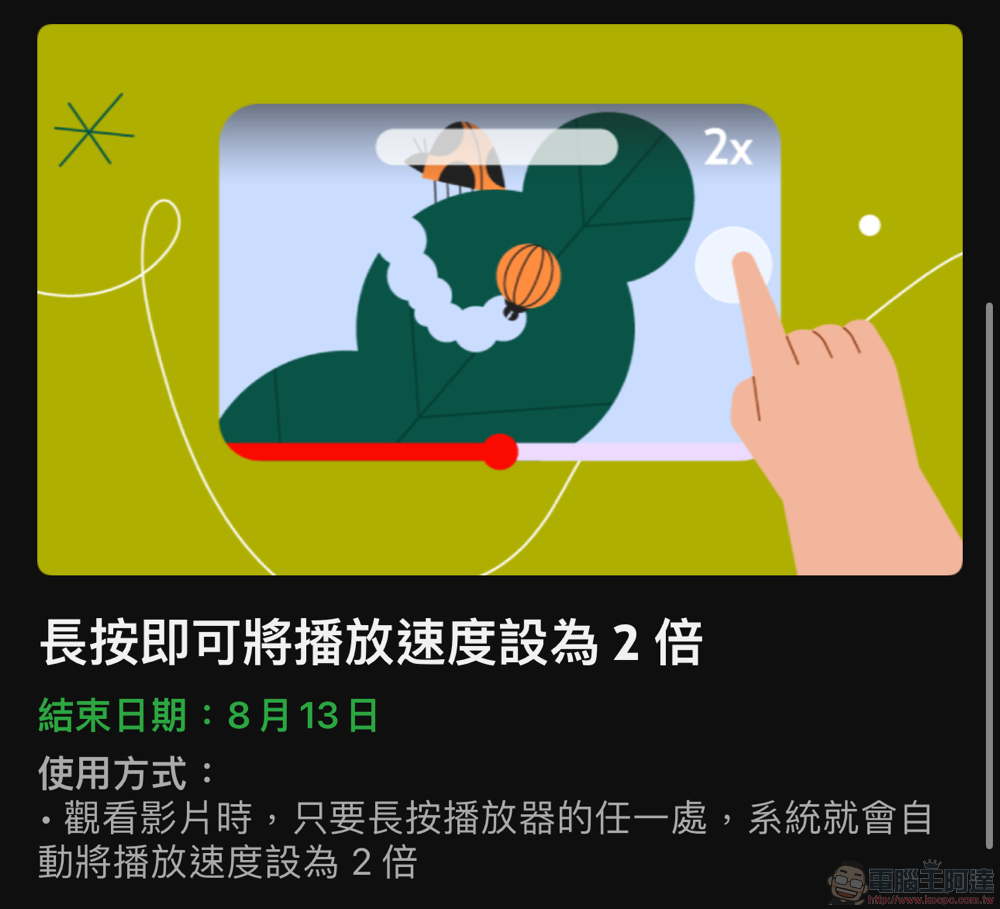
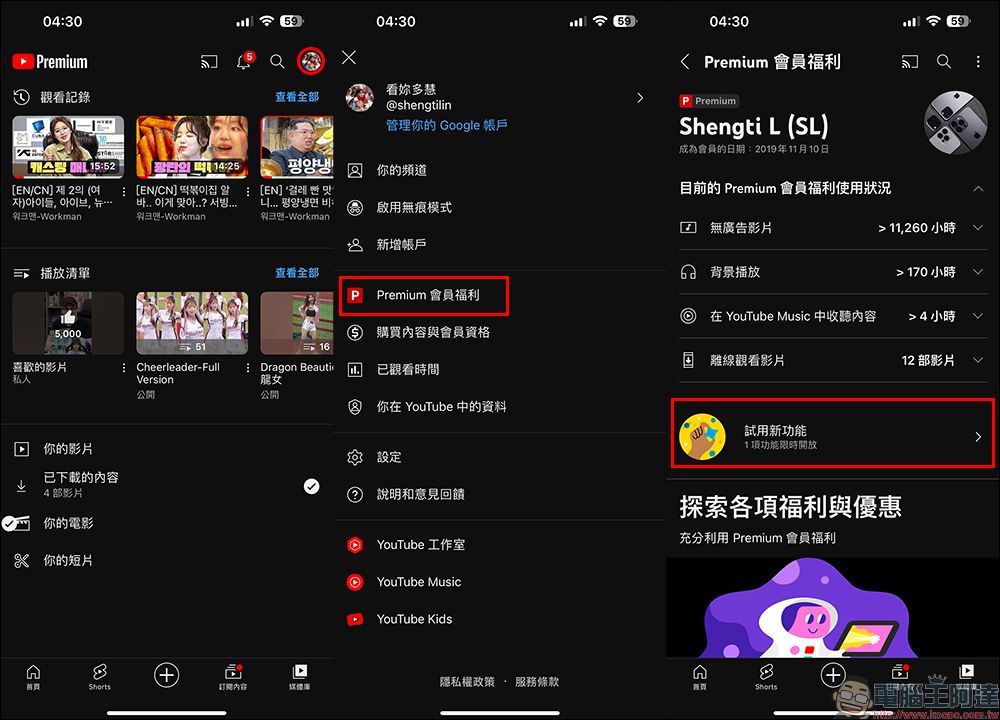
The feature “Long press to set playback speed to 2x” will be available in the YouTube Premium subscription account’s “Try out new experimental features” found on the page. If you are using it on a mobile phone or tablet, you can set it in YouTube settings or directly click on the icon in the upper right corner of the app to select the “Try New Features” opening page in the Premium membership benefits.
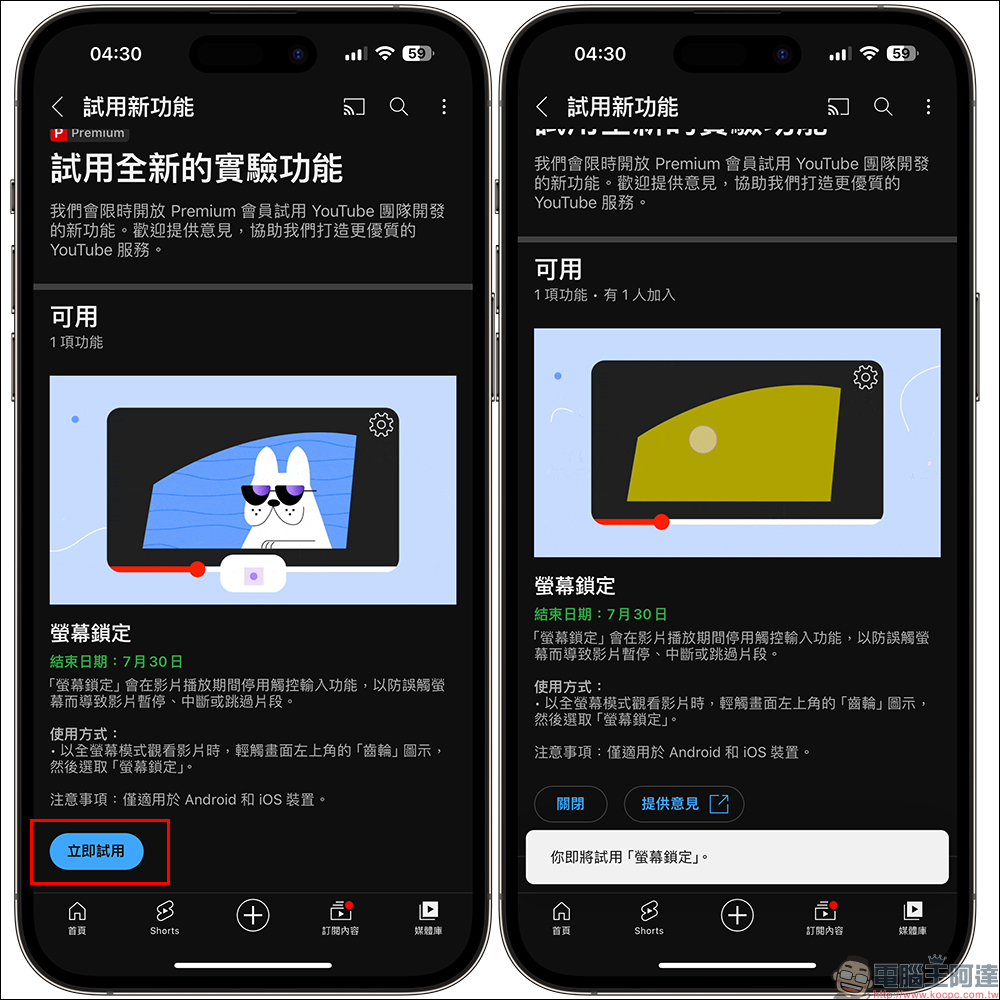
At the bottom of the “Try New Experimental Features” page, you can select the experimental features that are currently available for trial and click “Try Now” to start:
The two new experimental features added this time can be used on 8/13. Personally, I think there is a good chance that the long-press fast forward gesture will be turned into an option on the YouTube app in the future:
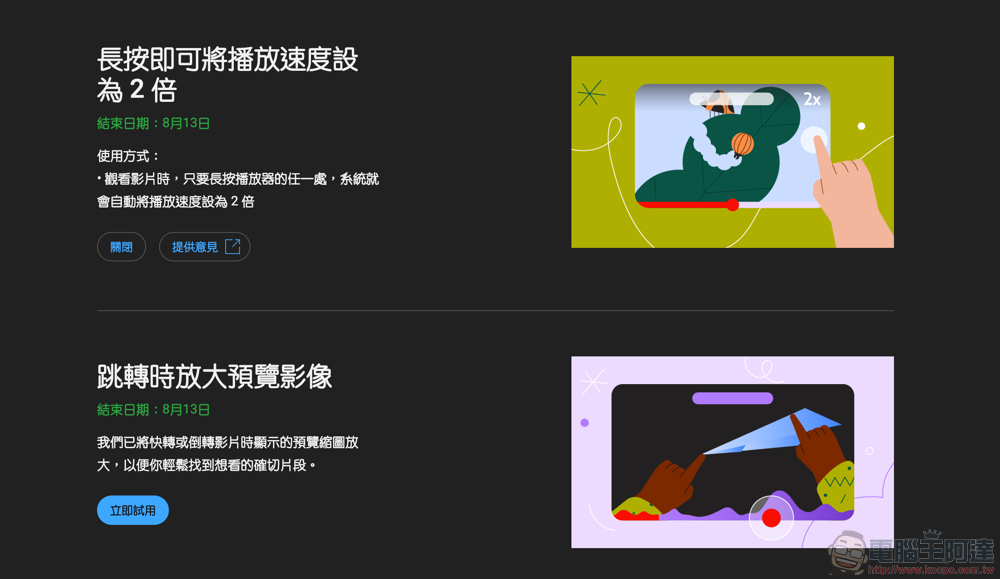
After enabling the trial function, there is no need to activate it in the settings. You can quickly start 2x speed playback directly by long pressing the playback screen:
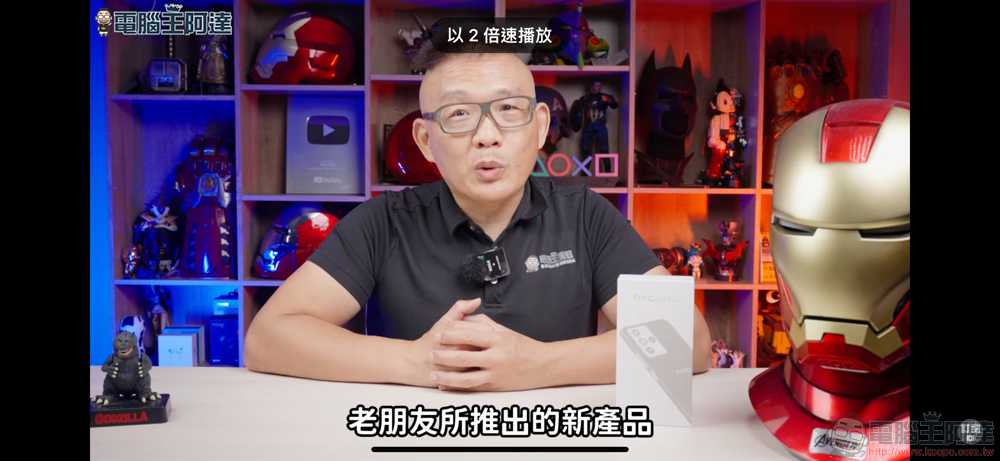
Even non-full-screen straight windows are supported. Personally, I find it convenient to put my hand on the left half of the double-click screen to jump backwards for 5 seconds. Basically, when fast forwarding is a bit too much, just double-click immediately and it will go back for a while to replay the segment you want to confirm:
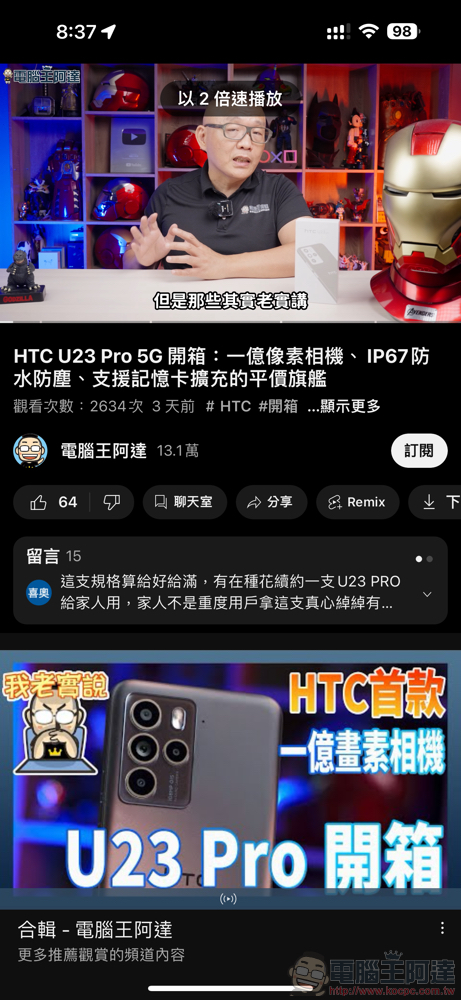
Overall, this feature is very useful for video content that you often want to fast forward. Although you can originally skip the video by double-clicking the right half of the screen for O seconds (this can be set). But after all, it is a jump, so there is still a possibility of missing content. Instead of going back and forth but not saving much time, maybe using fast forwarding can ensure that the information you should see will not be missed – or at least know that you can rewind a little to take a closer look.
Further reading:
Source: KOCPC Chinese