


After using LINE for a long time, I believe many people will encounter a problem: it “gets bigger and bigger”, taking up a lot of iPhone space, always ranking first in the storage space, even larger than games. This article will introduce a pretty good free open source tool “LINE Cheater”, produced by Taiwanese developer Hiraku Wang. As long as it is paired with the free iMazing 2 version, you can easily get LINE backup and view all the messages and attachments in the backup. If necessary, you can even use it to “slim down” LINE. After restoring to iPhone, you can immediately save a lot of storage space.
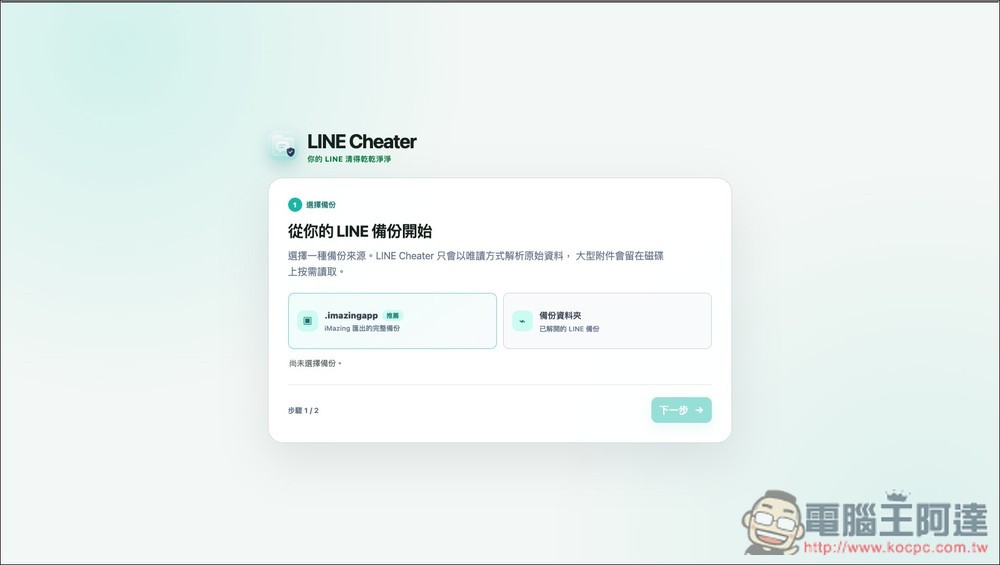
LINE Cheater introduction and operation tutorial
LINE Cheater is a LINE backup reading, searching and organizing tool specially designed for iOS users, allowing users to clean LINE. Providing an extremely secure, efficient and fully local-side solution, users can easily manage large and complex LINE backup files without worrying about the leakage of personal privacy.
In terms of data security and privacy protection, we focus on the two principles of “backups will not be uploaded” and “original files are read-only.” All data analysis and organization processes are only performed on your personal device, and the data will never leave your computer. At the same time, the system will only read the original backup file during processing, and all cleaned results or output candidate files will be saved as new files, ensuring that your most precious original conversation records will not be overwritten or damaged due to any accidental operations.
In addition, the structure design of this tool is quite flexible, and it perfectly supports the .imazingapp format produced by the well-known backup software iMazing, and can directly read the LINE backup content exported by the software. Provides “desktop version (Mac, Windows)” and “web version” to meet different usage needs.
Main features
- Exclusive analysis of iOS backup: Specifically for in-depth reading, search and organization of LINE backup of iOS system.
- Local security processing: All data analysis and calculations are performed locally on the device. There is no need to create an account, and no private data will be uploaded.
- Original file protection mechanism: Load the original backup file in read-only mode. All output cleaning results and files will be saved separately, without damaging the original backup database.
- Full support for iMazing: Ability to seamlessly read folders backed up by iMazing and the .imazingapp special format.
- Dual-platform operation mode: Provides a “desktop version” suitable for handling large backups and equipped with advanced cleaning capabilities, and a “web version” that requires no installation and is suitable for real-time viewing and exporting.
Go to LINE Cheater official website
Download iMazing 2 version (official website)
Before we start, let me explain that LINE Cheater itself does not provide the function of obtaining LINE backup, only “read” and “slim”. LINE backup is obtained through iMazing 2. Currently, the latest version of iMazing is iMazing 3, which requires payment to use, but the previous version, iMazing 2, is now completely free to use, and it has been tested to support iOS 26, so just use iMazing 2.
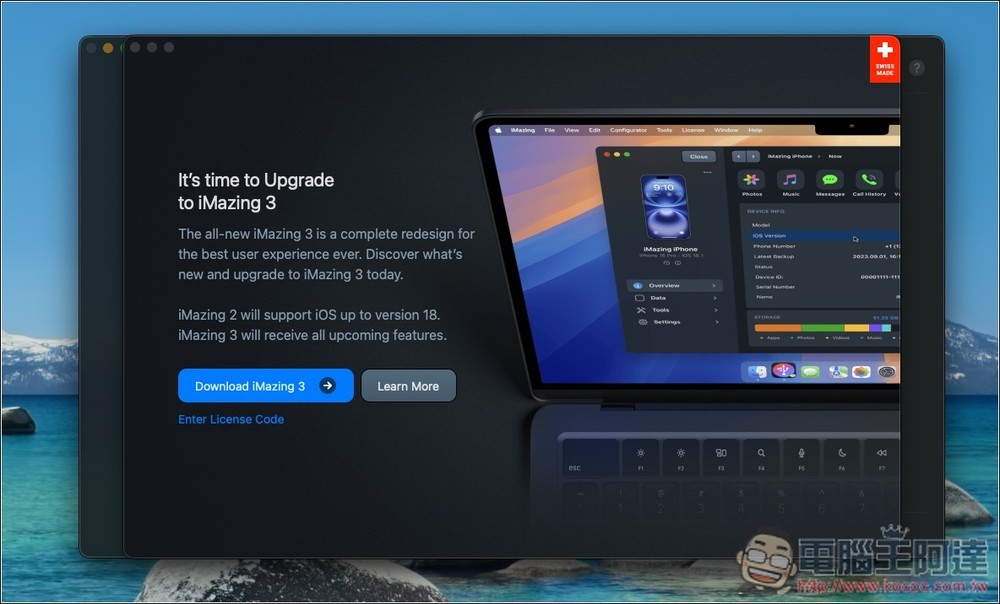
First, obtain the iPhone’s LINE backup. After downloading, installing and opening iMazing 2, a page for upgrading to iMazing 3 will pop up. Just turn it off. Remember not to turn on the automatic update function:
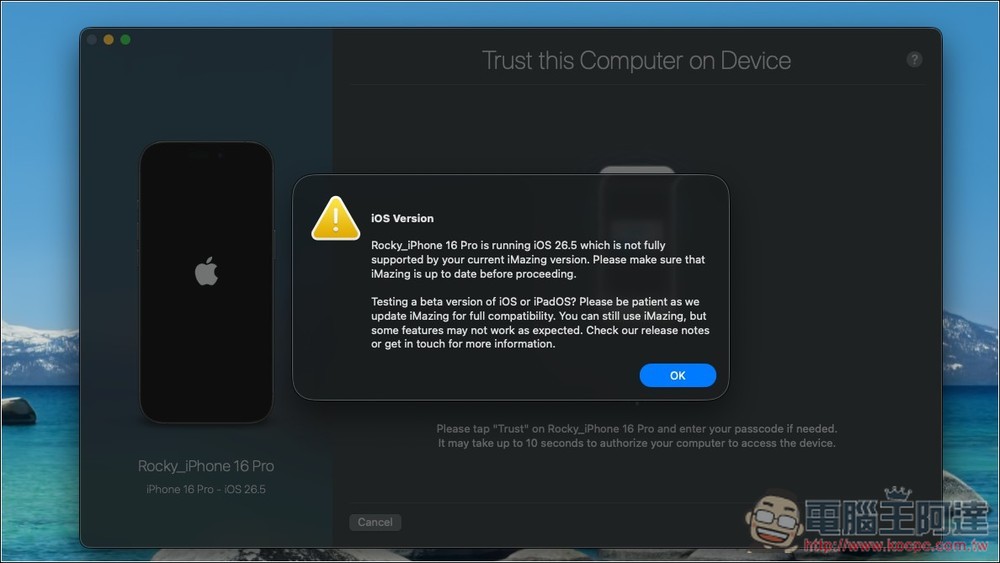
After connecting your iPhone, ignore the warning message that the iOS version is not fully supported and just press OK:
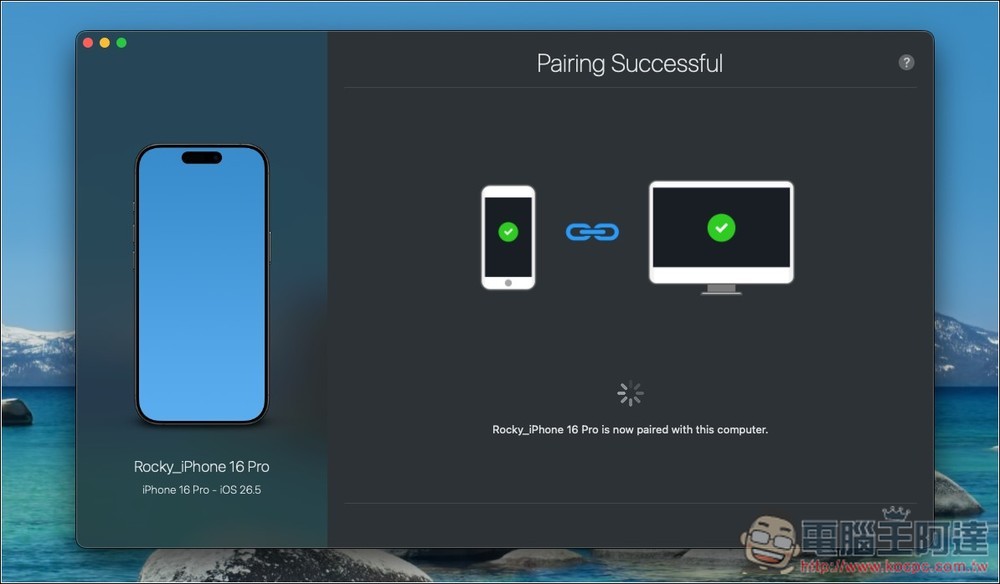
Wait for pairing to complete:
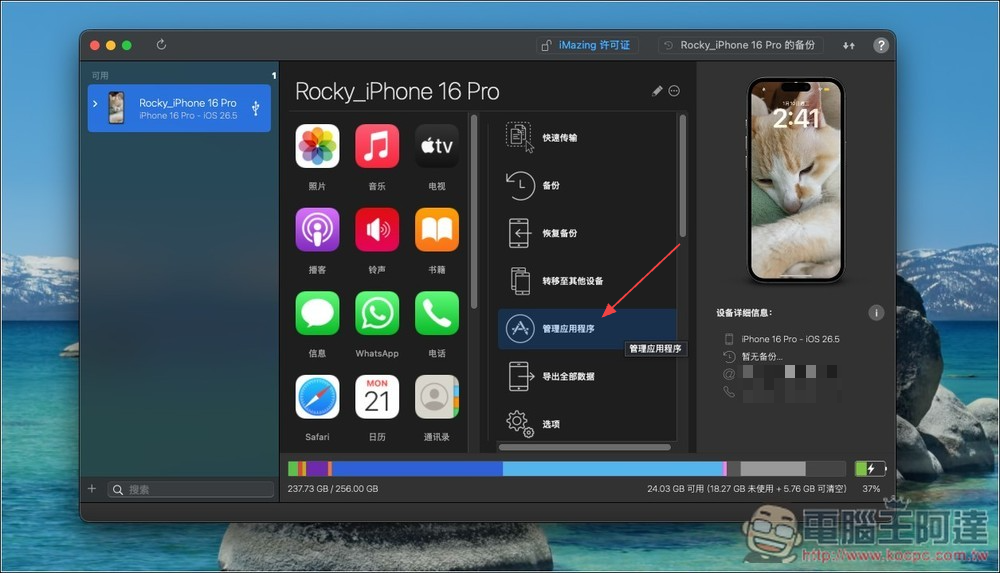
If you don’t understand the English interface, you can change it to Chinese. Then select “Manage Applications”:
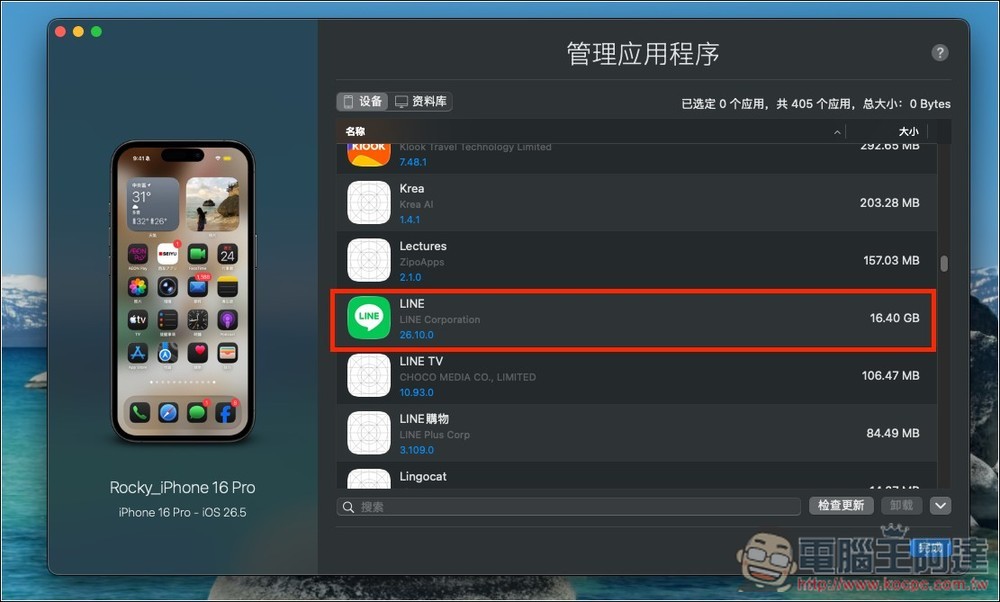
Find LINE in the list:
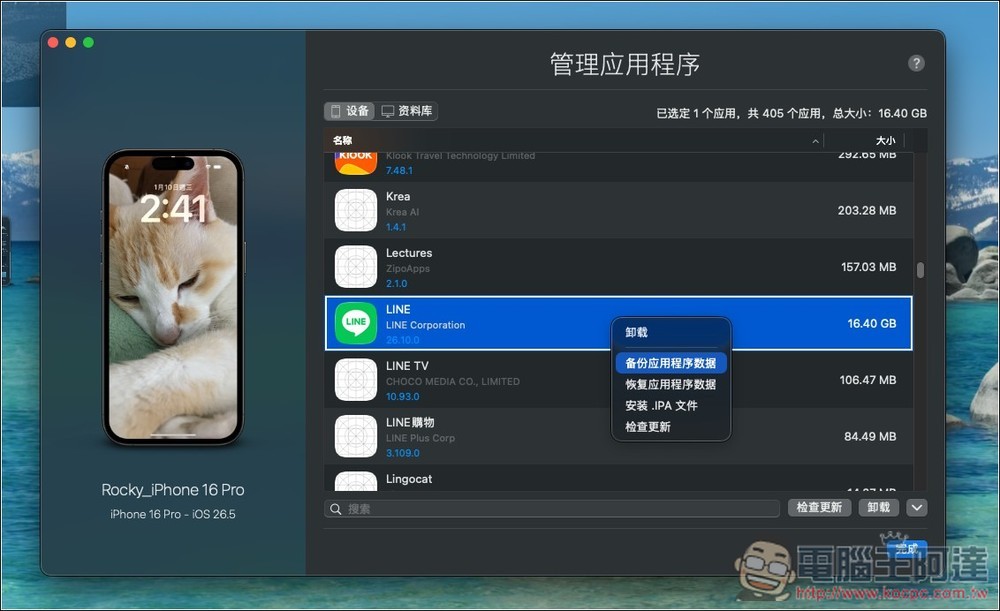
After opening the right-click menu, select “Backup Application Data”:
You will be asked to select the destination folder, then click Next:
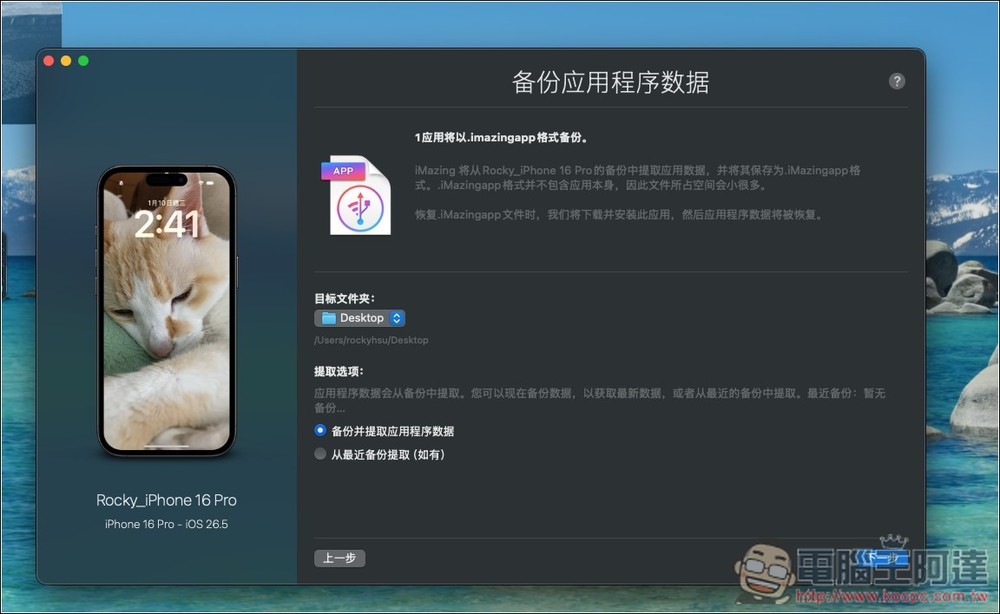
You can take a look at the Important Matters section and click OK if you have any questions:
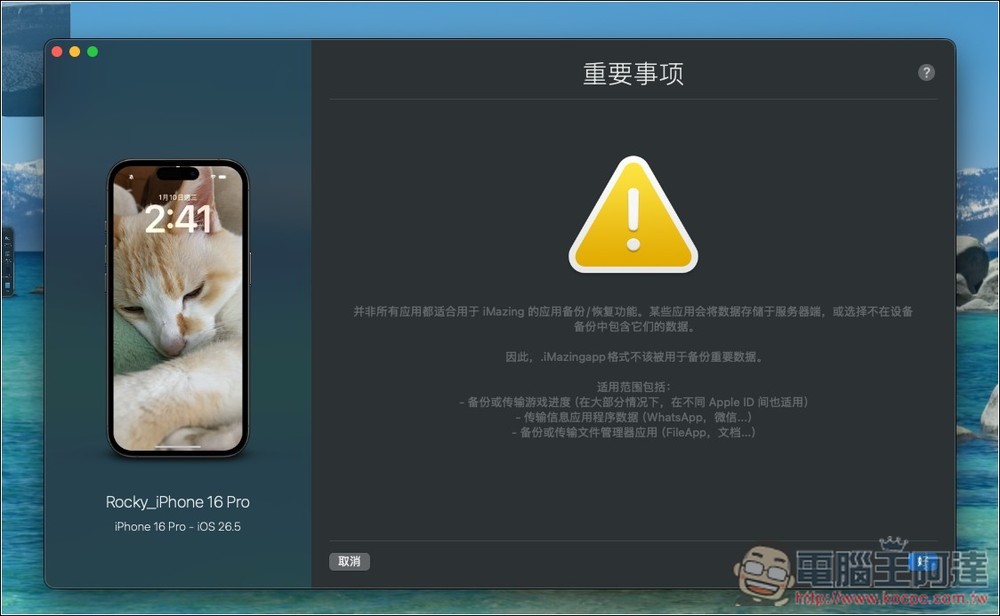
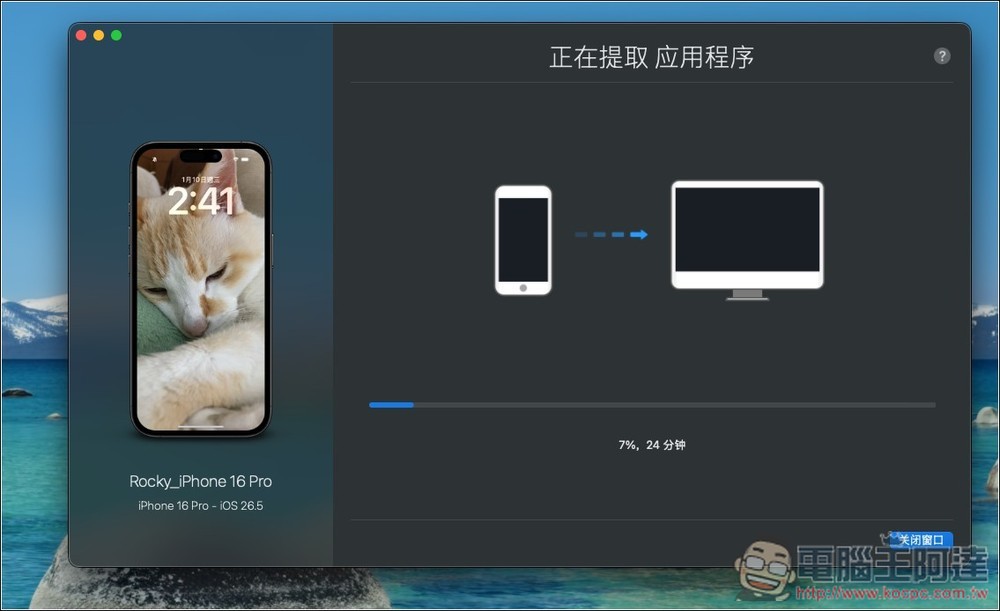
The length of time it takes to extract data depends on how big your LINE is:
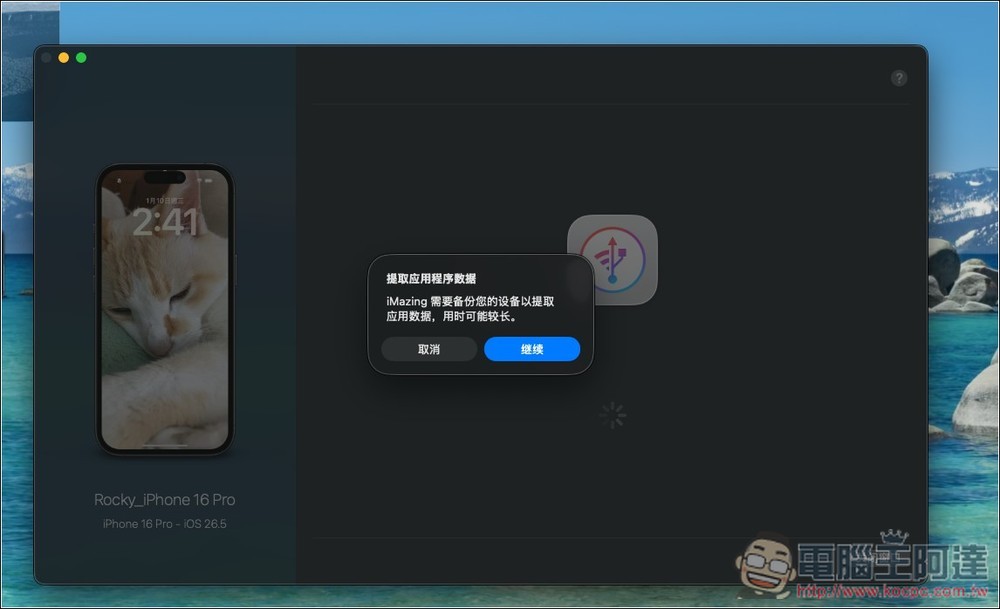
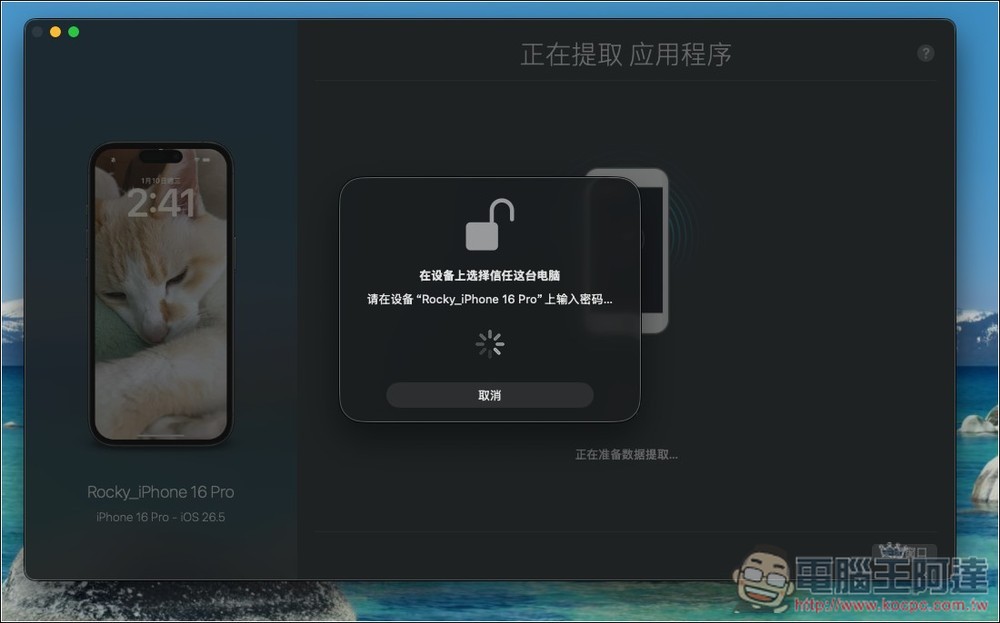
You will be asked to enter the unlock password on your iPhone:
Then wait for it to finish running:
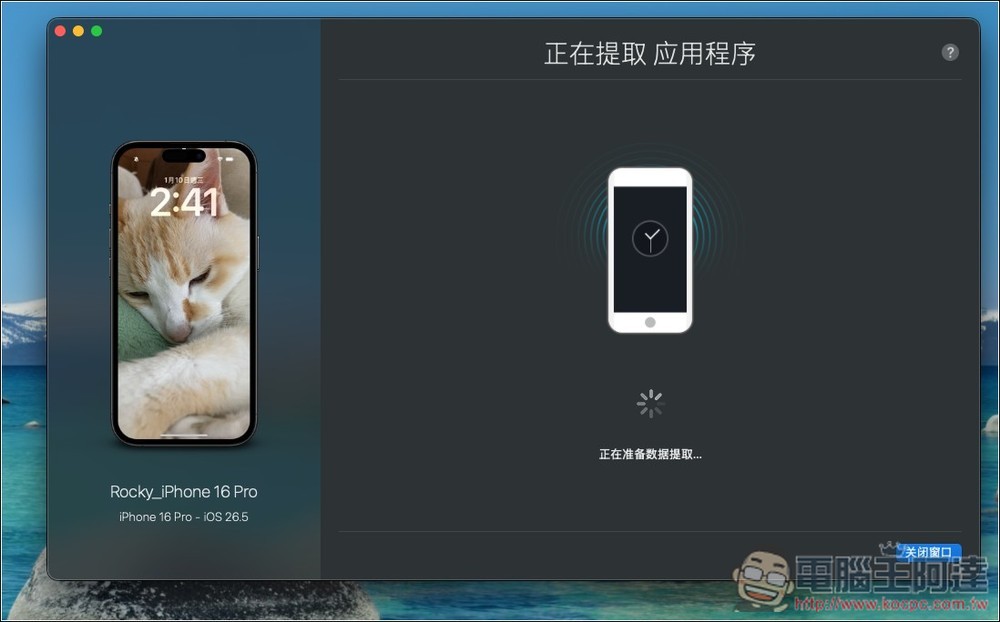
Mine took about 30 minutes. Remember not to unplug the transmission cable during this time:
Once completed, you will see the LINE.imazingapp file in your target folder. Next, use the LINE Cheater tool:
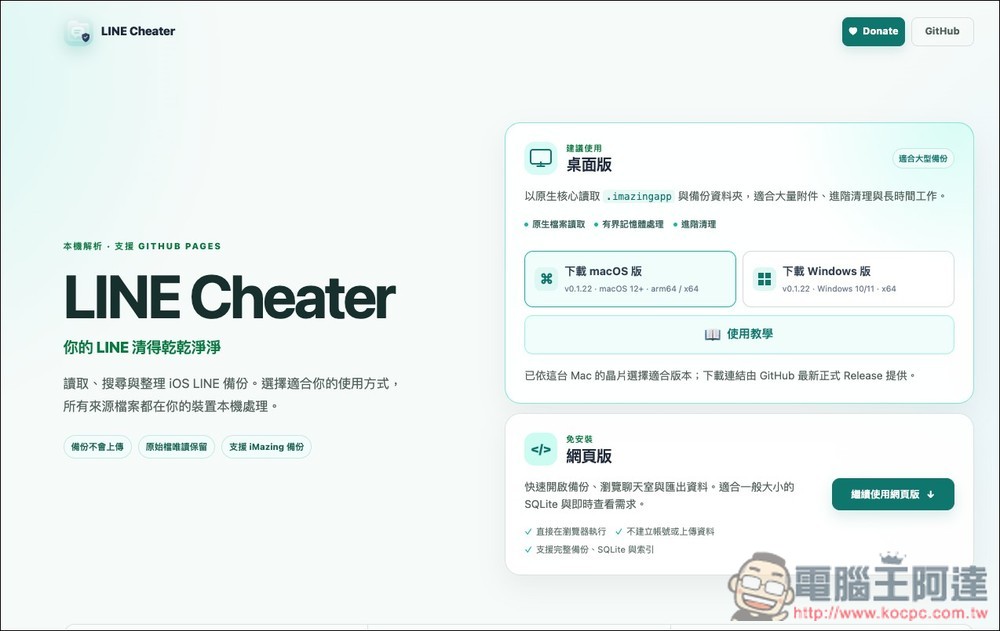
There are three versions: Windows, macOS and web version. If the LINE backup file is too large, remember to use the desktop version. The web version is only suitable for people who have a small backup file:
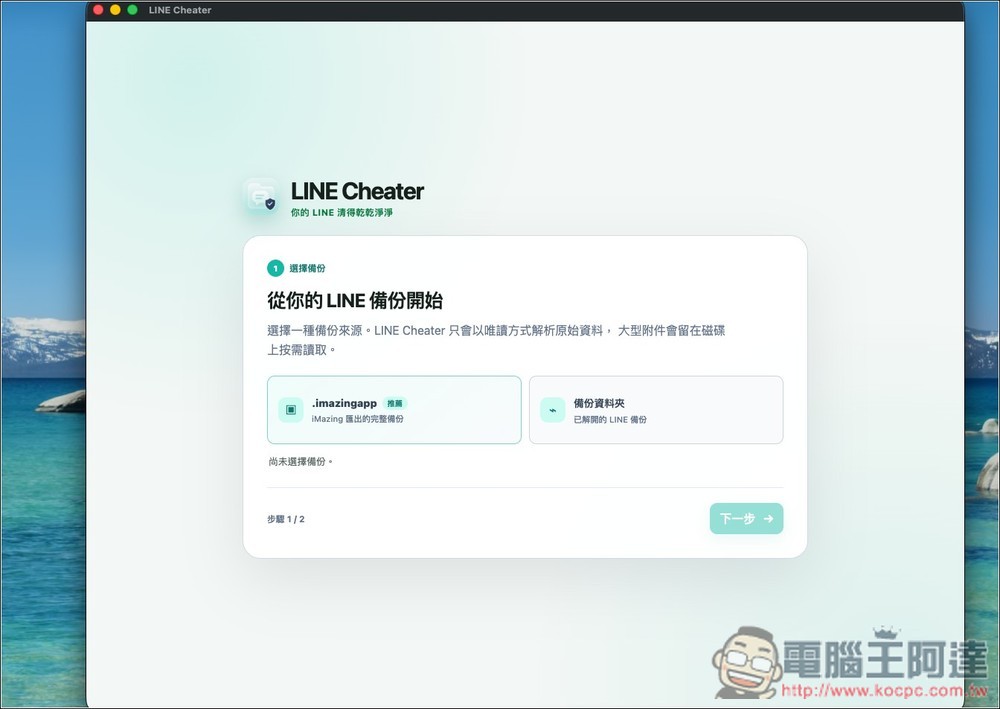
There are two import methods: .imazingapp and backup folder. Choose the former and select the LINE.imazingapp file you just obtained:
Waiting for the read backup to finish running, it will also take a while here:
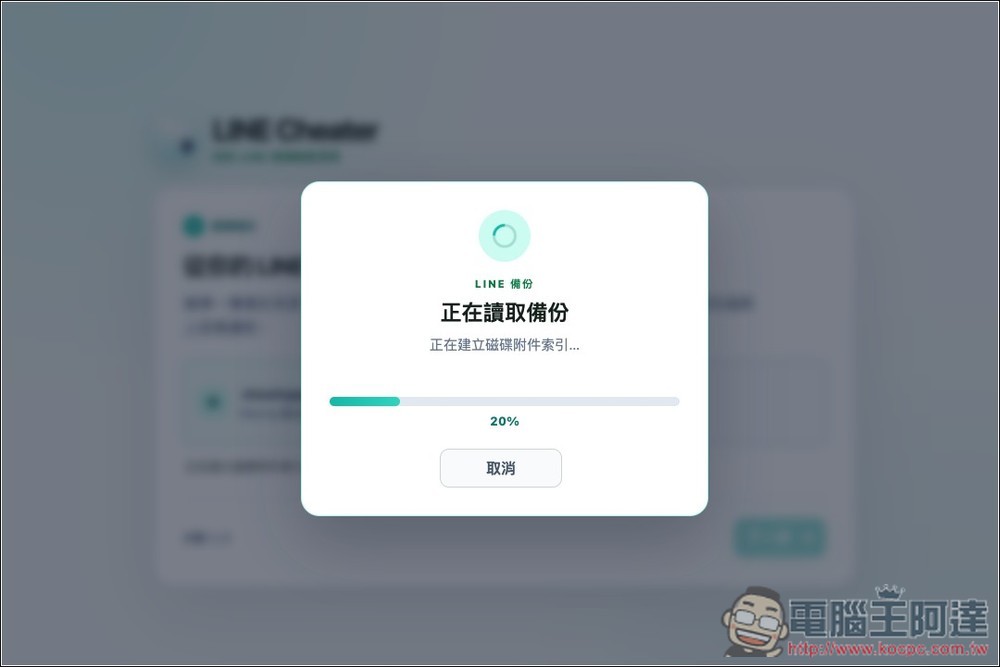
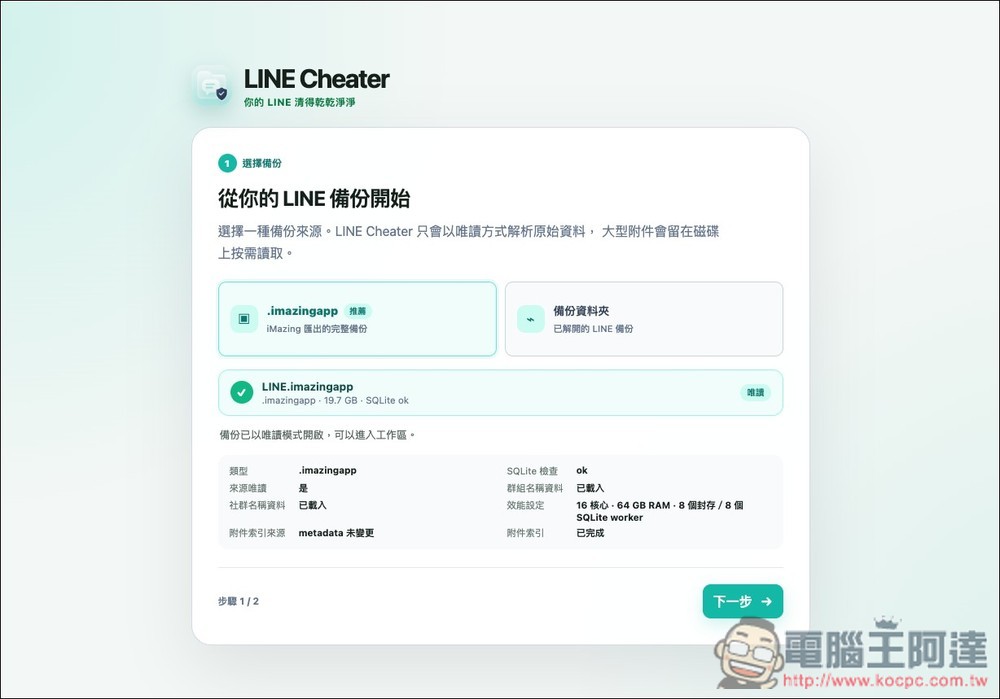
After completion, you will see this screen, click Next in the lower right corner:
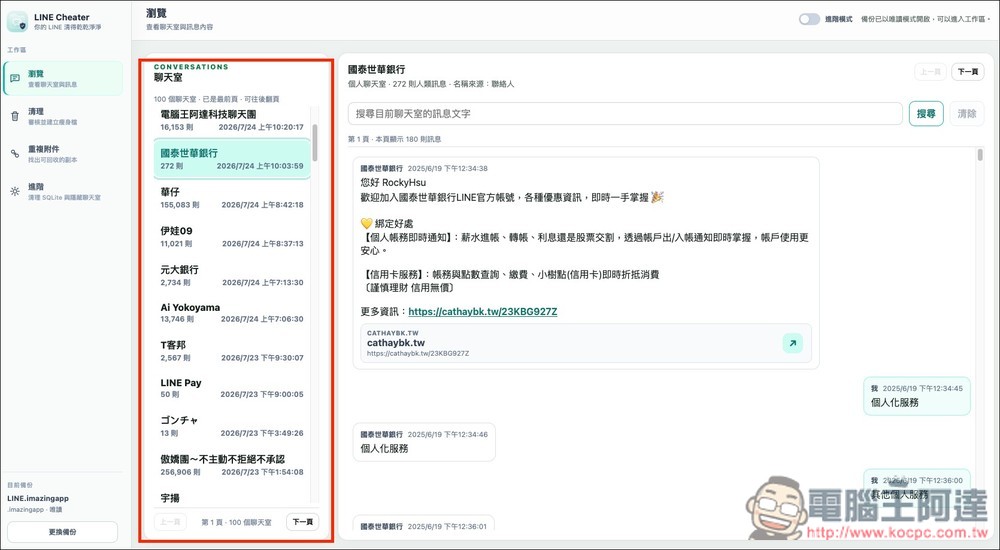
You will enter the main screen. There are four functions on the left: “Browse”, “Clean”, “Duplicate Attachments” and “Advanced”. For ordinary users, basically only the first two are used. Browsing means browsing the content of your LINE backup messages. You will see all chat rooms and chat records, and a search function is also provided:
You can find attachments in the chat room by cleaning, and “slimming” is also achieved using this function. There are three clearing solutions for lazy people above. You can also manually select which chat room attachments to delete to achieve a slimming effect:
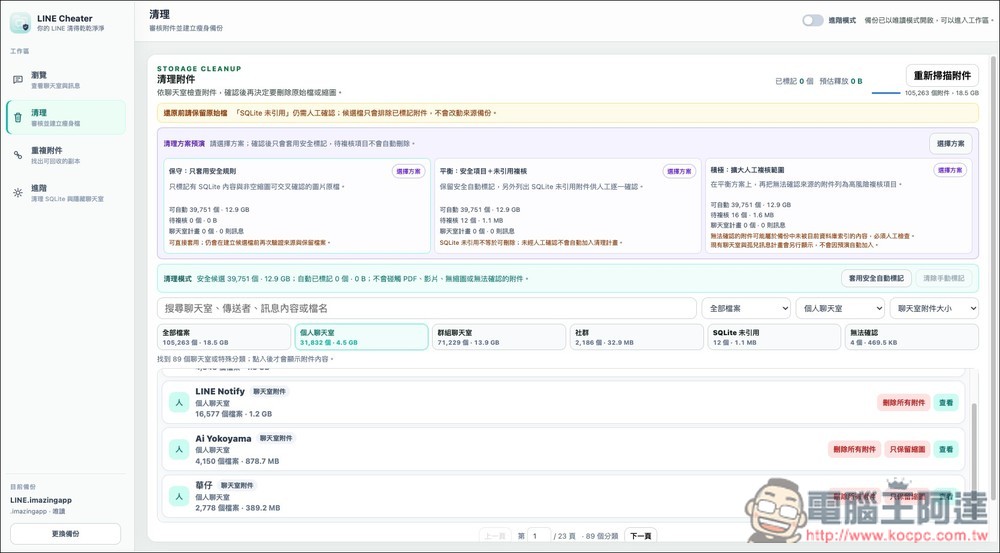
For example, I manually selected to delete all attachments of LINE Notify, but I didn’t expect it to be as high as 1.2GB:
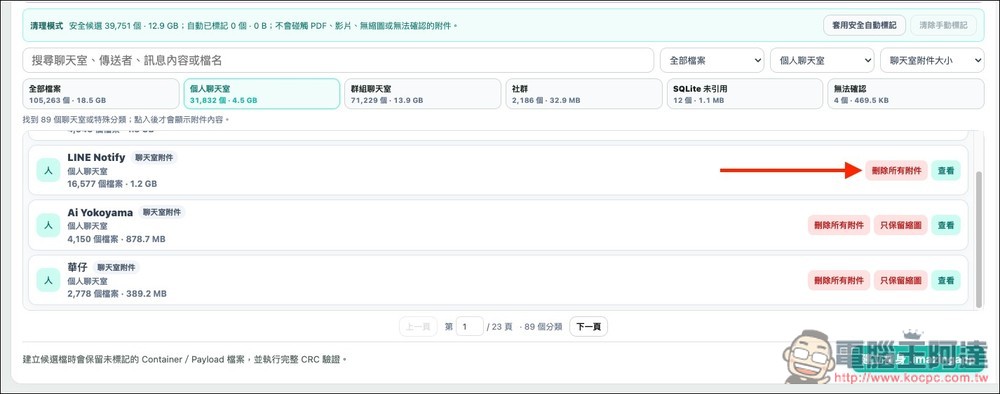
After selecting, press the slimming button in the lower right corner:
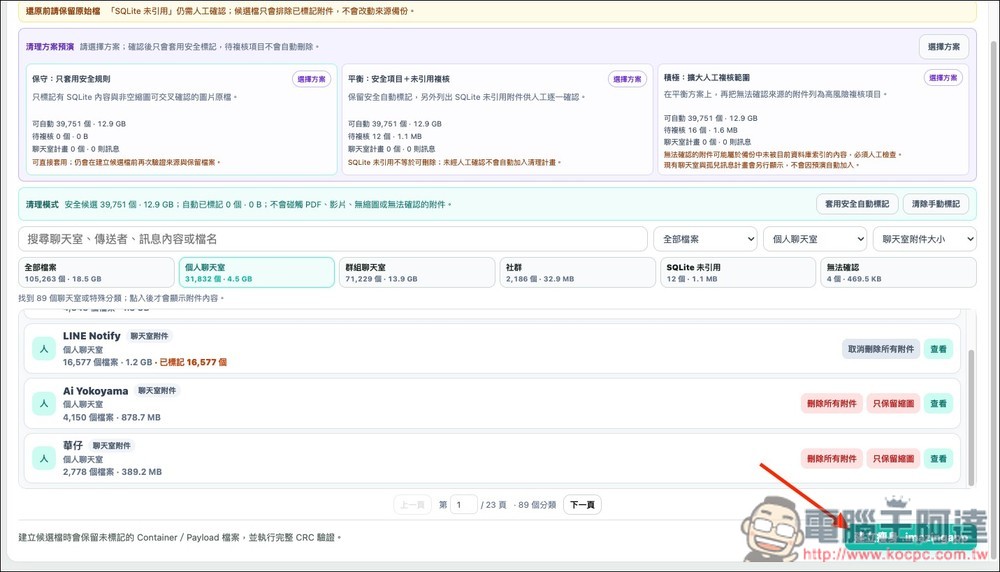
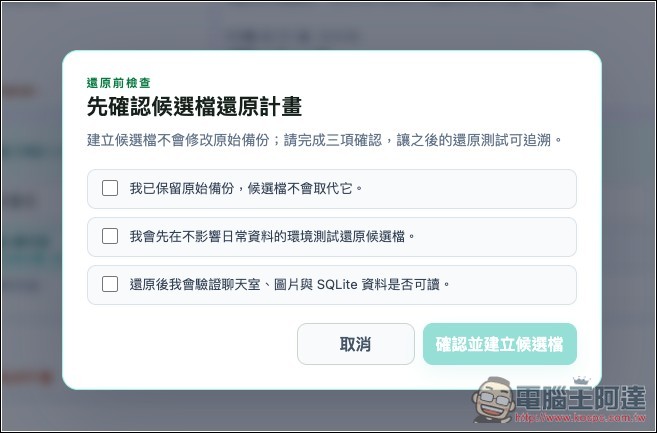
Three items will pop up that require you to confirm. Check all of them to create a new post-slimming LINE backup file:
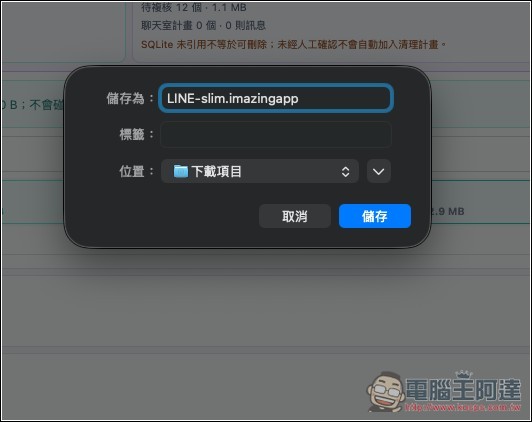
Save a new LINE backup file:
A summary will also be provided after the slimming is completed, including how many files were removed, how much space was released, etc.:

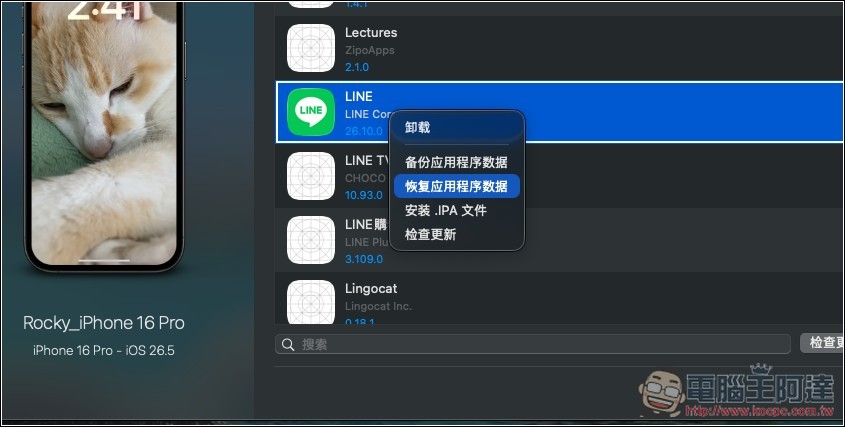
The next step is to restore the slimmed-down LINE backup to the iPhone. This part is done through iMazing 2. In the right-click menu of the LINE application, select “Restore Application Data”:
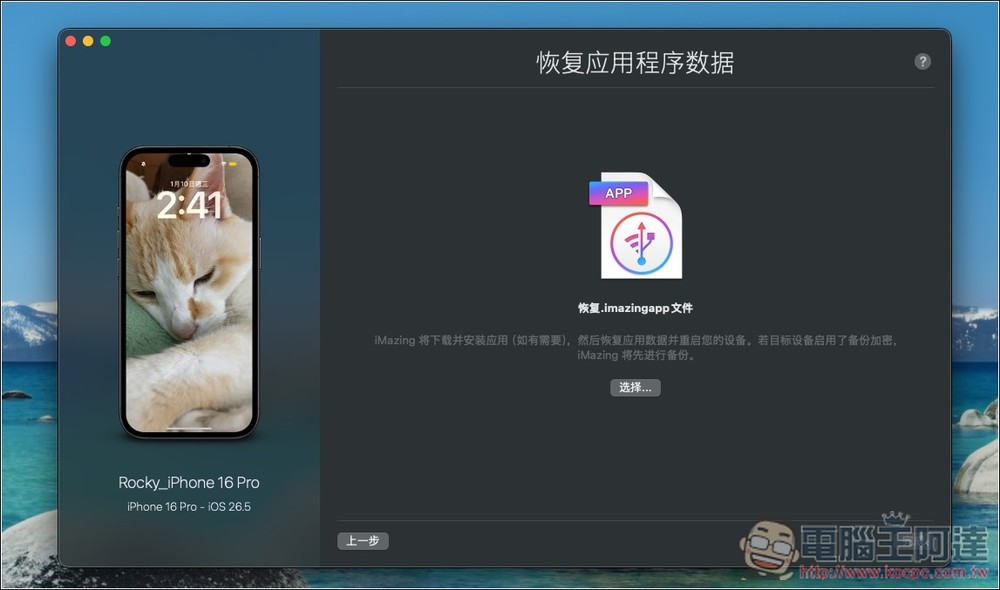
Throw in the LINE backup file you just obtained. How to operate the iPhone later?Please refer to Hiraku Wang’s detailed teaching article, be careful not to press the wrong function:
Source: KOCPC Chinese