


Following the global launch of Veo 3 video generation,Google It was also announced earlier. Gemini Adding yet another new one AI Feature: “Convert images to videos,” and it’s also powered by the Veo 3 model. This means the generated videos will automatically have voiceover. I tested it, and the motion effects are really good—highly recommend trying it out. We also made a tutorial video, which I recommend to everyone.Can I take a look?。
Learn how to turn images into videos in Gemini, though there are daily usage limits.
Earlier, Google announced on its official website that Gemini’s photo-to-video feature has been rolled out in selected countries worldwide. It’s available to all Google AI Pro and Ultra subscribers, which means free users unfortunately still can’t access it. In addition to Gemini, this feature is also available in Flow, Google’s AI image creation tool.
Since it’s powered by the Veo 3 model, there’s naturally a daily generation limit of 3 videos, counted together with text-only video generation. So you need to think carefully when using it; there isn’t much quota for you to test with.
Now, when Google AI Pro and Ultra subscribers open Gemini’s video generation feature, an “Add photo” icon will appear at the top. Select the image you want to turn into a video, enter the relevant prompt, and Gemini will begin converting. If you have specific sound effects or want the person to say something, you can include that in the prompt. The model used is Veo 3 Fast (preview), and each conversion produces an 8-second video.
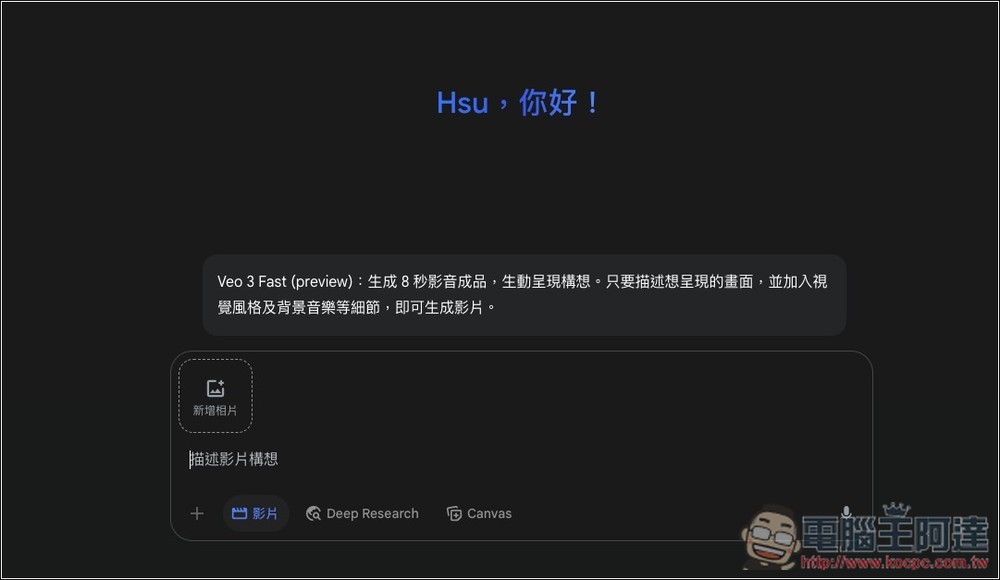
I test a static image and input: “The little boy pats the dog’s head a few times before leaving; the dog changes from a sitting to a standing position, watches the boy leave, and wags its tail.”
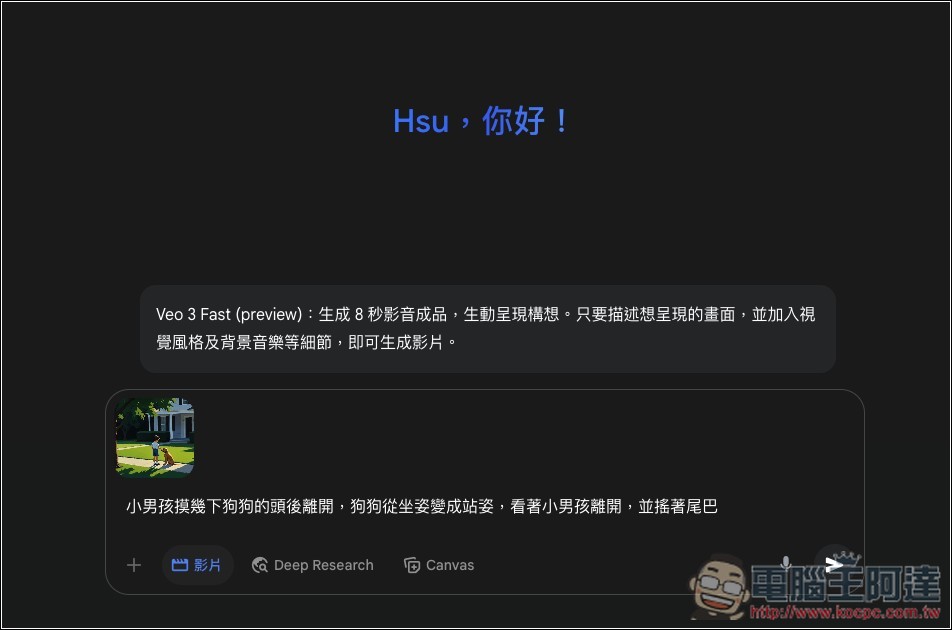
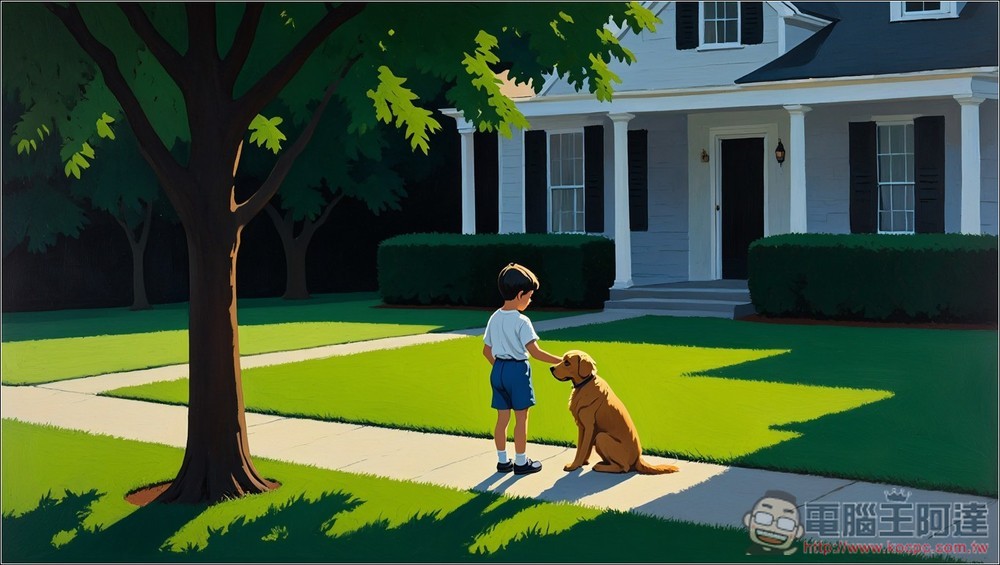
The original image is this one:
Then wait for about 1~2 minutes:
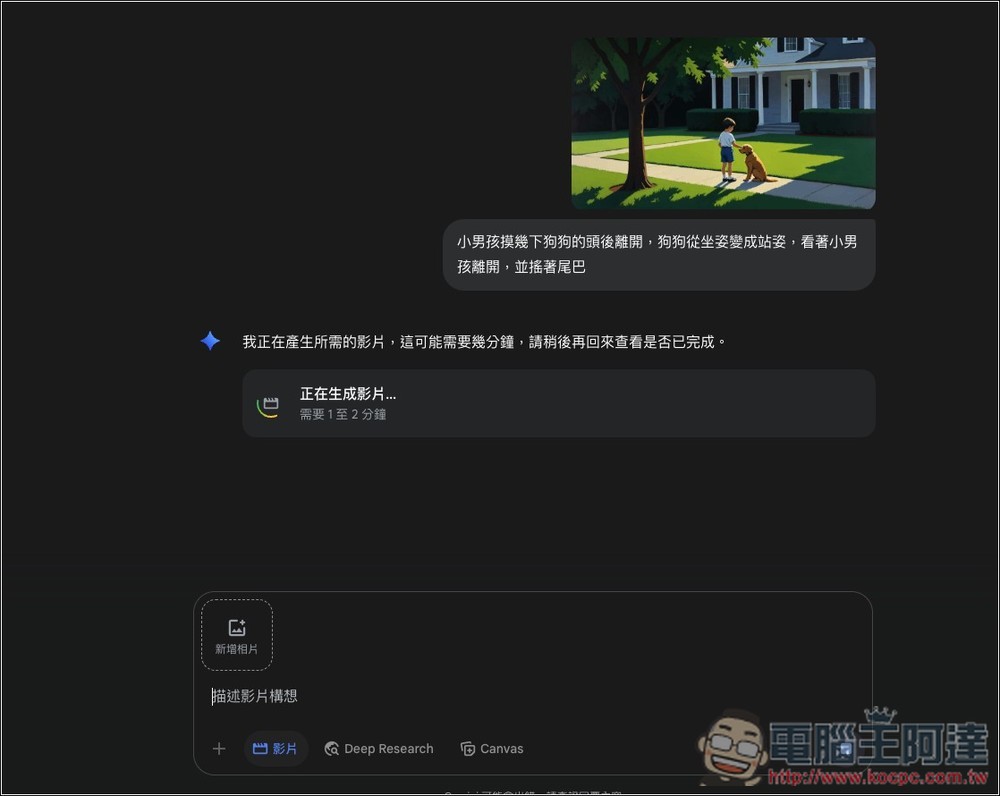
After completion, you can play and watch it, and below it will also remind you how many videos you have left to generate:
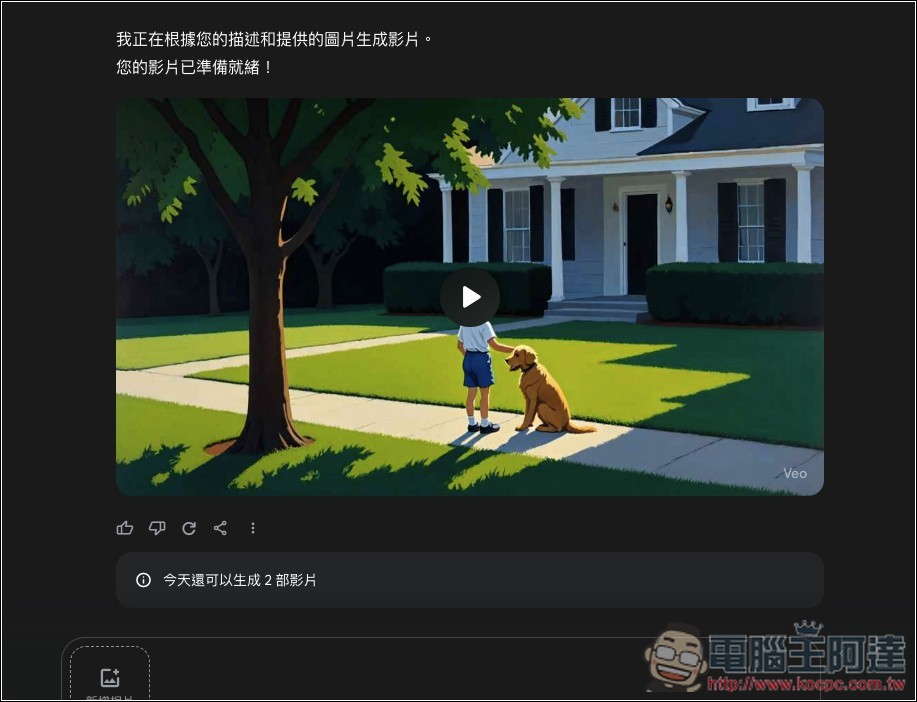
The video I tested had successful voice-over, and the effect was quite good, roughly the same as the prompt I gave:
Next, I also tested another image. This is the original image, and the prompt I gave was: “The scenery outside changes as the tram moves along. The two girls talk for a few seconds first, then the girl on the left starts playing, while the girl on the right flips through the book in her hands.”

The results of converting to video with Gemini—this one has no voiceover. The Veo 3 model currently has this issue across the board; sometimes it successfully adds voiceover, but other times it fails. You just have to roll the dice and hope for the best.
As for when the free version will be available to play? That’s uncertain. I don’t know whether Google will make the video generation feature available to the free version. There’s no news on that at this point.
Even if there were an opportunity, it would still take a long time, because the Veo 3 model was only released recently, and Gemini’s Veo 3 Fast is still in preview, so it would only be possible at least until the official version launches.
Also, the mobile version of Gemini can turn images into videos. After selecting the video option, just tap the + next to it to import the images you want.
All videos generated by Gemini will have a prominent watermark labeling them as AI-generated, along with an imperceptible SynthID digital watermark embedded.
Below is the demo video released by Google. If you’re interested, feel free to take a look:
Source: KOCPC Chinese