


We have introduced many free online video downloading tools so far, but because they are free, most of them have ads, and some even have annoying pop-up window ads. If you are a person who hates ads, then you can consider trying SaveYT. It not only supports more than 100 websites, but is also completely ad-free. This is really a blessing. However, I am not sure when it will be, and I cannot guarantee that it will be ad-free forever.
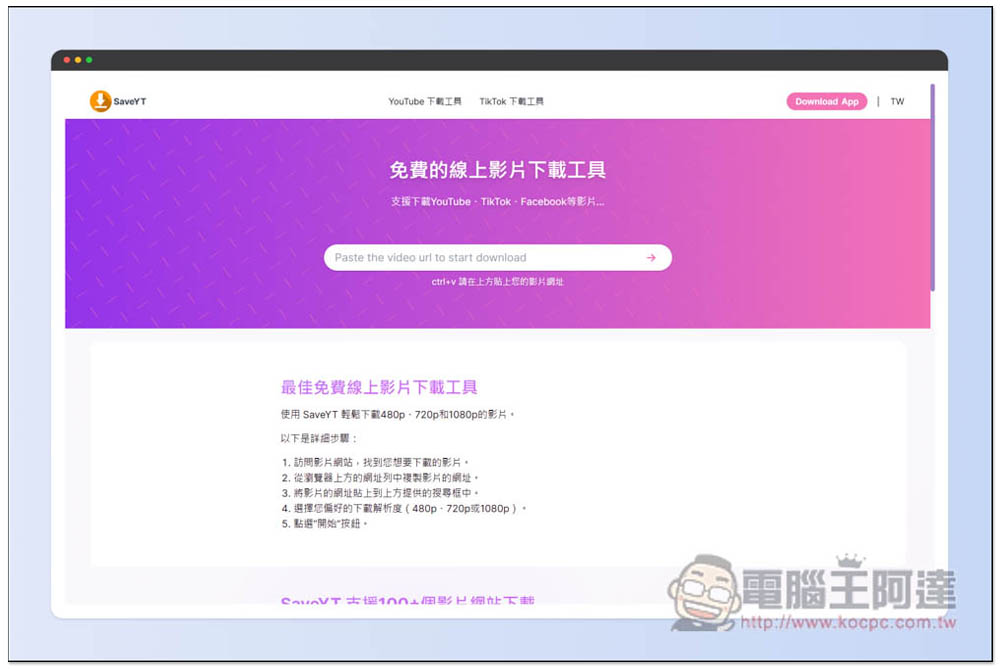
SaveYT is an all-in-one free online video download tool with no ads and supports more than 100 websites, including YT, TikTok, IG, etc.
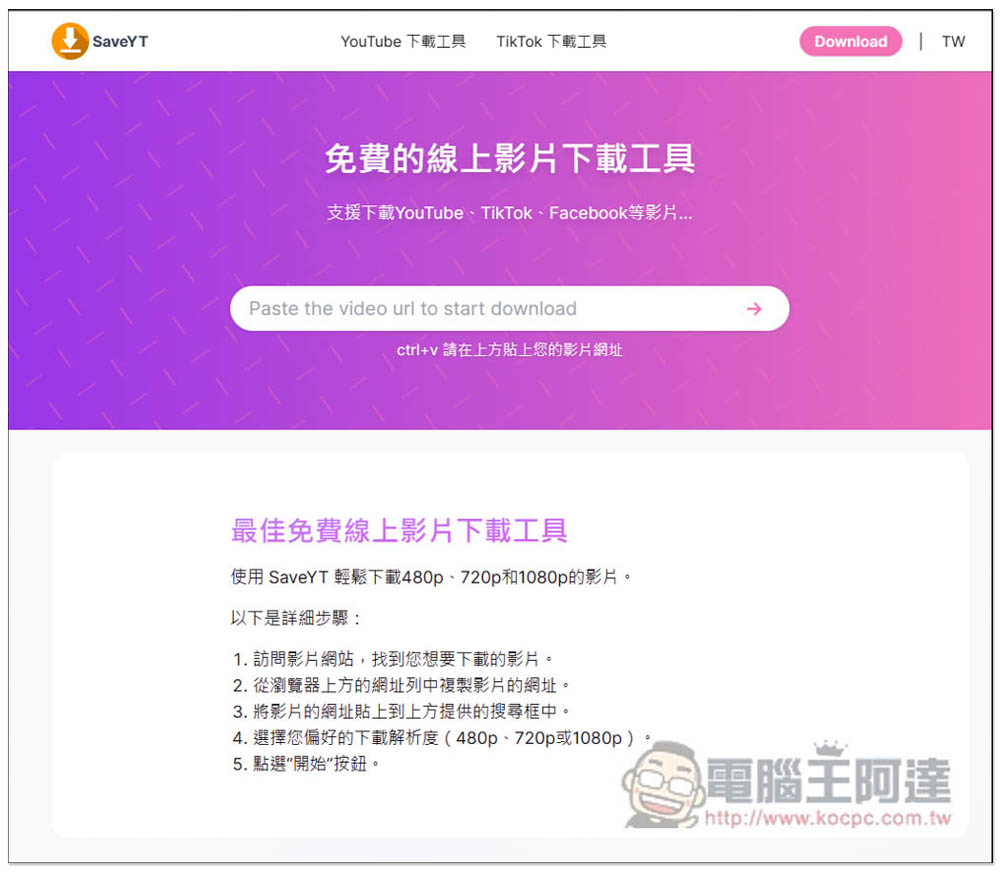
SaveYT has no ads and a very clean page design. It is used in the same way as most online download tools. After entering the website, just paste the URL of the video you want to download and you will get the download point. According to the description, it can download videos up to 1080p resolution, but not 2K or 4K:
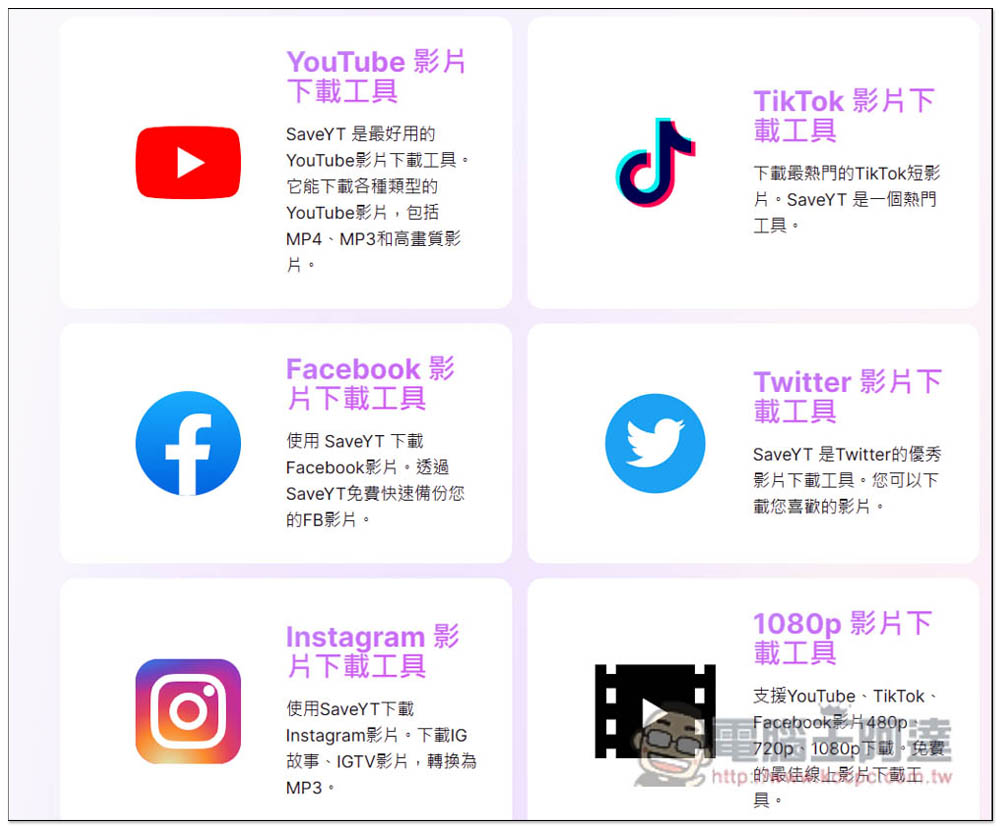
It is advertised to support more than 100 websites, including YouTube, TikTok, Facebook, Twitter, Instagram, etc. It is not clear which others are available. You can try it yourself. However, when I tested it, Instagram and Facebook seem to be invalid now. I am not sure why. Maybe I posted the wrong link, and an error message that this link is not supported will be displayed:
The first is the most downloaded YouTube video. It will be loaded immediately after being pasted. You do not need to press Enter to confirm. Then you can see the download point below. This YouTube video has a maximum image quality of 4K, but the video part only displays a maximum of 720p, not 1080p:
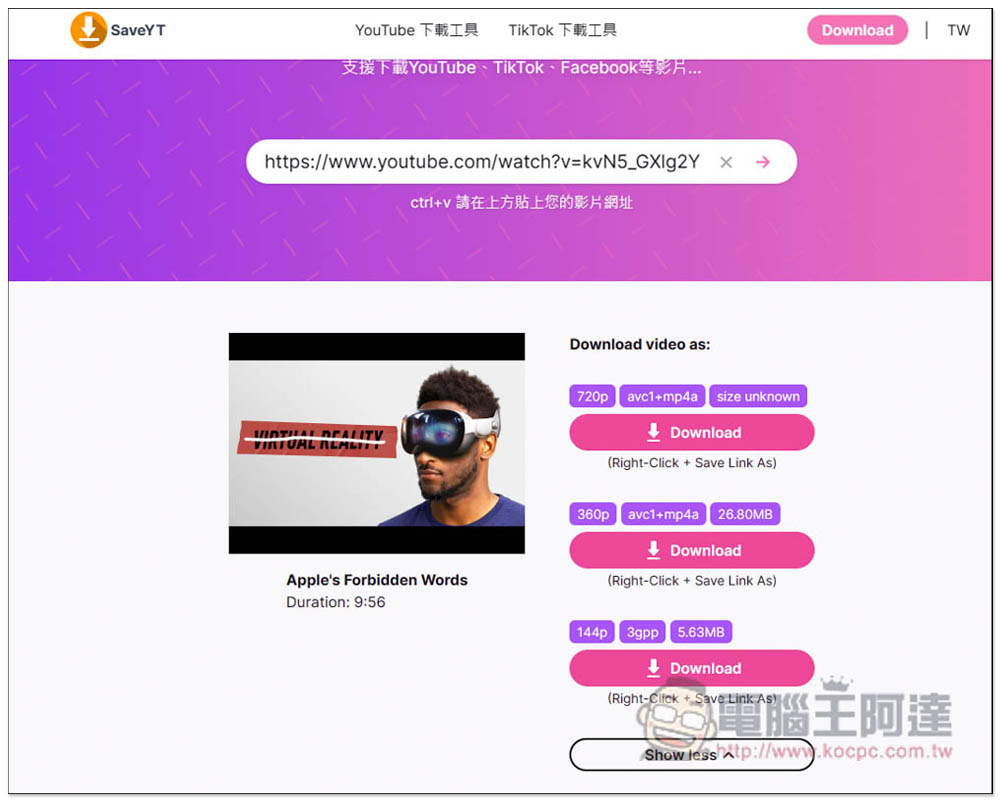
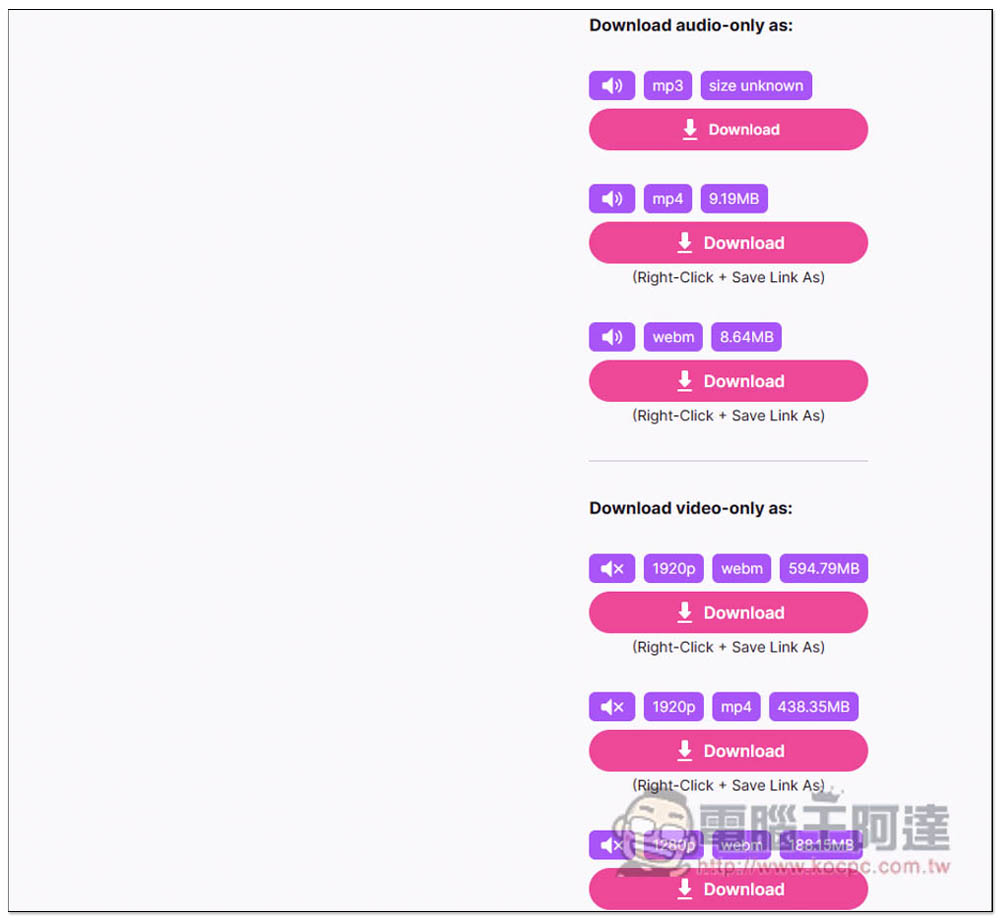
It also supports downloading MP3 music, so people who want to download YouTube music can also use this tool. The video below that is pure video without sound has a 4K resolution. Therefore, the 1080p mentioned on the website should refer to pure video without sound. I am not sure if this is the case for other YouTube videos:
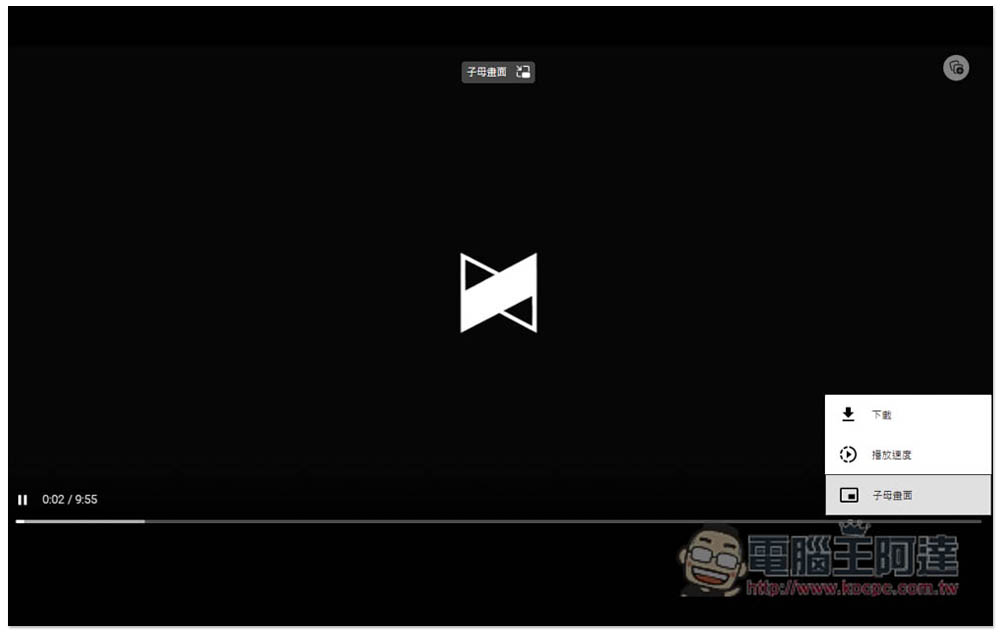
In addition, after clicking the video download point, it will not download immediately. A new window will open to play the video. You need to click the… option in the lower right corner, and then click Download to start:
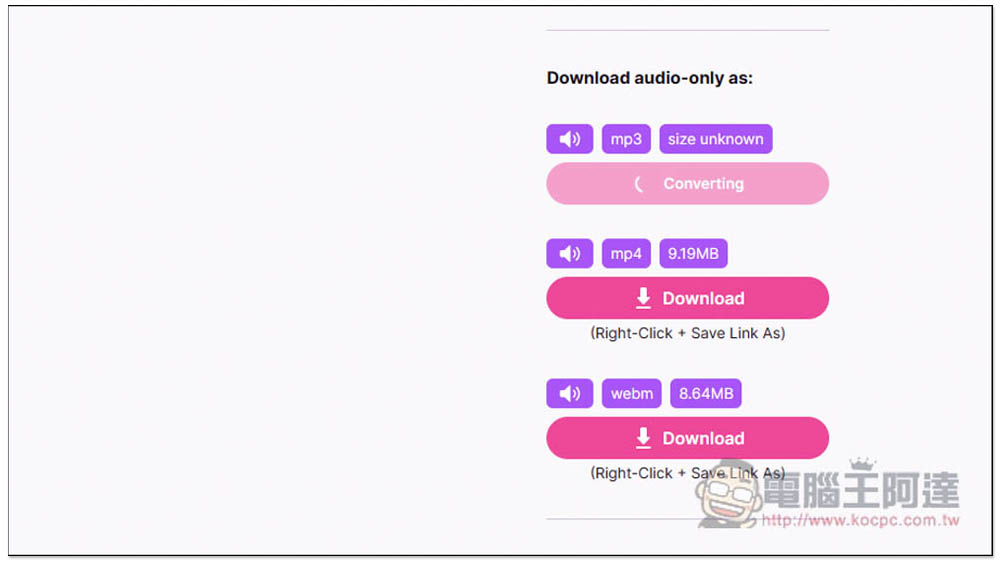
There is a conversion action for the music, and it will be downloaded immediately after the conversion is completed:
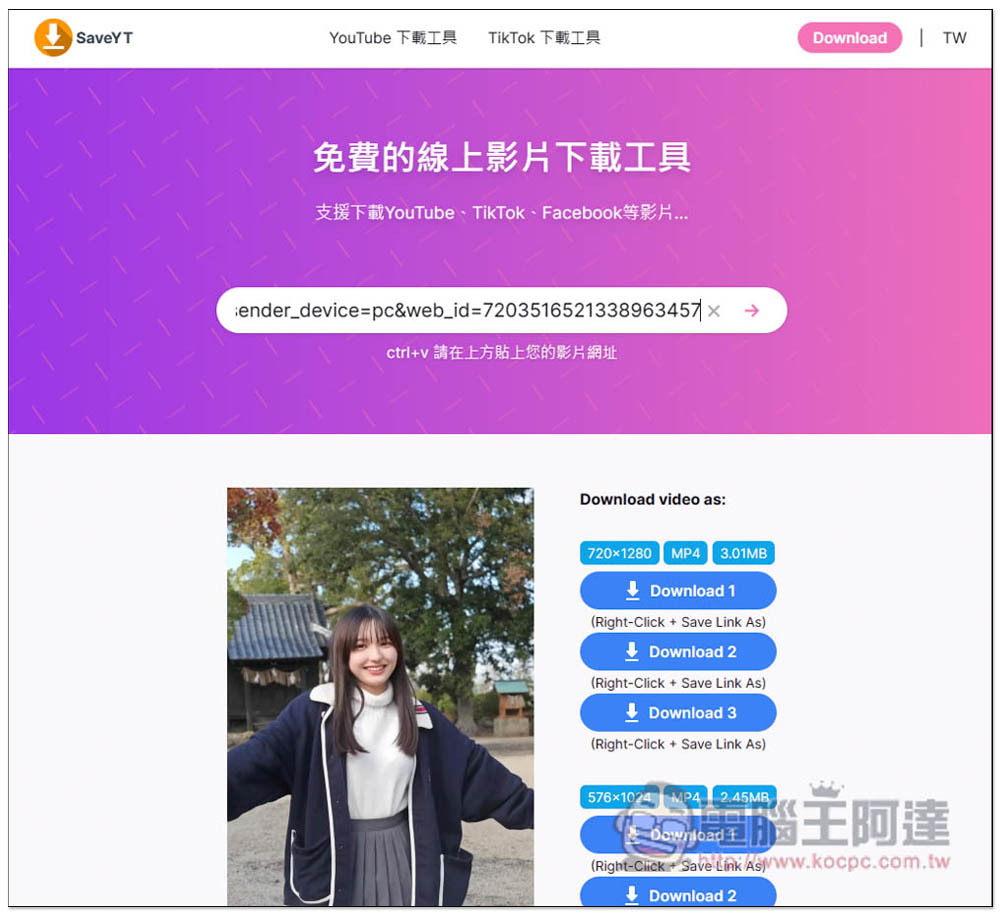
I had no problem testing TikTok, and each resolution also provides three backup download points. When downloading, you need to open the right-click menu -> click Save link as:
Finally, I would like to remind you that this type of online video downloading tools usually may fail every once in a while. Therefore, if you cannot download the test, it is possible that the downloading function is temporarily broken. You can try other online tools we have introduced before, such as:Savemedia.Website、Youtube4KDownloader、YT5s.io Wait, mobile users can also use these sites.
If you are using a computer, I would recommend you to grab a video downloading software if it is available for free for a limited time. The stability of the software is definitely better than these online tools. We will track and report any limited free activities at any time.
Source: KOCPC Chinese