


Although Google Translation apps have always had image translation features, but anyone who’s used them knows the translation quality really isn’t that good. Some translations are hard to understand even after being converted to Chinese. A few days ago, we introduced a decent one. AI Image Translation Image Translator AIHowever, the limited-time free access ends soon, so some people may not have gotten it. No worries—there’s another one called Camera Translator AI (or AI Translate – English) that was released earlier.Launching a limited-time free promotion for the lifetime versionIt also has AI image translation, supporting both manual upload and camera capture. Translation history is saved so you can easily review it later. If you need this, don’t miss out. (Limited-time free offer has ended)
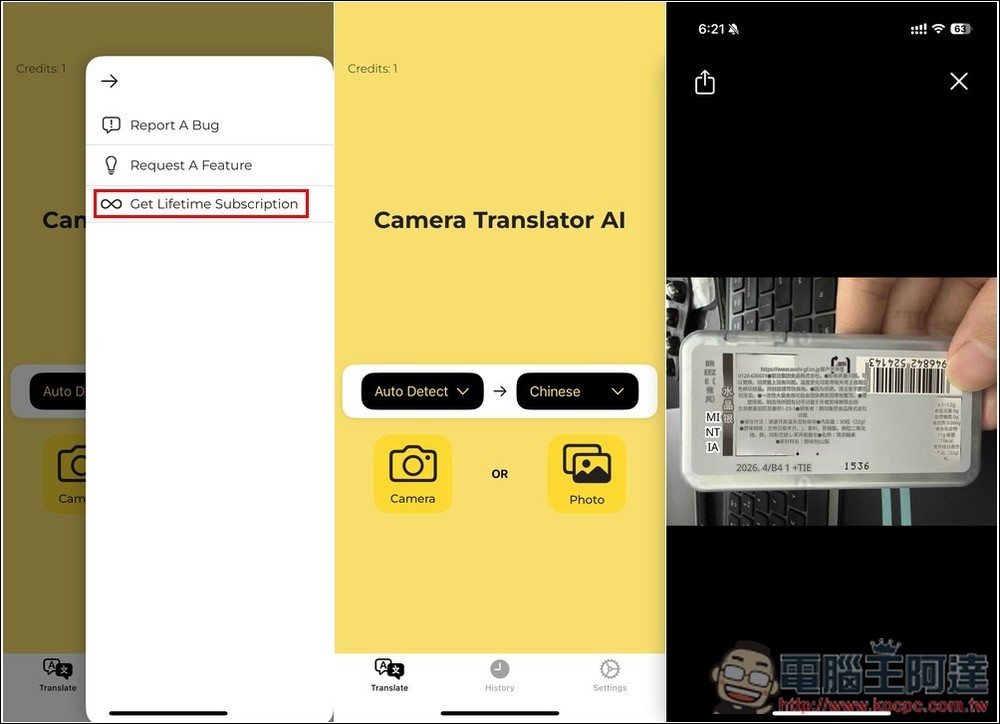
Camera Translator AI – AI image translation more accurate than Google Translate, supporting over 120 languages.
Camera Translator AI appears under different names in various countries’ App Stores. For example, it’s called “AI Translate – English” in Taiwan and “Camera Translator AI” in the US, but they’re the same app. You can check the app icon and screenshots — if they look the same, feel free to download.
Although it supports over 120 languages, unfortunately, only Simplified Chinese is currently available for Chinese; Traditional Chinese is not supported yet. If you must have Traditional, then I’d recommend skipping this app, as it’s uncertain when it will be added in the future.
The developer hasn’t said when the free lifetime version promotion will end, so if you’ve seen this, I’d recommend grabbing it quickly just to be safe — these usually only last a day or two.
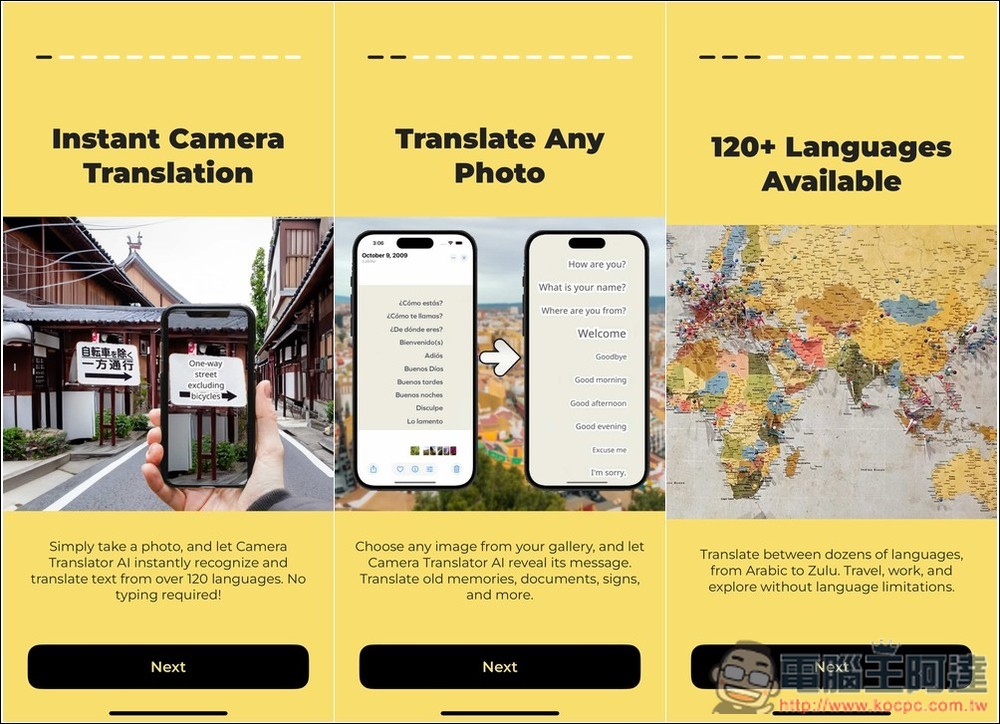
When you first open the app, there’s a brief introduction—feel free to check it out if you’re interested:
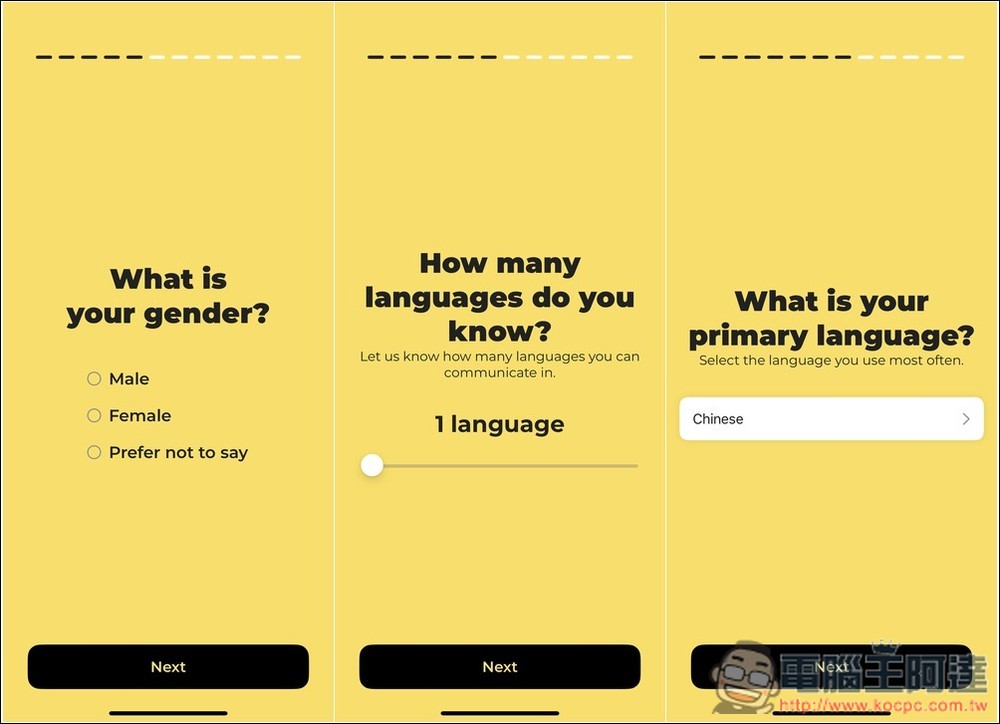
Additionally, they will also ask you for some basic information. Not sure what impact this part has, the only important thing is the primary language. Remember to select Chinese, so the default translation language will be Chinese, and there’s no need to adjust settings:
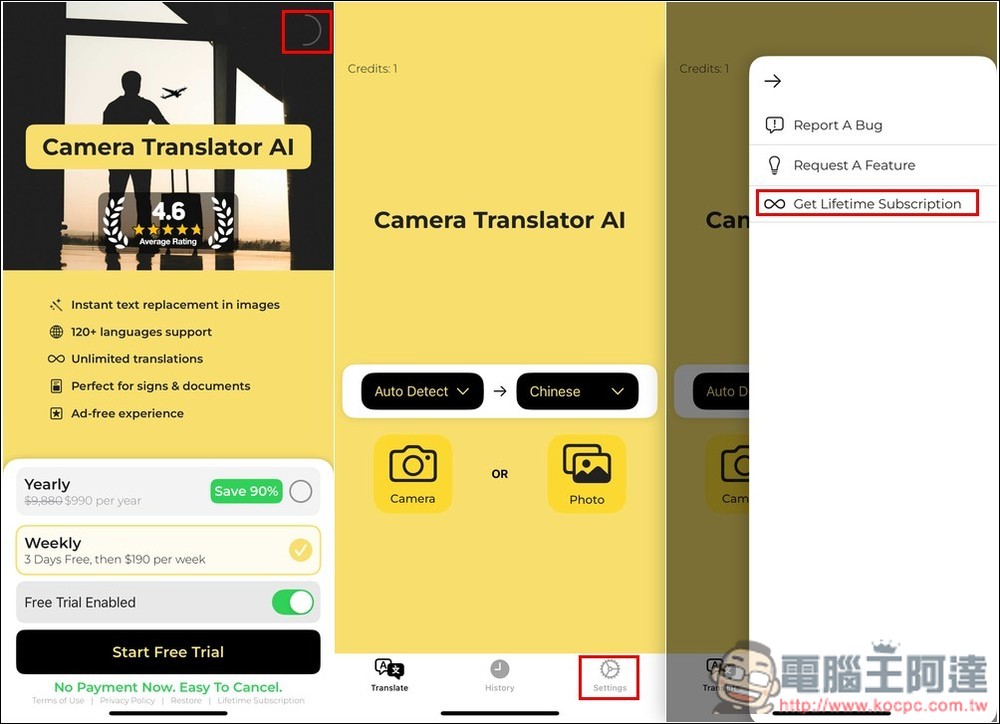
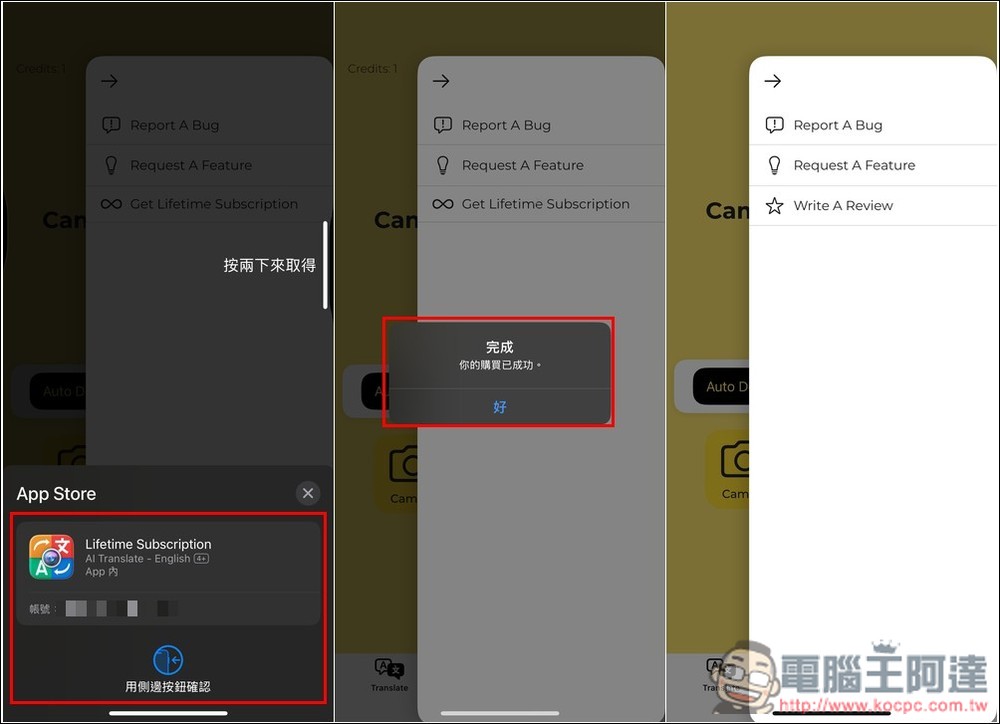
Next is the key point: the initial payment plan that pops up doesn’t have a lifetime option. Please close this screen; I think the X button should be in the top right corner. Then, after entering the main screen, please open the Settings in the bottom right corner. In the window that pops up, you’ll see the lifetime plan, Get Lifetime Subscription:
After clicking, it will go to the payment screen. Check if there really is no amount. If there isn’t, that means it’s still within the limited-time free period, and you can safely get it. If there is an amount, do not pay under any circumstances. When the screen shows “Your purchase was successful,” that means it’s done — it has been upgraded to the lifetime version, and the original upgrade option will also disappear:
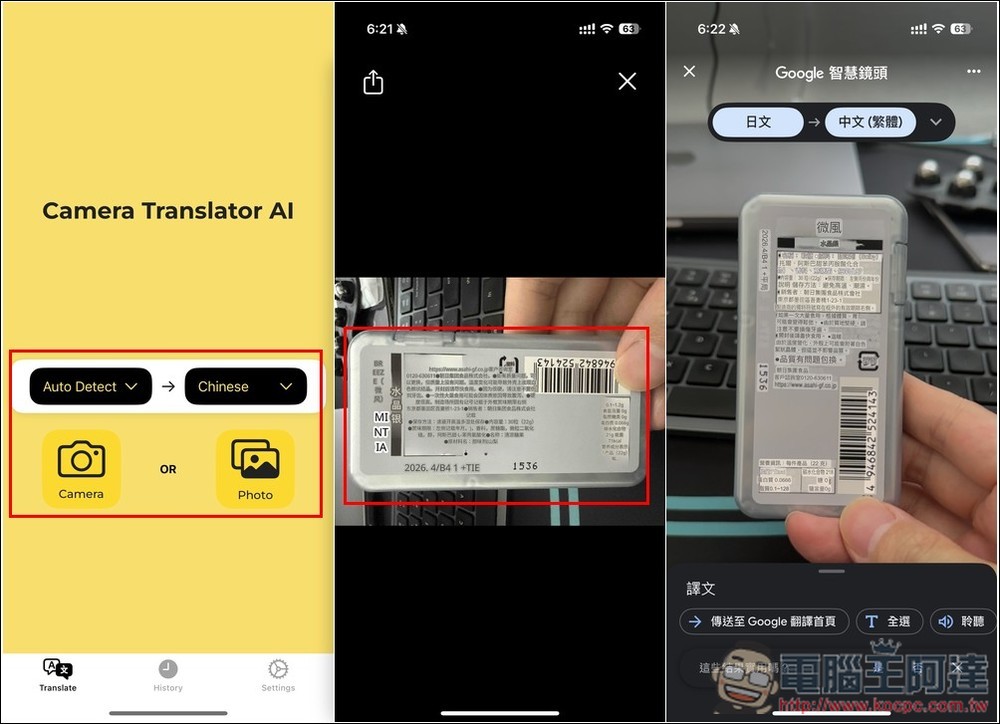
Then you can start using it. It lets you take a photo or upload one. After you select a photo, the AI starts translating, and when finished, it covers the original text in the image with the translation. One peculiar thing, though: for some reason, if the photo is in portrait orientation, the translated image always becomes landscape, with the text also switching to horizontal orientation and being reflowed. In the image below, the far-right result is from Google Translate, which is clearly much worse than Camera Translator AI:
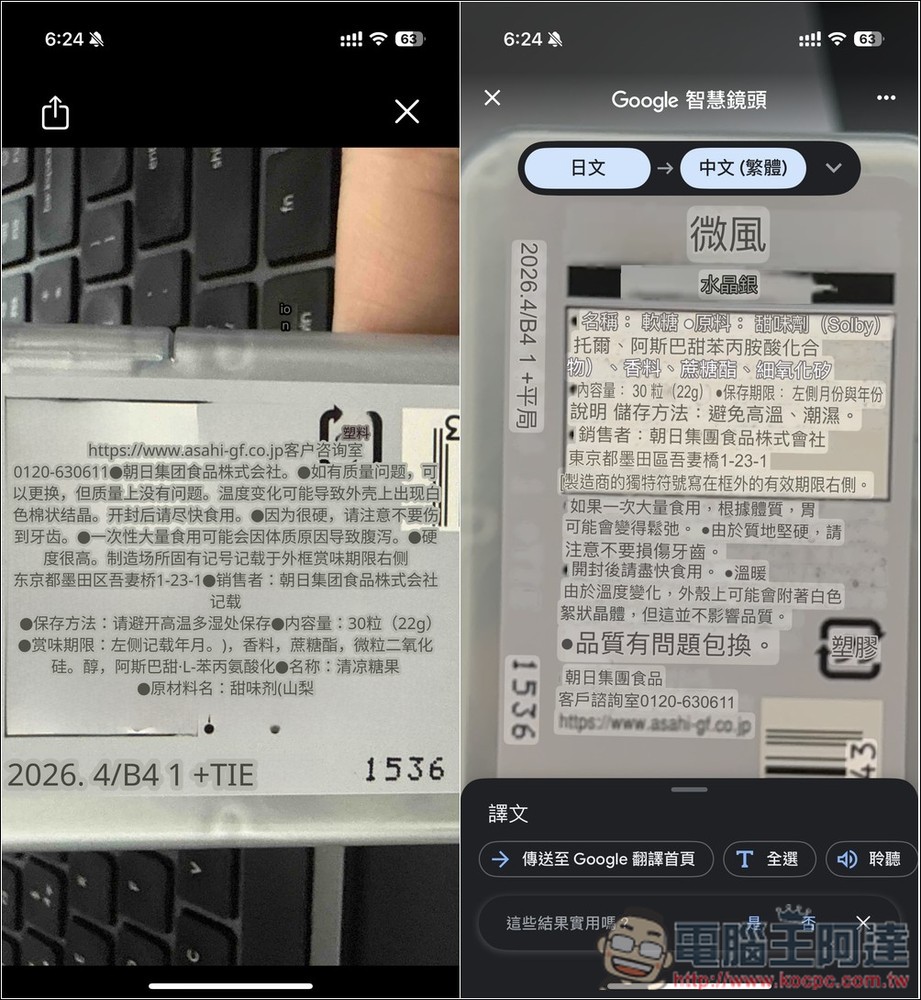
The image just now might not have been clear; the one below is an enlarged version. One sentence was translated by Google as “If you eat a large amount at once, depending on your constitution, your stomach may become loose,” which is completely incomprehensible. Camera Translate AI, on the other hand, translated it as “Eating a large amount at one time may cause diarrhea due to constitution,” and that makes it clear. At this stage, AI translation is really far better than Google Translate:
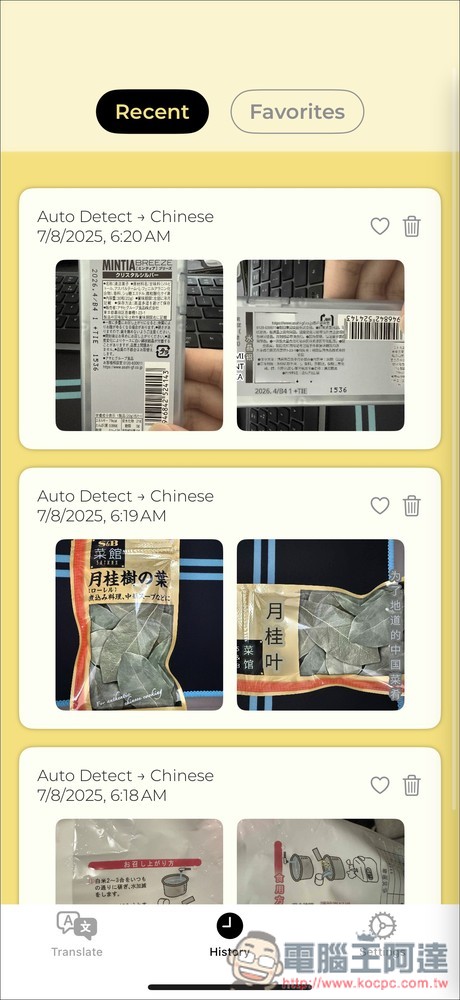
Past translation history will be saved in History, which includes both the original images and the translated images:
Source: KOCPC Chinese