


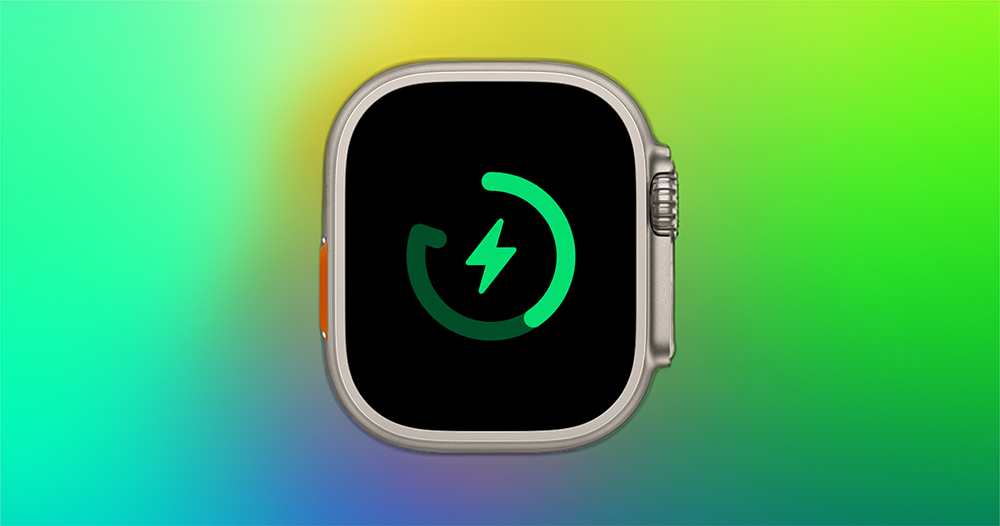
The “Optimized Charge Limit” function, which was originally thought to be specially prepared for the Apple Watch Ultra with more power, has been discovered in watchOS 10, which is still under developer testing, and will be enabled on other watches. Continue reading the article on Apple delegating Apple Watch Ultra functions to Series 6 / 7 / 8 / SE to extend battery life.
▲Image source: Apple
Apple devolves Apple Watch Ultra functions to Series 6 / 7 / 8 / SE to extend battery life
The battery life of the Apple Watch, which was often joked about in the past and “redefined the day”, has gradually improved through the power of chip evolution (Google shows:Working hard), it seems that there is gradually a little margin – or it should be said that machine learning will try to help you find the margin.
Perhaps because of this, the “Optimized Charge Limit” function that was originally thought to be specially prepared for the Apple Watch Ultra, which has more power, has been discovered in watchOS 10, which is still under developer testing, and will be enabled on other watches.
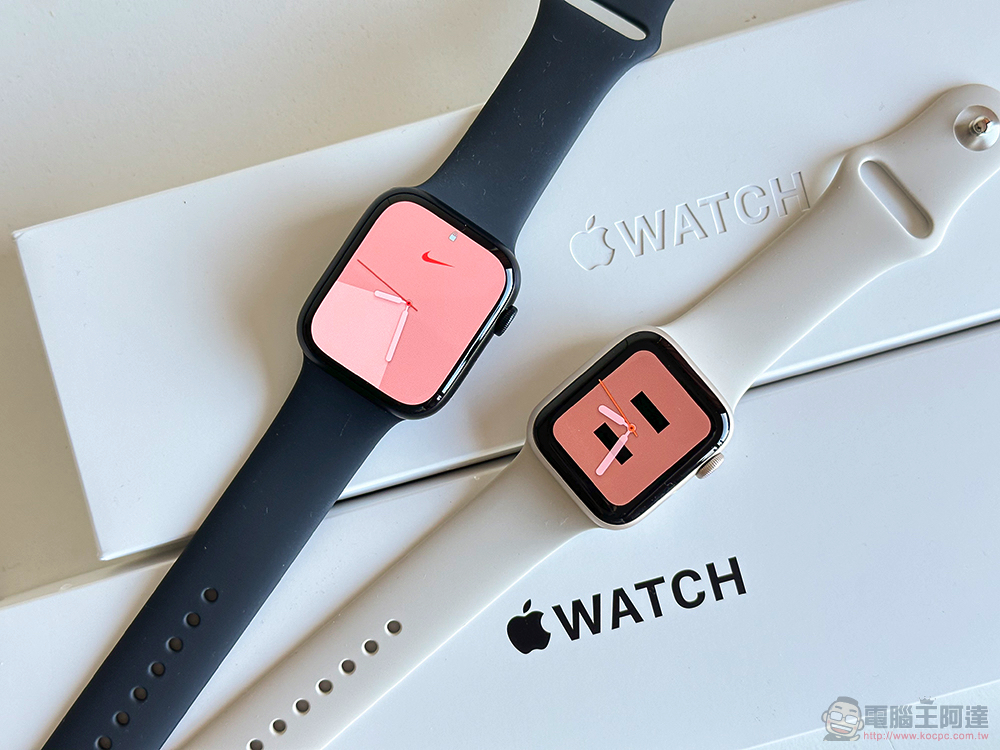
Compared with the original charging optimization function, the optimized charging upper limit function will further analyze your daily life conditions to extend the life of the battery as much as possible – that is, it follows the principle that it is better for the battery not to charge it to the maximum or not to continue to be close to full power. According to the official description, “This feature will learn from your daily usage to determine when to charge to the optimal limit and when to fully charge.”
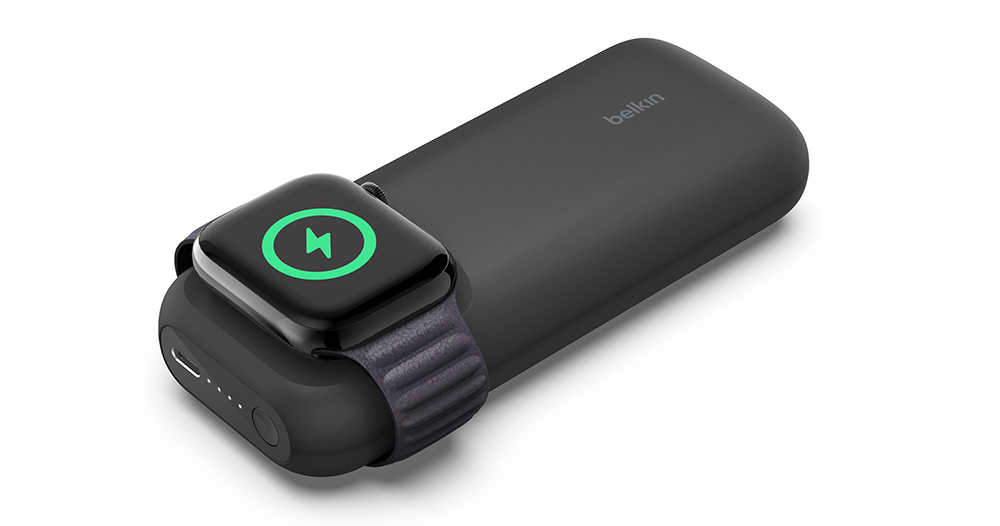
▲Image source: Belkin
This feature is enabled by default on Apple Watch Ultra and was previously limited to this model. It is reported that the beta version of watchOS 10 has been opened to Apple Watch Series 6, Apple Watch Series 7, Apple Watch Series 8 and Apple Watch Series SE series.
Basically, as long as this function works normally, in theory you should not notice any trouble in daily use. And in fact, when you put the watch on to charge, you will also see a special charging symbol like this below, which means that watchOS determines that you will not need to use it for a long time after charging this time. Therefore, if you are going to go out for a long time, you can also click on this screen to force the “Full Charge Now” option to charge the Apple Watch directly.
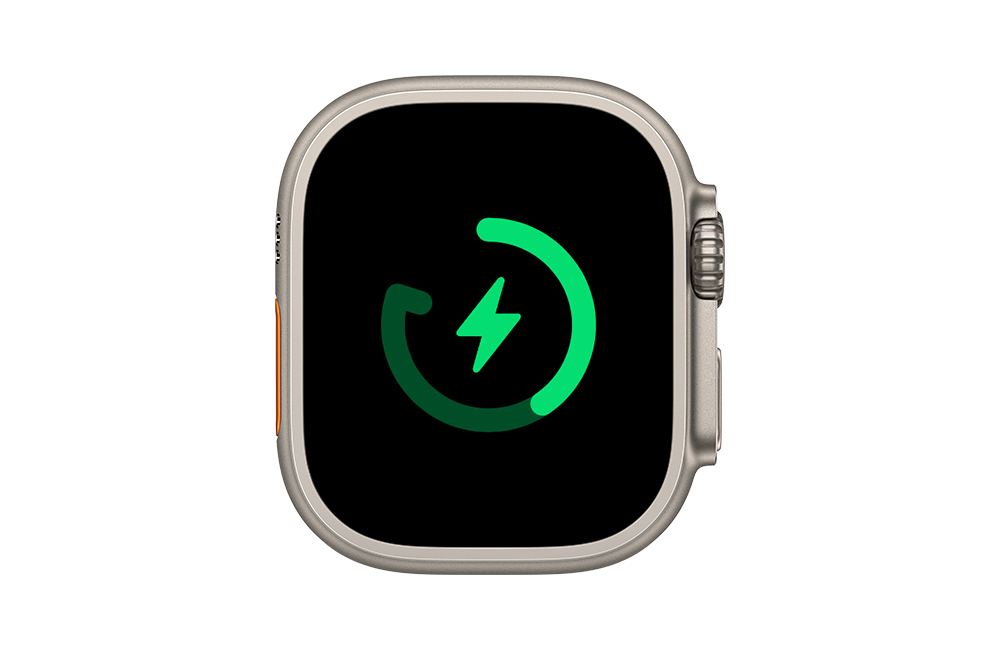
According to official instructions, the optimized charging limit will only be enabled in places where you usually stay for a long time. If you are traveling, this function will not be turned on. After turning it on, you may find that your Apple Watch may not be fully charged on certain days during normal use.
It means that the relative battery life of Apple Watch Ultra is doubled. Other models can only be charged to 90% or even 80%, leaving 10% or 20% less power. If you think it may be easier to encounter temporary outings, you will worry about the battery shortage. You can also follow the steps to completely turn off this feature. The steps provided by the original manufacturer are as follows:
1. Open the “Settings” app on the watch.
2. Scroll down and click “Battery”.
3. Click “Battery Health”.
4. Turn off “Optimized charging limit”.
5. Select “Close until tomorrow” or “Close”.
Further reading:

Source: KOCPC Chinese