


For those who are learning Japanese, when reading Japanese articles, sometimes you might want to know the grammatical structure of a certain passage, and the “日本語文章解析器” introduced in this article can help you with that, through AI It can parse the grammatical structure of content with one click, along with the pronunciation and detailed explanations of each word, and even includes a feature for translating the entire content into Chinese. The AI model behind it is Gemini 2.5 Flash, which can be used online for free and can also be deployed locally.
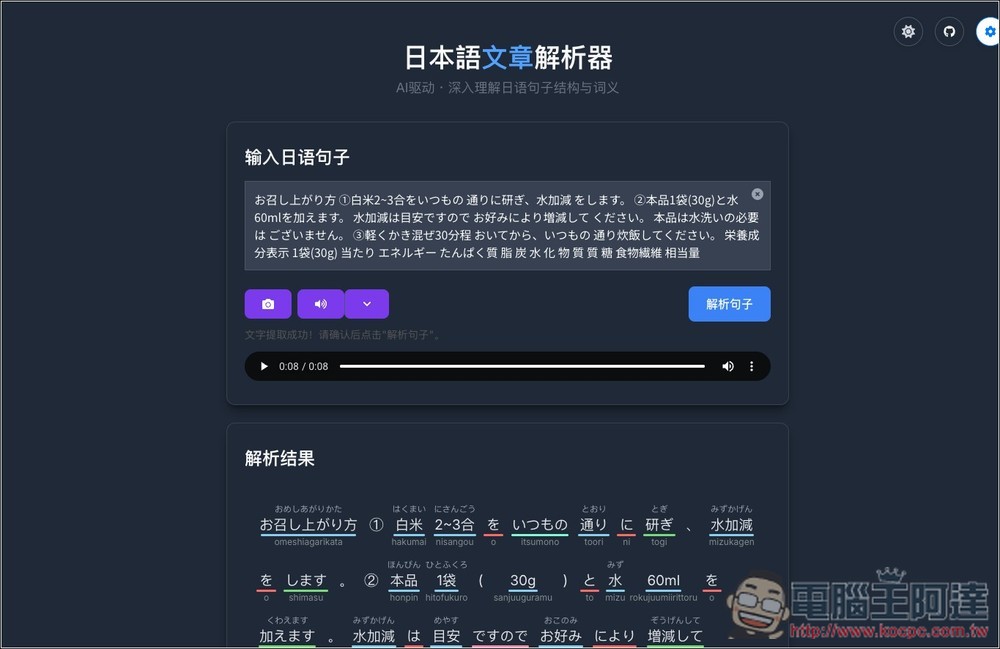
Introduction and Operation Tutorial for ‘日本語文章解析器’
- Go to the online version of the “Japanese Sentence Analyzer”
- Go to the “Japanese Sentence Analyzer” GitHub project.
“Japanese Sentence Parser” is an open-source tool. For those who don’t want to use the online version, it can be deployed locally, but you’ll need to enter your own Gemini API key. With a generous free daily quota, it’s essentially completely free to use.
There are mainly 5 major features:
- Smart Grammar Annotation: One-Click Output of Parts of Speech, Kana, Romanization, and Grammar
- Multi-dimensional word meaning explanation: Using the Gemini model to provide precise Chinese definitions.
- OCR Image Recognition: Upload images to extract and parse Japanese text from screenshots or photos.
- Original voice TTS reading: Integrated with Gemini TTS, can read entire passages of Japanese aloud.
- Full sentence translation: translate the content into Chinese.
The online version of the “Japanese text parser” doesn’t let you set a prompt, so it outputs Simplified Chinese by default; you might need to get used to that.
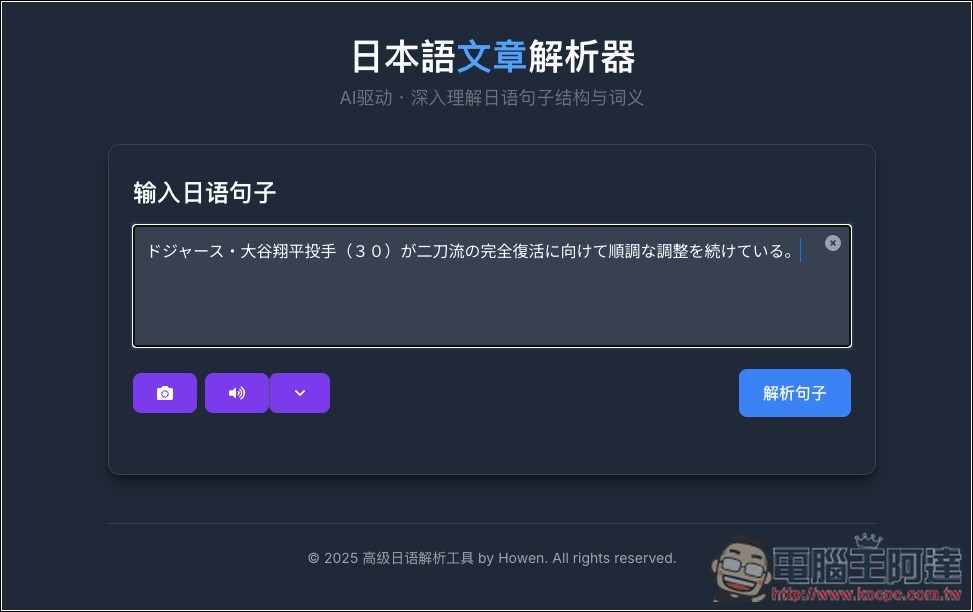
After clicking the link above to go to the online version of the “日本語文章解析器”, paste the Japanese text you want to parse into the field, then click “Parse Sentence” at the bottom right.
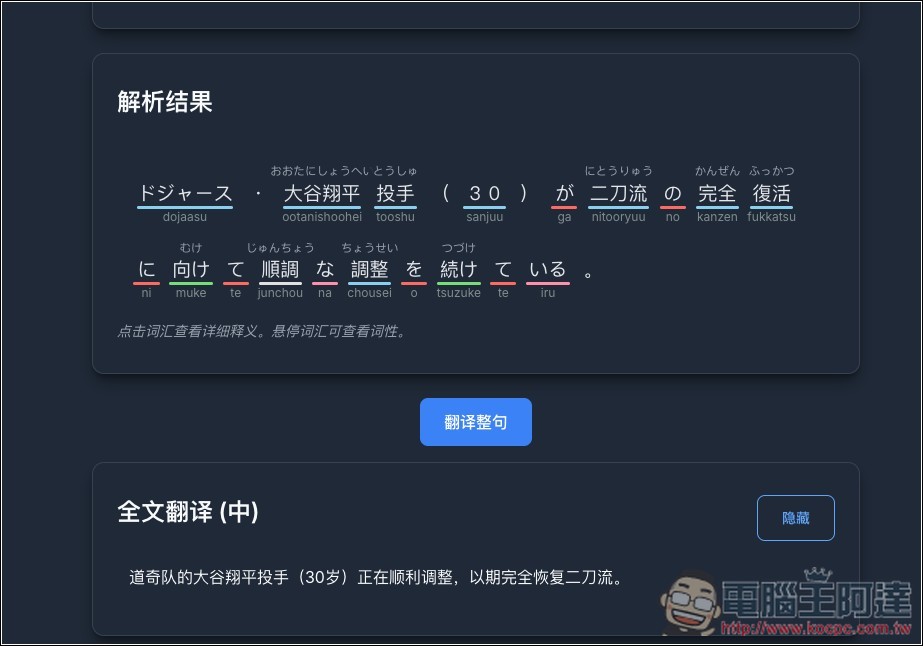
Next, you’ll receive two results: “parsing result” and “full translation (Chinese)”. The parsing result will mark each word with its pronunciation and part of speech:
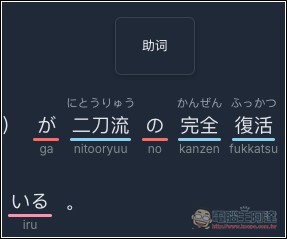
When you hover the mouse over it, it shows what part of speech the word is, like in the image below where 二刀流 is a noun:
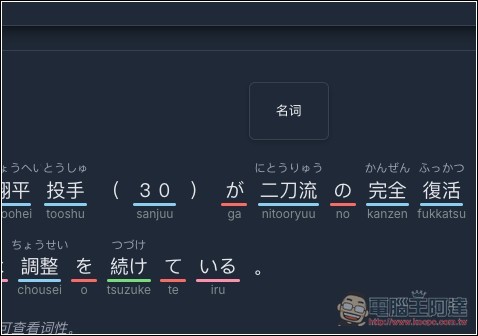
While the の in the diagram below is a particle:
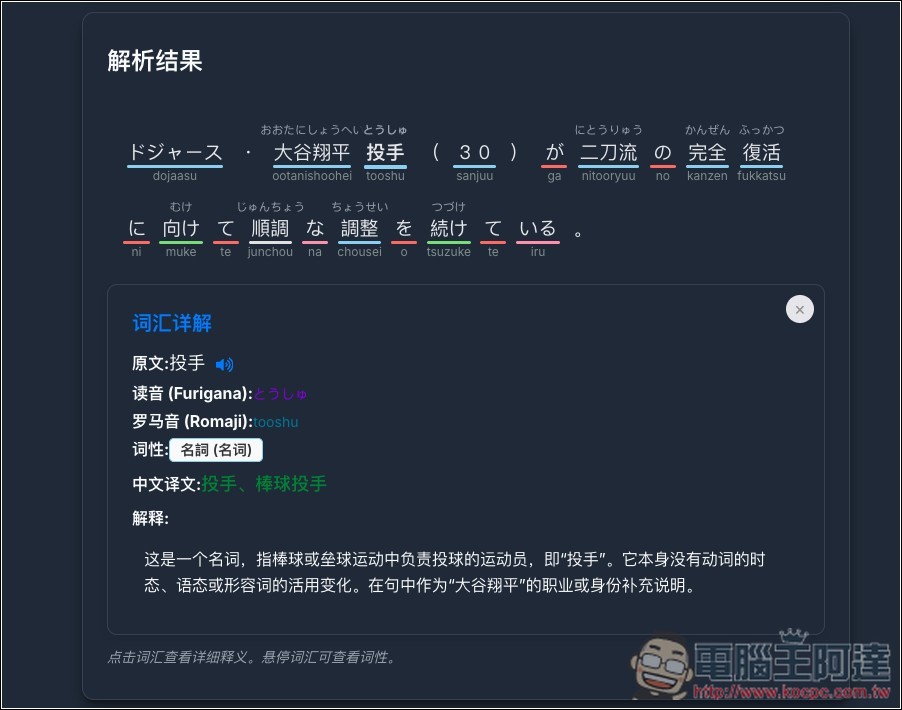
After clicking the word, a detailed vocabulary explanation will appear below. In addition to pronunciation and part of speech, it also provides detailed explanations, such as what the word means in Chinese, and whether it has tenses or other variations:
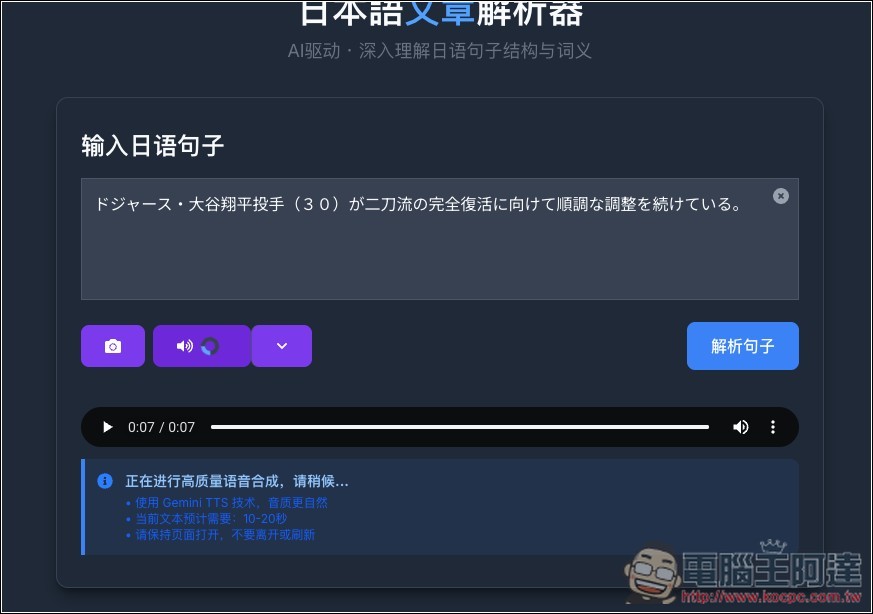
You can also convert text content into speech. Press the play button below to activate Gemini TTS technology for synthesis. The time it takes varies depending on the length of the content, but the resulting voice is indeed very natural. You can use this method to switch to listening as a way to read articles.
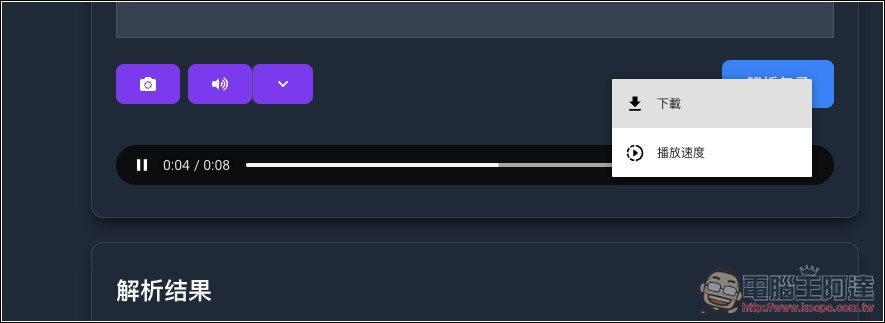
The synthesized audio file can be downloaded:
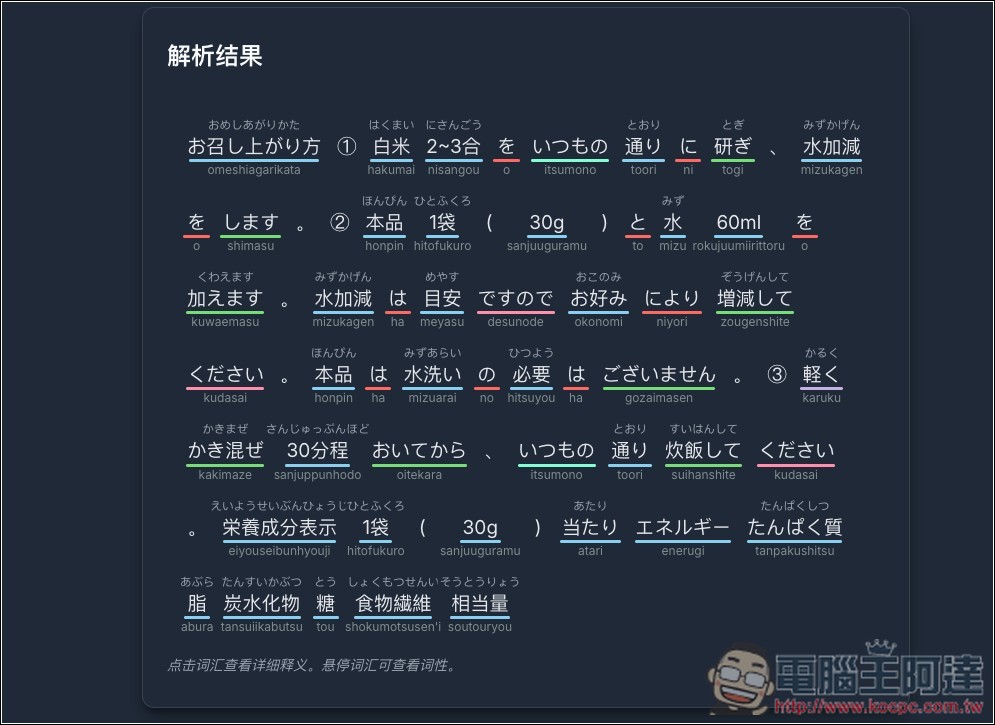
Click the camera icon on the left to upload your image or screenshot; AI will extract the text from the image, then click “Analyze Sentence.”
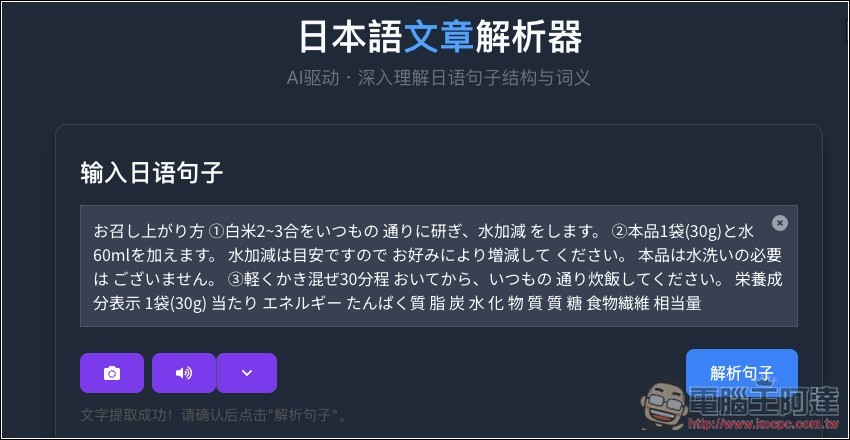
you can then understand the part of speech, pronunciation, and meaning of the entire content:
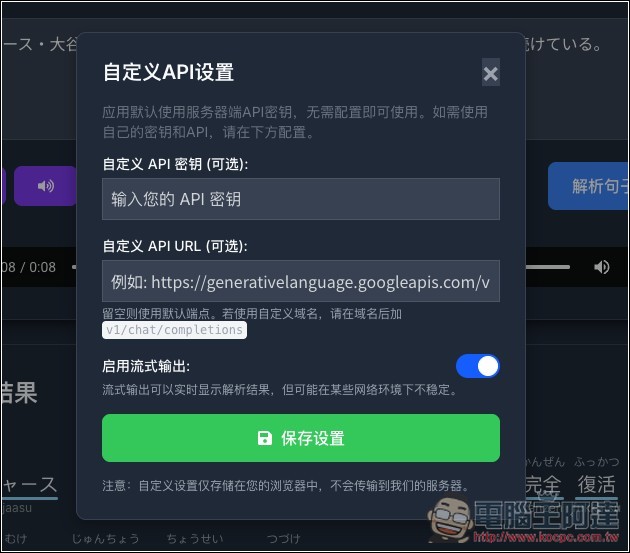
If needed, you can enter your own API through the settings icon at the top right. The content is only stored in the browser and will not be transmitted to the server, so you can rest assured:
For those who want Traditional Chinese explanations, you can try deploying it locally and modifying the prompt to request Traditional Chinese output.
If you don’t know how to deploy, you can hand this project to Gemini or ChatGPT, and the AI will break down the steps for you in detail. If you run into any issues, you can also pass them to the AI to solve.
Source: KOCPC Chinese