


There are a lot of videos on YouTube that teach you how to cook. Therefore, if you want to improve your cooking skills, or if you suddenly want to cook a certain dish, you will go to the video to watch it. However, sometimes you may not have much time to watch it, but you just want to know the steps and what ingredients are needed, which becomes more troublesome, because most of the videos teaching cooking do not write the steps in the description column, so you need to pull the video to watch yourself. This article will introduce a very special AI tool “Video2Recipe”. As long as you paste the YouTube video URL, it will help you convert it into a text recipe, so that you can know what ingredients to buy and every production step in a short time.
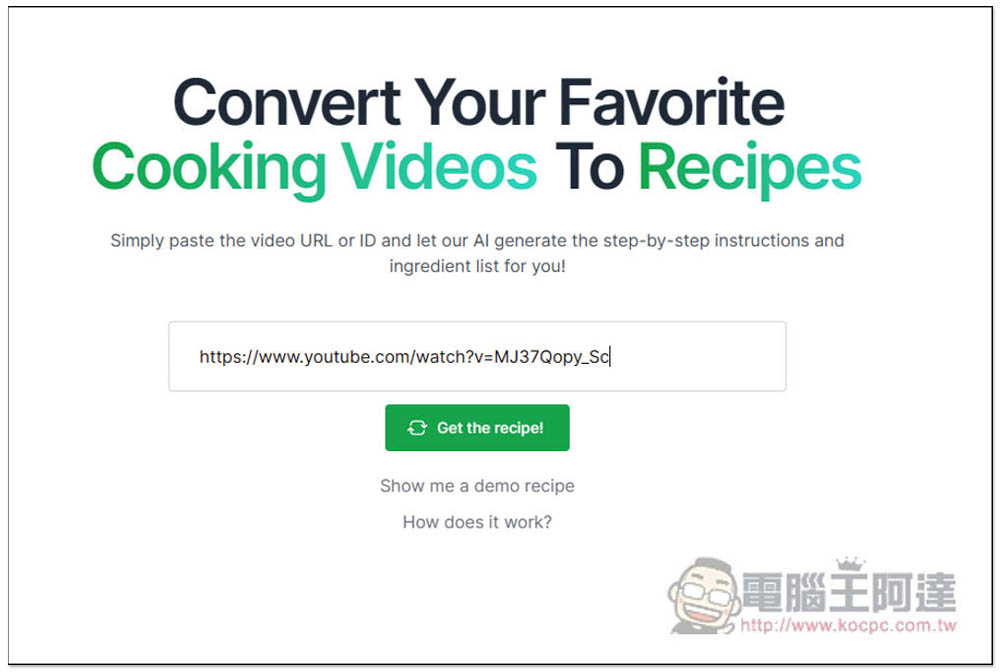
Video2Recipe pastes the YouTube URL, and AI can help you convert cooking videos into recipes
The use of Video2Recipe is very simple, after entering the website. Paste the URL of the YouTube video you want to convert into a recipe in the field, click the Get the recipe! function, and it will be converted into a recipe immediately. Although this tool was developed overseas, it also supports Chinese videos, so you can safely post videos about cooking in Chinese. The only thing to note is that the free trial is limited to 10 minutes of video and only 3 videos per month. However, if you have a VPN, you can overcome this limitation. It is recorded by IP address:
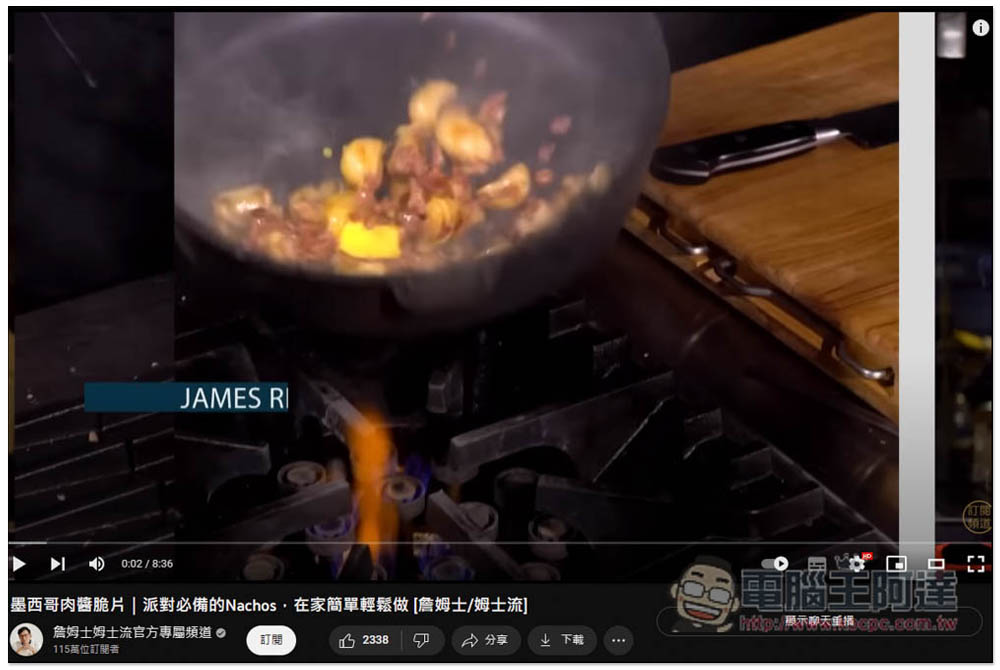
I’ll use this video as an example, James’s Chipotle Chip Instructional Video, which is less than 10 minutes long, so no problem:
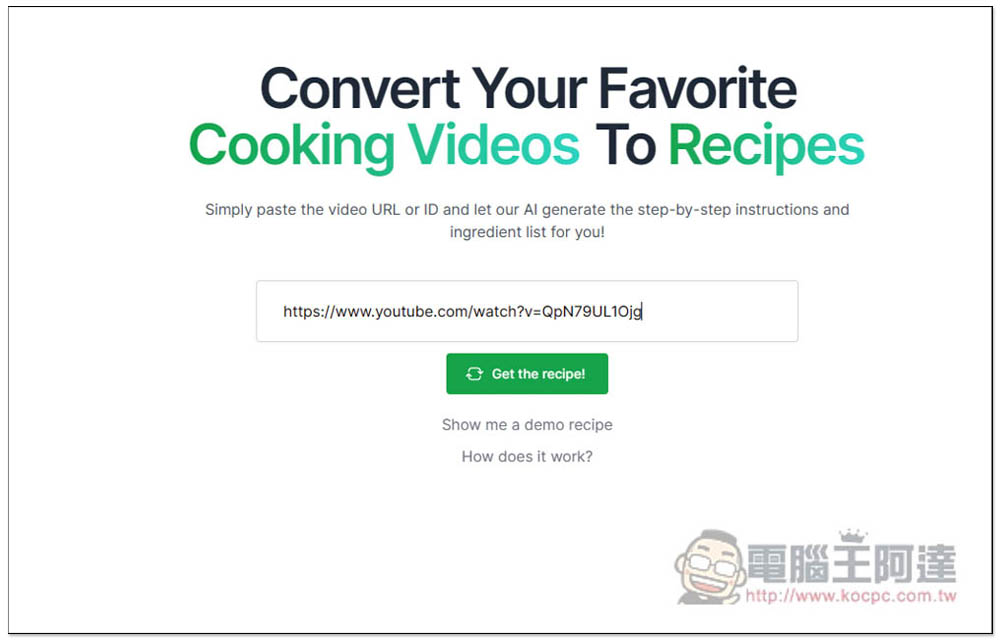
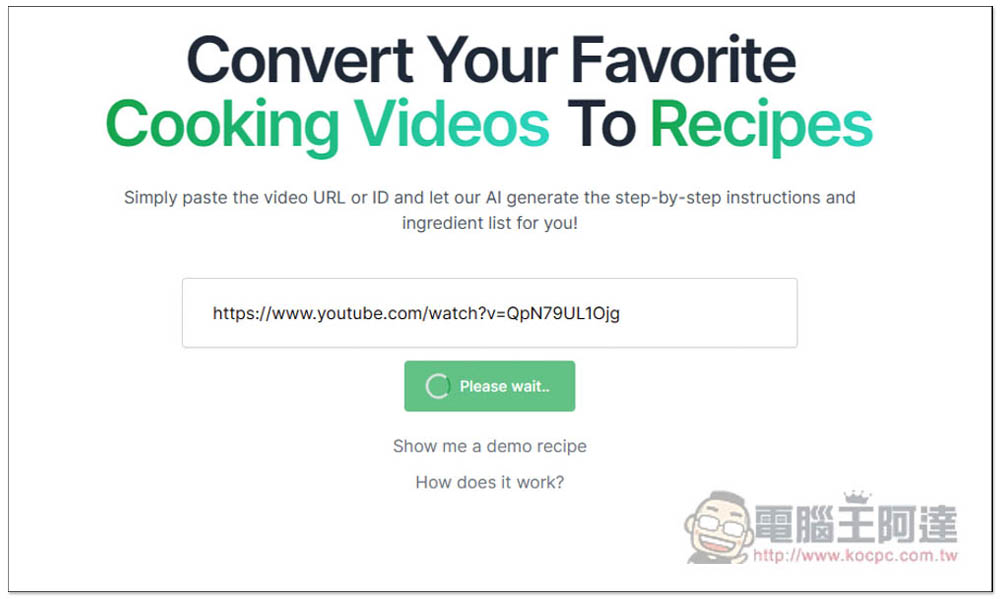
After pasting the YouTube URL, click the Get the recipe! function below:
Then you need to wait a few seconds before it will be converted into a recipe. The Chinese video will take a longer time, but the English video will be very fast:
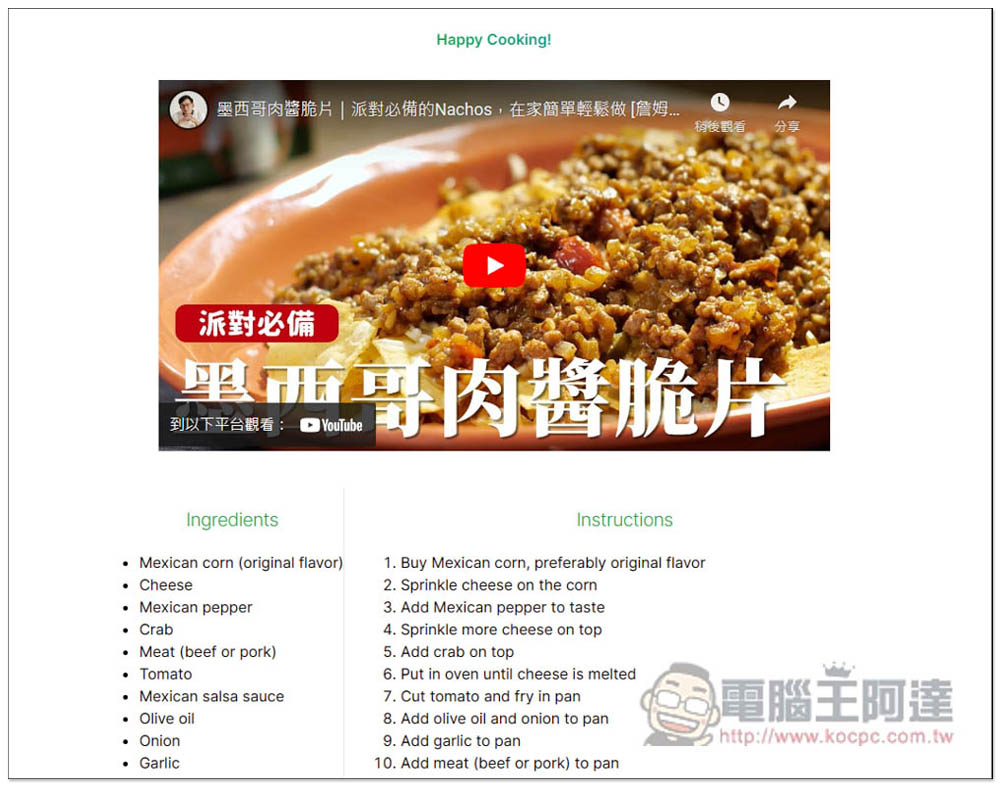
Like this, the recipe of this video will be displayed below. The ingredients are on the left and the cooking steps are on the right. It doesn’t matter if you don’t understand English. You can copy it and ask it to be translated on ChatGPT, or use the full-page translation function of the browser to translate it into Chinese:
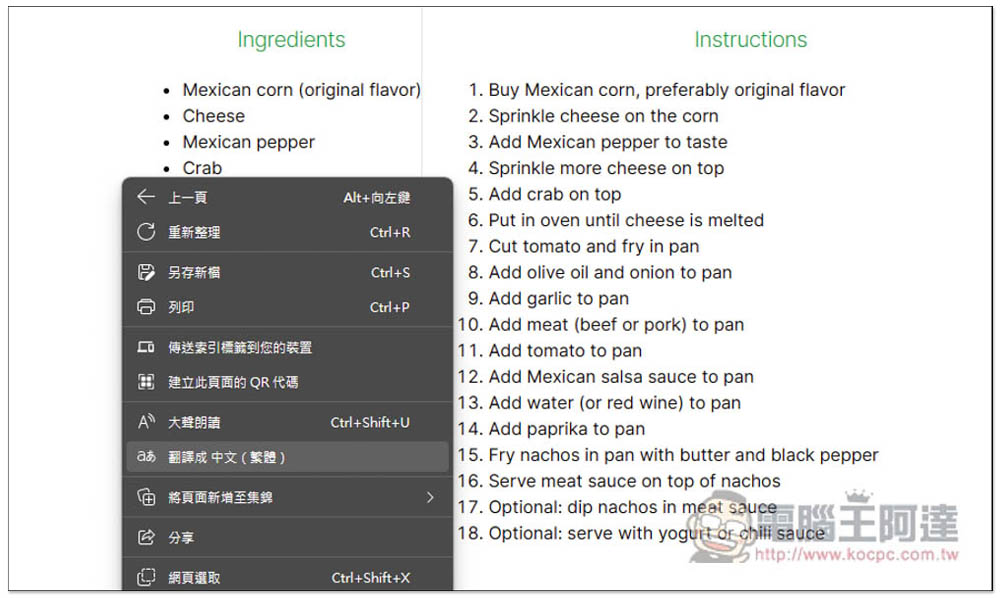
I take Microsoft Edge as an example. After opening the right-click menu, you will find the function of translating into Chinese (Traditional):
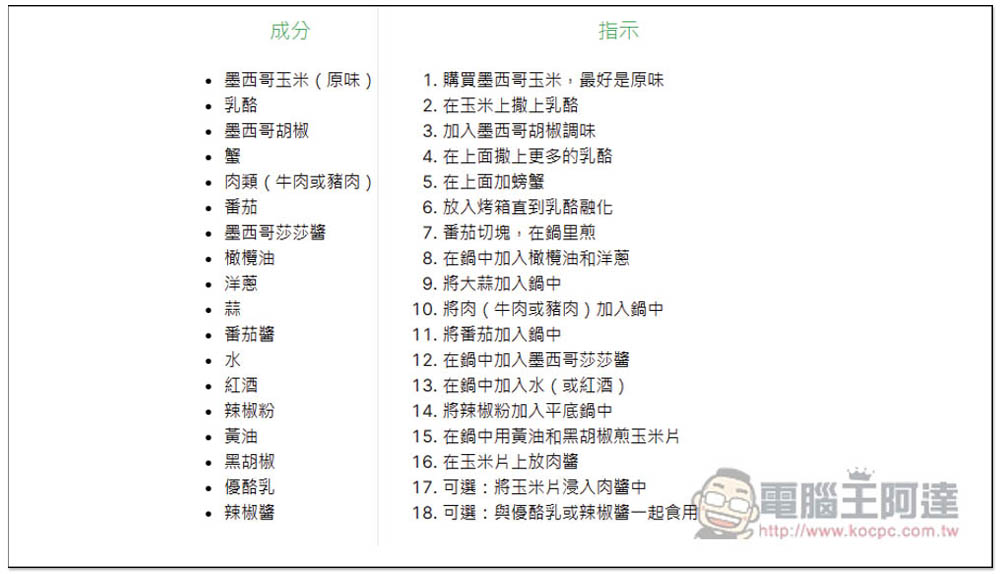
Click and it will turn into Chinese:
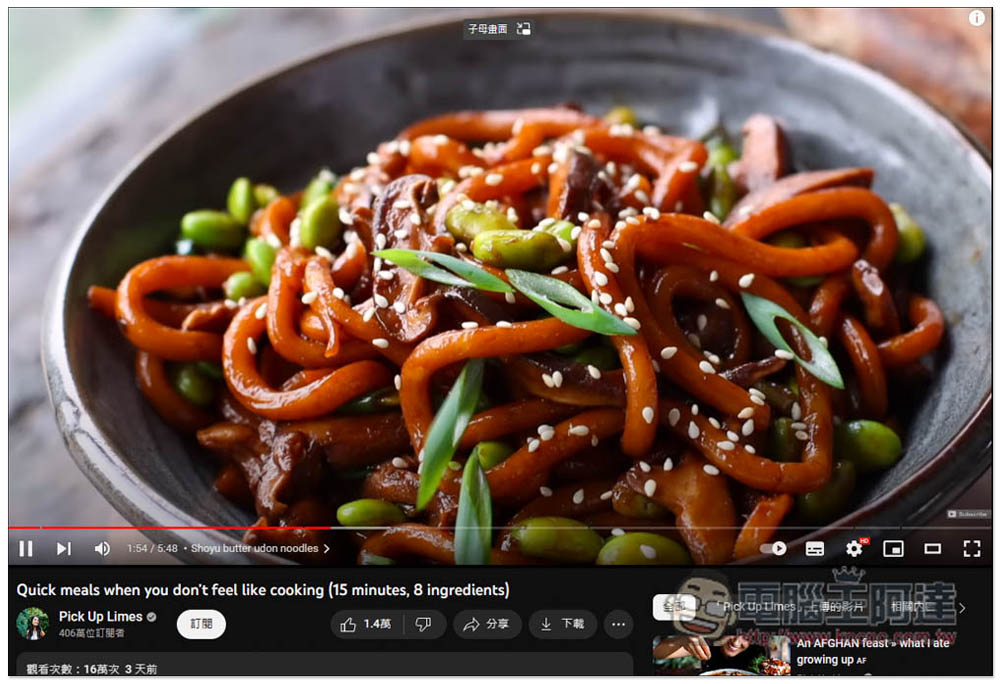
For those who don’t understand videos teaching cooking in English, you can also use this tool to quickly get recipes. This way, even if your English is not good, you can easily know what to prepare and what to pay attention to during the cooking process. I will take the very famous foreign video Pick Up Limes with more than 4 million subscriptions as an example:
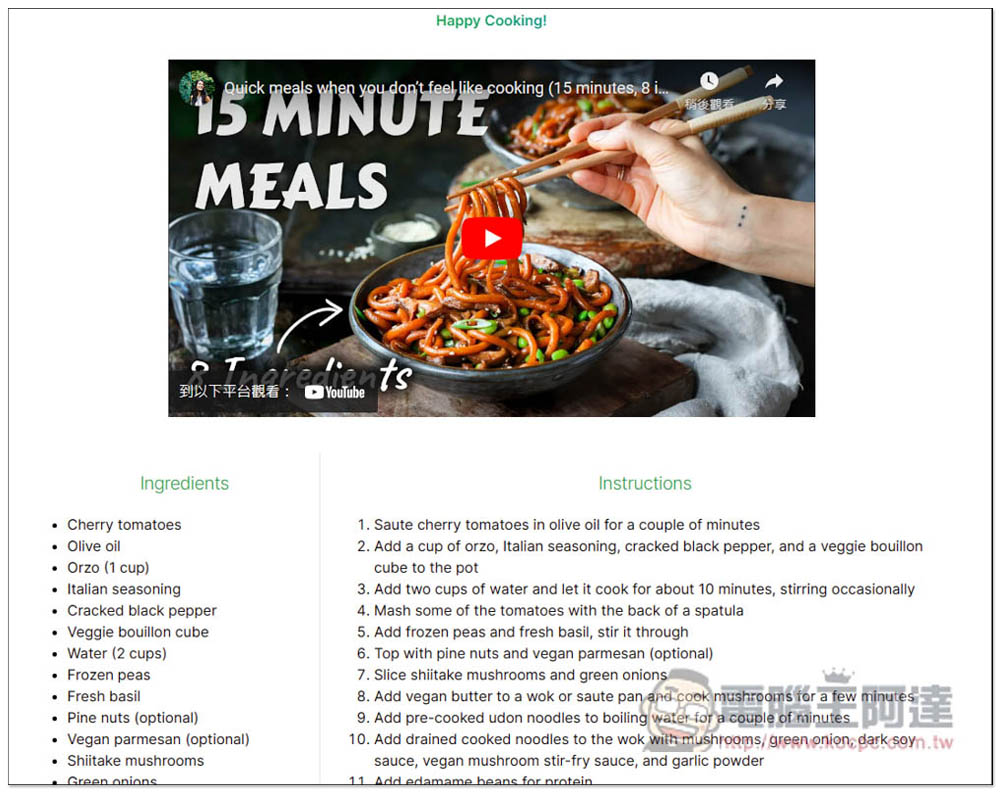
After pasting the URL, you will quickly get the recipe:
Also translated into Chinese through the translation function:
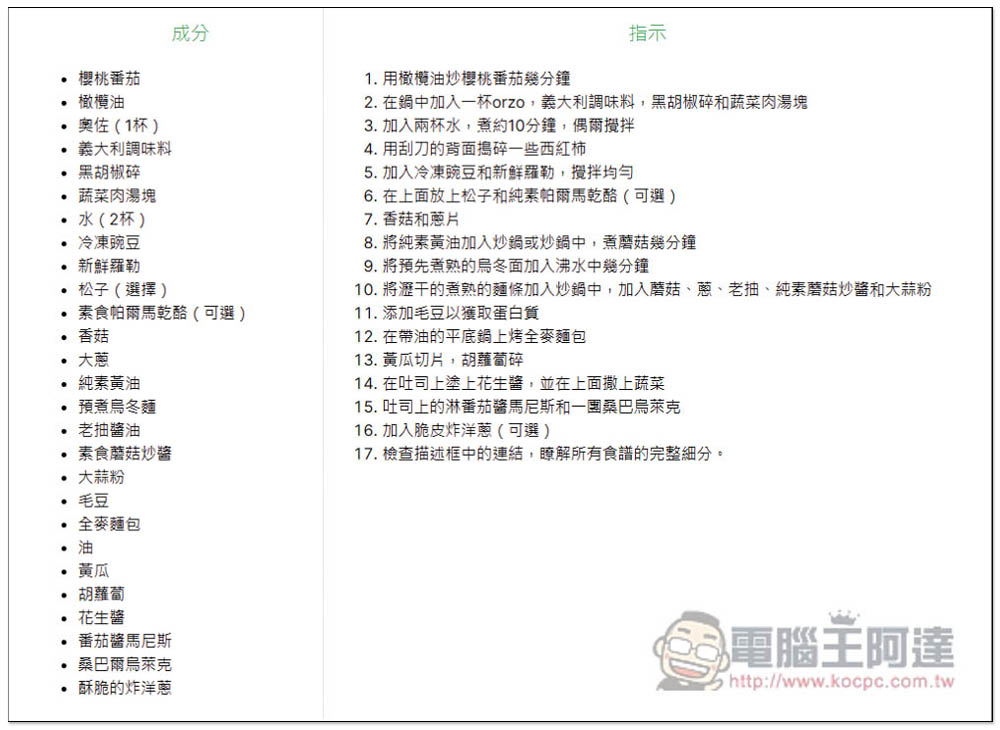
It stands to reason that the effect of converting English videos into recipes will be better than Chinese videos, so it is highly recommended to use English teaching videos.
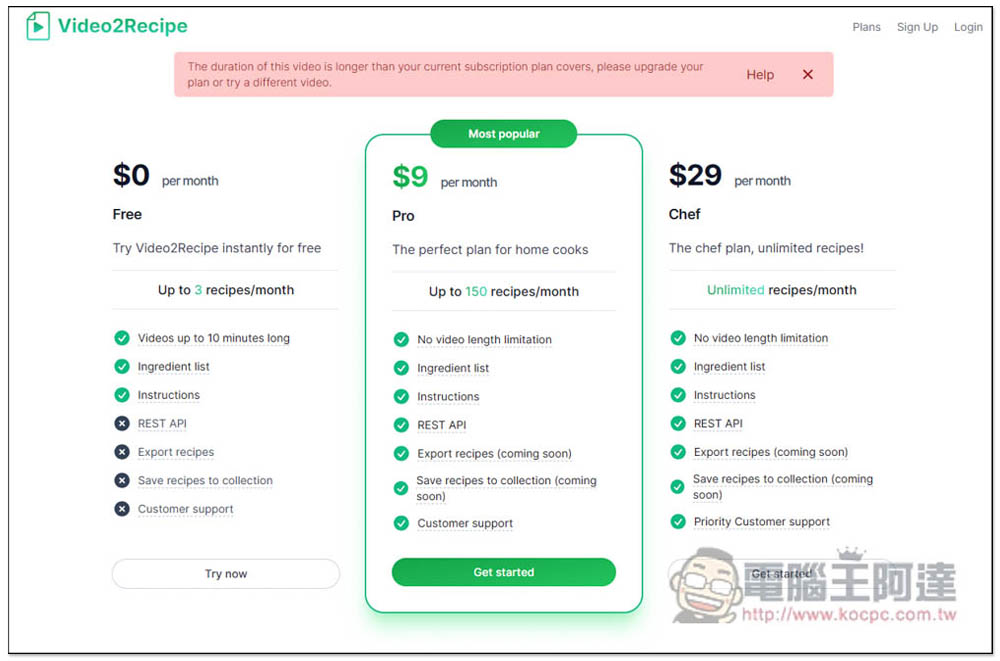
When you use more than the free amount, or the video exceeds 10 minutes, this page will pop up. As for whether you need to upgrade to the paid version, it depends on how much you use. People who have a VPN can just crack the restrictions directly through the VPN, or change the IP through other methods:
Source: KOCPC Chinese