


There’s a lot of talk about discrete graphics cards, whether it’s about stock shortages, pricing, new technology, etc., but you may not always know whether you actually need one. Today’s independent graphics cards are quite expensive. Is it a necessary equipment? This time let’s take it a step further and understand when it is needed and when it is simply omitted.
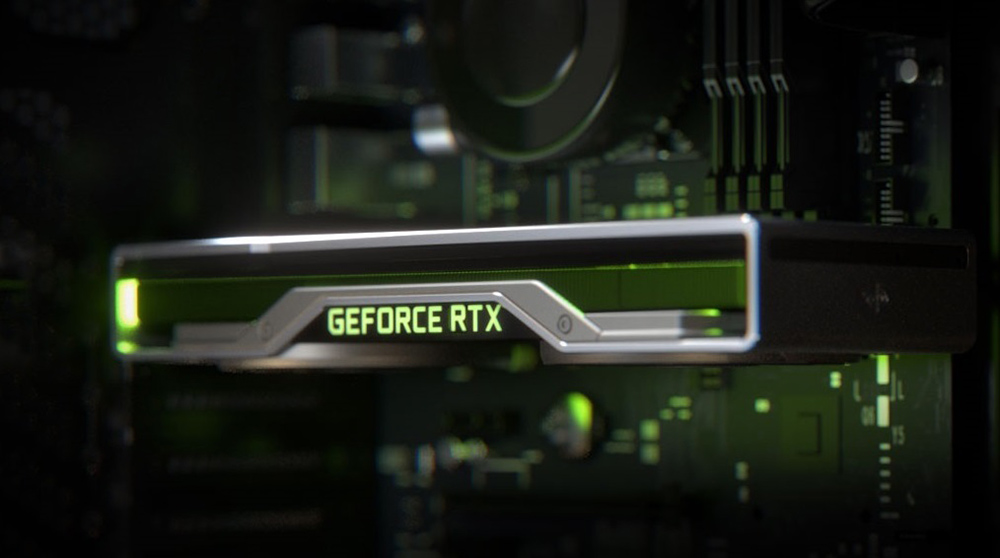
Does my computer need a discrete graphics card? Everything you need to know is here
The difference between built-in graphics card and discrete graphics card
In a sense, the title of this article is a bit difficult. Every computer needs some kind of GPU, without which you can’t output images to a monitor. The real key to our discussion this time is not whether you need a graphics card, but whether you really need to install an additional discrete graphics card or an external graphics card.
Built-in graphics card: Get high-quality image output at no extra cost
Early computers were equipped with graphics cards. At that time, functions such as network connection, image display, and sound output were handled by dedicated expansion components. In the mid-1990s, some workstation computers began integrating graphics functionality onto the motherboard, a design that continued into the 2000s. Then, Intel Clarksdale processors (2010) and AMD Llano processors (2011) ushered in the era of iGPU, a GPU integrated into the CPU itself, which is what we now call built-in graphics (referred to as built-in graphics).
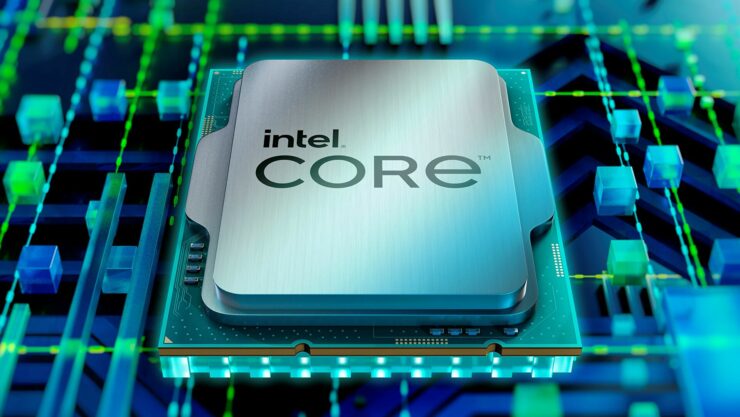
Built-in graphics cards are great because you don’t need to spend extra money to buy them, or even have to think about compatibility issues. You just need to assemble a consumer motherboard and CPU to output images to the monitor without any hindrance. Built-in graphics cards are also more energy efficient, as they use much less power than CPUs did in the early days, and due to their standardized nature, you rarely have driver or compatibility issues with them; on a modern Windows computer, everything is taken care of automatically for you. For most activities, such as browsing the web, sending and receiving emails, using Office and productivity software, basic image editing, etc., the built-in graphics card is powerful enough and even enough for some light gaming (and as CPUs evolve, they get better with each generation). Although you still can’t use the built-in graphics card to play AAA masterpieces with fully turned graphics settings, there is no problem for some popular and well-known but not demanding games, such as “Stardew Valley” and “Celesta”.
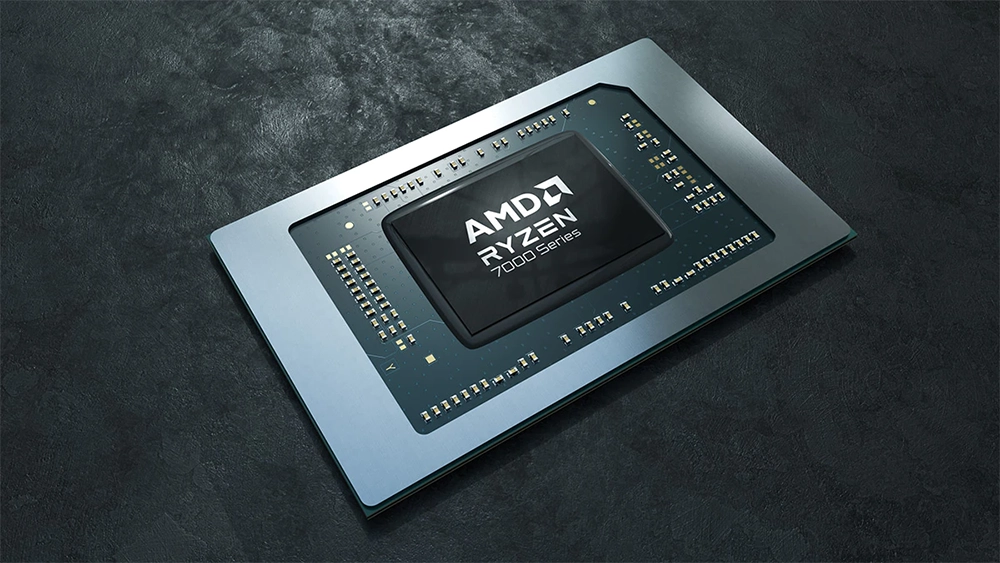
Of course, built-in graphics is not without its drawbacks. Since it is built into the CPU, it means that the CPU and GPU share all resources, including RAM. This means that any graphics-heavy tasks you do on the built-in system, such as movie rendering or playing previous-generation 3D games, will consume a lot of system resources, and there may not be enough available. If you don’t have problems playing your favorite games, or struggling to run the GPU-intensive applications you need for work or hobbies, it might be a good idea to save your money and stick with the built-in graphics card until a pressing need arises.
Discrete graphics card: high price but better image quality
As the name suggests, a discrete graphics card is a separate piece of hardware specifically designed to handle graphics work. The biggest benefit of a discrete graphics card is performance, not only does it have a complex chip designed for graphics rendering, but it also has dedicated VRAM that is faster and better optimized for workloads than regular system RAM. This provides a noticeable performance boost not only in applications, such as playing demanding games, but also in applications that can take advantage of the additional processing power and resources provided by a discrete GPU.
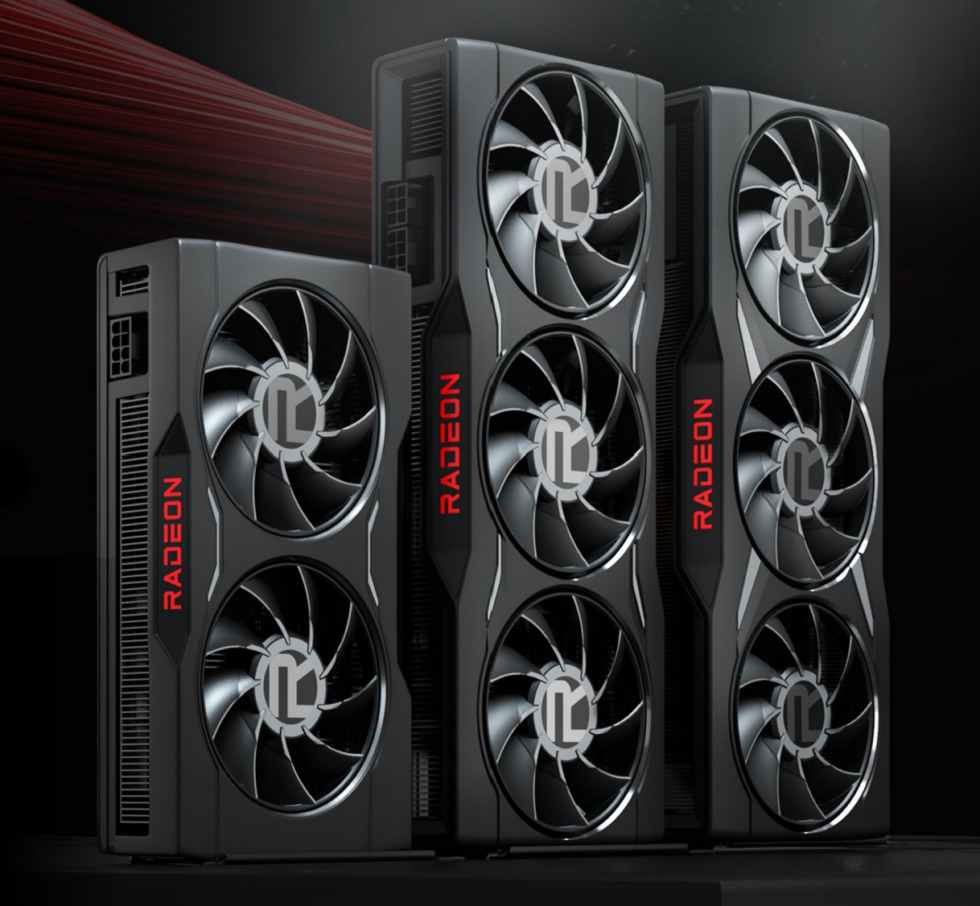
In addition to massive performance improvements, discrete graphics also provide a better array of ports than a separate motherboard, making it easy to set up multiple monitors or plug in VR headsets. Better performance, more ports, sounds good, right? While these are ideal, there is no such thing as a free lunch. The first is budget considerations. Mid-range discrete graphics cards cost about $250 to $500, while high-end models may cost more than $1,000.
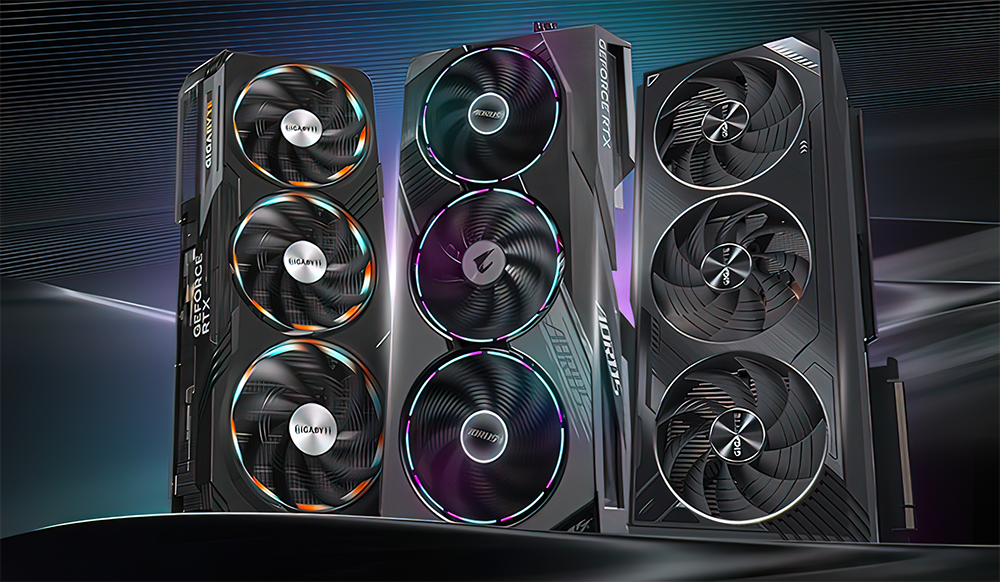
The bottom line is that if you want to upgrade your existing computer, you’ll have to address the additional requirements that come with a new discrete graphics card. Graphics cards are more powerful and more power-hungry than in the past. You may need to upgrade your computer’s power supply to drive it, which is “essential” on a packaged computer (if you need to upgrade the power supply, make sure you reuse the old power cable). When it comes to electricity usage, increased power consumption in electronic devices also means increased waste heat. There’s a reason why high-end graphics cards have huge heat sinks and fans to keep them cool. If you’re prepared for more noise and higher heat, you may even need to upgrade your case or fans to ensure cooling capabilities.
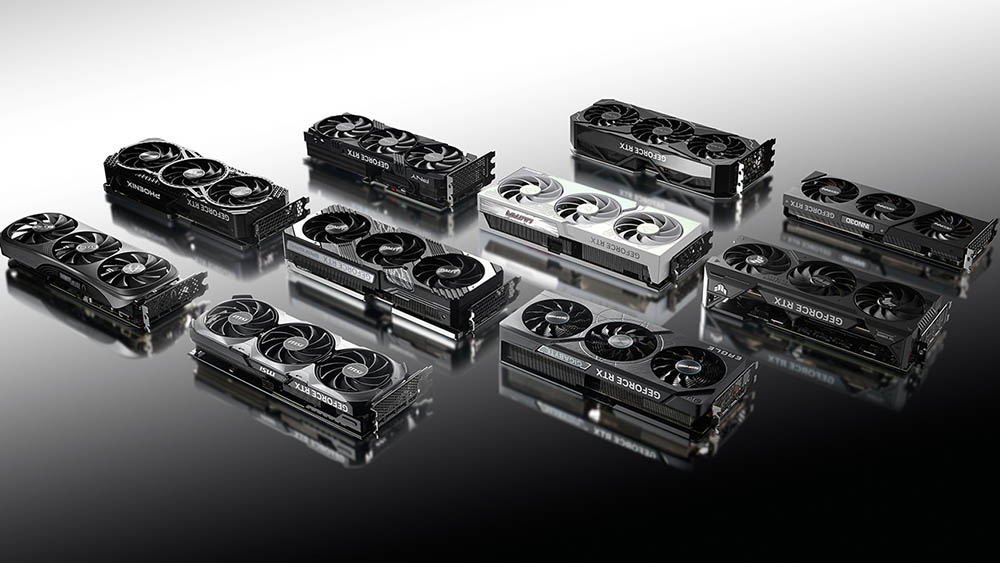
Additionally, many modern GPUs are so large and heavy that they cause the GPU to sag when connected to the motherboard and require brackets for additional support. When upgrading your GPU, you may find that your CPU is now killing performance, and you may need to upgrade the rest of your computer as well. So there’s obviously a lot to think about when considering upgrading a discrete graphics card.
So, do I need a discrete graphics card?
Now, you know the difference between discrete vs. built-in graphics, but when should I use a dedicated graphics card? The process of choosing a specific graphics card is quite complex, and you may spend a considerable amount of time comparing statistics and racking your brain in the hope of getting the best option, but the process of deciding whether you need a discrete graphics card is very simple in the first place. Next, let’s look at two questions that really matter in the decision-making process.
Can your current configuration handle the apps and games you use?
The biggest reason why most people choose discrete graphics cards is for gaming. You don’t need a discrete graphics card to watch videos (not even 4K videos), nor do you need a discrete graphics card to use apps like email, word processing, or any of the Office suite tools. Modern internal graphics are better than discrete graphics from decades ago, and you don’t even need to install a separate discrete graphics to play older games. However, you’ll need a discrete graphics card to play graphics-intensive modern 3D games with all the smooth visuals, especially if you have a nice new gaming monitor and play at 1440p or 4K resolution. Also, a discrete graphics card is helpful for streaming games, even if you are not streaming demanding games.
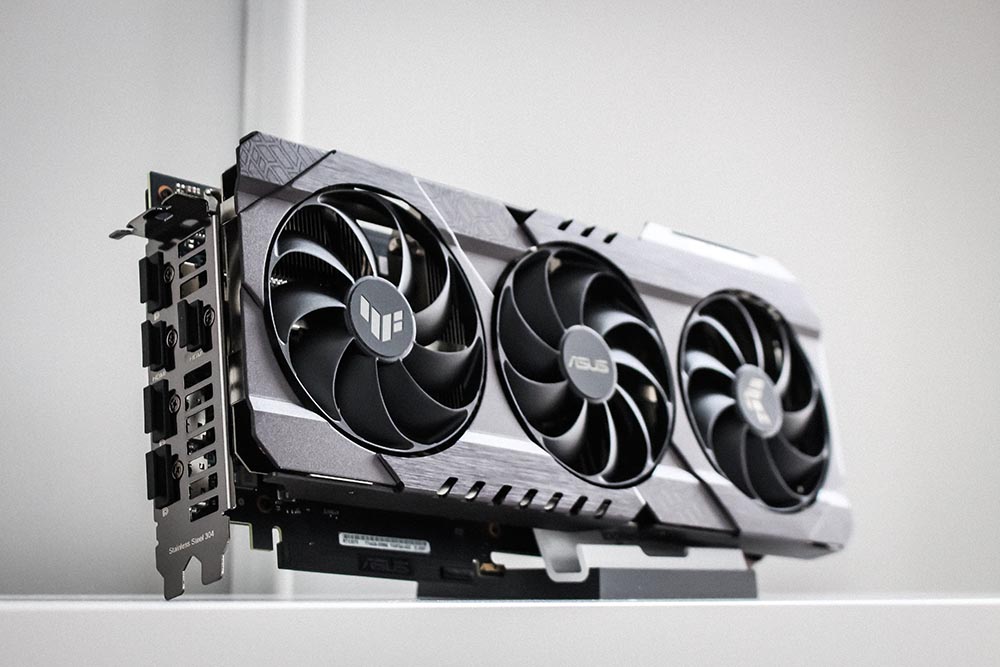
Discrete graphics cards are also useful for some non-gamers. If you do a lot of photo editing (not just small tweaks like cropping and adjusting white balance, but intensive Photoshop jobs), video editing, or any kind of rendering (3D art, design, etc.), you’ll definitely get a super perceptual boost from a discrete graphics card. If you are also interested in working in machine learning, AI, or any other field based on GPU computing, a discrete graphics card is an absolutely necessary upgrade.
Can your current configuration support the required number of monitors?
Although most people buy independent graphics cards to play games, there are still many people who choose independent graphics cards to expand multiple screens to improve work efficiency. Some motherboards support multiple video outputs for use with two different monitors (such as DVI and HDMI), but most still don’t. Some motherboards will allow you to keep the internal graphics on and add a low-end external graphics card to get extra ports, but many won’t support it (even if this method works, it is still cumbersome to have two GPUs running in parallel at the same time).
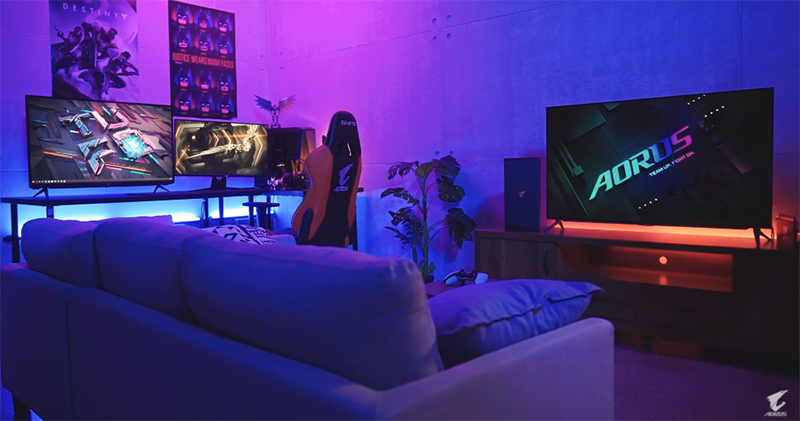
However, if you want to run more than two monitors without taxing your computer, adjusting BIOS settings, etc., the easiest way is to buy a graphics card that supports monitor settings out of the box. The best part is that unless you’re a multi-screen enthusiast and a gamer, you won’t need a high-end graphics card; if you just need multiple monitors, you can use an older model discrete graphics card or a graphics card designed for multiple monitors.
Source: KOCPC Chinese