


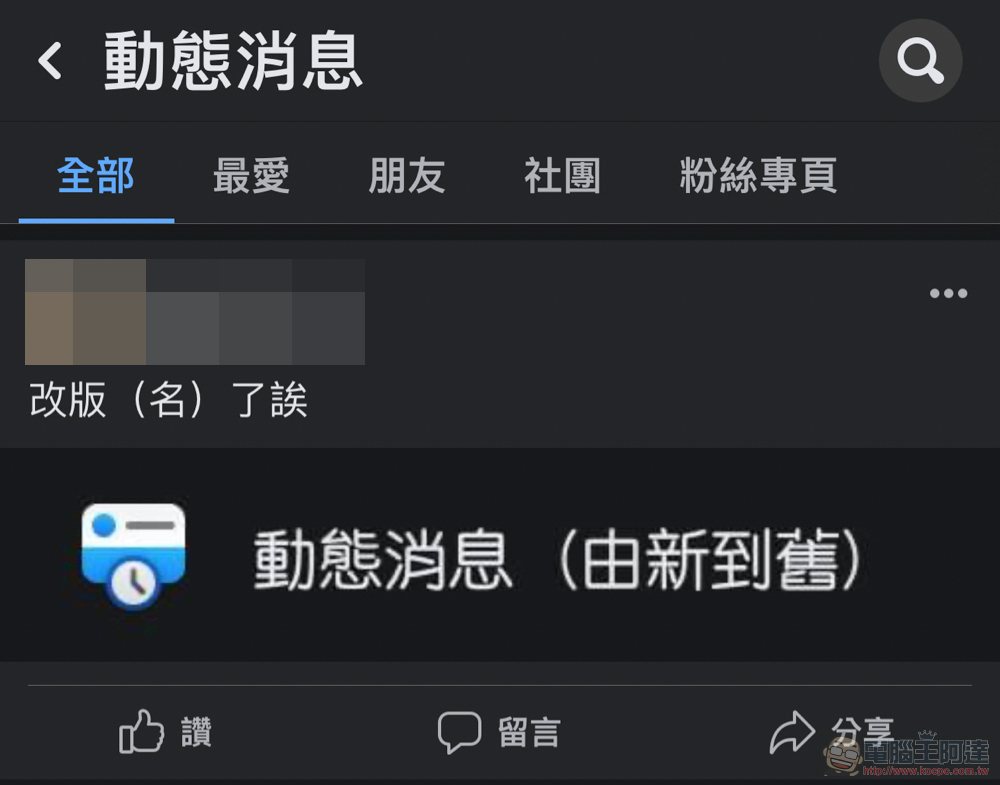
If you are used to clicking on the previous “Latest Updates” page from the Facebook web page, you will notice that this option has disappeared. But don’t worry, Facebook is not going back to its old ways and trying to hide this option that actually sorts posts by time. Instead, it has renamed it “News Feed (Newest to Oldest).” Continue reading Facebook’s new News Feed (Newest to Oldest) page (potentially) lets you stop being at the mercy of algorithms for reporting content.
▲Picture source:
Facebook’s new News Feed (Newest to Oldest) page (maybe) makes you less at the mercy of the algorithm
It seems that many community users have always been confused about why a tool that is clearly intended to be used to better unite friends and community members is confused by the algorithms that each platform thinks is best for users. Instead, it is easy to miss important posts, reducing interest and stickiness in this type of social platform that has forgotten its original intention. In recent years, we have faced “Aging” Facebook has also come up with a new solution to the problem of providing users with fresh posts.
If you are like the editor, almost all of you no longer look at Facebook homepages, which are mainly based on Facebook recommendation algorithms. https://www.facebook.com/?sk=h_chr This latest news page is used to view the updates of friends on this social networking site. You should all notice that this function/page seems to have changed a lot.
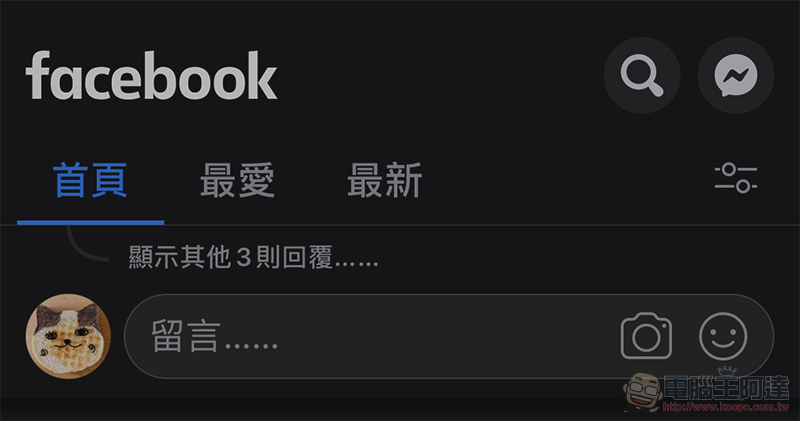
▲Picture: The “latest” page that previously needed to be quickly called through secret techniques.
That’s right, if you are used to clicking on the previous “Latest Updates” page from the Facebook web page, you should have noticed that this option has disappeared.
But don’t be nervous, Facebook is not going back to its old ways and trying to hide this option that actually sorts posts by time. Instead, it has renamed it “News News (Newest to Oldest)” – in fact, when I was writing this article, the name had been changed back to simply “News News.” However, after clicking in, it was confirmed that it had been changed to the new version.
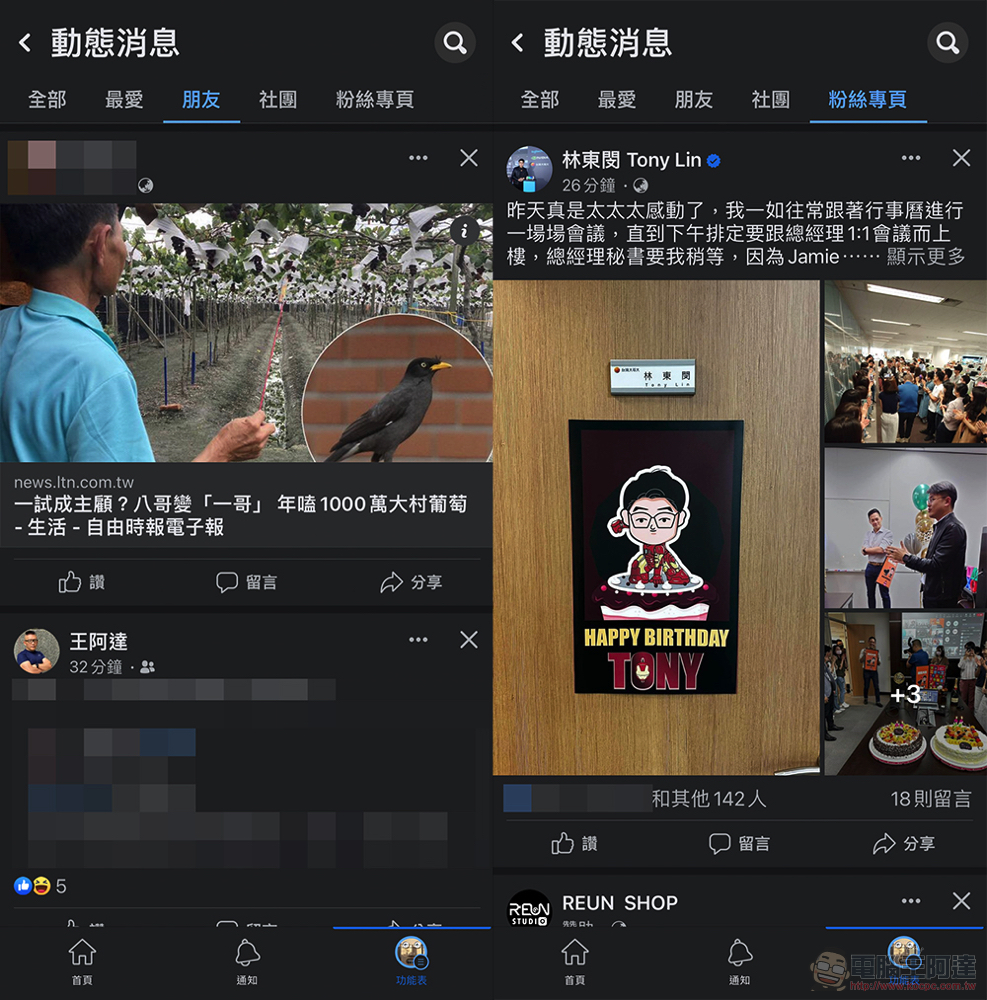
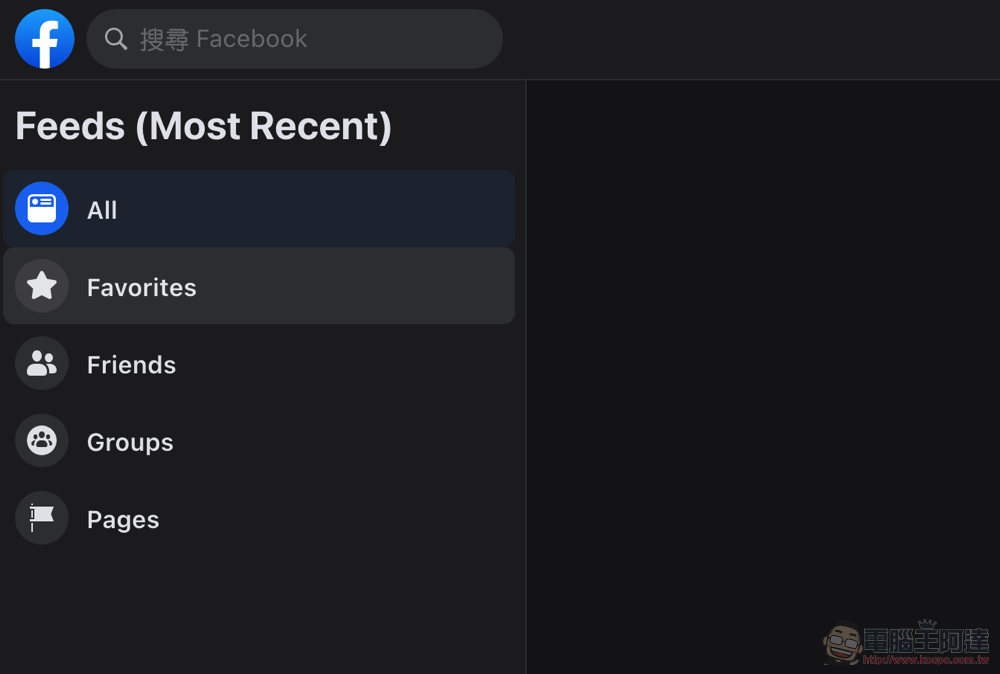
This new version of the page brings changes to both the iOS and web versions. Basically it is an extended version of the previous “Latest News”. Compared to the previous method of violently sorting all messages directly from new to old. This time, you can filter by “Favorites”, “Friends”, “Societies” and “Fan Pages” (the desktop version has not been translated into Chinese yet XD), and it will still be arranged in chronological order from the latest news all the way down.
Below we also provide you with the respective page links:
👉 all
👉 favorite
👉 friend
👉 Societies
👉 fan page
I simply tried out this revision, and I really like the category that can filter out other messages. It can be found that the three-column design of the web page homepage has become a design with only two columns (and only the category buttons mentioned above on the left side) in the dynamic news. Make the page look more concise.
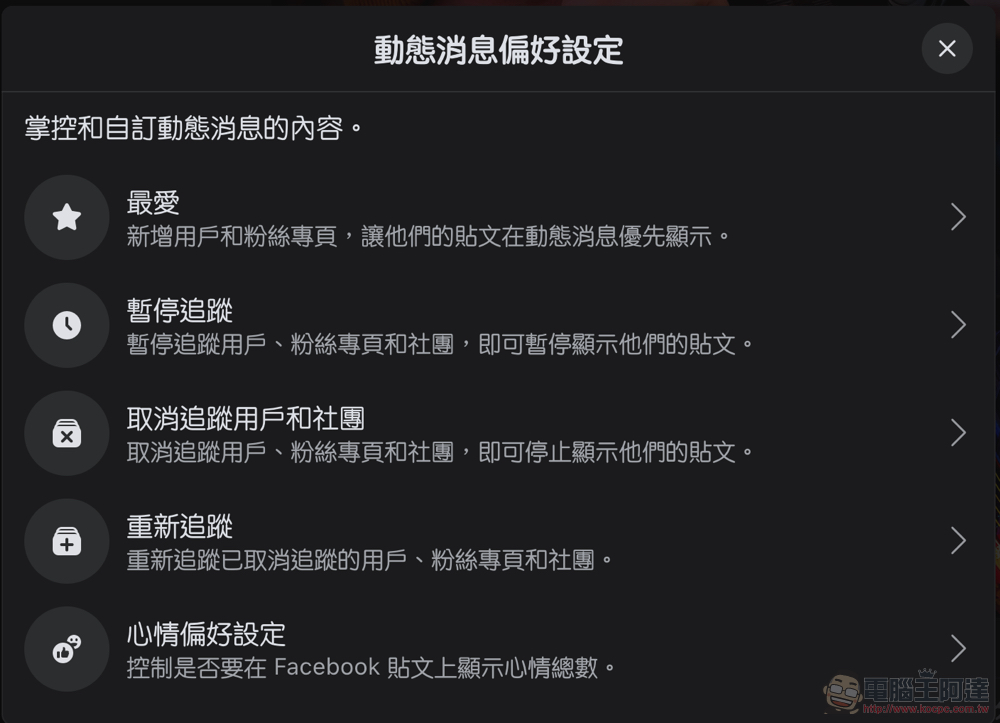
Although the filtered pages will still be interspersed with sponsored ads (and they are particularly obtrusive in the “Friends” page), at least it is a good improvement to allow users to choose different viewing focuses – if you want to know which fan pages have been updated, switch to the fan page; the favorites page also provides a quick editing function, allowing you to quickly confirm the list that has been paused. You can even quickly set the option to “hide the number of moods”. Provides considerable flexibility in use.
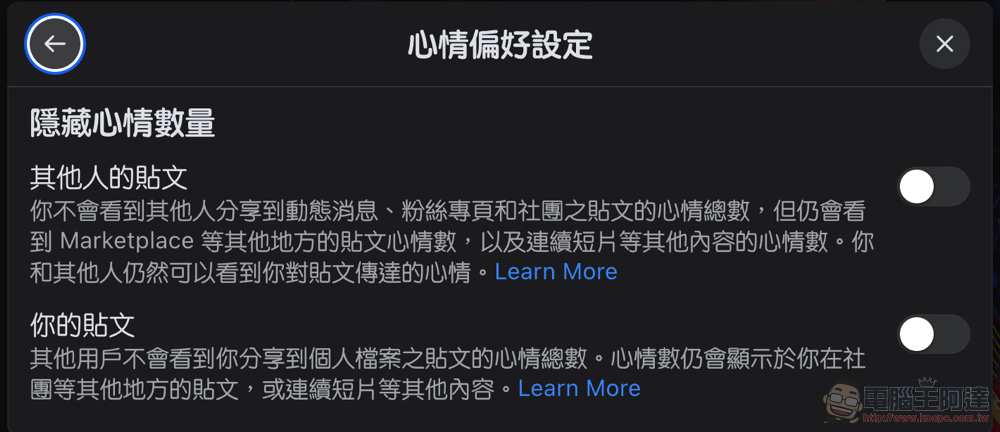
If you want to more effectively master the presentation of dynamic news on the Facebook social platform, or simply want to be able to focus more on dynamic news without being distracted by functions and information such as three-column format, you can really try to take a look at this new version of the dynamic news page. Personally, I think it really makes Facebook easier to use.
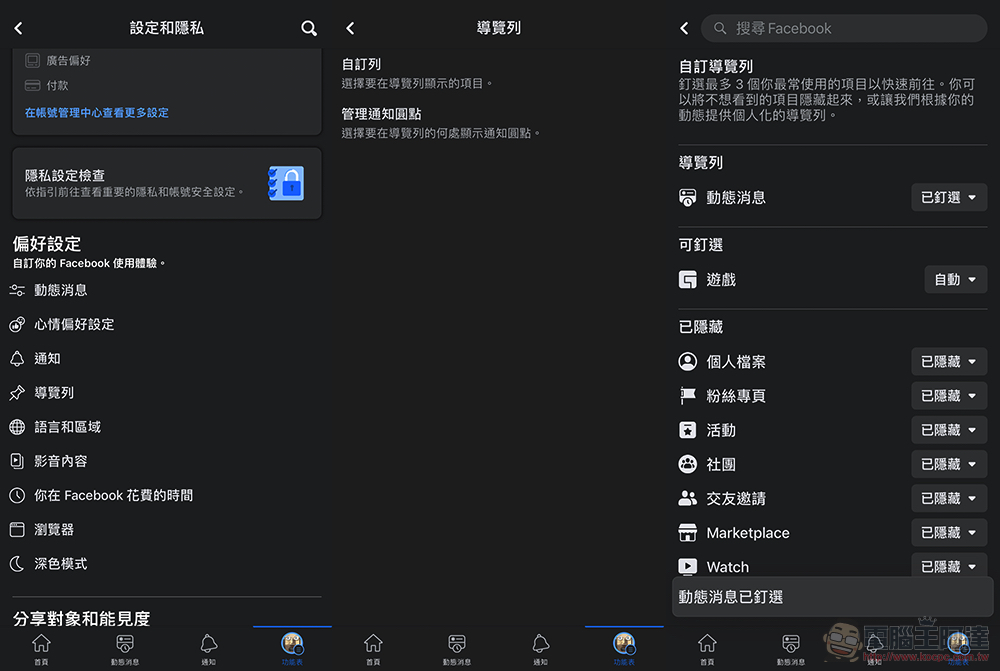
Finally, I will also teach you how to set the “News News” sorted from newest to oldest in the Facebook app in the shortcut bar at the bottom. Just go to “Navigation Bar > Customize Bars” in the settings to find “Dynamic Messages” and select “Pinned”. You can see the dynamic message shortcut function on the bottom interface of the Facebook app. believeBefore Facebook screws up this feature again It should be able to give everyone a community experience where you don’t miss the latest news.
Further reading:
Source: KOCPC Chinese