


As AI functions become more and more powerful, there are now some free tools on the Internet that can quickly read documents to help you save a lot of time, such as the ones we introduced before ChatPDF,Bing also supportsIn addition, the very famous LightPDF free online tool has also officially introduced the “LightPDF Intelligent AI File Identification” function. After uploading your PDF, Word, Excel and other format files, it will help you read the entire article in just a few seconds, and then you can ask what you want to know about the article through dialogue, completely free of charge.

“LightPDF Smart AI File Identification” finds the key points in documents through dialogue, supporting PDF, Word, Excel and other formats
After entering the webpage of the “LightPDF Intelligent AI File Recognition” free online tool, you will see the “File Recognition and Chat: Let your documents “speak”” function. It can help you intelligently organize, summarize and explain the important information in the file. It supports multiple formats, including PDF, Word, Excel, PPT and ePbb. In addition to the web version, desktop software and mobile apps are also available. Those in need can download and try it out. If you use it online, just drag the file you want to know quickly and upload it recently. It supports more than 100 languages:

In terms of security, LightPDF states: “The security of your data is our top priority. The website follows the latest user information security regulations to ensure the security of each user’s files. Your files will not be stored in the website server, and there is no possibility of leakage.” This part is provided for your reference.
After the file is uploaded, you will enter this dialogue window. After it gives a summary, it means you have finished reading this article. It will also give you three suggestions you may want to ask:

Click on any question and it will give you the appropriate answer it finds from this article. There is a source page below each answer. You can click to refer to:
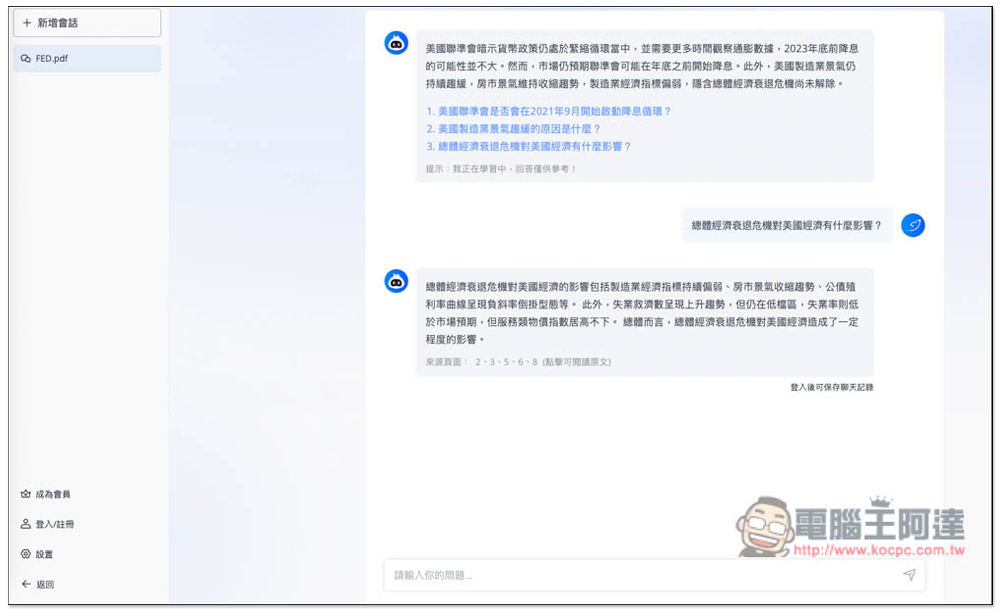
You can also manually enter the question you want to ask. It is recommended that after AI gives you the answer, you must click on the source page and then quickly read the content inside for more accuracy:

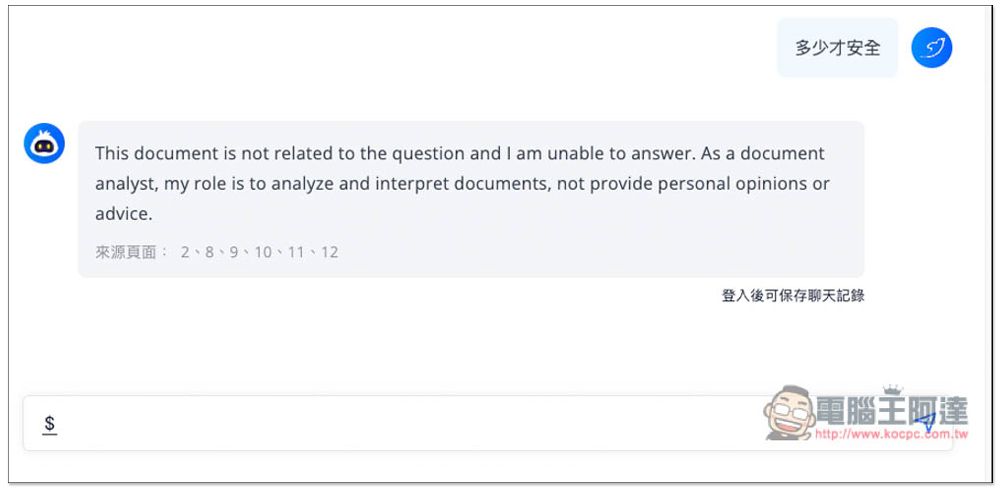
If the content is not found in the file, it will reply Unable to answer:
I tested a long article I wrote. This AI read it pretty well and really sorted out the key points, so it should be trustworthy. The files you upload will be organized on the left side, making it easier for you to switch conversations at any time. I think this is good. If you have more than two files, you can switch the focus of the organization at any time like this:
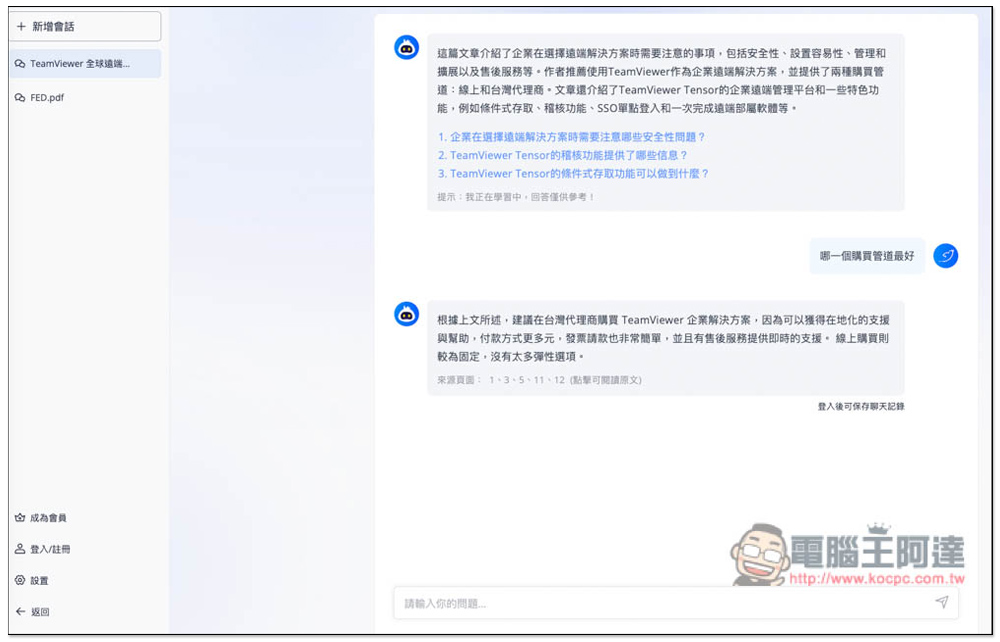
For those who may use this AI reading tool frequently in the future, it is highly recommended to register an account so that your conversation and chat records will be saved and can be viewed at any time in the future.
LightPDF smart AI file recognition principle:
LightPDF’s AI focuses on file information extraction, and it will automatically identify the semantic index of each paragraph in the document. When you ask a question, AI extracts the information you need from those passages. Through AI file analysis, you can easily and quickly extract effective information from complex files. Understand a paper, book or contract more easily. · Extract key information · Efficiently analyze files
Source: KOCPC Chinese