


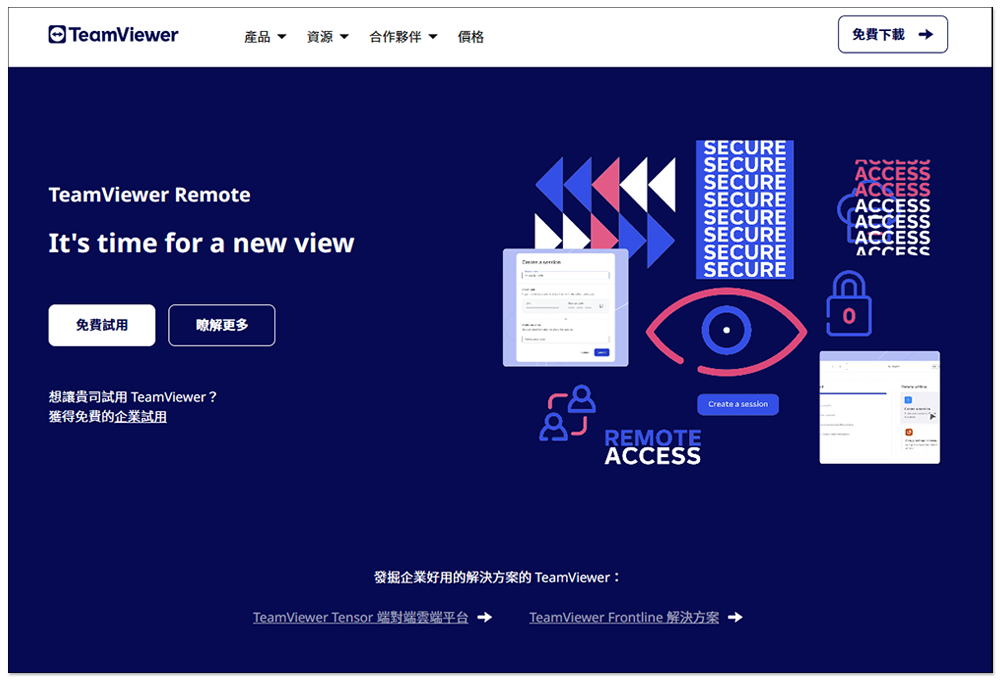
During the epidemic, many companies switched to remote working. Even though it has slowed down now, there are almost no epidemic prevention regulations. However, the benefits of remote work, such as freedom and cost reduction, have also made many companies decide to continue to work remotely. At this time, the remote solution used is very important. Not only must it be highly secure, but it must also be easy for IT personnel to solve problems and easy for business owners to manage. For this reason, TeamViewer, which has a complete enterprise solution, is undoubtedly the first choice. There are currently two purchasing channels in Taiwan, “online” and “Taiwan agents.” We most recommend purchasing from Taiwan agents. The following will help you analyze the differences between the two, and sort out some of TeamViewer’s good enterprise solution features.
Things to pay attention to when choosing remote software solutions for enterprises
1. Security
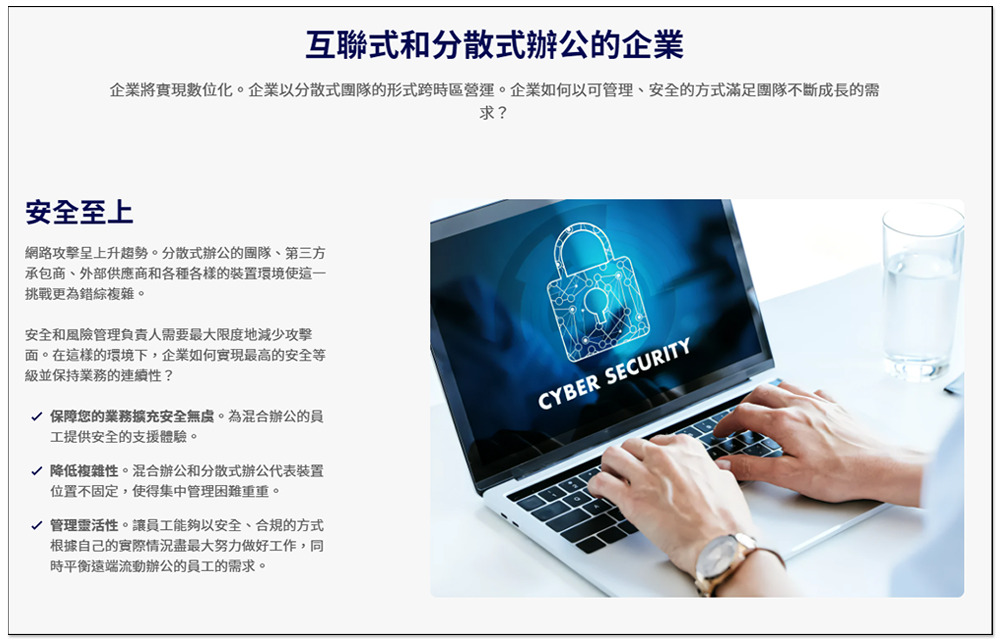
Since it is a remote solution used by enterprises, the first thing to pay attention to is of course “security”. If the security is not high enough and important equipment is hacked or viruses are implanted, the losses to the enterprise can be very serious, not only money, but more importantly, time. Rescue and repair require a lot of manpower and time. During this period, it may be impossible to complete the tasks assigned by the customer, which will lead to a series of difficult to remedy things.
According to the latest survey report from Check Point Research, global cyber attacks will increase by 38% in 2022 compared to 2021. Representatives said that the cyber threats faced by enterprises are constantly expanding, and with the maturity of artificial intelligence technologies such as ChatGPT this year, the number of cyber attacks is likely to accelerate in the future.
Therefore, when enterprises choose remote solutions, they must observe what security solutions they have, such as “multiple authentication and authorization steps for each device login”, “end-to-end encryption of all connections”, “allowing business owners to audit and inspect usage logs and connection records”, “SSO authentication”, “real-time security updates” and “additional advanced security features”, etc.
2. Ease of setup, management, and scalability
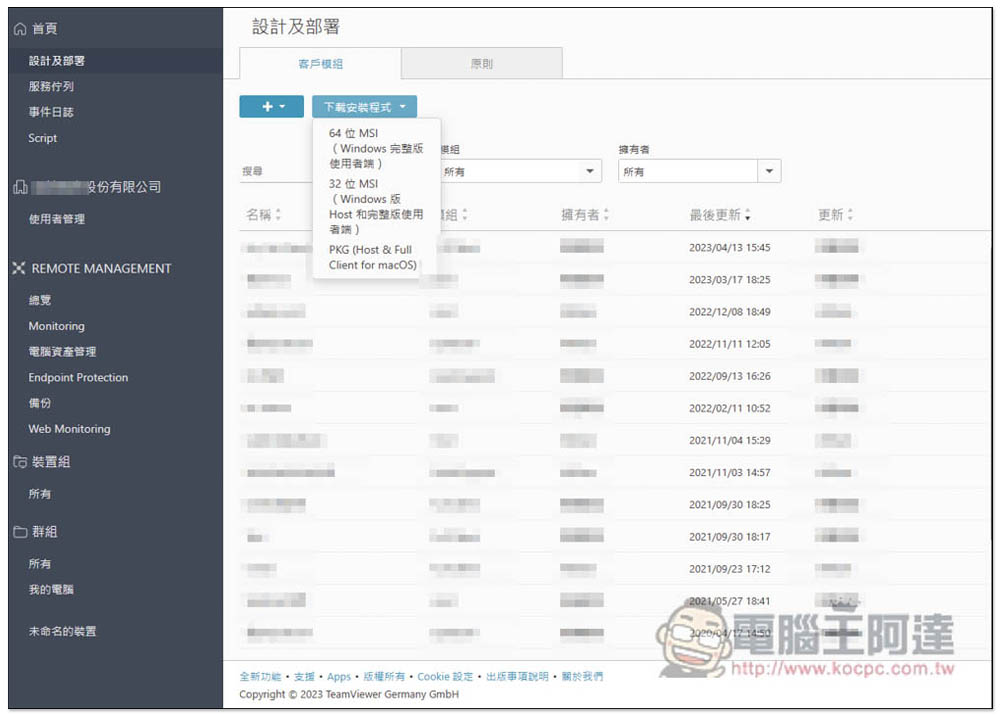
Whether the remote solution is easy to set up is also something that business owners need to pay attention to when purchasing, especially for companies without an IT team. Only remote software solutions that are easy to set up and manage can save enterprises from spending too much time on this. For example, TeamViewer recommended in this article provides the TeamViewer Tensor enterprise remote management platform. All settings can be completed on this web platform.
In addition, each employee uses a different device when working from home, so it is also important that remote software allows IT staff to use a single tool to remotely connect to various platforms to solve the problems faced by employees, including: Windows, Mac, Linux, iOS and Android.
Next is scalability. Enterprises will be faced with situations where they need to increase the number of users or have other ideas. Therefore, remote software must also have sufficient scalability so that it can be used more flexibly and help your enterprise in the long term.
3. After-sales service
During the use process, you will encounter doubts and problems. As mentioned before, some companies do not have their own IT team, which will be a headache for business owners. At this time, after-sales service becomes very important. TeamViewer provides telephone technical support to help business owners quickly solve current problems. If you purchase from a Taiwan agent, it is more convenient and you can get localized help faster and more immediately.

TeamViewer solutions and security for enterprise users
The security of TeamViewer can be said to be one of the best in the industry, with 256-bit AES point-to-point encryption, two-factor authentication, and other industrial-grade security features. In the enterprise remote solution, it also provides a “TeamViewer Tensor” web management platform. All remote management, audit tracking, permission configuration, deployment and other functions can be completed on this platform. The following are the functions and features that we think are pretty good.
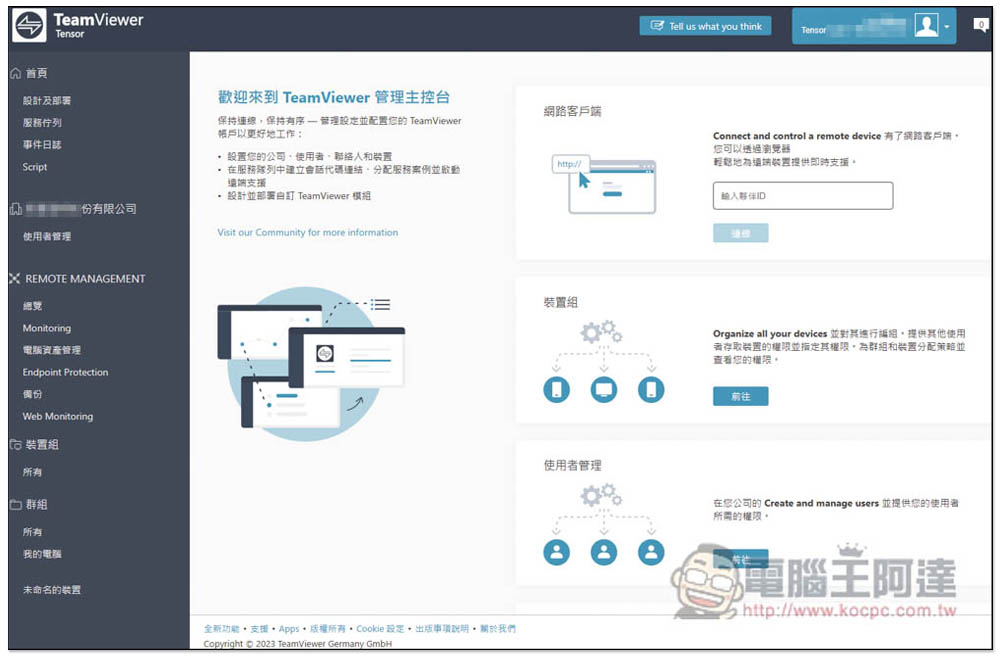
TeamViewer Tensor is a powerful enterprise remote management platform
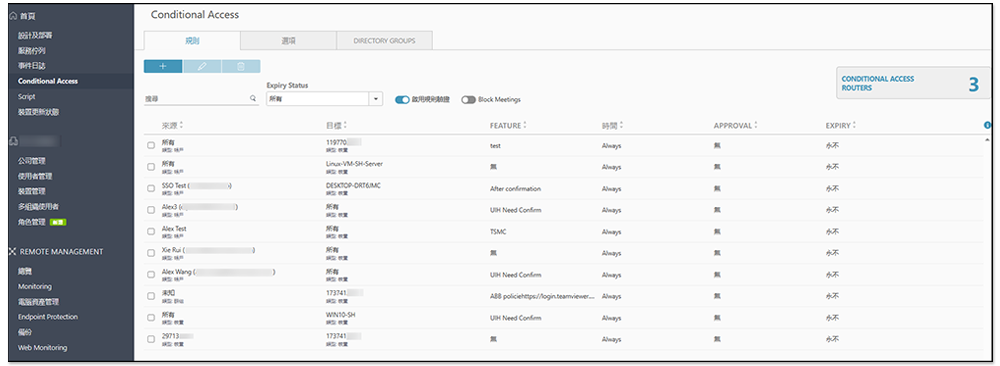
1. Conditional access
For business owners, when employees work remotely, they will definitely want to set everyone’s permissions to access data. TeamViewer Tensor’s “conditional access” function can do this. Managers can set access to corporate resources based on specific conditions such as employees and users’ credentials, locations, devices, etc. In other words, managers can decide which files, data, etc. the employee can access, and easily control everyone’s permissions.
2. Audit function
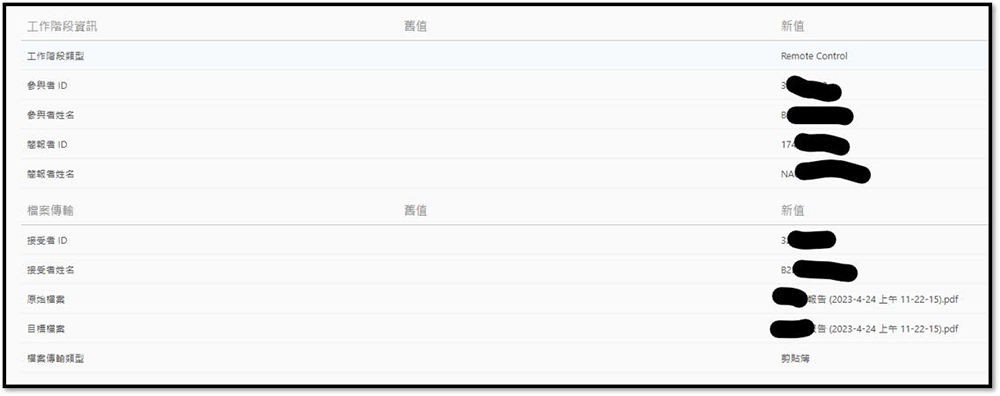
Managers can track all remote work stages of each employee, who performed what operations on the console, including: who, what was done, where, and at what time, in the “audit function”, where there is a complete record report.
In addition, after long-term use, the tracking data will definitely increase, and the audit function also provides a “search for specific events” option. Administrators can quickly find the required record reports by simply entering the specified items they are looking for.
3. SSO single sign-on
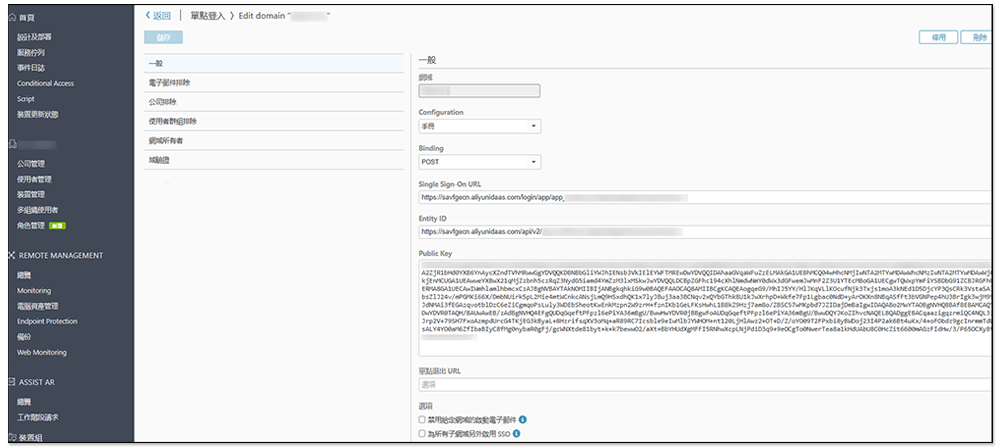
TeamViewer also provides SSO single sign-on function, using SAML 2.0 to integrate with many IdPs, including: Centrify, Okta, Azure, OneLogin, ADFS and G Suite. Users can use their existing company’s SSO credentials to log in to TeamViewer Tensor, thereby reducing the enterprise’s user management work and preventing unauthorized remote access. At the same time, enterprise administrators can also centrally configure and deactivate user accounts through SSO.
4. Complete remote deployment of software in one go
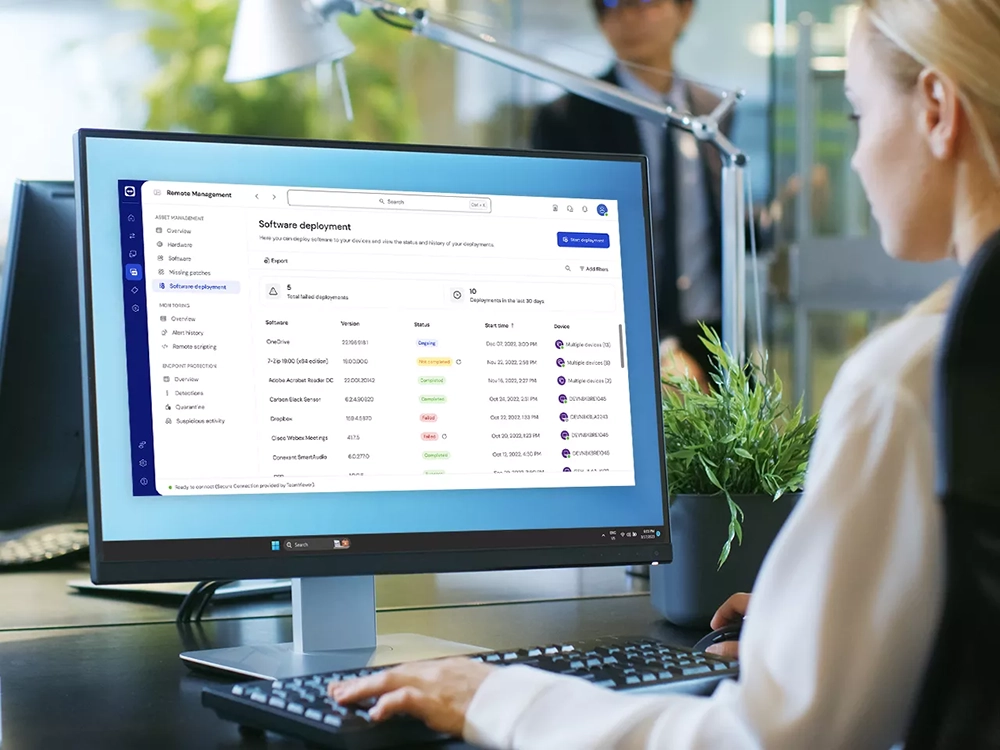
In the TeamViewer Tensor management platform, there is a “batch remote deployment software” function, which allows the enterprise IT team to install new software on multiple remote devices without having to connect them one by one, saving a lot of time. Moreover, the installation process does not interfere with end users and devices at all and runs directly in the background, which is very convenient.
5. Integrate multiple partner applications
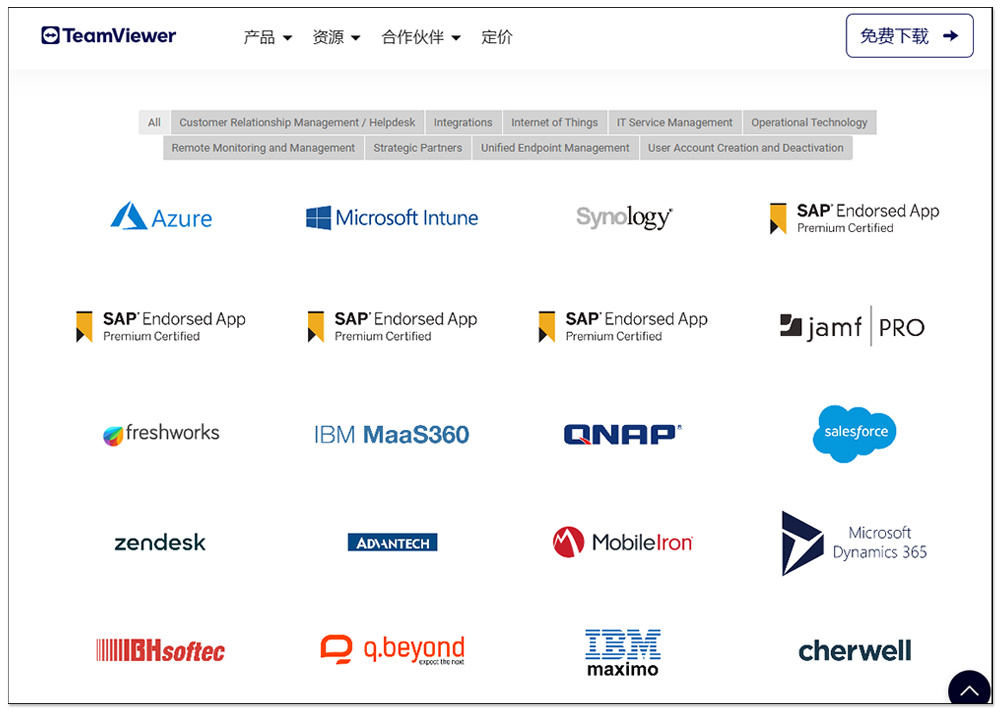
TeamViewer has also been integrated with many well-known enterprise applications, including Azure, Microsoft Intune, Synology, SAP Endorsed App, IBM maximo, Slack, Amazon WorkSpaces, etc. Through the TeamViewer API, it can be integrated with other systems and applications, allowing employees to centrally handle work in the same place without having to switch between applications, thus improving work efficiency.
Frontline comprehensive AR/MR integrated solution platform
TeamViewer Frontline is a complete AR solution that can help companies reduce error rates in production and assembly processes, save travel time and expenses, thereby improving quality, reducing complaints, and saving costs.

Using the latest wearable computing technology, it can run on a variety of wearable devices, including smart glasses, tablets and smart watches. After employees wear wearable devices on their bodies, they can display relevant information in their field of view when necessary to support the work at hand. This can significantly save time spent on solving problems, thereby increasing process speed and achieving zero-error work quality.
TeamViewer Frontline has four modules that are highly optimized for wearable devices. It also provides a variety of cloud hosting options or local installation, giving enterprises more flexibility in deployment.
More importantly, TeamViewer Frontline is also advertised to be easy to use, allowing employees with little or no knowledge of IT to get started quickly.
Purchase pipeline analysis
TeamViewer enterprise solutions currently have two purchase channels: “online” and “Taiwan agent”. For Taiwanese companies, we highly recommend purchasing from Taiwan agents because you can get localized support and help, which are not available online. Here are three advantages of purchasing from Taiwan agents.
Complete one-stop service
This can be said to be the biggest advantage of Taiwanese agents. You have to find information and understand many things by yourself when purchasing online. If you have any questions, you can only ask online. Taiwanese agents are different. Currently, TeamViewer has a sound organization in Taiwan, ranging from original manufacturers, agents, to technical personnel. When you have any questions about TeamViewer’s enterprise solutions, Taiwanese agents can provide help, answer your questions and provide the most complete product introduction. For those who are interested in purchasing, it is highly recommended to contact Taiwanese agents first, tell them your business needs, and then find the most suitable solution.
In addition, there is also the after-sales service mentioned earlier. If there are any technical problems during use, local technical staff can provide the most immediate support. If there is a real need, offline services can also be provided, making it more secure to use.
Local companies in Taiwan make it easier to deal with various things
The official website of TeamViewer belongs to an overseas company and provides two payment methods: “card swiping” and “remittance”. Most people should swipe their cards. However, if you choose to bind a personal credit card, when the binder leaves the company, the change procedure will be very troublesome. At the same time, it is not easy to apply for an invoice for online purchases.
If you use a Taiwan agent, you don’t have the above problems. Not only are the payment methods more diverse, but they are also easy to change in the future, and invoice collection is also very simple. If there are other needs, Taiwan agents will also try their best to help.
This is the advantage of localized services. Online services are basically fixed and there are not many flexible options.
Many activities and discounts
There seems to be no promotional activities in TeamViewer online. This is not necessarily the case with Taiwanese agents. Sometimes they will launch limited-time promotions, such as gift coupons for extra purchases, and it is not just for new enterprise users. There are also upgrade and repurchase plans. You can ask the agent for details.
Summarize
For enterprises with remote solutions, TeamViewer is really a highly recommended choice. It is extremely secure and has a large number of functions specially developed for enterprise needs. More importantly, it also cooperates with many international brands, making it absolutely trustworthy. If you are interested, as analyzed above, we highly recommend purchasing from Taiwan agents. The following contact information is also compiled for you.
For more information, please contact:
- Taiwan TeamViewer Senior Business Associate-Mr. Chen tsung-ching.chen@teamviewer.com
- Taiwan Agent-Miss Chan cynthia.chan@weblink.com.tw
Source: KOCPC Chinese