


Whether you edit photos for fun or for work, you should have heard of or used Photoshop in the past. This powerful image editing tool is an essential money-making tool for every photographer and graphic designer. It has countless powerful functions and tools. Photoshop is great for image enhancement, digital drawing, and even video editing. However, if you want to have these top-notch features, you naturally have to pay to enjoy them. But if you’re doing it just for fun or entertainment, obviously the return on investment is low.
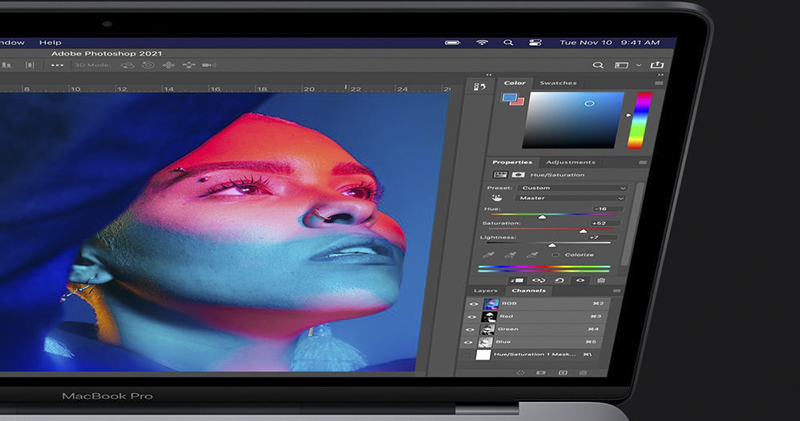
Don’t want to spend money on a Photoshop subscription? 5 free alternatives for you to use online
Luckily, there are countless image editing apps available today that don’t cost a penny. While some apps are clearly designed to provide basic tools for beginners, some of them are just as feature-rich as Photoshop. There are many alternatives, but this time the 5 models selected by the author do not require money or installation, which saves money and computer resources!
Photopea(Click here to go)
Photopea is one of the best free options for advanced photo editing needs, with a range of tools like Lasso Selection, Eyedropper, and Spot Healing. It supports not only the typical .jpg, .png, and .gif, but also file types from Adobe Photoshop, Illustrator, XD, and even GIMP.
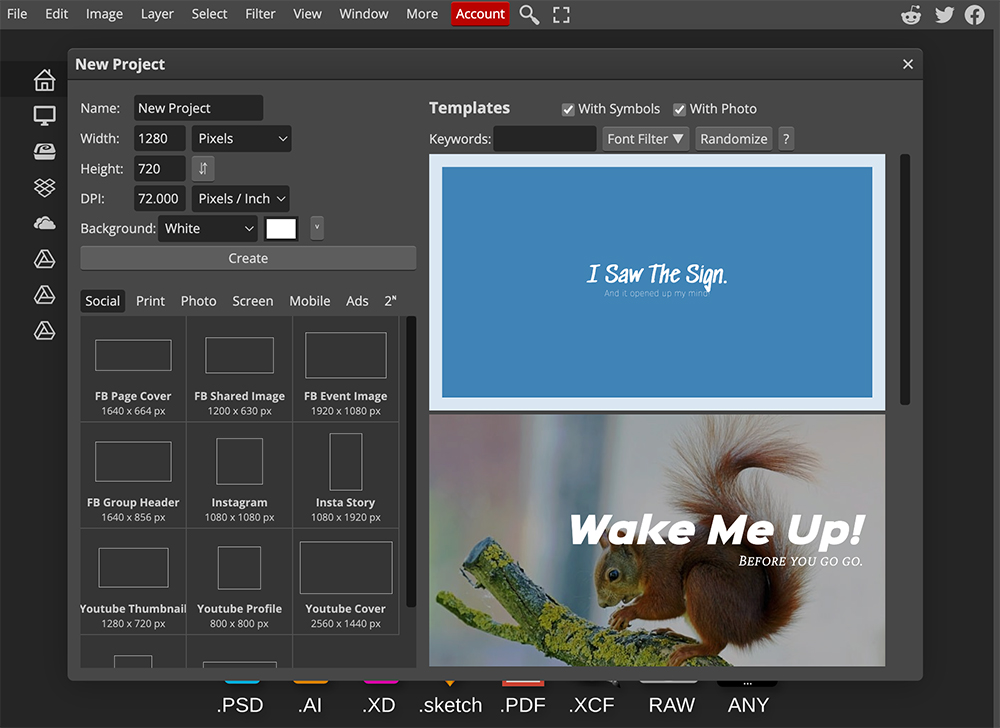
In terms of operating interface, Photopea is similar to Photoshop. The middle is the main workspace, the left is the toolbar, the right is the side panel, and the top is the tool settings. For those who often use Photoshop on a daily basis, this is definitely the flavor you are most familiar with. The biggest drawback is the ads that easily distract you, and you have to upgrade to the premium version to get rid of them (which means paying to have the ads disappear).
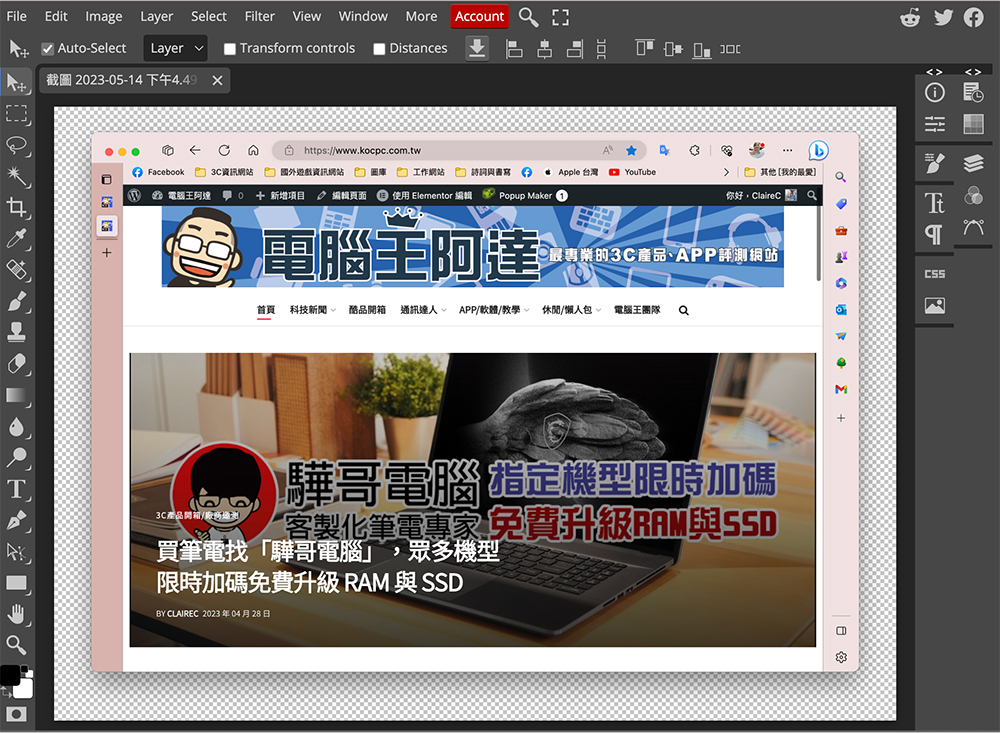
Users do not need to create an account to use the web tool, but if you want to use 0.5GB of PeaDrive for free to save files, you can register with a Google, Microsoft, Facebook or GitHub account. Another advantage of Photopea is that although it is a webpage editing tool, it still has very complete functions even if it is disconnected from the Internet. As long as you open the webpage when there is an Internet connection, you can then go offline freely, which is very suitable for editing photos on the go.
Pixlr(Click here to go)
Pixlr is popular because it has two different versions, Pixlr X and Pixle E, that cater to both amateur users and professional users.
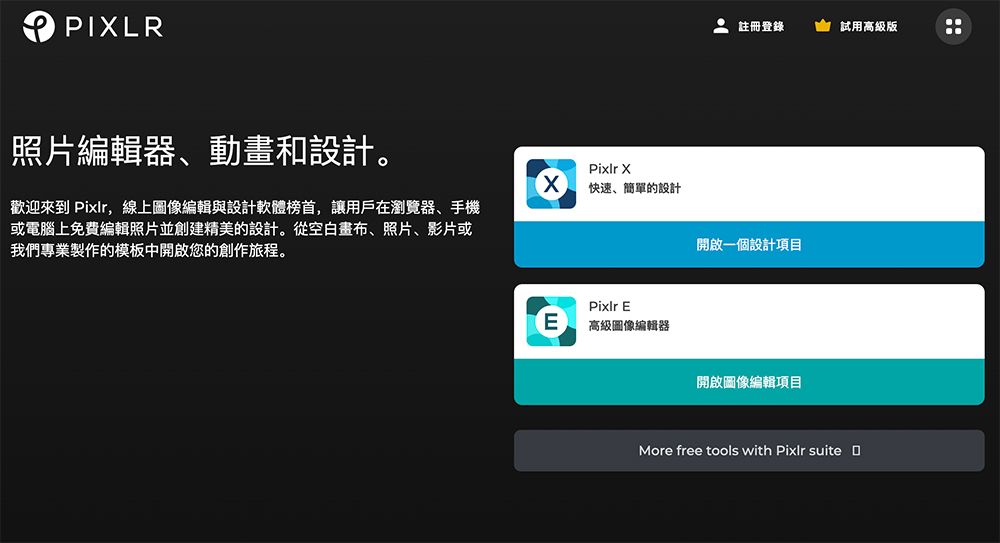
Pixlr X is a great place to start for those who are relatively new to photo editing and easily overwhelmed by complex interfaces. It comes with the basic tools you need to edit any image, including text box tools, lasso crop, crop and rotate, and effects. On the other hand, Pixlr E is a better choice for those looking for more advanced tools.
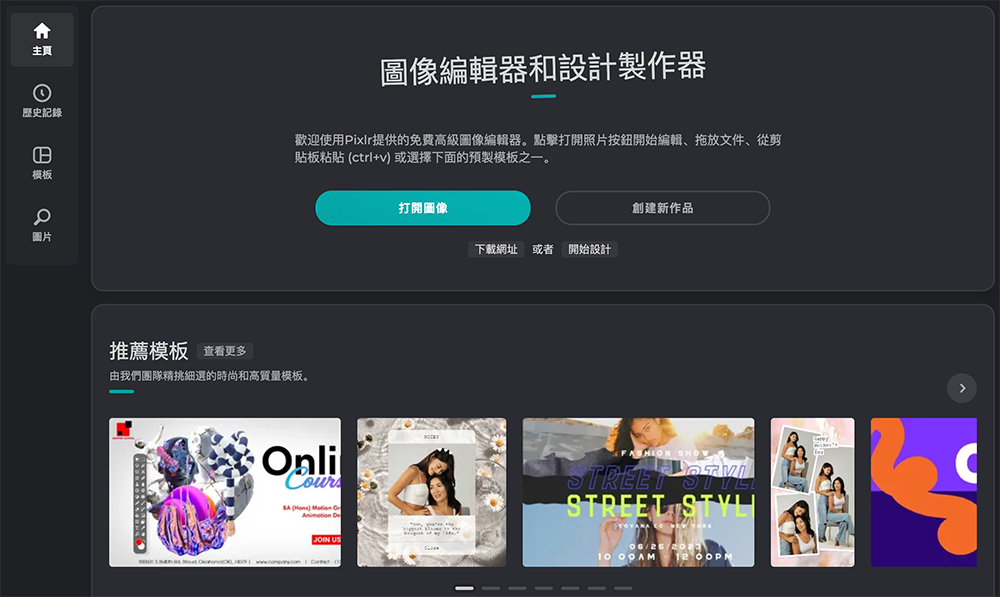
It’s designed like Photoshop, so advanced editors won’t have any problems navigating the workspace. It also provides the typical tools you would find in any advanced editor, such as repair tools, duplication, and layers. In both Pixlr versions, editors can find many templates, most of which are used for social media (e.g. Facebook covers, Twitch banners and TikTok videos, etc.).
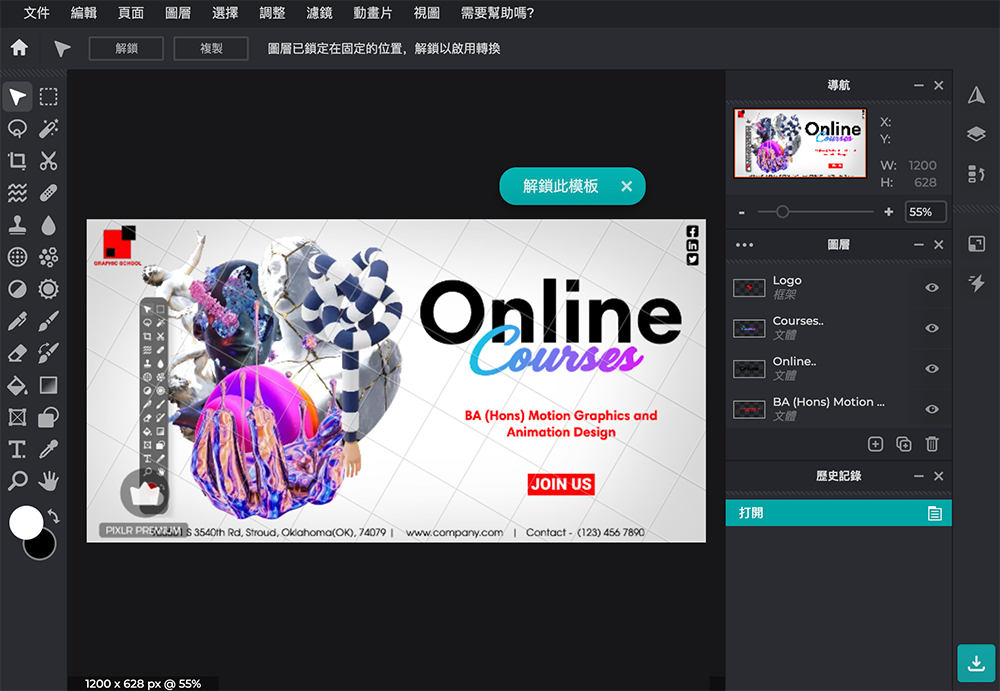
On top of Pixlr X and Pixlr E, a separate batch editor is also available. It can resize, change brightness and crop multiple photos at the same time, saving users the trouble of making the same repeated edits on different images. Like Photopea, users can also enable Pixlr for offline use. However, to get the most out of the app, editors who want more functionality will need to purchase the premium version.
BeFunky(Click here to go)
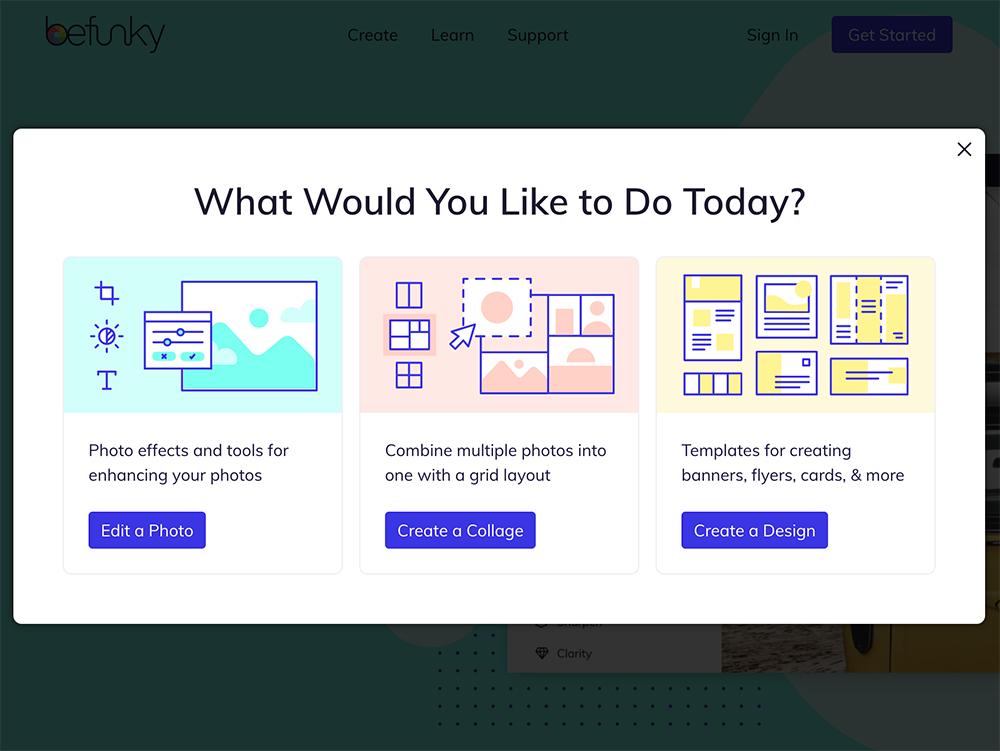
At first glance, BeFunky looks like a simple photo editor, but it actually contains at least 50 different tools, including basic functions such as cropping, resizing, sharpening, and exposing, as well as separate panels for retouching tools such as fixing blemishes, whitening, and slimming. In addition to overlaying and texturing your images, there are over 30 effects editors available. If you prefer a faster way to edit, you can use the AI Image Enhancer and AI Portrait Enhancer to quickly improve your photos with just a click, eliminating the hassle of having to try a single tool one by one. But if you don’t want these AI tools to leave watermarks on your images, you’ll have to pay to upgrade to the premium version.
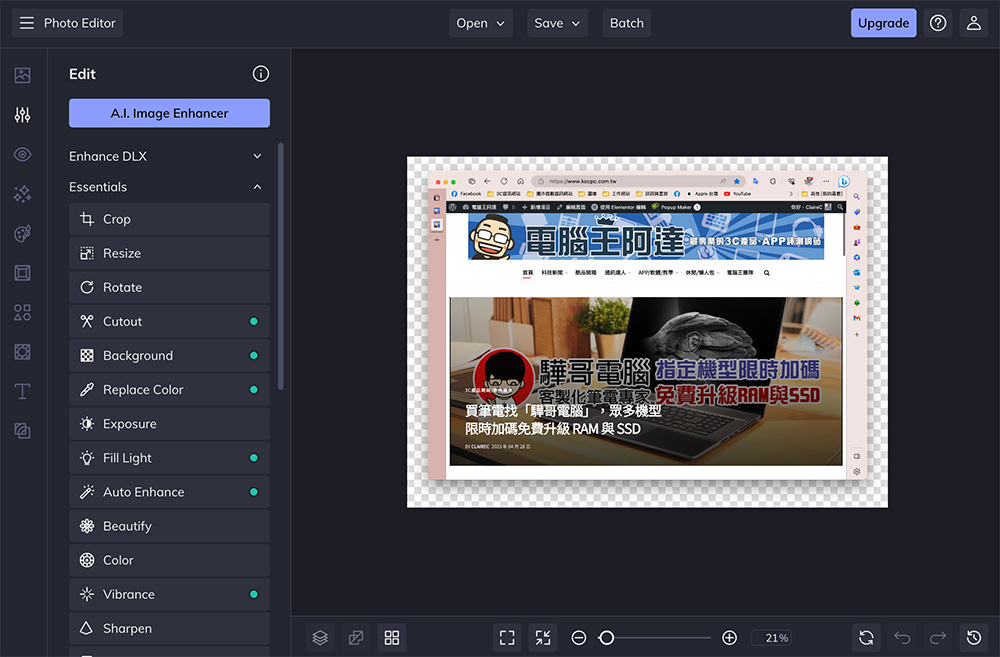
Just like Pixlr, BeFunky is a haven for social media templates, with everything from Instagram Stories to Twitter captions, and you’ll also find templates for online ads, cards, and collages. If users need stock photos, the web app also comes with a built-in image library provided by Pixabay and Pexels. Unfortunately, you can’t use BeFunky without being connected to the Internet. Some BeFunky user reviews also mention experiencing lag and formatting issues in certain features, so it might be safer to do some testing before making any complex edits.
Adobe Express(Click here to go)
Maybe Photoshop is a bit too expensive for you, then you can try Adobe’s free photo editing application “Adobe Express”. This is an online tool that does not require payment or subscription to register and use. You can use it to crop and remove the background from any photo, trim and merge videos, edit and combine PDFs, and more. However, unlike Photoshop’s complex and crowded interface, Adobe Express is cleaner, with more streamlined menus and tools, making it an ideal choice for novice designers.
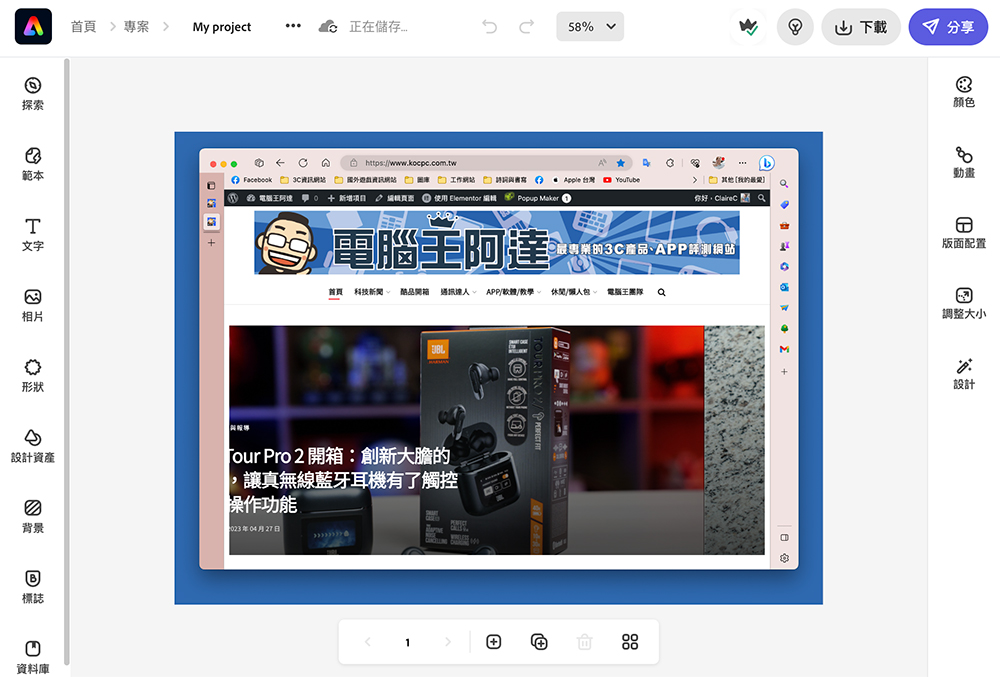
Like other photo editing apps, Adobe Express has a wide range of free and premium templates to choose from. There are templates for flyers, Instagram posts and Stories, avatars, and more, and users can easily publish designs to popular social platforms directly from the web app.
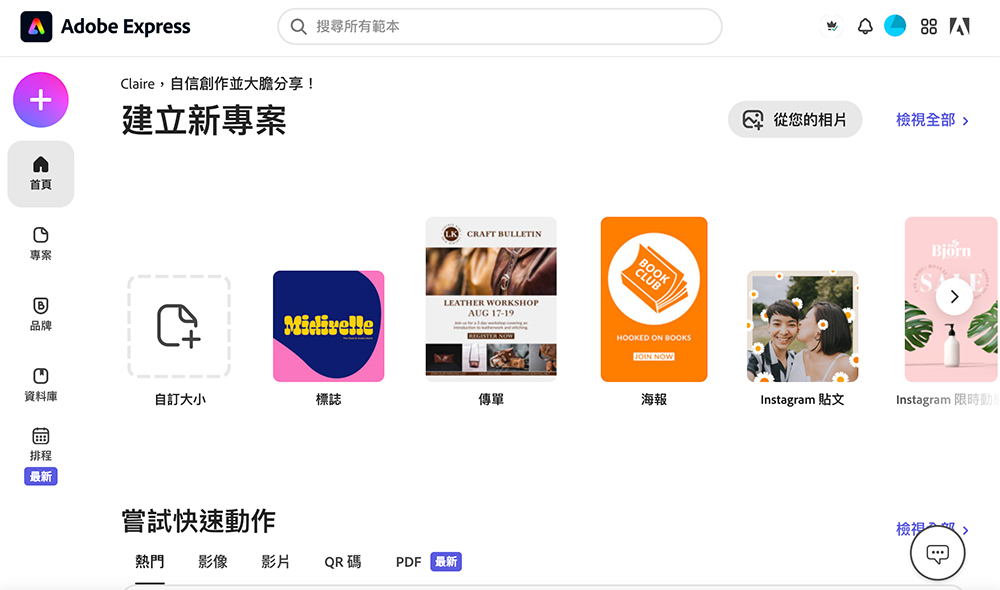
Another handy feature of Adobe Express for social platform managers is its content adjustment capabilities. Connecting a social account in the web app will automatically publish the design at the date and time set by the user. However, if you wish to schedule more than 2 posts per month, you may want to upgrade to a premium plan.
Canva(Click here to go)
If all you need are some simple photo editing tools, Canva makes it easy. This web tool is also one of the best free Android apps for photo editing, but admittedly, it’s not as feature-rich as Photoshop. However, it does have basic Photoshop-like features such as cropping, color adjustments, background remover, and adding filters/effects. The best part is that users don’t need to deal with fumbling around with many buttons and toolbars because Canva’s interface is more minimalist, intuitive, and beginner-friendly.
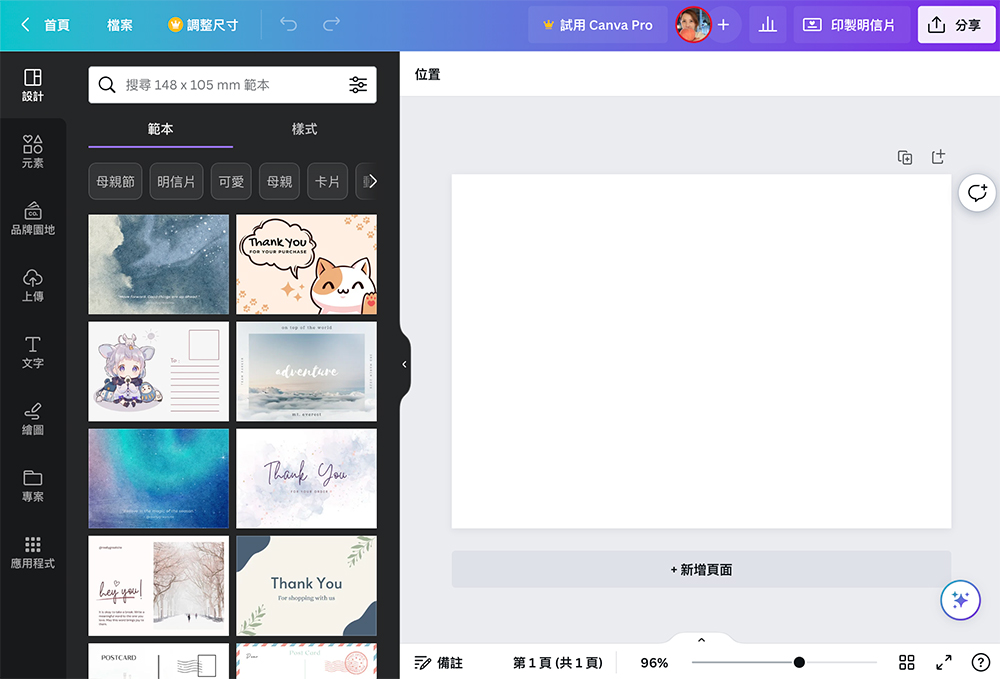
However, the app is better suited for designing materials for social platforms. It features a variety of elements that editors can add to images, from lines and shapes to stickers and movies. For those who are new to graphic design and don’t want to design images from scratch, Canva also offers hundreds of templates to suit your different needs. You can find templates for charts, postcards, invitations, and even presentation documents.
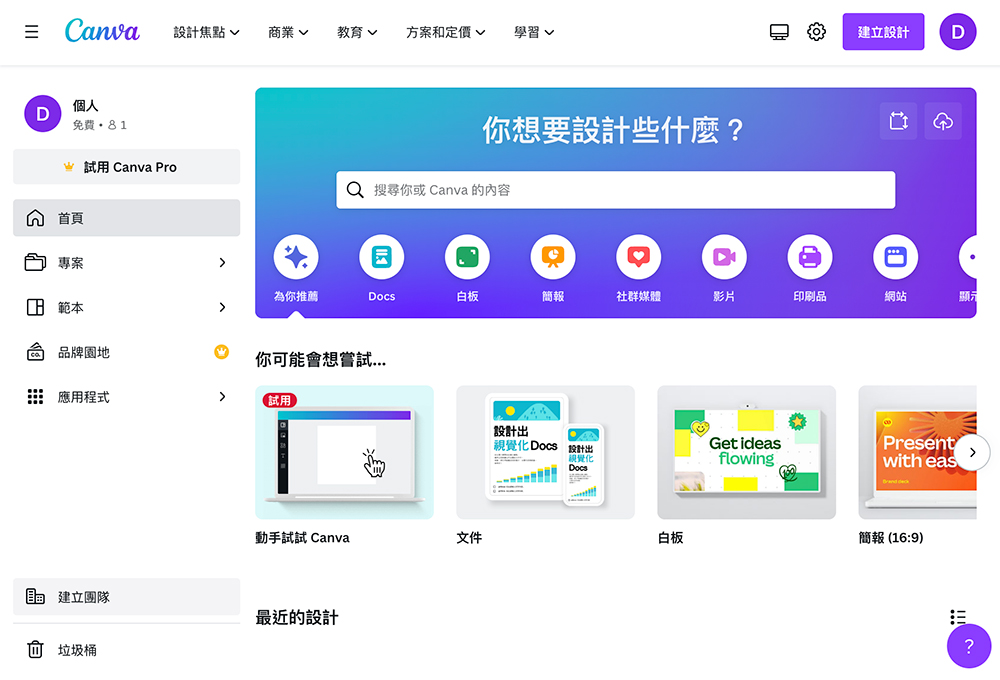
Any content users create on Canva can be designed collaboratively with others. Just give others a collaboration link, and your colleagues can work on it at the same time. Users can also share and post designs directly on social networking sites, including Instagram, Facebook, Twitter and TikTok. Unfortunately, users won’t find an option to export designs as Photoshop files, and Canva doesn’t work offline.
Source: KOCPC Chinese