


Knowledge is power, and I feel this even more today than in the past. With just a little bit of information, anyone can know almost anything about anyone else. If a malicious hacker obtains your information, they can use it to steal your privacy, credit card information, and even your identity. To make matters worse, thanks to the popularity of smartphones, this data is easier to obtain than in the past. You can use your cell phones as phones, but they’re also entertainment centers, handheld GPS devices, and a treasure trove of hackers. Apps that let users track their bank statements, order products on e-commerce platforms, and even chat with friends and family are prime targets, and spyware and other malicious tracking methods can be exploited on phones simply by tearing a small hole.
Is someone tracking your Android phone? 7 tell-tale signs
Is your Android phone being tracked? Below we list the 7 most common signs. However, this article can only provide you with the conditions you need to pay attention to for a preliminary visual inspection. It cannot help you make a more in-depth diagnosis. If you think your phone is being tracked, be sure to seek professional repair center treatment.
Phone filled with unknown apps
Let’s start with the most obvious red flag visible to the naked eye: apps. In most cases, apps you download from your smartphone’s built-in store are safe. Sure, you may spend a lot of time playing games, but you don’t have to worry about getting infected by playing these apps. However, not all apps are so safe.
If you find an unknown app on your phone, even a seemingly benign app may be spyware in disguise. These malicious apps can enter your smart device through a variety of channels. One of the most common ways is to bundle it with the installation of other apps. Usually you’ll avoid this by only installing Play Store-verified apps, but it’s not foolproof. In fact, sometimes malware is disguised as a legitimate application to trick users into installing it. according to Bleeping Computer Says, this worst-case scenario occurred in June 2022, with up to 10 million phones affected.
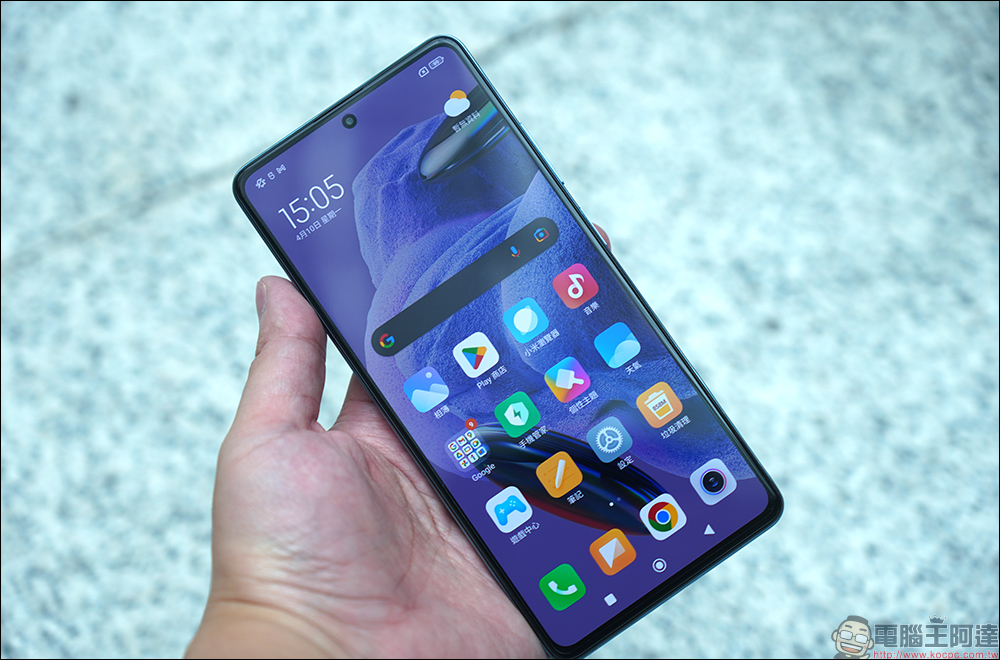
It’s true that some phones come with preloaded apps already installed, and many of them can’t be uninstalled. Pay attention to what apps come preloaded on any new phone you buy, and you can exclude it even if you don’t recognize it. Otherwise, if you spot an unknown app, that should be a sign that you seek expert advice and figure out whether the app is spyware or just a false positive.
strange text messages
Everyone gets weird text messages from time to time every day. Maybe you get something like asking for your profile on a dating app you haven’t signed up for, but even if you do, these are just scammers trying to phish you. Instead of spying on your phone, they might pull your phone number from a database. However, not every strange text message is benign.
While it’s wise to ignore or delete messages from unknown sources, a small number of people may receive messages consisting of random letters, numbers, and other symbols, which could be another phishing attempt or a sign that spyware is on the phone. These seemingly random letters and numbers are not random, but follow the instructions of the program. If you receive this kind of message, there is no need to worry; if you receive it multiple times, for safety reasons, you should hand your phone to a professional or have it scanned and cleaned.
Phone is slow and hot
Nothing lasts forever, especially electronic products. Whether it is a computer or a smartphone, it will slow down eventually, but usually this happens slowly. When a phone goes against this common sense and slows down, spyware may be the cause. To effectively track your phone and activities, spyware is constantly running in the background, which consumes resources reserved for other apps and services, slowing down your phone. Additionally, spyware can make your phone hot due to the constant pressure it puts on your phone’s CPU; spyware drains your battery, so viruses can not only steal personal data but also drain your phone’s battery.
I would like to emphasize that a slow, hot phone is not necessarily absolute evidence of spyware. Maybe your phone is old, maybe phone or app settings are affecting performance, or maybe a software or hardware issue is the culprit. As for the reduced battery life of your phone, maybe the built-in features are draining, or you should stop charging the battery to 100%. However, if your phone still feels hot to the touch when idle and it handles the simplest of tasks at a sluggish pace, you should take it to a repair center for a preventive check. Even if spyware is not the culprit, the problem needs to be addressed anyway.
Unusual activity on your phone
Because the smartphone is connected to various services and also acts as a messaging and calling device, it alerts users to important notifications. These notifications can be annoying when you’re trying to sleep or watch a movie, but at least they keep you informed of what’s going on on your phone. However, when a phone behaves like a pop-up notification but there is no notification, either your phone is experiencing a supernatural event or it is infected with a virus.
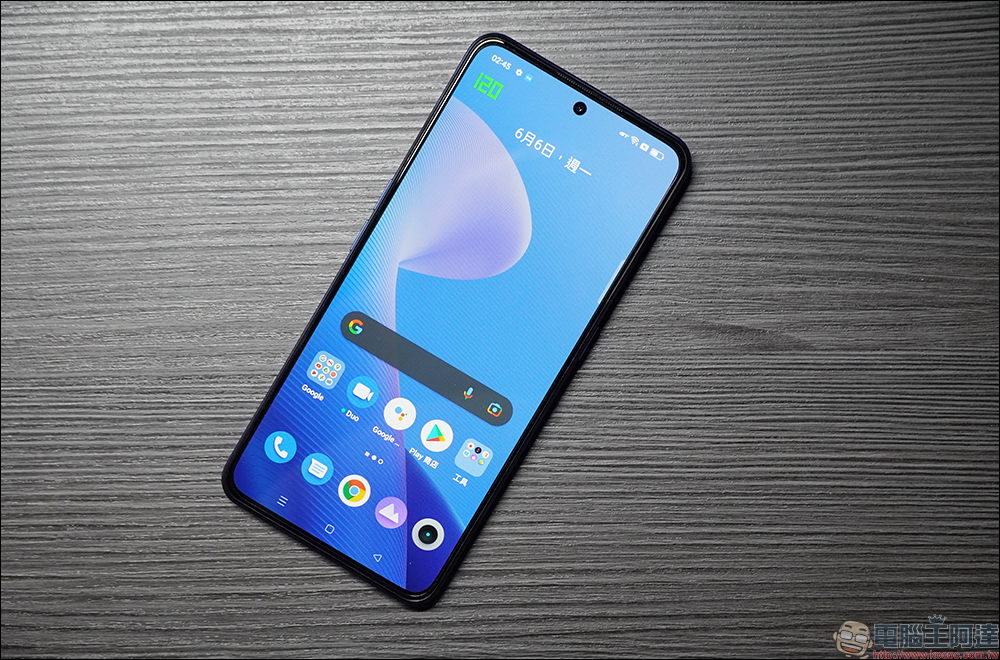
Notifications on your phone come in many forms, but they usually cause the screen to temporarily light up, sound a notification sound, or vibrate. If the above behavior occurs without any associated notifications, your phone may be infected with spyware that creates these false positive alerts. However, benign applications like Edge Panel can also cause this phenomenon, so it’s not a sure thing.
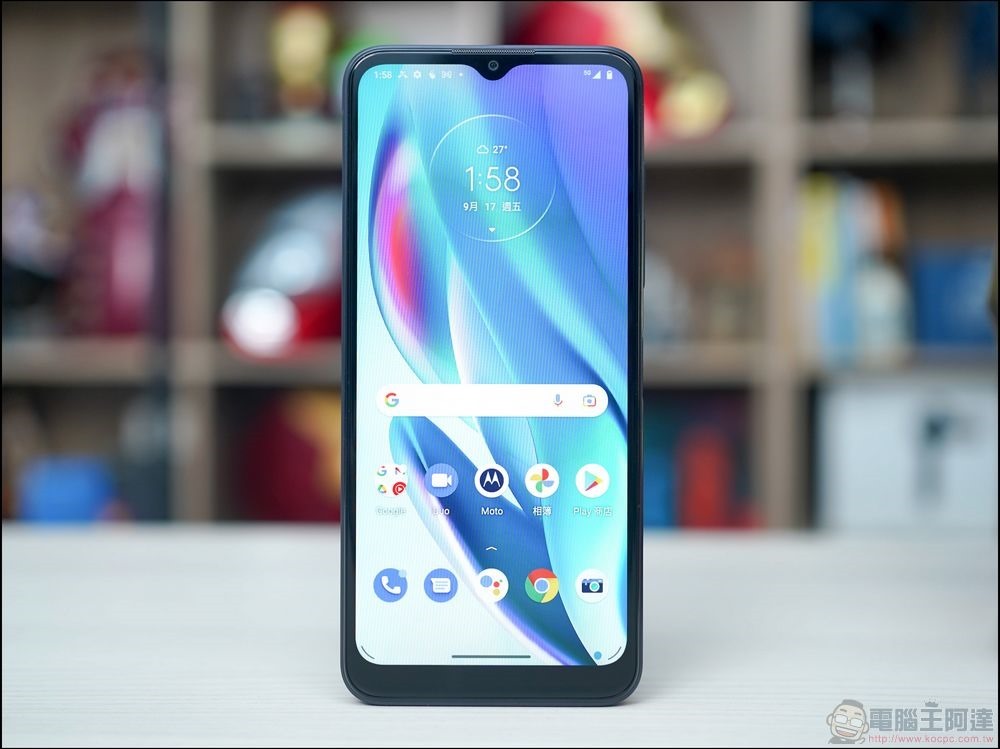
Not all unusual activity on your phone caused by spyware is a fake notification. Sometimes your phone may slow down or even reboot without warning. These are of course likely caused by updates installed on your phone, but if it happens all the time, you may want to check your phone.
Extra data consumption
Every smartphone comes with a mobile data plan, which allows you to surf the Internet, navigate with GPS, and send messages and photos. The more requests your phone makes or sends, the more mobile data it uses. This rule applies to many apps and services on your phone, including items you’ve never installed.

The main purpose of spyware is to spy on your phone and collect data, but what does it do with that data? Forward information as data packets to hackers developing spyware. The more spyware collects, the more information it uploads, and the more data it uses on your Internet traffic. Depending on your mobile data plan, you may be overcharged because spyware silently uploads information, or your internet speed may be limited. This phenomenon may not be easily noticed by users if they are all-you-can-eat.
If your mobile data consumption is too fast and you confirm that you are not actually using that much, please check which applications are using the data to determine whether your phone is infected with spyware, or whether you accidentally let some data-intensive applications (especially those that require positioning or receiving content updates) or games run in the background.
Mobile phone records do not match
Spyware tends to run discreetly in the background, and you may never know someone is spying on you without signs of reduced battery life and reduced phone performance. But sometimes, viruses leave traces that are clearly visible if you know where to look.
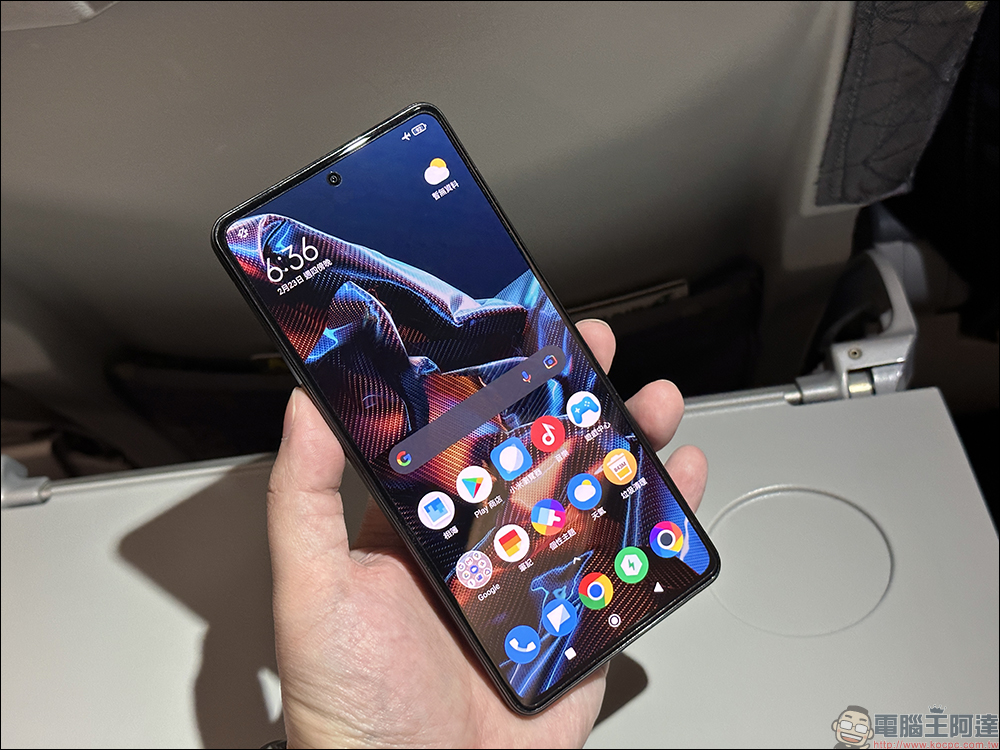
There are generally two types of malware on smartphones: malware that logs activity and malware that hijacks apps. The former can capture your messages, photos and videos of the websites you visit, or take instant photos and videos of you through your smartphone’s camera. The latter can access websites without you realizing it. However, both forms of spyware still have to store their ill-gotten gains (whether messages, videos, photos, or otherwise) somewhere else, and since the phone’s memory is the closest storage device, it’s often the virus’s first choice. If you see screenshots or videos you don’t remember taking, especially those that contain potentially sensitive information (such as credit card numbers, ID numbers, etc.), or if your browser history is full of websites you don’t remember visiting, you may be infected with a tracking virus.
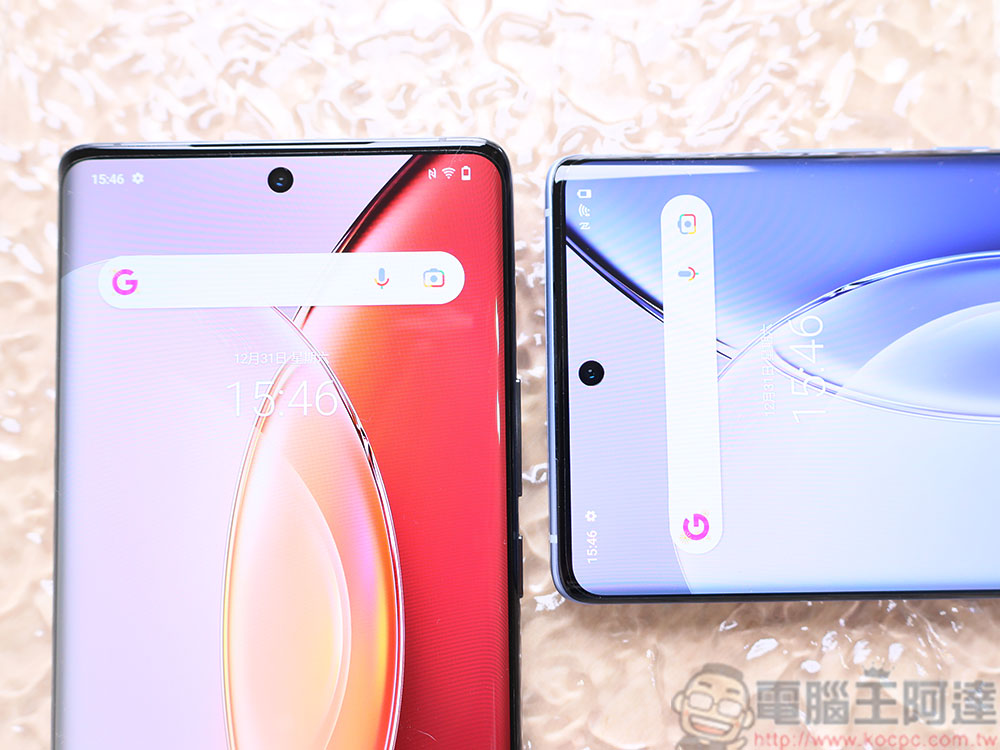
With luck, you can identify these viruses before they cause any damage. For example, when you turn on your smartphone’s lens or microphone, a light will light up at the top of the screen. If you see the light but don’t have the lens or microphone turned on yourself, take your smartphone to a professional immediately.
Weird noises occur during calls
In the past, if you wanted to monitor a call, you would have to physically connect the device or put it into the phone or phone line, but this is not possible with smartphones. Still, malicious actors have ways to eavesdrop on and record calls. If spyware that records calls is lurking on your phone, you may never realize it until you actually call someone. According to reports from users who have discovered eavesdropping software on their phones, you are constantly interrupted by beeps, echoes and noise during calls.

Before you conclude that any of these sounds are the product of eavesdropping spyware, keep in mind that poor reception is also likely its source. Maybe you’re on the phone in a location with bad reception, or the receiver you’re talking to has poor reception. The trick to determining if your smartphone is bugged is simple, if beeps, noises, and responses plague every call you make, then your phone is probably bugged.
Source: KOCPC Chinese