


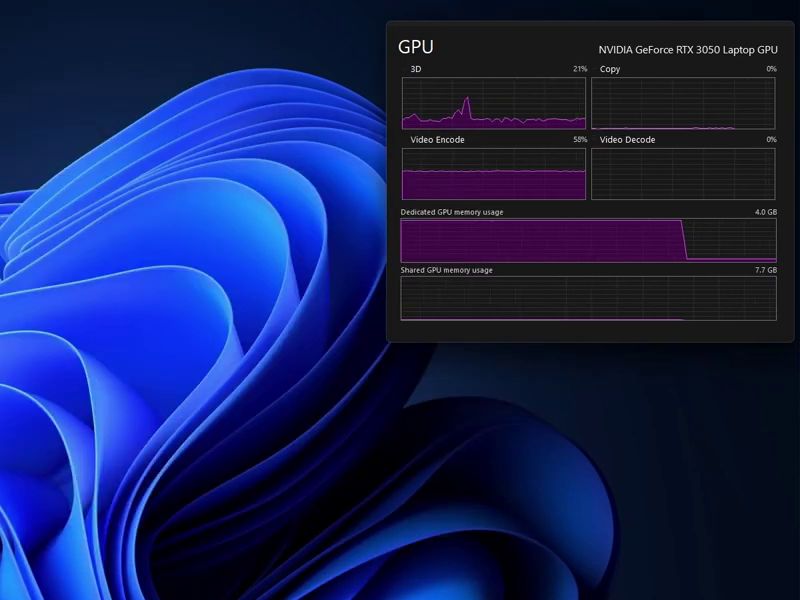
If you want to use more than two systems on one computer, there are usually many ways to achieve it. For most people, the best choice is definitely to use virtual system software. By virtualizing all secondary systems, you can use the software to manage other systems. For computers, the storage space only needs to be large enough and the system has enough performance to run the virtual system smoothly. However, NTDEV, a foreign expert who launched Tiny11, a modified version of Windows 11, has a different idea. He believes that the system can not only be installed on a solid-state drive or a traditional hard drive, but a small display memory can also be used as a storage space for the virtual system. And he also proved this with practical actions
Before talking about the extreme operation of NTDEV, we need to understand some concepts first. Traditionally, storage devices as we know them are usually called hard drives or solid-state drives (SSD). There are other external storage devices, but these devices are usually used for backup or data transfer.
As for memory, it usually does not equate to storage, even though the units are always MB, GB or TB. The characteristic of memory is that it requires power to maintain operation. Once the power is cut off, the data on the memory will disappear directly. Storage devices such as hard disks and solid-state drives need to be able to store data even when the power is turned off. This is different from the memory that cannot retain data when the power is turned off. This is why the two have different functionality and application areas.
However, memory can also store some data, and because of its powerful reading and writing speed, some people still use software to use the free memory space as temporary and high-speed storage space.
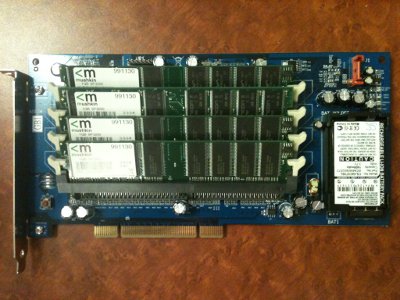
Because of this concept, some manufacturers have launched a product called i-RAM in the past, which installed four DIMM slots on a PCI expansion card. You can buy and install DDR memory yourself, and use a SATA cable to connect the motherboard and expansion card, so that the computer will recognize the product as a storage device. However, purchasing additional memory just for storage requires financial resources, so such products usually end up being used only in data centers and the like.
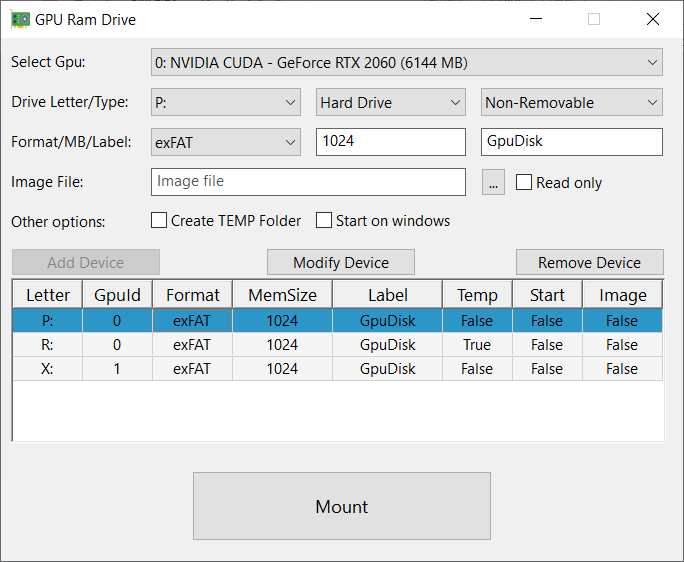
At this point, I believe that the system memory can be converted into temporary storage space by software, which can be associated with the theme mentioned this time. The reason why foreign expert NTDEV can enable virtual machines to run in display memory is because there is a software called GpuRamDrive in the world, which can also simulate free display memory space into temporary storage space through software.
However, even if there is software that can turn display memory space into storage space, general graphics cards still have an inherent problem and are not suitable for such operations. That is, the display memory itself is expensive. Most common display cards are equipped with display memory ranging from 2G to 8G. Only flagship graphics cards have the opportunity to see double-digit display memory.
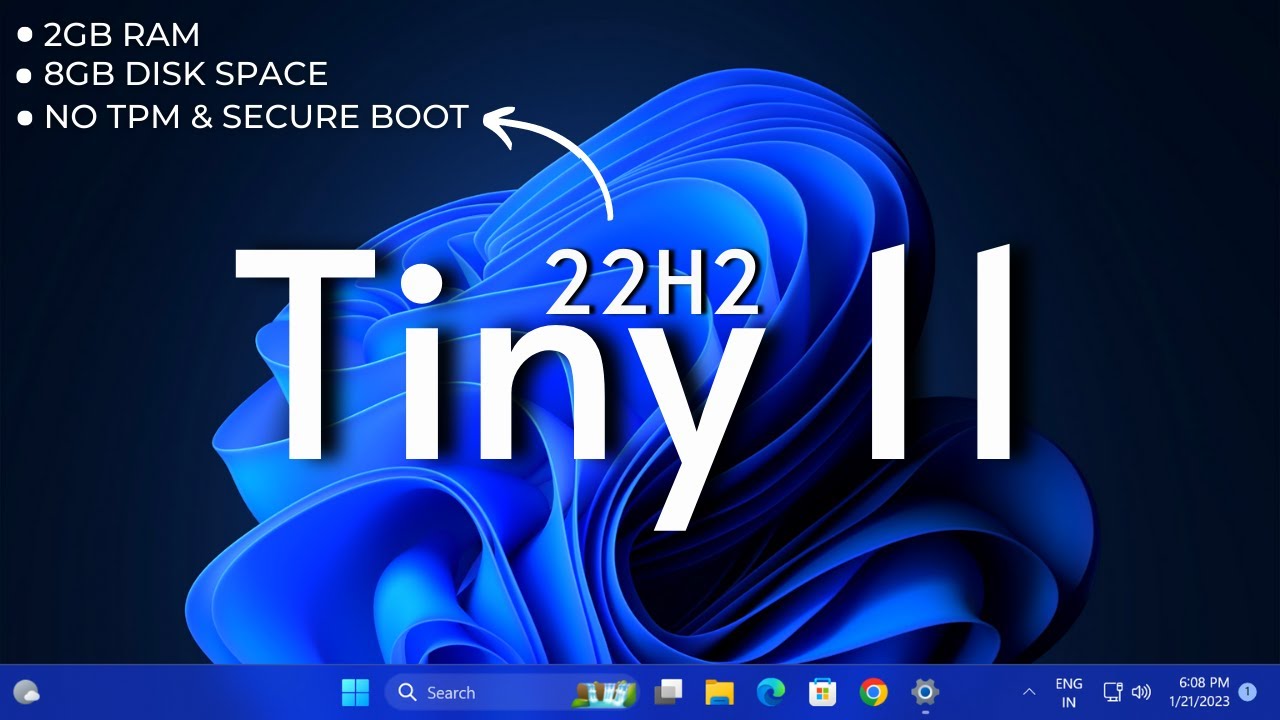
At this time, let’s talk about another proud trick of NTDEV, which is to slim down the Windows system. NTDEV itself has released a modified version of Windows 11 called Tiny11, which reduces the storage space required to only 8GB and further reduces the system requirements to run on computers with only 2GB of system memory.
All that’s left is to wrap the operating system within a virtual environment. Regarding this point, NTDEV uses Microsoft’s Hyper-V as a virtual machine. First, it makes the pre-made Tiny11 into a virtual hard disk format VHD, and copies it to the storage space created on the display memory through the software. Then it sets up a new virtual machine through Hyper-V and specifies the VHD file located in the newly added storage partition. The virtual machine can successfully skip the installation phase and enter the operational state immediately.
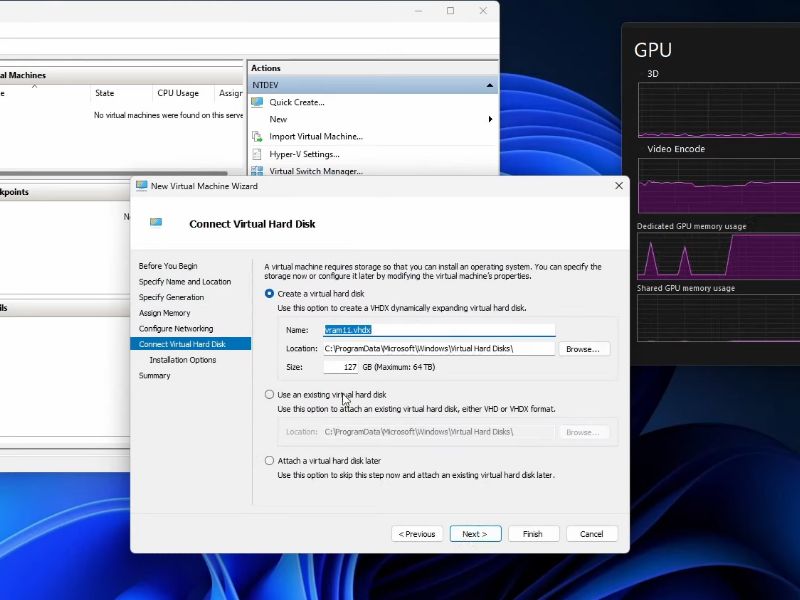
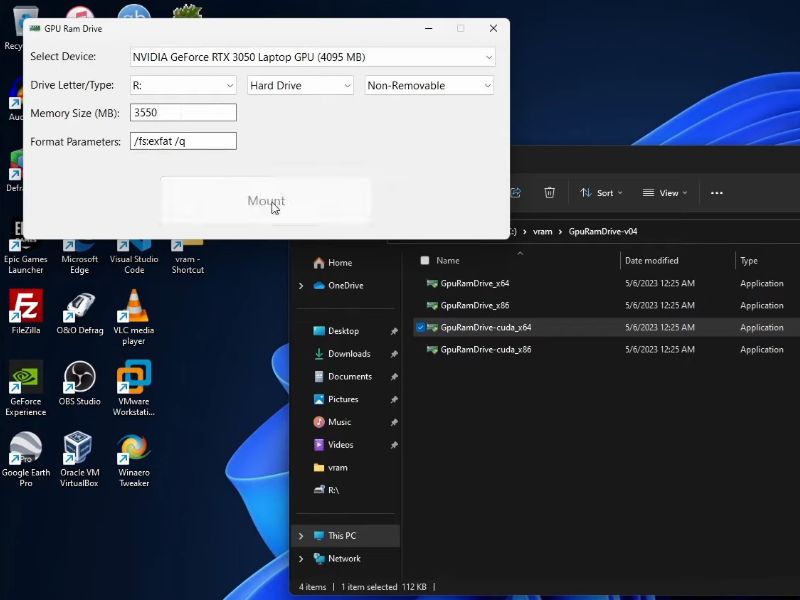
Considering that the display memory is not completely unused when not playing games, the space cannot be fully applied to the entire display memory size. It is necessary to leave some space to plan the temporary storage space. NTDEV used a laptop with an RTX 3050 graphics card in the demonstration video, so it theoretically has 4GB of display memory. However, when operating GpuRamDrive, it still cannot directly configure the space to 4GB. It must try to set aside hundreds of MB for the main system to operate, and NTDEV can only allocate 3550 MB in the video. space, so it can be seen that even if you have a graphics card with a large amount of display memory, you cannot completely allocate all this space.
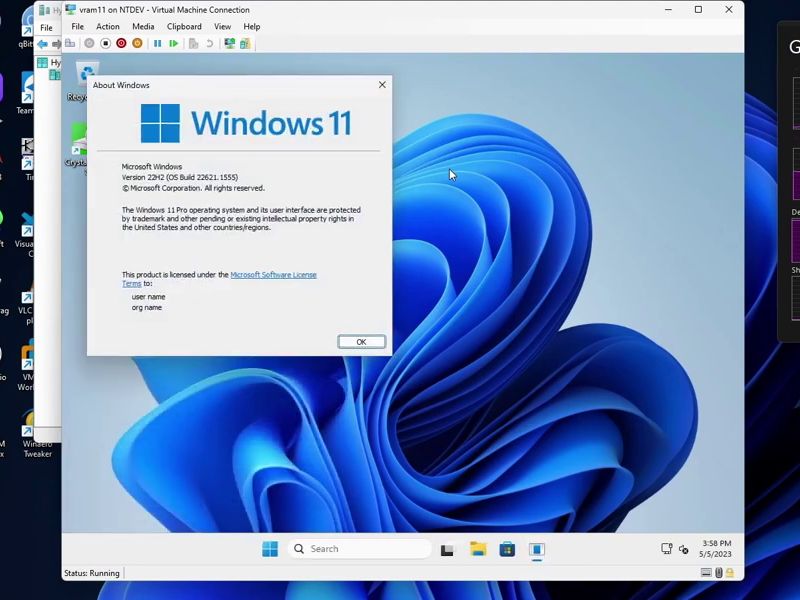
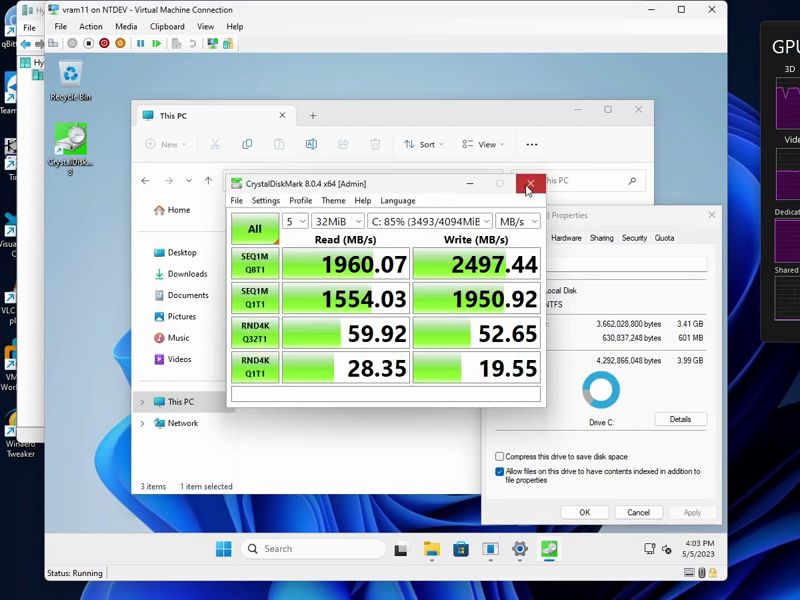
When the final virtual machine is turned on, no words are needed to explain it. The result of a lot of effort is to make the slimmed-down version of Win11 in the virtual machine have an execution state similar to that in a normal environment. However, the cost of the smooth guest virtual host is that the operating status of the local graphics card is at a very high level, just like a 3A-level game masterpiece. Although this kind of cool operation is very personal for some players, the practicality seems to be lower than expected. The most important point is that it is delicious to buy an M.2 SSD. It is obvious that the current SSD is fast and has more space, and the price is very friendly. It’s really nothing.
Finally, I would like to remind you that the wonderful operation of NTDEV is purely personal behavior. There is a certain degree of risk of causing computer software and hardware failure (especially the graphics card and memory must be sent for repair if it is broken). Good children, please do not imitate easily. Computer King Ada cares about you.
Source: KOCPC Chinese