


In order to save money but still want to use Office, many people will consider Office 2019, Office 2021, etc., especially Office 2019. There are many foreign websites with discounts, and you can own it for just over a thousand yuan, but if you are using the Mac version, there is bad news. Microsoft recently announced on the support page that starting from July 13, 2026, Office 2019 for Mac will enter “restricted function mode”. At that time, Word, Excel, PowerPoint, Outlook, and OneNote will no longer be able to edit, save, or add files, but they can still open, view, and print files.
In addition, some Microsoft 365 mobile apps on iPhone and iPad may also be affected, which are summarized below.
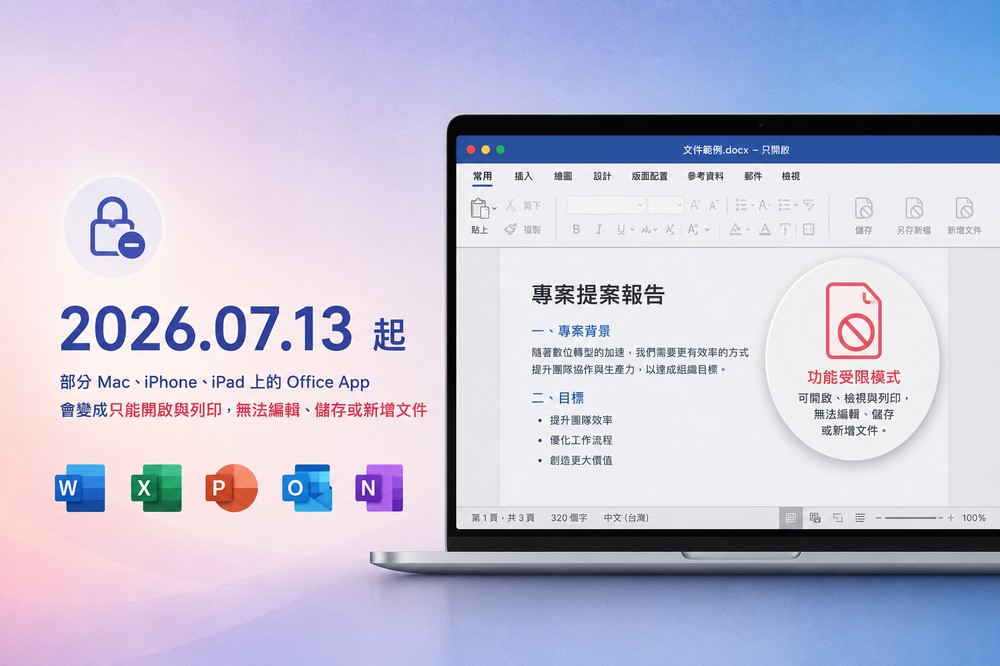
Starting from July 13, 2026, some Office Apps on Mac, iPhone, and iPad will only be able to open and print, but will not be able to edit, save, or add files.
First of all, this time the impact does not include Windows or Android users, so don’t worry.
The main reason for this change is related to “Office/Microsoft 365 credentials used to verify authorization expired“Relatedly, Microsoft mentioned that this certificate is used to verify Office authorization, but if the Office App or operating system is too old to be updated to a supported version, there is no way to verify it, so it will enter “reduced functionality mode” after July 13, 2026.
In the streamlined functionality mode, Word, Excel, PowerPoint, Outlook, and OneNote can still open, view, and print files, but they cannot continue to edit, save, or add files. In other words, the authorization is not invalid, but the old version of the App cannot complete the new authorization verification requirements, resulting in the core functions being restricted.
The scope of impact this time is mainly Office/Microsoft 365 App on macOS, iPhone, and iPad, including Microsoft 365 subscribers, buyout versions of Office 2021 for Mac, and Office 2019 for Mac. The degree of impact of each version is different.
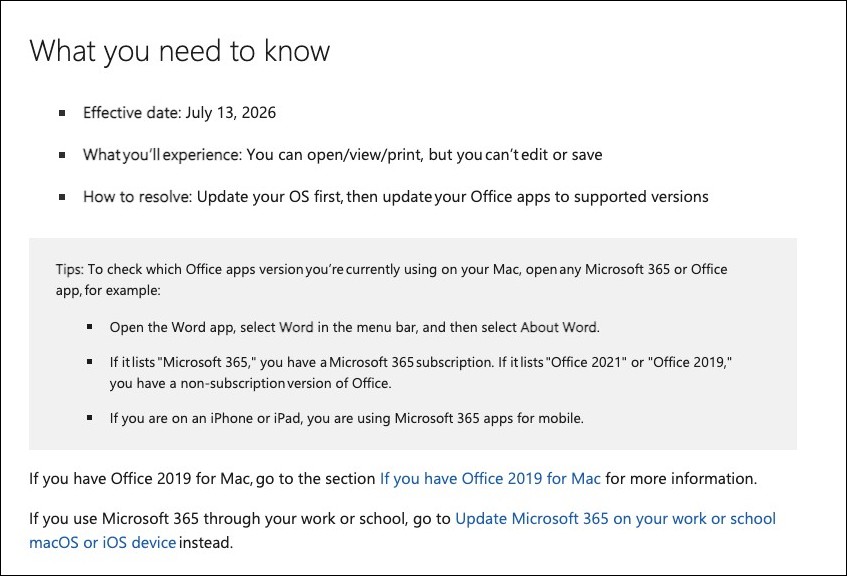
- Microsoft 365 and Office 2021 for Mac users, in most cases, will not have this problem as long as they first update the system to macOS 12 Monterey or later, and then update the Office App to Mac version 16.83 or above.
- iPhone and iPad need to be upgraded to iOS 17 or above, and Microsoft 365 App 2.93 or above.
Office 2019 for Mac has ended support on October 10, 2023, so it will no longer receive updates. This also means that Office 2019 cannot be updated to the version required this time, so no matter which version of macOS you have, as soon as July 13, 2026 passes, you will immediately enter “limited function mode.”

As for solutions, Microsoft recommends switching to Microsoft 365 web, subscribing to Microsoft 365, or upgrading to a newer version of Office.
I really didn’t expect it. I thought I could keep using it with a buyout, but I didn’t expect that after the support was stopped, there would be a certificate issue. Mac users should pay special attention to buying the buyout version of Office in the future.
Source: KOCPC Chinese