


For those who are using Google Authenticator 2FA two-stage authentication OTP, you must be very happy to see that Google finally provides cloud backup function. After enabling backup, you no longer have to worry about the loss of the device, and it can be easily restored in the future. The bad news is that the current encryption of this cloud backup does not seem to be very good. According to reports from foreign researchers, this function does not yet support point-to-point encryption, which means that if your Google account is stolen, it is very likely that the one-time password generated by Google Authenticator will also be stolen. It is recommended that you do not use it at this stage.
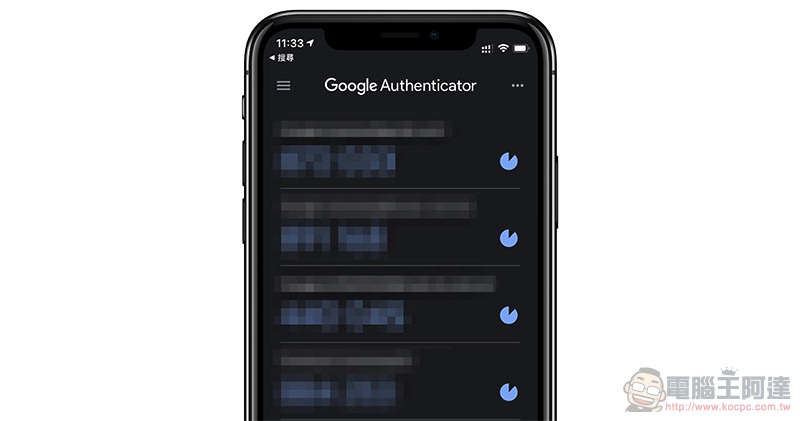
It is recommended not to use Google Authenticator cloud backup. Foreign researchers have found that there is no point-to-point encryption yet and there is a possibility of leakage.
A few days ago, Google finally updated the long-awaited version of Google Authenticator and added practical cloud backup. This is a feature that many users want. Although it is very happy, foreign security researcher Mysk issued a warning on Twitter earlier, stating that “Google Authenticator does not currently support point-to-point encryption (E2EE)”, which means that your 2FA is not encrypted:
Google has just updated its 2FA Authenticator app and added a much-needed feature: the ability to sync secrets across devices.
TL;DR: Don't turn it on.
The new update allows users to sign in with their Google Account and sync 2FA secrets across their iOS and Android devices.… pic.twitter.com/a8hhelupZR
— Mysk 🇨🇦🇩🇪 (@mysk_co) April 26, 2023
Mysk said: “Each 2FA QR code contains a secret or seed used to generate a one-time code. If someone knows this secret, it means they can generate the same one-time code and thereby defeat the 2FA protection. Therefore, when data is leaked, or someone steals your Google account, then all your 2FA secrets will be compromised.”
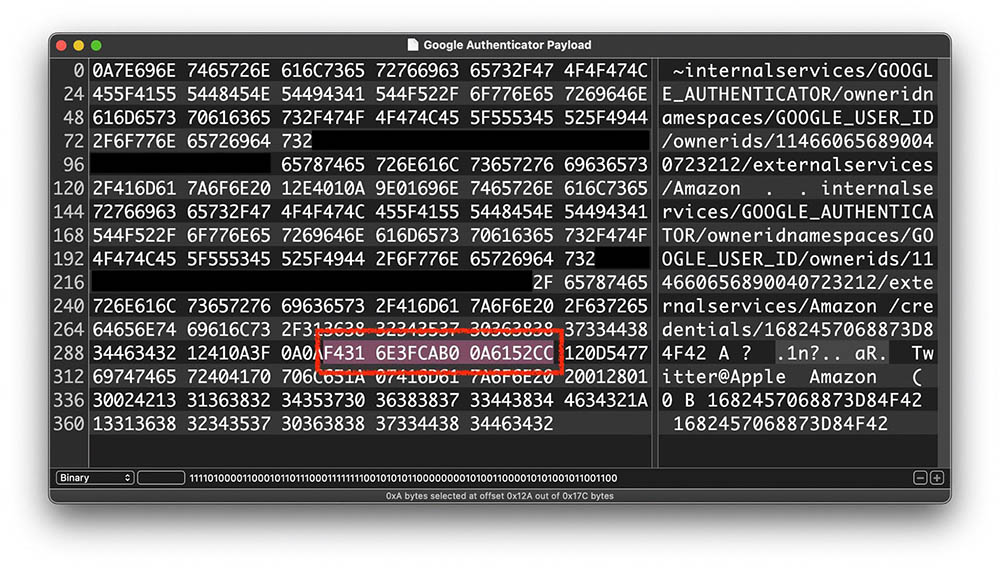
To put it simply, the method currently used by Google is that during the synchronization process, Google holds the encryption key and has the ability to encrypt and decrypt your data, and you can see the unencrypted information.
Many third-party Authentication Apps now support point-to-point encryption, which can protect the data in transmission from being stolen or maliciously modified, ensuring that only the sender and receiver can access the content.
For this reason, Google also admitted that Google Authenticator does not provide point-to-point encryption technology, but this is intentional, because although point-to-point encryption provides additional protection, it will also lock the data if the user loses the master password, and the purpose of the Google account synchronization function is to protect security and privacy without losing convenience:
(1/4) We’re always focused on the safety and security of @Google users, and the newest updates to Google Authenticator was no exception. Our goal is to offer features that protect users, BUT are useful and convenient.
— Christiaan Brand (@christiaanbrand) April 26, 2023
Authenticator App product manager Christiaan Brand also promised that some kind of point-to-point encryption technology will be introduced to Google Authenticator in the future, but the time is not yet known.
Therefore, in order to ensure the security of your 2FA, it is recommended not to use the cloud backup function yet, and continue to use the old method until the next update of Google Authenticator will be more secure, or switch to another Authenticator App.
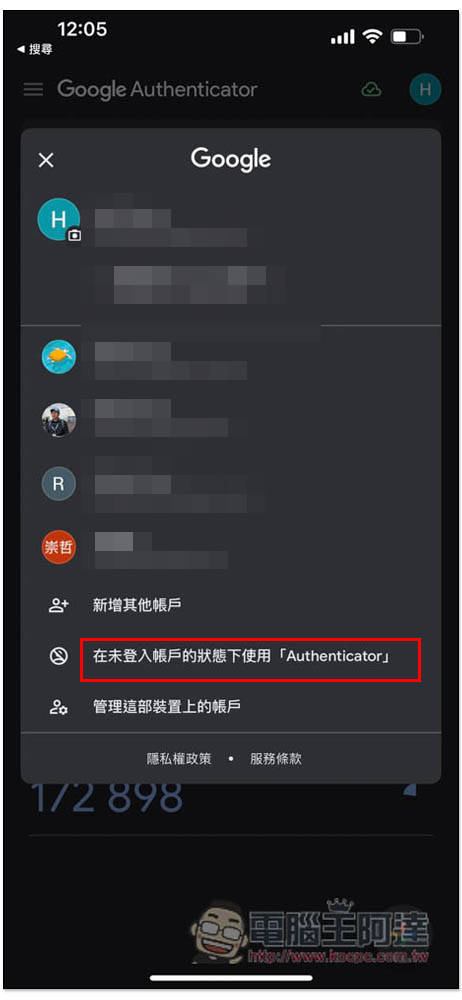
For those who have enabled it, open the menu in the upper right corner and click “Use without signing in…” to turn it off:
Source of information: TechSpot
Source: KOCPC Chinese