


The vast majority of AI Tools generally have some limitations for the free version, like daily quotas, and most fully free ones only provide a single AI feature. But Vheer, the one introduced in this article, is incredibly kind-hearted—all its AI features are completely free to use, from common text-to-image, image-to-image, AI background removal, placing text behind the main subject of an image, image-to-text, AI coloring, all the way to image-to-video, and more. You don’t even need to sign up to use it, and the generation and processing speeds are quite fast. I highly recommend giving it a try.
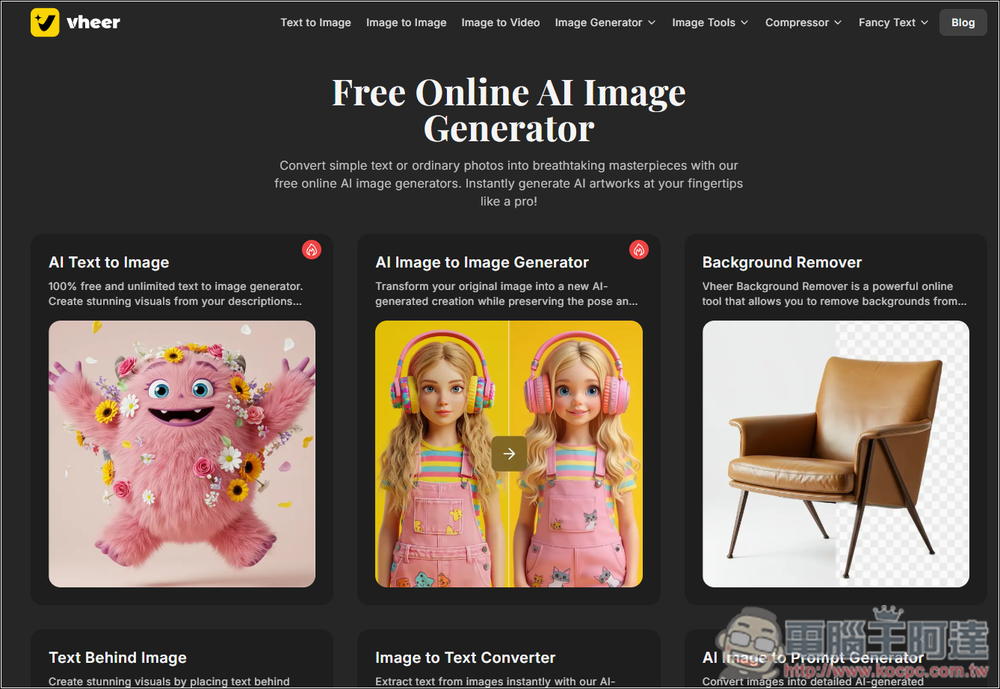
Vheer offers a wide range of free AI tools that can be used without registration.
Vheer is an AI service that launched not long ago, touting a wide range of completely free AI tools, with more on the way, like text-to-video. Compared to some professional AI services, the output quality still has a gap, but for general use, I think it’s more than enough.
The interface is currently only in English, but it’s quite simple to use. As for prompts, I tested text-to-image generation and it works with Chinese, but if possible, I’d recommend using English instead, as you’ll get better results.
After following the link above to enter Vheer, the full tool menu is at the top; find the AI tool you want to use:
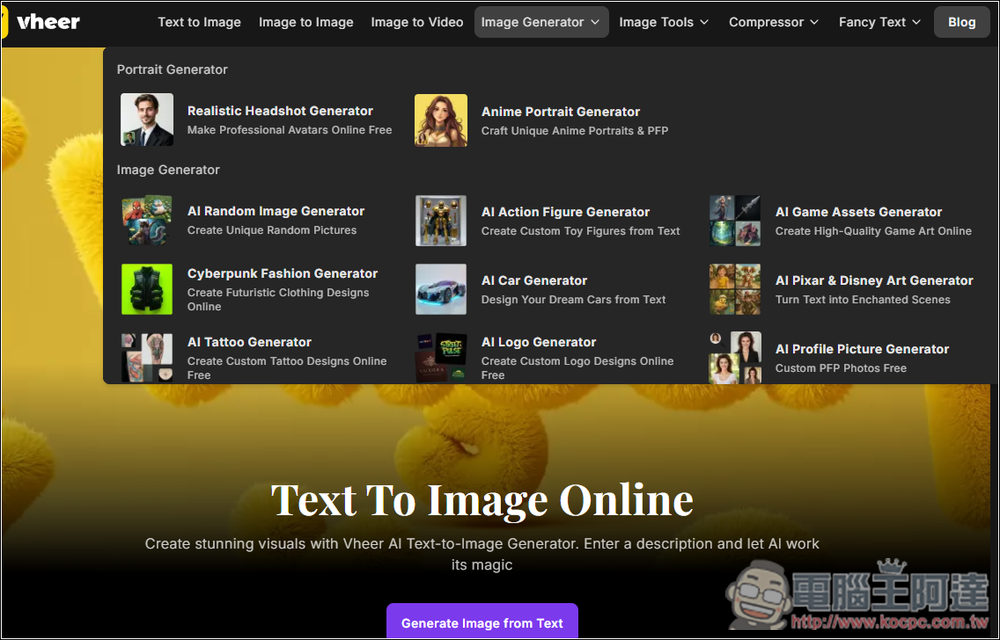
I’ll first test the most commonly used text-to-image generation:
Enter your prompt on the right, and it provides two models: Fast Model and Quality Model. I’m not sure if it’s because there aren’t many users yet, but the generation speed with Quality Model is also very fast:
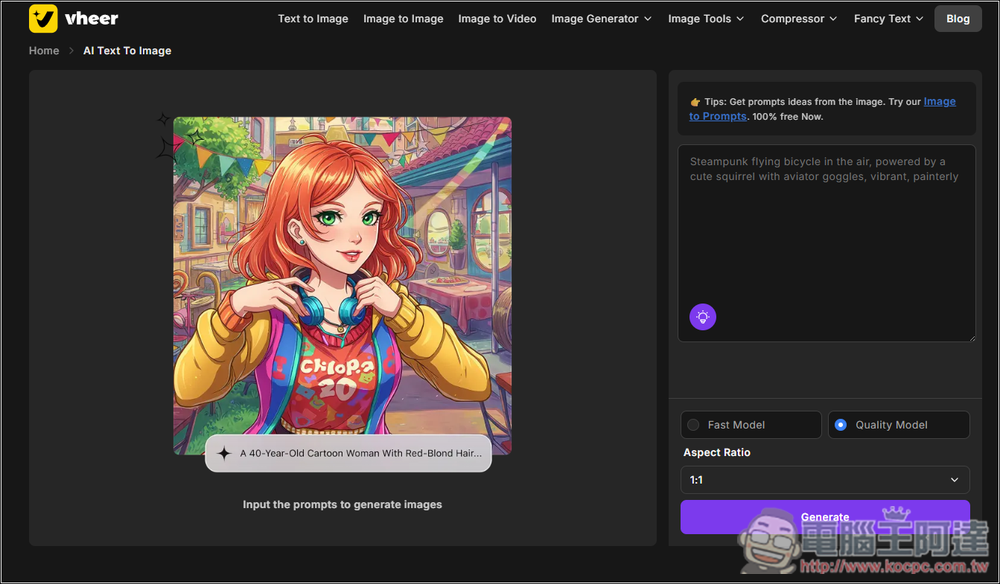
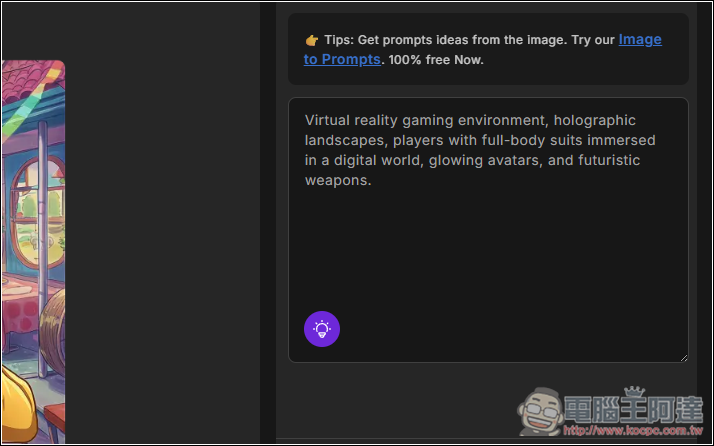
If you don’t have any ideas, there is also a prompt auto-generation feature provided below:
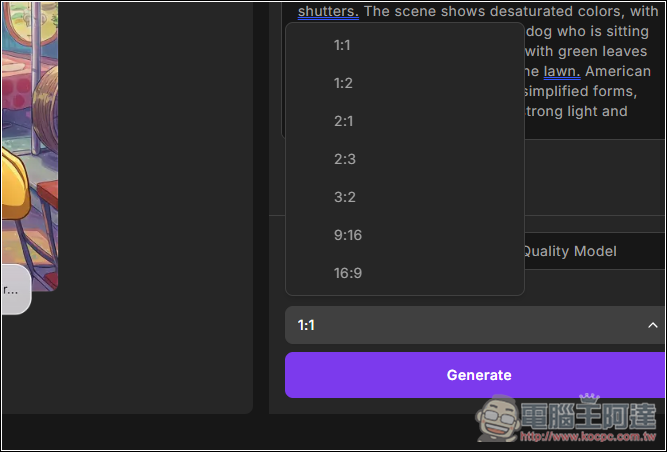
The provided image sizes are quite extensive, including 1:1, 3:2, and 16:9:
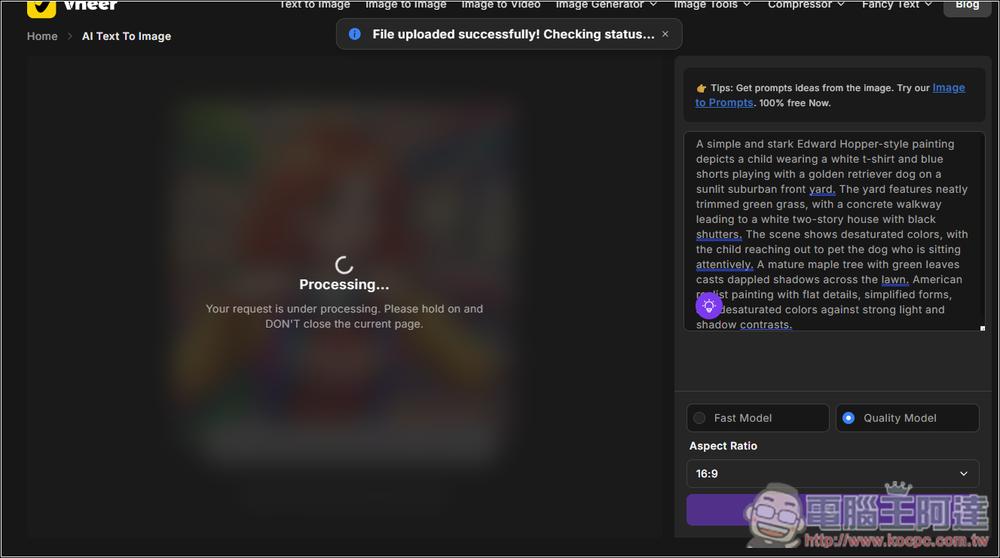
After pressing Generate, it will start generating:
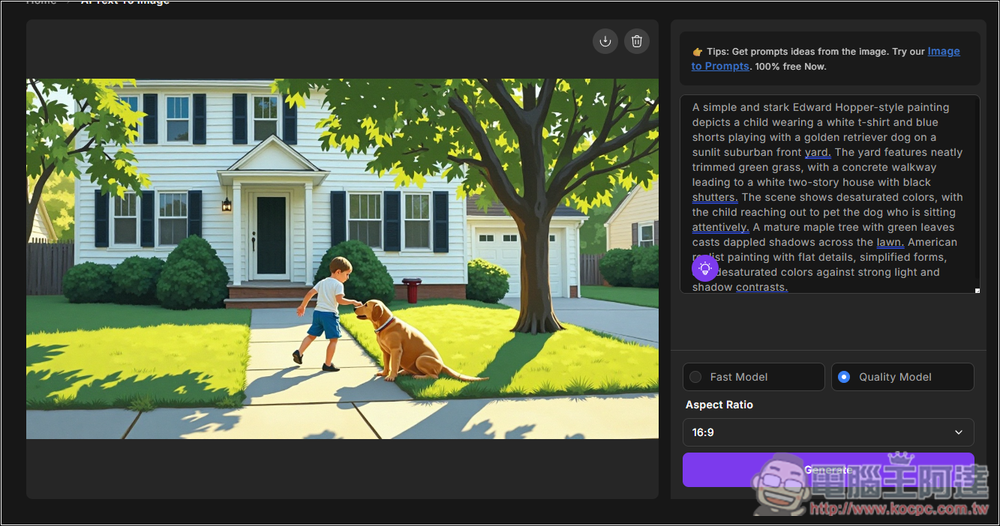
The first image I tested was indeed the style I wanted, and the quality was also quite good:
Additionally, I also tested a realistic style. Here are the generated results. Although there are some flaws in the hands, the rest is quite good for a free service.
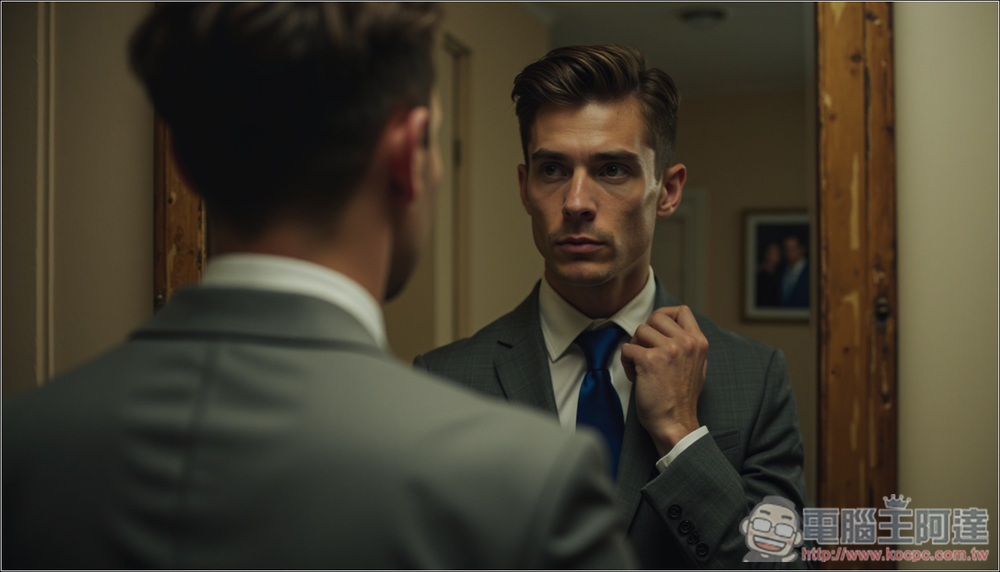
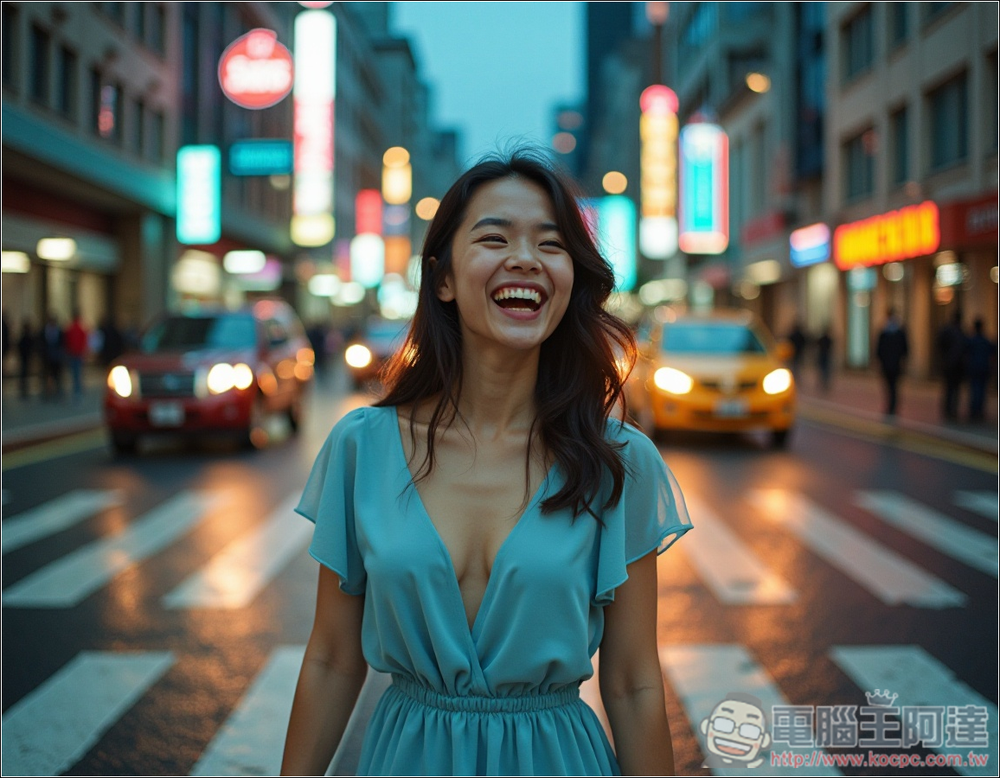
Another realistic-style image is also quite good, this one is quite natural:
The 3D animated images are no problem, but that rabbit looks a bit strange:
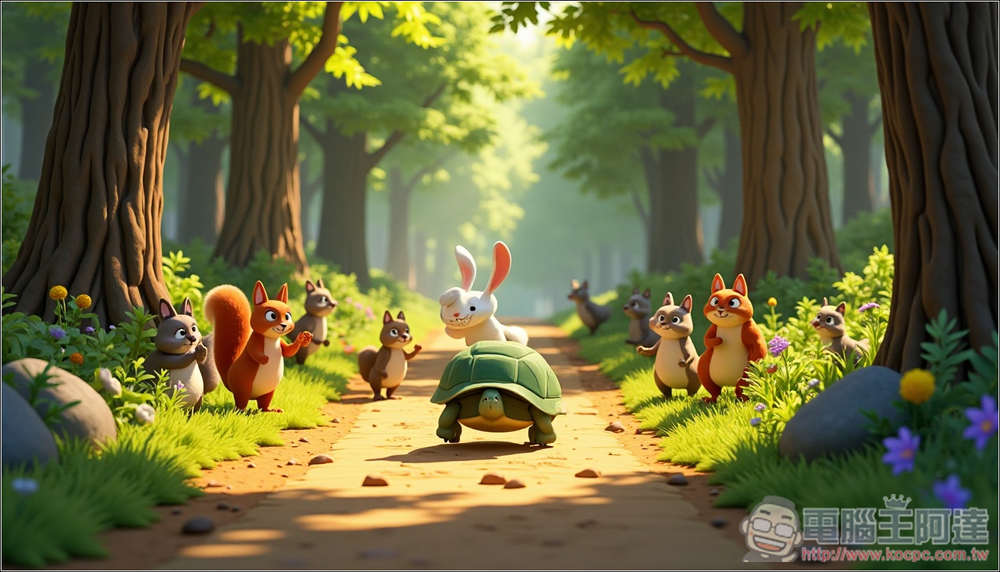
This also means that Vheer’s image generation feature can generate images in various styles; you just need to add it to the prompt.
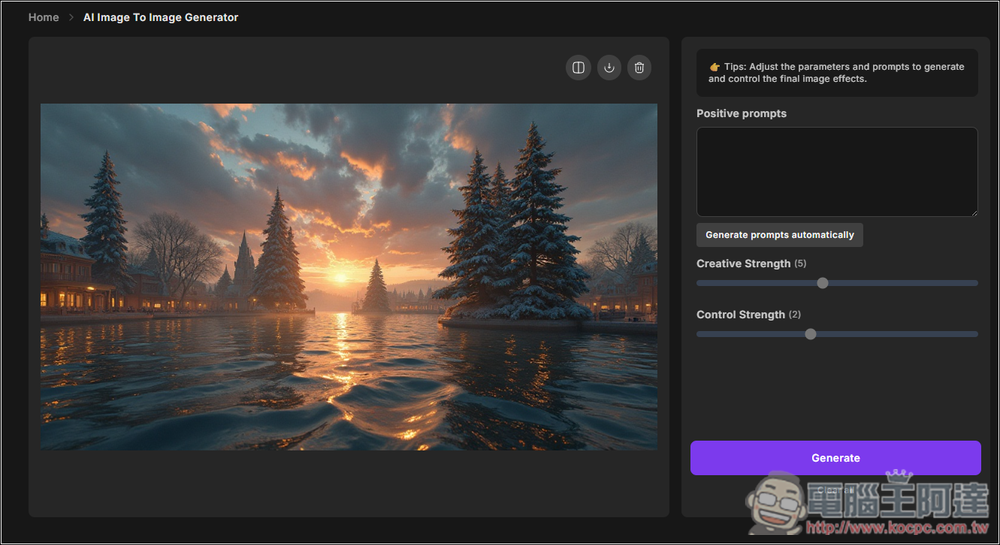
Next, I’ll test the image-to-image tool. On the right side, you can fill in positive prompts and adjust the creativity and control strength:
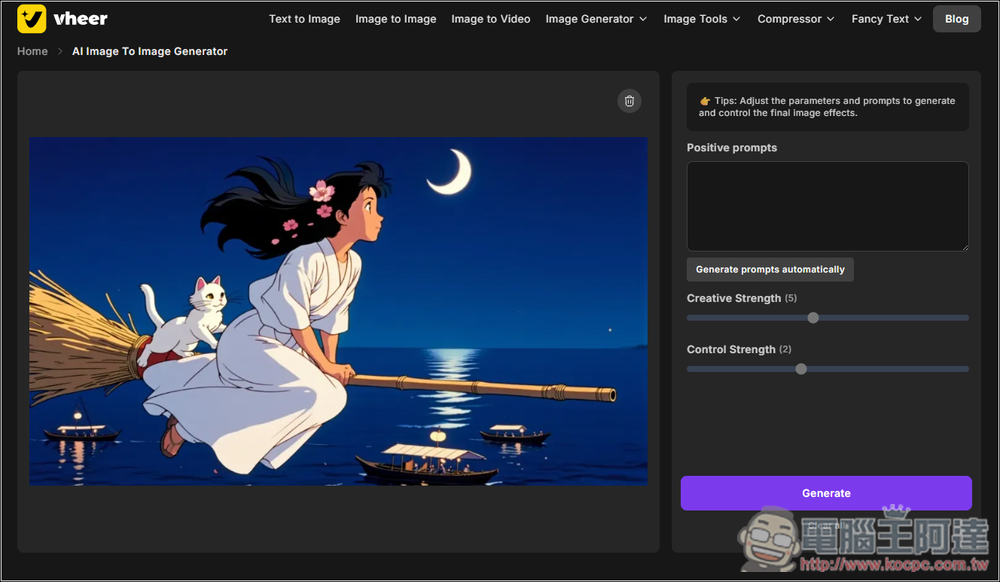
But the style of the generated images completely went off. I also tried adjusting creativity and control strength, but it didn’t help much—it still generates completely different images. So image-to-image generation still needs improvement:
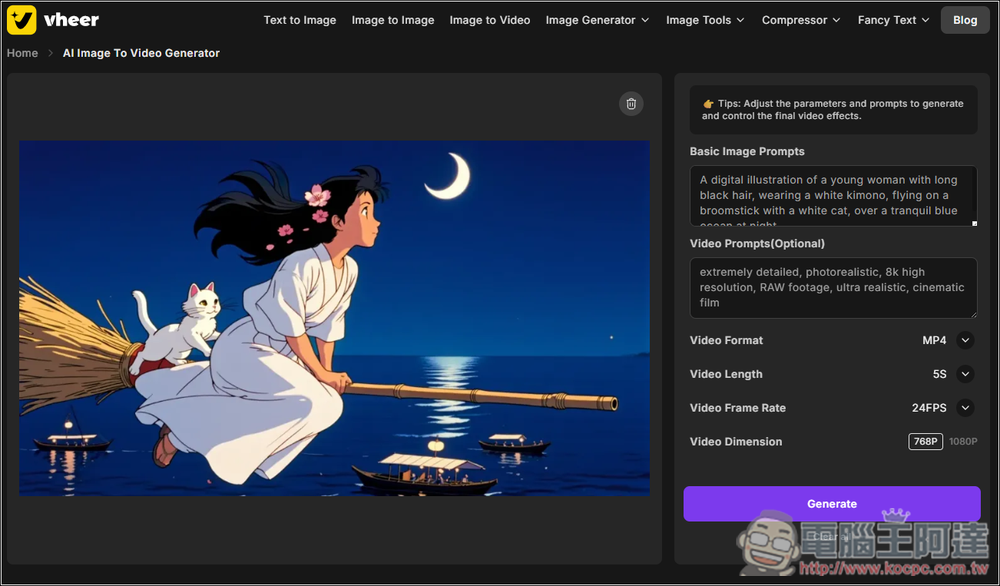
For the image-to-video part, after uploading, the basic image prompt will be automatically filled in, the video prompt is optional, and below you can also adjust the format, length, FPS:
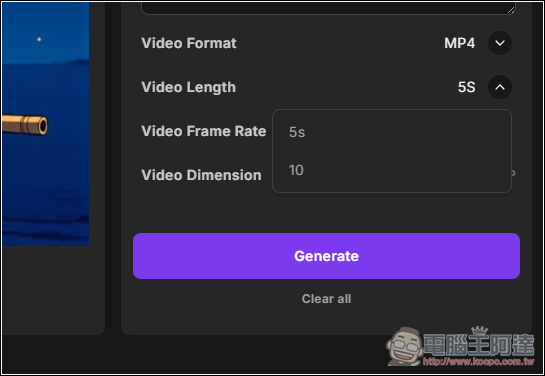
The video length has two options: 5 seconds and 10 seconds.
This is the test result. It did move, but the effect is just so-so. The moon in the back is very lively:
Besides the generator, Vheer also offers many image editing tools, such as background removal, background blur, color fill, and more:
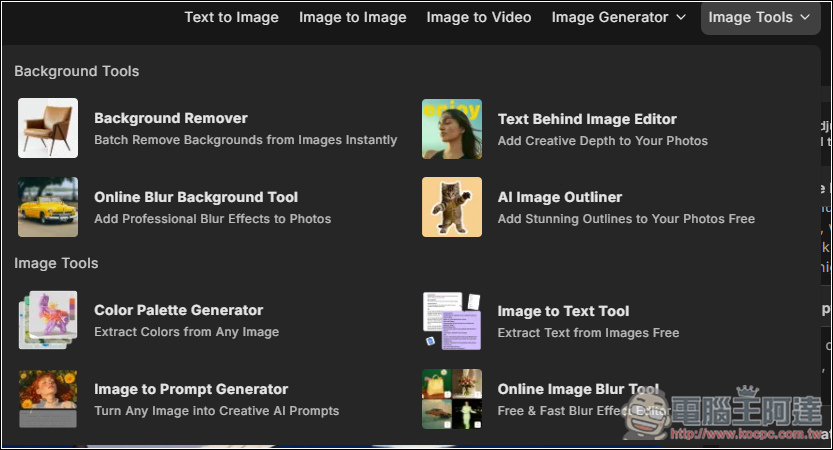
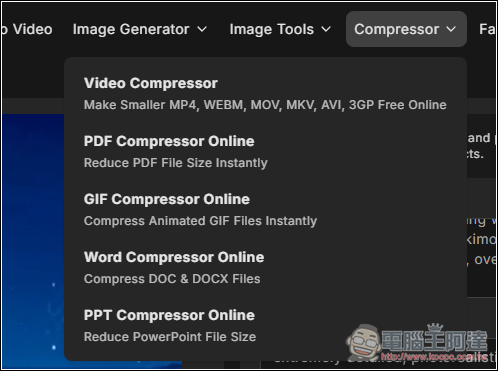
There are also some compression tools that can reduce the file size of formats such as videos, PDFs, and GIFs.
Source: KOCPC Chinese