


Although routers are different from mobile phones and laptops. You don’t want to buy a new one just because it comes out. In fact, you use it almost all the time. It can be said to be the supporter of all technological products in the home. Once it stops, all smart products connected to the Internet will be useless. Because they don’t often replace and buy, people often ignore some things to pay attention to when purchasing a router. This time we directly help you sort out 8 misunderstandings that should be avoided so that your money is not wasted.
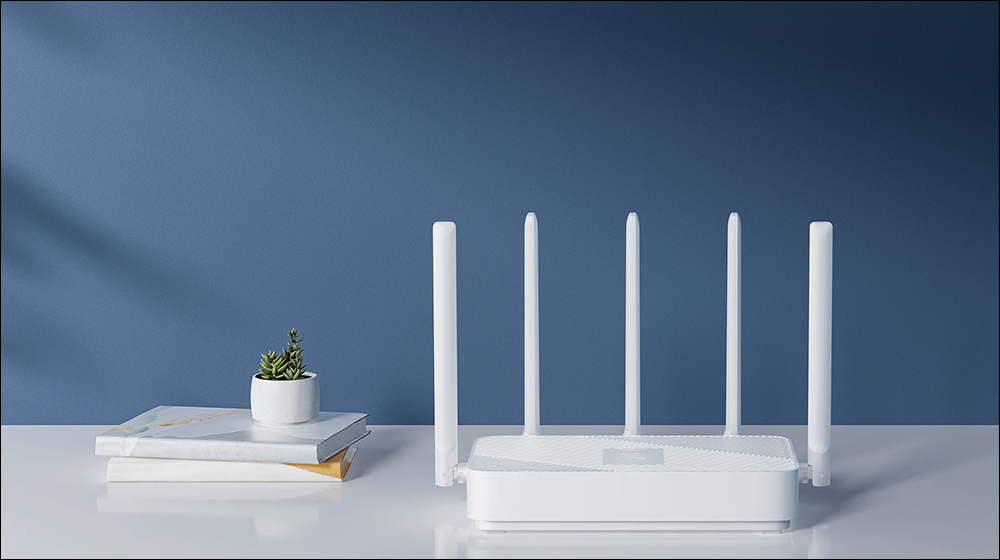
8 Mistakes You Should Avoid When Buying a Router
In fact, buying a router is just like buying a mobile phone, computer or other complex equipment. There is a lot of homework and details to pay attention to, but the router is the most silent technology product in the home.(Same as liver), if there is no problem, you will not notice it at all, but if there is a problem, you will be in a hurry. There are many Internet routing products on the market, and it will be easier if you know what to buy and what to avoid.
Rushing to buy a Wi-Fi extender without understanding the problem
This article is about routers, so why start with Wi-Fi extenders? Although it seems a bit strange, it is the most common problem everyone makes. People often completely ignore the signs that they need a new Wi-Fi router and rush to buy an extender. If you’re experiencing poor coverage, dropped connections, game session timeouts, and other connectivity issues, it’s a sign that you need a better Wi-Fi router.
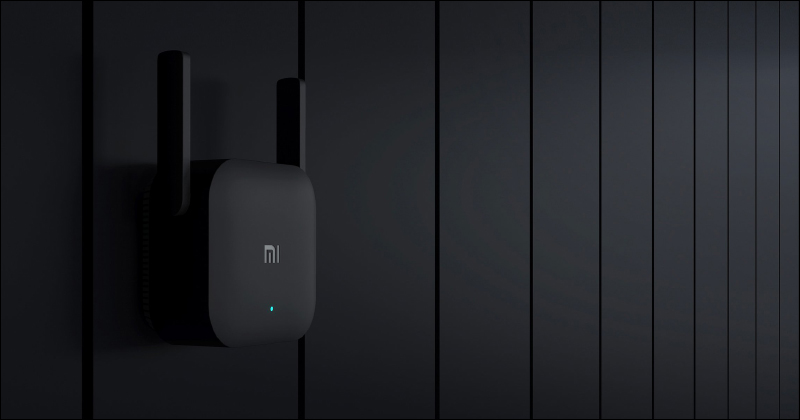
While you may get some benefits from properly configuring an extender, and it may even help solve one or more problems, you’ll probably end up retiring your old router and Wi-Fi extender in favor of a new router anyway. Busy expansion without replacing the router is like replacing new tires on a car that is too old to run. It is better to enjoy the speed of the new car directly.
Buy a Modem Router Combo
Most people are familiar with Wi-Fi modem router combinations, as they are essentially ubiquitous pieces of hardware provided by Internet Service Providers (ISPs). You may not know that you can also buy ready-made sets for personal use. These combos get the job done for many people, but they certainly don’t come without compromises, most notably that because of the hefty price tag, you’ll rarely get the best modem or router for your money.
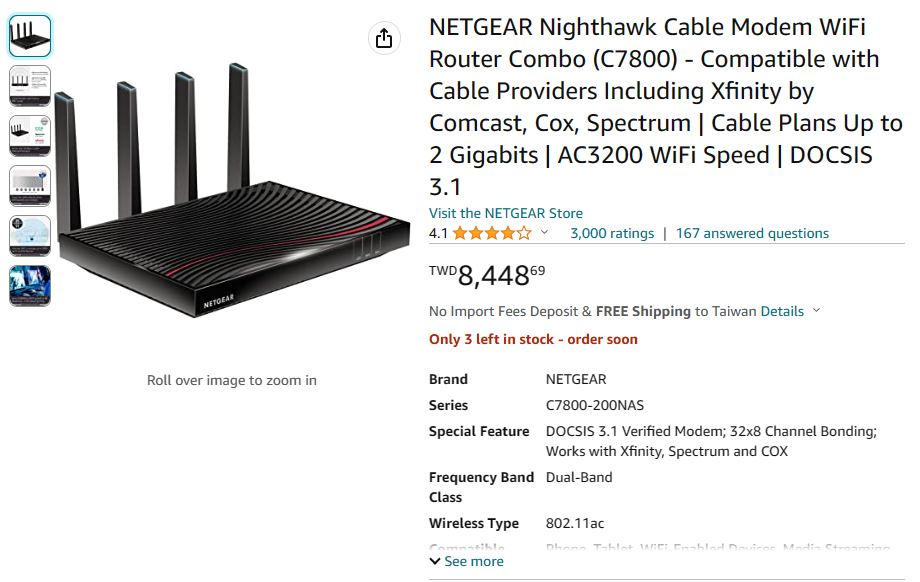
Additionally, you’ll be stuck with a product that may not be portable and easily deployable to your new home. If you have a combined modem and Wi-Fi router, the modem part will be worthless if you switch to a fiber optic company or move to a location without a wired network. If your networking company upgrades to the new DOCSIS standard, you’ll run into the same problem if your modular units don’t support it. In light of the above issues, you will get a better experience by focusing your budget on a better standalone router. Router combos and modems may be great for some people in specific situations, but most people should avoid them.
Buying a “new” but outdated router
This item is so important that I have to highlight it three times. When you’re shopping for a new Wi-Fi router for your home, one of the most important things you can do is buy a “new router” on the market, not just a “new router” to replace an older model in your home. You can think of it like buying a car, if you wanted all the latest car technology, you would choose a 2023-style late-model car instead of a 2020-style brand new old car. If the new router you buy today is actually a model that was launched five years ago, you won’t have access to all of the new Wi-Fi technologies and advancements available today.
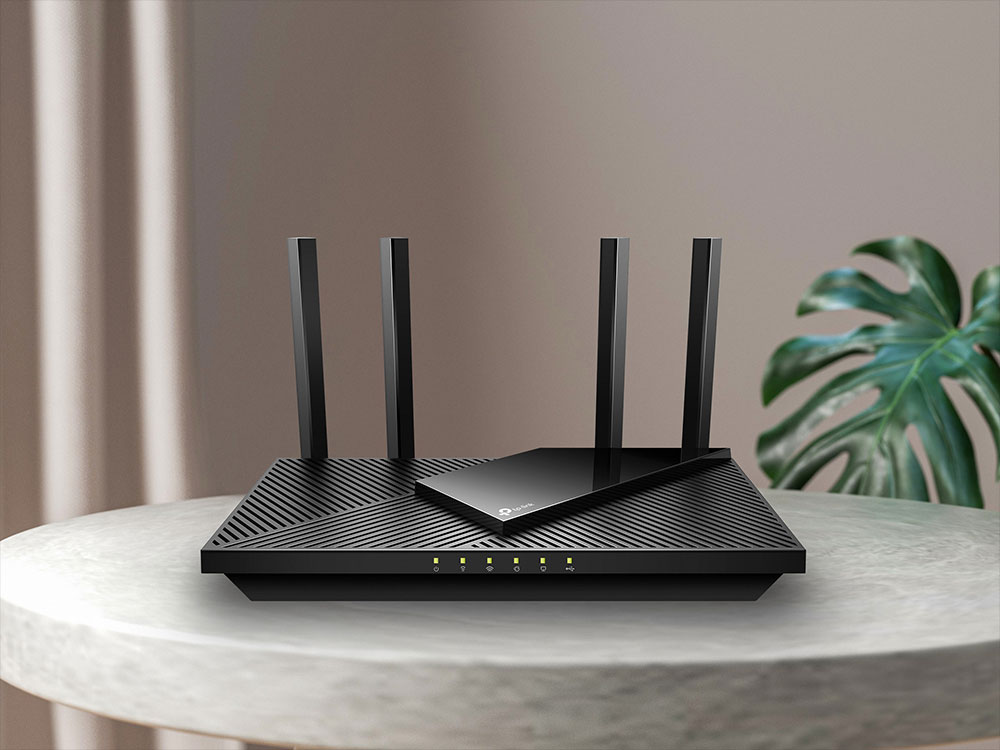
Technology advances so quickly that you should be upgrading and replacing your router every 3 to 5 years, so when shopping, pay attention not only to reviews and reviews, but also when the router was launched(Launch refers to the time when the manufacturer launches it, not the date of manufacture). Currently, there’s no good reason to buy a router that doesn’t support Wi-Fi 6 or newer and WPA3, and if you plan on using your router for several years, it only makes sense to make sure it uses the latest Wi-Fi connectivity and security standards out there.
Buy the top-notch luxury router without distinction
Generally speaking, the most common thing people do is to use a router for many years and continue to tolerate it even if the performance deteriorates. Very few people will buy a new and powerful router, and then turn around and say, “This router performs so well, I wish my Wi-Fi coverage was smaller.” But the most common problem you will encounter is spending too much money on a router that is unnecessary. For example, if you’re a single person living in a small apartment, working outside the home most of the time, and the only connected devices in your home are your smart TV, game console, and smartphone, then buying a top-of-the-line router is overkill. Although there are various marketing techniques and there are many “e-sports routers” advertised in the market, you should purchase according to the severity of your usage needs. As long as you choose the right product, you can even become an elite player at less than half the cost.
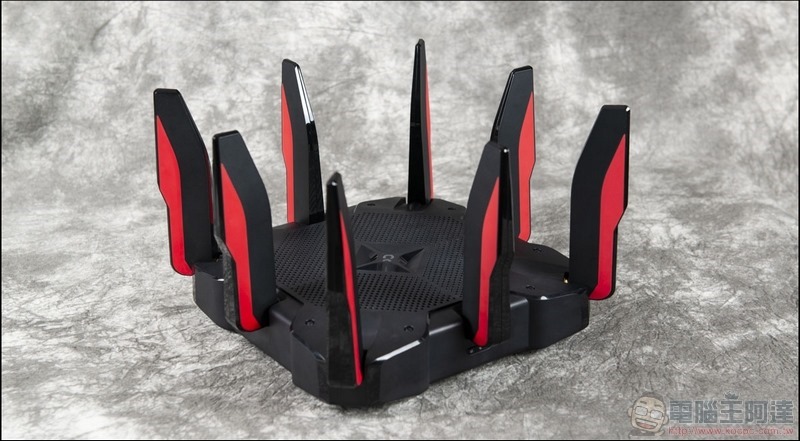
On the other hand, if you work from home, or have several people in your home with many devices that require Internet connectivity, and each of them is an advanced Internet user, then investing in a powerful router to handle all activities is a very reasonable decision.
Did not consider the size of the environment space
Network speed test results in advertising copy and benchmark tests often become marketing slogans used by manufacturers, but the vast majority of people do not fix their fiber optic connections to a single point of connection to their iPhone. Users pay more attention to being able to enjoy a strong and stable network connection in every corner of their homes and offices. The most common complaint heard from users is that the Wi-Fi signal is weak when certain devices are connected and can only be moved to specific locations for use.
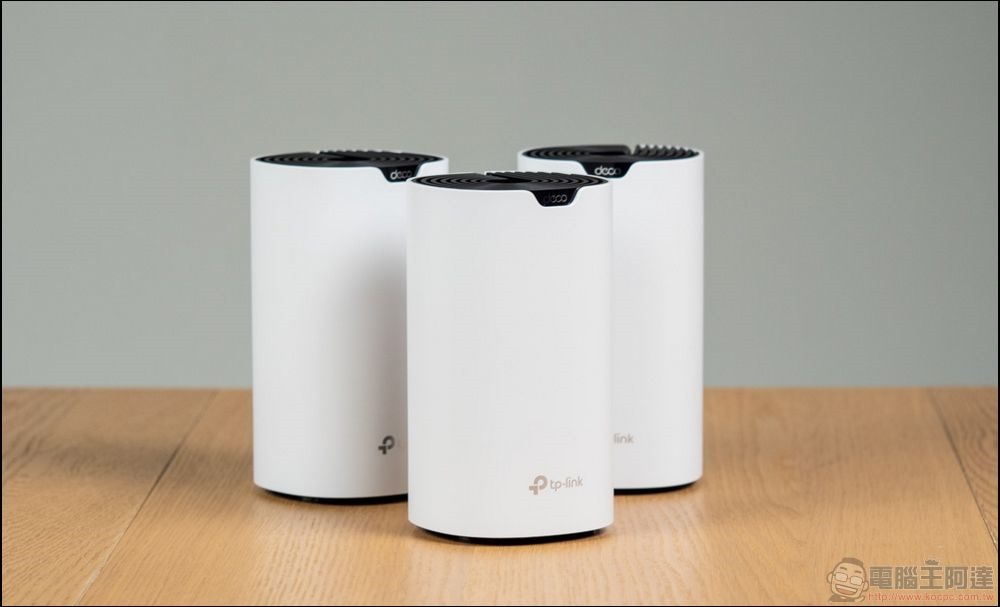
To improve the coverage problem, compared to expensive individual routers, you can purchase a budget-friendly Mesh network system, which can cover every inch of your home. Even your balcony and yard can have global coverage with appropriate deployment.
Ignoring the demand for smart home products
When planning a new router, don’t be limited to high-end network devices such as smartphones, smart TVs, and laptops. You should also consider all the other small devices on your home network. Even if you don’t feel like you are at the forefront of smart homes, if you take a closer look, you may be surprised by how many devices in your home need to be connected to the Internet. Like a smart light bulb(One bulb is one device, and a ceiling lamp with five smart bulbs is equal to five devices), smart cameras, smart plugs, smart speakers, small home appliances, etc. You may be surprised that the list of smart home devices at home is actually more than your high-end network equipment.
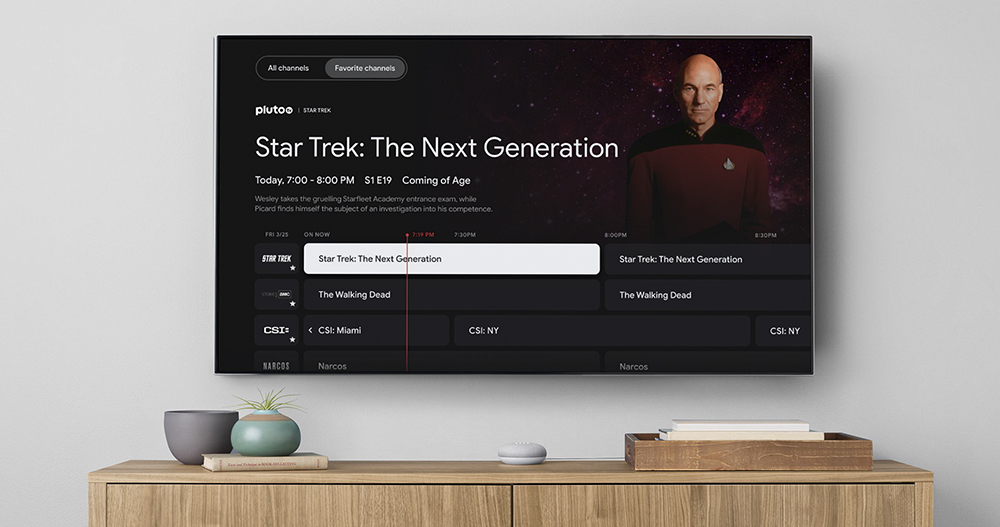
With the exception of smart TVs and smart cameras, most Wi-Fi smart devices are not bandwidth-intensive, but they still require a stable network connection. When purchasing, you must pay attention to the number of connected devices and network bandwidth that the router can support. Since a router is used for several years, you should leave a little more room for the growth of future networking products in your home.
Comprehensive functional considerations
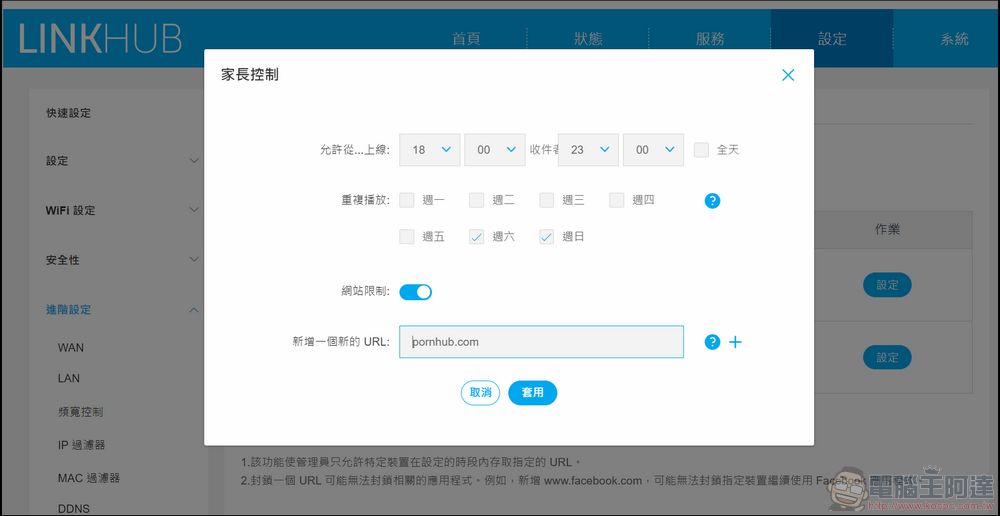
It’s better to think about the features you want and need before shopping than to be disappointed only to find out later that some features are missing. Although you can use other products or other methods to add the required functions after purchase, this means that you will have to spend more time or money for this. If you want simple parental controls, the ability to shut down the network during family dinner time, easy bandwidth monitoring, automatic updates, monitoring who is connected to your network, multiple guest networks, or any other useful feature, it’s better to find out if your router supports it before you buy it, rather than trying to patch it in later with additional equipment or services.
Choosing a router that’s too simple or too technical
Historically, router interfaces have been very obscure in the past, and still are on some models today, causing most casual users to never configure them properly and miss out on useful features. The trend of router design has been in the direction of streamlining the network and simplifying the user experience. It is generally more consumer-friendly, allowing users to understand how to set up and operate it at a glance without having to understand the purpose of each parameter.
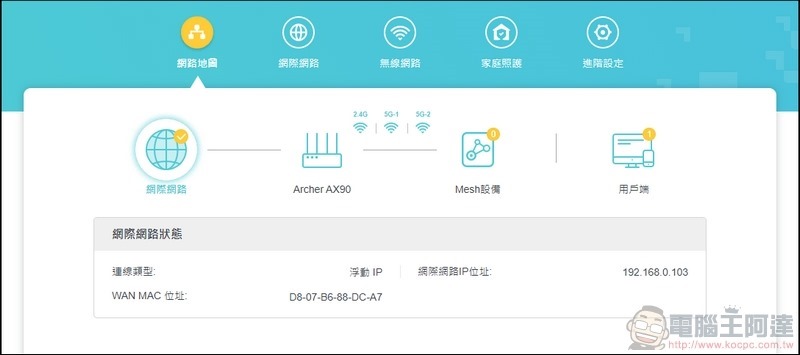
If you are not a person who likes network technology and explores router functions by yourself, then it is easier to choose an easy-to-understand router setting interface. The visual interface and simple control methods allow you to customize various functions easily. But if you are very interested in these things, purchasing this relatively closed and simple setting interface will make your technical skills useless.
Source: KOCPC Chinese