


I believe many people have experienced ChatGPT’s powerful ability to generate text content. However, you may not know that ChatGPT can also generate image + text content. In other words, you no longer need to spend time looking for images. An entire article can be completed by ChatGPT. For those who often use it, you must learn this little trick.
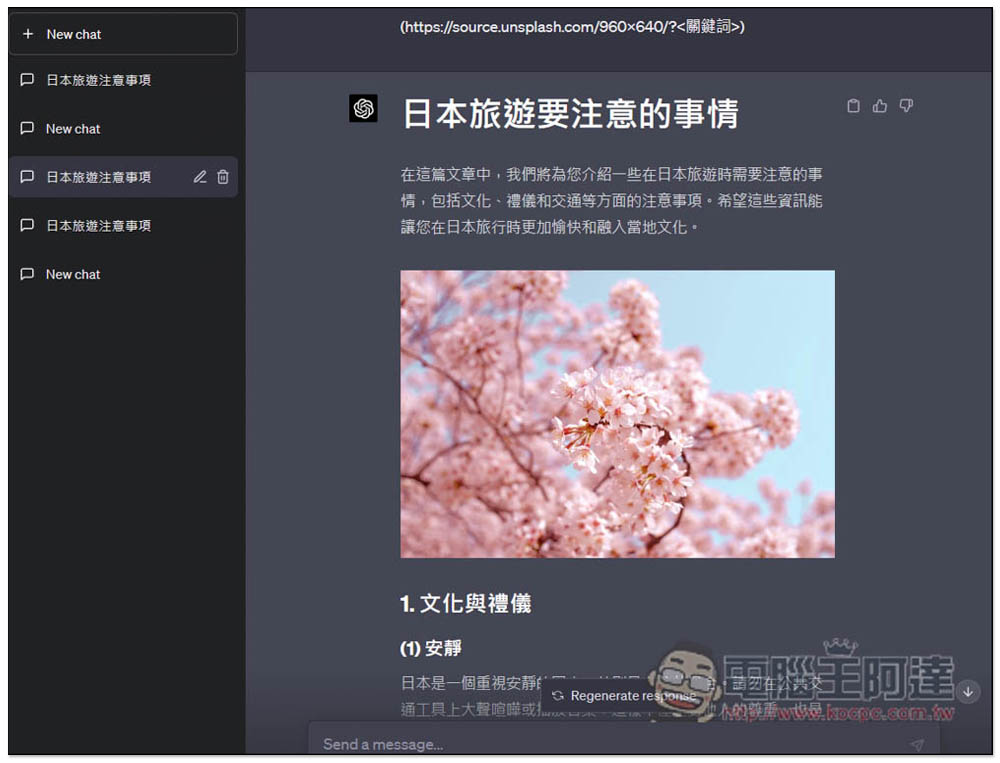
Teach you how to use ChatGPT to generate image + text reply content. The images are all from Unsplash
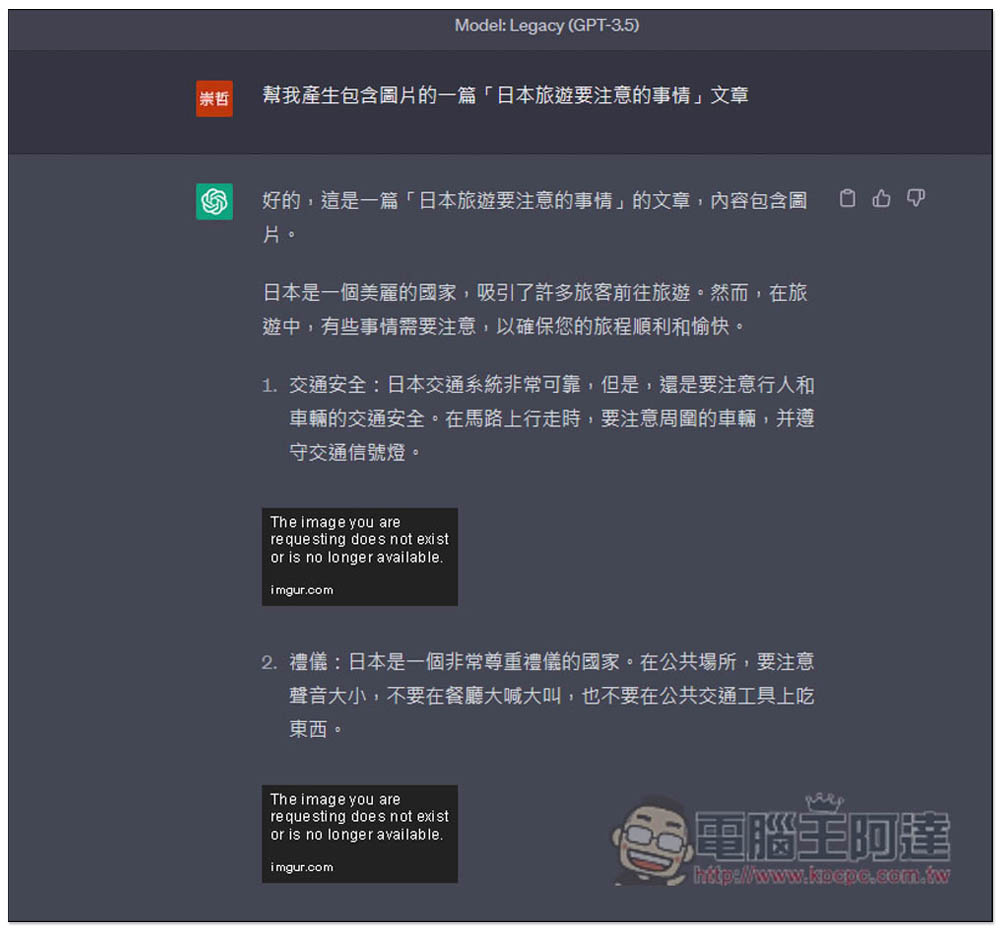
Now you can directly give instructions to ChatGPT to generate content containing images. However, there is a problem with the GPT-3.5 model. The images cannot be displayed normally. They appear to be from the imgur.com website.
For example, when I asked “Help me generate an article about things to pay attention to when traveling in Japan that includes pictures”, ChatGPT’s reply was completely fine in terms of text, but the pictures all showed that they had disappeared, and it was the same as if they were there or not:
At this time, just ask ChatGPT to use markdown syntax to display the image and give the “(https://source.unsplash.com/960×640/?
For example: help me generate an article “Things to pay attention to when traveling in Japan” including pictures
(https://source.unsplash.com/960×640/?
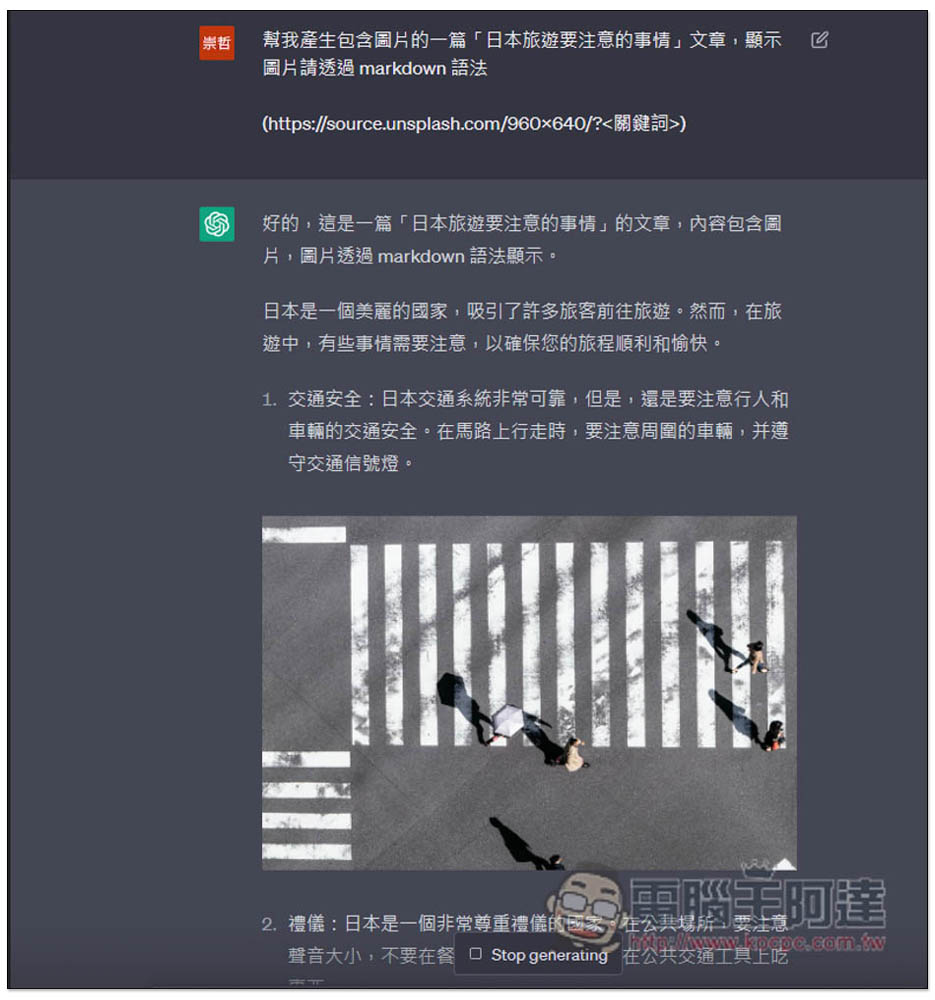
Each paragraph will be paired with a picture that matches the content. I have to say that ChatGPT is also good at picking pictures. For example, the text description on traffic safety mentions pedestrians and roads, and the pictures are really relevant, so you are not just looking for a random picture.
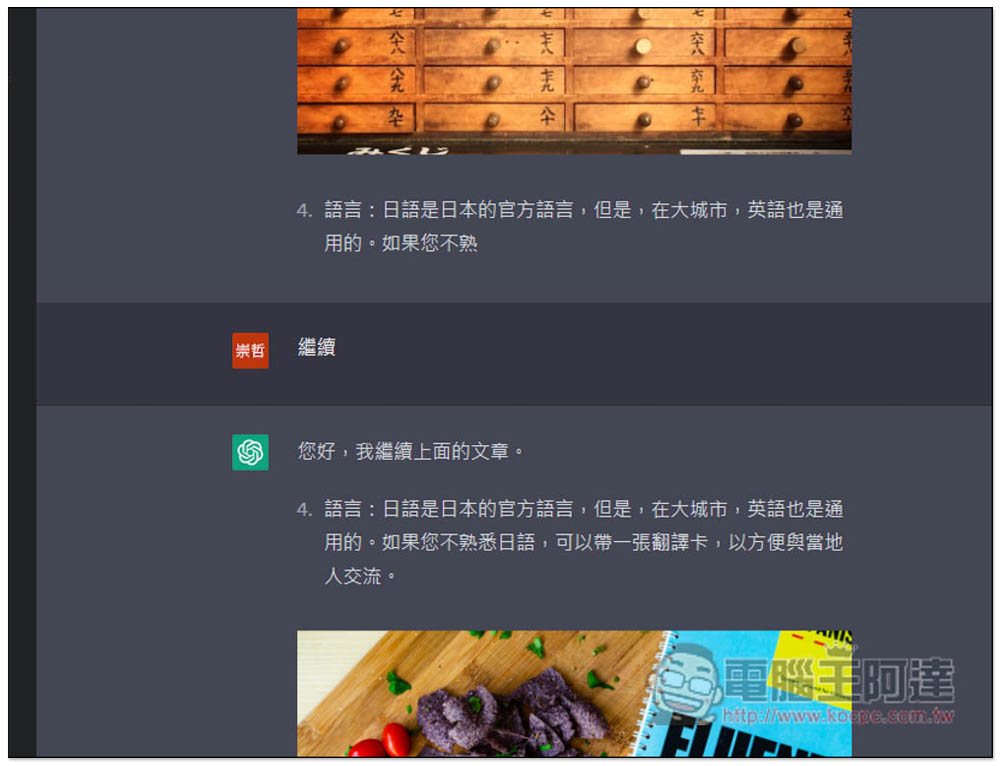
When the article is too long, it will also break suddenly in the middle. Entering “continue” will continue to generate:
The GPT-4 model cannot generate images and will only display the words “Insert Image”:
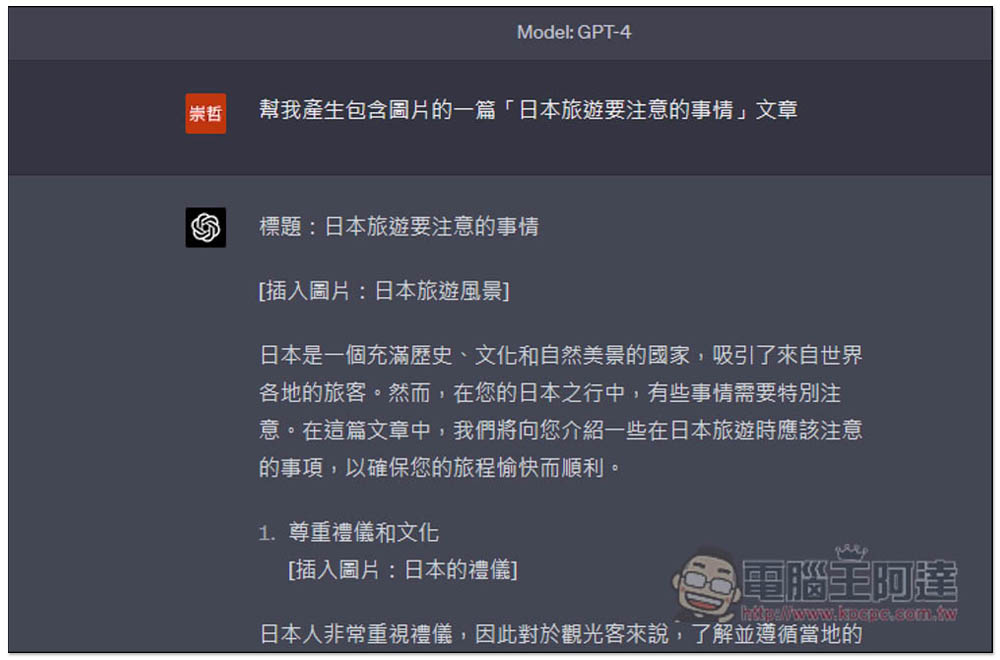
Similarly, change the command to “Help me generate a “Things to pay attention to when traveling in Japan” article including pictures
(https://source.unsplash.com/960×640/?
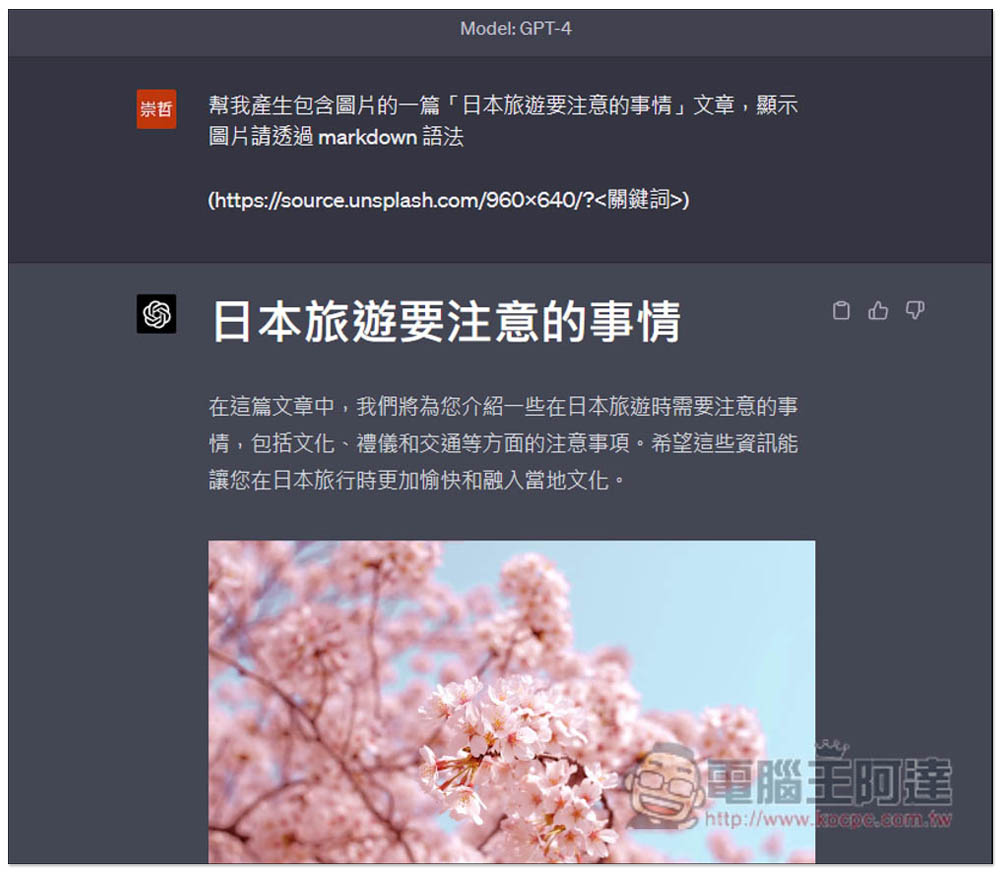
However, please note that the image URL displayed by ChatGPT is in this format, which means that every time you paste the URL, you will get a different photo. Therefore, you cannot directly copy the image to download. You will download other images:
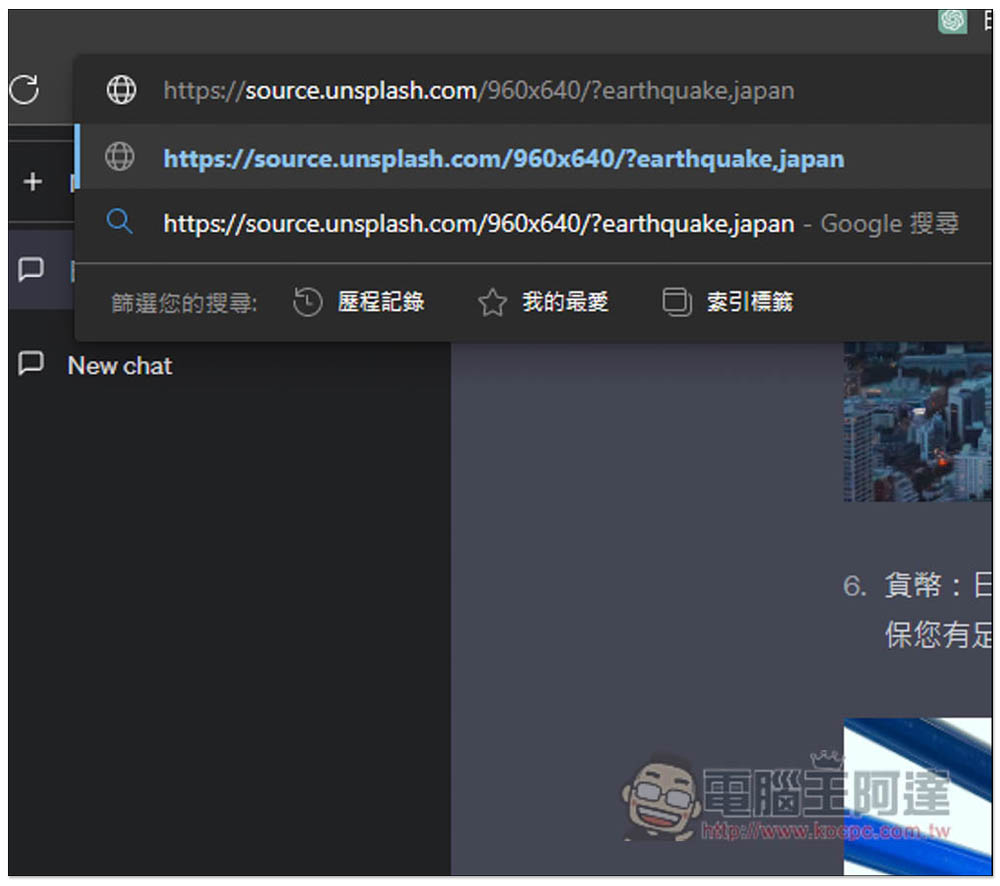
For example, after I copied the image link of cherry blossoms and pasted it in the address bar, this picture appeared:
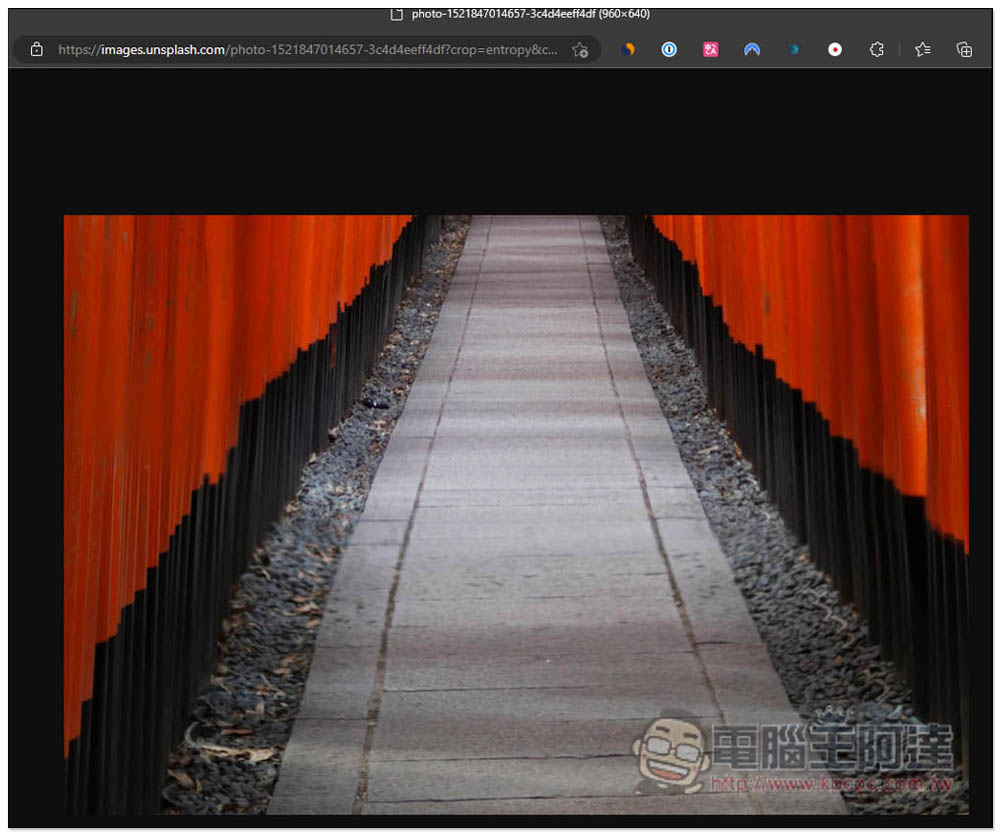
These images are all from the Unsplash gallery website, which is also one of the largest CC0 free galleries. Therefore, many images must have been used, so you can try searching for images on Google. The right-click menu of the Edge browser can directly search for images on Google. If the browser you are using does not have this function, you can extract them and then upload them to Google Image Search:
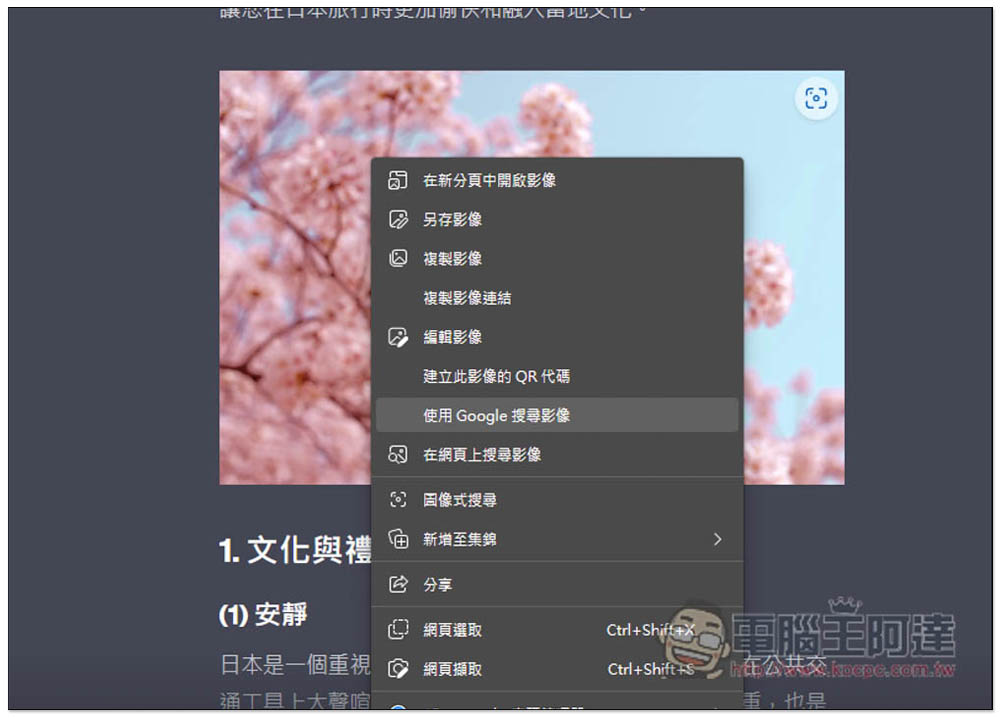
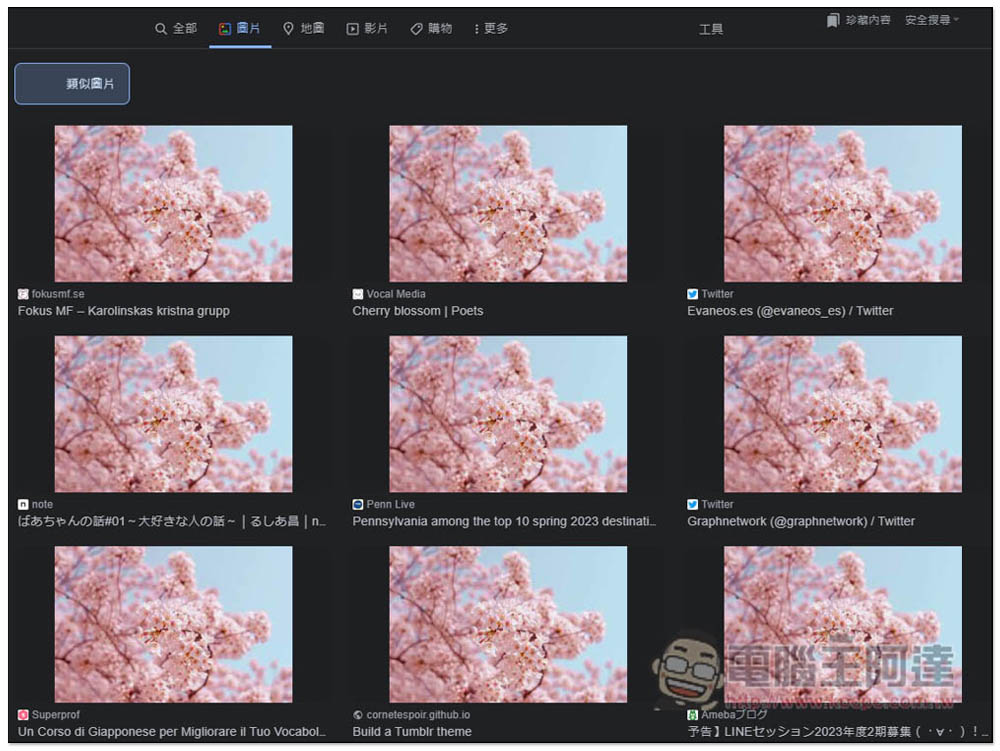
Like this, as expected, many websites have used this cherry blossom photo, so just go to these websites to grab it:
GPT-3.5 and GPT-4 have the same command content. It is true that the text content obtained by GPT-4 is of much higher quality, but the picture part is not necessarily the same. The picture selection of GPT-4 feels a bit random, unlike GPT-3.5 which is more suitable.
Source: KOCPC Chinese