


Nowadays, there are many free translation robots available in LINE, but people who have used ChatGPT should feel this way. The translation results of ChatGPT are better than many translation tools, and the LINE translation robot is no exception. The “Engineering World of Tutu and Chicken” that we often report has a new work recently. It is the LINE language translator implemented through the OpenAI API, which means that in LINE, you can also easily get ChatGPT It not only translates text messages, but also supports voice-to-text conversion, which is super convenient. They also share the main program for everyone to download and use for free, which is really amazing.
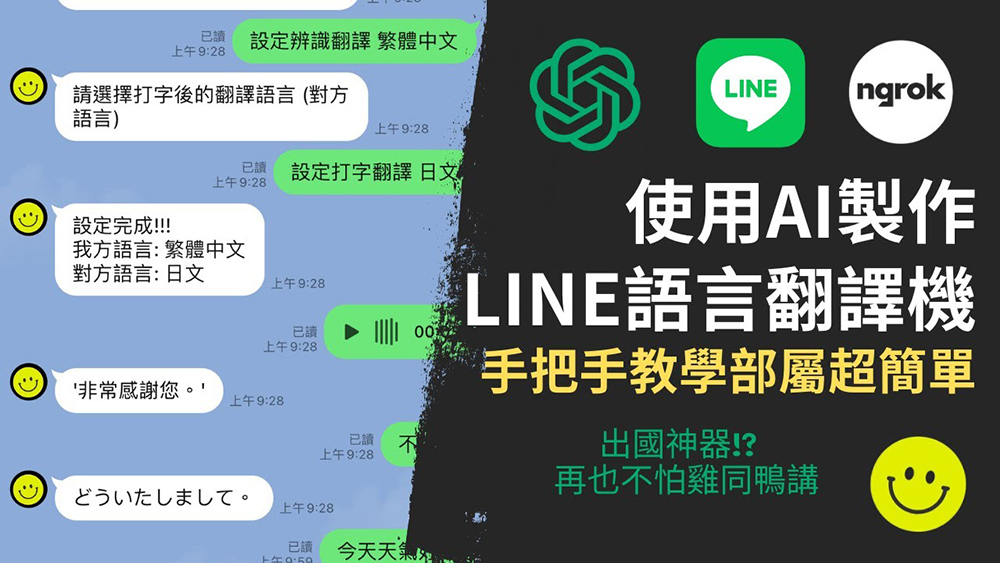
Engineers created a LINE language translator using OpenAI API, which can not only translate text messages, but also support converting voice messages to text
There are a few things to note before starting the introduction:
- This is implemented through the OpenAI API, which means that if the free quota of your OpenAI account is gone, or the free quota time has been exceeded, you must switch to paid use (the price is quite cheap).
- The setting steps are a bit more complicated. You need to become a LINE developer, obtain an OpenAI API key, and register NGROK. The following will teach you step by step. There is also a video tutorial of Tutu and Chicken’s engineering world at the end of the article, so don’t worry too much about this, just be patient.
- During use, Windows computers cannot close the main program.
If there is no problem with the above three points, then you can continue reading.
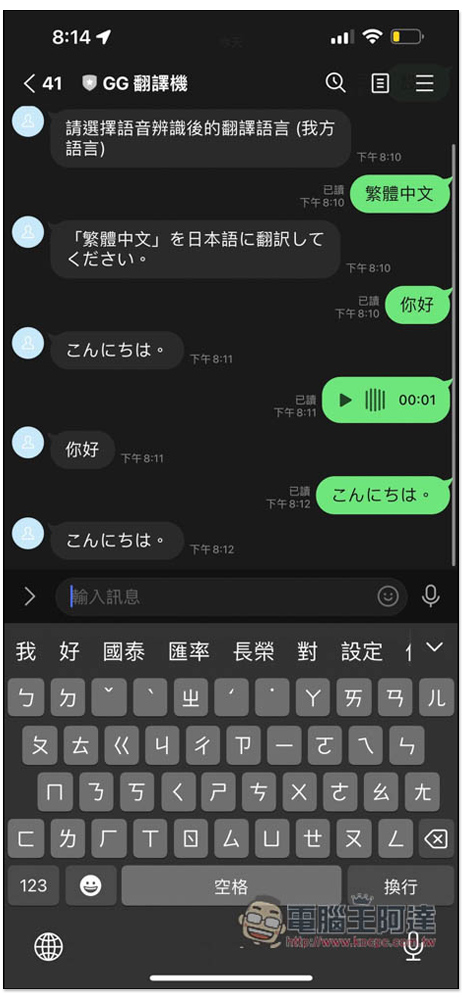
Let’s first look at how it works. At the beginning, enter “Settings” to set your language and the translated language. For example: Traditional Chinese is my language, and the translated language is Japanese (that is, the other party’s language):
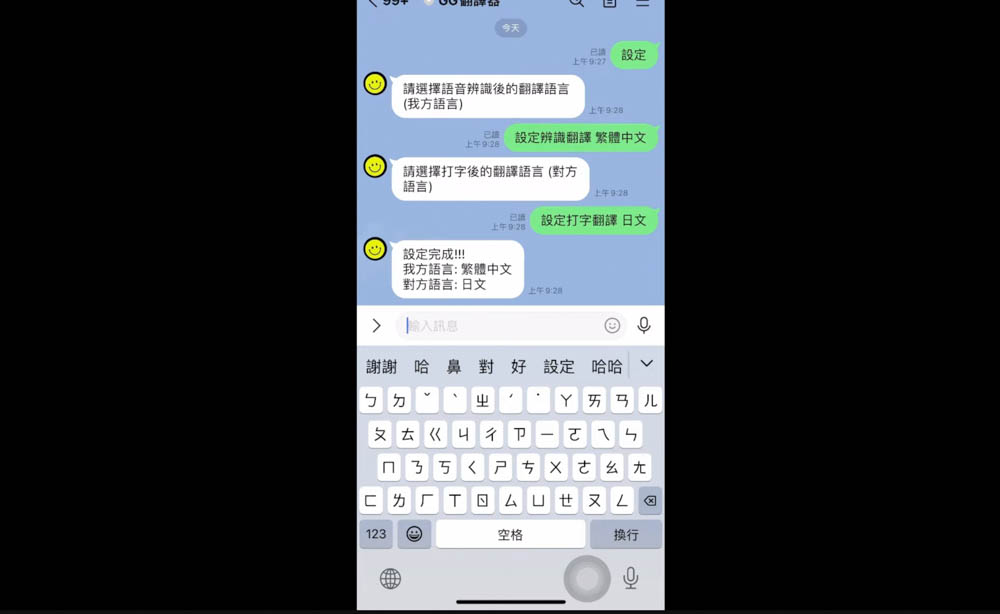
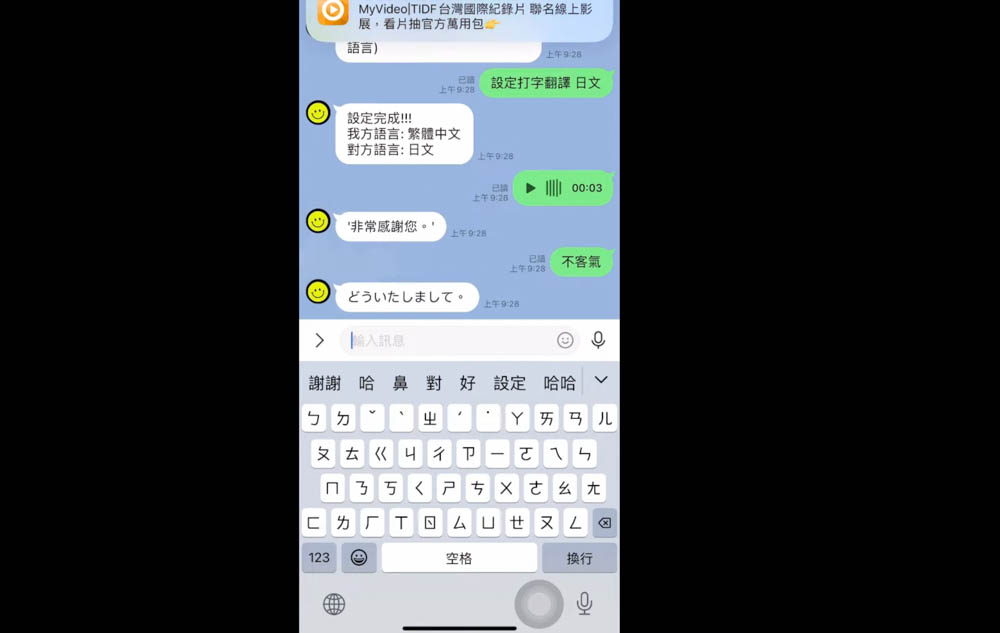
After setting the languages of both parties, text messages will be automatically translated into another language. When using voice messages, the voice content will be converted into text:
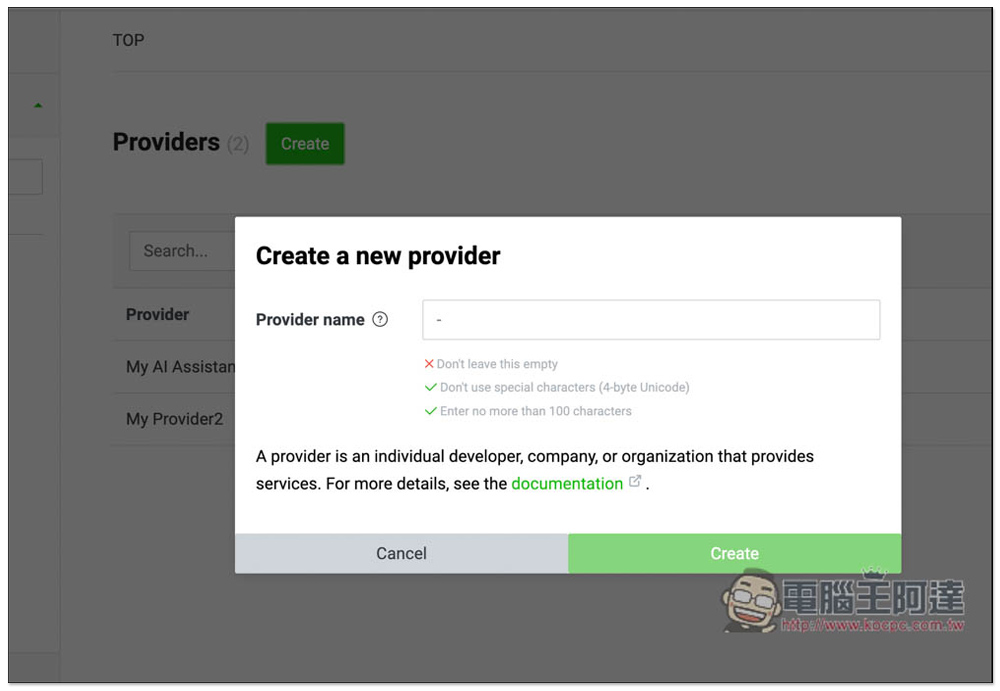
First, you must obtain a LINE developer account and register with your LINE account.After logging in to LINE Developers, click Create on the right side of Providers to create a new provider. You can name it whatever you want. There is a video tutorial from the developer at the end of the article. Those who like to watch videos can also scroll directly to the end of the article:
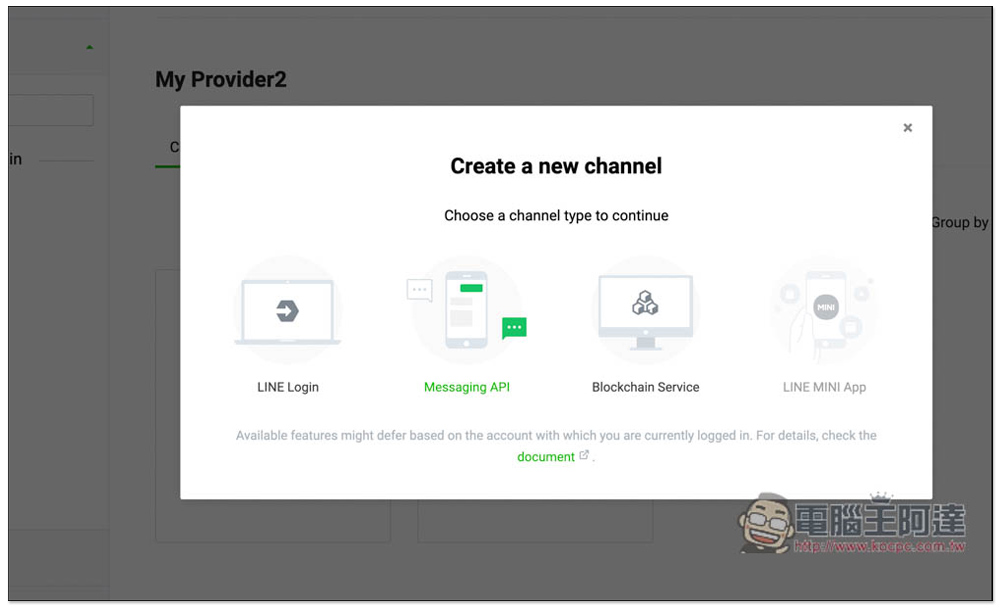
Then click Create a Messaging API channel on the screen:
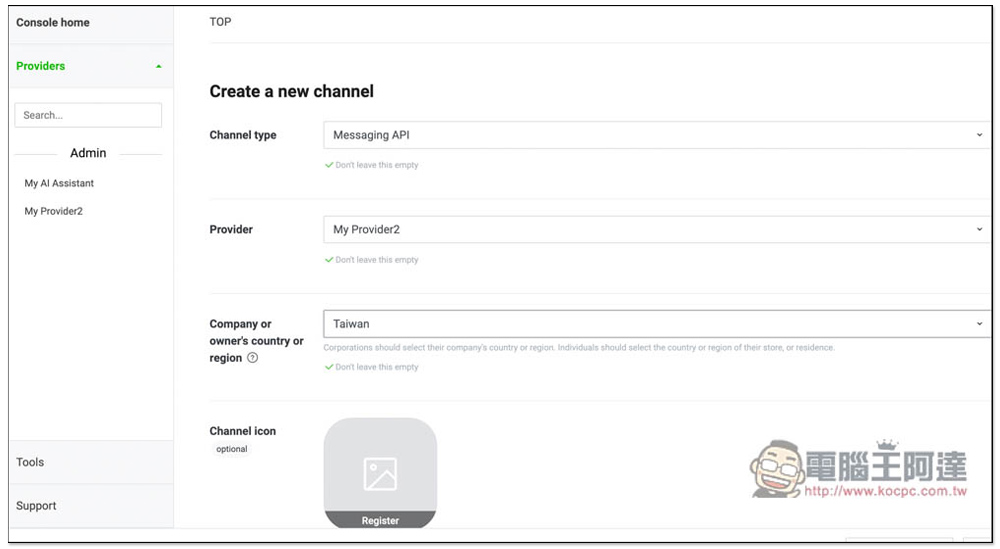
Company or owner’s country or region select Taiwan, Channel icon depends on whether you want it. For Channel name, choose a name you like, which is the name of the robot. “Tutu and Chicken’s Engineering World” uses the GG translator. Channel description Just give a description. You can choose both Category and Subcategory at will. The video demonstration is to choose life-related services. Finally, check both I have read and agree boxes below and press Create to complete the creation of the LINE channel:
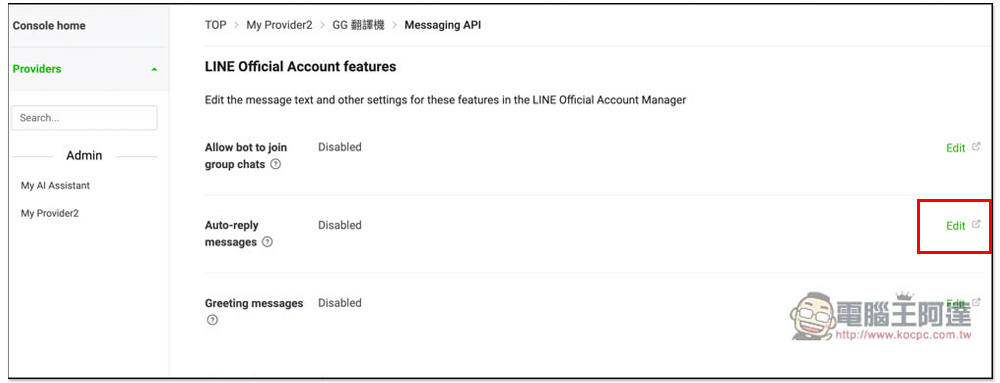
Then modify some settings first, go to the Messaging API page, scroll down to find Auto-reply messages, and click Edit on the right:
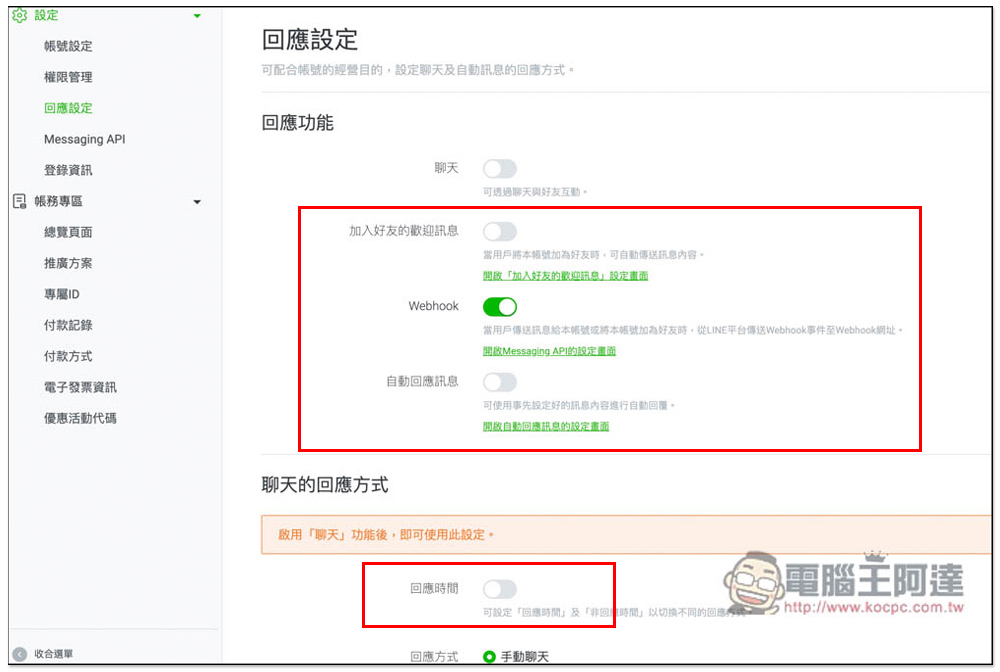
You will be directed to the page below. Turn off the welcome message for joining friends, automatic reply messages, and response time, and turn on Webhook. This part is all set:
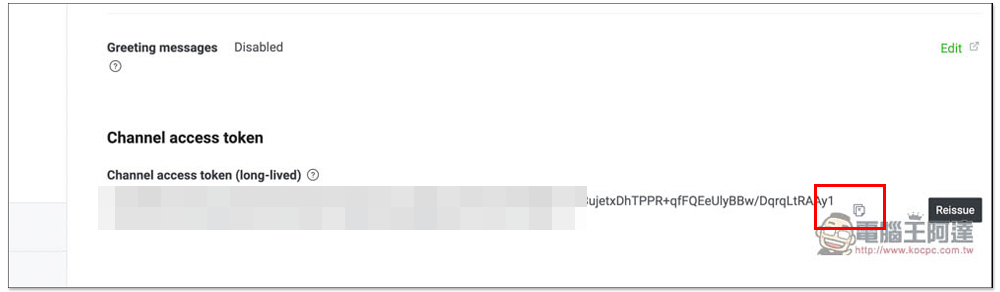
Go back to the Messaging API page and press the issue button at the bottom. A token will be generated. Please copy it and record it in a notepad. You will need it later:
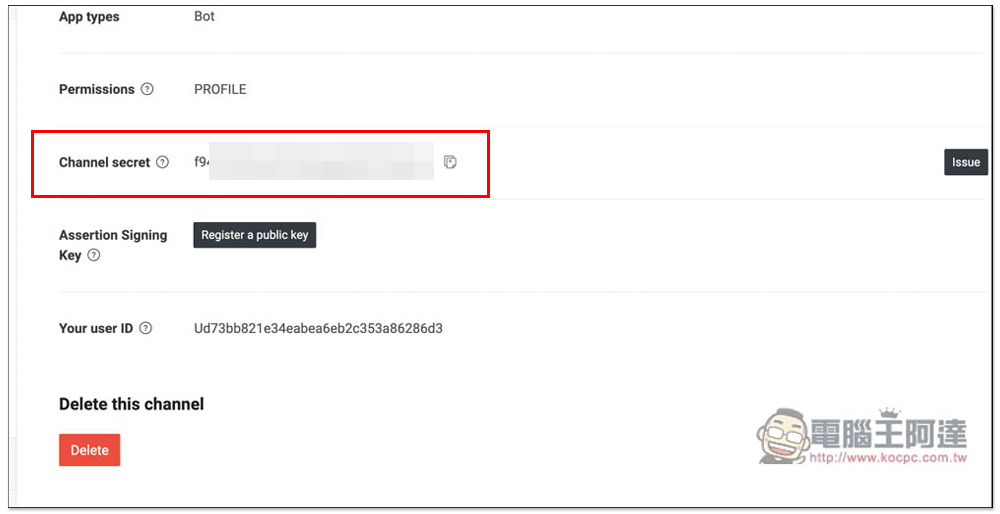
Go to the Basic settings menu, scroll down to find the Channel secret option, copy it first, you will use it later:
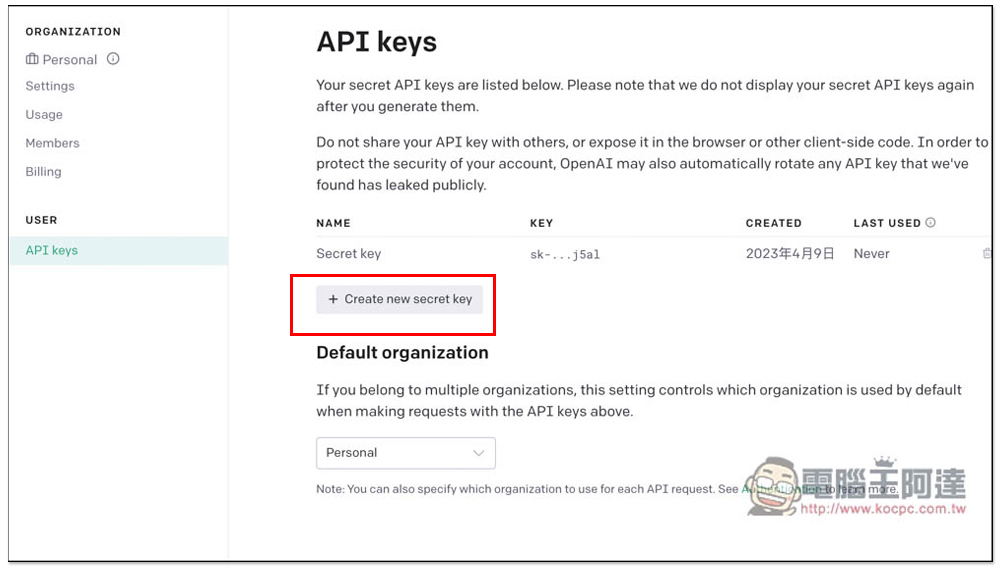
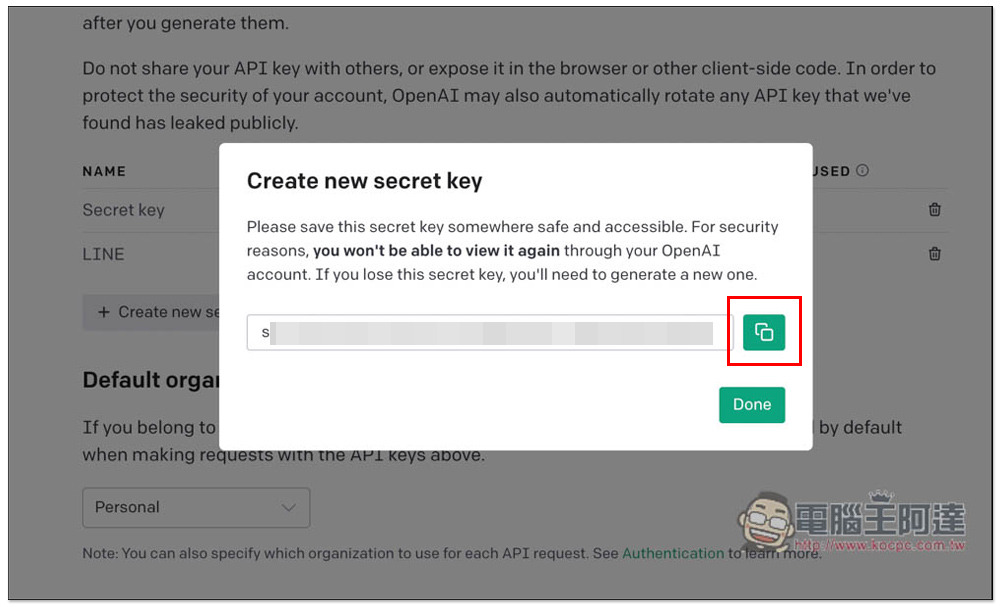
The next step is to obtain the OpenAI API.Click here to go to the official website and log in to your account, and then click “Create new secret key” on the API keys page:
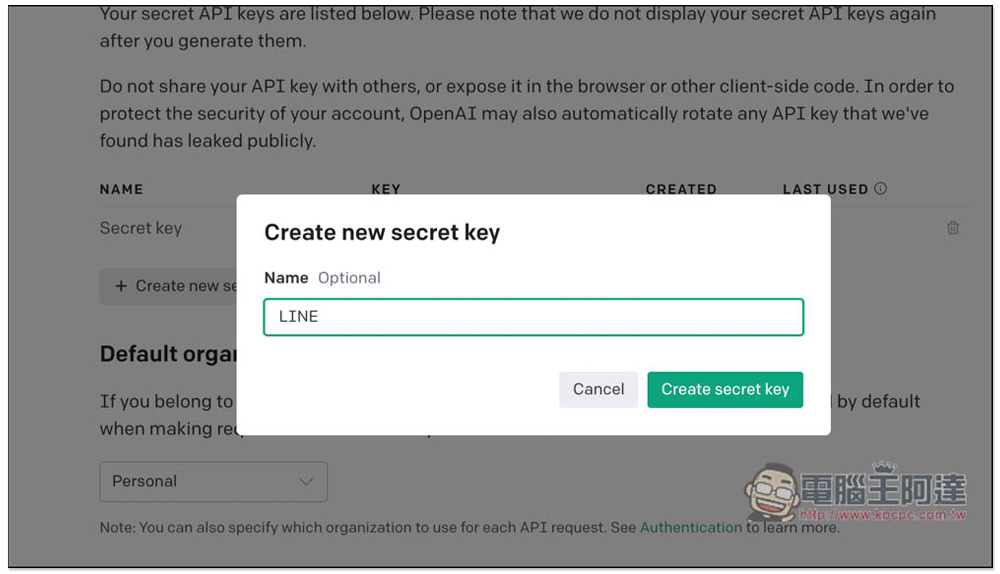
Just pick a name, whatever you like, and press Create secret key after entering it (the name can also be left blank):
After obtaining the secret key, remember to copy it and record it. After closing this screen, you cannot retrieve the copy again. You can only create a new one:
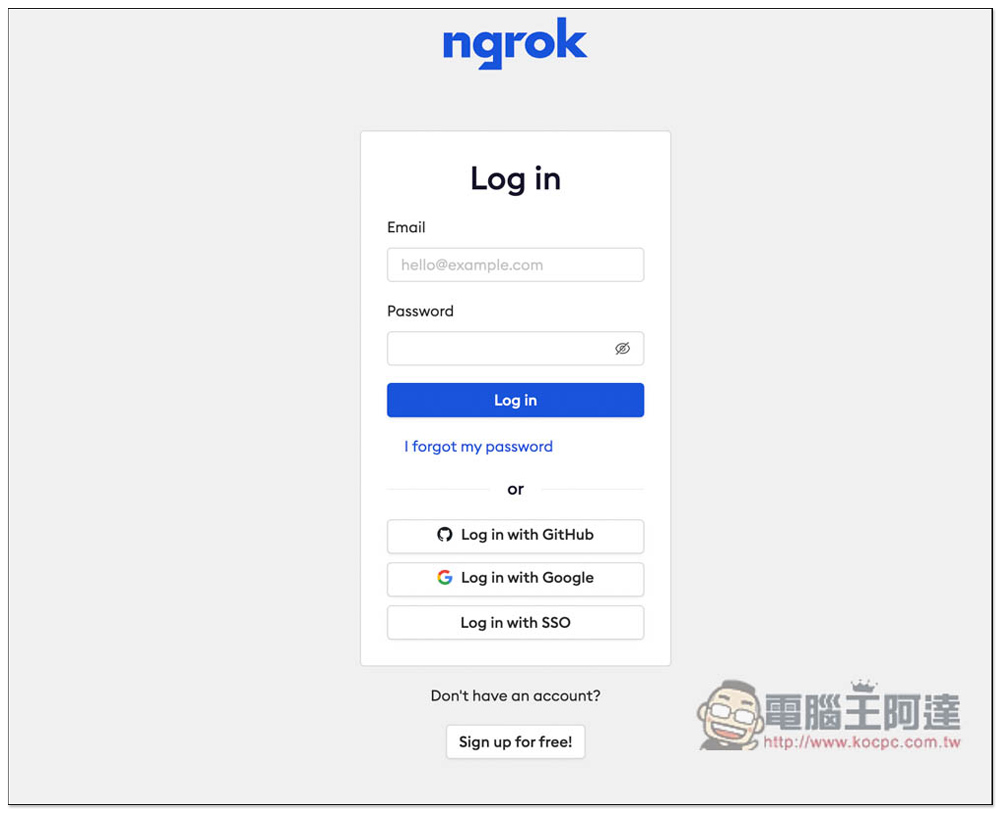
finally ngrok, if you don’t have an account yet, please register. Google and Github are supported for quick registration:
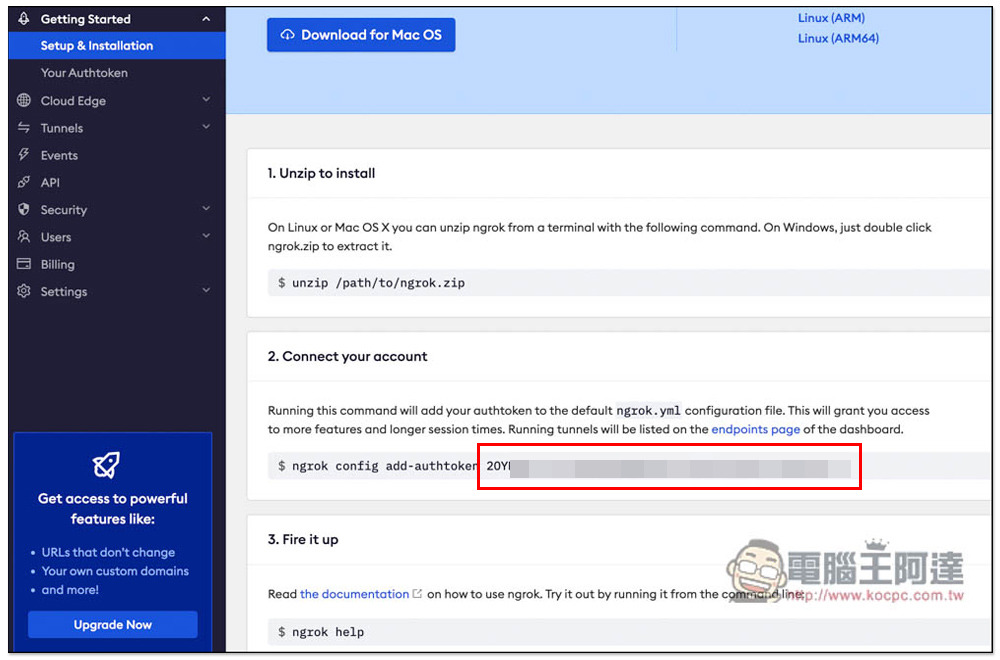
Copy the string of text below Connect your account and after add-authtoken:
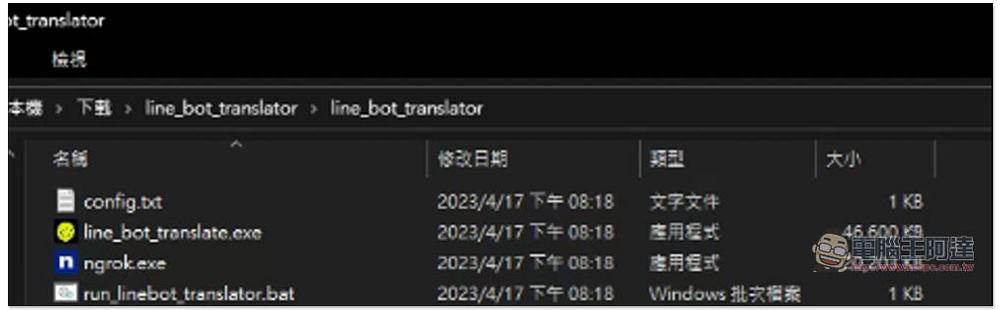
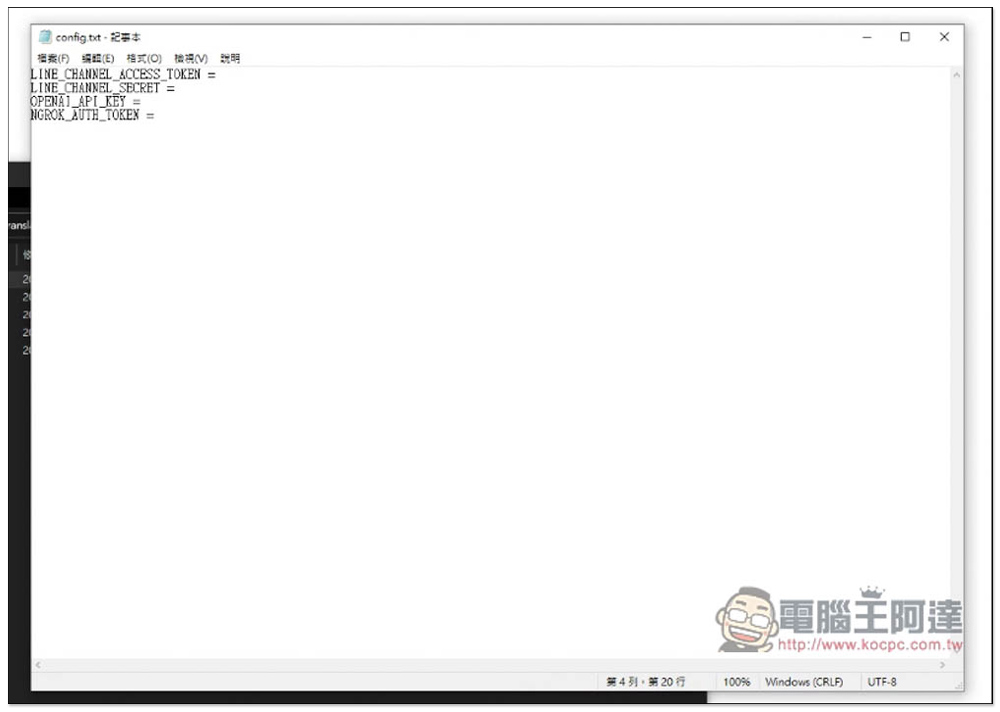
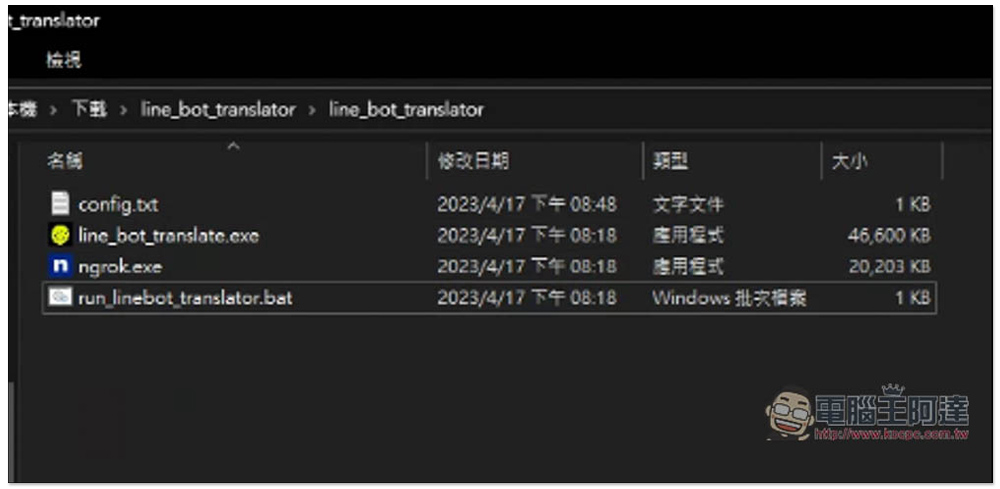
Download provided by Rabbit and Chicken’s Engineering WorldMain program compressed file, currently only the Windows version, there is also a download point below the YouTube video. After downloading and decompressing, you will get four files, open config.txt this one:
Paste and save the contents you just recorded in order:
Start the run_linebot_translator.bat file:
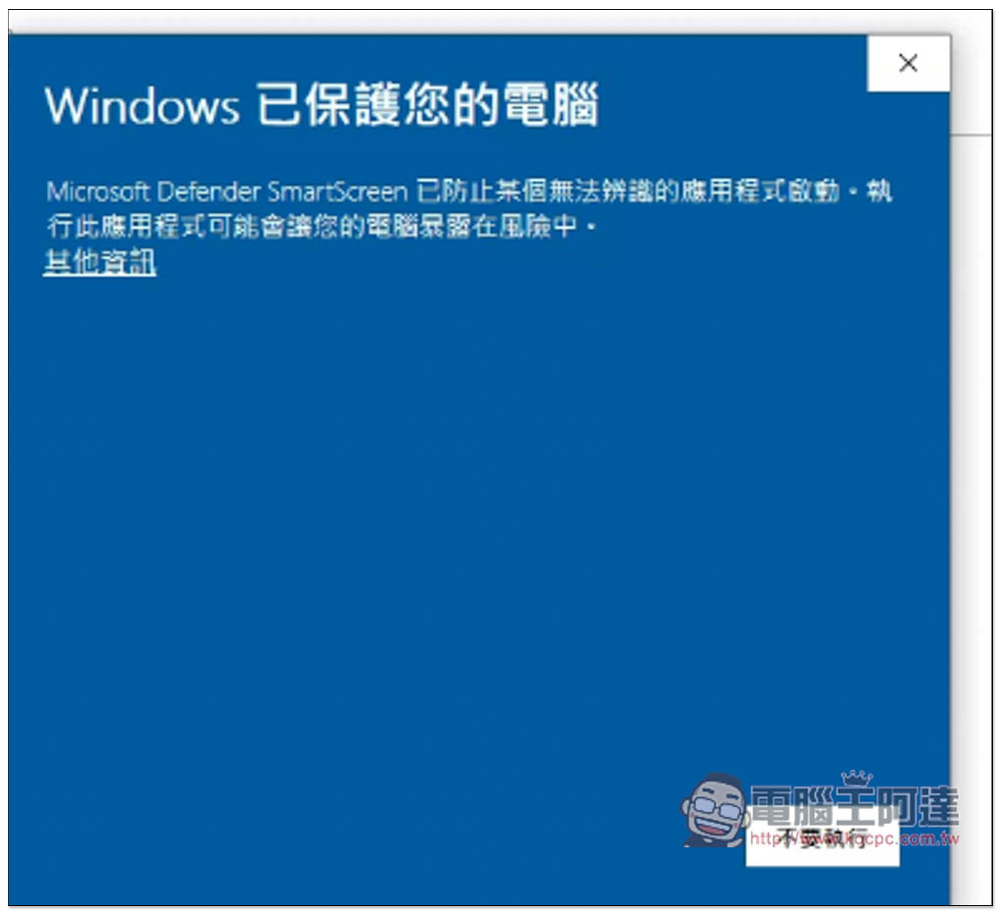
This message should pop up when you open it for the first time, click on other information:
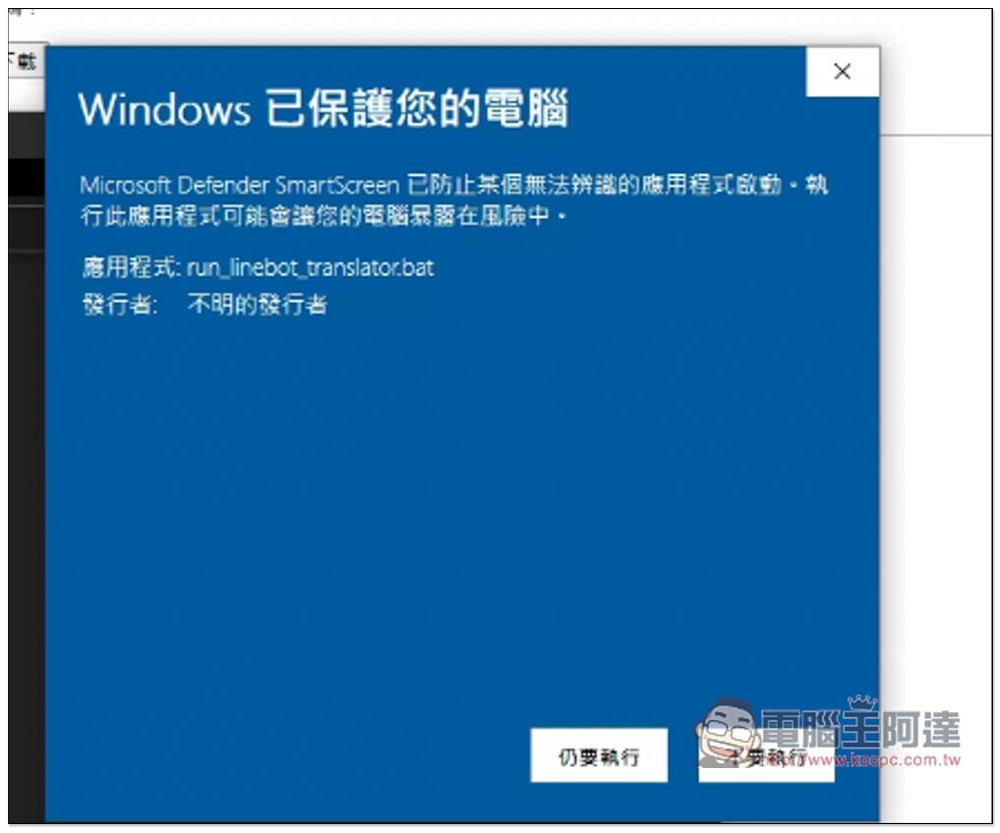
The “Still want to execute” function will appear:
When two windows appear, it means success. All the above steps are correct:
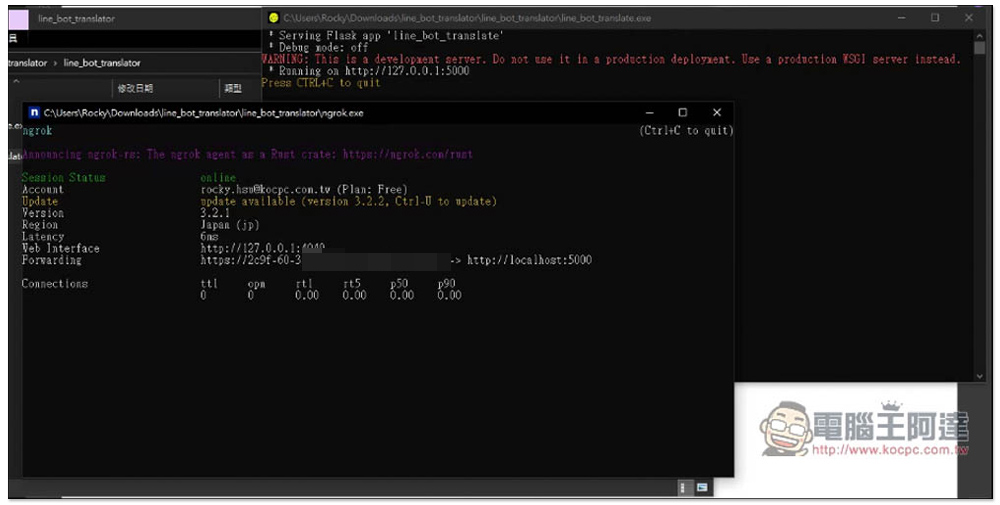
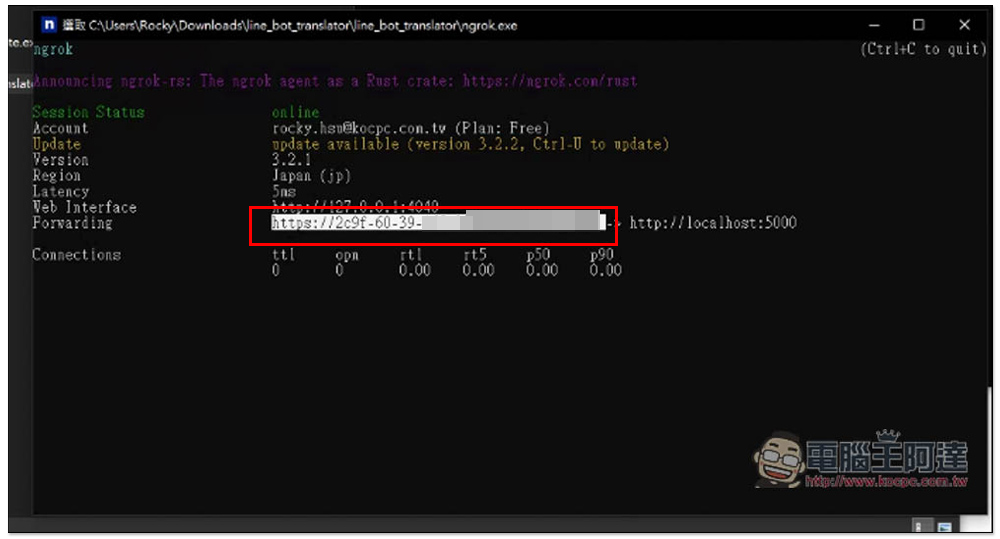
Please copy the URL on the right side of Forwarding in the ngrok window, which is what I highlighted below:
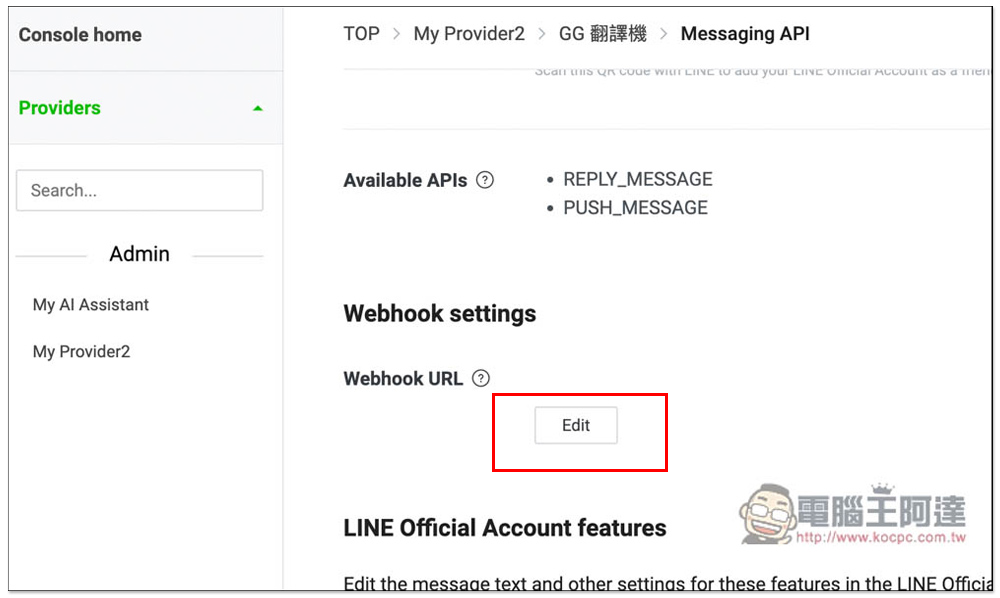
Return to the Messaging API of GG Translator on the LINE developer page and click Edit next to the Webhook URL:
Paste the URL, remember to add /callback after it, and press Update:
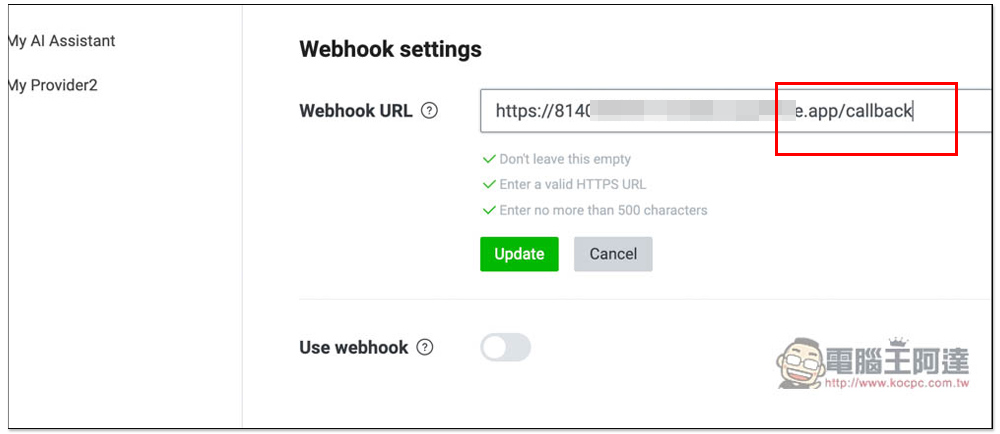
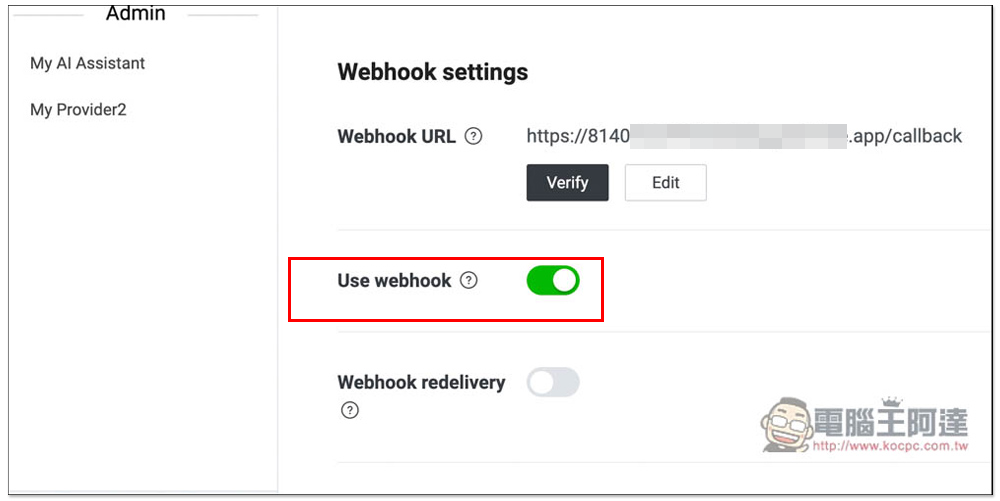
Open Use webhook below and press Verify:
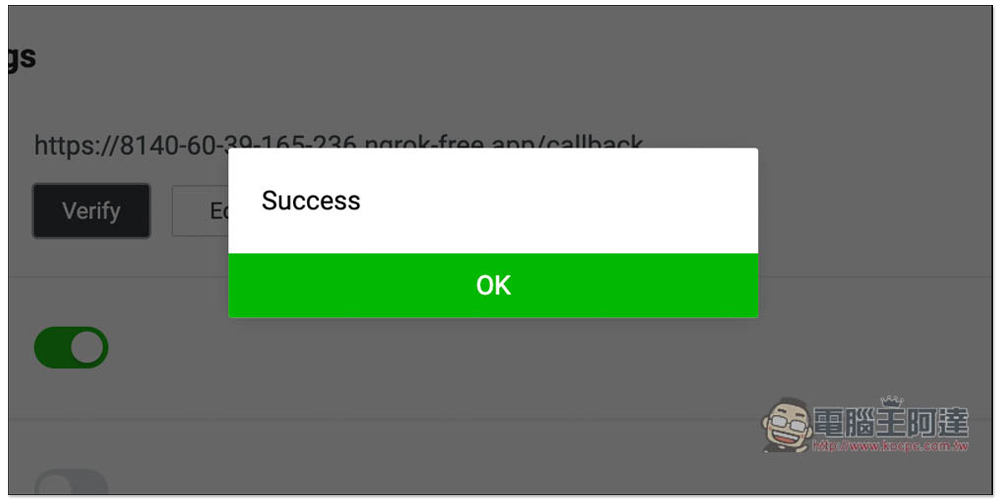
Success means success:
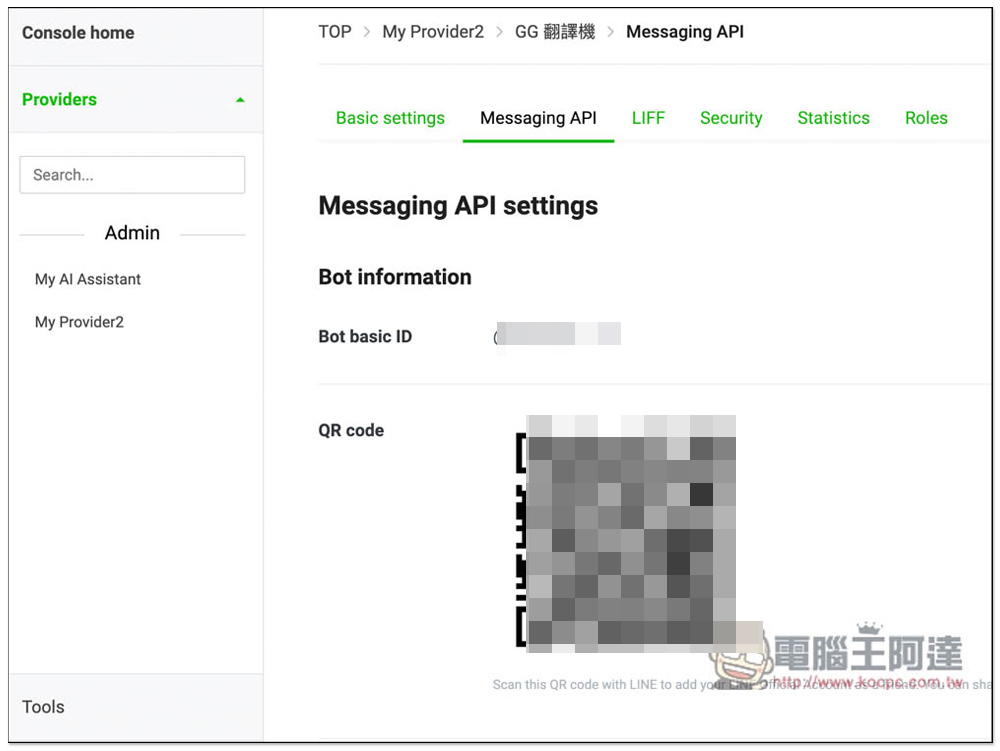
Finally, please open LINE on your mobile phone and scan the QR code to add this channel to your chat room:
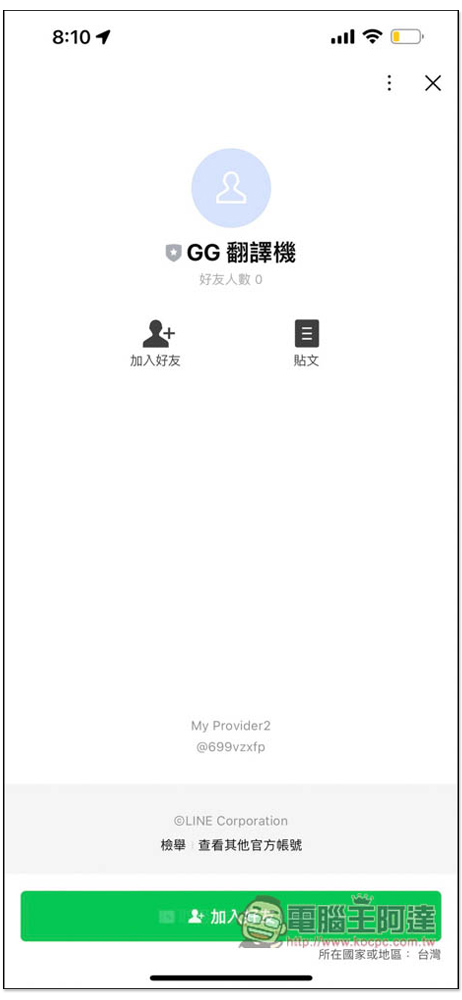
Like this, this is the GG translator I built myself, click to add friends:
Enter “Settings”, set your own language and the other party’s language, and then you can start using it. The translation speed is quite fast. Converting voice messages to text should be mainly used for recording things:
Remember, the .bat program opened in Windows cannot be closed. If you close the translator, it will not work properly. For those who find this program useful but don’t want to leave their home computer on for a long time, you may consider setting it up on a cloud Windows system.
Compared with LINE translation robots on the market, the biggest advantage of this LINE language translator is that it “supports multiple languages”, so if you can’t find the language translation robot you need, you can use this method to solve the problem.
Full video:
Source: KOCPC Chinese