


There are many YouTube downloading tools nowadays, and you can find several just by searching Google, but the Youtube4KDownloader I recommend in this article should be regarded as the most complete one. Not only can it download up to 4K quality YouTube videos (with sound and MKV format), but it also has a built-in editing function, which means you can specify the clips you want to keep before downloading, without downloading the entire video, which is very practical. It also provides a wide variety of formats, including videos and music, and it’s not just YouTube. This tool supports many websites, such as Facebook, Twitter, Tiktok, etc., with more than 1,000 websites.
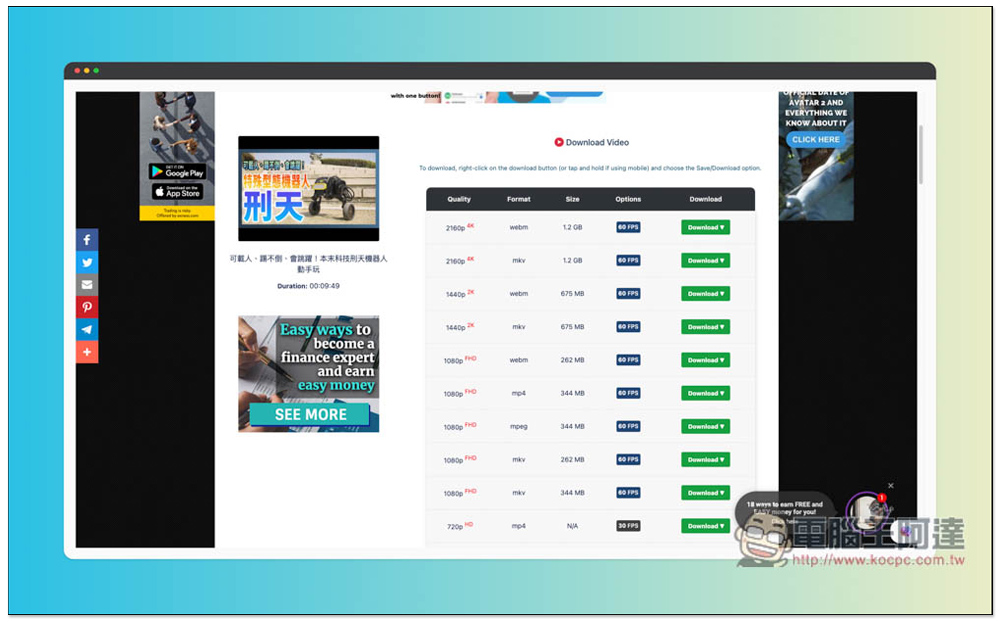
Youtube4KDownloader can download up to 4K quality, provides editing functions, and multiple video and audio formats (supports more than 1,000 websites)
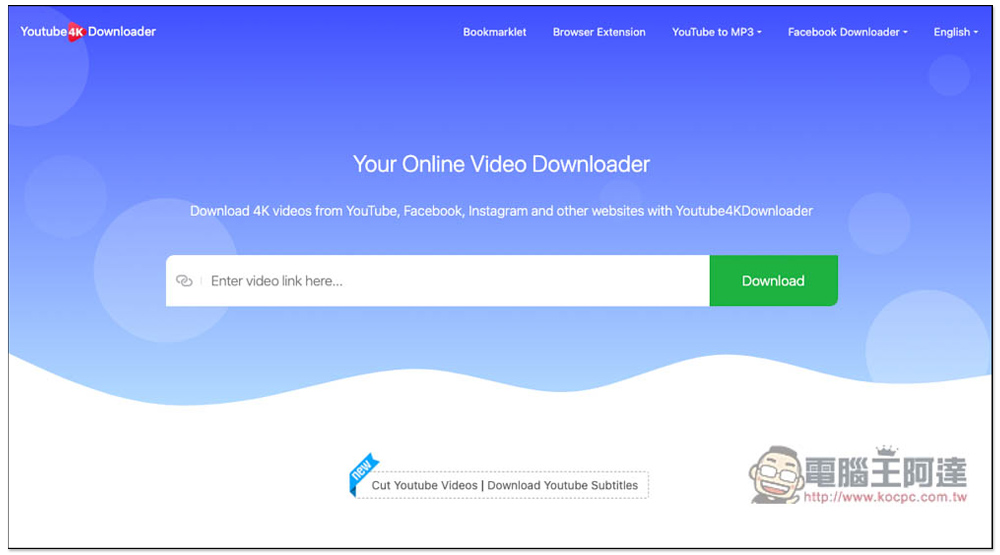
Youtube4KDownloader is a pretty powerful online download tool. It provides two download modes. The page you click on the link above is the normal mode. After pasting the URL, the download point will appear. If you want a cutting function, please click the Cut Youtube Videos function at the bottom of the page, or I will also attach a link to the next picture:
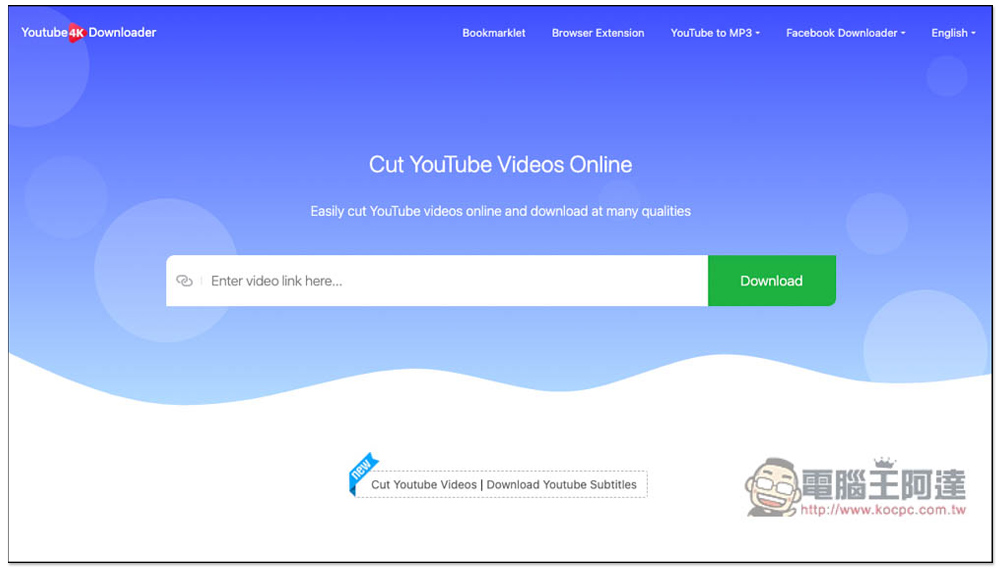
The title of the page with clipping function is Cut YouTube Videos Online, the usage is the same, paste the YouTube URL you want to download, and it will automatically read:
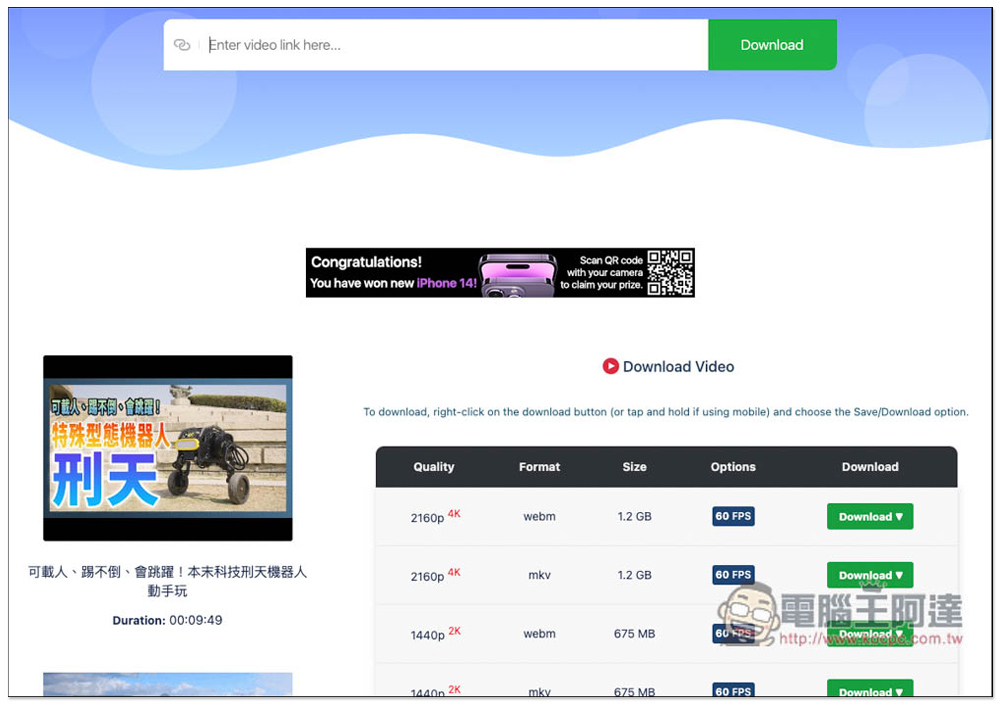
This is a screenshot of the YouTube URL posted in normal mode. All provided formats and image quality download points are listed below. The highest support is 4K image quality, and it is in MKV format. This is relatively rare, and most of them are in MP4 format. However, 4K quality files are very large, exceeding 1GB, and the download time will be longer. Another nice thing is that FPS is also listed:
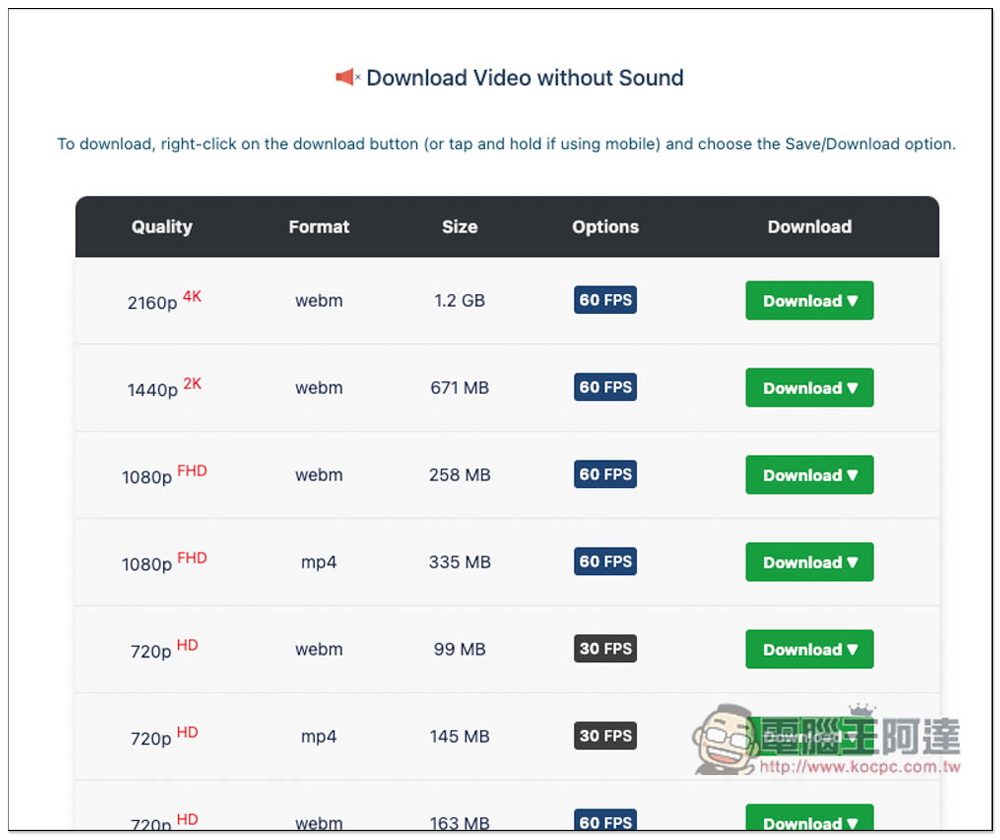
It also provides pure image files without sound, depending on whether you need them. The same can be downloaded up to 4K quality:
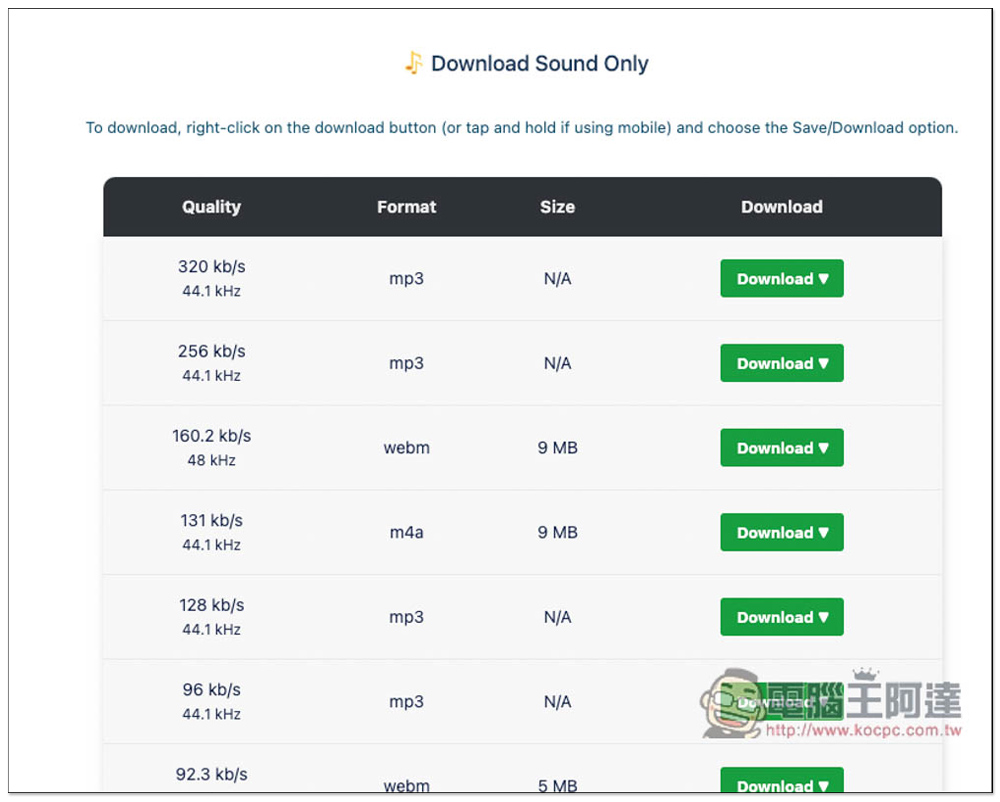
MP3 music format is also available, and the highest sound quality is 320kb/s, which is pretty good:
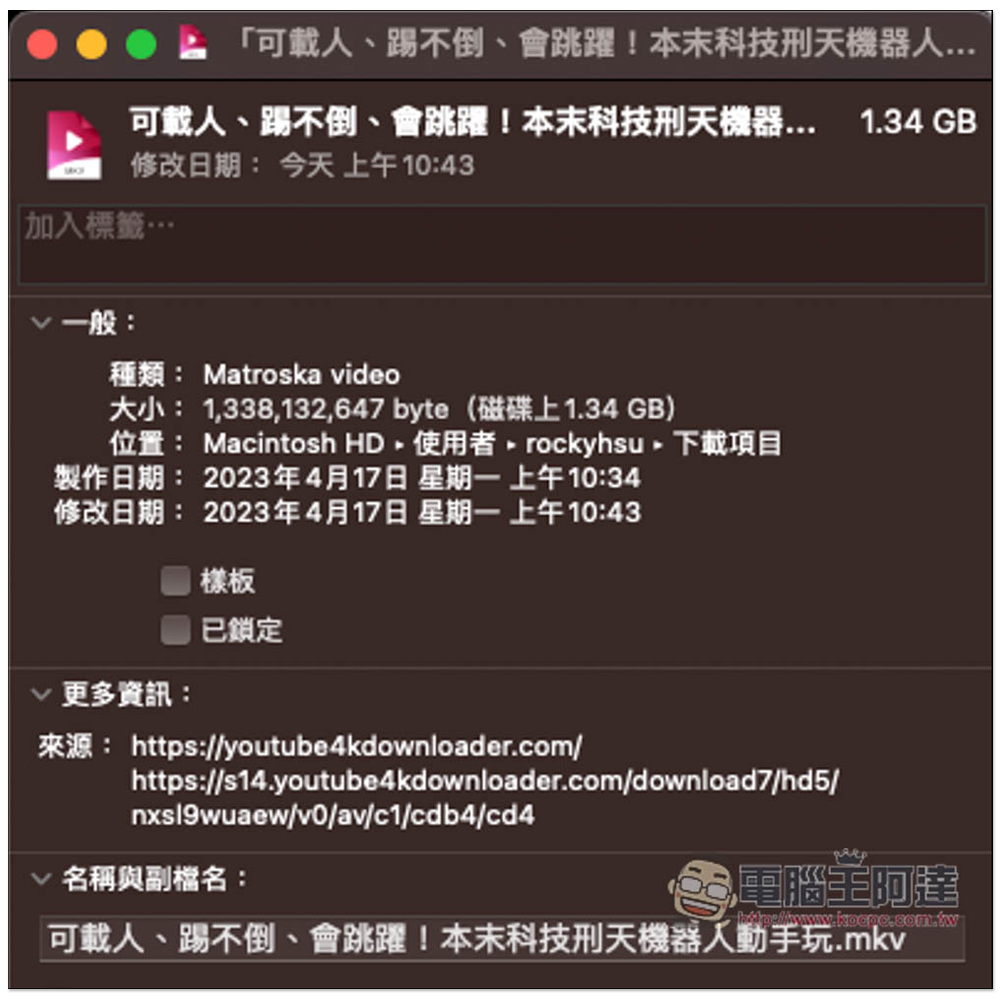
I tested downloading the 4K quality video and checked that it was indeed in MKV format and the file size reached 1.34GB:
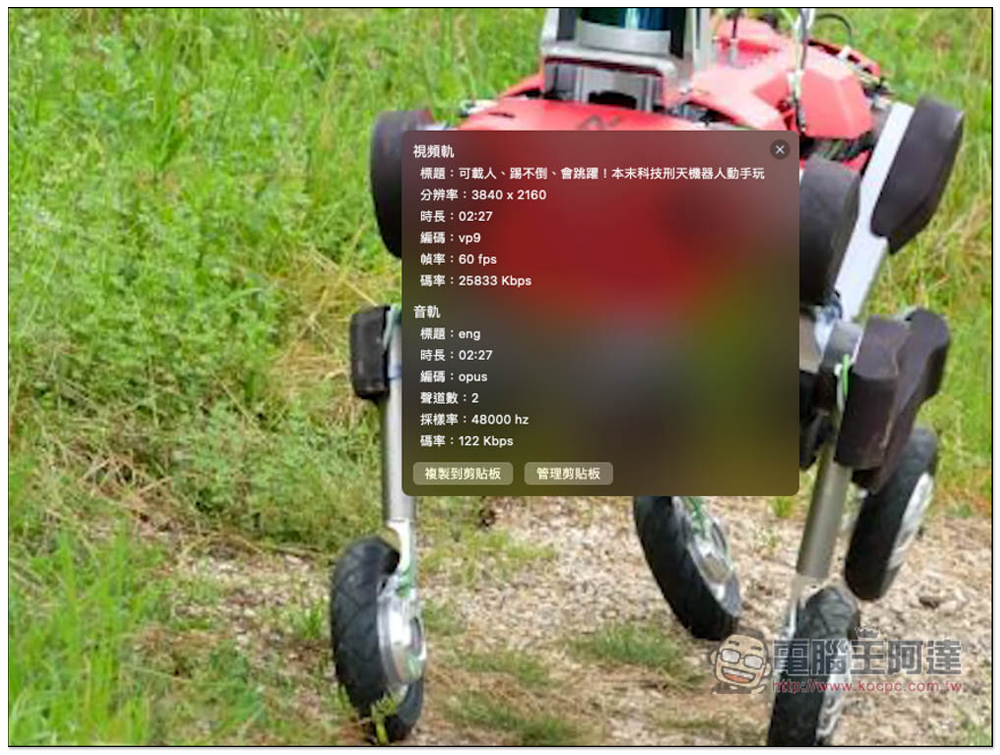
The resolution is 3840×2160, which is indeed 4K and 60FPS:
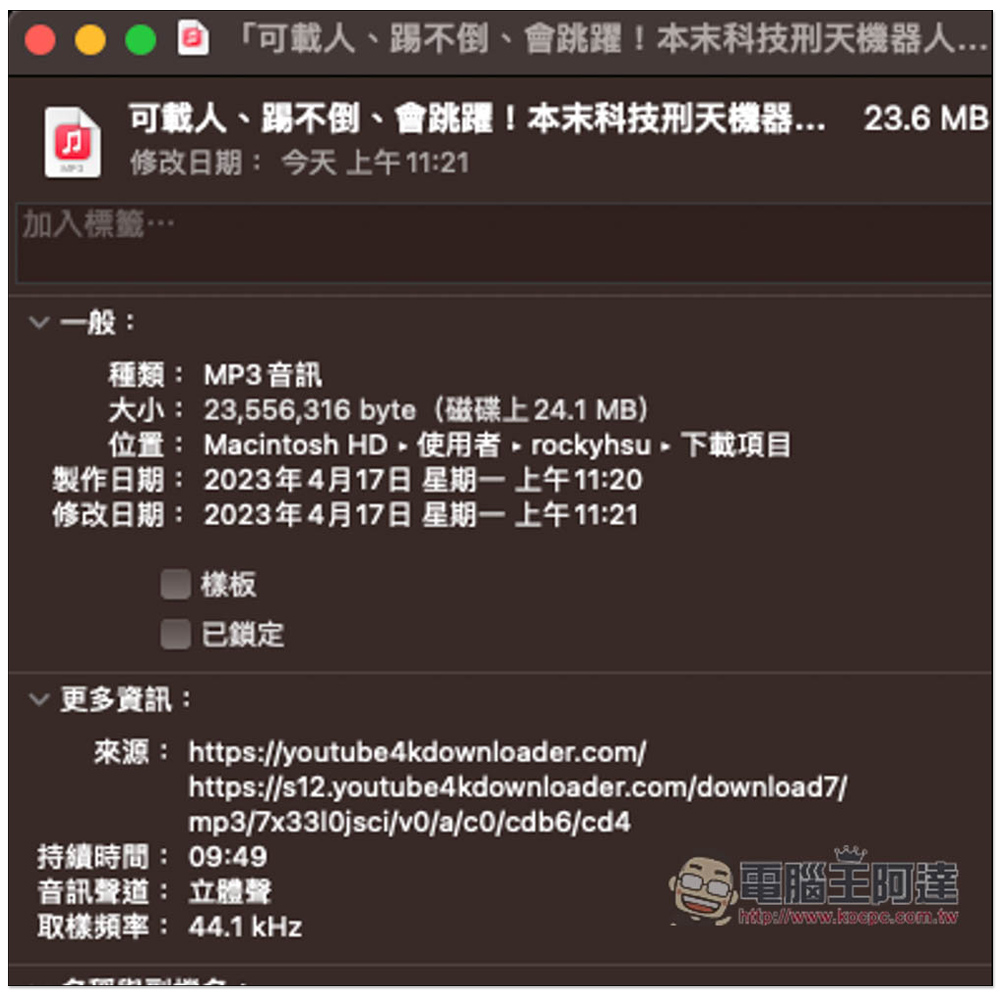
The 44.1kHz MP3 format was also downloaded successfully:
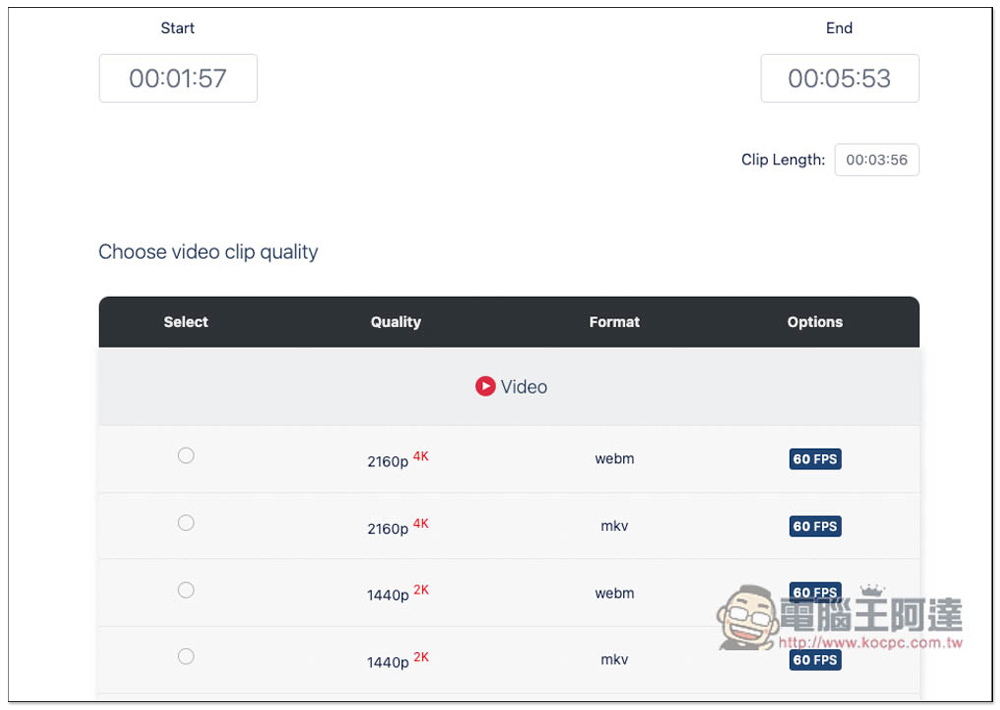
The way to use the editing function is also very simple. After posting to the YouTube blog, a screen like this will appear. Move the left side of the green slider below to the start of the clip you want to keep, and the right side to the end. In this way, only the clip you specified will be kept after downloading, not the entire video:

The format options are the same, up to 4K quality:
The only small drawback is that this tool has quite a lot of ads. Every time you click on a function, a pop-up ad will pop up. You can just turn it off. Otherwise, it is pretty good. It is highly recommended for people who often download YouTube or other online videos to save them. Videos and music can be handled with one tool.
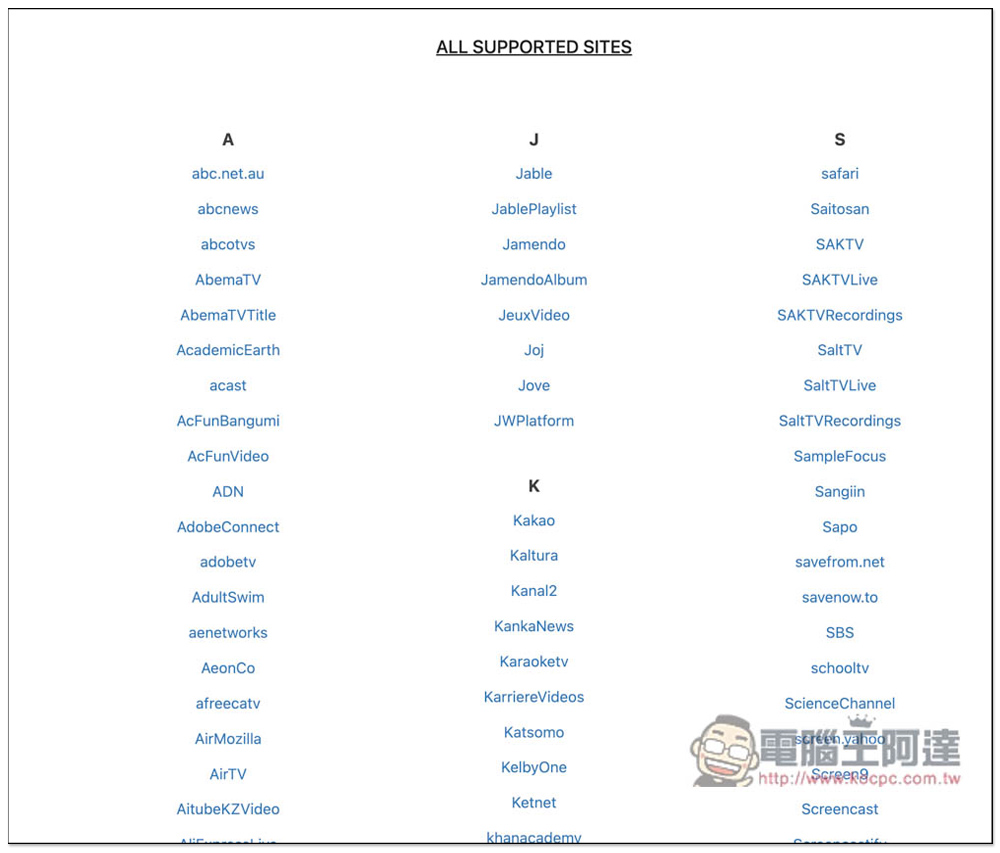
A complete website support list can be found atQuery this page, arranged according to the first letter:
Source: KOCPC Chinese