


We have introduced a MacWhisper A free speech-to-subtitles tool that only supports Mac systems and requires OpenAI API to operate. It is not completely free and may not be suitable for Windows users and people with limited budgets. This article will recommend another WhisperDesktop tool that supports Windows systems and is truly free. Not only is the speed of speech-to-subtitles fast, but it also supports translation functions, which is quite powerful.
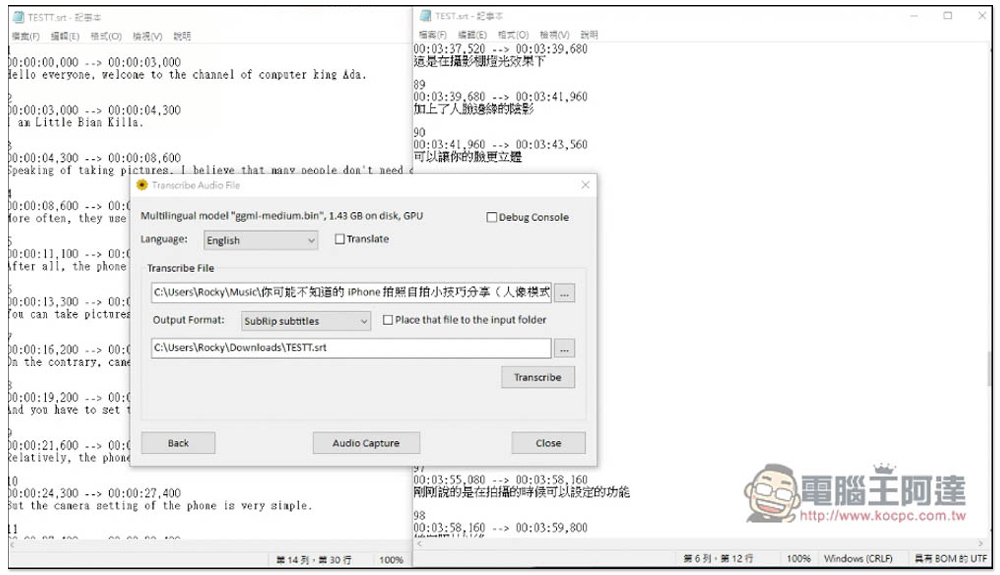
WhisperDesktop is a completely free AI video and speech-to-subtitle tool that also provides translation functions
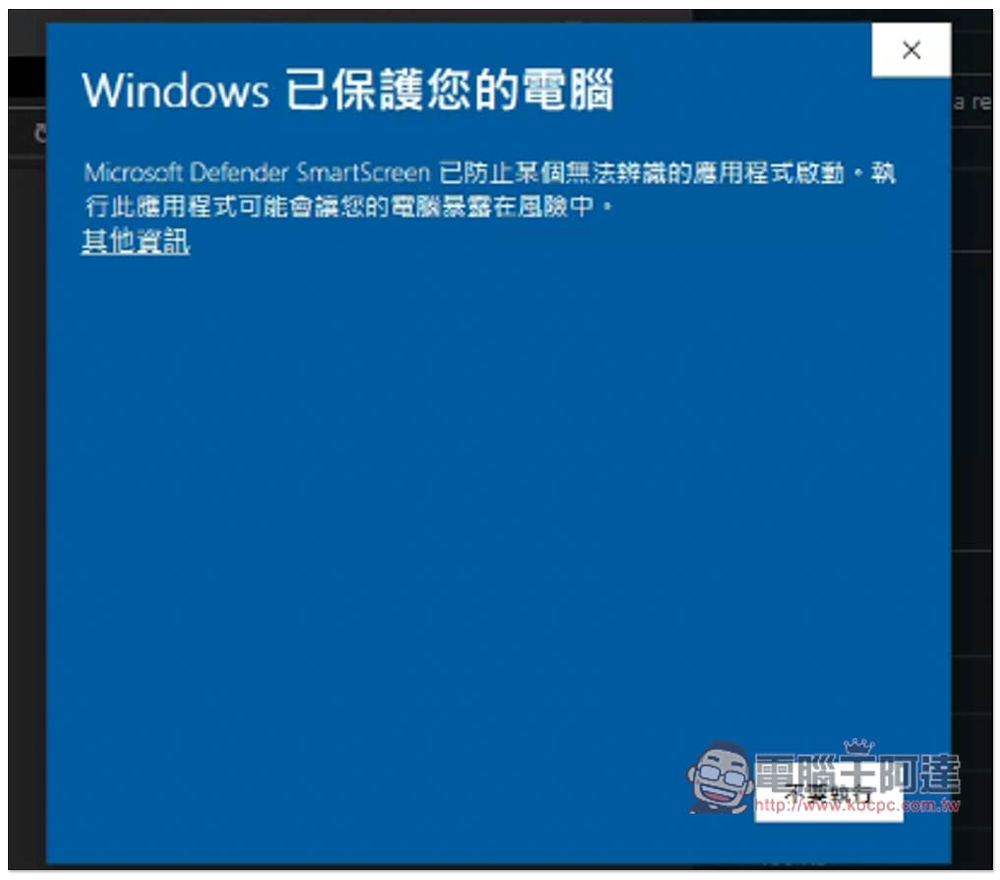
WhisperDesktop is an open source tool that is shared on GitHub. After downloading, it can be used directly without installation. This message may pop up when you open it for the first time, click “Other Information”:
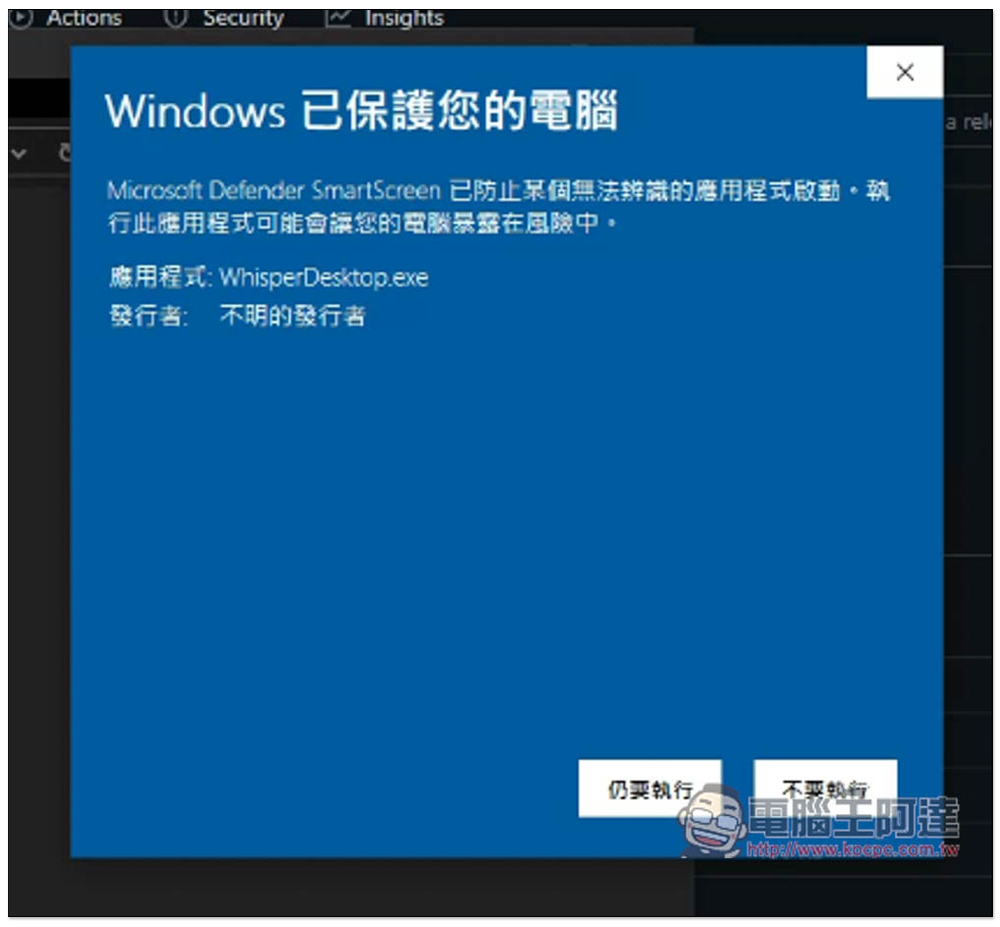
The “Execute anyway” button will appear:
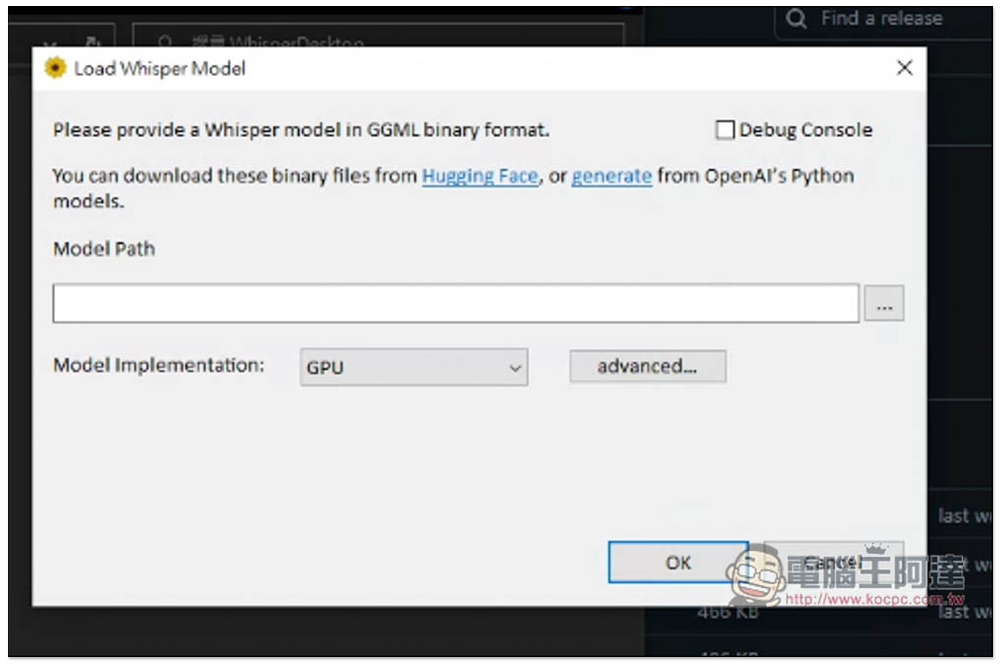
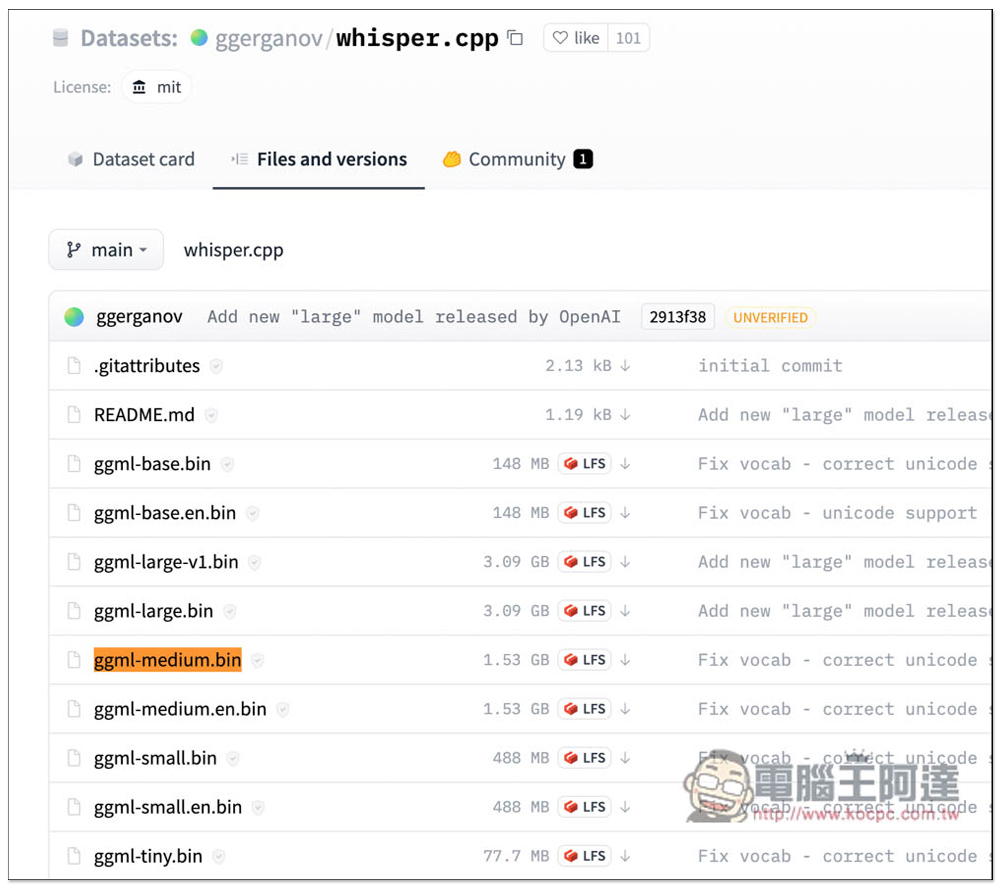
Although the operation interface is in English, it is quite simple to use. You need to read in the model file at the beginning. The model file can be Hugging Face download:
According to the developer’s instructions, he recommends using ggml-medium.bin. You can try it first to see if your computer can run it. Basically, any computer with low hardware specifications should be able to do it:
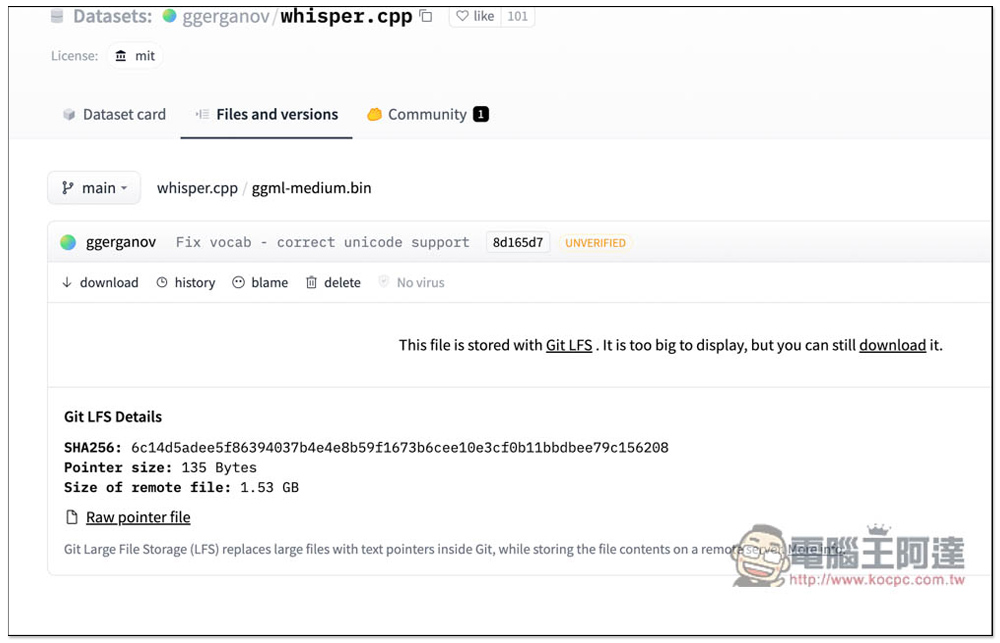
After entering the next page, you have to click download again to download. The model file is quite large, 1.53GB. It will take some time to download:
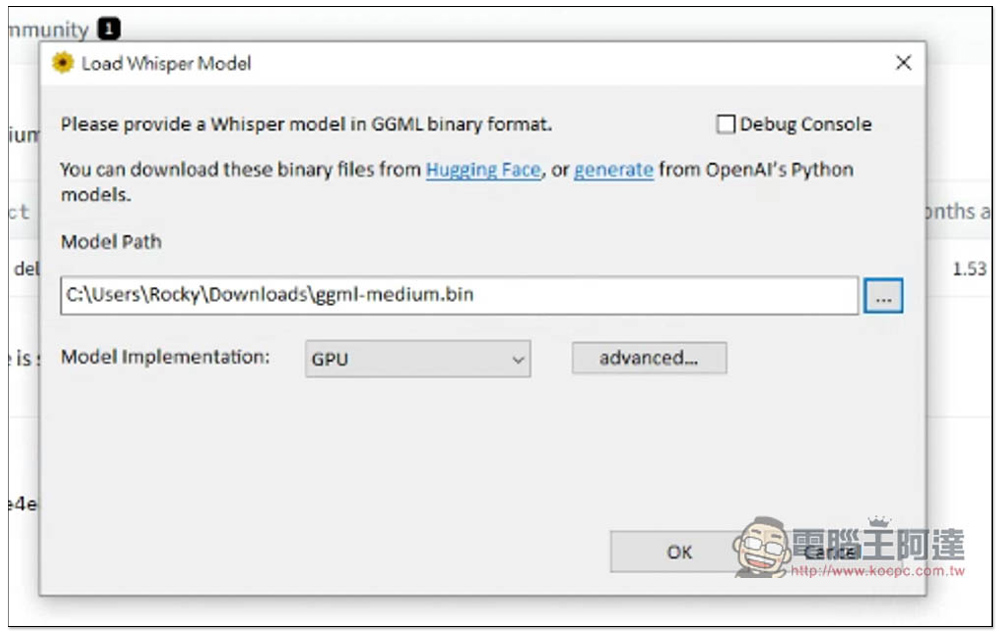
After the download is completed, read in the ggml-medium.bin model file, keep the GPU in Model Implementation, and press OK:
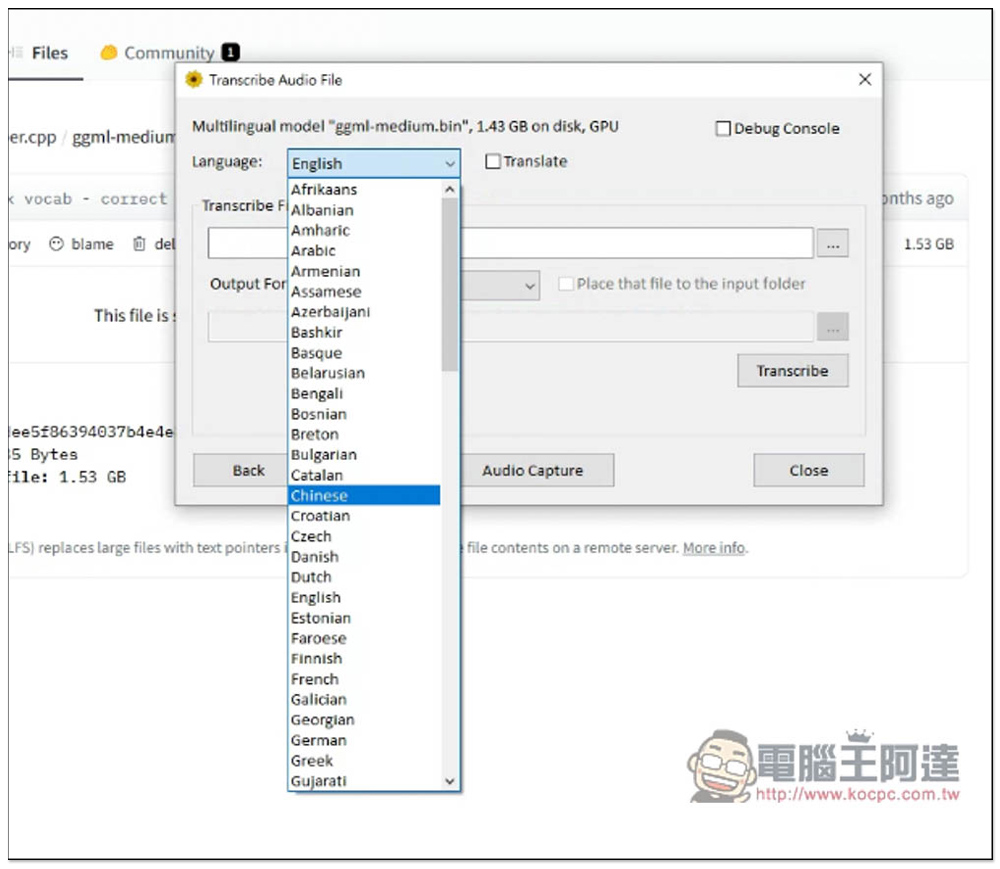
It will jump to this screen. In the Language section, select the subtitle language you want. I tested converting a Chinese video into Chinese subtitles, so I selected “Chinese”:
After reading the video file in, select SubRip subtitles in the Output Format section:
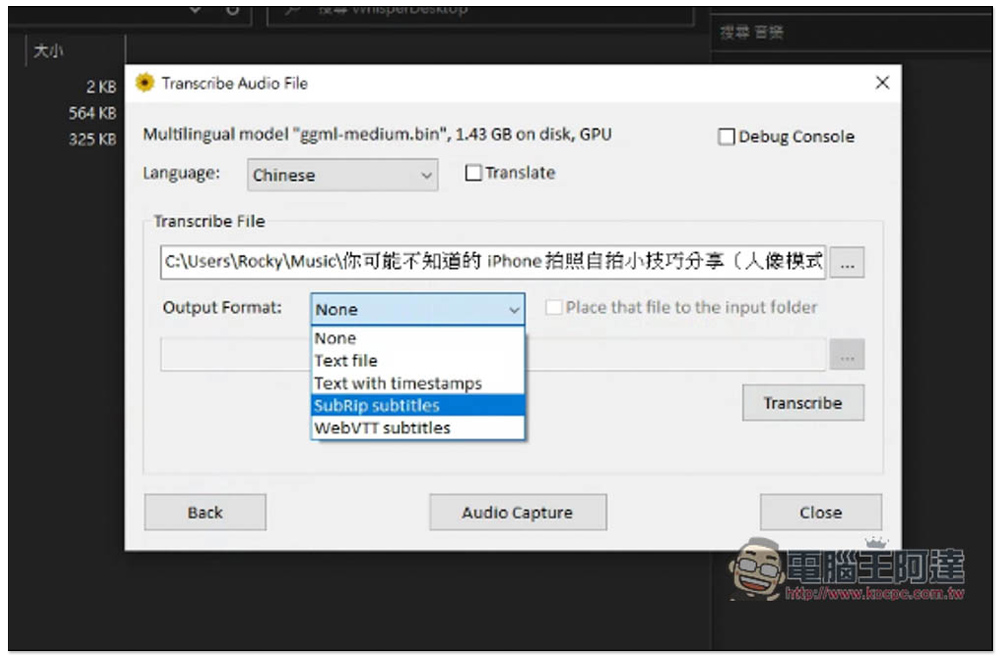
Set the subtitle file name and storage location, and click Transcribe to start conversion:
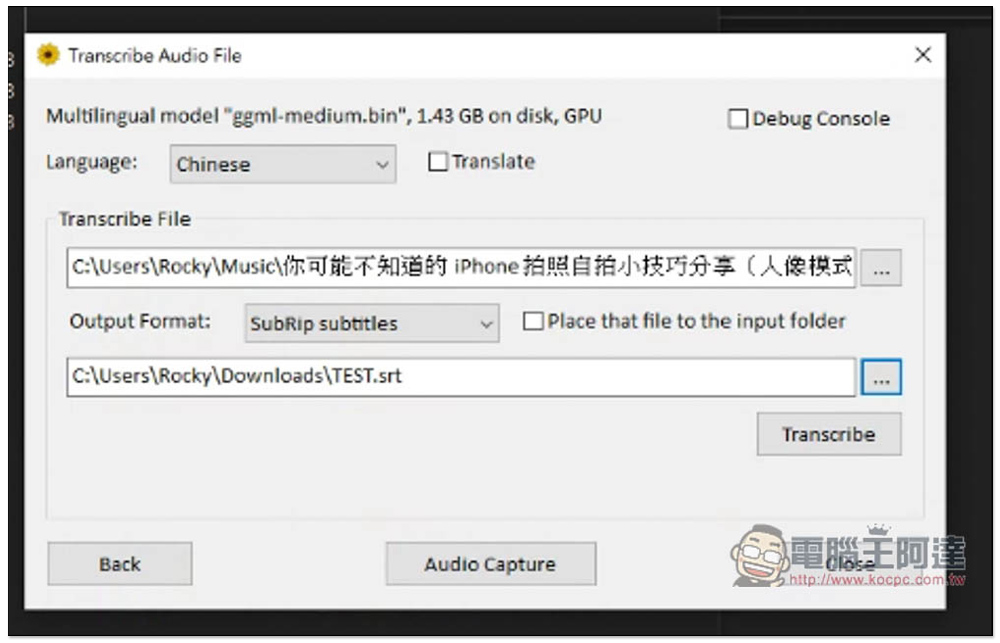
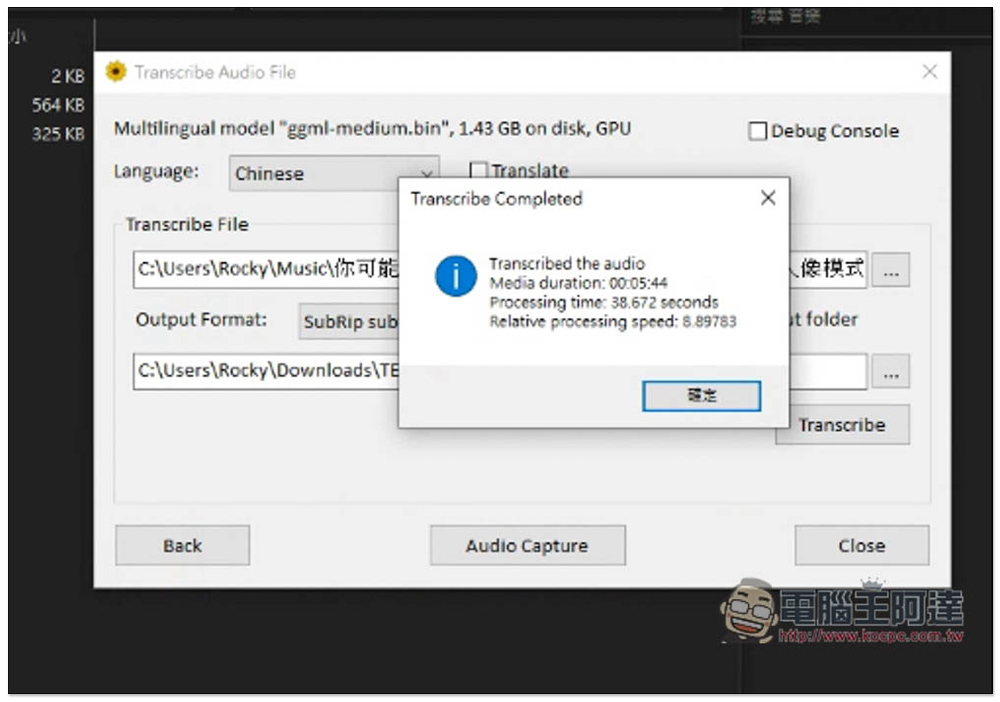
The video I tested was more than 5 minutes long, and it only took 38 seconds to complete the conversion, which is really fast:
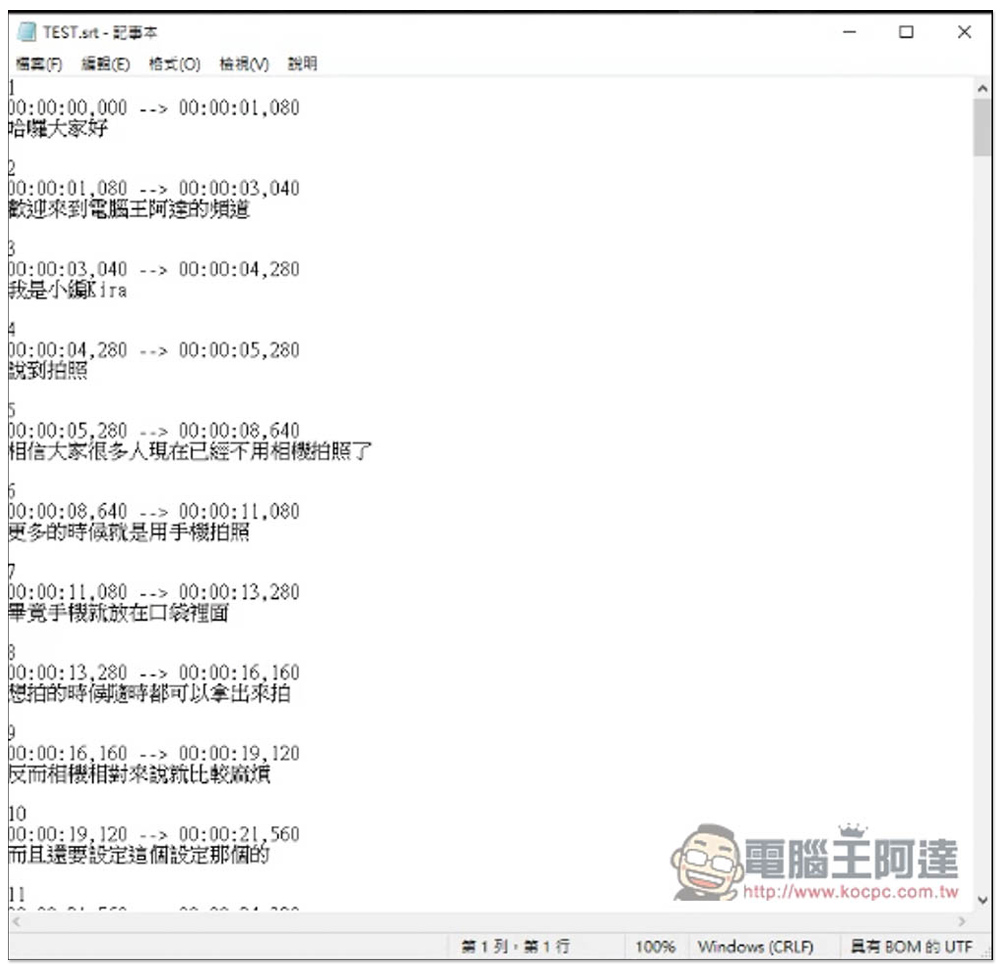
The accuracy is really high. Not only are the timestamps correct, but when I quickly scanned them, there were no recognition errors. Even Chinese and English were accurately recognized. So, for those who are making videos, adding subtitles is easy with this tool! No need to use other paid versions of tools:
Next, I will test the English subtitles, and the translation quality is pretty good:
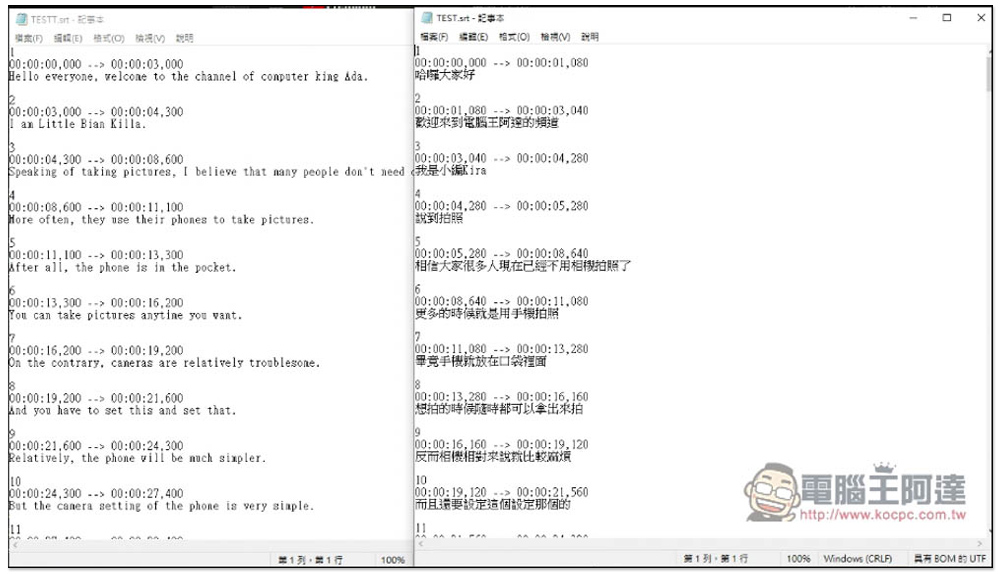
As for the file format, I tested that both MP4 and MP3 formats are acceptable. Friends who need to convert recordings of meetings or speeches into subtitles can also use this tool. Unfortunately, there is currently no Mac version. If Mac users want to use it, they must use a virtual machine. Those who want to explore can also try the recognition accuracy and speed of other Whisper models.
Source: KOCPC Chinese