


YouTube and Netflix are audio-visual websites that many people open and watch every day. For those who want to improve their foreign language skills, it would be great if there was a tool that could use these two audio-visual websites to learn. Recently, I discovered that this Trancy extension can do this. It not only provides a variety of practice modes, such as: speaking, listening, fill-in-the-blank, etc., but also has built-in dual subtitles and automatic translation functions, which means that it doesn’t matter if the video you watch does not have Chinese in it, it will automatically translate it into Chinese. If you think this tool is good after using it, you can consider upgrading to the paid version. The paid version has integrated ChatGPT.
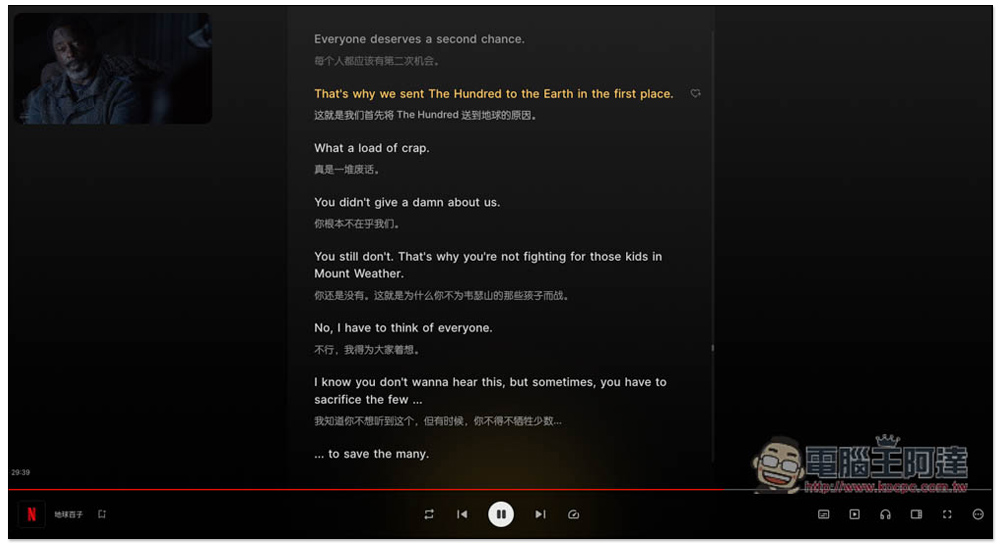
Trancy uses YouTube and Netflix videos to learn foreign languages, provides multiple practice modes, and integrates ChatGPT
- Click me to go to Microsoft Edge store to install
- Click me to go to the Google Chrome store to install
- Click me to go to the official website
Trancy currently has Chrome and Edge versions. I will use Edge as an example below, and the operations are the same.
After entering the extension store, click on the right to get:
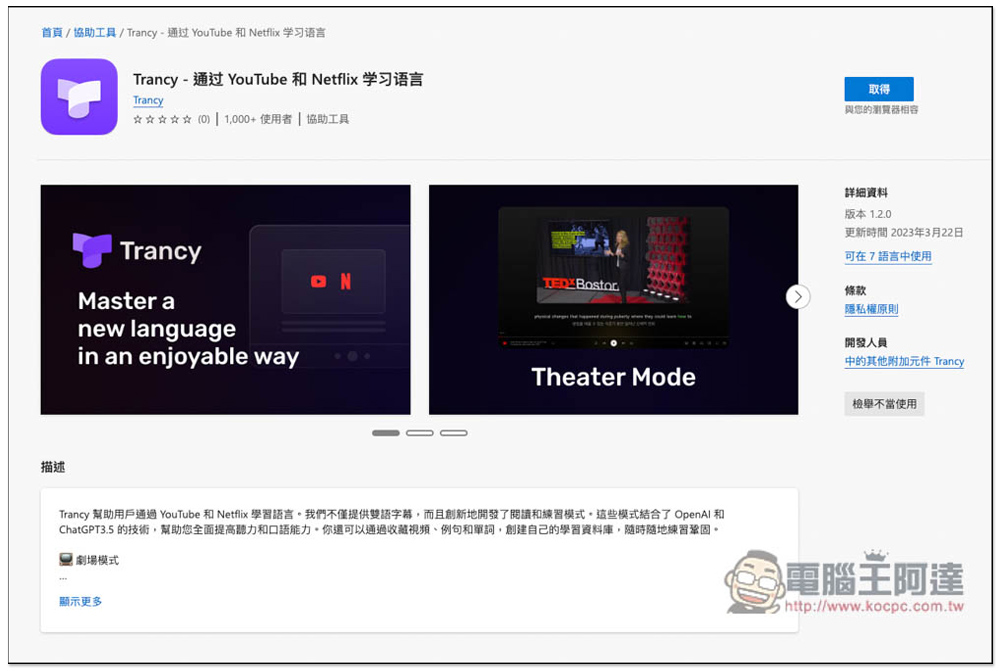
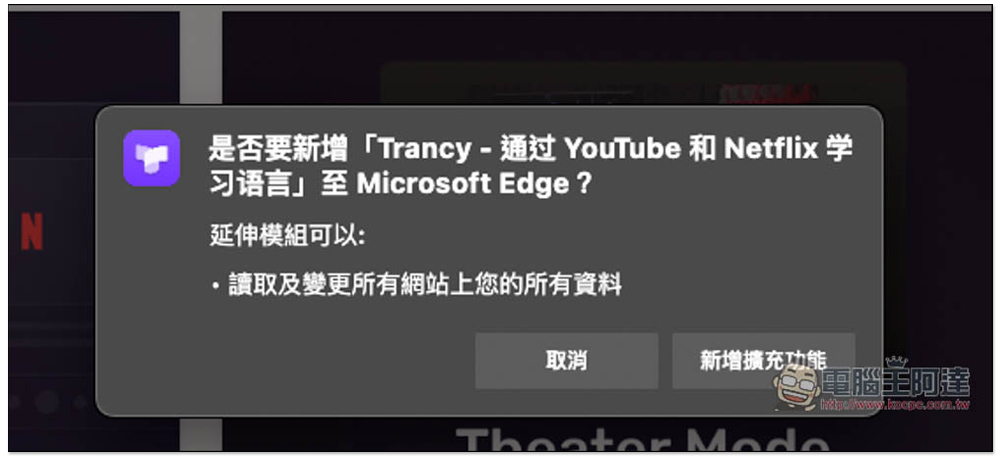
This prompt will pop up, click “Add extension”:
After installation, a new instruction page will automatically open, the default is English:
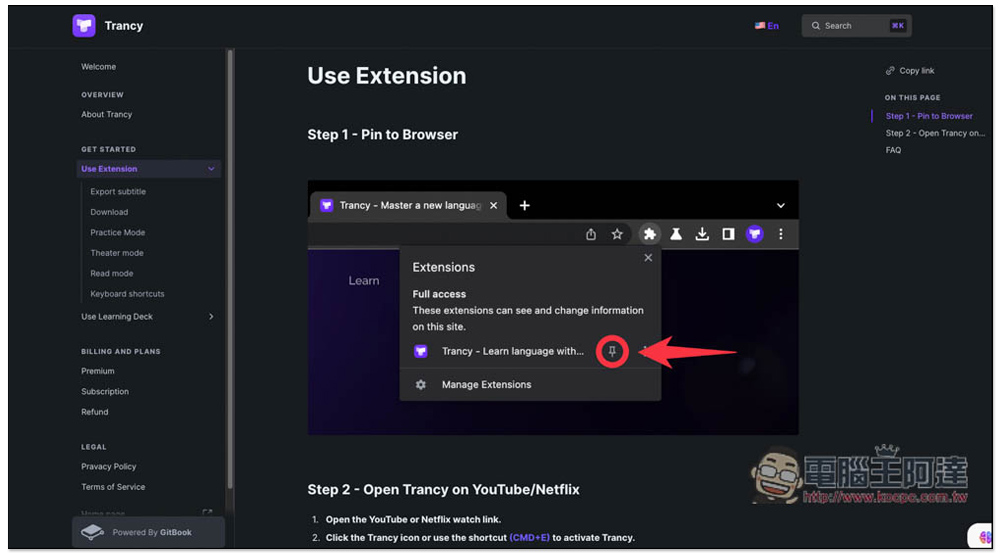
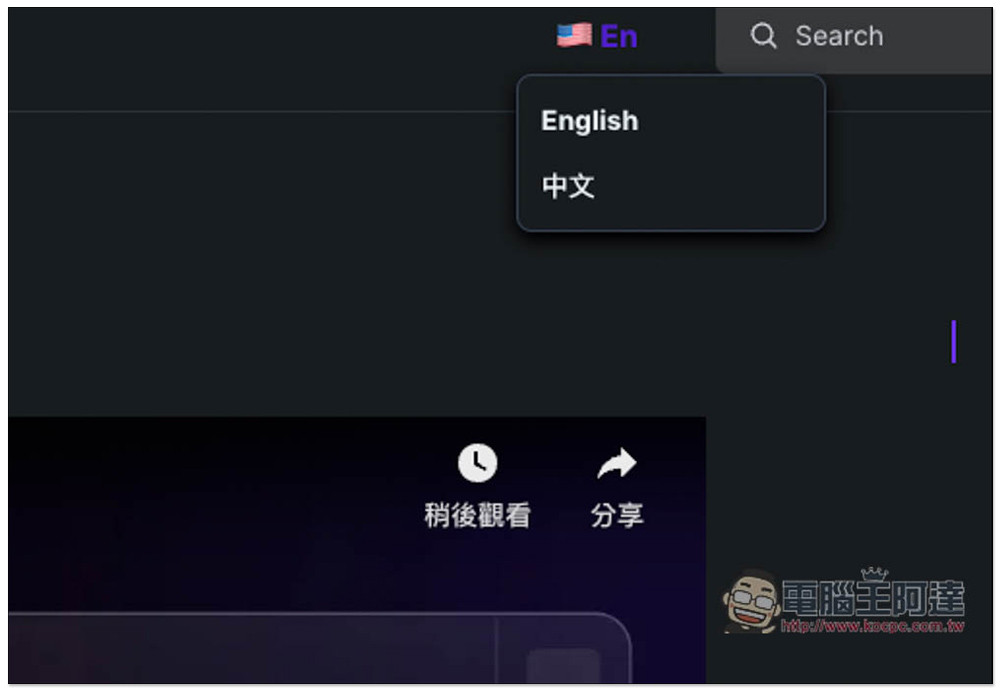
Chinese is also available, click on the upper right corner to switch:
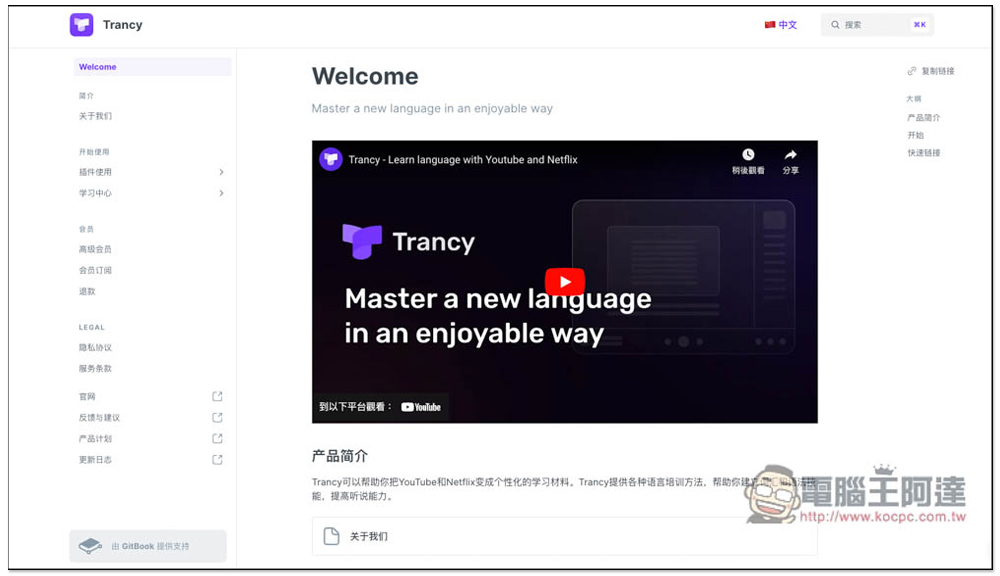
If you have time, if you want to know more about the features of this extension, you can read:
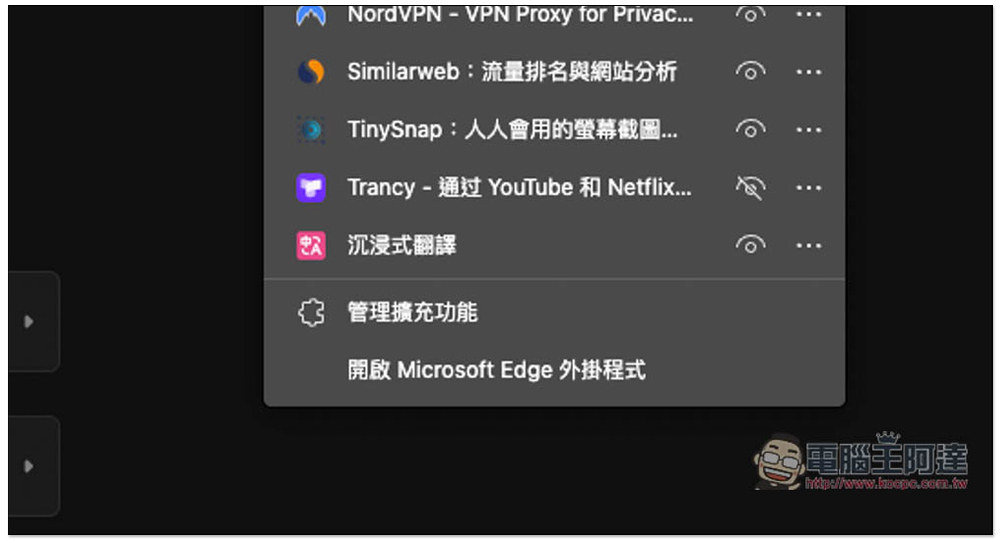
In addition, after installing a well-intentioned extension function in the current browser, it will automatically hide the extension icon, so remember to turn it on. In the puzzle icon in the upper right corner, find Trancy and open the eye on the right:
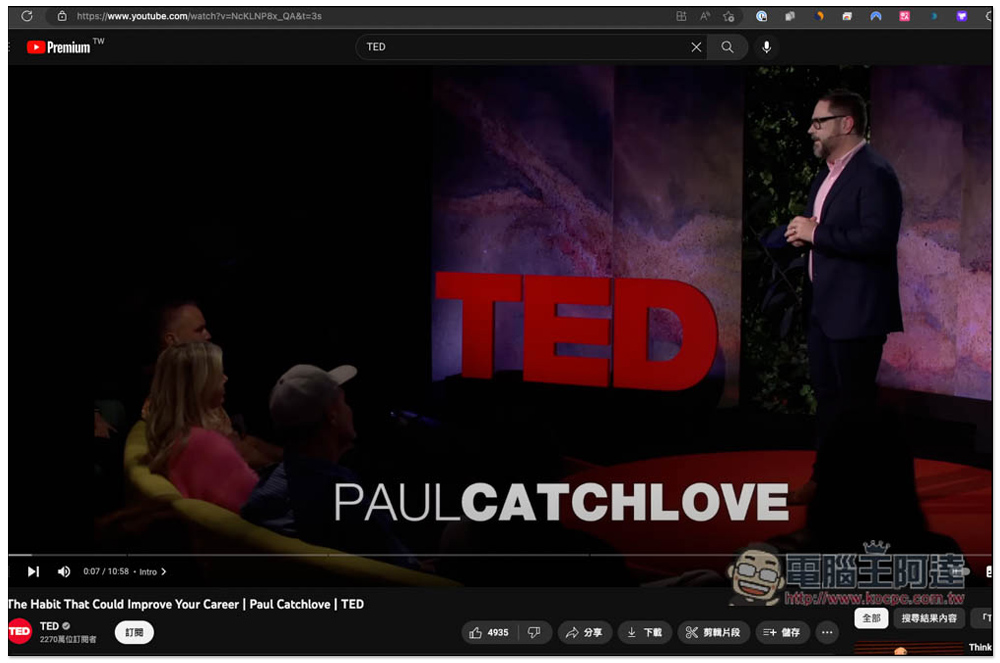
Next, open the YouTube or Netflix video you want to study. First, watch YouTube. After entering the video playback interface, click the extended function icon in the upper right corner:
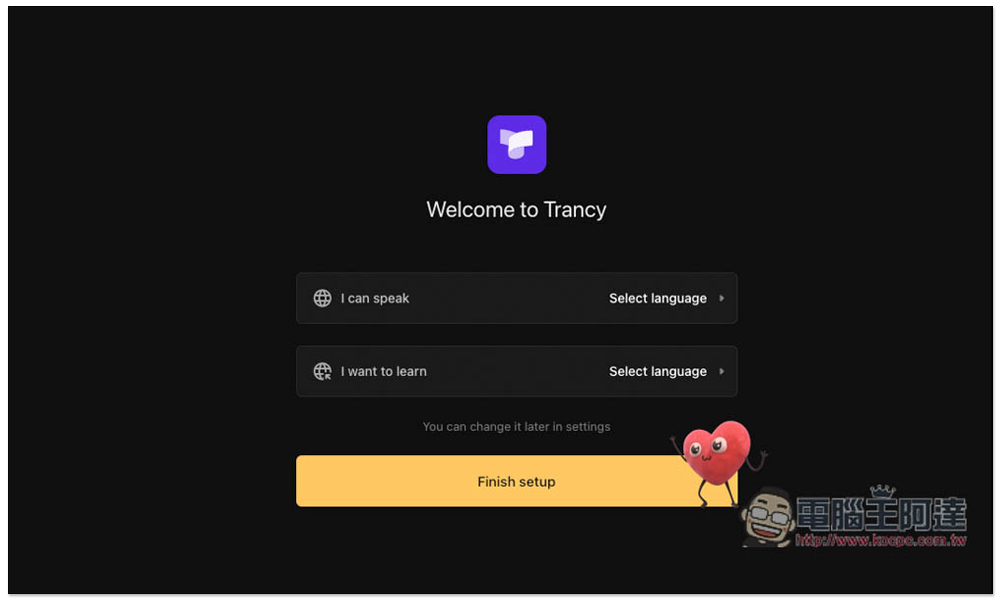
Set the languages you speak and the languages you want to learn:
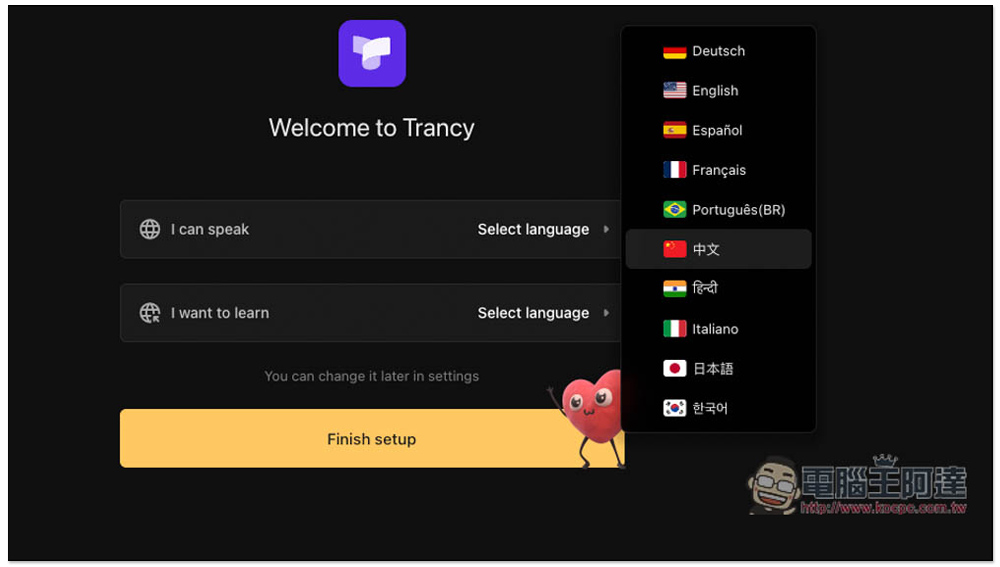
There are quite a few supported languages:
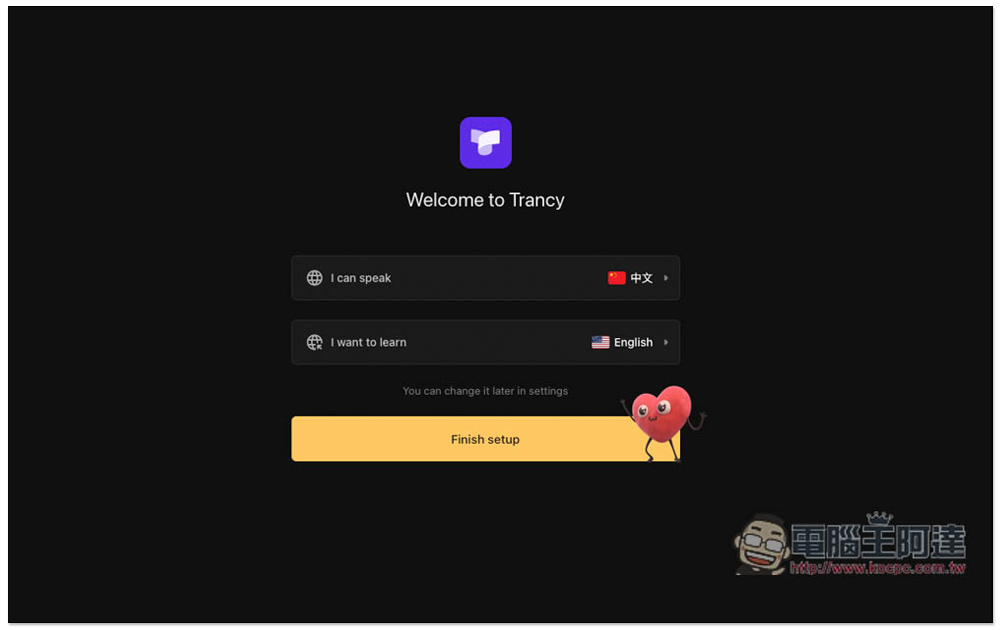
Like this, I want to learn English. After setting up, click Finsh setup:
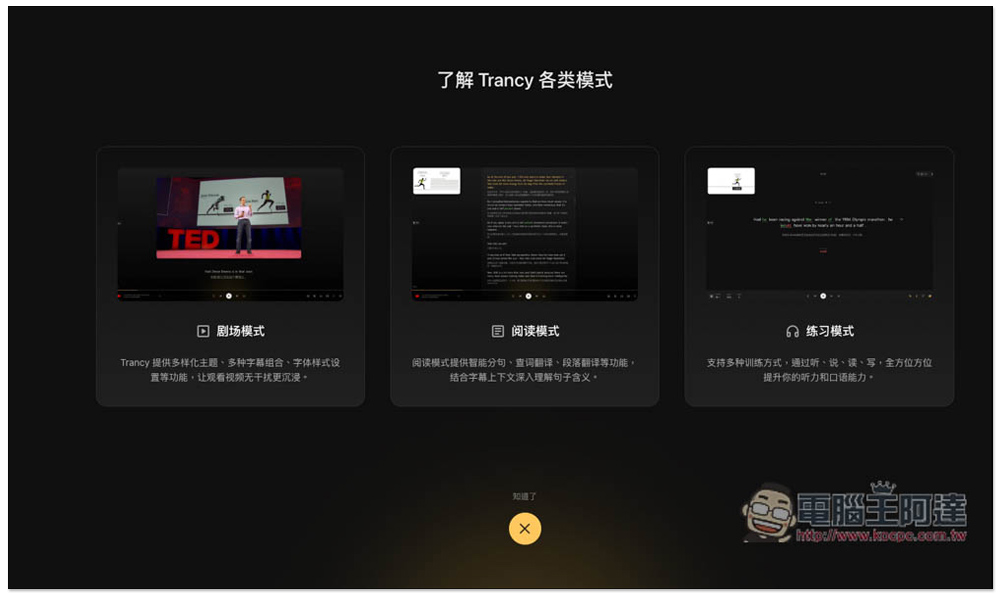
Trancy has three learning modes, namely theater mode, reading mode, and practice mode, especially the reading mode:
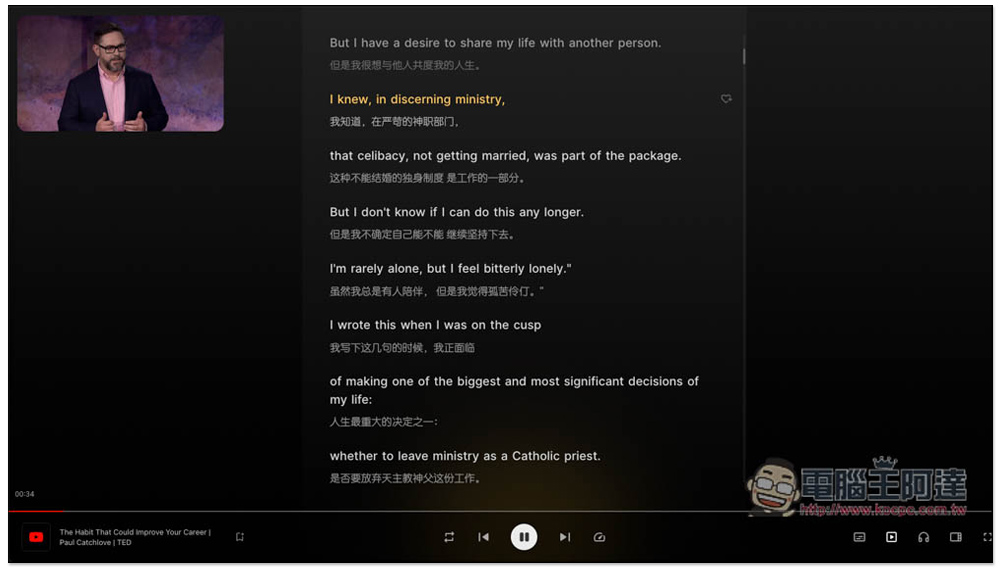
It will shrink YouTube and place it in the upper left corner, with dual subtitles displayed in the middle (I set up to learn English and Chinese, so I will display subtitles in these two languages), and each section of the video will be marked in yellow:
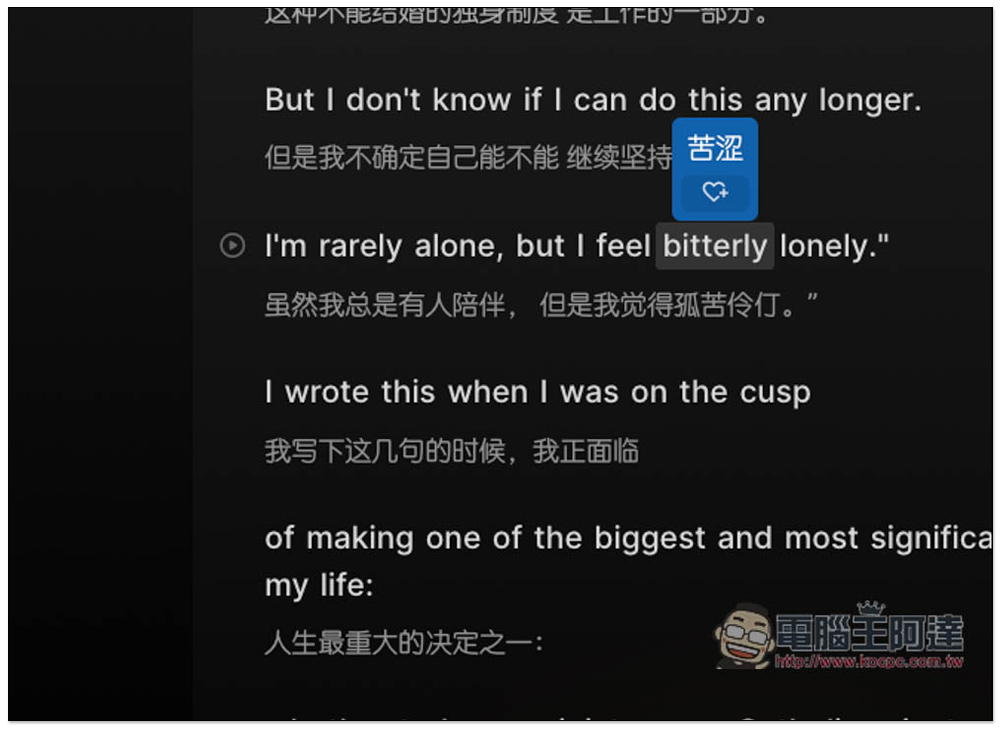
Move your mouse over a word you don’t understand and a Chinese explanation will pop up:
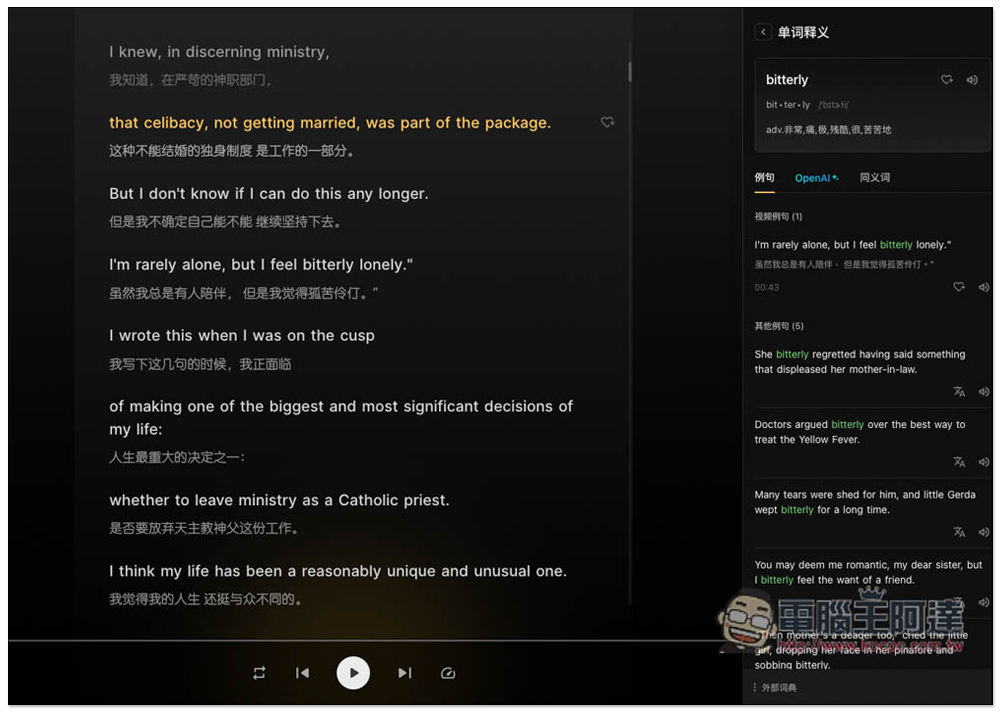
When you click on it, word explanations will appear on the right side, which I think is quite good. There will be information such as example sentences, synonyms, etc., but OpenAI is only available in the paid version:
In the lower right corner, you can switch the subtitle display mode (single subtitles are also acceptable), and enter practice mode:
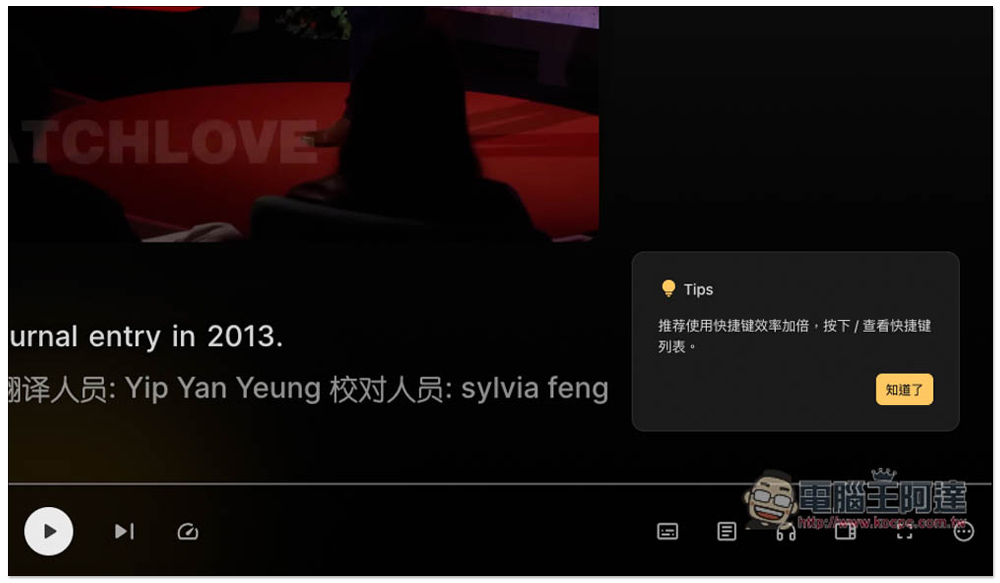
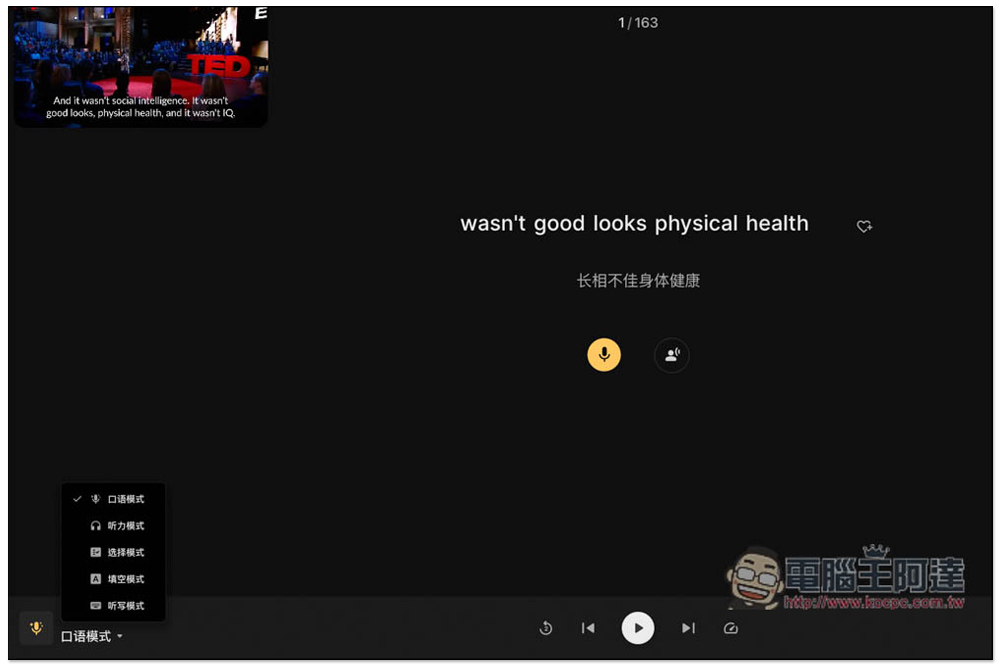
Practice mode provides speaking, listening, selection, fill-in-the-blank and dictation. The picture below is the speaking mode, speaking the sentences that appear on the screen:
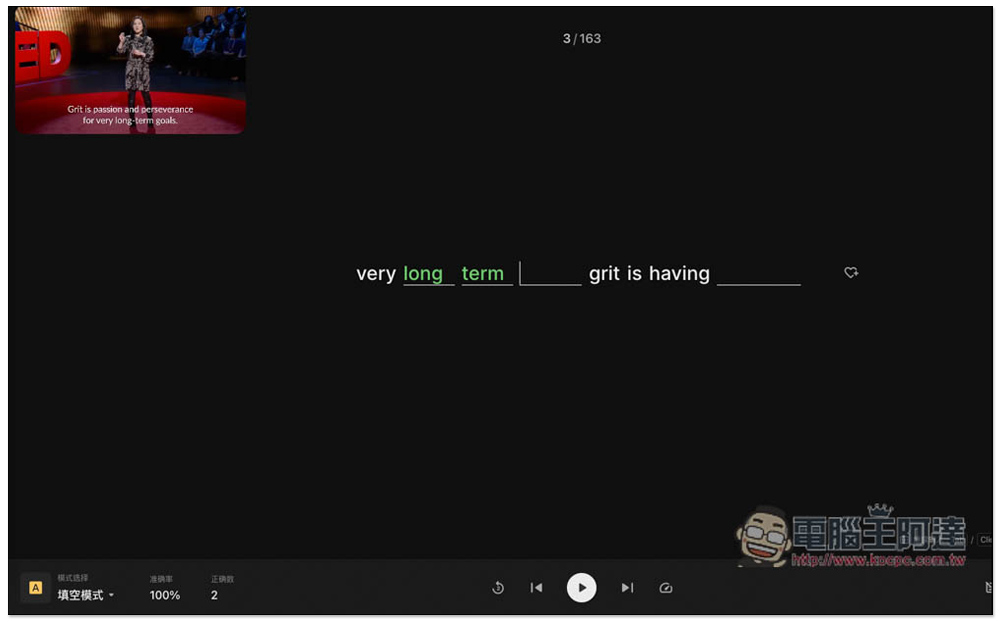
The fill-in-the-blank mode is quite good. It will remove words from the sentence. After listening to what the video says, fill in the correct words:
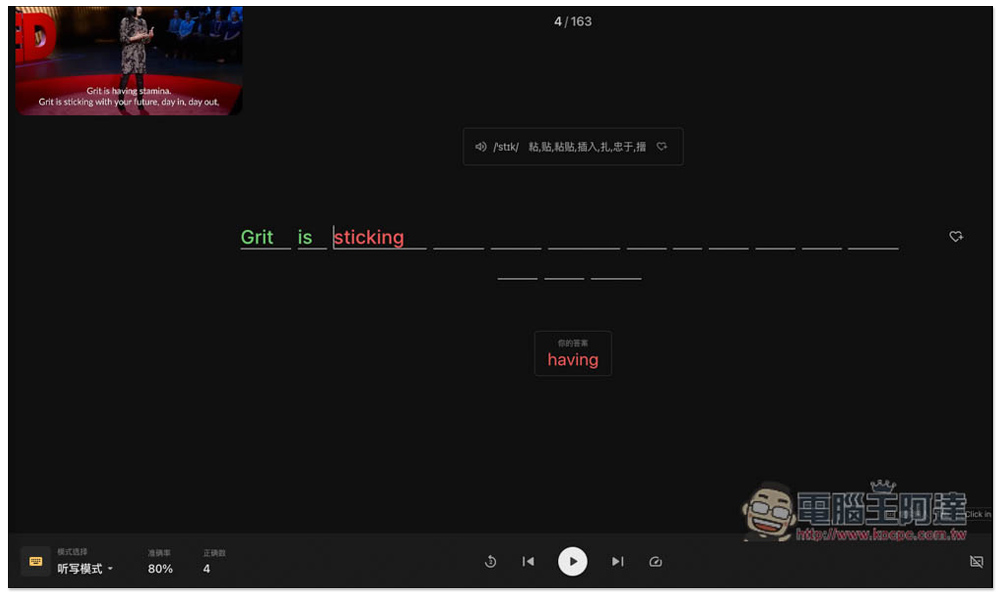
The dictation mode is even more difficult. After listening to the video content, enter it one by one. Input errors will be displayed in red and tell you what the correct answer is:
I have actually tested Netflix and it works, which is really good:
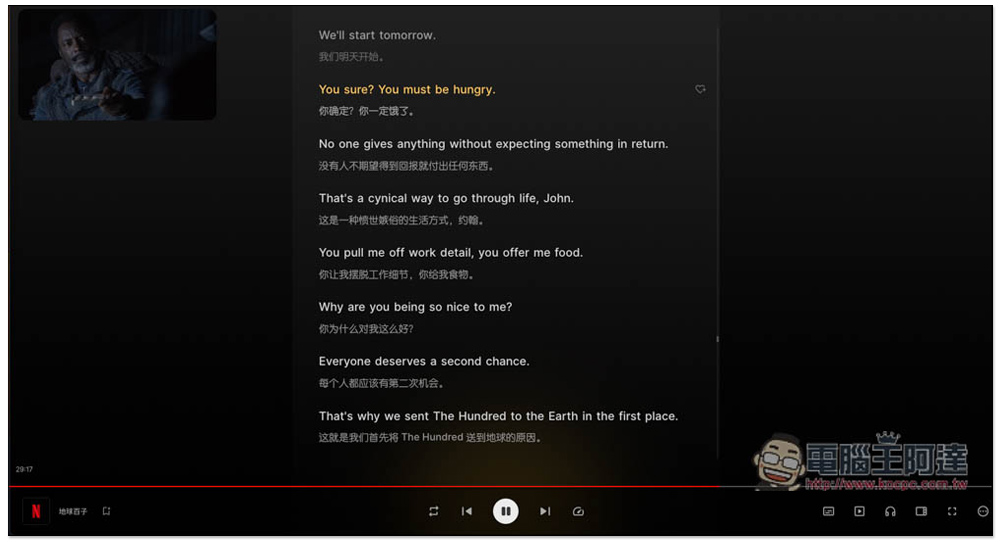
However, its automatic translation function is mediocre. I’m not sure what engine it uses. Some translations are quite strange. If the ChatGPT API function can be added in the future, it should be more useful.
Source: KOCPC Chinese