


It once took a Taiwanese engineer less than 4 hours to create “Nostalgic 2D shooter“, recently he has a new work: a video player, which is also implemented through AI, and this time it is not only made, but also shared for everyone to download and use for free. The power of this video player is that it can not only play MP4 and YouTube videos, but also has built-in automatic generation and translation of video subtitles (if it is only in English, you can directly translate it into Chinese through the built-in function).

Engineers used GPT4 and Whisper API to create a video player (attachment point) with built-in functions such as automatic subtitle translation and automatic subtitle generation.
Taiwanese engineer “Tutu and Chicken’s Engineering World” recently shared on his YouTube channel “a video player he created using GPT 4 and Whisper API.” Unlike last time, this time he used the latest OpenAI GPT4, and also used Whisper API and ChatGPT API to enrich the functions of this video player. GPT4 is mainly used to generate GUI and functions for videos, Whisper API is responsible for generating subtitles, and ChatGPT API is for translation functions. The detailed production process will not be mentioned here. Those who are interested can watch the complete video at the end of the article. Here is a direct look at the video player works he produced:
The Engineering World of Tutu and Chicken has attached the player download point and instructions link in the YouTube description column (Version updates will also be included in the description), currently only Windows version:
After downloading and decompressing, you can directly click on the application to start using it. No installation is required, which is the installation-free version.
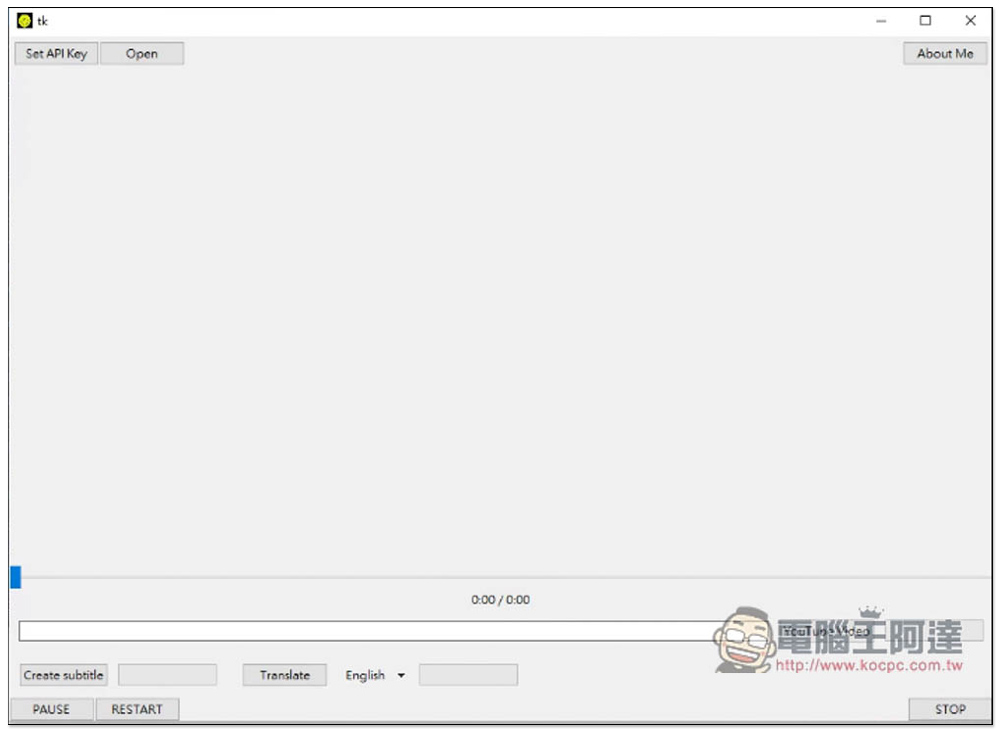
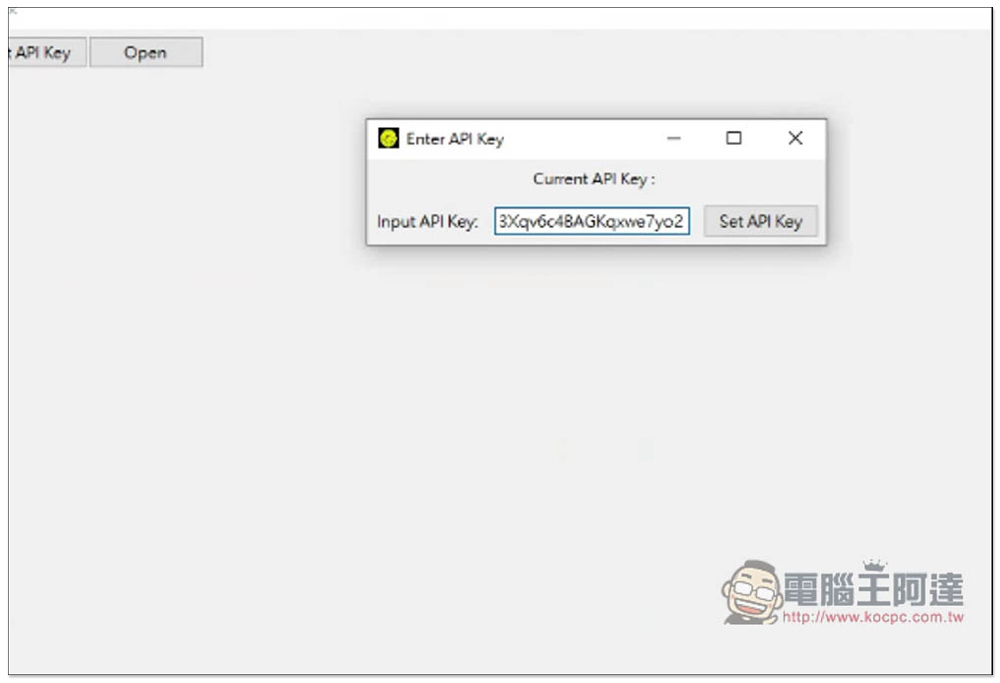
The software interface is very simple. After all, it is a finished product made with GPT4 in a short time. It is recommended to set the API Key at the beginning and click Set API Key in the upper left corner.The OpenAI API Key can be obtained here. After registering each OpenAI account, you will get 5 US dollars of free usage. You can test it first. If you are satisfied, you can consider upgrading to a paid user. Calculated in terms of tokens, it is very cheap:
Like this, after pasting your API Key, press Set API Key to start using it:
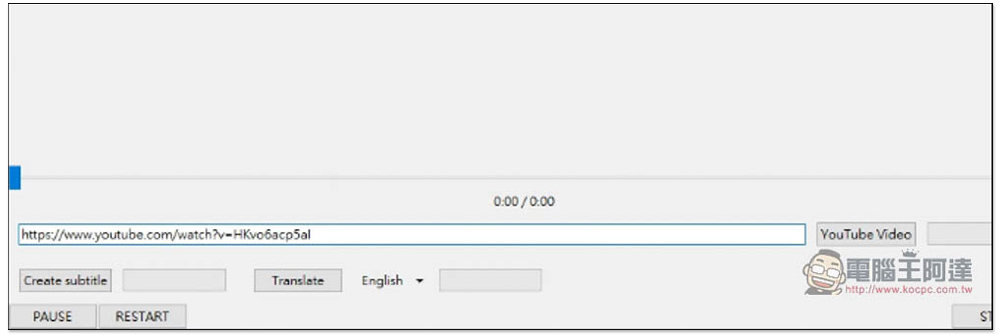
This video player natively supports videos in MP4 format and can also be used to play YouTube videos. After pasting the URL in the field below and clicking YouTube Video, it will not only start playing, but also automatically download the YouTube video in the background:
In the YouTube part, it will automatically determine whether the source has subtitle files. If so, it will download and enable the subtitles together. The middle slider can adjust the playback position. If you want to pause playback, please press PAUSE in the lower left corner. STOP in the lower right corner means to stop playback:
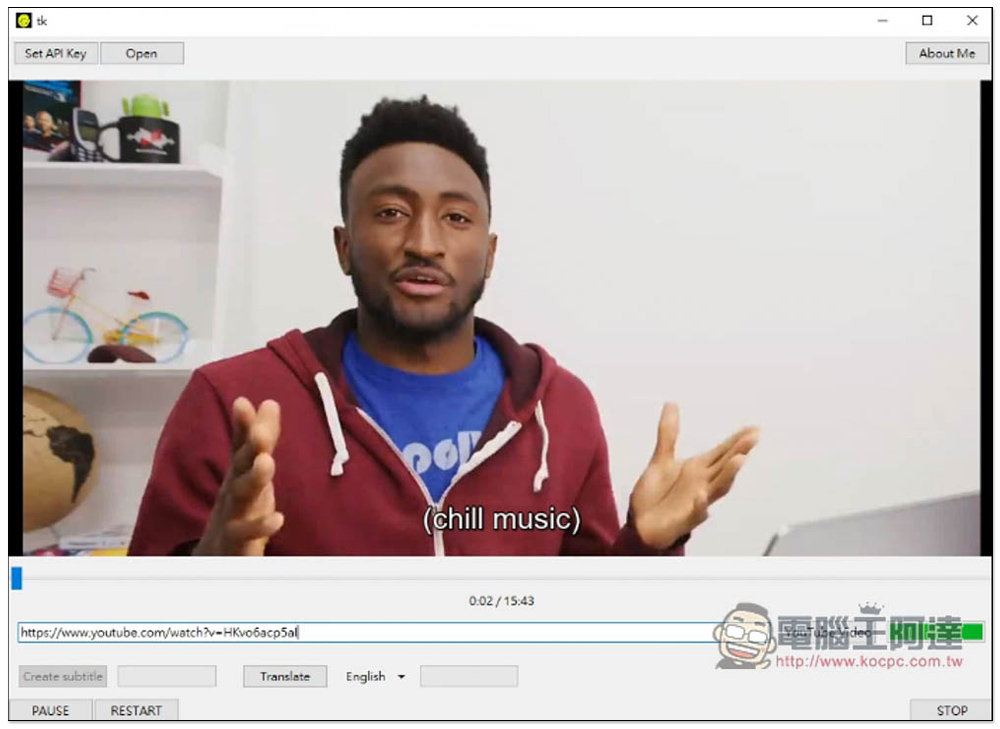
Translate is the translation function. Currently it only supports translation of sources into Japanese, Traditional Chinese and English. For example, my video has English subtitles. If I want to translate it into Chinese, I choose Chinese Traditional:
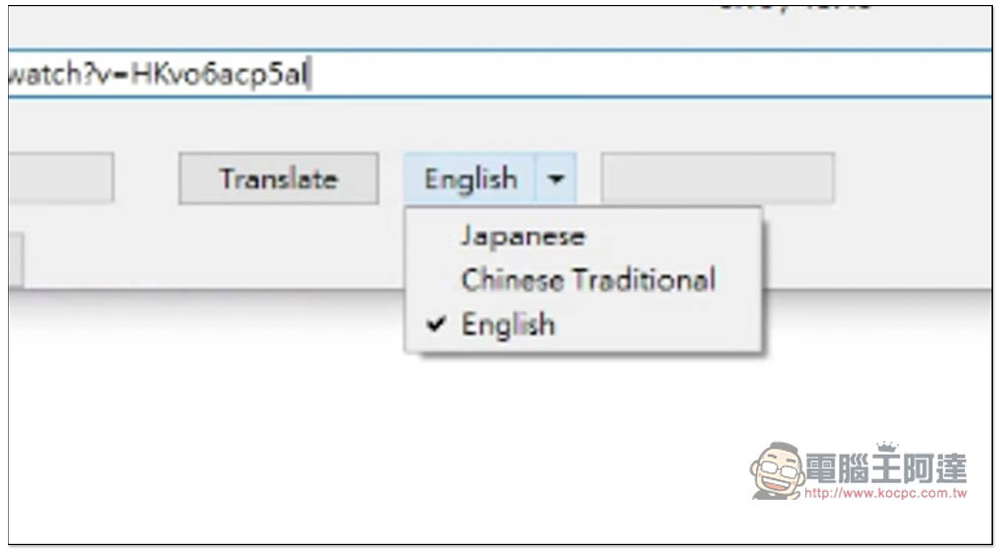
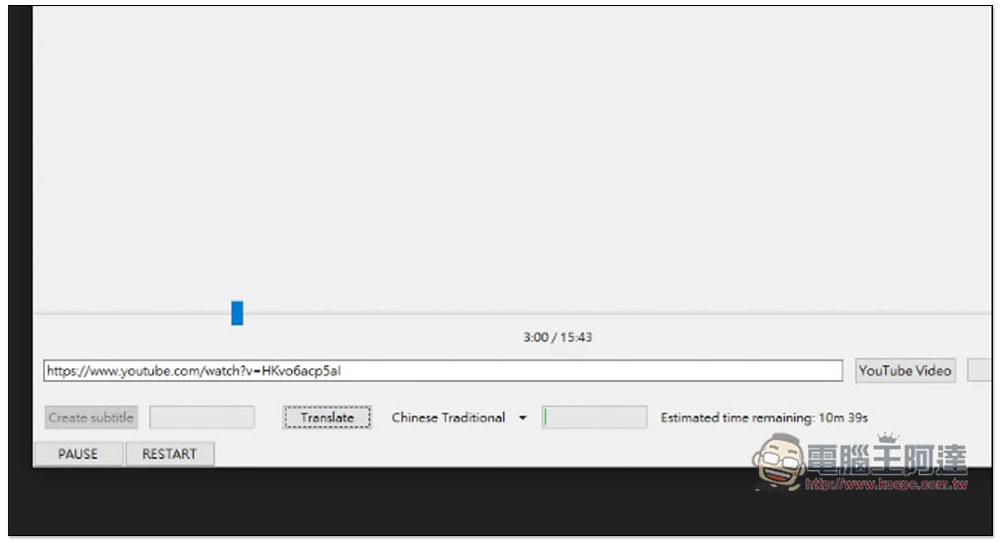
Then press the Translate function and the translation will start. It will take a while. The 15 minutes and 43 seconds video will take about 10 minutes to complete. The estimated time will also be prompted on the right. You can ignore it:
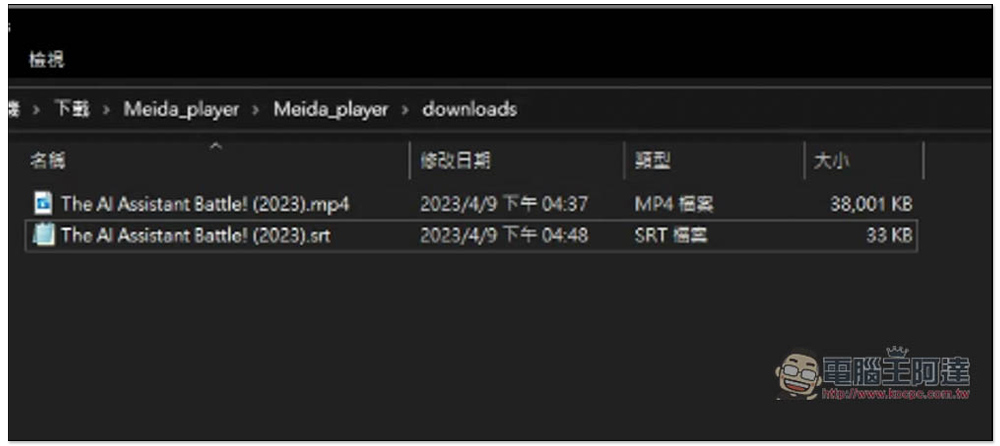
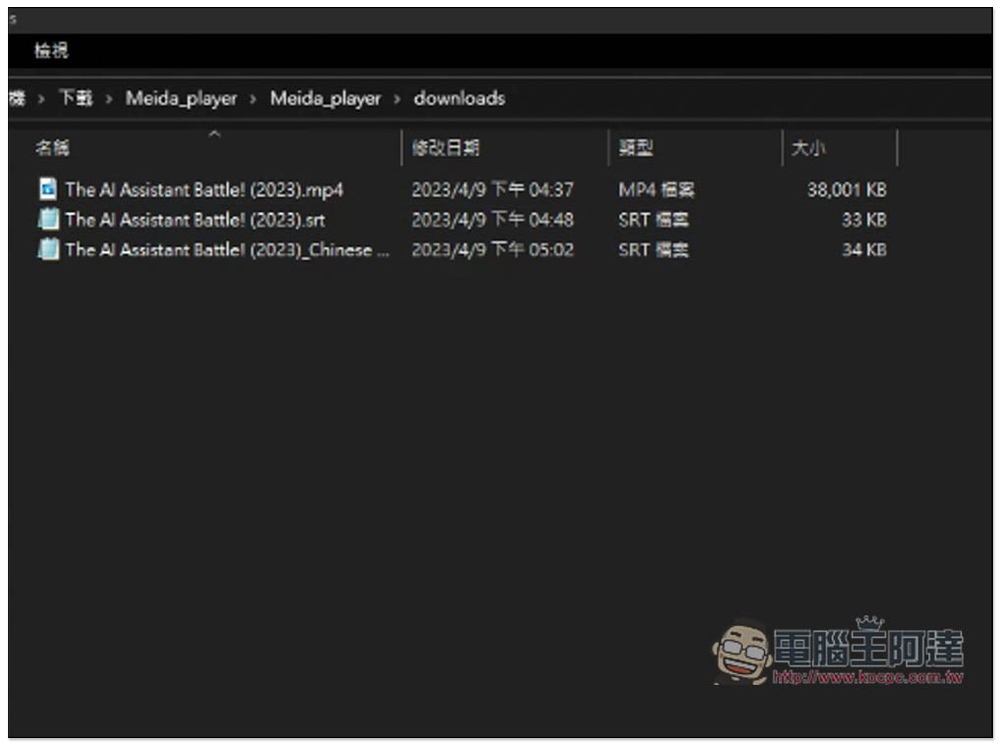
Automatically download YouTube videos and subtitles, found in the downloads folder of the video player:
The resolution cannot be selected when downloading. I guess it can only download 720p:
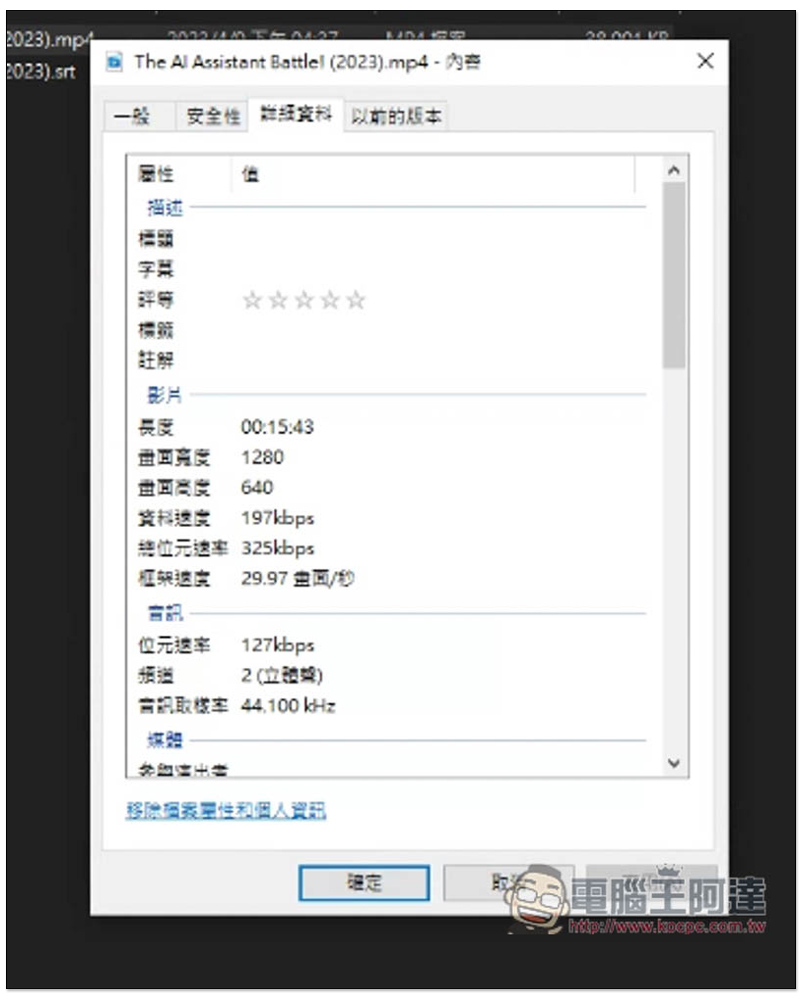
After the translation is completed, you will see the new Traditional Chinese subtitle file in the downloads folder:
Video playback will also automatically apply Traditional Chinese subtitles, which is really convenient:
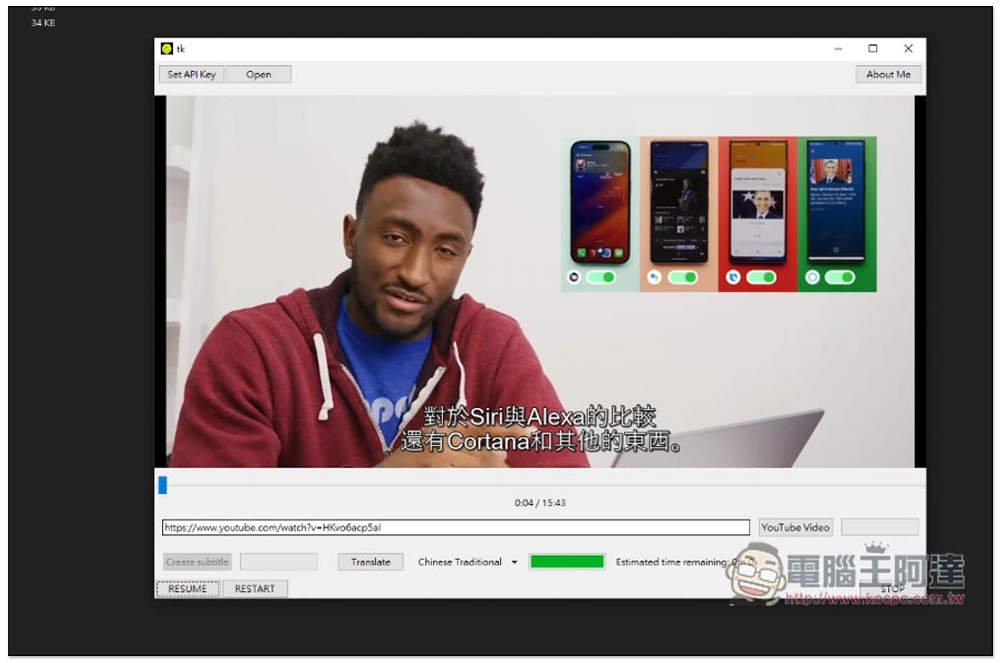
The timestamp of the subtitle file will be retained for downloading, and then the original English content will be translated into Chinese. The translation quality is quite good, I really like it:

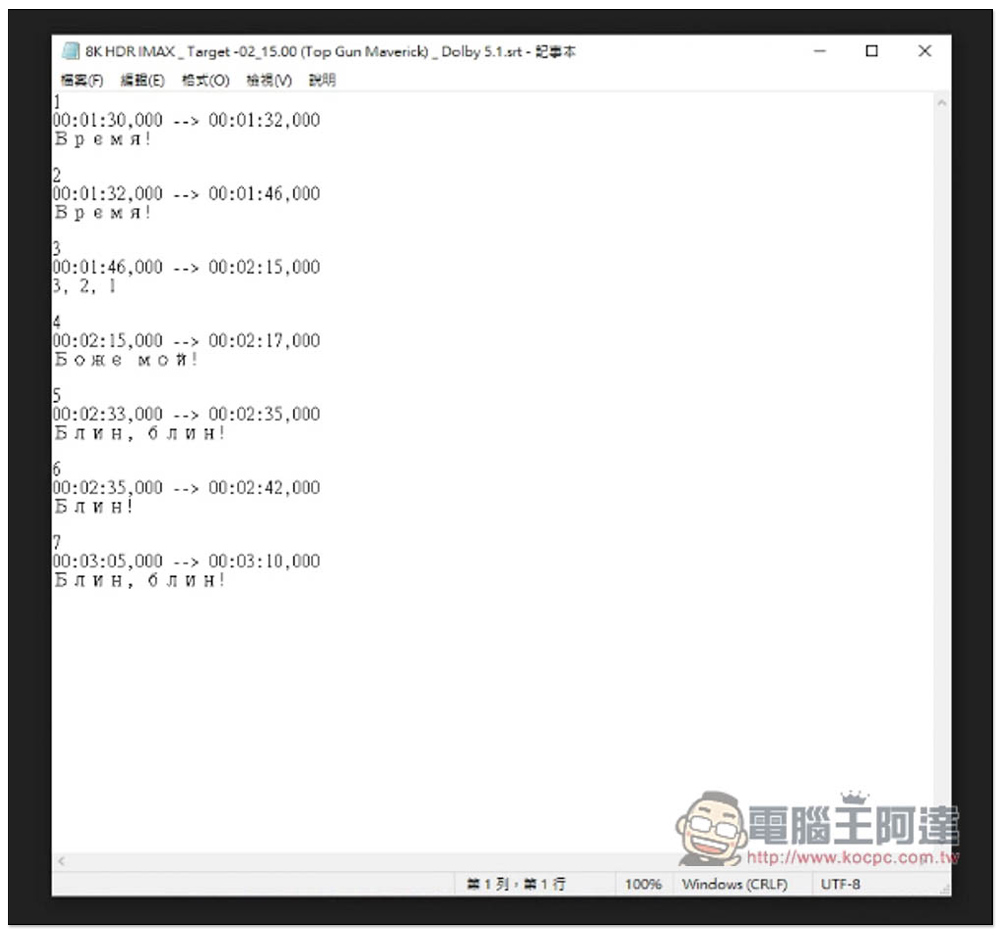
If your video does not have subtitle files, you can click the Create subtitle function on the left to automatically generate subtitles:
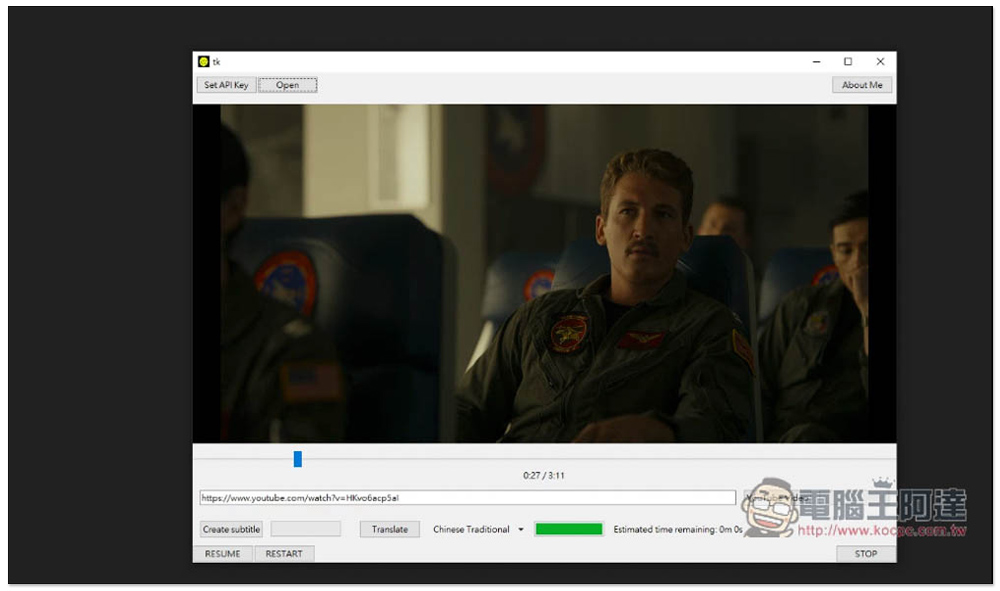
The actual test was really successful, but my video is a trailer, it doesn’t say anything, it’s just 3,2,1:
UPDATE:
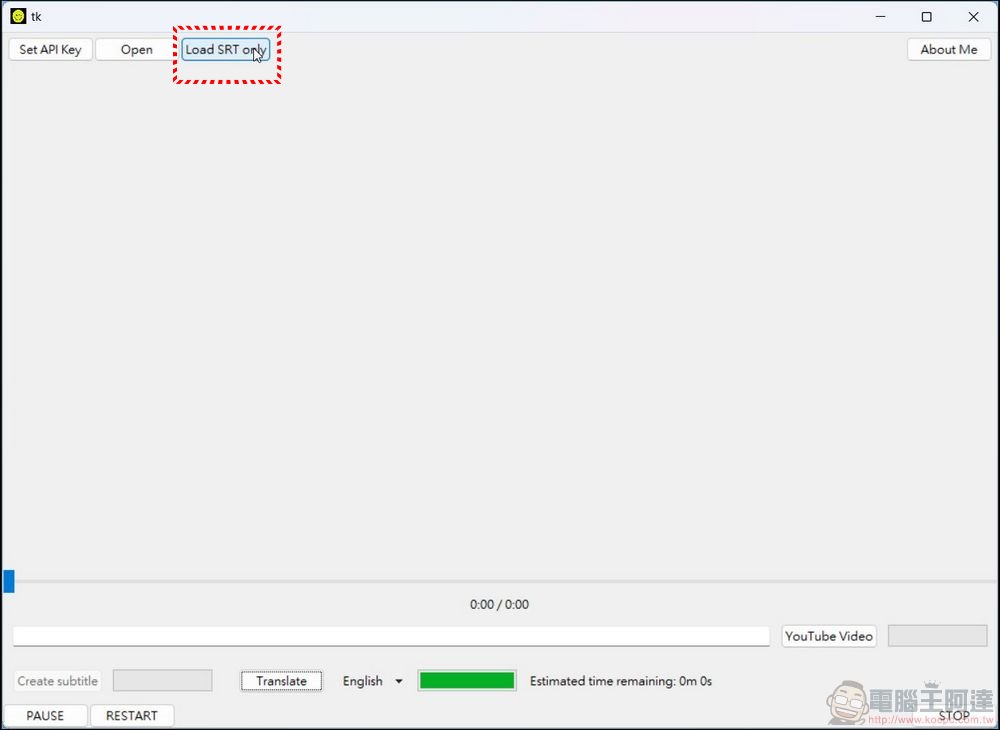
In the past two days, the author has added a new function. You can directly upload ready-made SRT files for CHATGPT to translate (of course, you still need an API KEY). Click LOAD SRT ONLY next to OPEN, and select the subtitle file to be translated:
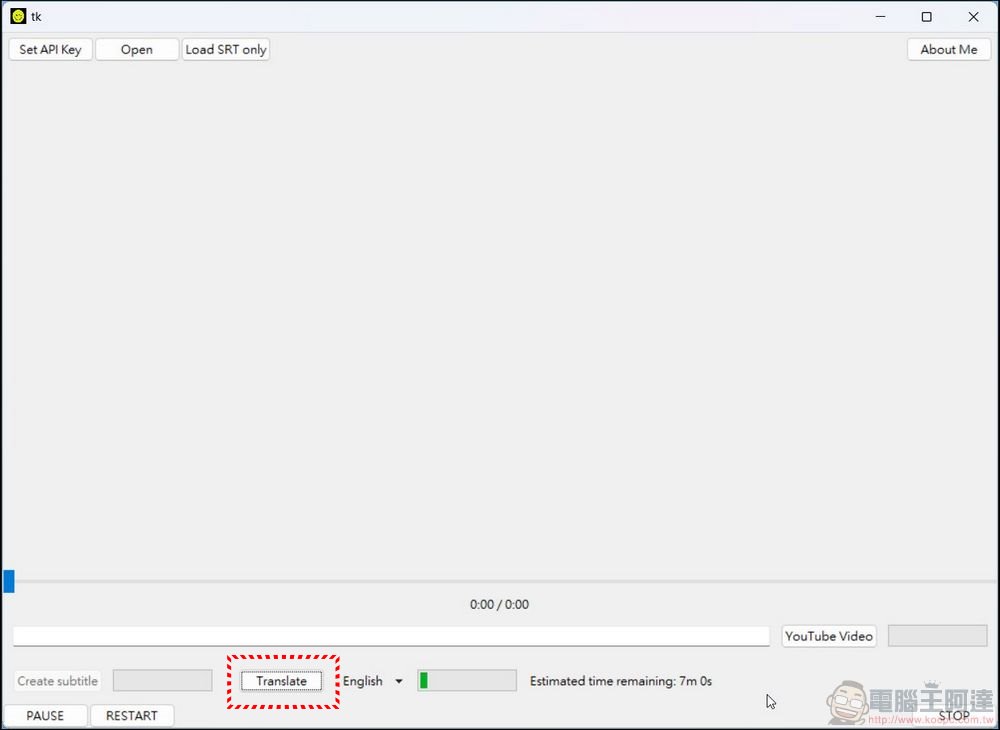
You can also select the language and click Translate. It will take a while to translate depending on the content:
The actual translation quality is good, you can go toSee example here(Please select English subtitles):

As far as the player is concerned, this one is of course not up to standard and is a bit too bright, but with the added functions of generating subtitles and subtitle translation, it is quite worth using, and it can also download YouTube videos. There is probably no video player on the market that has these two functions built-in.
Source: KOCPC Chinese