


When it comes to Internet speed tests, many people should use well-known websites such as SpeedTest or Fast.com (launched by Netflix). If you are using an iPhone, the App Store has a very powerful SPEED TEST MASTER free app, which not only tests the Internet speed, but also provides many additional tests, including measuring the real-time latency of applications such as Facebook, YouTube, Netflix, and Steam, as well as games such as CS:GO, PUBG, Apex, and Call of Duty.
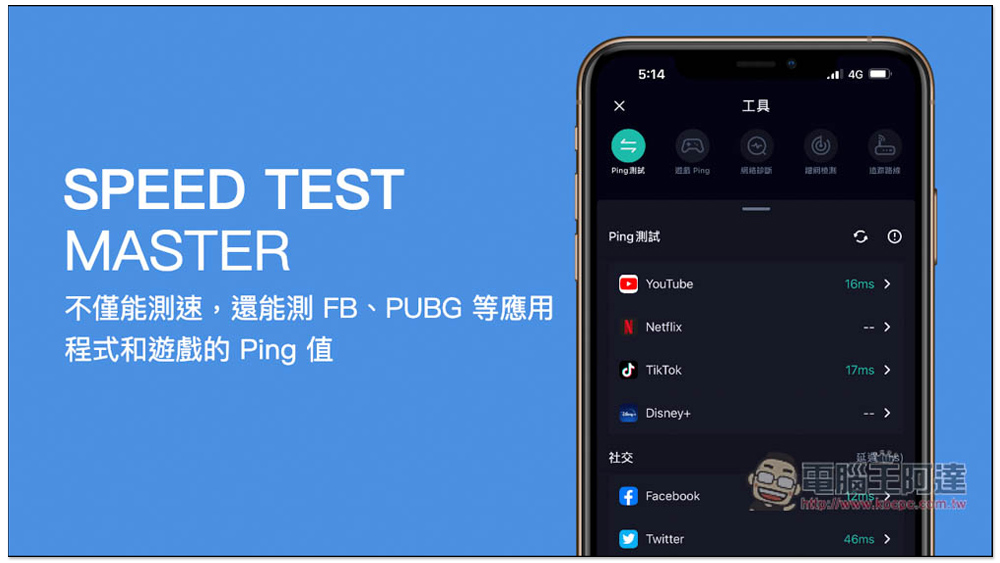
SPEED TEST MASTER is a powerful Internet speed test app that can not only measure speed, but also measure the ping value of applications and games such as FB and PUBG.
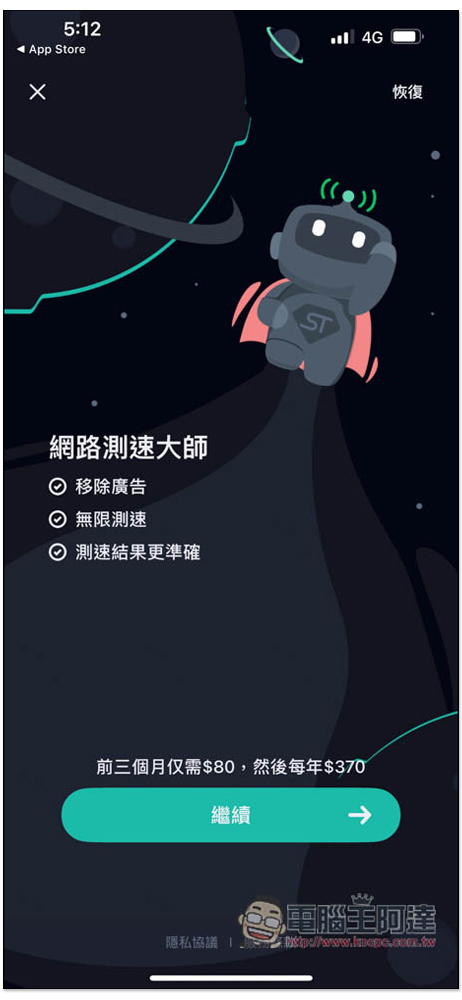
This is a paid version, which can unlock all functions and remove ads, but the price is quite expensive. If you don’t want it, remember to click the X in the upper left corner:
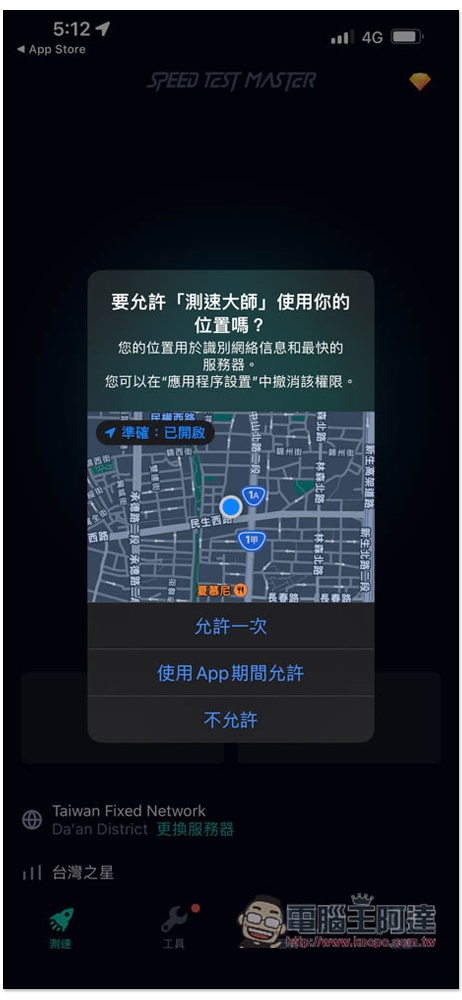
Remember to allow the location so that the most appropriate speed measurement server can be selected:
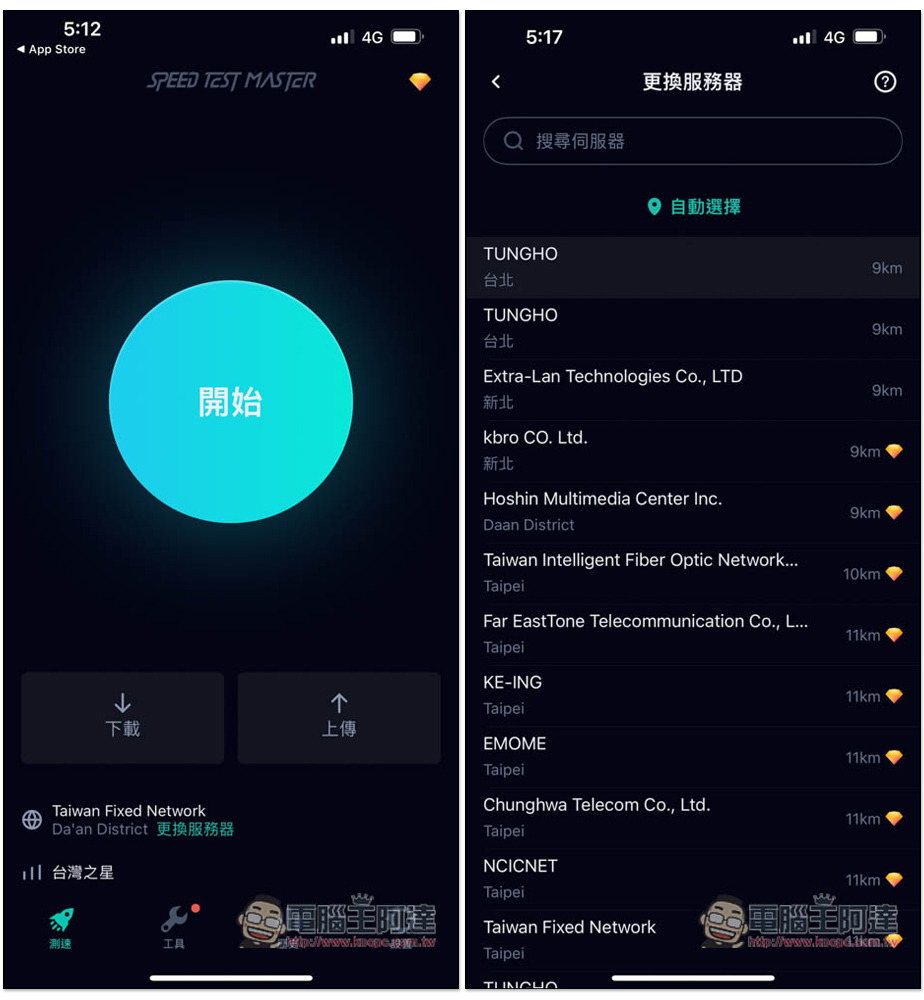
After entering the main screen, it will automatically select the nearest server. Of course, you can also change it manually by clicking “Change Server” below. However, there are not many servers to choose from in the free version, and most of them are in the paid version. No problem, just press start to measure the speed:
Then wait for the result, which will take a few seconds:
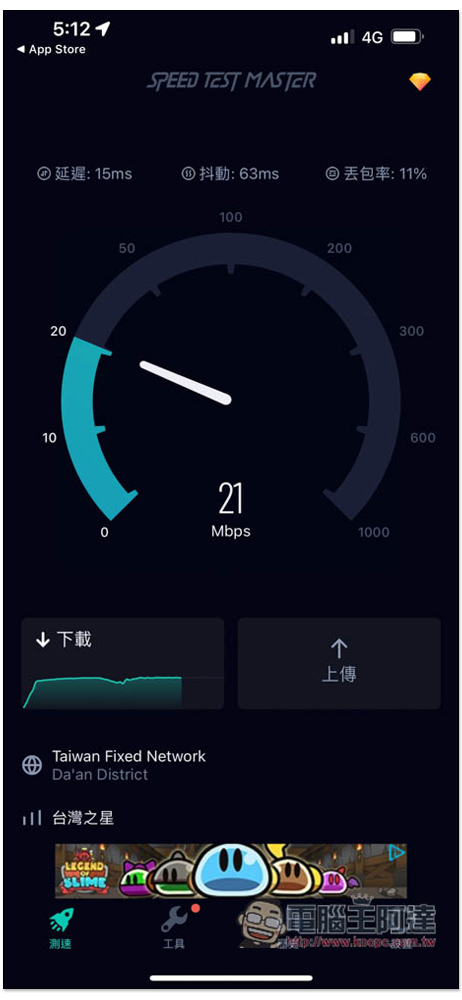
After the test, you will get a lot of results. In addition to the common downloads, uploads, delays, jitters, and packet loss rates, scrolling down will also display your network information. In addition, the performance of watching videos, playing games, and transferring pictures at this network speed is also available. I think this is quite good. Very few speed testing tools have this information:
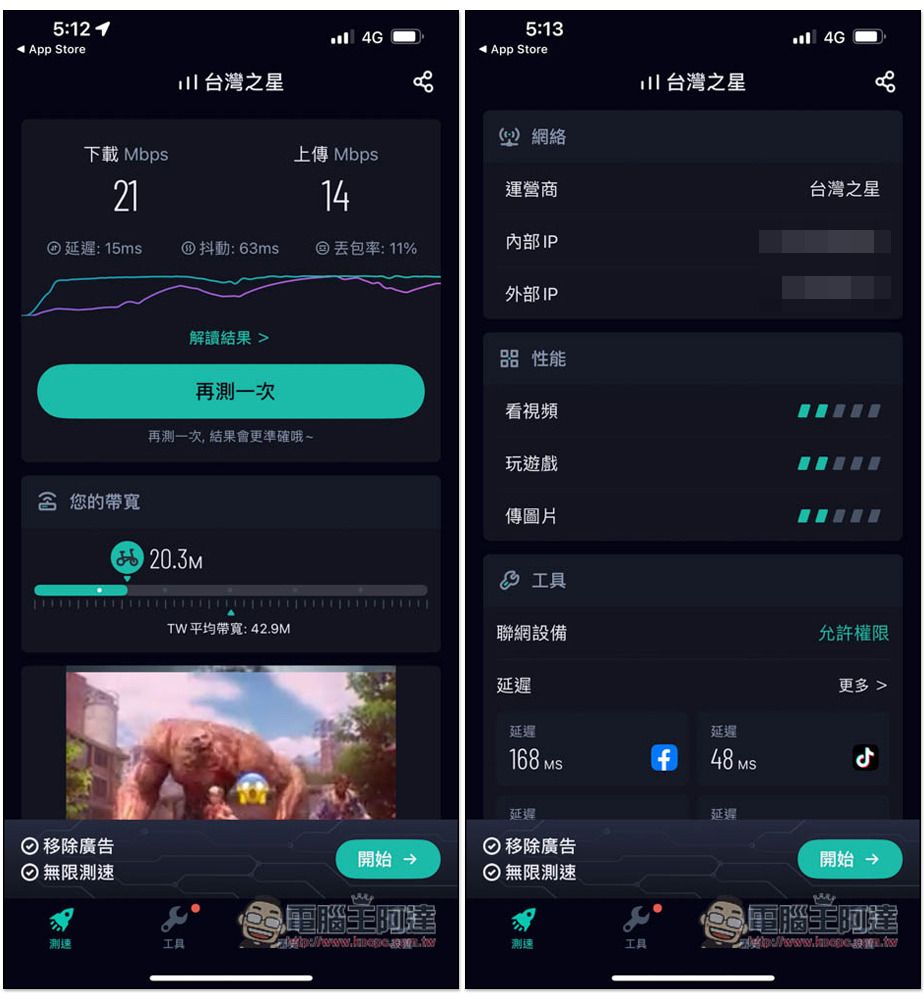
Click on the tool option to view more additional test functions and data. For example, the Ping test shows the delay status of each application and game. Basically, the popular ones are included, such as YouTube, Netflix, TikTok, Disney+ in the audio and video section, EpicGames, PlayStation, Steam, Xbox in the game section, and Facebook, LINE, Twitter, Instagram, etc. in the social community. It is a pity that the ping value is not displayed and is only for paid users. Free users cannot test it:
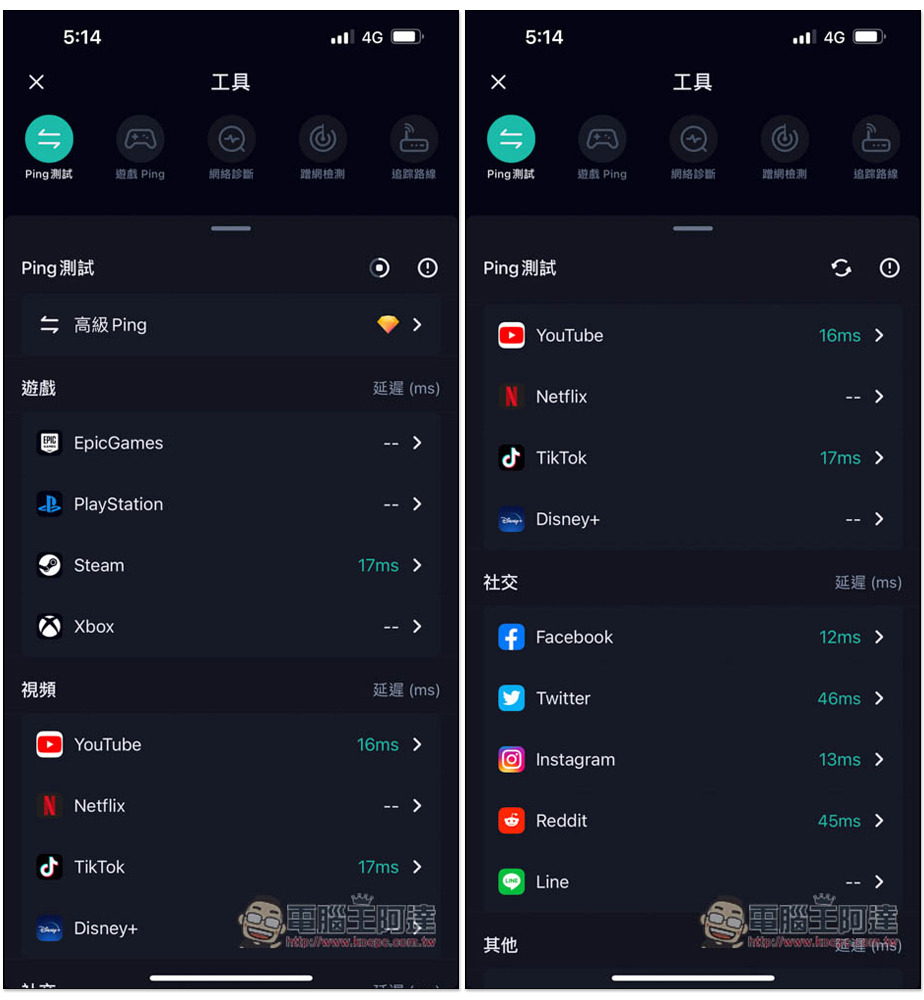
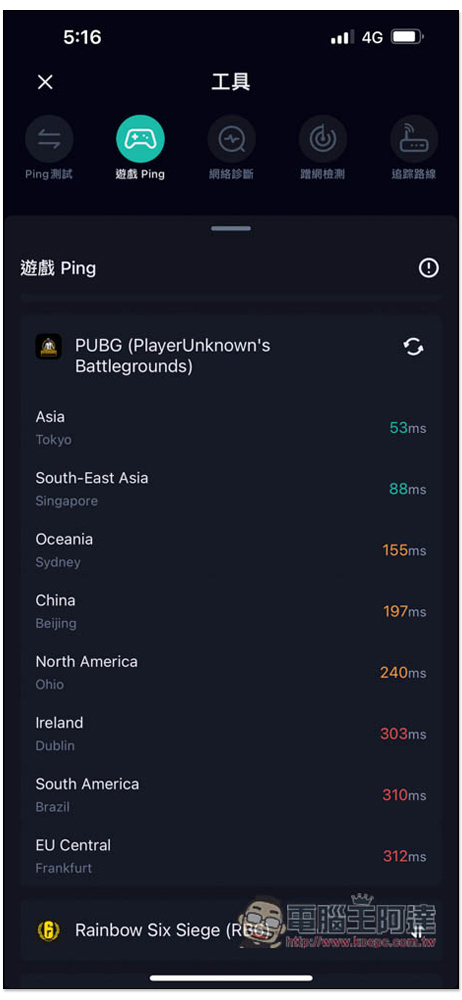
Many people will like Game Ping, and it seems that the free version can also be tested. You just need to watch the video, but you can test 5 games by watching one video, which I think is OK. They are all popular games, such as PUBG, LoL, CS:GO, Apex, Call of Duty: Modern Warfare:
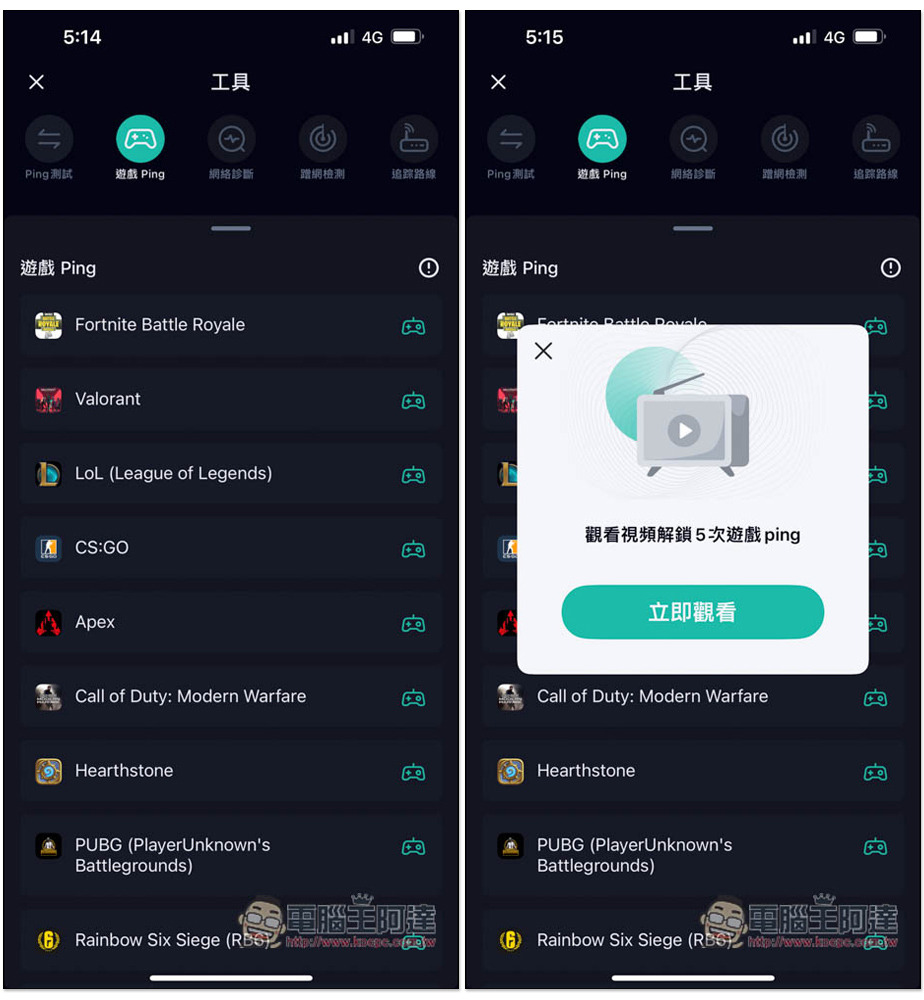
And the ping value of this game is not just one number. Taking PUBG as an example, it is also divided into Asia, Southeast Asia, Atlantic, China, North America, etc.:
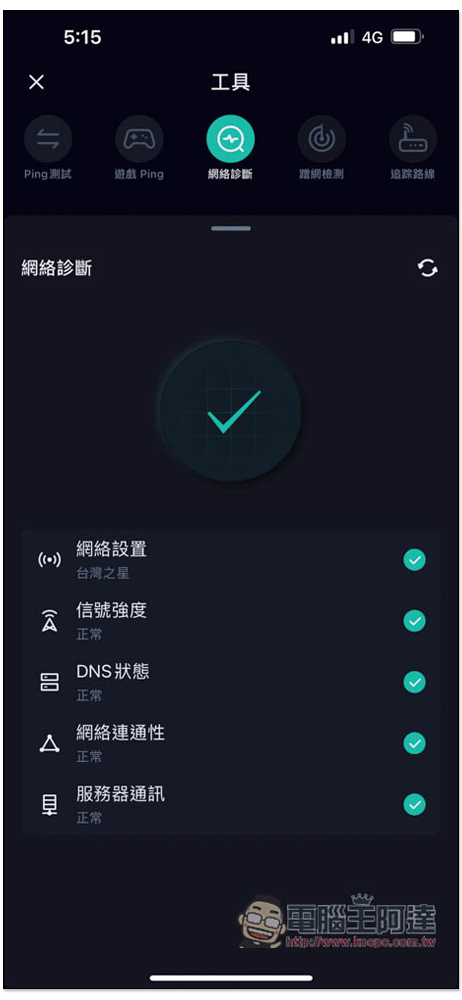
The network diagnostics section can test network settings, signal strength, DNS status, network connectivity, and server communication:
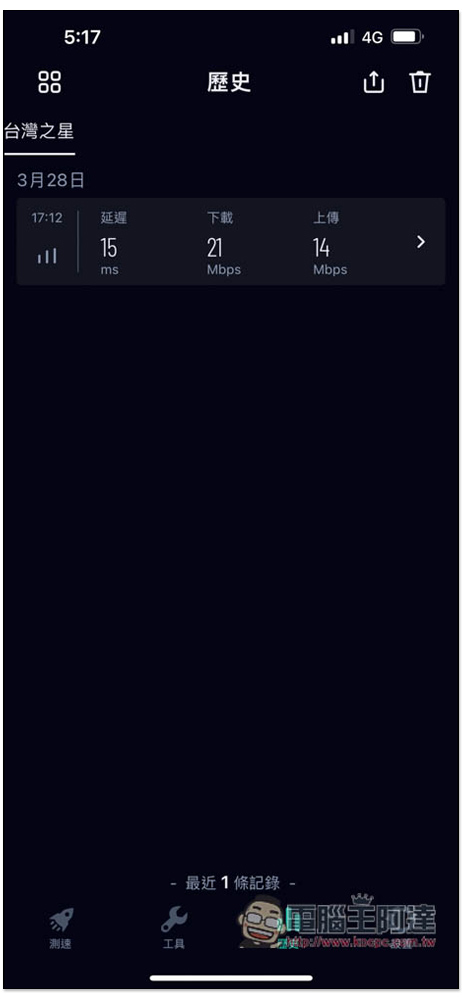
It will also record your test history data so you can view it at any time:
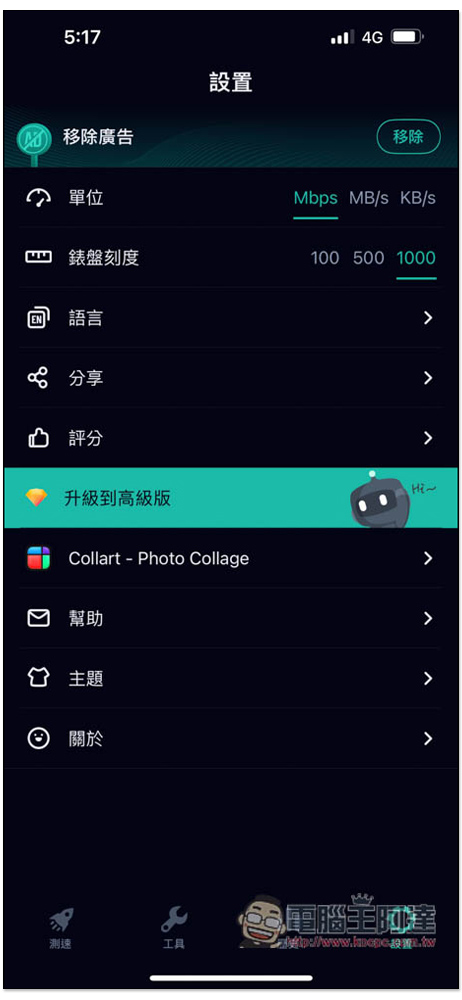
If you are not used to Mbps, you can change it to MB/s or KB/s in the settings. The scale is 1000 and can be changed to 100 or 500:
Source: KOCPC Chinese