


Just a few days after the RC test version was launched, Apple unexpectedly launched a series of system updates for its own devices – it seems to be quite stable? At least I updated the public beta version first and haven’t encountered any problems yet! In addition to the iOS 16.4 / iPadOS 16.4 / watchOS 9.4 / macOS Ventura 13.3 mentioned in the title, the system part also includes HomePod 16.4 and tvOS 16.4. Even Studio Display also participated today and updated to the 16.4 firmware version.
I have to say that if you are completely immersed in the Apple ecosystem, the network in your home/work environment today must be quite burdensome (laughs). Continue reading the official version of iOS 16.4 / iPadOS 16.4 / watchOS 9.4 / macOS Ventura 13.3 update summary: more than 30 security issues have been corrected, and of course there are also reports on new features.

The official version of iOS 16.4 / iPadOS 16.4 / watchOS 9.4 / macOS Ventura 13.3 update summary: more than 30 security issues have been corrected, and of course there are also new features
Before diving into each feature. Apple has released the system vulnerabilities corrected for this wave of updates.Exclusive page, you can see that there are fixes for more than 30 vulnerabilities including WebKit, Apple Neural Engine, calendar, camera, CarPlay, Bluetooth, Find My, iCloud, Photos, Podcasts and Safari.
Seriously speaking, judging from the frightening number of related corrections here, from the perspective of information security, it is really recommended that everyone consider updating to be safer – for those who are still on the previous system, Apple has also prepared iOS 15.7.4 and iPadOS 15.7.4 for you.
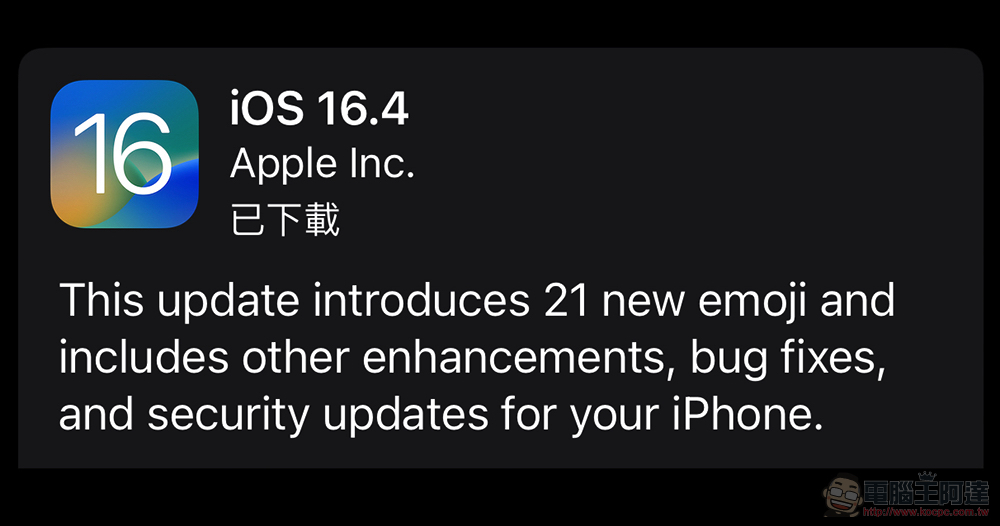
iOS 16.4 / iPadOS 16.4
First, there is the iOS 16.4 update that many iPhone users are most concerned about. In fact, we have already introduced the relevant functions of the test version before, includingMore than 6 thoughtful new features are coming。
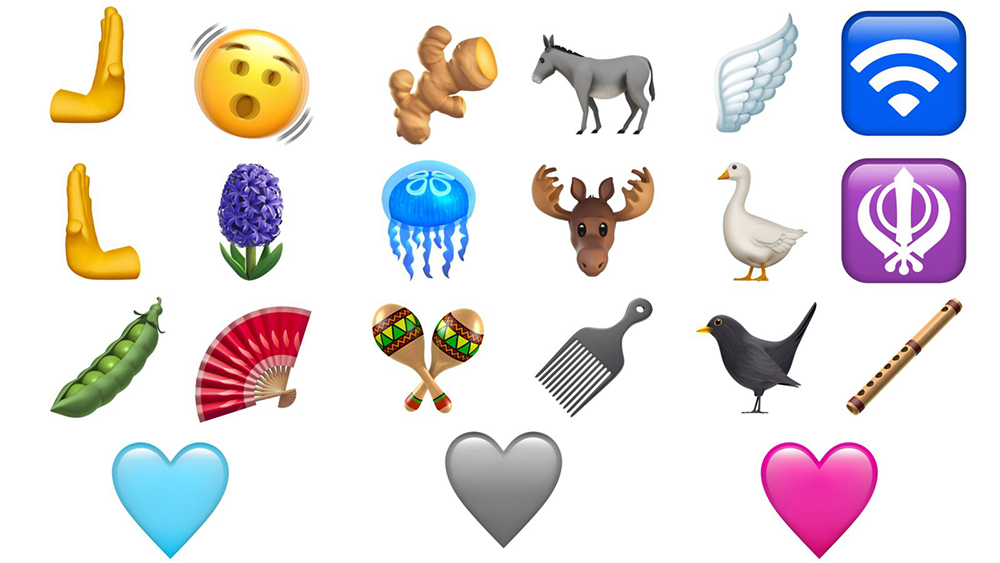
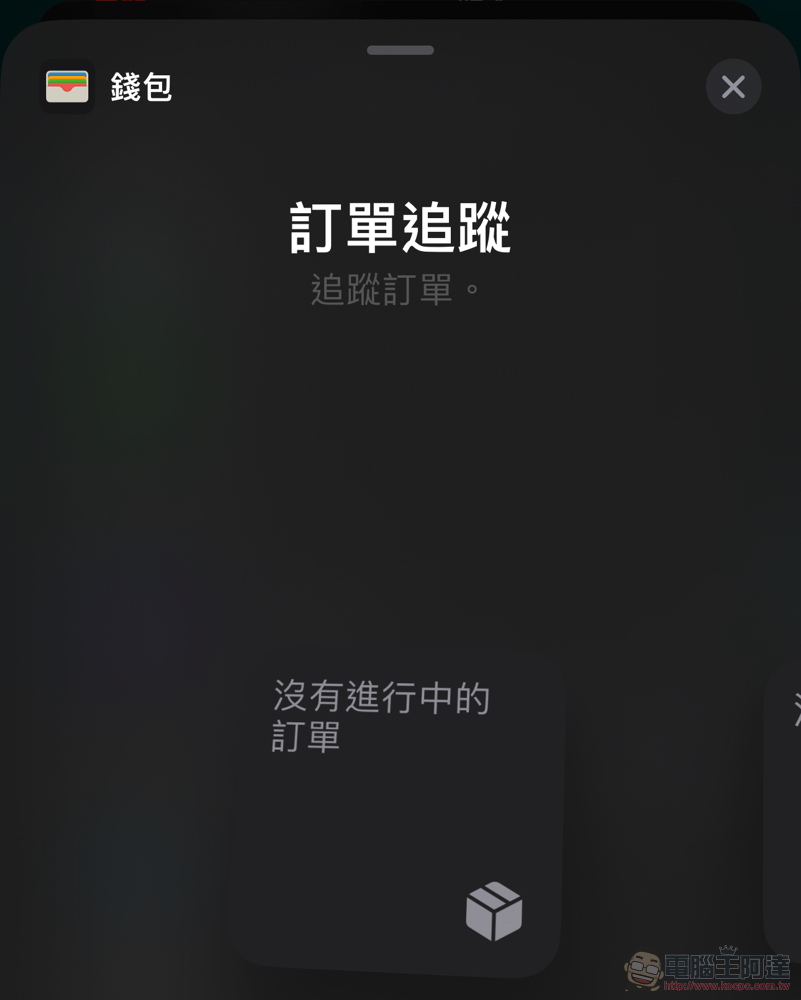
In addition to the new Emoji emoticons, the call effect enhancement function “Voice Isolation” that can better highlight the other party’s voice has been brought from FaceTime to ordinary calls; iOS 16.4 and iPadOS 16.4 can not only provide push notifications for browsers added to the home screen. Third-party browsers now also support the ability to add pages to the homepage. Then the wallet app now also provides a widget that can support “order tracking”.
This update also includes optimization of iOS car crash detection to avoid false alarms. And regarding whether the warranty has expired, you can find a page integrating warranty information related to all devices logged in with Apple ID accounts in the settings option of “About This Mac”. If you want to join the ranks of the public beta version, you only need to simply update and select the direction to start. The rest of the corrections can be found in our previous reports.
▲Image source: Apple
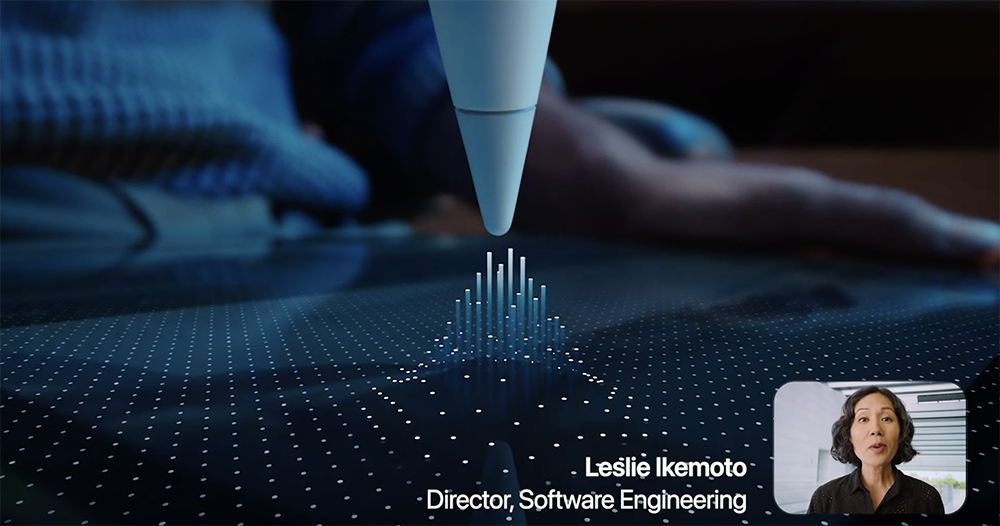
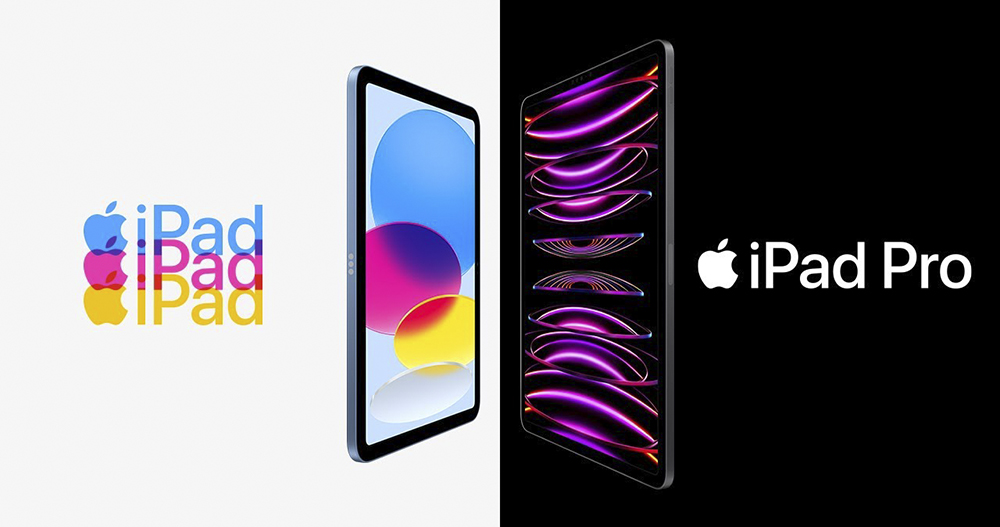
A very noteworthy improvement in this wave of iPadOS updates is the suspension control function provided for the Apple Pencil in the M2 iPad Pro series. It can now also support the “tilt” and “azimuth” support demonstrated at the original press conference – I believe this will add more powerful application possibilities for drawing-related applications! You can refer to the list below for the update projects of iPadOS 16.4 (basically many of them are duplicated with iOS 16.4, so I won’t post more about iOS):
• 21 new emojis now available on the emoji keyboard, including animals, gestures and objects
• Apple Pencil temporarily adds tilt and azimuth support, allowing you to preview strokes at any angle before writing in Notes and supported apps on iPad Pro 11-inch (4th generation) and iPad Pro 12.9-inch (6th generation)
• Send notifications to web apps added to the home screen
•The “Duplicate Items” album in “Photos” has been expanded to support the detection of duplicate photos and videos in “icloud shared photo libraries”
•”Voiceover” supports maps in the “Weather” app
• Accessibility setting automatically dims videos when flickering or strobe effects are detected
• Fixed an issue where Apple Pencil may not respond when drawing or writing in the Notes app
question
• Fixed an issue where children’s Ask to Buy requests may not appear on parent devices
• Addresses an issue where Matter-compatible thermostats could become unresponsive when paired with Apple Home
watchOS 9.4
First up are the major changes that didn’t appear on the list. Starting with watchOS 9.4, it also supports deleting permissions of built-in apps directly on the watch. Supported apps include heart rate, electrocardiogram, world clock, mindfulness, medication, blood oxygen level, activity history, camera remote control, timer, find items, find devices, find contacts, sleep, walkie-talkie, remote control, playing, stopwatch, alarm clock, noise, wallet, contacts, physical training and siren functions. They can all be deleted – I didn’t expect that even the alarm clock can be deleted XD.
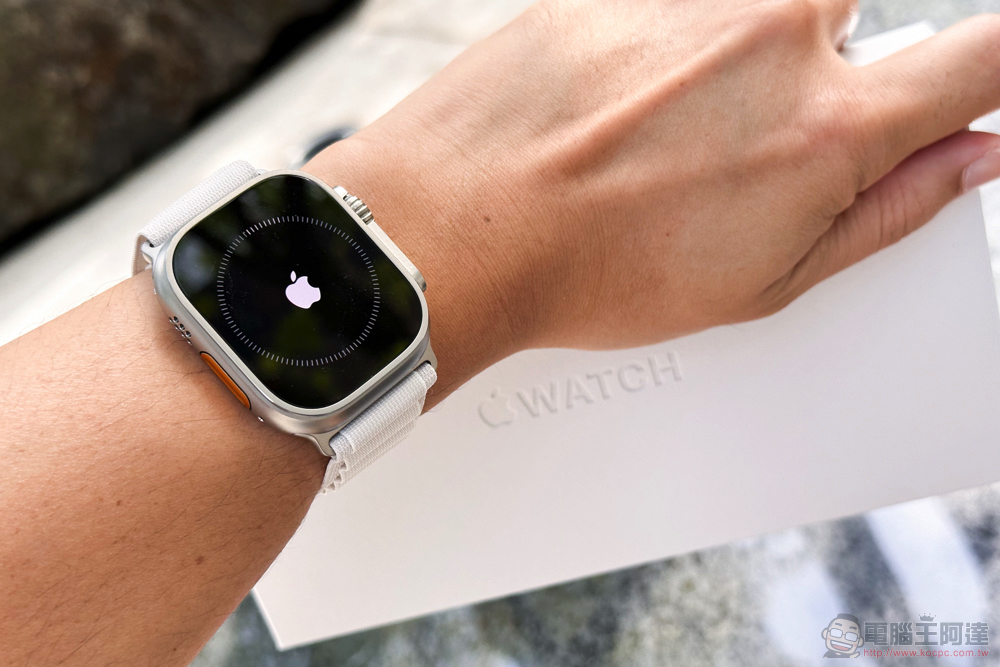
In addition, this update also has an interesting change related to alarm clocks. There is a problem that the wake-up alarm clock may become muted due to the gesture of covering the screen to mute it. Now it is confirmed that the part of the wake-up alarm clock will not cause the Apple Watch to be set to mute due to covering the screen. To prevent everyone from accidentally missing the sound of the alarm clock – maybe it was recently Pixel Watch alarm clock is not working correctly, make everyone pay more attention to this issue? (laugh)
• The wake-up alarm will no longer be set to mute by covering the screen gesture.Mute to avoid accidentally canceling your alarm during sleep
• Moldova and Ukraine now support “Period Tracking” including ovulation date pushback estimates and cycle abnormality alerts
• “Atrial Fibrillation Recording” is now available in Colombia, Malaysia, Moldova, Thailand and Ukraine
macOS Ventura 13.3, HomePod 16.4 and tvOS 16.4
Coming to Apple’s desktop system, it naturally also received updates such as the new emoji army added to the mobile system platform, the ability to detect duplicate items in iCloud shared photo libraries, VoiceOver’s support for weather application maps, and automatic dimming of flashing lights when detecting video content. macOS Ventura 13.3 also provides the option to remove the background for the Freeform note-taking function. In addition, new language support has been added for keyboard and transliteration, and the issue that touchpad gestures may occasionally fail has been corrected.

HomePod, which was simultaneously updated this time, has been upgraded to version 16.4 to enhance stability. As for tvOS 16.4, it also has a new setting that detects video content and automatically dims the flashing lights.

If you read this article to the end, we have also prepared One More Thing. This wave of tvOS / iOS / iPadOS / macOS Ventura has also officially added support for the PlayStation 5 DualSense Edge wireless joystick!
It is worth mentioning that non-host manufacturers’ third-party joystick brands 8BitDo also previously announced, news that the joystick series officially supports iPhone/iPad/Apple TV/Mac. I believe that for friends who want to play games in the Apple ecosystem, the addition of hardware support in this area should be a very welcome development.
Further reading:

Source: KOCPC Chinese