


We have shared before that VPN can unblock Netflix movies in many countries, with “Substital: Add subtitles to videos and movies” to realize the external subtitle function, so that you can watch more Netflix that is not available in Taiwan. However, there are many foreign videos that do not provide Chinese subtitles. At this time, you can use the “Subtitle Translation Assistant” online tool introduced in this article to realize the one-click translation function to help you translate all foreign subtitle files into Chinese. It also supports many translation services, including the most popular ChatGPT.
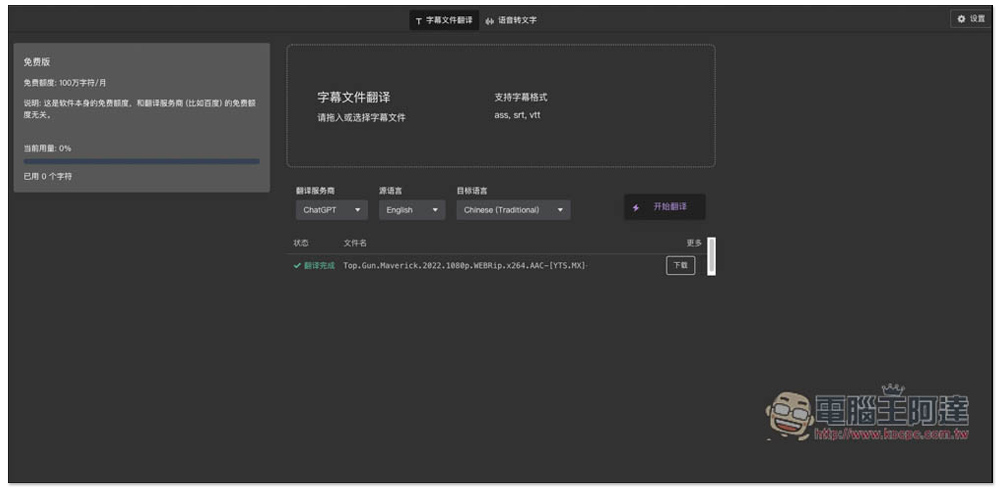
A subtitle translation assistant! One-click translation of foreign subtitle files into Traditional Chinese, supporting ChatGPT, DeepL, Amazon and other services
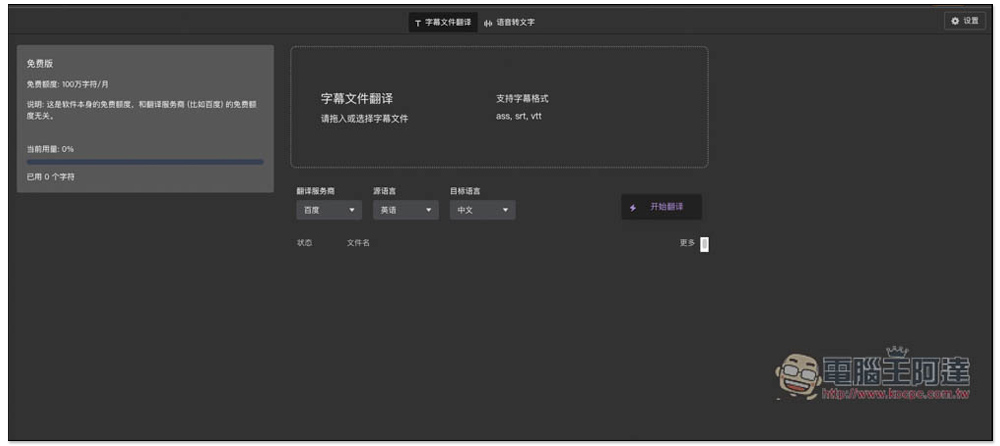
The author of the subtitle set machine translation assistant is Sweet and Sour Chenpi. After entering the website, it is noted on the left that the free version has a limit. There are 1 million characters per month, which is quite a lot. Basically, it should be no problem to translate 10 movie subtitles at one time. Also note that the free quota refers to this service and does not include translation services. The translation services here need to be manually added to their own APIs, and the website does not provide:
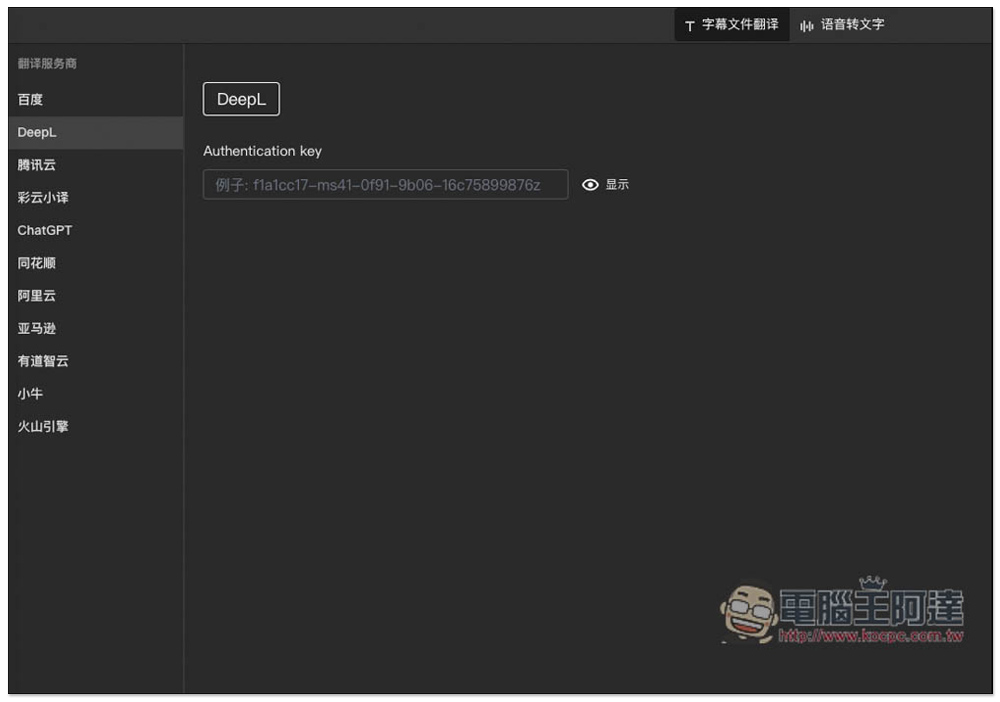
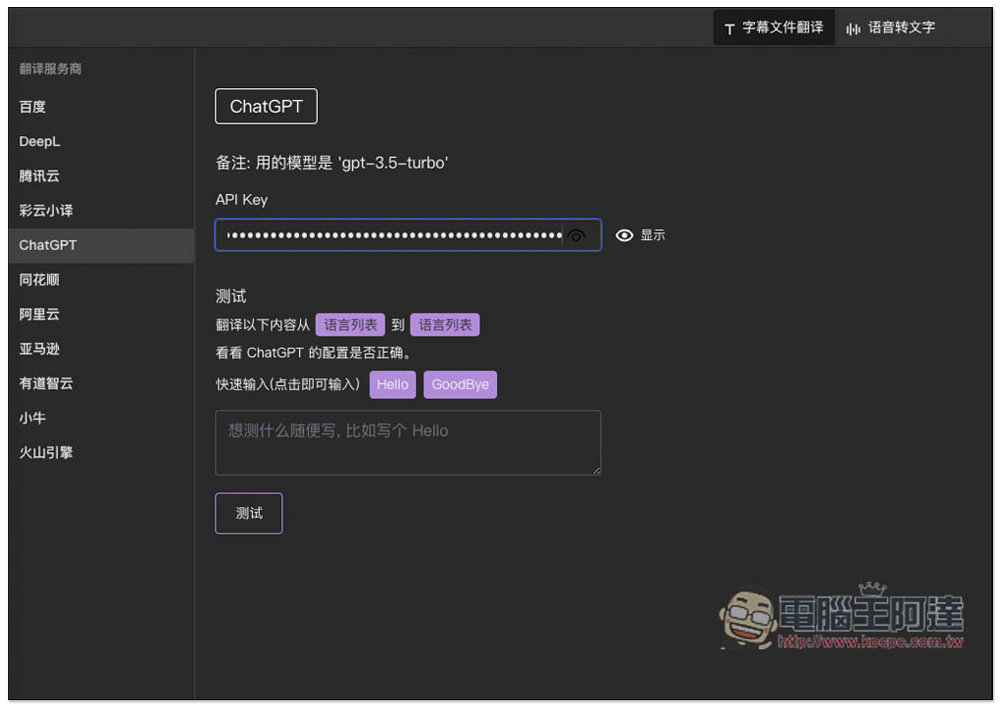
Click the setting icon in the upper right corner to find the API setting options for each translation service provider, including Baidu, DeepL, Tencent Cloud, Caiyun Xiaoyi, ChatGPT, Flush, Alibaba Cloud, Amazon, Youdao Zhiyun, Mavericks, and Volcano Engine:
The model used by ChatGPT is GPT-3.5-Turbo, which is not the latest GPT4. This should be noted:
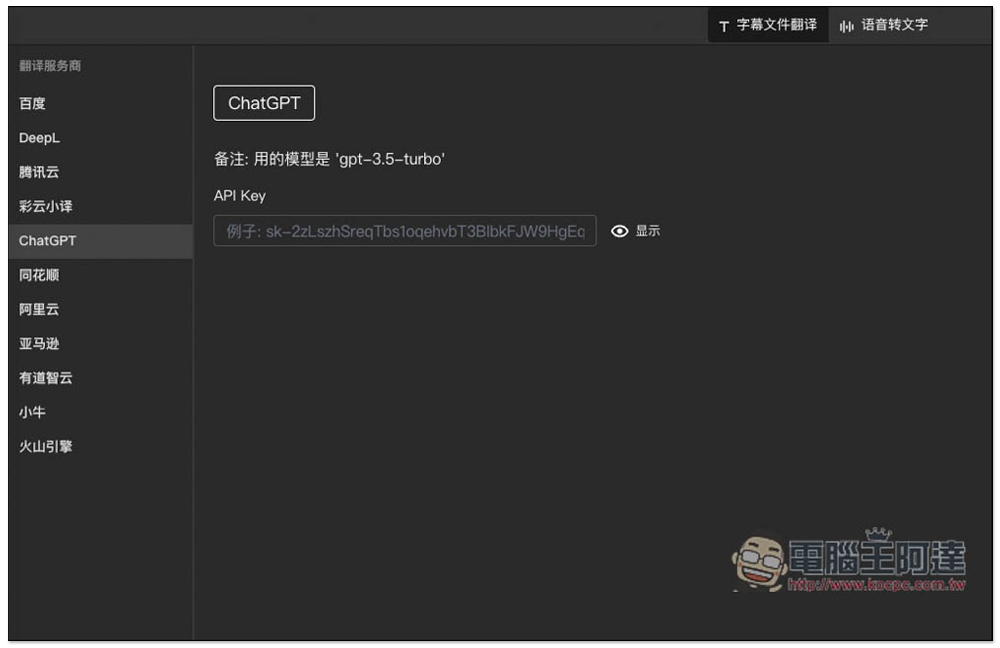
Taking ChatGPT as an example, after pasting the API Key, a test function is provided below, allowing you to test first to see if the connection is successful:
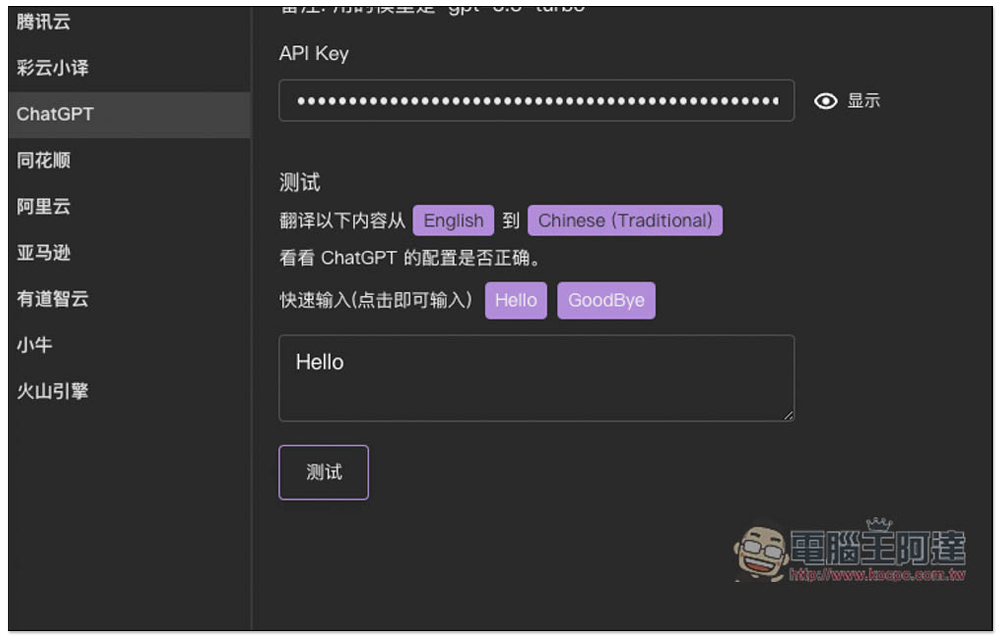
Select the source and translation language. Enter the content you want to translate below. You can also use the examples provided. For example, I set English to Traditional Chinese. The quick input examples include Hello and GoodBye. I click Hello:
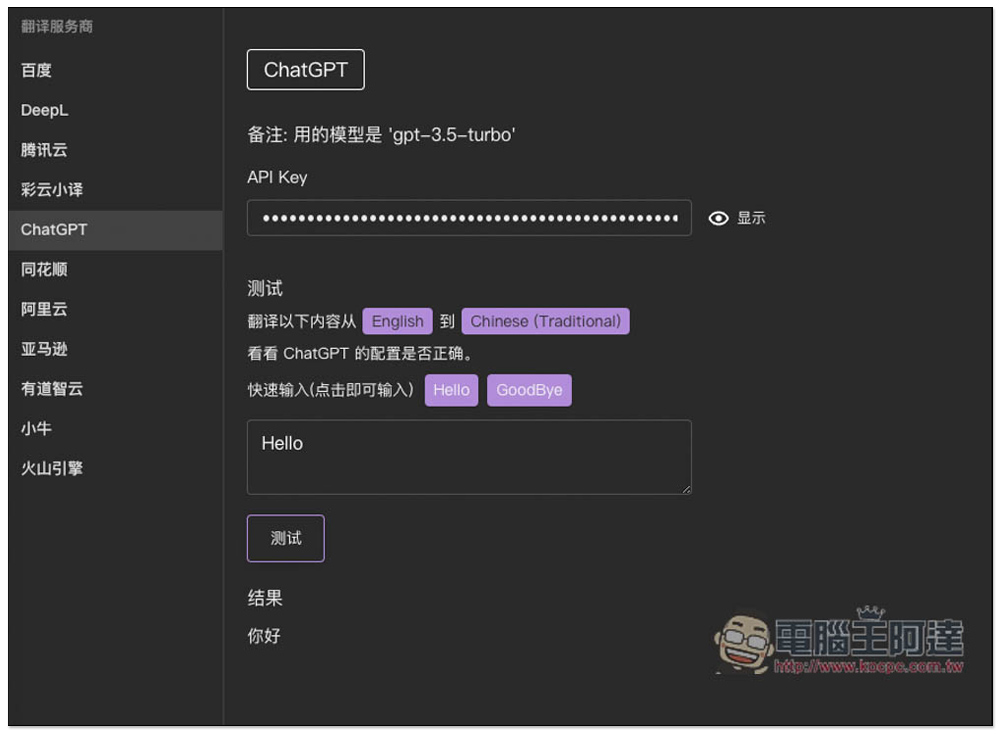
After pressing test, the result will be displayed below. If it is correct, there will be no problem and the connection will be successful:
After the API is set up, you can start translating the subtitle files you want. Remember to connect to the API, otherwise the translation will not run and will always be in a 0 state. After dragging the desired subtitle file in (supports ass, srt, vtt), the number of characters and lines of subtitles will be displayed below:
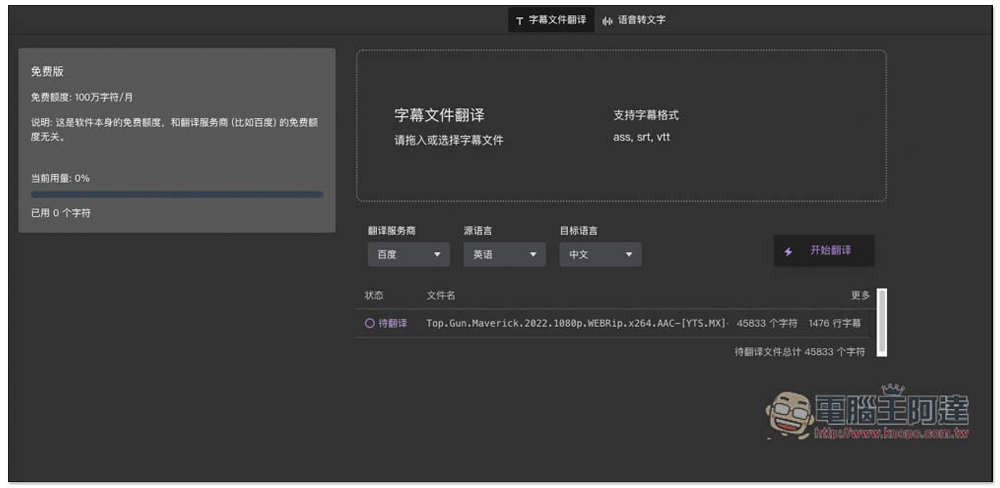
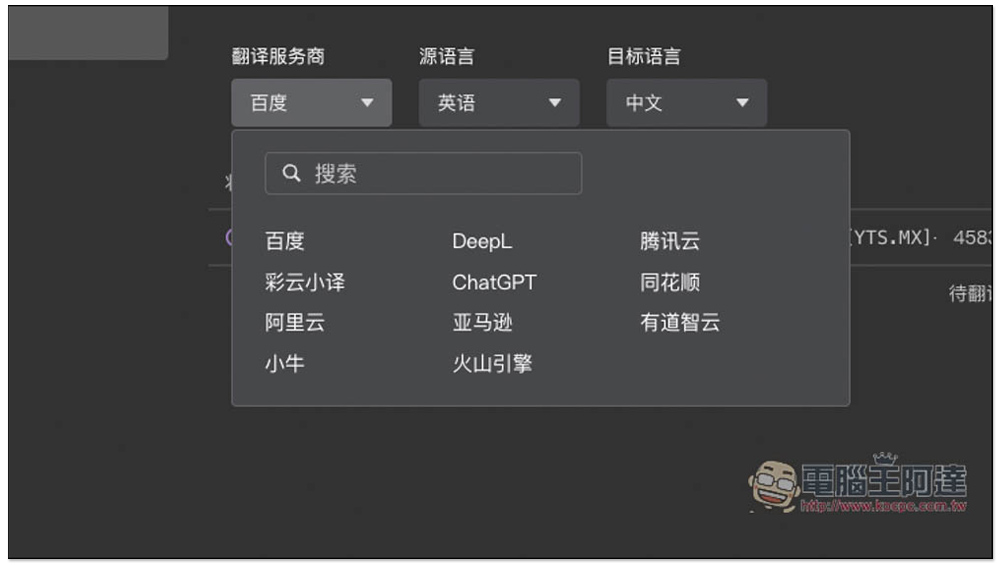
Choose the translation service provider you want to use, I choose ChatGPT:
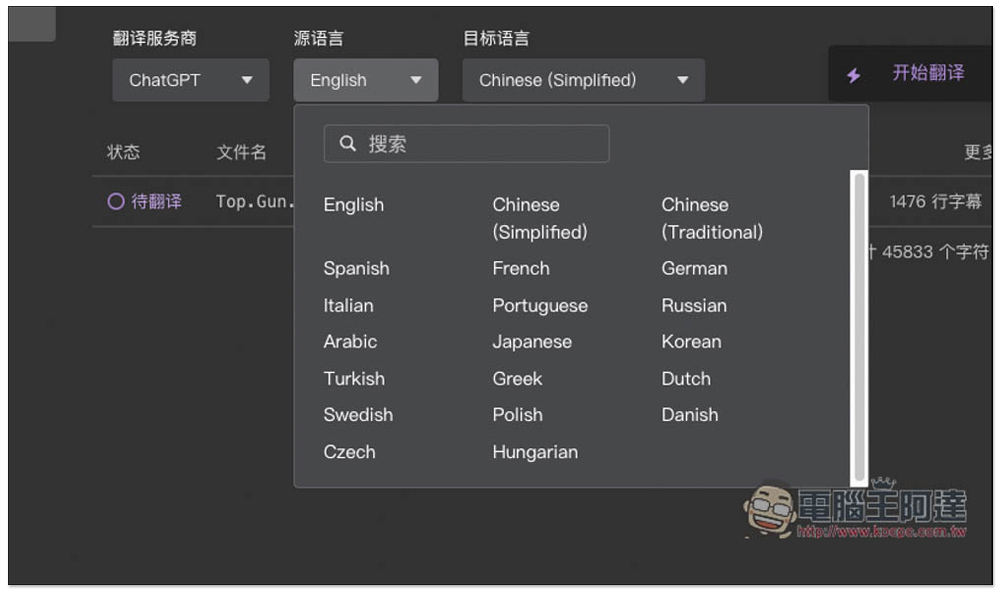
Source language, mine is English:
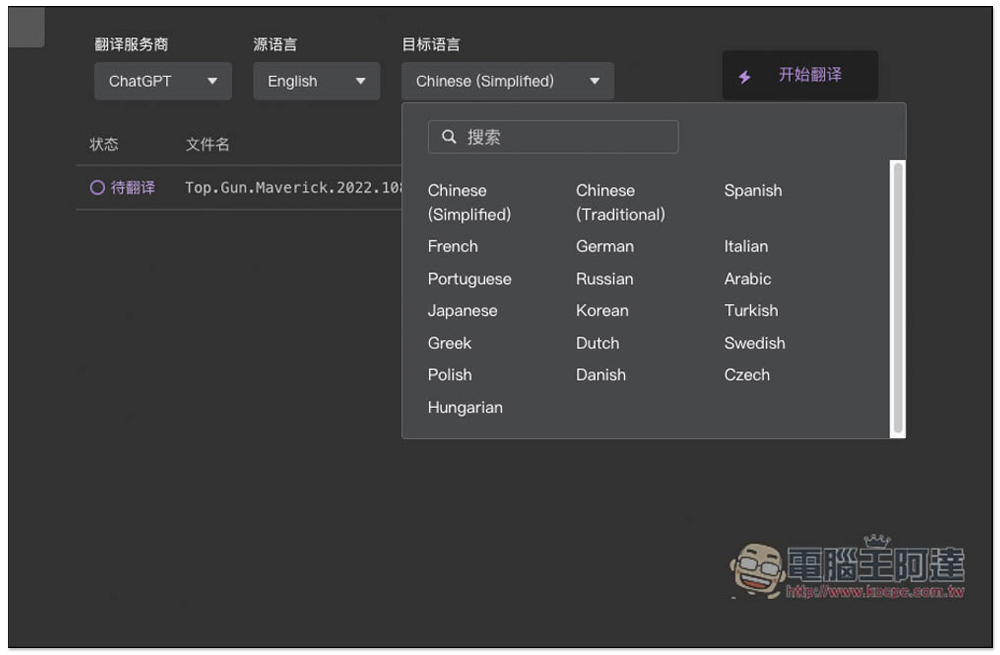
Select Chinese Traditional as the target language. After setting everything, click “Start Translation” on the right:
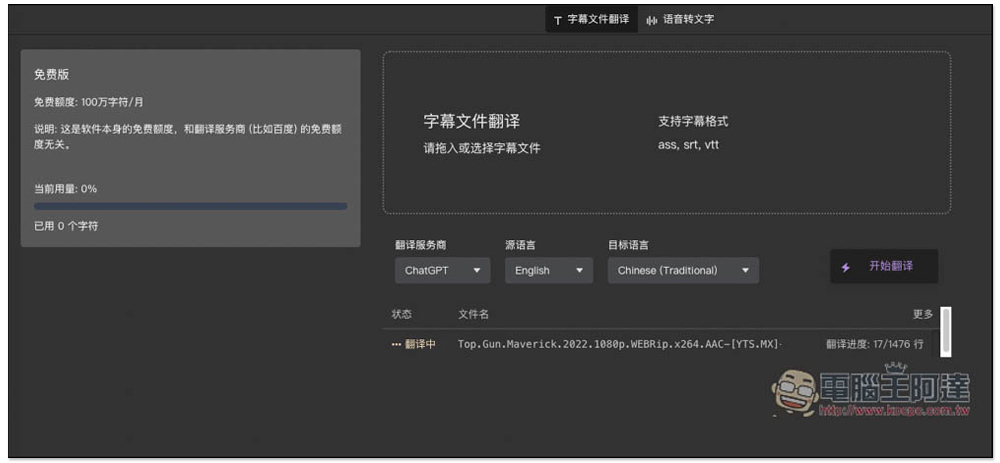
It will start processing, you can leave it and let it run on its own:
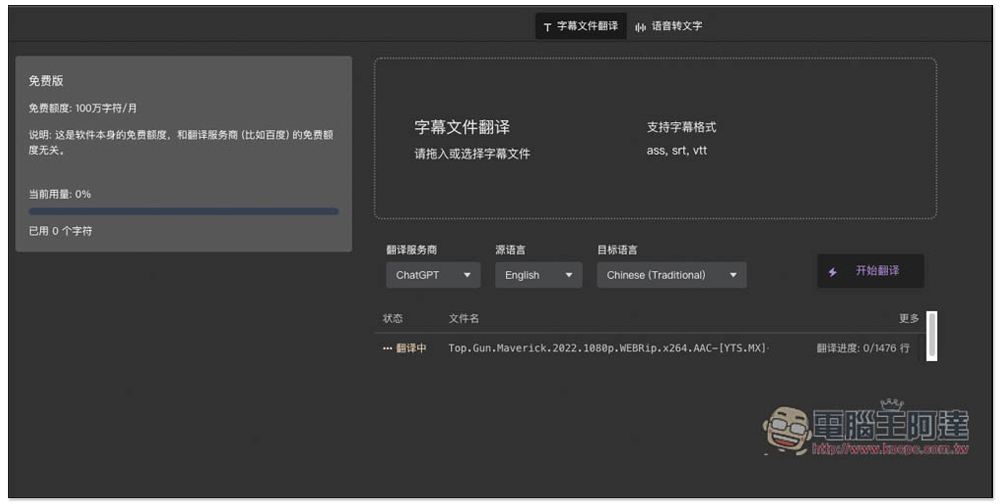
The translation progress allows you to check how much is left at any time. However, when I tested ChatGPT, it felt a bit slow. There are APIs for other translation services. I would recommend using other translation services:
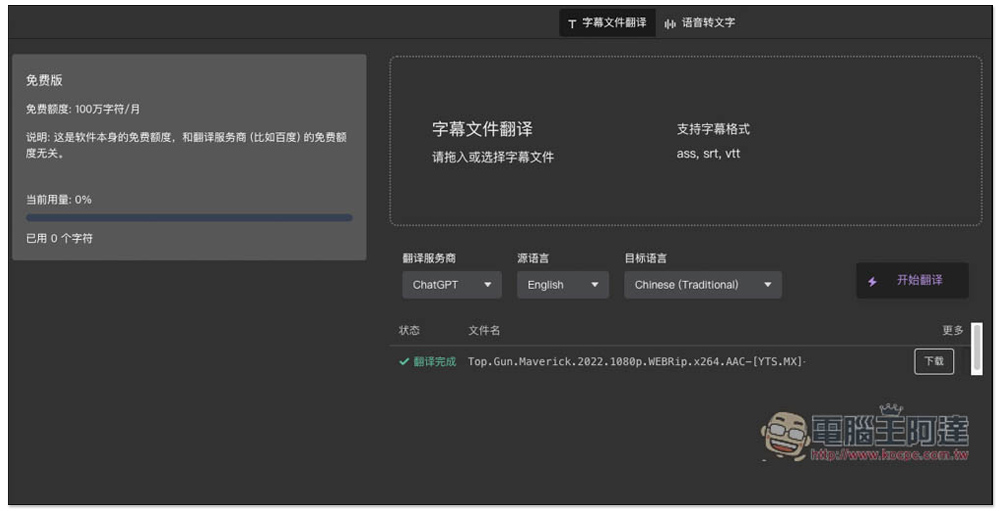
After the translation is completed, the status will show green and a loading point will appear on the right:
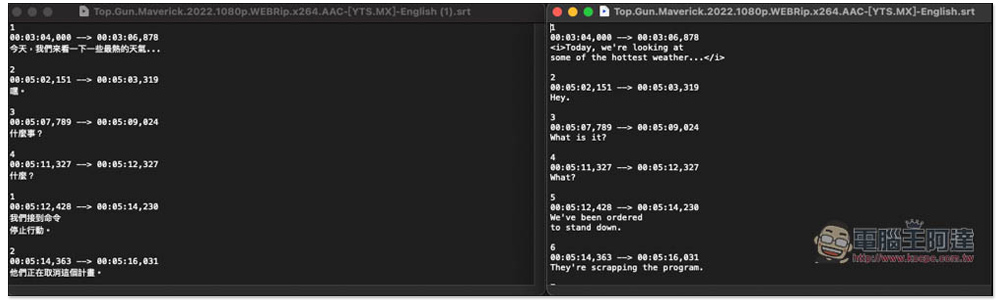
On the left is the SRT file translated into Chinese, and the timestamp will be retained, so you can use it directly:
Source: KOCPC Chinese