


Since ChatGPT is so chatty, instead of typing on the keyboard, if you can have a conversation with it through voice – note, it’s a conversation! Maybe it will make learning English and other foreign languages (as long as ChatGPT can support it!) easier! And when the web plug-in function that supports ChatGPT continues to improve as this AI chatbot becomes more and more popular, some people now share a good way to use voice plug-ins to learn languages! Continue reading You can also practice foreign language listening and even speaking with ChatGPT! A simple, free Chrome extension enables story content.
▲Image source: Theis Frøhlich
With ChatGPT, you can also practice listening and even speaking in foreign languages! Free Chrome extension does it
ChatGPT is a chatbot. Many people have actually used text to chat with it and come up with many good applications, including writing programs and even singing for drawing. This function based on GPT-3.5 / GPT-4 can bring out quite amazing application possibilities. However, in fact, with “chat” as its essence, this large-scale language model technology has many extended applications that help you learn foreign languages, which are worth exploring.
After all, “it” is so talkative. Compared with keyboard input, if you can have a conversation with it through voice – note, it is a conversation! Maybe it will make learning English and other foreign languages (as long as ChatGPT can support it!) easier! And when the web plug-in function that supports ChatGPT continues to improve as this AI chatbot becomes more and more popular, some people now share a good way to use voice plug-ins to learn languages!
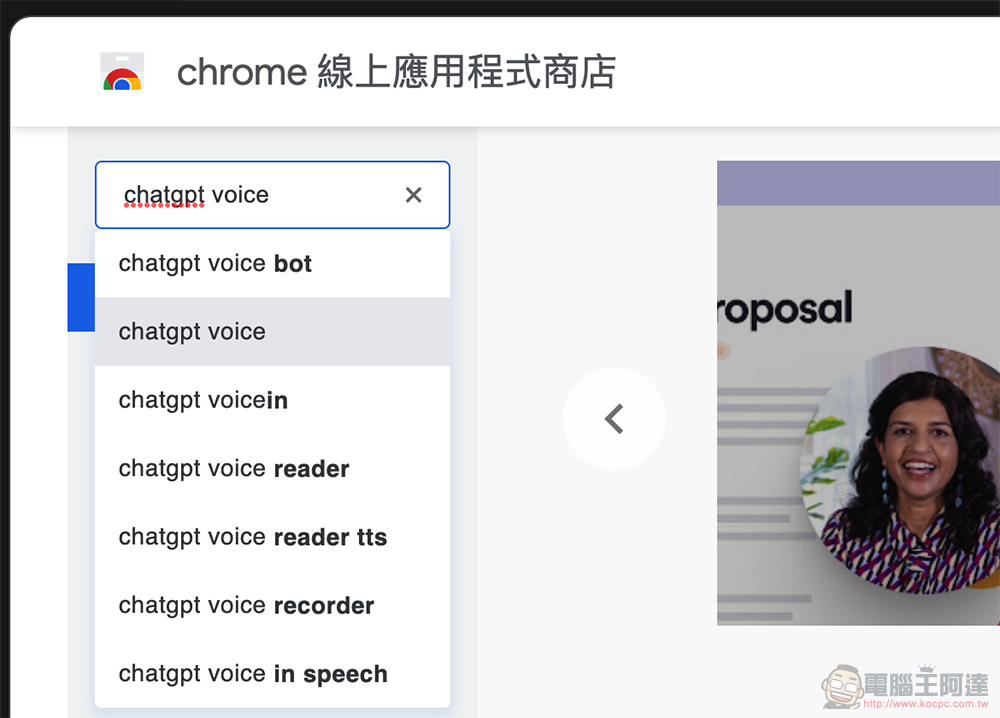
Basically, it shouldn’t be too difficult to change from typing to voice input, including Windows, macOS, and even various mobile systems. However, this time the computer king Ada team will introduce the “Voice Control for ChatGPT” Chrome online application function, which integrates voice control and voice reply to make it more intuitive and easy to use – DownloadClick me on the portal。
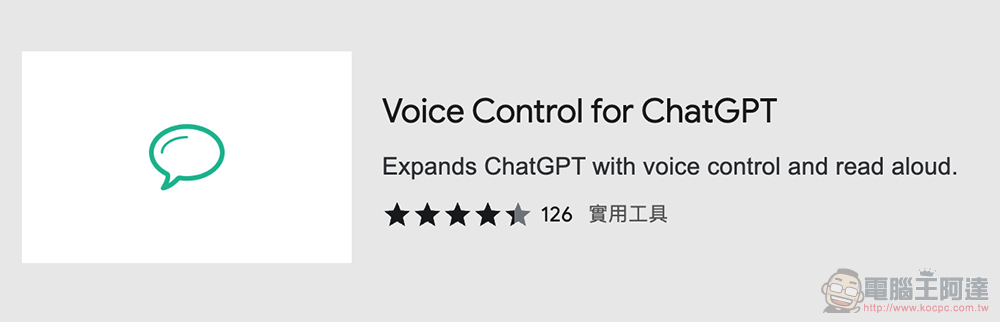
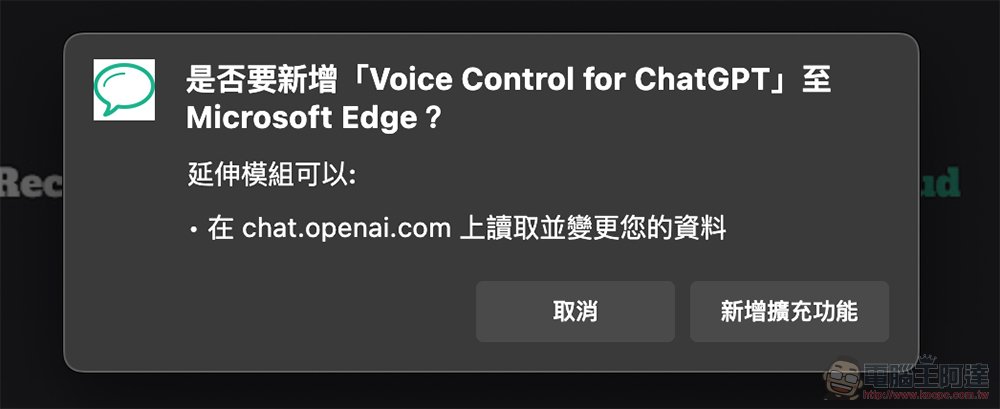
Basically, you can find this extension by searching for keywords in the Chrome Online App Store, and then choose to add it to Chrome / Edge:
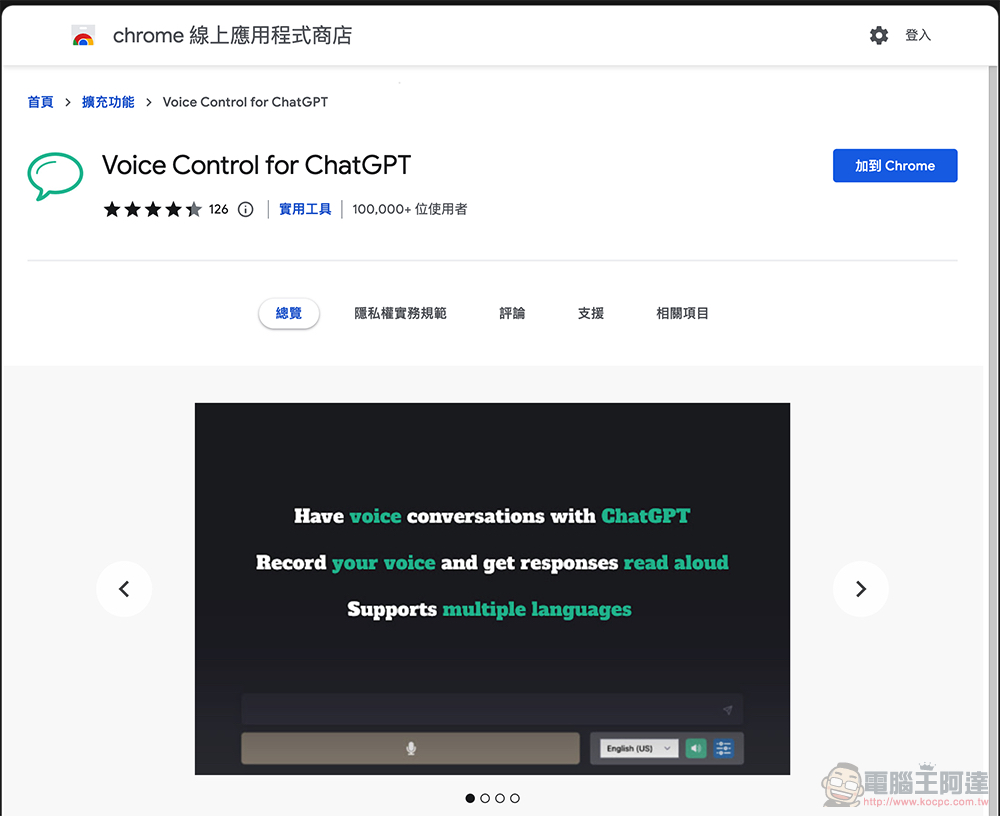
Some basic permissions for extension modules will be required:
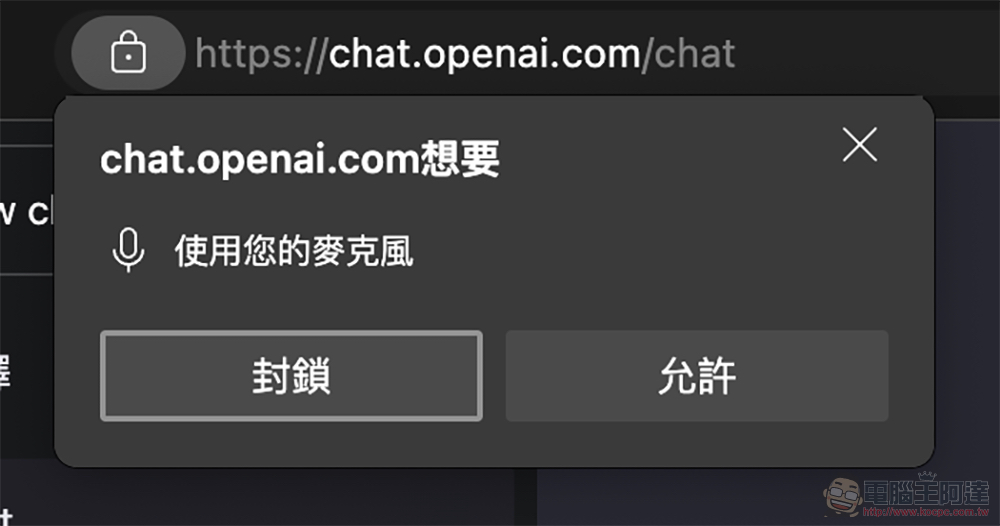
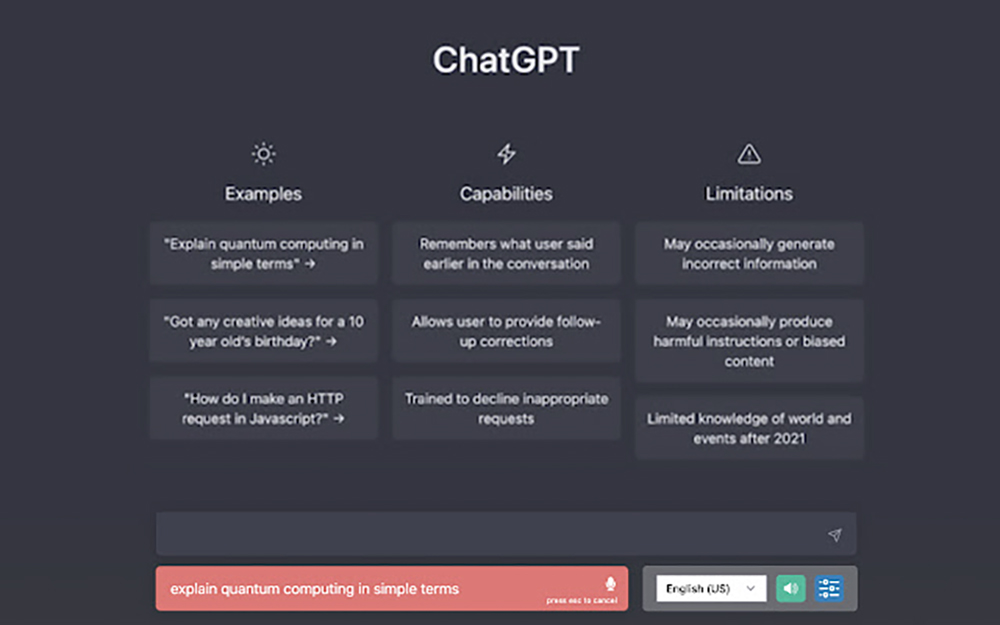
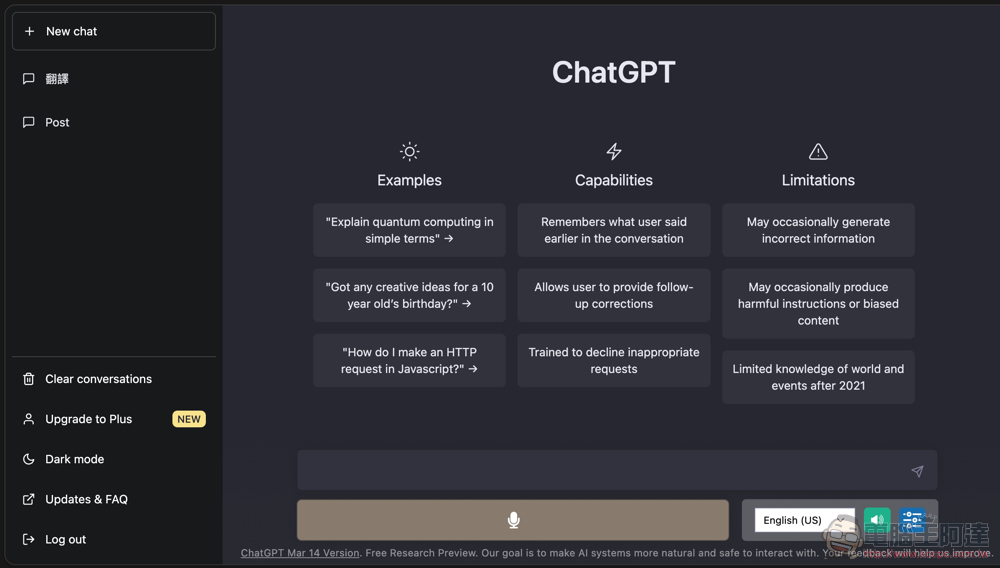
After reorganizing, you can see that the ChatGPT interface has voice buttons and options:
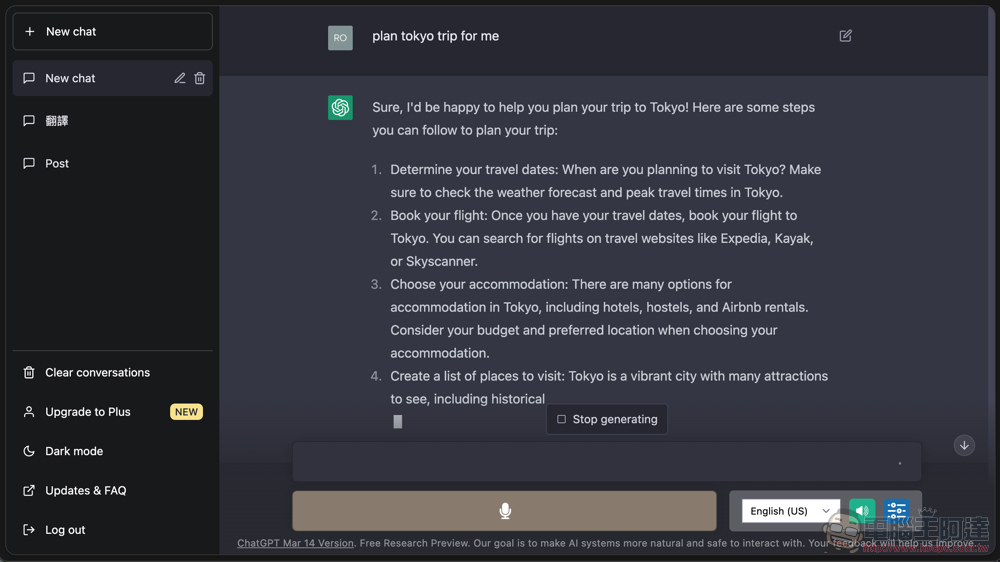
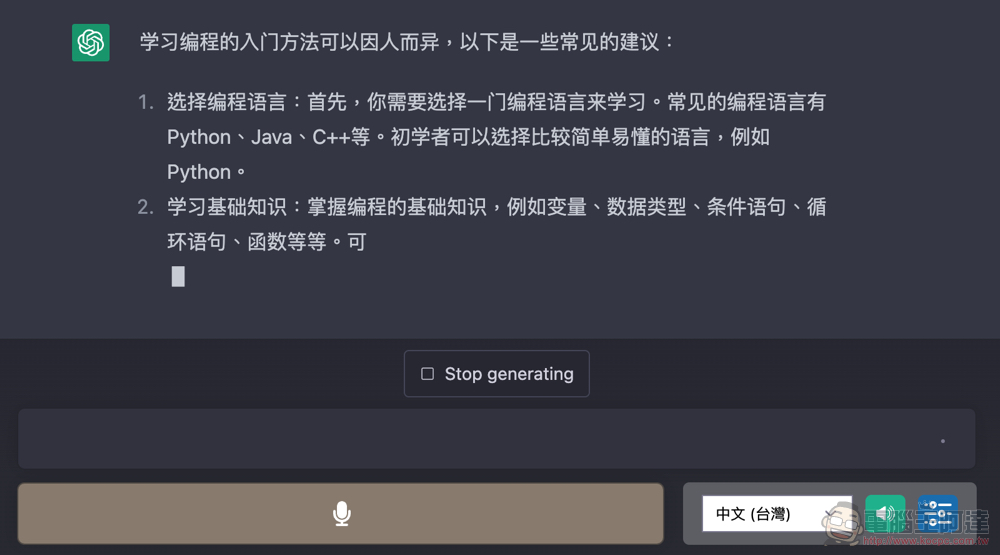
The method of use is actually very simple. After typing the content, the text that appears will be replied to you by voice. However, when using Edge, the editor encountered a problem that the voice input module seems to be incompatible. However, the “conversation” can also be completed through the built-in voice input of the computer system:
On the other hand, it is also possible to “learn Chinese” – as long as there is a supported language, you should be able to complete all kinds of life problems and conversations:
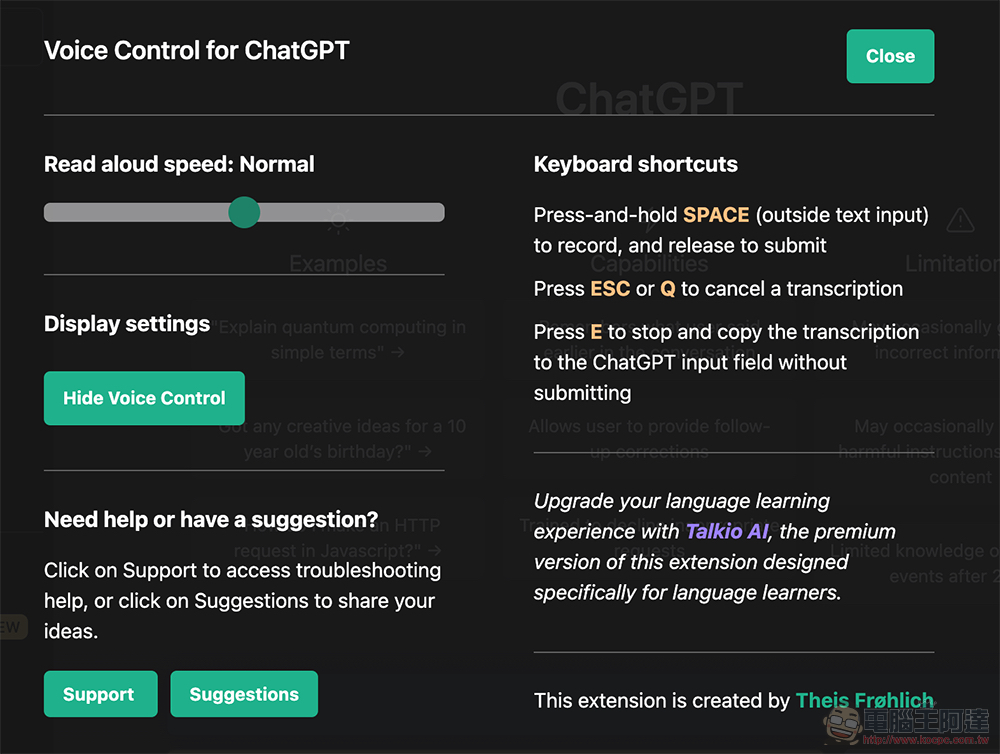
The advanced settings of Voice Control for ChatGPT can also change the speed of the voice, which is a very considerate feature; it also teaches you how to use shortcut keys. Friends who want to learn foreign languages can take advantage of it! :
Further reading:
Source: KOCPC Chinese