


Windows XP can be said to be the top-ranked classic version of the Windows operating system. Even after 20 years, a small group of users are still using it. For some nostalgic friends, they may sometimes want to go back to Windows XP. However, many softwares do not support it, so many people have to give up. The good news is that recently, some people abroad have changed the appearance interface of Windows 10 to be almost the same as Windows XP. As long as you install this version, you can easily recall Windows XP. The operation feeling is great, but without losing the support of Win10, it is completely free.
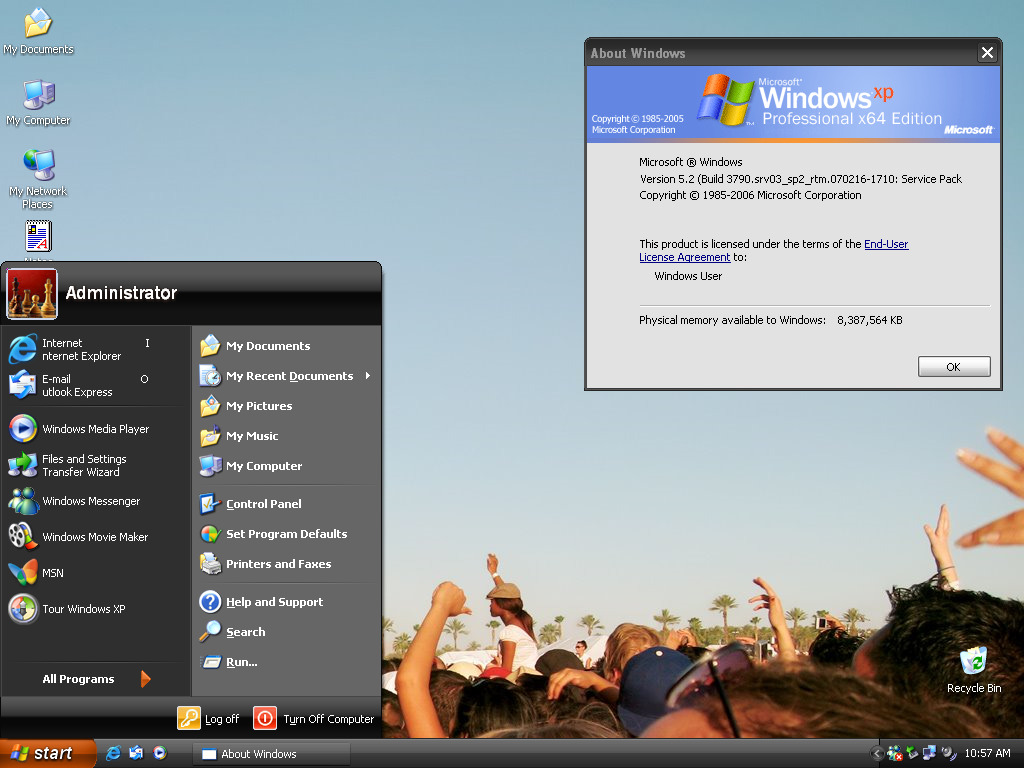
Foreign gods have changed the interface of Win10 to be the same as Windows XP, allowing you to experience the charm of the old system
A while ago, a Hayafumi user uploaded a file on Archive.ORG that transformed the Windows 10 1809 version interface into Windows XP, called “Windows EXPERIENCE | Freestyle Update”.
According to the description, this product perfectly replicates the classic appearance and operation of Windows XP. Many built-in software have become older versions, such as file manager and work manager. Even about Windows it says Microsoft Windows XP Professional X64 Edition:
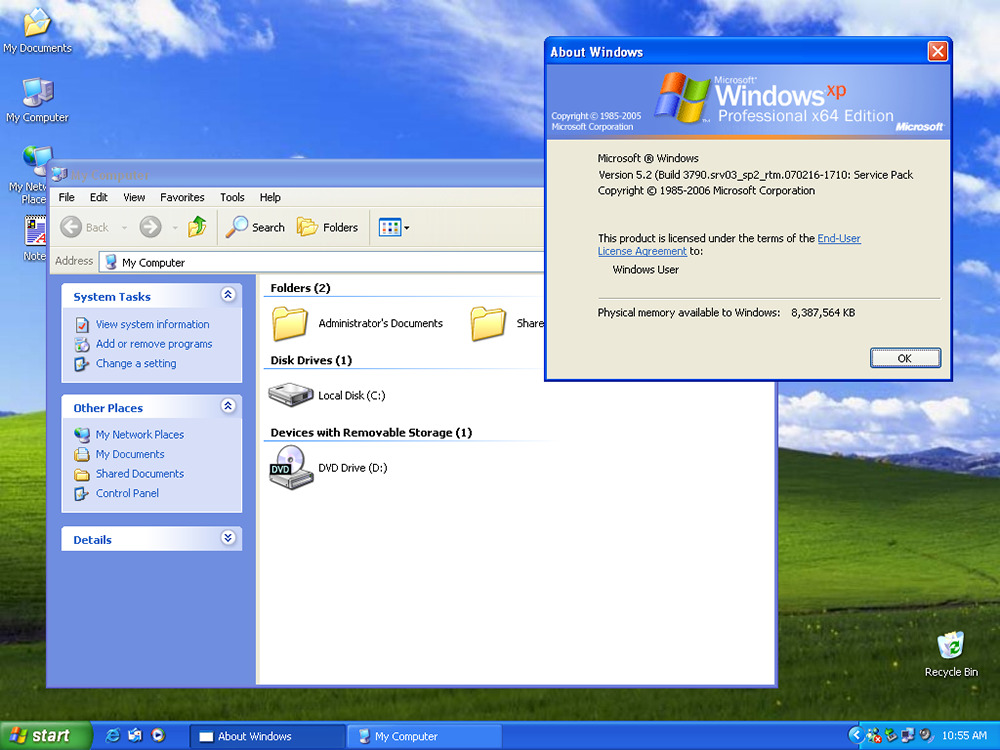
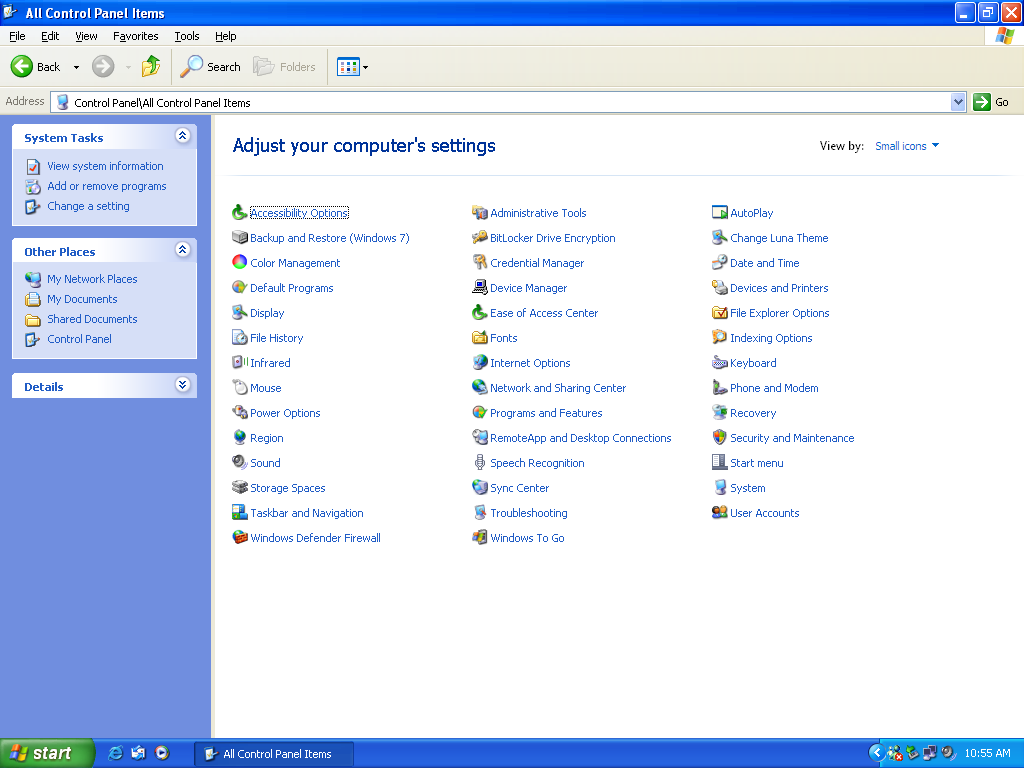
This control panel is really nostalgic:
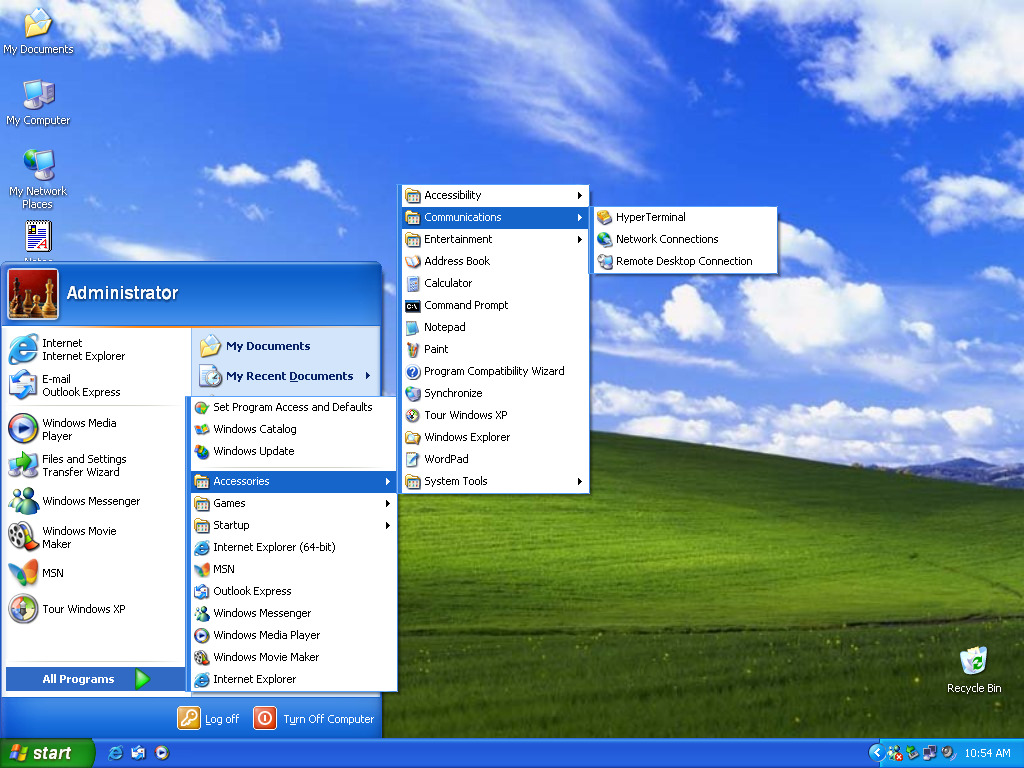
The same is true for the start menu. Although the design is a bit cheesy for modern times, the operation is simple and you can quickly find the software you want to use:
Foreign media Neowin I actually grabbed it and installed it, and found that there are 3D pinball machines and the most original little painter:
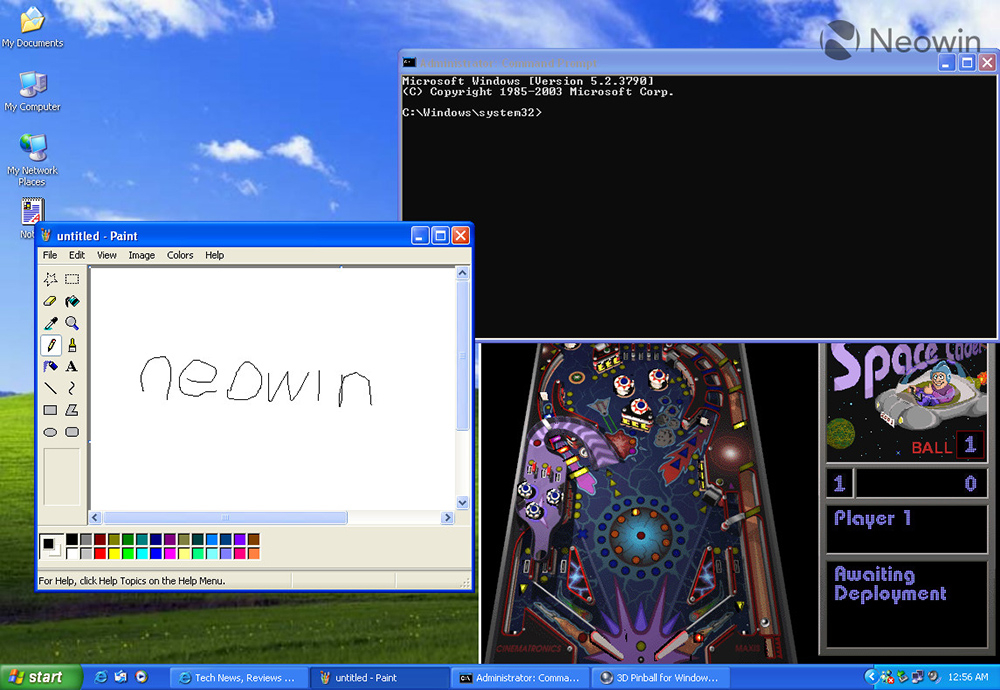
Of course, if you are familiar with the Windows XP interface, you will definitely be able to find the differences, but in most cases you will mistake it for Windows XP.
The developer also uploaded a preview video, which looks really good. In the second half of the video, you can also see a browser similar to IE, which was actually modified by Mozilla Firefox:
However, it should be noted that because this operating system has changed a lot of things, there will be many bugs, such as the following ones:
- Changing the theme from Luna to something else may result in a black screen and kick the user off the desktop. Changing the theme again will fix the problem and also fix the broken WindowMetrics.
- When installing this module using a non-en-US language, there may be issues with the borders of the program window.
- The Appearance tab showing properties may crash. Use “Change Luna Theme” on the control panel to change the theme.
- The color of the title text is incorrect, this may be related to Windows 10.
- When using a non-en-US language, dialog boxes, strings, and menus will still appear in English.
- Problems arise with DPI above 100%. This modification is incompatible with any DPI scaling.
- When File Explorer is maximized by default, the toolbar may look cluttered.
- The volume system icon may not change the volume.
- Some menus in File Explorer may not work properly (such as “Favorites”, “Help”), this is just to ensure the same as Windows XP.
- The on-screen keyboard displays QWERTY + CJK layout.
- Windows Messenger is unavailable because Microsoft has shut down its servers. If you still want to use it, you can find a trusted MSN/Windows Live Messenger server provider.
If there is no problem with the above,You can click here to download the ISO installation file from Archive.ORG。
Source: KOCPC Chinese