


ChatGPT can ask and create a lot of content, as long as you set the prompt correctly, but it takes a lot of time to slowly try it out. Now there is actually such a powerful “AIPRM for ChatGPT” free extension, which collects more than 1,000 prompt templates, ranging from SEO related, article outline, Instagram and YouTube content creation, to AI drawing command creation. You can also set what you want ChatGPT to do before asking. The language, tone, and writing style of your answers will make you an instant ChatGPT expert. I highly recommend everyone to give it a try.
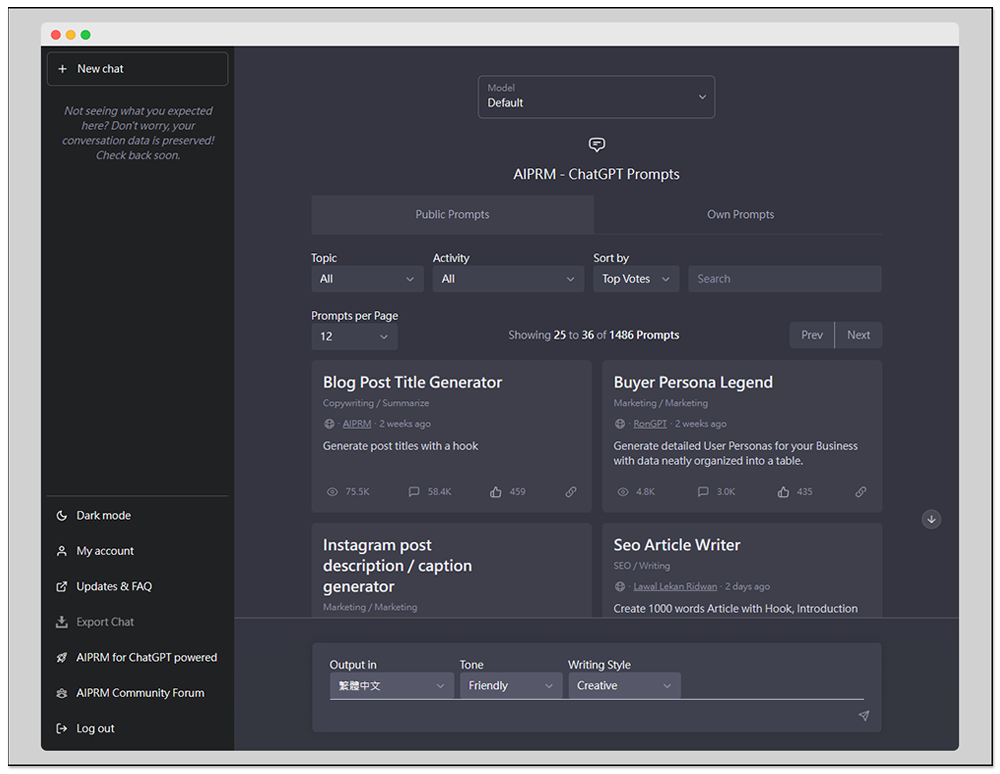
AIPRM for ChatGPT collects more than 1,000 prompt templates and instantly becomes a free extension for ChatGPT experts
AIPRM for ChatGPT is a Chrome extension that can also be used on Microsoft Edge. I will use Edge as an example below, and the operation methods are the same.
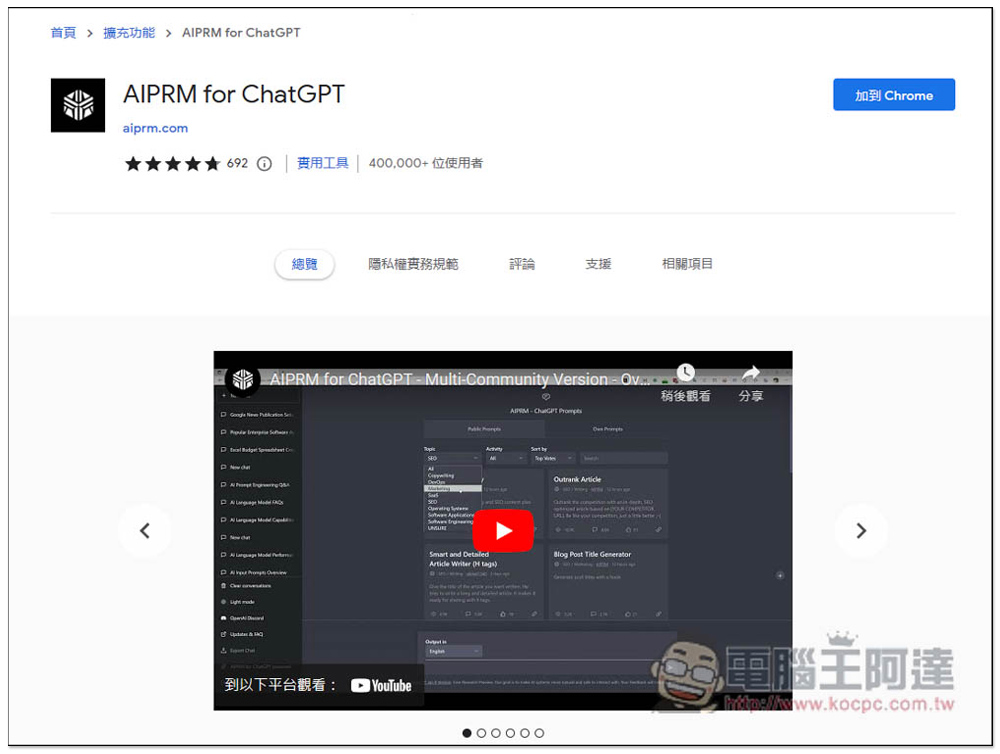
After entering the extension store page, click “Add to Chrome” in the upper right corner:
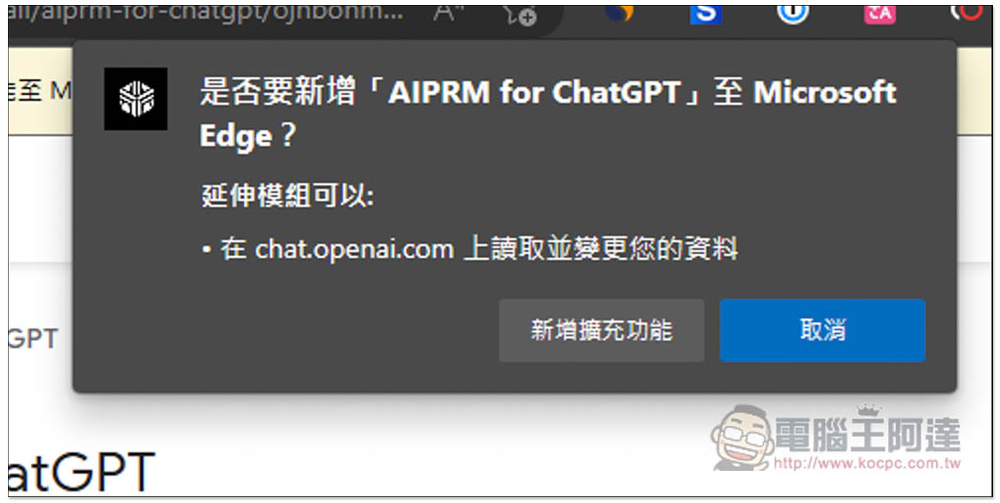
This message will pop up above, click “Add extension”:
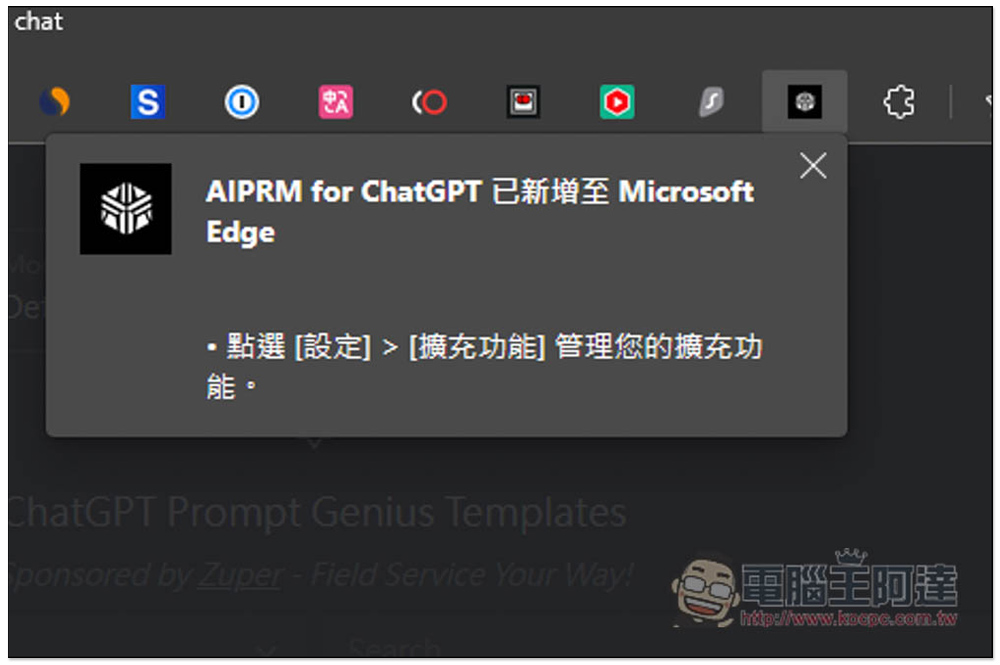
When this message is displayed, the installation is complete:
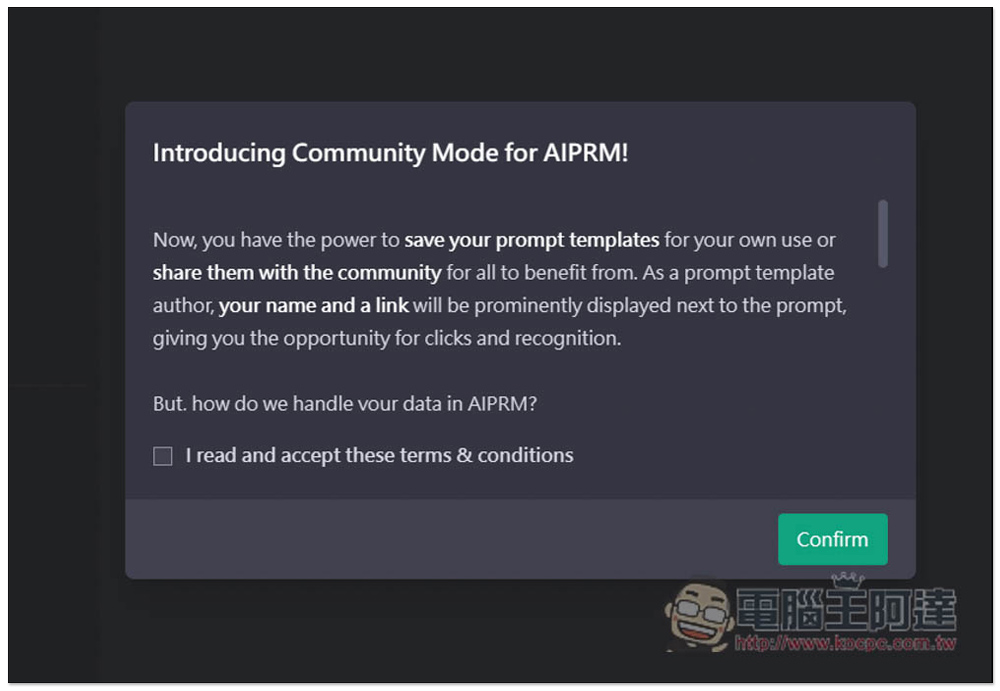
Then open ChatGPT and after the battle, the usage consent will pop up. Check I read and accept these terms & conditions, and then press Confirm to agree:
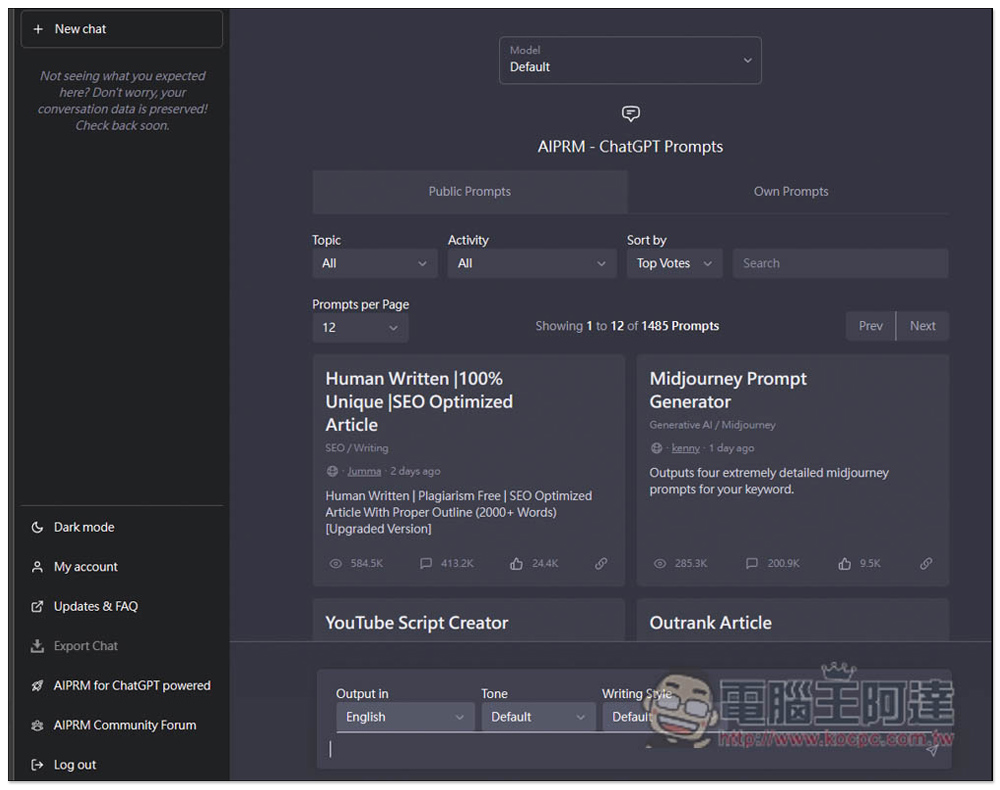
You will see a bunch of Prompts options appear on your ChatGPT homepage. If you don’t see it, make sure you have installed other ChatGPT extensions, such as the one we introduced before.ChatGPT Prompt Genius ” will conflict and must be removed before it appears:
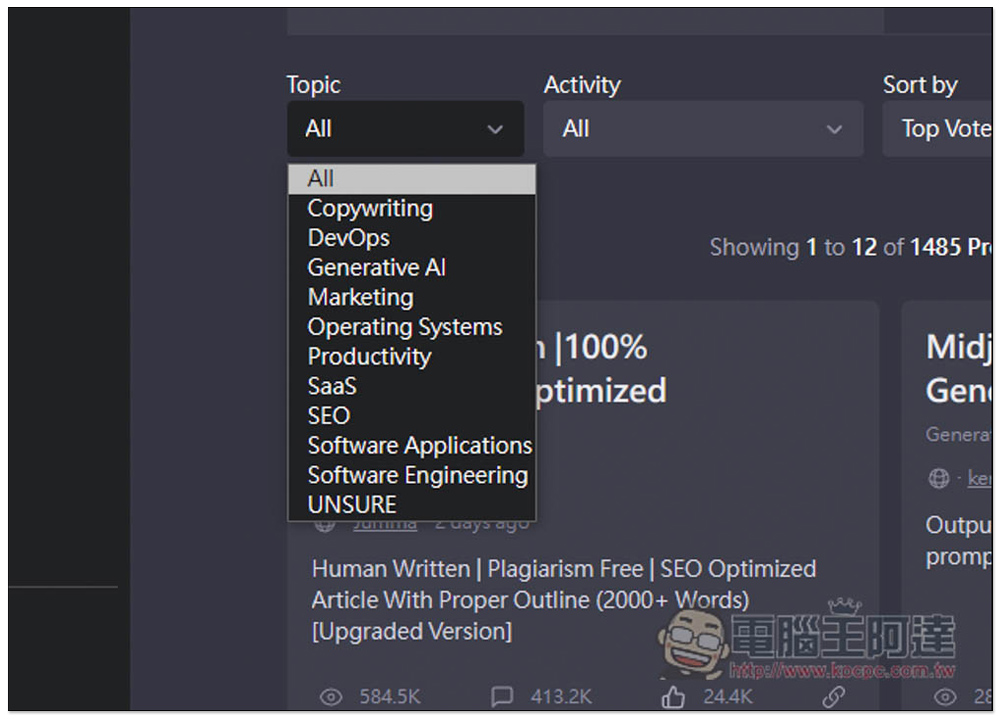
There are currently 11 Prompts themes, including copywriting, development-related, AI generation, marketing, productivity, SEO, etc.:
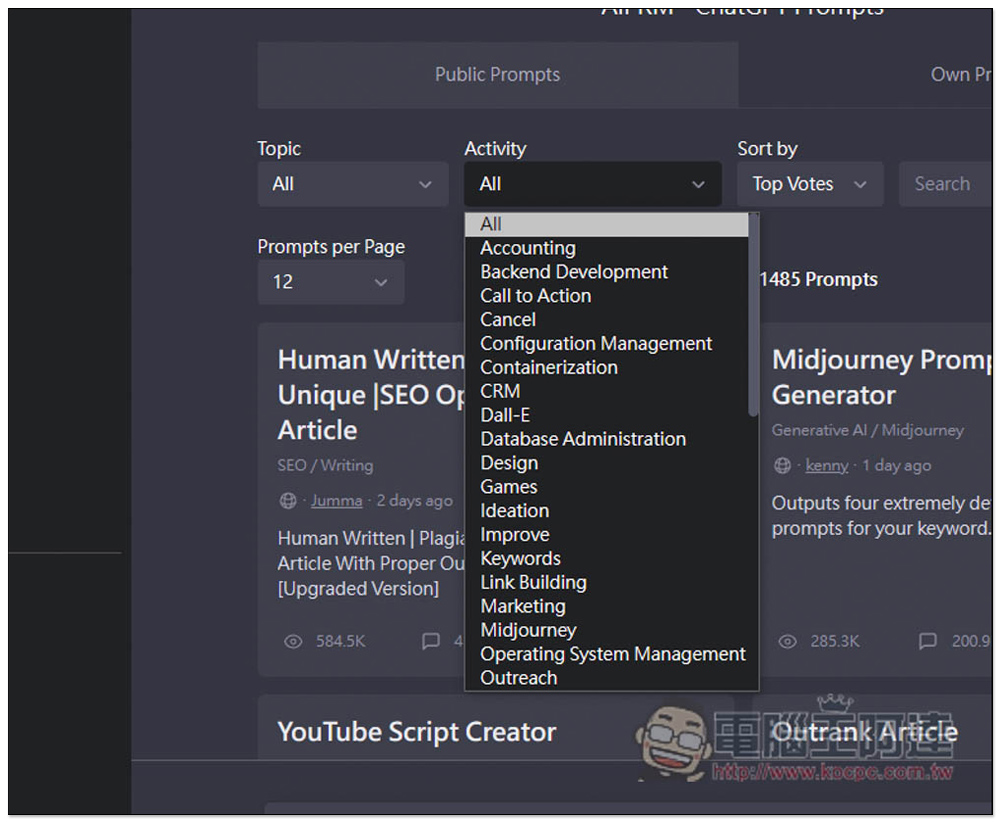
There are more Activity categories, and they have clear targets, such as Dall-E, Midjourney, CRM, or design related:
You can also browse the list directly below. There are currently about 1,500 Prompts and there are many list paginations:
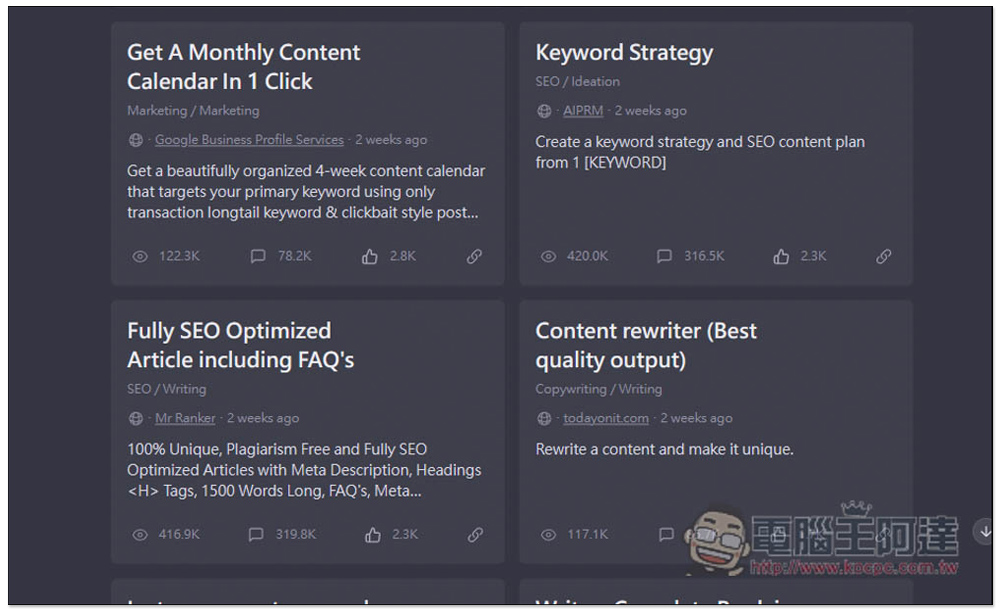
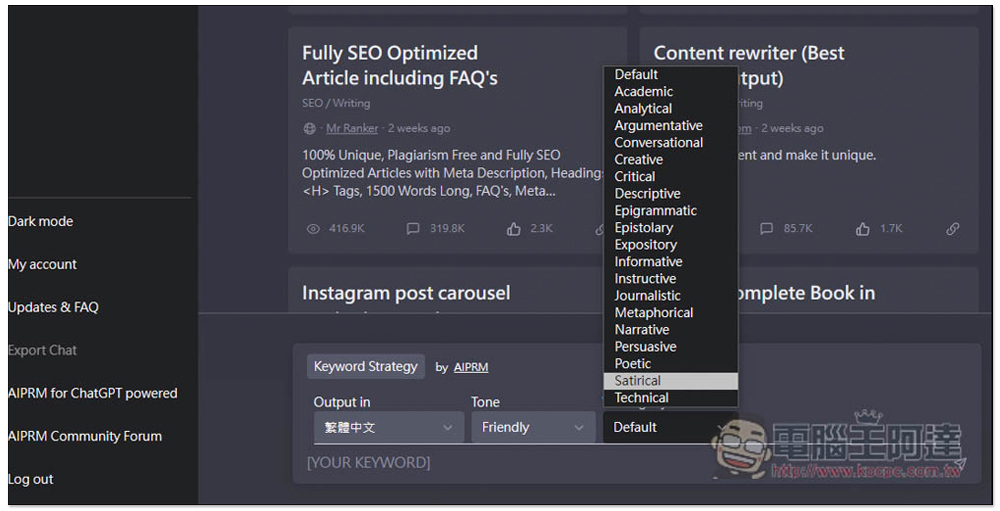
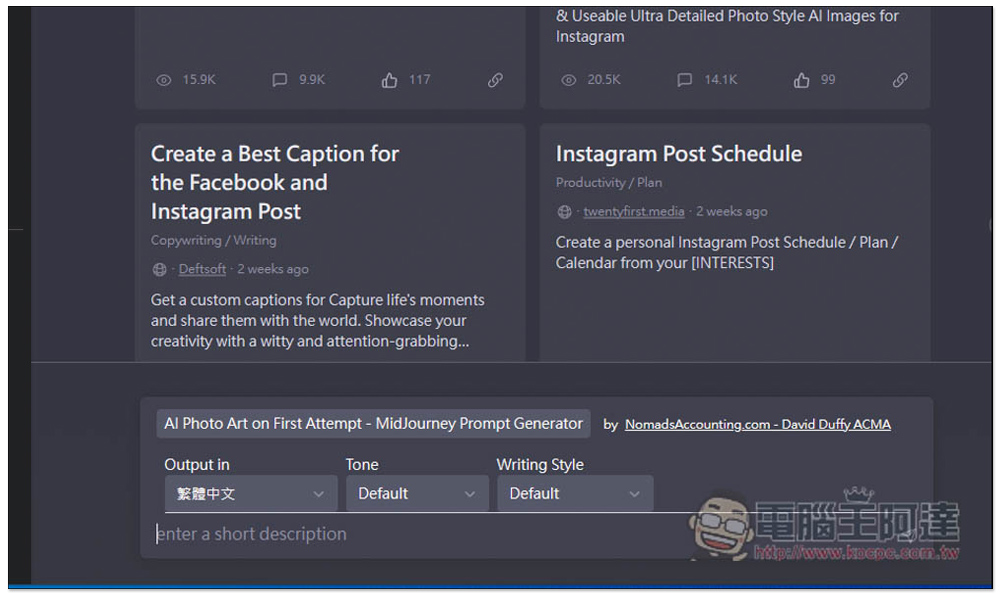
After selecting the Prompt you want (I’m taking Keyword Strategy as an example), you will see the Prompt appear above the input field below, and then select the condition settings you want ChatGPT to reply to, including language, tone, and writing style:
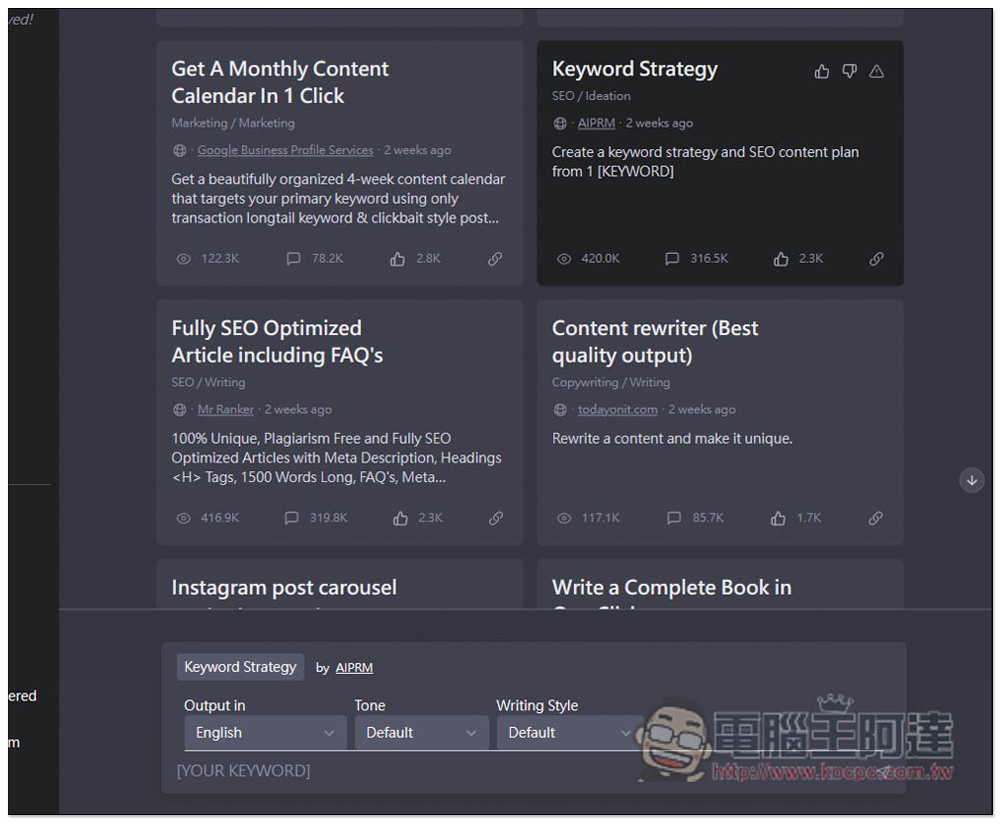
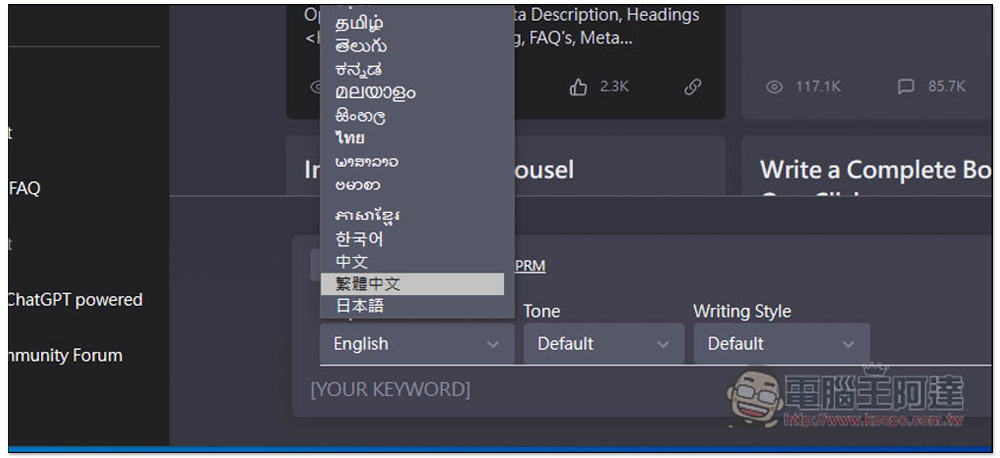
For the language part, you can choose Traditional Chinese:
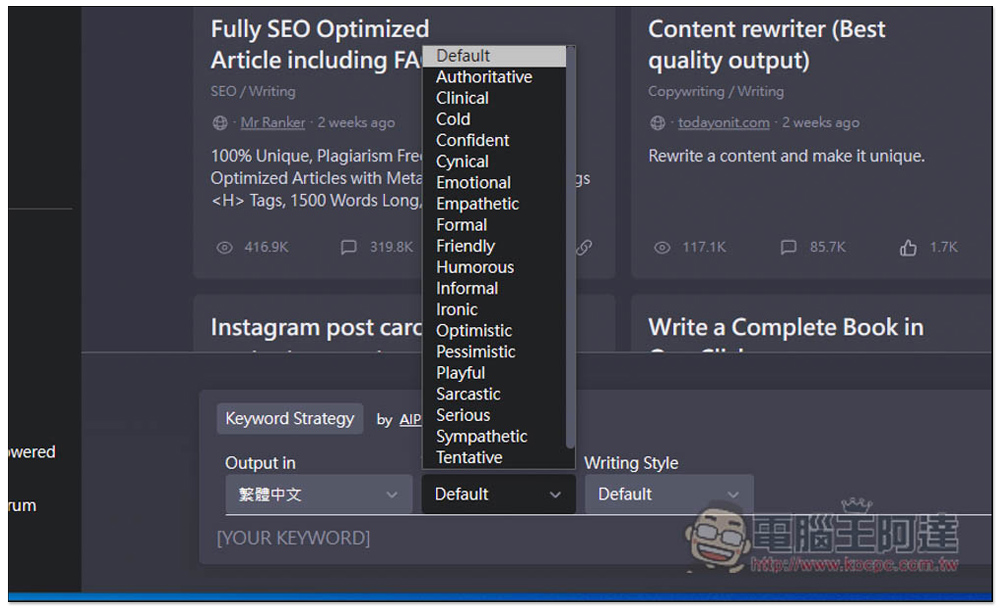
There are many tones, such as formal, cold, friendly, authoritative, serious, etc., and the content of each answer is different:
There are also many options for writing styles. Those who have time can play with them:
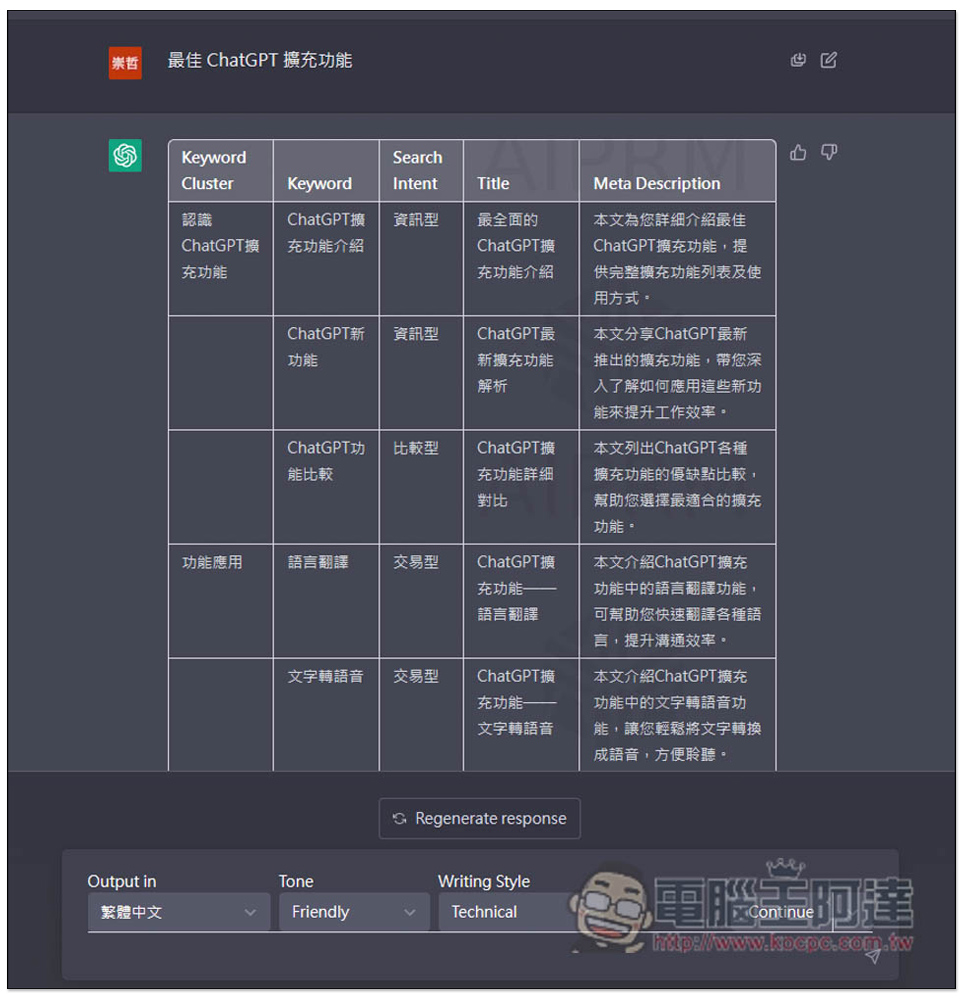
I set Traditional Chinese, friendly tone, and writing style as default, and then used Keyword Strategy. I entered the “Best ChatGPT Extensions” related. ChatGPT not only lists matching keywords, but also provides article titles and descriptions:
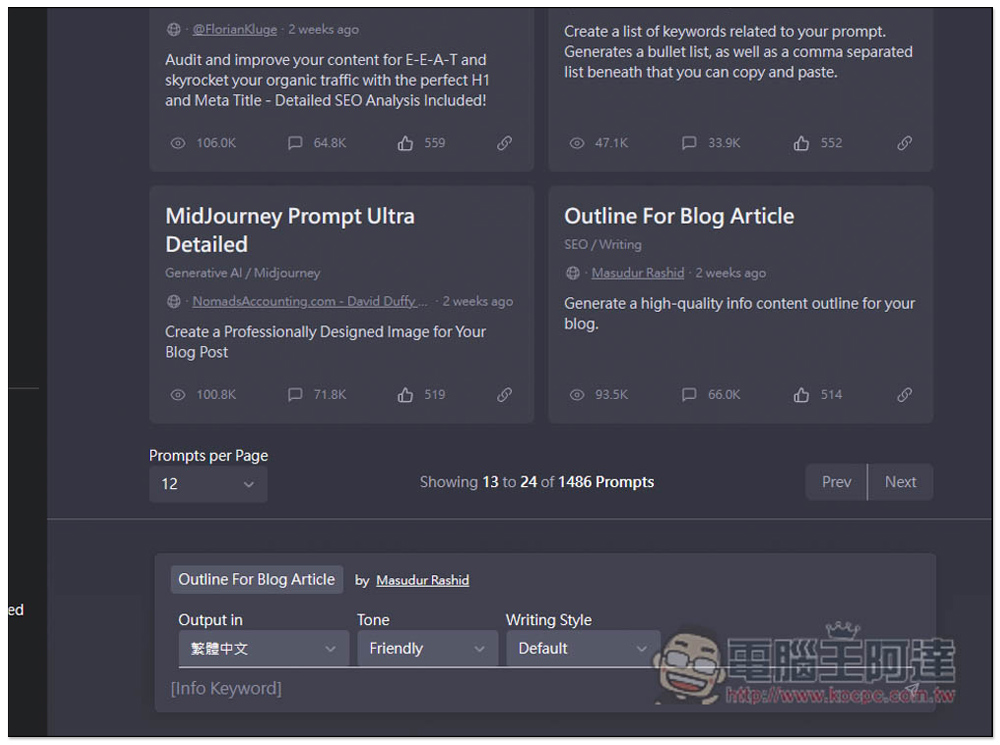
Next, I try the Prompt of “Outline For Blog Article Title”:
It’s the same “Best ChatGPT Extension Function”, but the content I get is completely different. It helps me write a suitable outline and summary of the article. However, when I play, sometimes I encounter situations where even if Traditional Chinese is set, the answer is still in English:
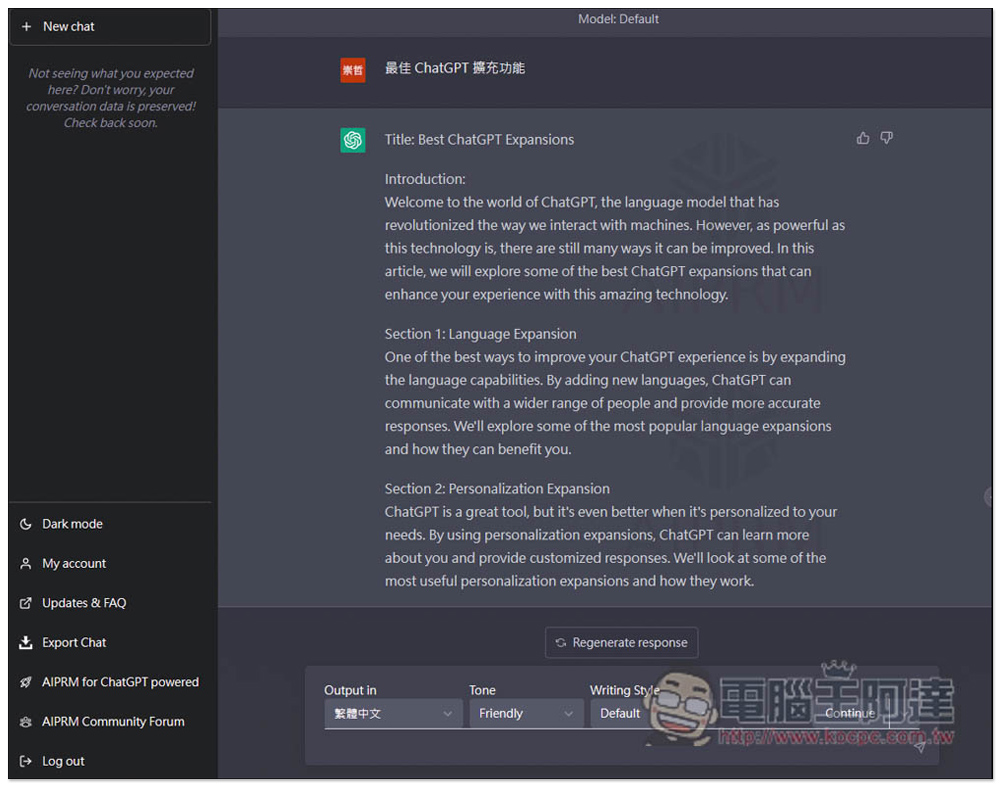
At this time, as long as you enter Traditional Chinese, ChatGPT will switch to Traditional Chinese to answer:
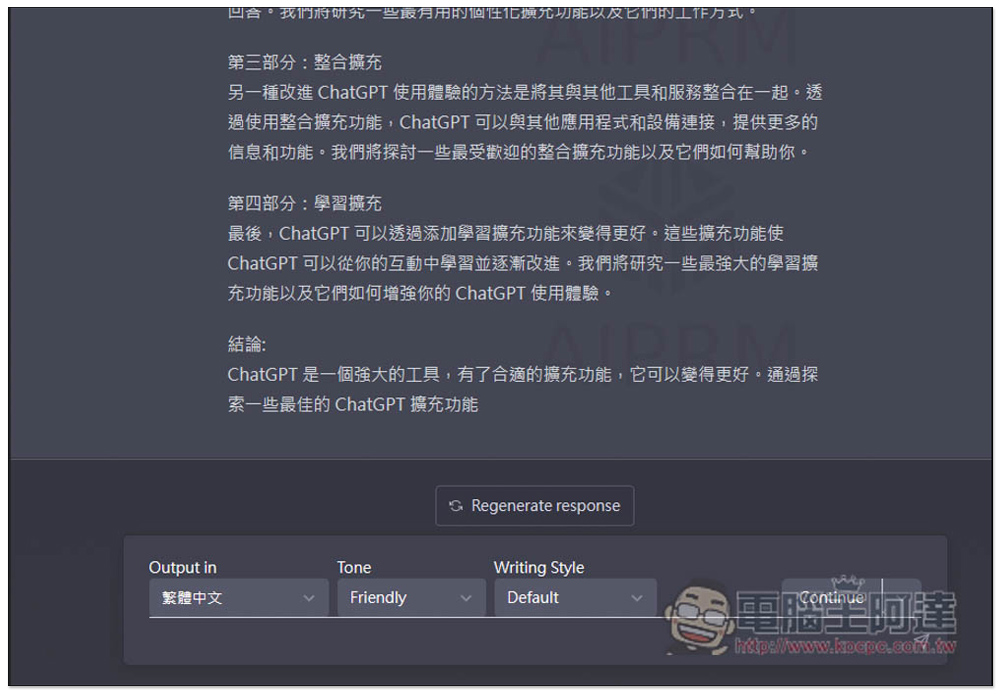
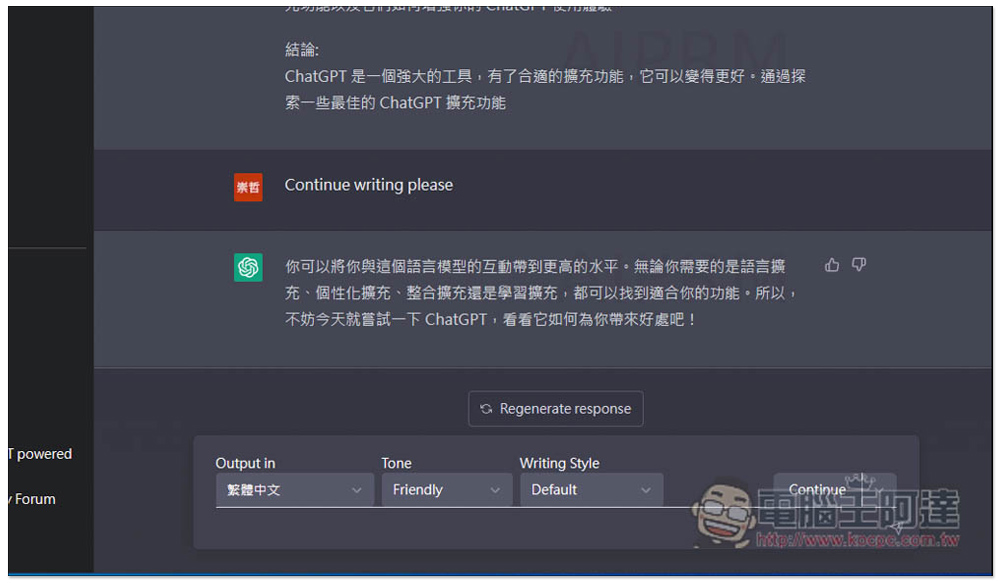
If you are suddenly interrupted in the middle of answering, you can press the Continue button in the lower right corner, and ChatGPT will automatically enter the following to continue answering:
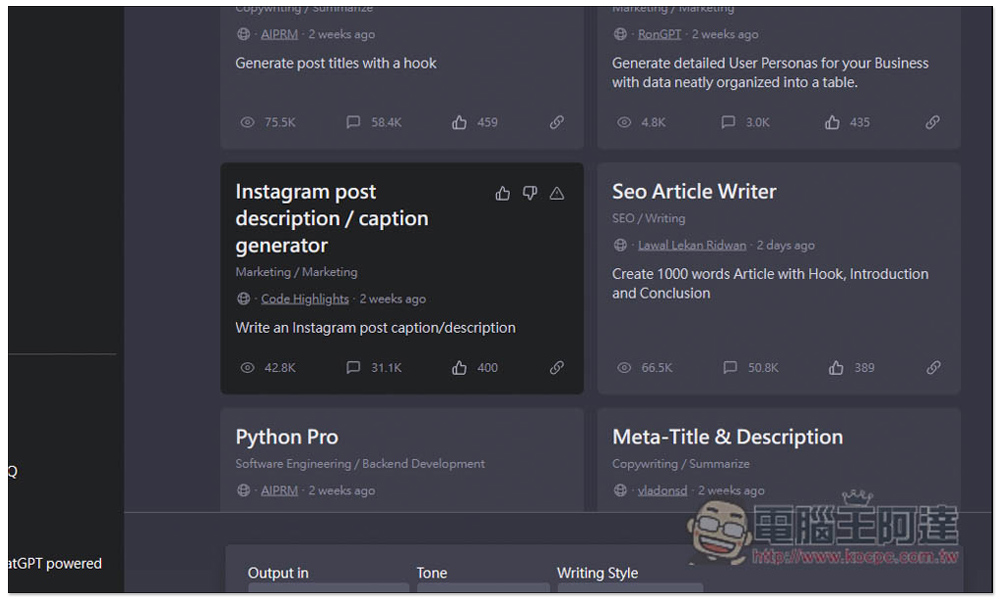
There are even Instagram post description prompts that you may use every day:
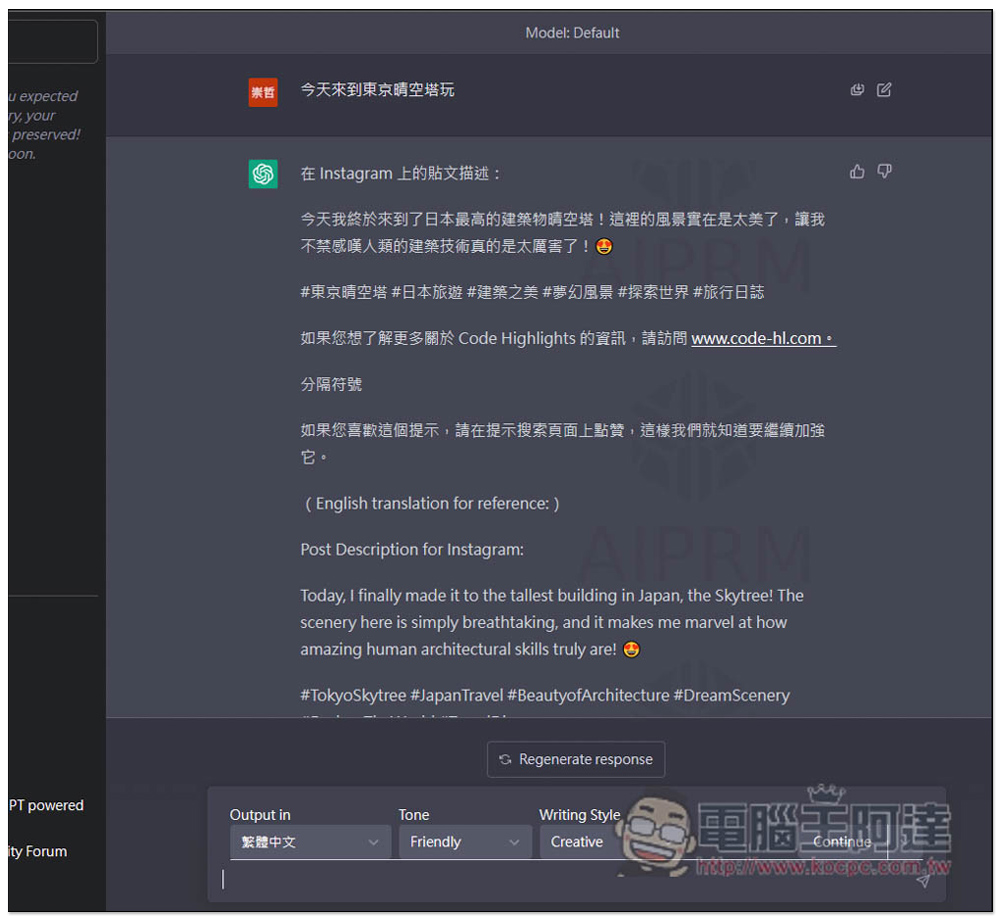
Enter the picture you want to describe, and ChatGPT will give you an idea. If you are not satisfied, you can also ask it to add others:
Key self-search function is also supported. After typing, matching prompts will be listed below:
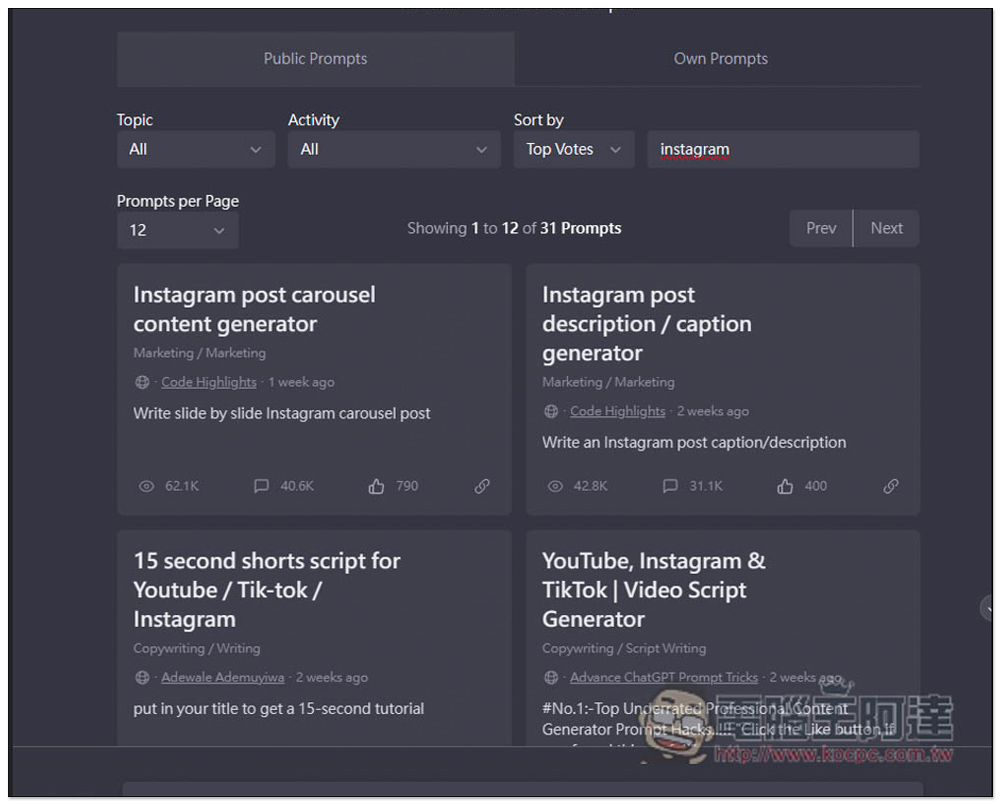
Instagram Post Schedule is available:
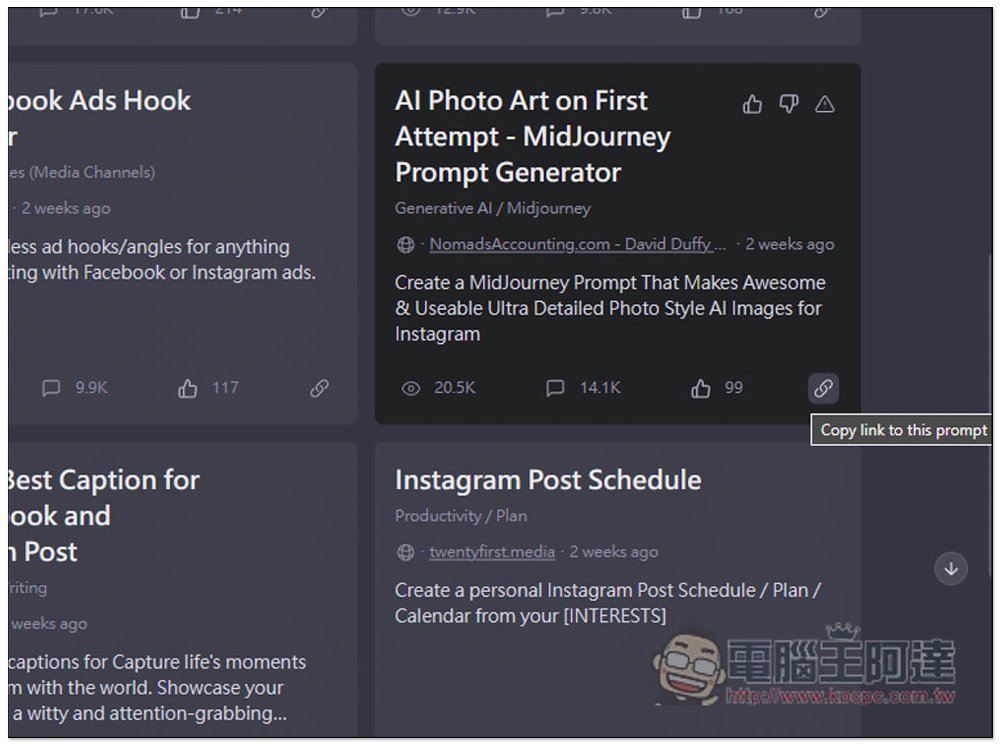
If you are interested in how they issue prompts. You can click the copy link icon in the lower right corner:
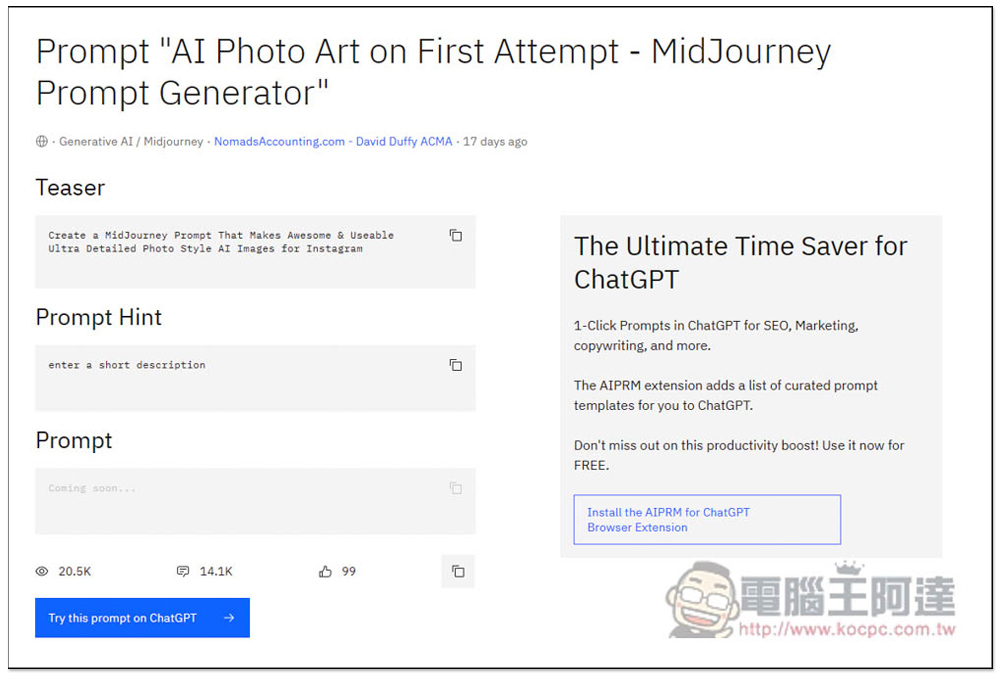
Then paste and open it in a new tab, and you can see the details:
Source: KOCPC Chinese