


We previously shared that Chinese tech company MiniMax, following its video generation tool,Conch AI Creative PlatformLater, it launched its own AI Agent feature, offering services like hotel search and U.S. stock market analysis, and it’s now available to try on MiniMax. If you want to learn how to use MiniMax’s AI Agent feature, keep reading!
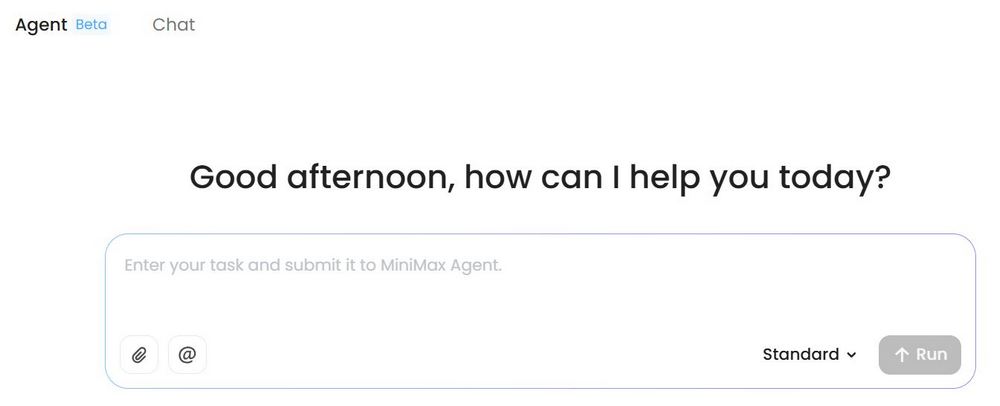
MiniMax launches its AI Agent feature! One-click convenience for checking hotels, the stock market, and planning itineraries.
Chinese tech company MiniMax recently launched its own AI Agent service. Users can use MiniMax AI agents to edit programs, conduct research, arrange schedules, and more. Now we can use MiniMax’s AI agent service on computer webpages.
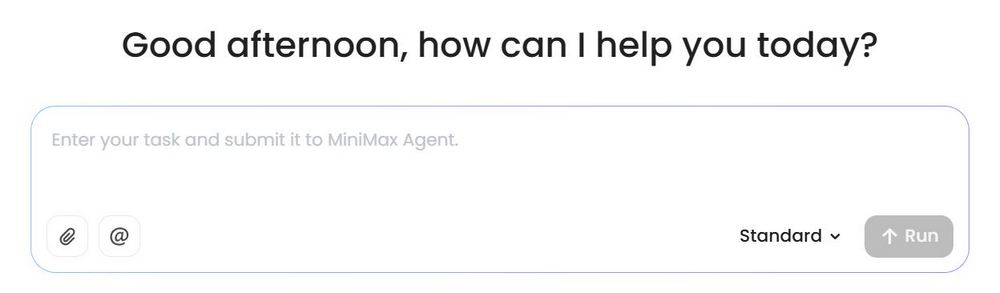
Go to the MiniMax AI Agent webpage.
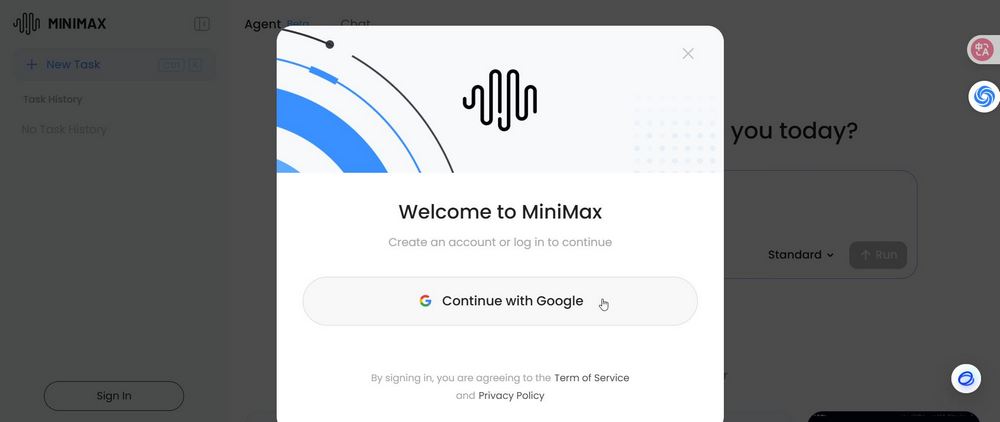
Click the link above to go to the MiniMax AI Agent service page, and choose to sign up with Gmail. Once registered, you can start using the AI Agent features provided by MiniMax. Note that MiniMax is a Chinese tech company; if that concerns you, scroll to the bottom of the article to see the other AI Agent services we’ve introduced before.
Then, you just need to enter your request into the MiniMax AI Agent input box. For example, the editor used MiniMax to analyze the US stock market and search for hotels in Osaka. Simply enter a request, and MiniMax will automatically connect to the internet and search web pages.
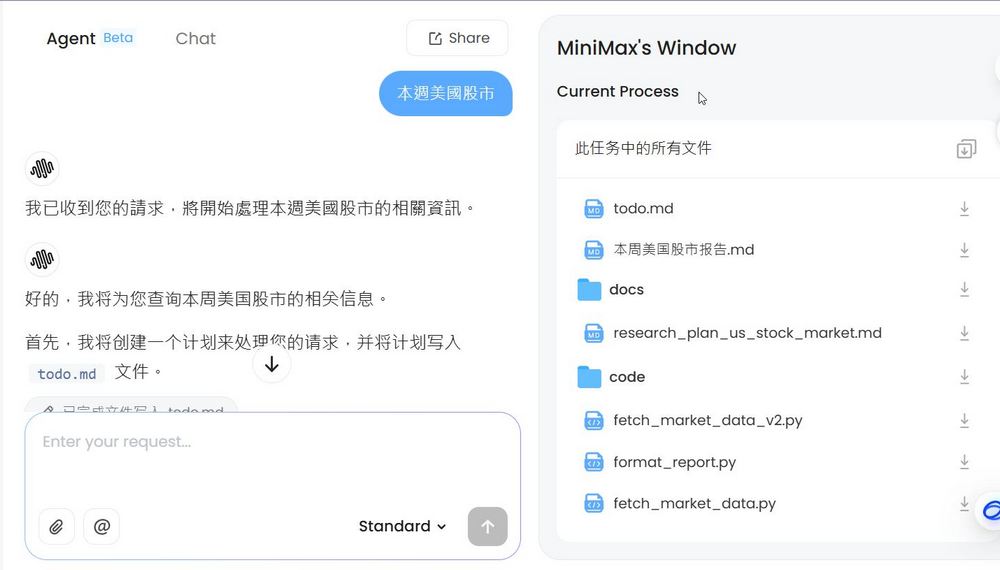
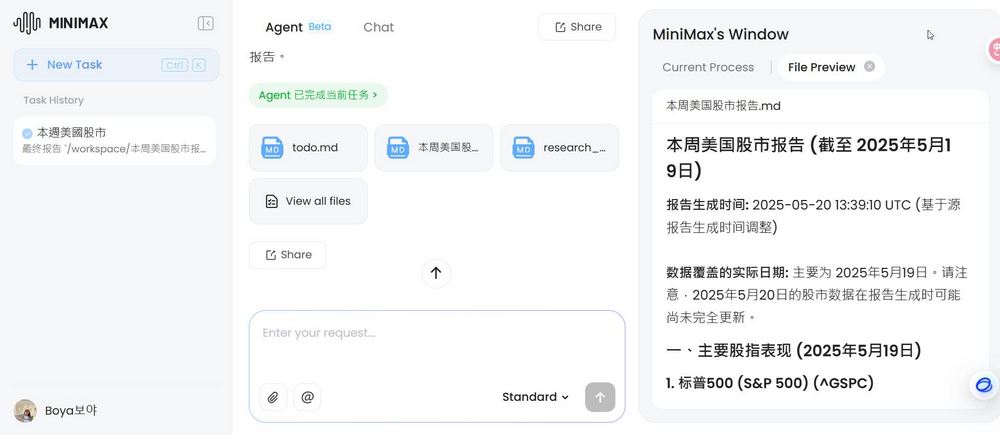
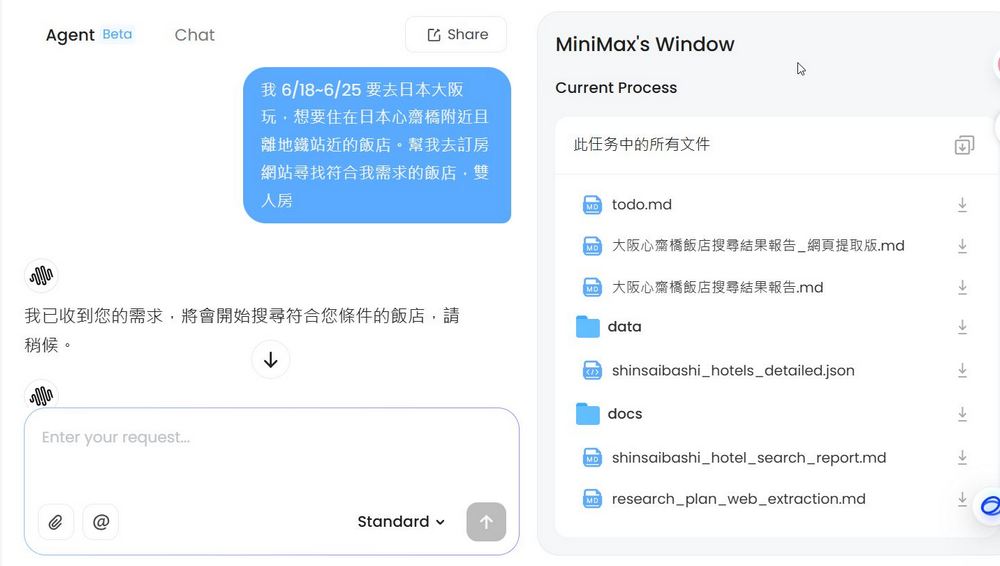
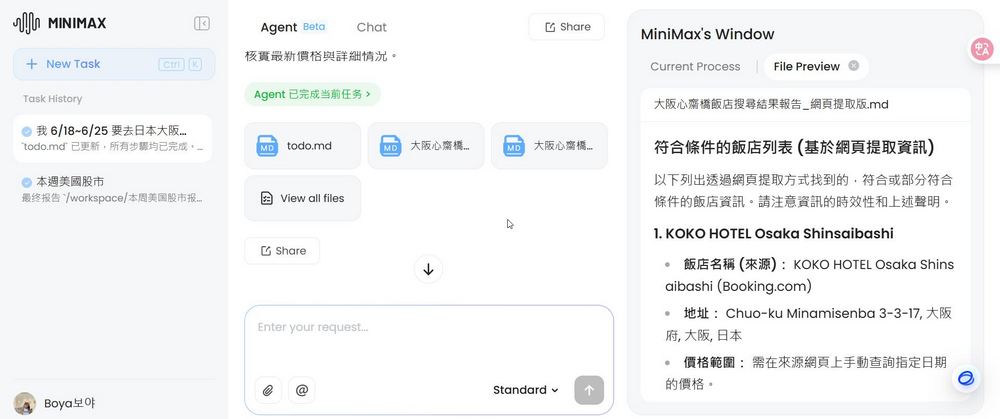
MiniMax AI Agent is currently in the testing phase, so queries take a bit longer. You can enter your request and leave MiniMax to search on its own, but remember to check back occasionally to see where the search is at.
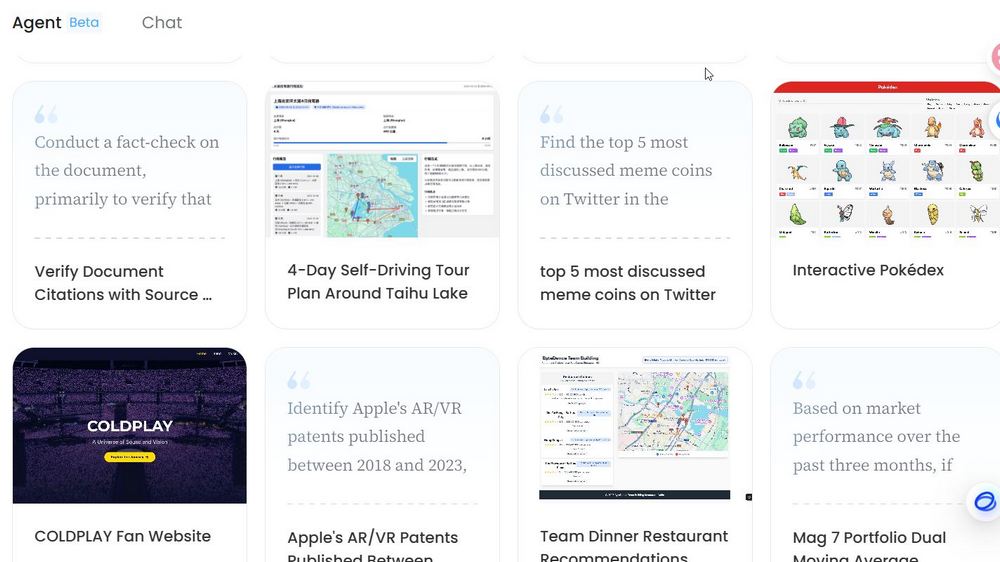
In addition to what was mentioned earlier, MiniMax AI Agent can do many other things, such as helping you create artist fan pages, interactive Pokémon webpages, recommending dinner restaurants, and more. If you’re interested, you can check out examples from other users at the bottom of the MiniMax AI Agent webpage.
If you’re interested in AI Agents, you can also check out the other AI Agent services we’ve shared before.
Source: KOCPC Chinese