


Does everyone still remember the AI Agent we introduced earlier?Genspark Super Agent“?” Recently Genspark has launched the world’s first fully agentic download assistant and AI cloud drive. With just one command, you can download files including images, PDFs, videos, Word, PPT, Excel, and more. You can now experience Genspark’s fully agentic download assistant on the mobile and desktop versions of Genspark. If you want to know what it can do, keep reading!
Genspark launches the world’s first fully AI-agent download assistant, making it super convenient to download images, videos, and PDFs with one click.
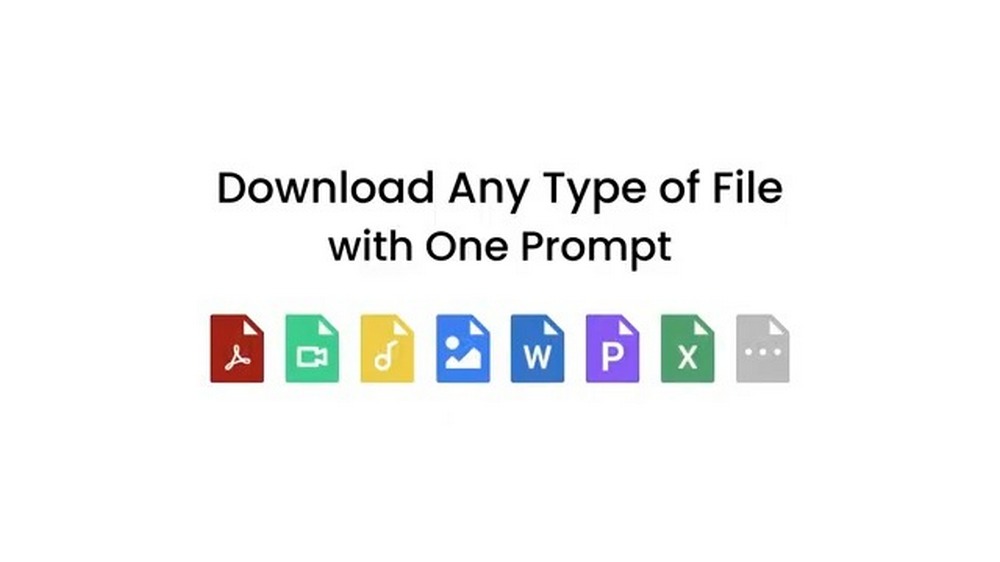
Recently Genspark has launched the world’s first fully agentic download assistant. Simply enter one command and Genspark can help you download any file and save it to Genspark’s AI cloud drive. The Genspark download assistant supports downloading PDF files, images, videos, music, Word files, PPT files, and Excel files.
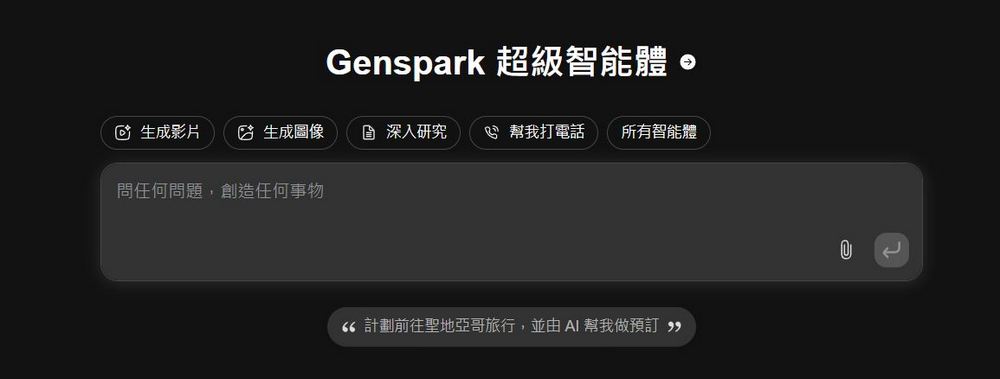
So how should you download it? First, open Genspark, either the mobile or desktop version is fine. We’ve written about it before. Genspark TutorialIf you’re interested, you can read the related reports.
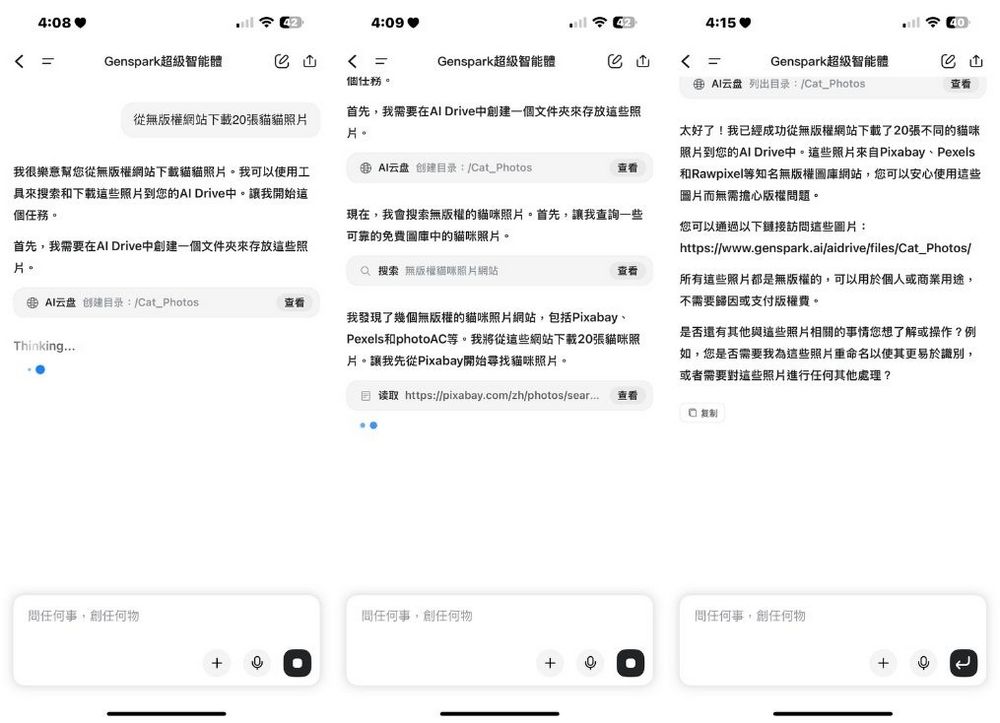
According to According to the official tutorial provided by Genspark, Genspark can download images from royalty-free image websites on its own. Enter “download 20 cat images from copyright-free websites” and Genspark will automatically browse royalty-free image sites such as Pixabay and Unsplash and download 20 cat images for you. The images downloaded by Genspark’s download assistant are stored in the Genspark AI cloud drive, and you can go to AI Drive to view the images Genspark has downloaded for you.
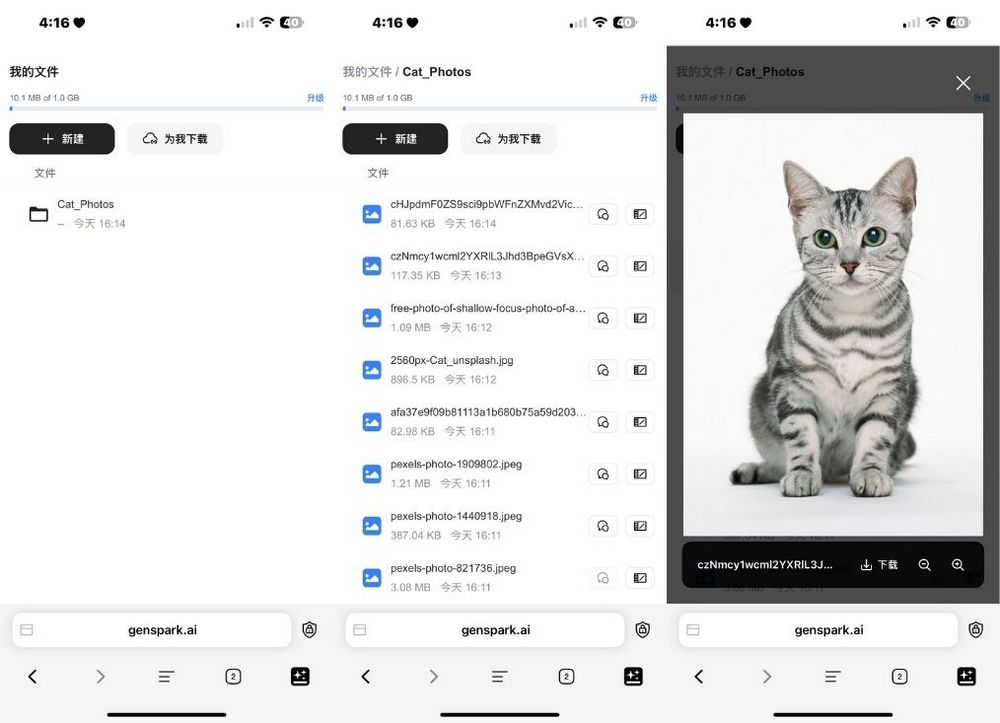
Genspark download feature, please click here.
Besides downloading videos Genspark itself also offers an image-to-video feature. You can use Genspark to generate videos from the images you downloaded.
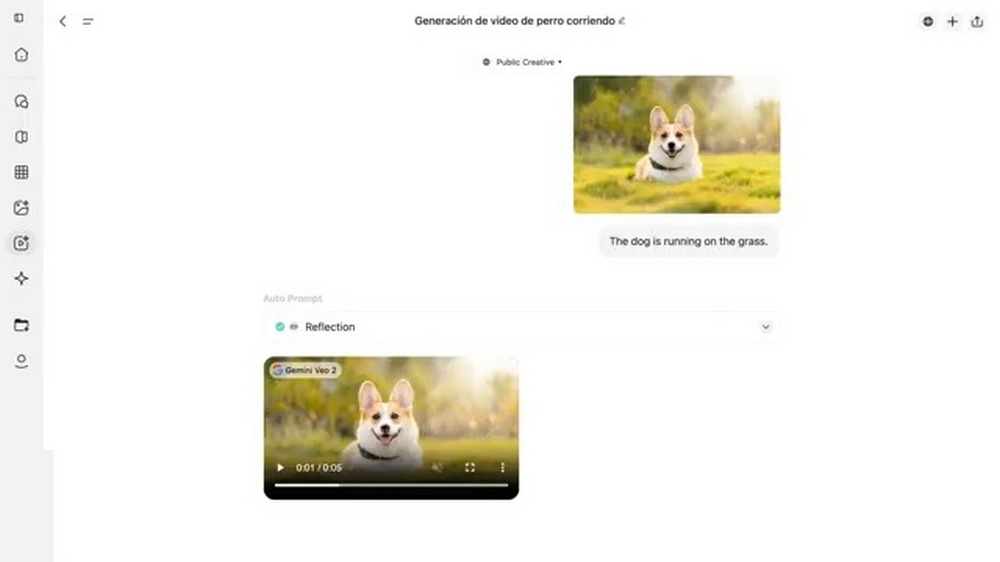
In addition to the methods mentioned above, you can also go to the “Download for Me” option in AI Drive and paste the URL of the TikTok video you want to download. After pasting… The Genspark download assistant will automatically download the video for you.
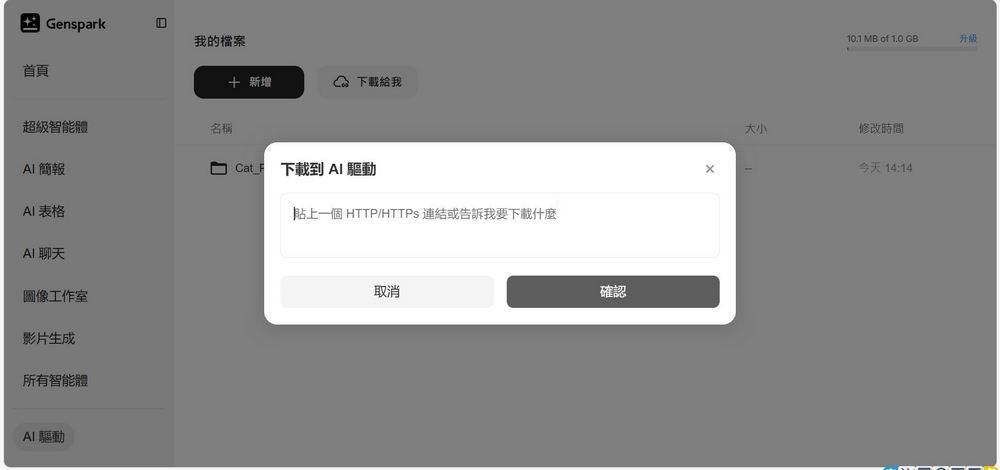
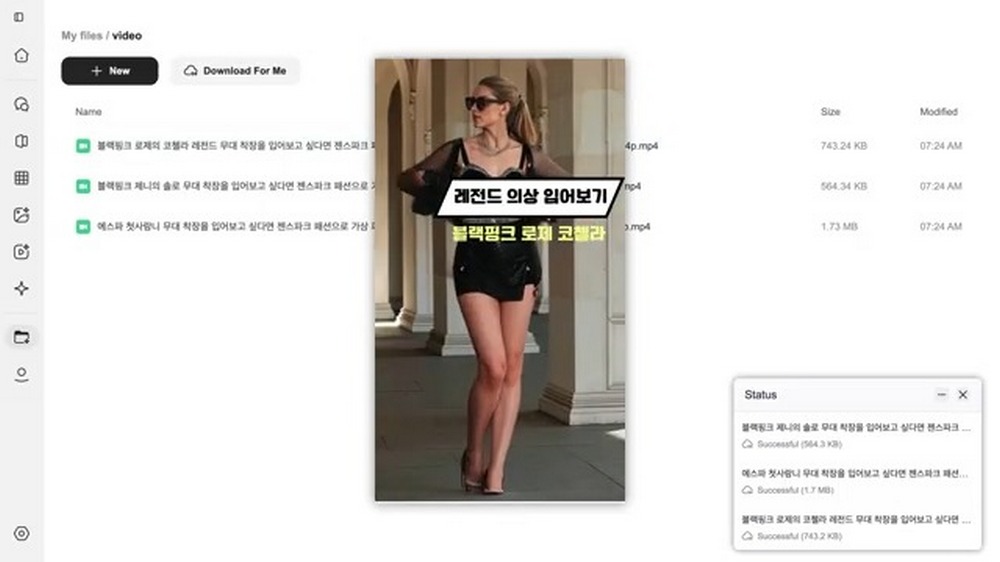
Of course, PDF files can also be downloaded. For example, if you come across an article that compiles multiple research papers, you’d normally have to track down each paper one by one. But now, all you need to do is copy and paste the article link into Genspark, Genspark can help you download all the papers mentioned in the article at once. This greatly saves the time you spend on gathering information.
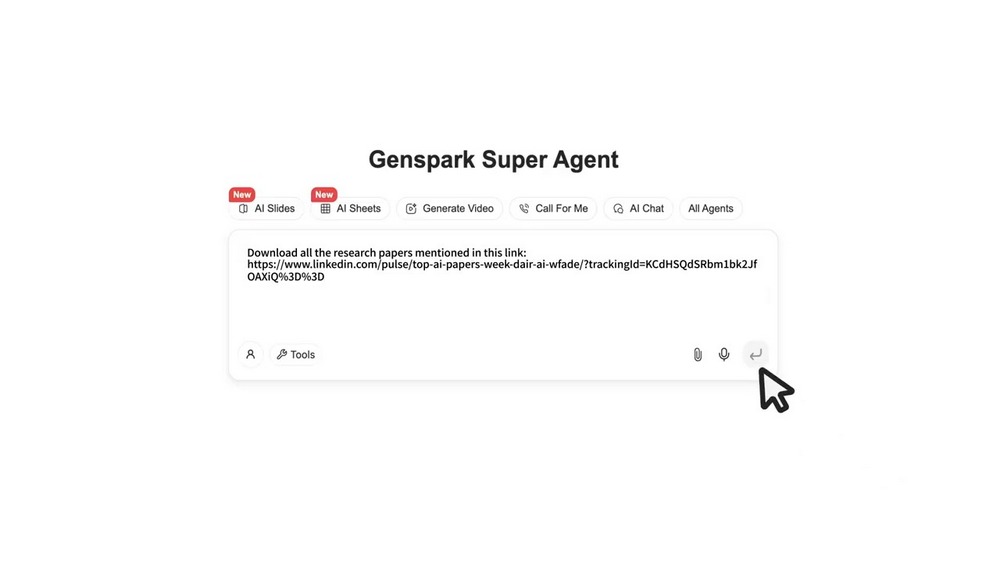
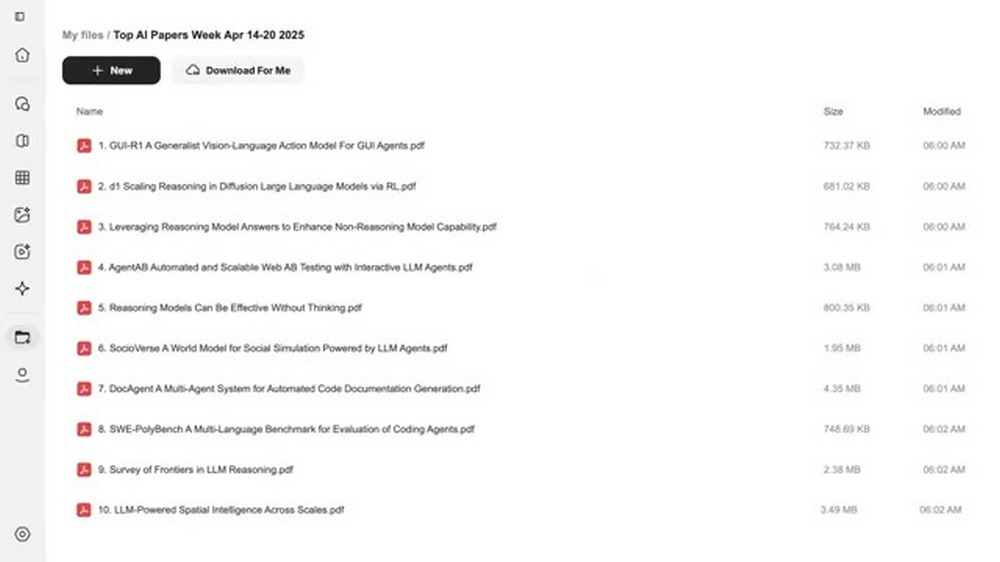
Click here for Genspark download
That concludes today’s session. A tutorial on Genspark’s full proxy download assistant and AI cloud drive. Interested friends can test it out themselves. Those who want to learn other ways to use Genspark can also click the link below to learn:
Source: KOCPC Chinese