


In the past, it was necessary to shoot commercial photography works. In addition to the layout and lighting before shooting, to the backing and retouching after shooting, it is difficult to estimate the time and effort that may be spent behind the completion of a beautiful commercial photography picture. However, with the power of AI artificial intelligence, as long as you can make good use of the right tools, you will be able to save a lot of time in making these pictures in the future. This time I would like to share with you Mokker AI, a useful tool for generating background images and removing them with one click. Even if you don’t have great photography skills or proficient Photoshop image processing technology, you can easily create beautiful pictures of commercial photography level!
Mokker AI generates beautiful situational background images, removes them with one click, and easily creates beautiful commercial photography-level images without Photoshop skills!
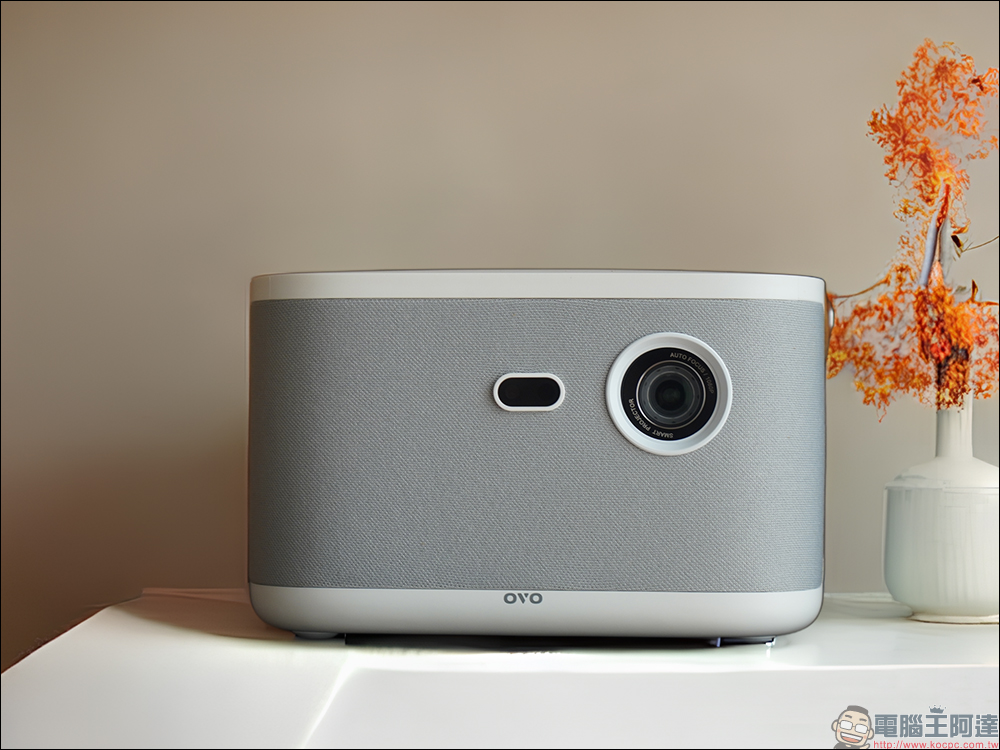
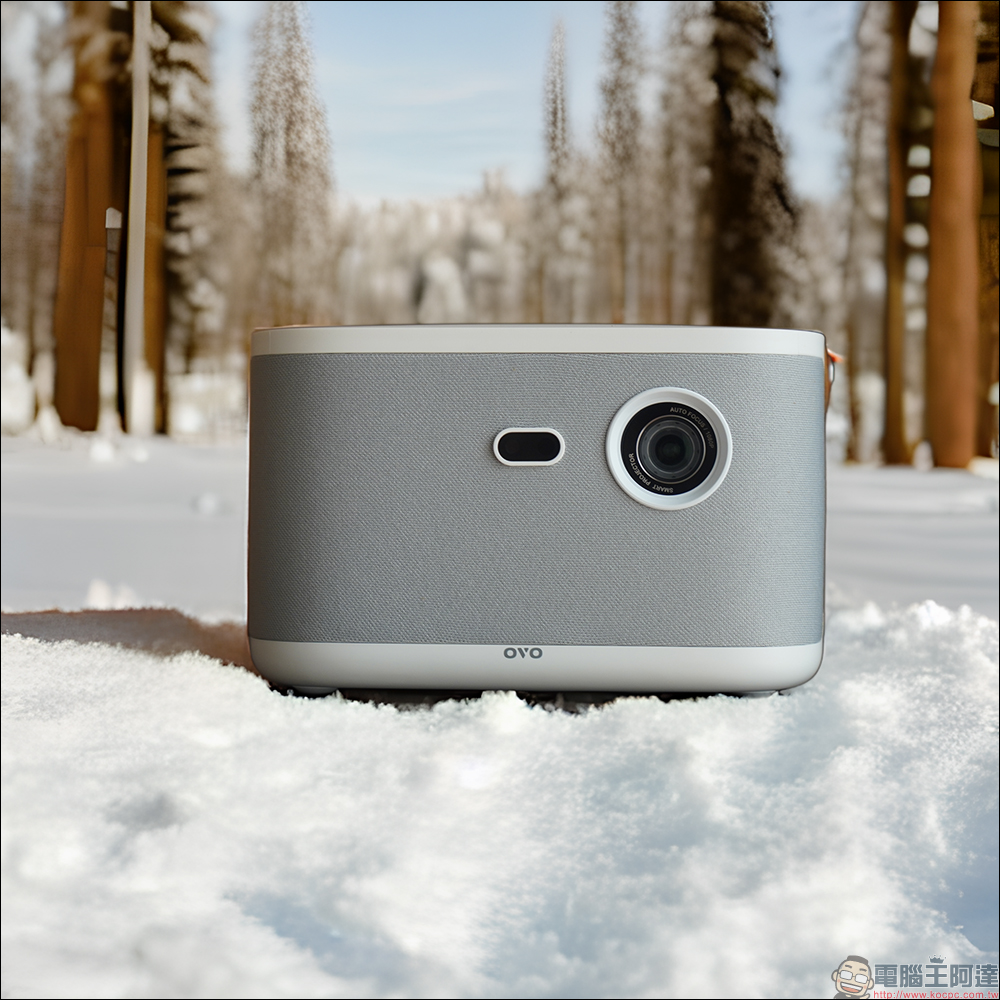
Seeing the first picture of this article, perhaps some loyal readers of Computer King Ada thought this was an unboxing article for a smart projector, right? In fact, every time I unboxed and shared a new product with you in the past, taking photos and post-processing to make the product look more beautiful often took more time than the actual introduction. However, recently, in addition to ChapGPT, an AI chatbot that can answer various difficult questions and save a lot of time in document preparation, even commercial photography, which previously required professional skills, can also use AI to easily complete the work.
Mokker AI is an online tool that not only helps users remove images with one click, but also uses AI to detect the light, shadow and contours of images and automatically generates multiple background images for different situations, allowing users to save time on image removal and commercial photography preparation.
How to use Mokker AI?
So will Mokker AI be troublesome to operate? How to use it again? In fact, this tool is not only simple and fast to operate, users can produce good professional product photos by simply uploading images, and can also adjust the images to better suit their needs through advanced settings.
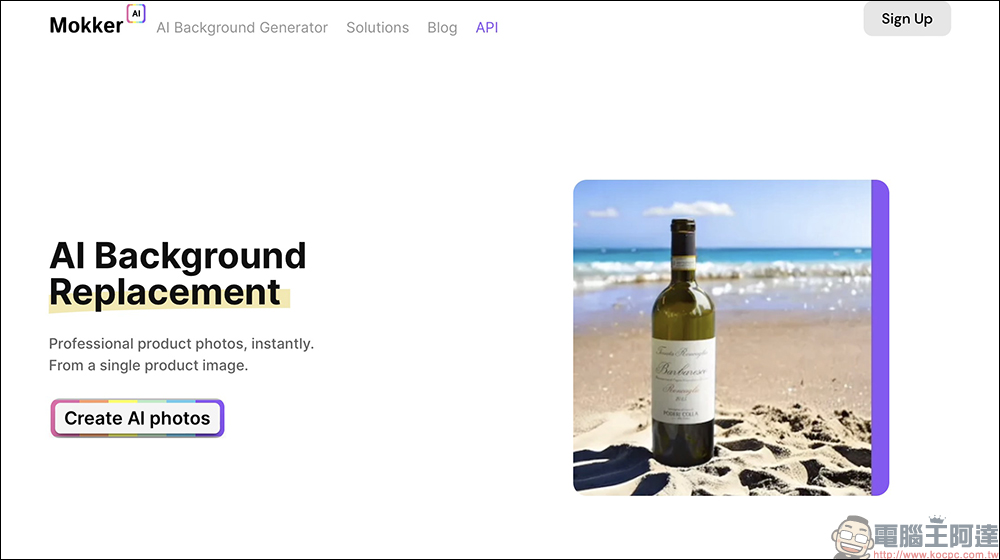
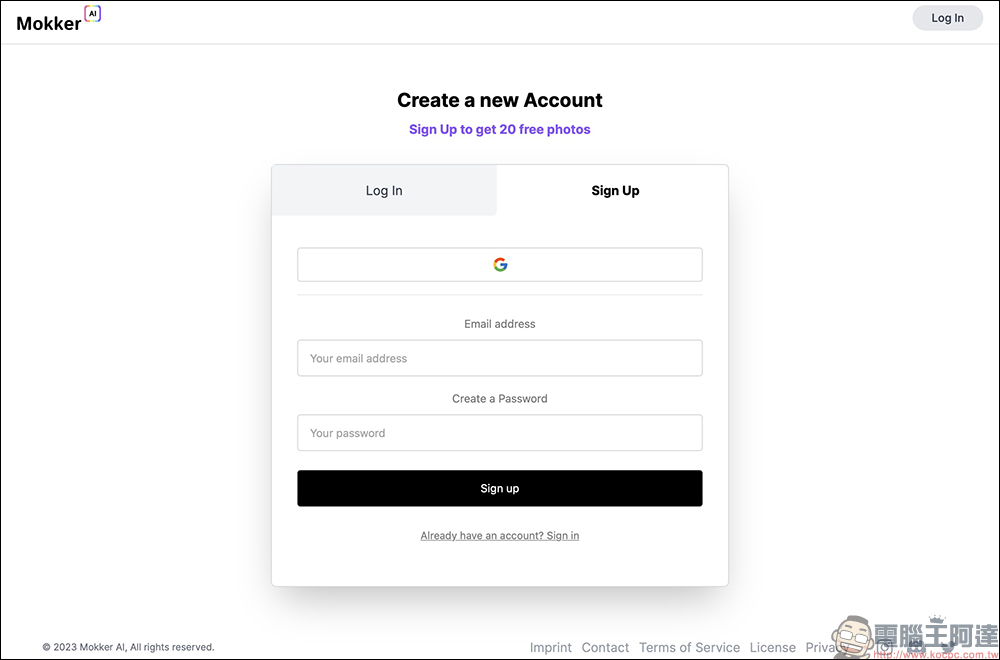
First of all, when you use it for the first time, you can click “Create AI photos” or the “Log in” button in the upper right corner of the homepage. Then you need to apply for an account for free to complete the login. It is recommended that you directly choose to use a Google account to complete quick registration. Of course, you can also set your own e-mail account and password to create a new account.
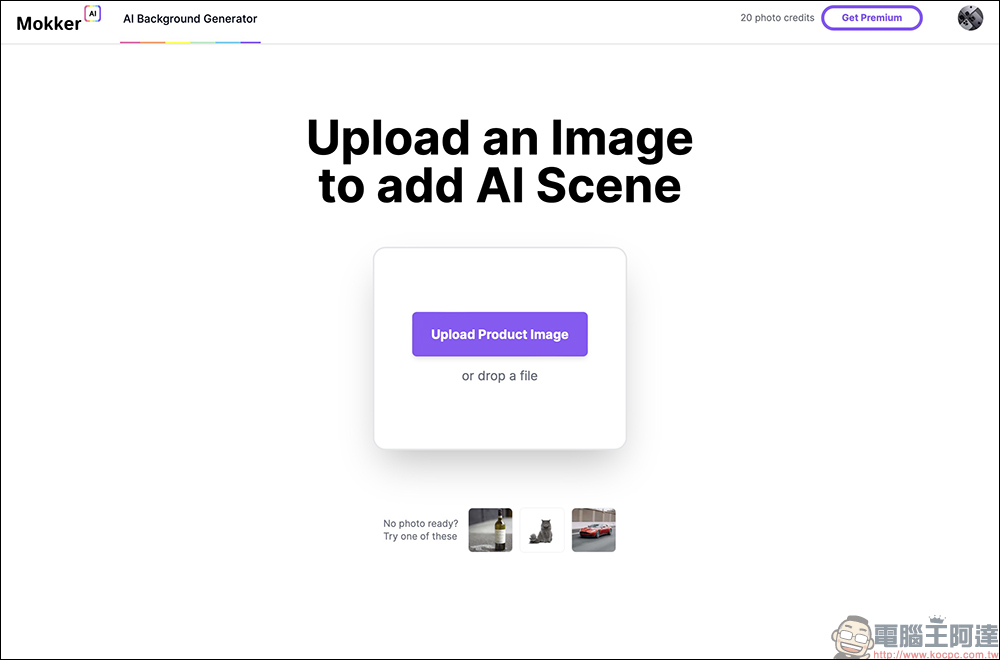
After completing the membership login, you only need to click Upload Product Image or drop a file (drag the image into the page) to upload the image material to Mokker AI to generate professional images.
After the image is uploaded, Mokker AI will need to wait for a short period of time to detect and process the image material.
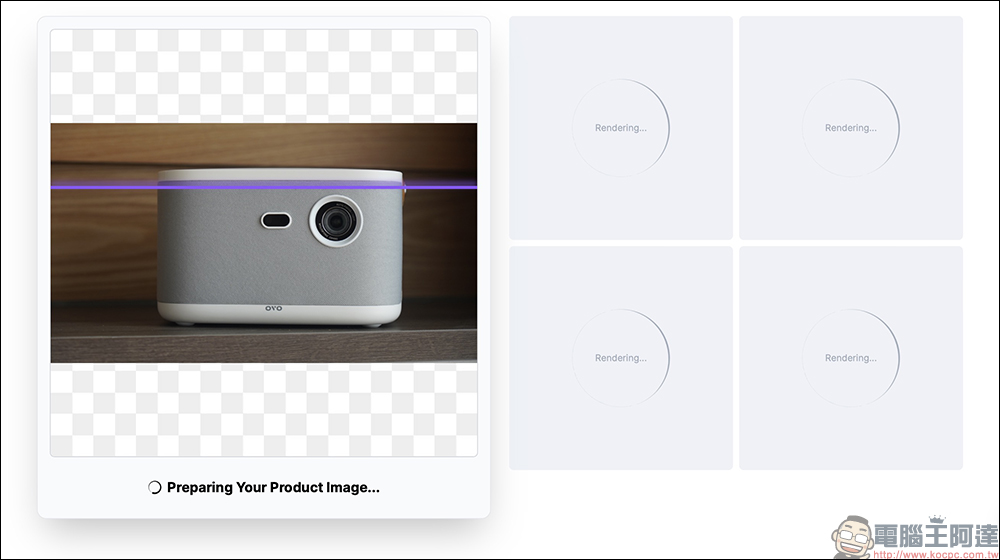
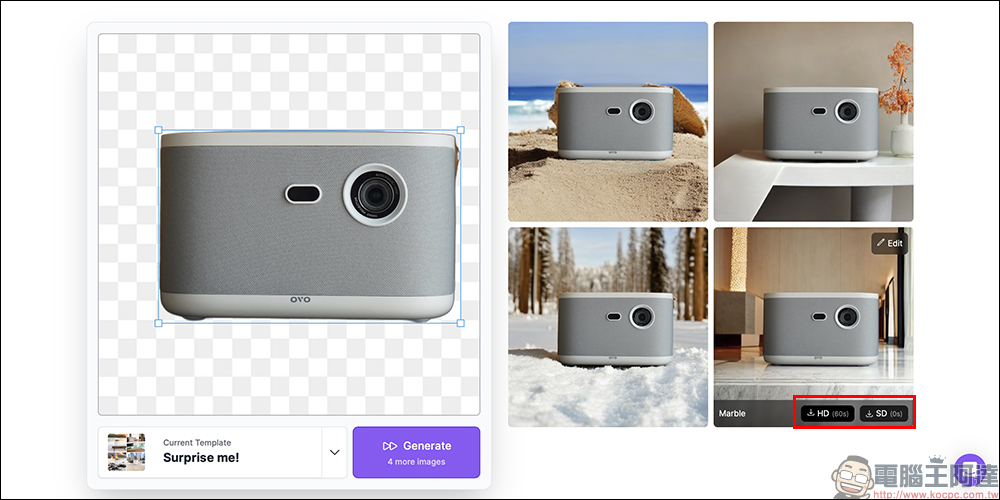
Then you will see that the product has been successfully memorized, and four pictures in different situations will be generated by default.
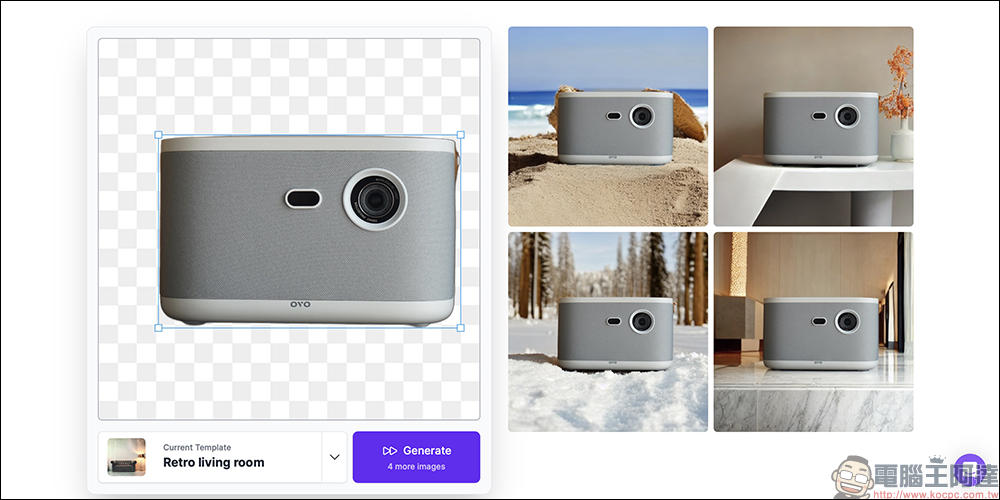
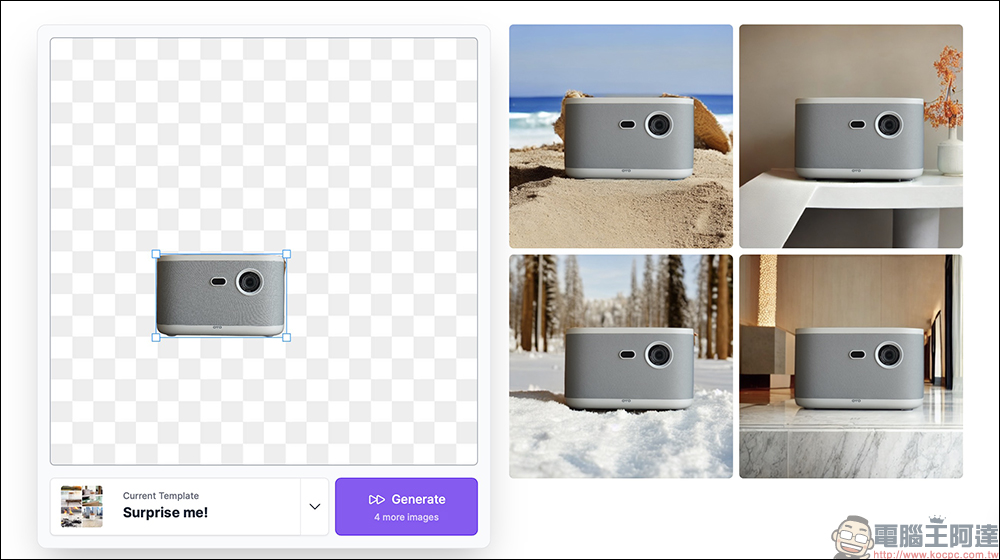
If it is found that the proportion, size, position and background of the picture do not match, the user can also adjust the size and position of the picture material, and then regenerate the picture and adjust it according to the settings.
However, the image generated by the AI for the first time was quite satisfactory, so I was ready to download the image and take a look! Move the cursor to the picture you want to download, and you will see two options: HD high quality and SD normal quality. Click the resolution you want to download to download the image to your computer for use. In addition, because HD high-resolution image files are larger, they require more processing time!
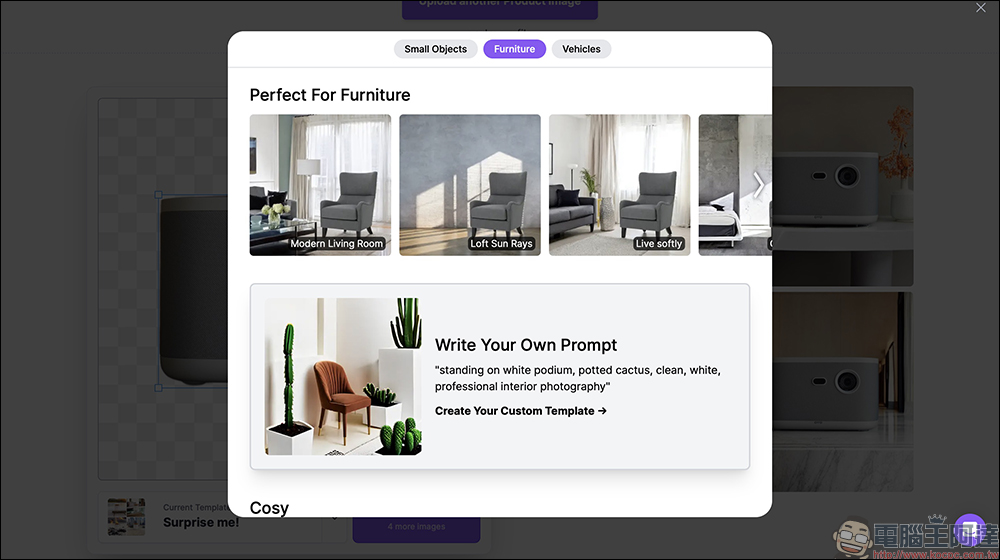
In addition to the preset randomly generated different scenarios, users can also further select other scenarios suitable for the product theme below the Mokker AI original picture material. In addition to the recommended small items, furniture or car themes, users can also create situational background images that better suit their needs by writing their own prompts.
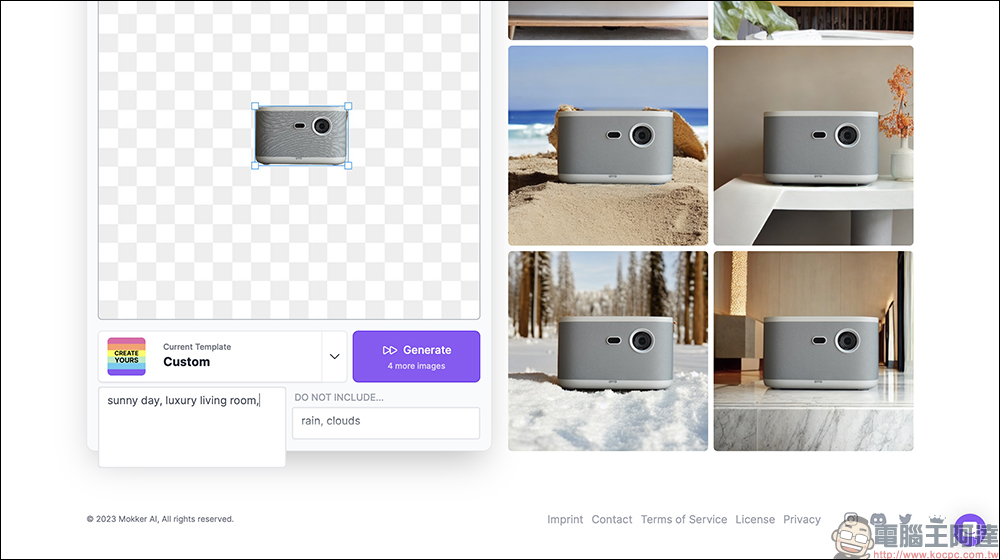
For example, enter prompts such as sunny day, luxury living room, etc., and then click the Generate button to generate 4 new pictures.
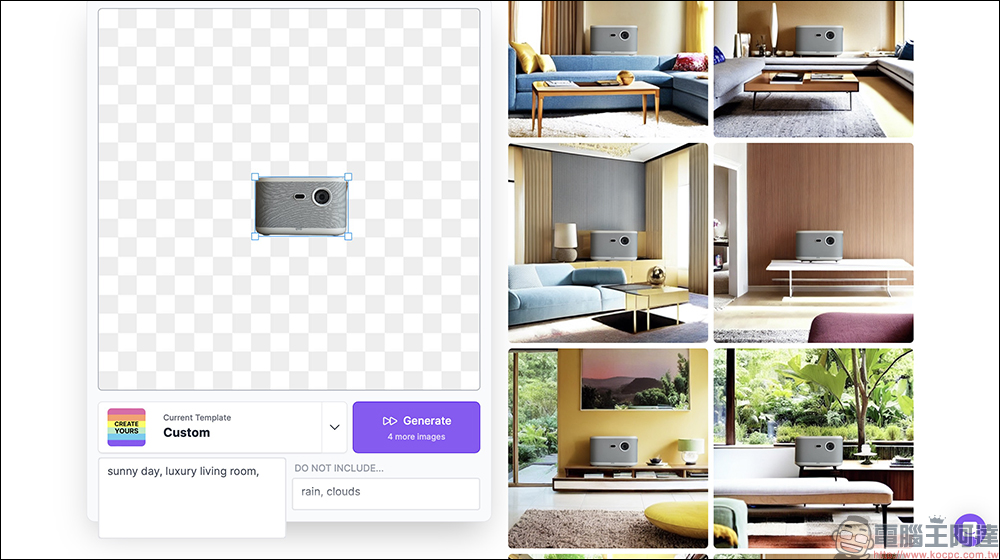
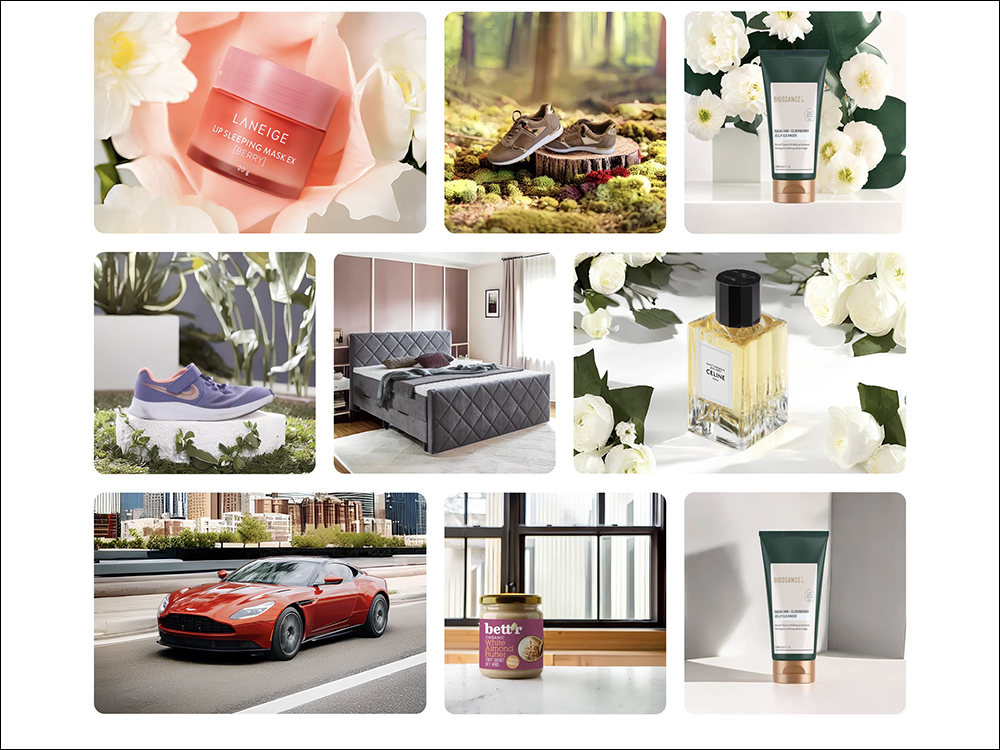
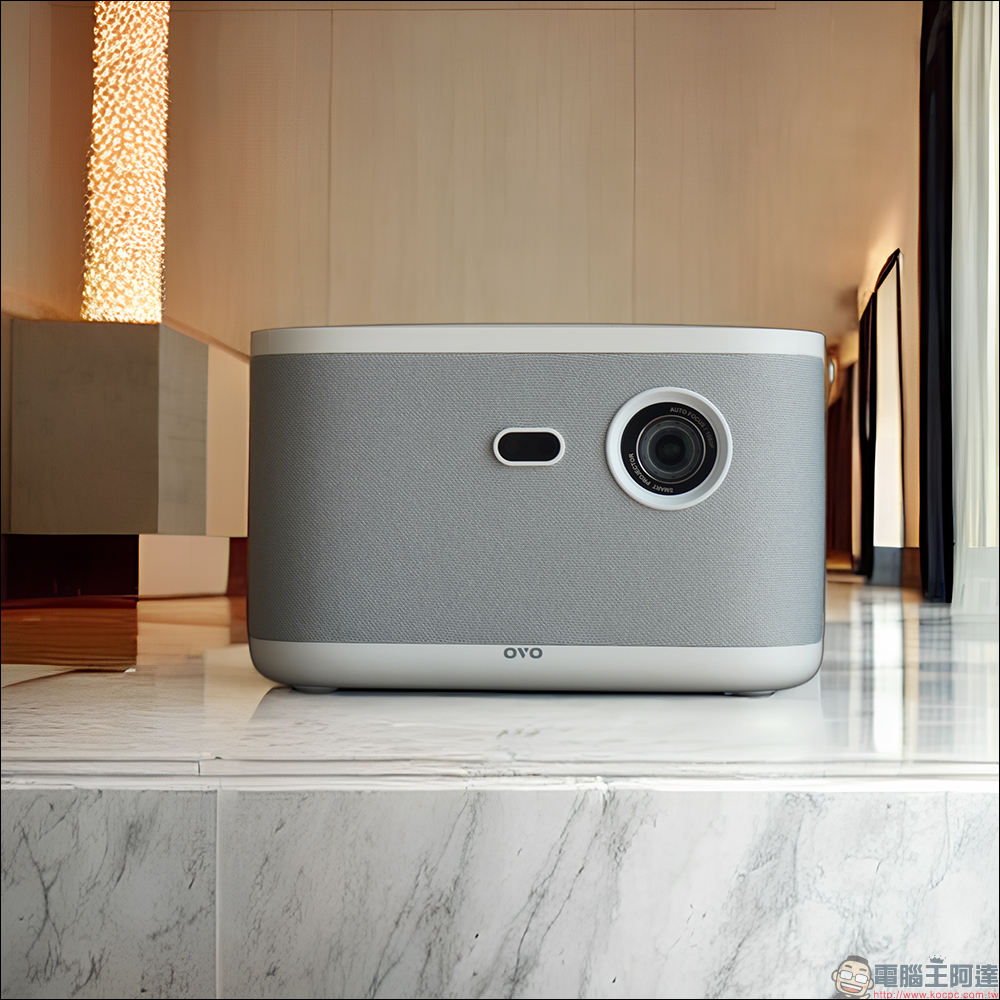
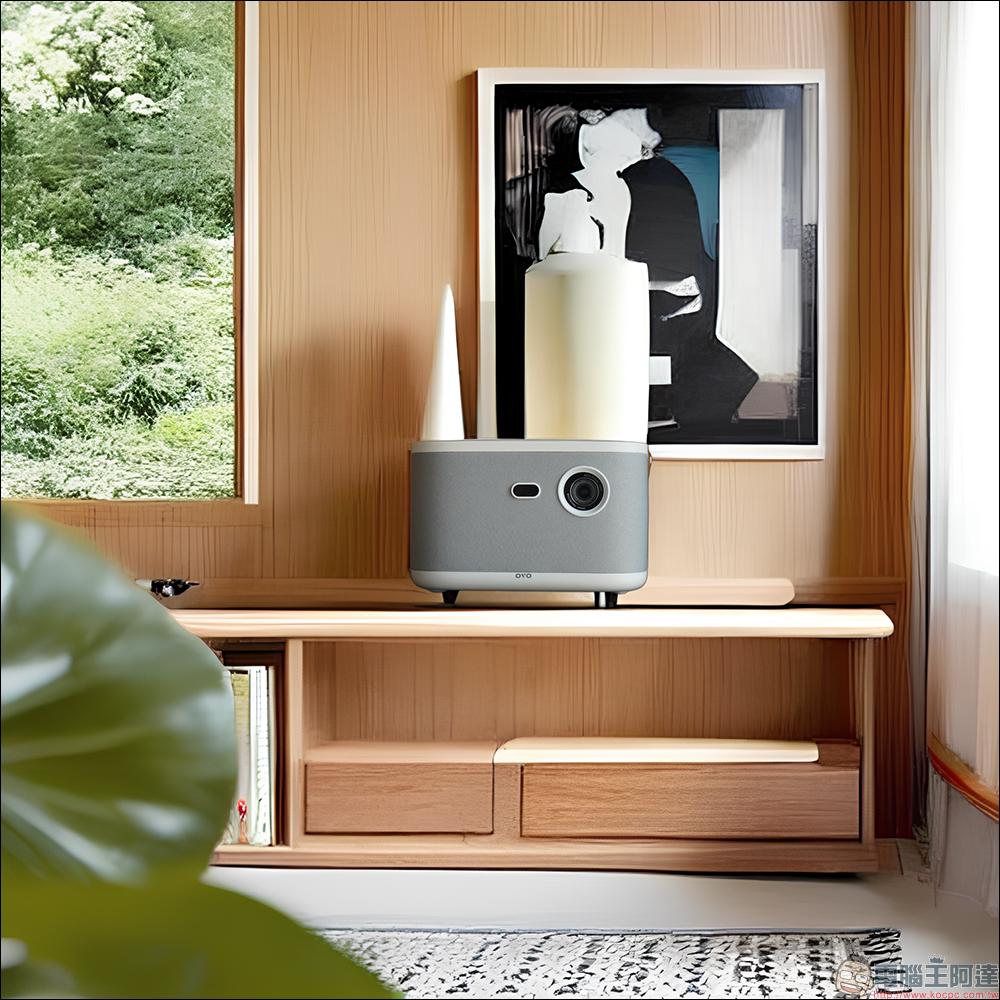
The following are several sets of images generated using Mokker AI. The HD high-resolution image file size is 2048*2048, which is quite sufficient for general use.
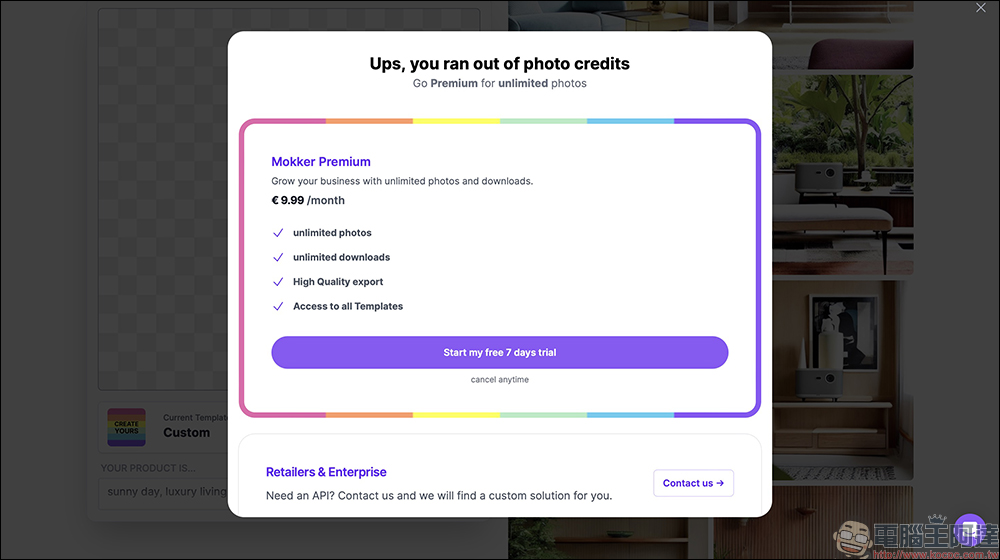
However, after the free membership registration is completed, only 20 pictures can be generated for free at first. Calculated based on the automatic generation of 4 pictures each time, users can create 5 batches of pictures for free. If you find Mokker AI useful, you can also upgrade to Mokker Premium for a monthly fee of 9.99 euros. If you are still not sure whether you will continue to use it in the future, or if you only have a large demand for commercial product images in the near future, you might as well try out the Mokker Premium membership for free for 7 days and have a good time in the next week!
Where to use Mokker AI? please click me
Source: KOCPC Chinese