


Do you all remember our previous post about Grok’s image generation feature getting better? We recently discovered a new image generation trick for Grok: you can now use Grok to swap faces. Sounds pretty fun, right? Just upload an image and enter a text prompt, and Grok will quickly handle the face swap for you! If you’re interested, keep reading~
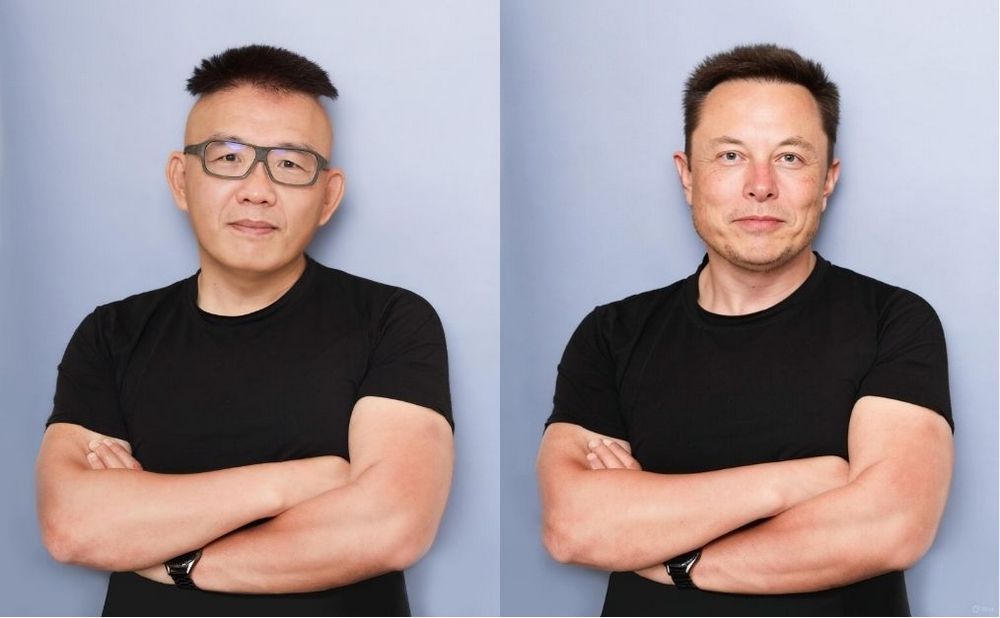
Tutorial | Use Grok Image Generation for Face Swapping: One-Click AI Face Replacement with Image + Text
Last time we shared that Grok can now generate images in styles like Ghibli and Snoopy, just like ChatGPT. Have you had a chance to try it? Today we’ll show you a new way to play with Grok’s image generation: all you need is one picture and some text to swap faces.
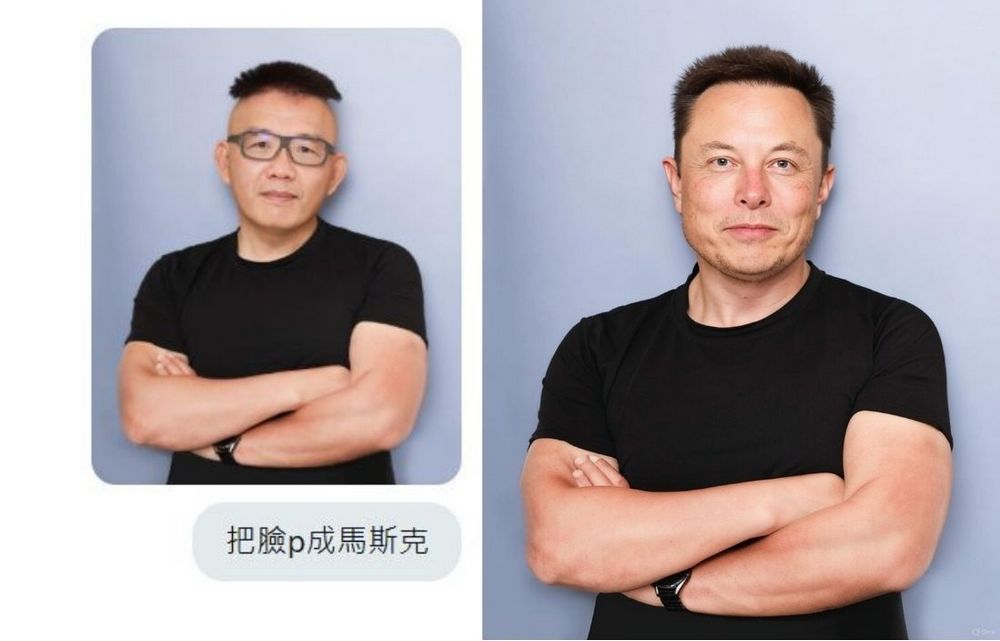
Everyone, open Grok—you can use either the mobile or web version. Once it’s open, upload an image and enter the prompt “Photoshop XXX’s face onto the person in the image,” then click generate to get your face-swapped photo.
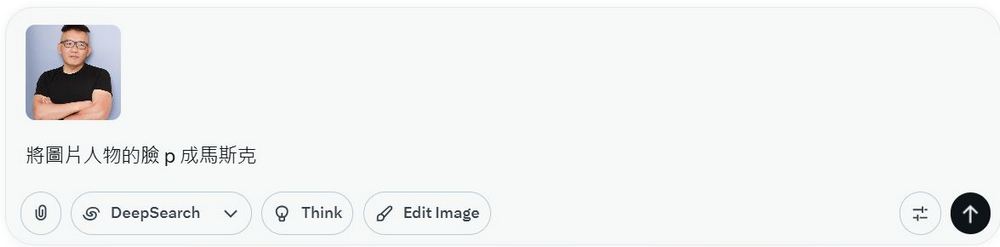
Here is a face-swap image made with Grok. After testing, Grok can only swap faces of celebrities. For example, upload an image and enter “swap the face of the person in the image to Elon Musk,” and you’ll get the effect shown in the image below.
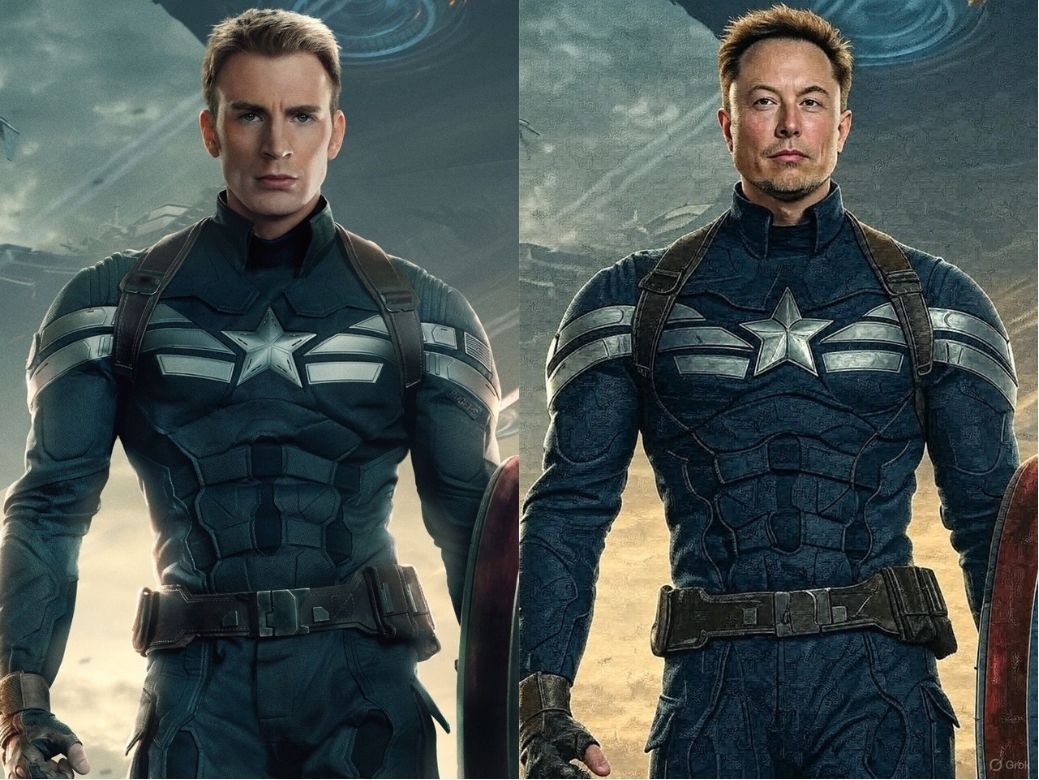
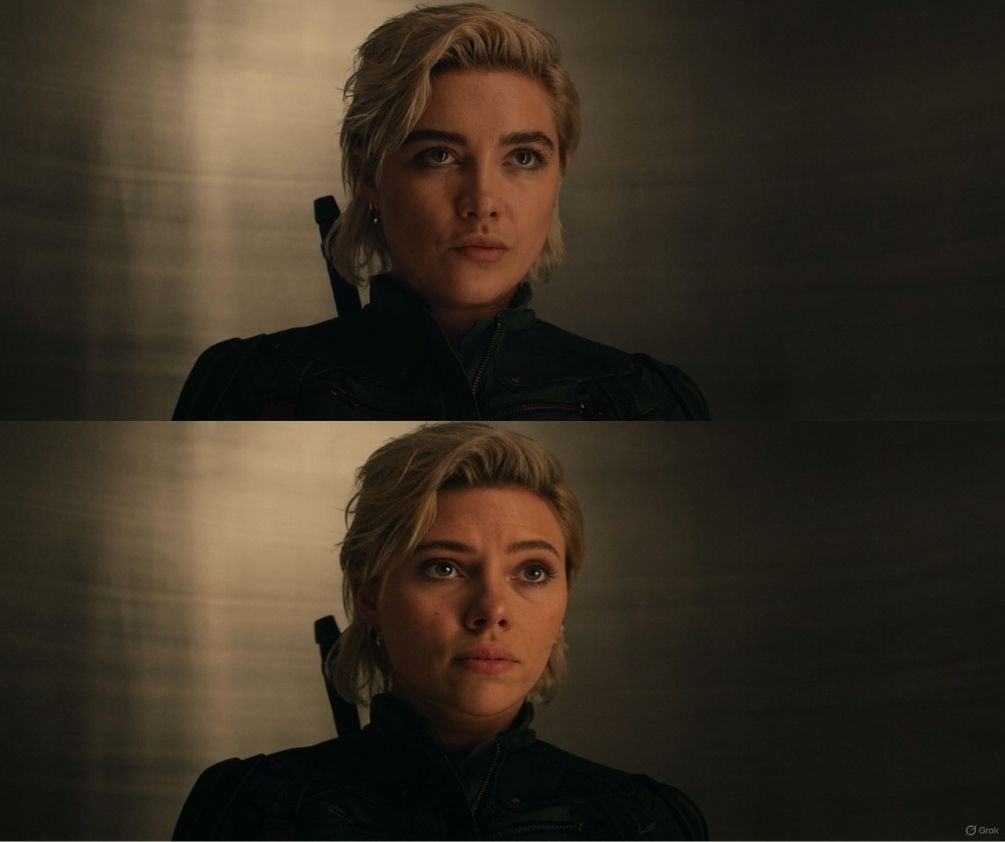
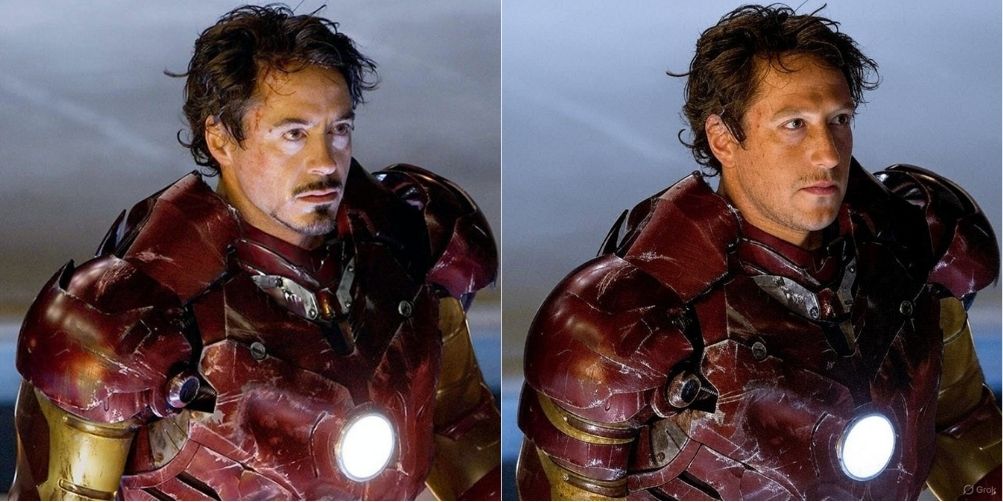
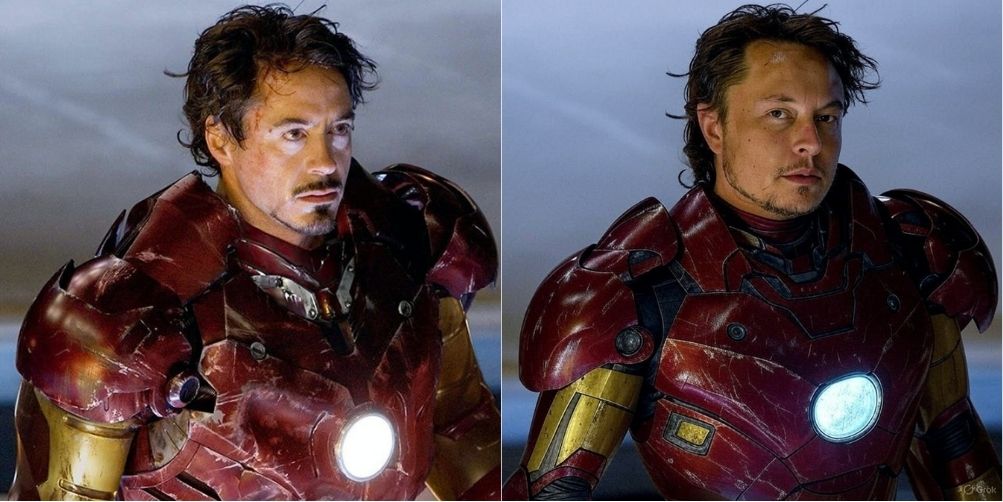
However, Grok is not yet capable of face swapping between two images, and using Grok for such face swapping has a fairly high probability of failure!
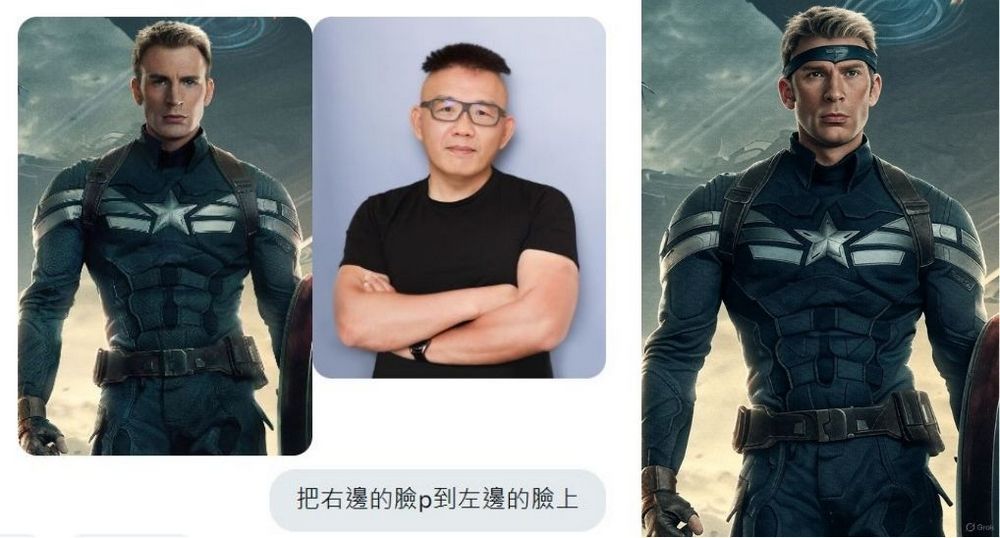
If you’re interested, you can also use Grok to generate images in styles like Ghibli or Snoopy. We’ve written tutorials on this before—feel free to click the link below to read the related coverage:
If you’re interested in learning about other face-swapping tools, you can click the link below to read the related coverage:
Source: KOCPC Chinese