


“iCloud Private Transfer” was launched by Apple as a new security feature in iOS 15 and is available to all paying iCloud users (it is considered part of iCloud +). Private forwarding reroutes your device through a different server, encrypting and masking all web traffic leaving your device through Safari so that no one, including Apple, can intercept or corrupt your data. It sounds a lot like a VPN service, but it’s very different from a VPN, so let’s figure out the differences.
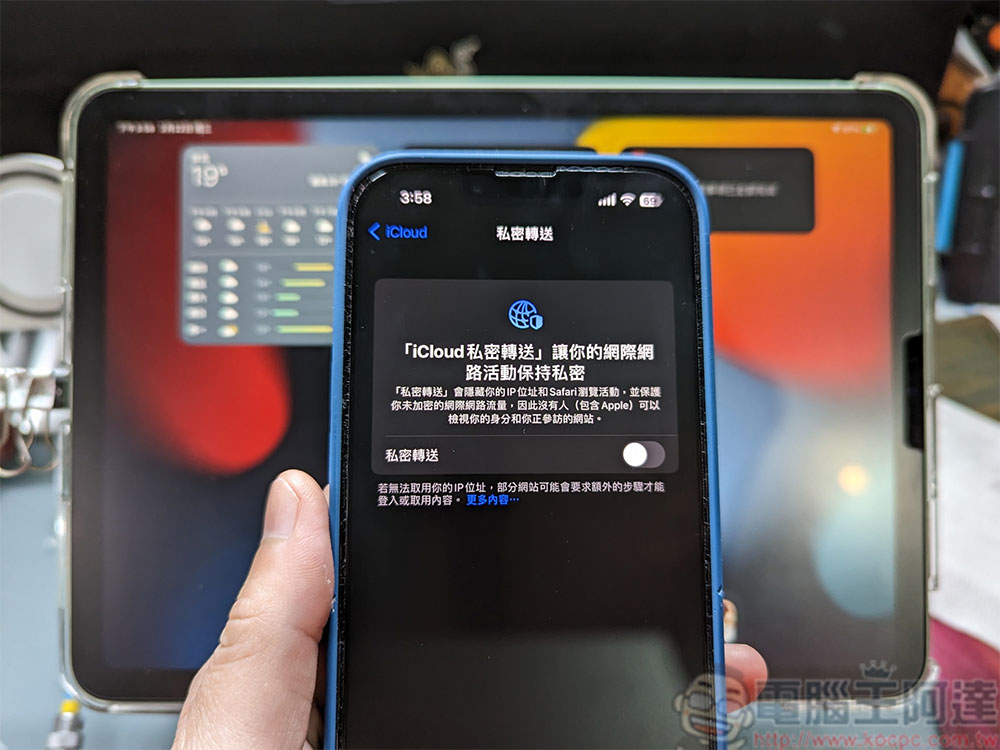
How is iCloud Private Transfer different from a VPN?
Although it sounds like iCloud Private Transfer is very similar to a VPN, it is far from the time for you to give up the VPN function. Even though there are some basic similarities between the two, private forwarding is still very different and limited compared to VPN services. It’s important to understand the limitations so your privacy and security aren’t unknowingly compromised. Still, for many people, iCloud Private Forwarding may be good enough as a security measure, offering some basic benefits to people who aren’t willing to sign up or spend money on a VPN service. Next, let’s take a closer look at how private switching works and how it differs from VPNs.
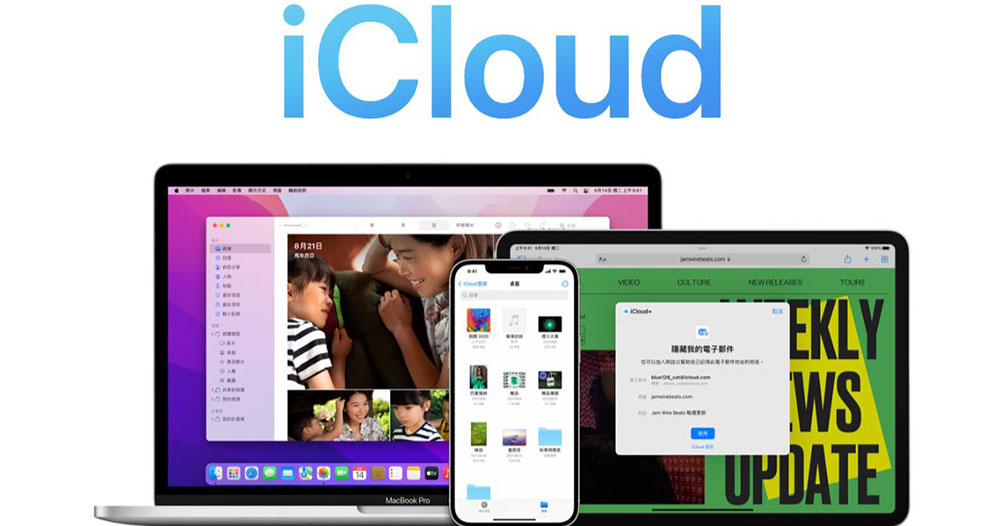
What is iCloud Private Transfer? How does it work?
By default, your Internet provider and the websites you visit collect some personal data when you browse the web, such as your DNS records and your device’s IP address. Add web cookies into the mix, and this information makes it easy to build and track details of your online identity, including your exact location and browsing history. Advertisers look for specific personal data to fine-tune ad targeting strategies.
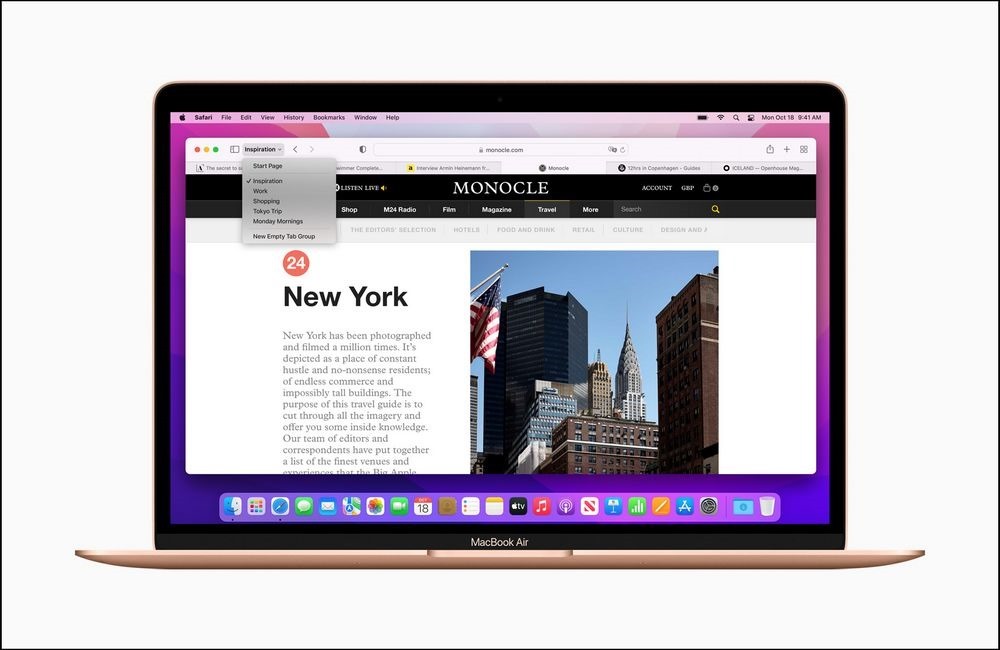
According to Apple, the Private Transfer feature is intended to protect you in situations like this. When this feature is enabled, Safari routes your web page requests through two separate secure Internet relay points: the first has a dedicated proxy server, and the other is an unknown third-party content provider. When you use Safari, your data is encrypted and sent to Apple’s proxy servers, where the NDS request is separated from your device’s IP location. Your IP address is still visible to Apple’s proxy servers and Internet providers, but your personal DNS records are encrypted and then passed to a second relay point, which decrypts the target website address, exchanges your IP address for a fake one, and connects to the website.
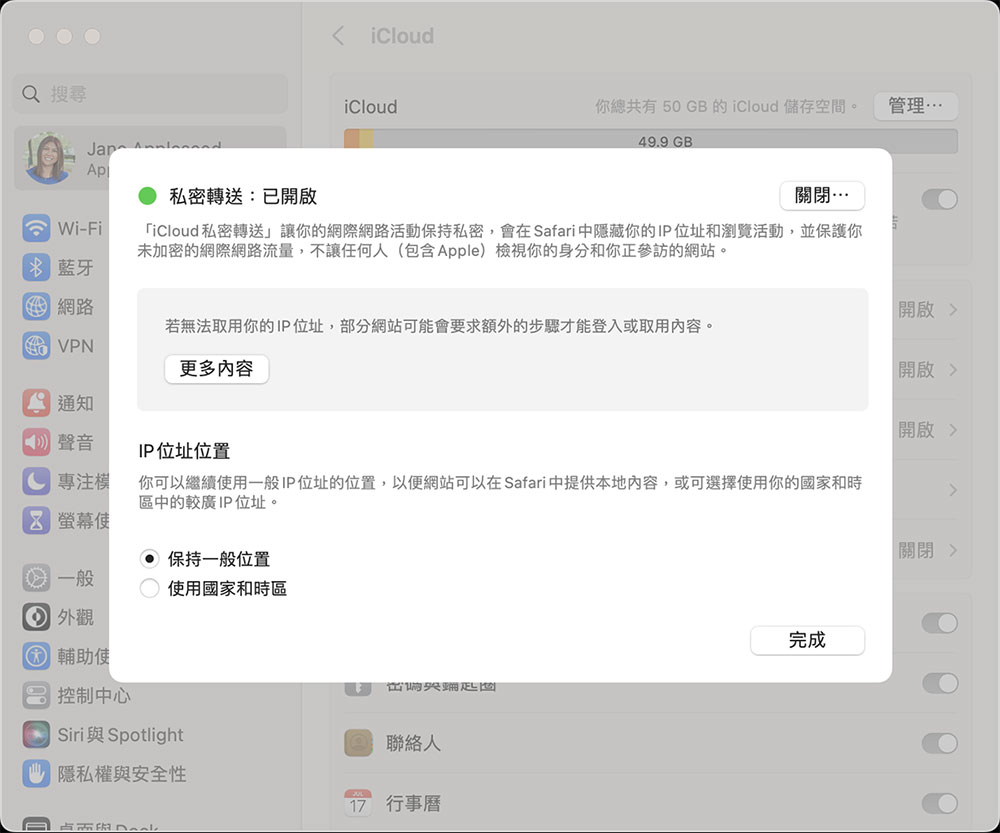
This means that Apple will have your IP address details but not your DNS records, while the other partner will have your DNS records but not your IP address, so they will not be able to determine your identity and location. With private forwarding, neither Apple, your Internet provider, nor the target website has enough data to correctly identify you online.
How is private forwarding different from VPN?
Private Forwarding has something in common with VPNs: both encrypt your data and protect you from online intruders. However, Private Forwarding falls short in a few key ways compared to VPNs. First, private forwarding only works with Apple’s own Safari browser, so it offers very limited coverage. In terms of online security measures, it’s more like incognito than a VPN. VPNs offer broader protection, as all traffic leaving your device is masked and encrypted.
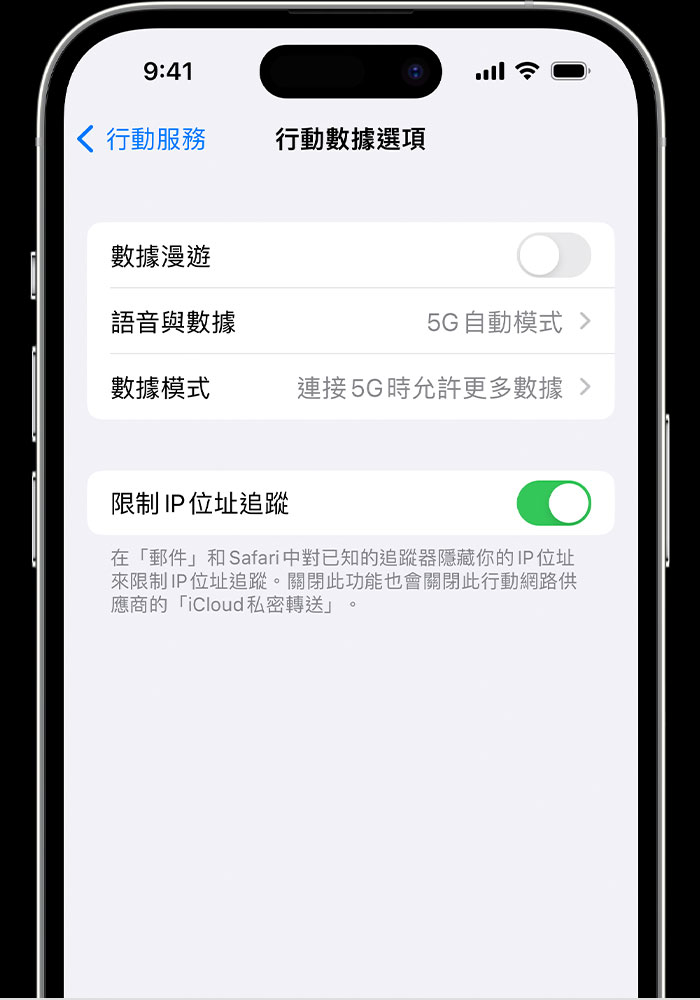
Private forwarding also makes your web traffic completely untraceable. Apple will replace your actual IP address with the nearest relay server temporary IP address, allowing necessary websites to use geotags to provide localized data (news, weather, relevant advertising, etc.). This is a useful feature, but has a drawback. Even if destination servers and other outside parties cannot individually identify you, they can still determine your approximate location, and top VPNs can completely hide your online identity.
Private transfer also does not allow you to select the server region. A VPN allows you to change your region by connecting to a server in a different location, allowing you to access services such as Netflix, YouTube, etc. from another country or region, and even get better discounts when shopping in other regions.
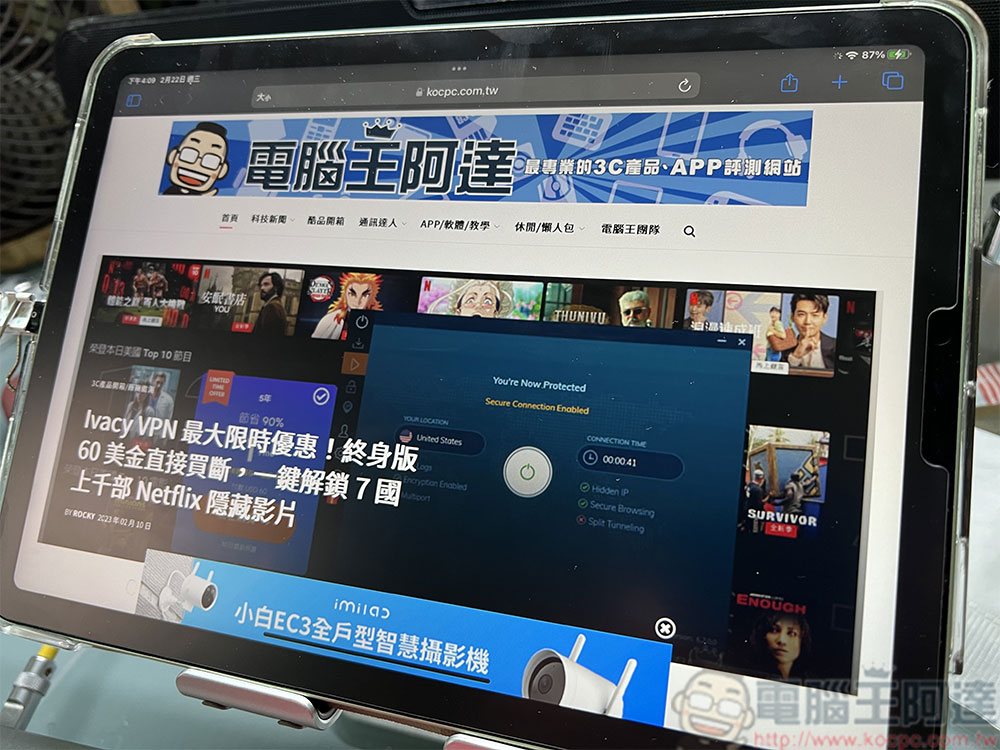
To put it simply, if you only need the most basic protection, using iCloud private transfer is enough. But if you want more complete protection or need to jump to a region, VPN is still a more helpful option.
Source: KOCPC Chinese