


Although AI chatbots like ChatGPT and Gemini can also create bilingual stories, they aren’t designed for language learning, so learning with them isn’t that easy. DuoBook, the multilingual learning tool introduced in this article, is different. In addition to creating bilingual stories, it offers pronunciation, practice, and learning progress tracking features. It even has a community page that displays stories created by other users, which you can directly use for learning if you’re interested. For anyone looking to strengthen their foreign language skills, it’s definitely worth trying.
DuoBook multilingual learning tool that uses AI to create bilingual stories tailored to your interests, helping you improve your foreign language skills.
DuoBook is an AI tool designed specifically for language learning. It basically involves three steps: “1. Use AI to generate stories you’ll enjoy,” “2. Start reading,” “3. Start learning.” It supports over 110 languages, and the generated stories can be adjusted for difficulty and length to suit learners at different levels.
Although the interface is only in English, this does not affect the learning content, and you can still learn languages other than English, such as Japanese, Korean, and so on.
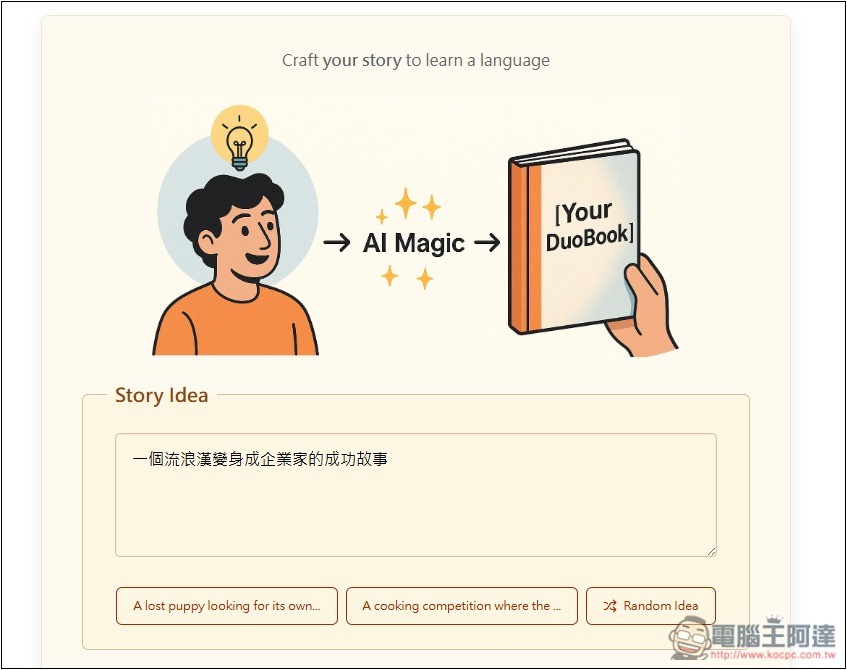
Usage is simple: after entering the DuoBook website, type the story content and title you want to generate in the Story Idea field on the screen. If you really have no ideas, you can click the suggestions at the bottom or use the Random Idea feature to generate one.
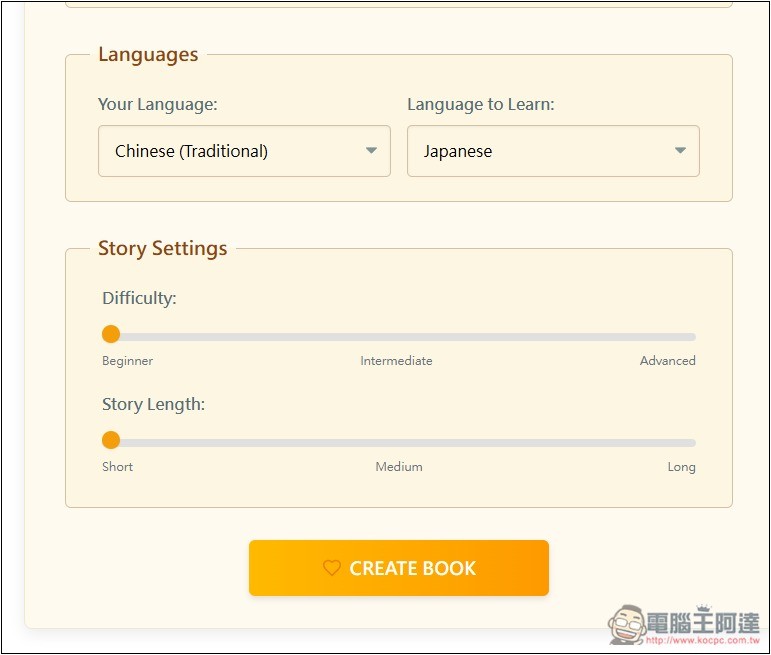
For Languages, select Traditional Chinese first, then the language you want to learn. For example, if I want to learn Japanese, I select Japanese. For Story Settings, Difficulty is the level of difficulty, with three levels: beginner, intermediate, advanced. Story Length also has three options: short, medium, long. After selecting, press the CREATE BOOK button below:
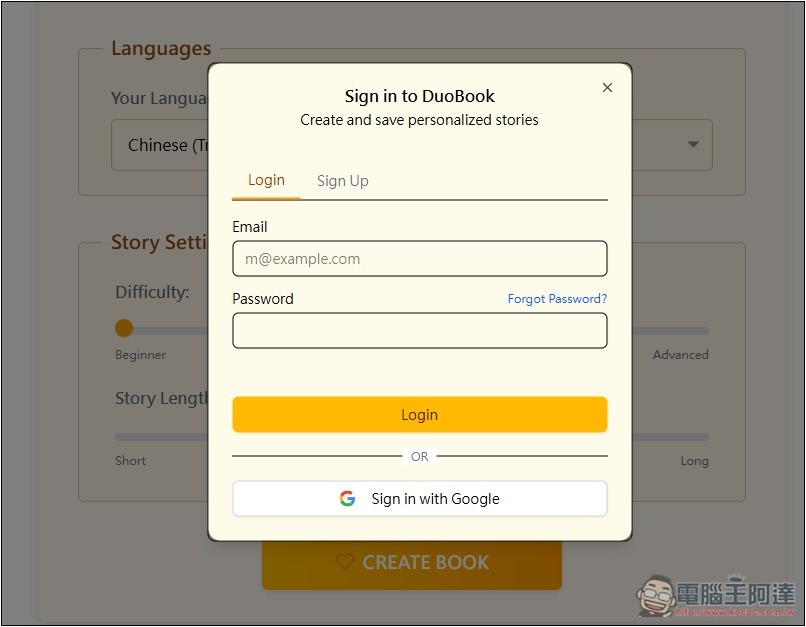
An account must be registered before use, with quick registration available via Google account:
Then it starts generating, and it’s quite fast—it finishes in just a few seconds:
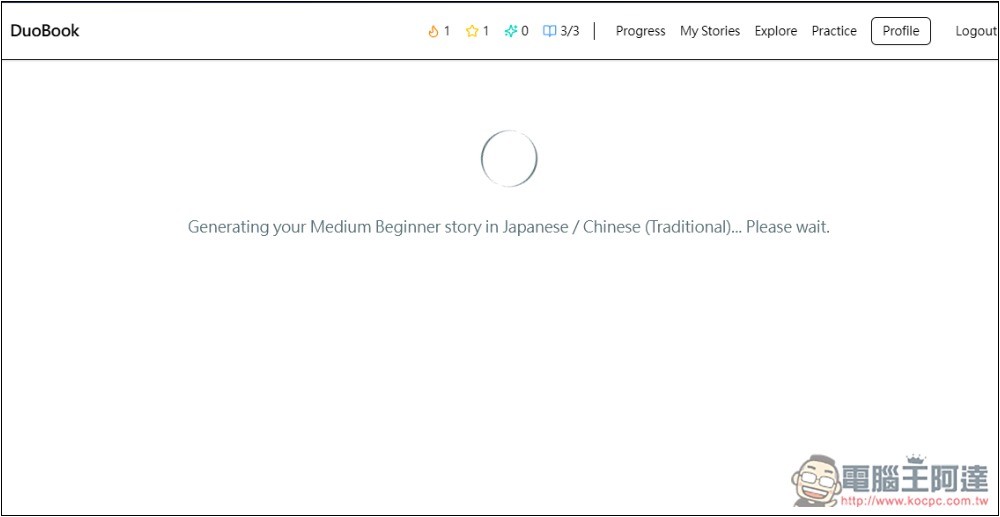
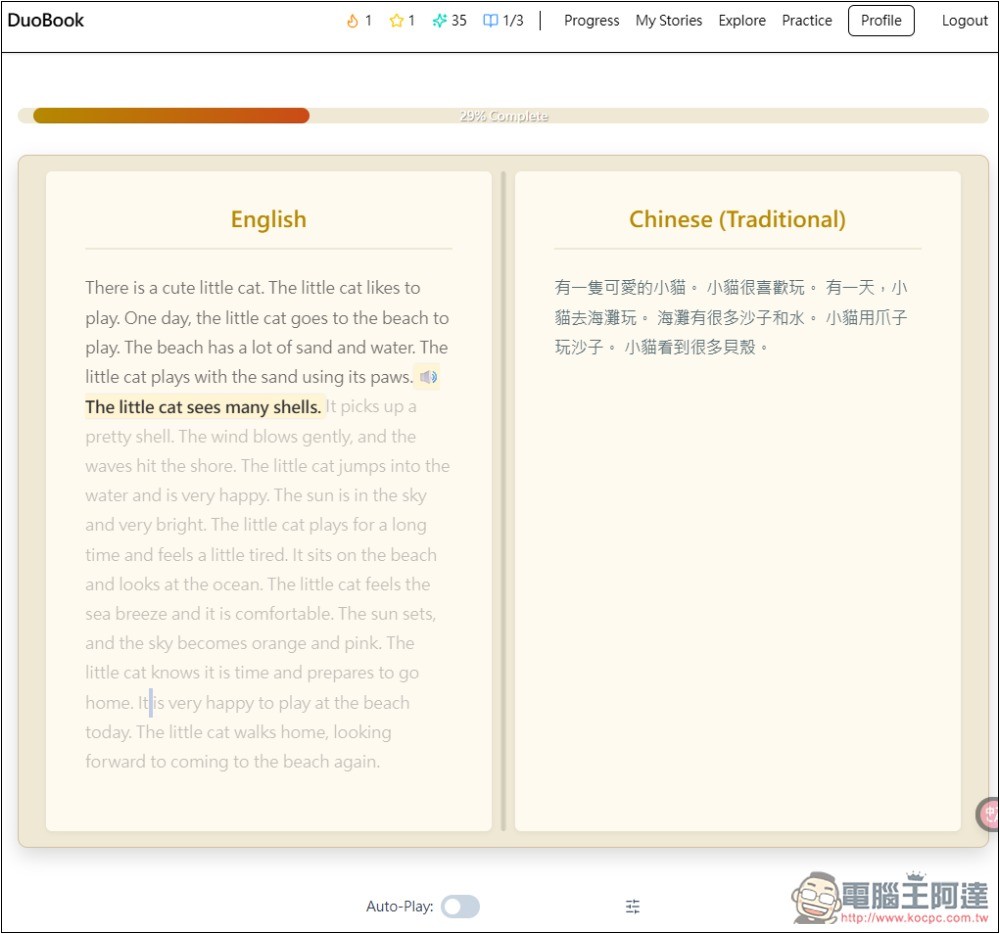
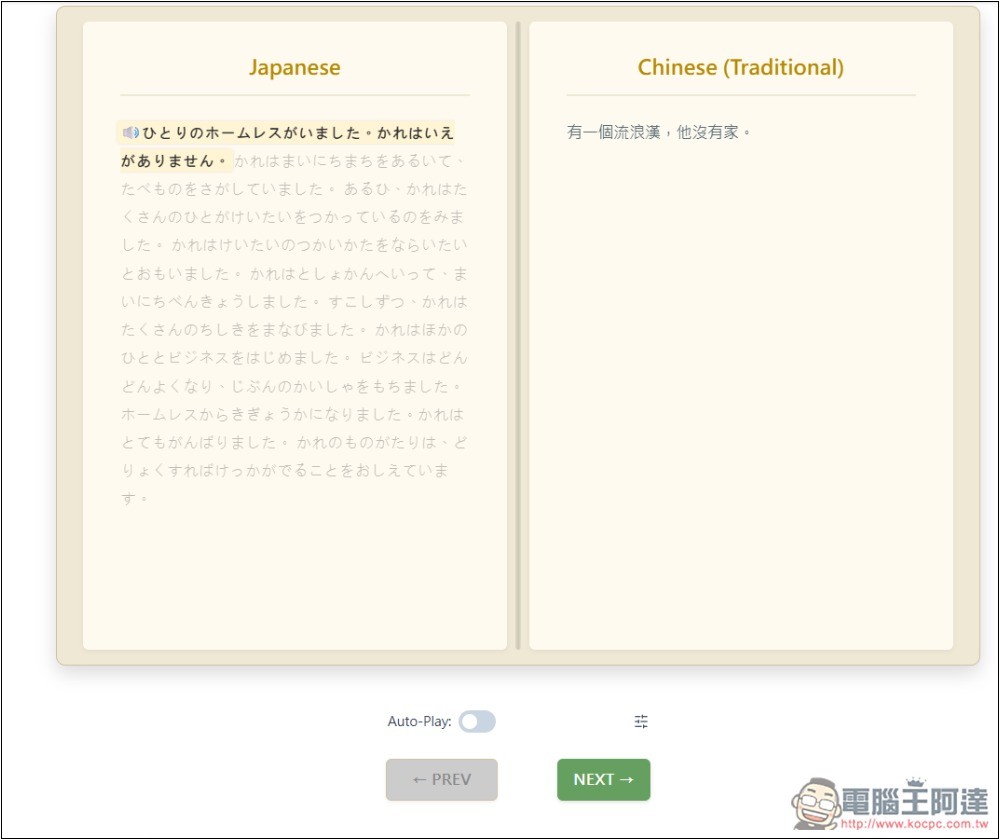
After completion, the learning screen will look like this: on the left is the language to be learned, and on the right is Chinese. The highlighted one represents the current learning sentence. You can press the play button at the front to listen to the pronunciation:
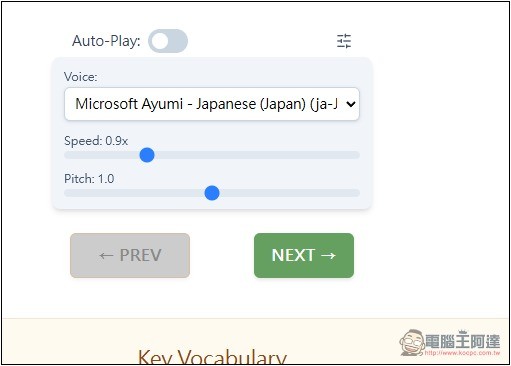
If you don’t like the voice, you can change to another one by opening the Voice menu below. You can also adjust the speaking rate and intonation. If you don’t want to manually press the play button for every sentence, you can turn on the Auto-Play switch:
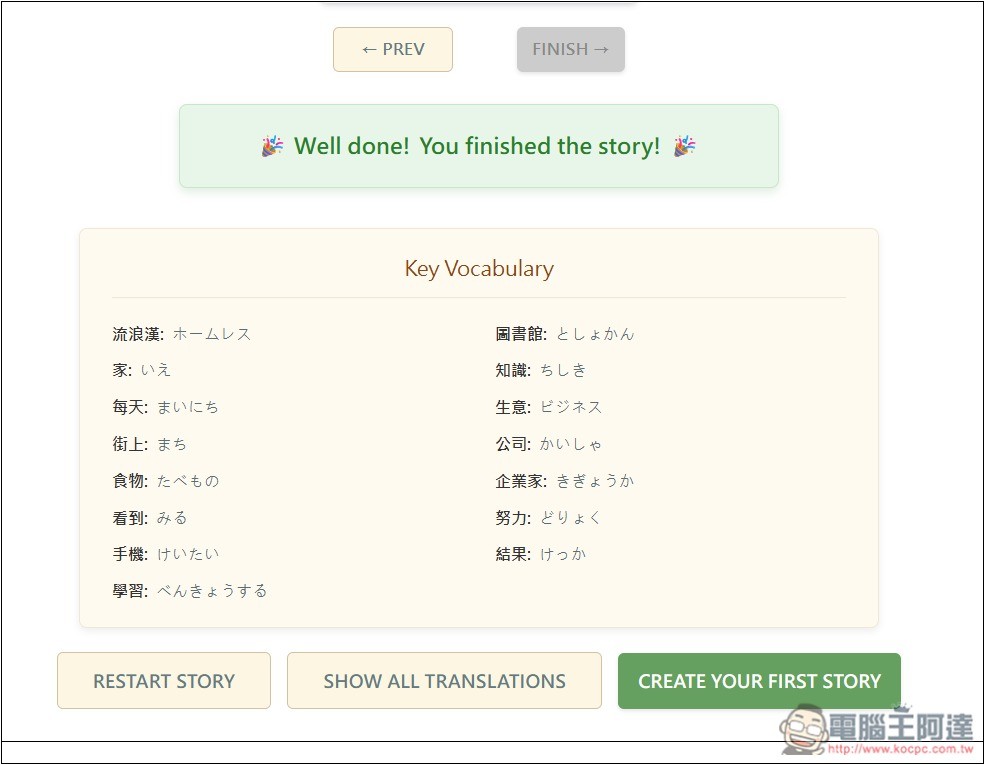
Below are the main vocabulary words used in this story. If there are any you’re not familiar with, you can preview them here first:
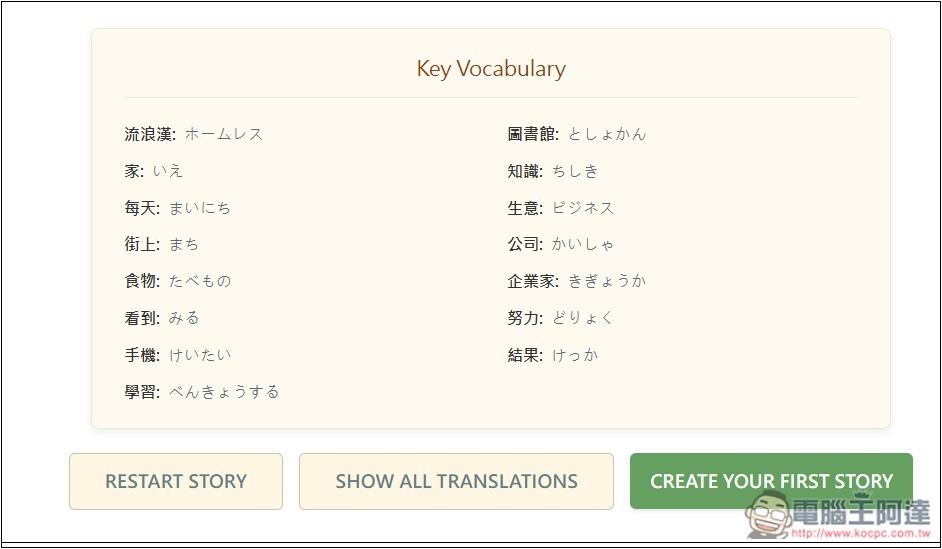
After learning, besides being able to create new stories again, you can also practice:
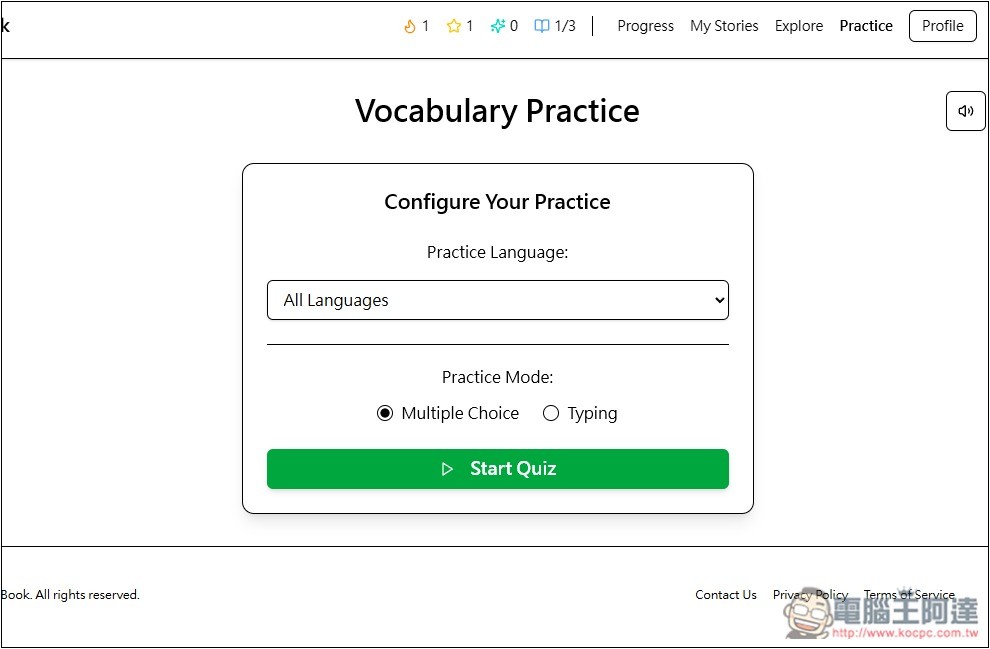
Click the Practice button above to start practicing vocabulary. In the menu, choose the language vocabulary you want to practice. There are two modes: choice or typing, depending on how you want to practice:
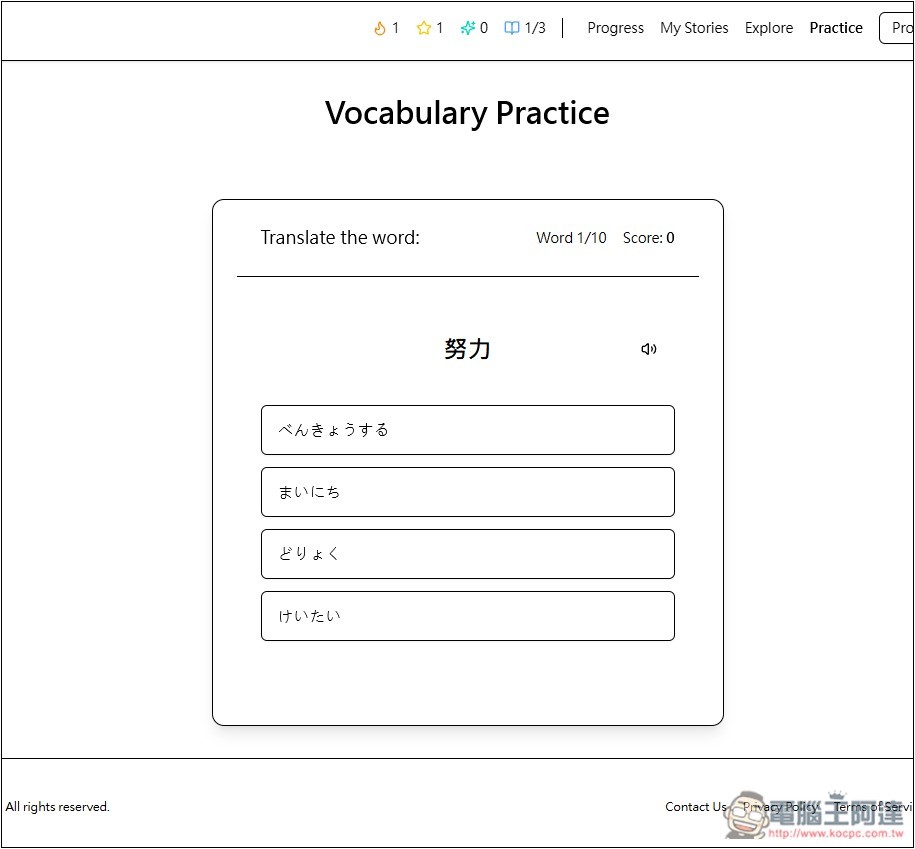
Multiple choice questions will present four options for you to choose the correct word:
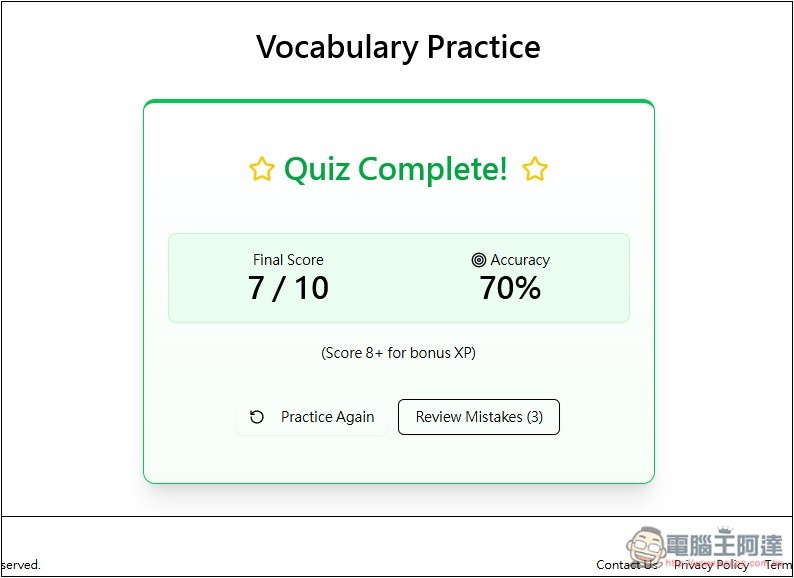
Finally, it will tally how many questions you answered correctly and your accuracy rate. Click Review Mistakes below to review the words you got wrong:
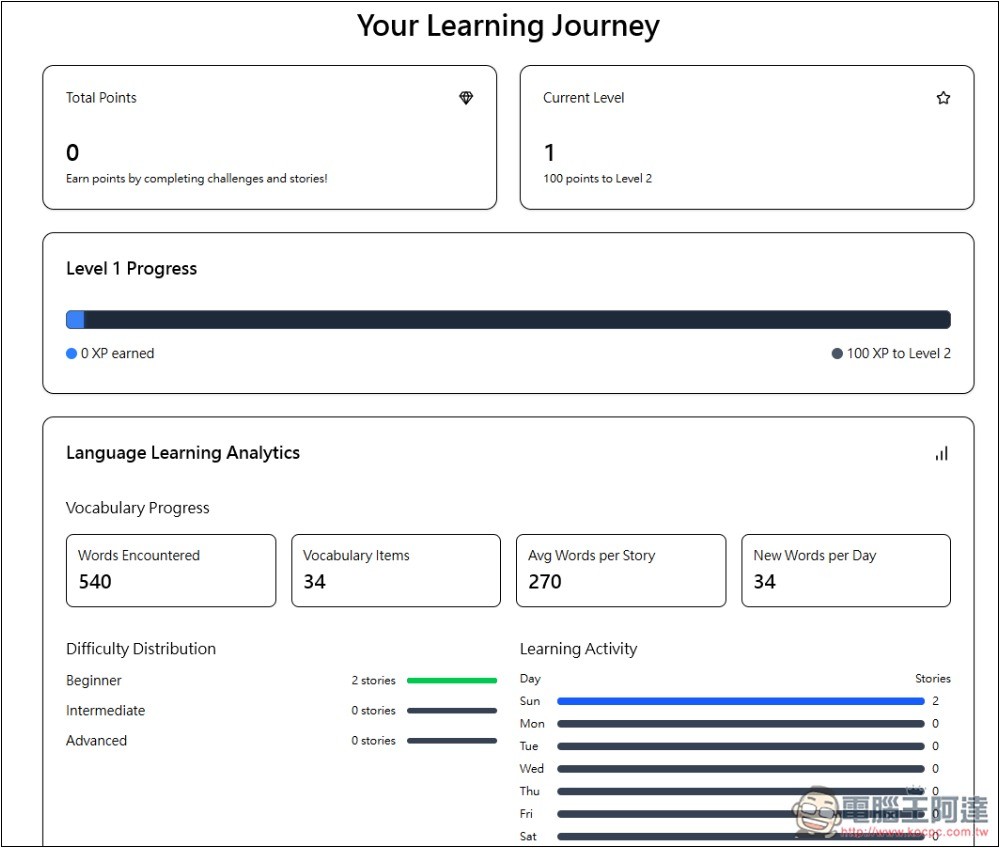
Progress: You can view your learning records and progress.
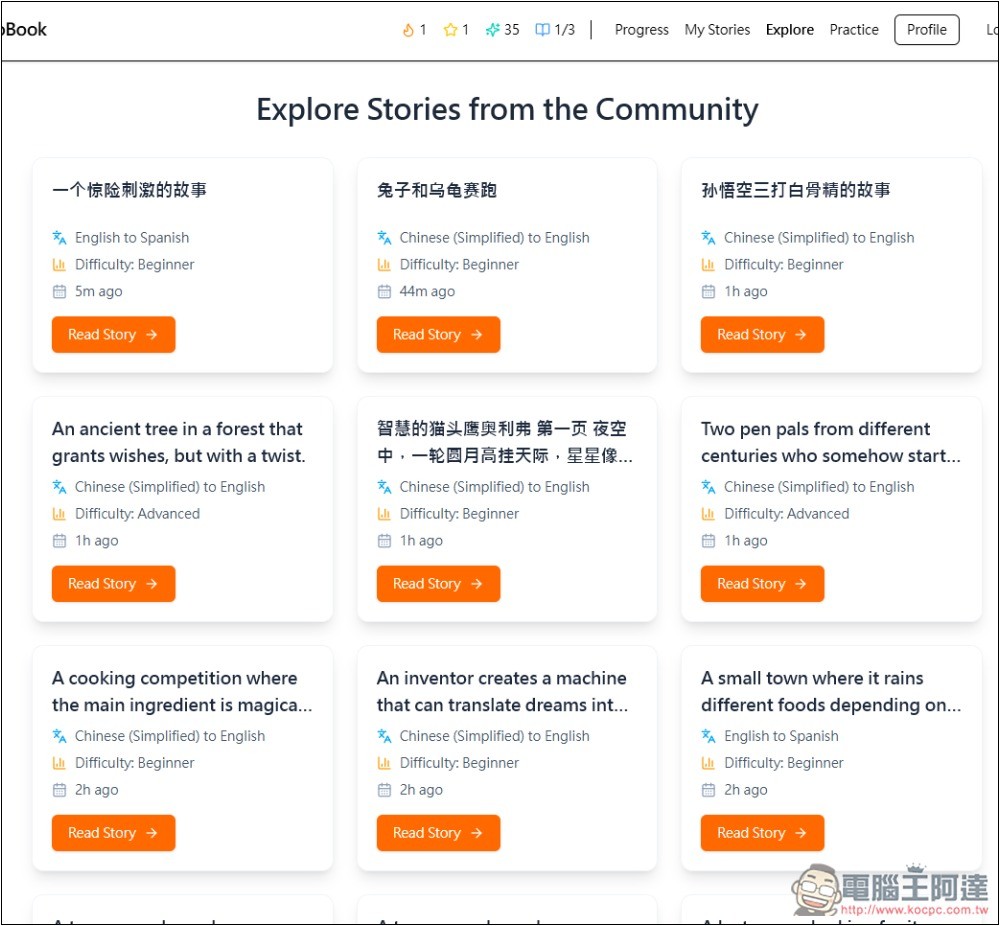
Explore will then display stories created by other users in various languages. If you find them good, you can directly use them for learning and collecting:
Source: KOCPC Chinese