


The graphics card (GPU) is one of the most important components in a computer. If a computer does not have a power supply or processor, it cannot provide power. However, if the computer does not have the components responsible for displaying images on the screen, the device will not be able to operate. If your computer or laptop does not have any form of GPU and cannot be started, this article will discuss the built-in graphics card and the independent graphics card, and help you understand which one is suitable for your needs.
What are built-in graphics cards and discrete graphics cards? Which one do I need?
In the computer world, there are two different types of graphics cards: built-in graphics cards and discrete graphics cards. These two graphics cards are commonly used in desktop computers and laptops. Whether you assemble it yourself or buy a ready-made kit, GPU is a specification that you must always pay attention to. Graphics cards are not only important for gamers. If you need to create content such as video editing, 3D modeling, or for various professional purposes, a graphics card with suitable performance will definitely help.
What is a built-in graphics card?
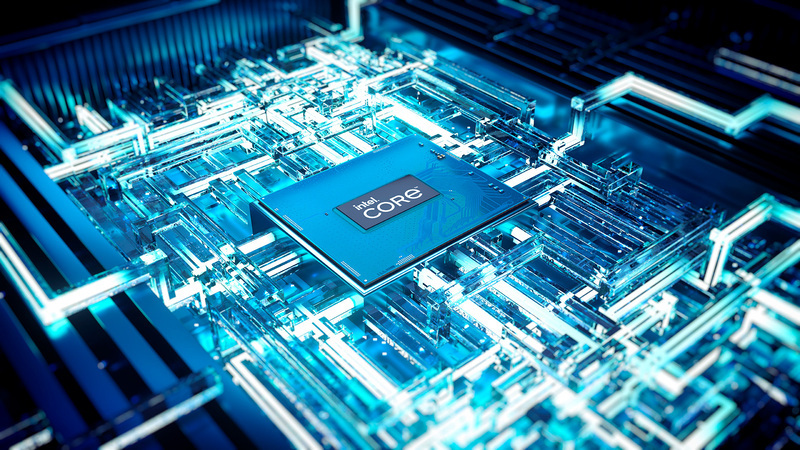
As the name suggests, the built-in graphics card (iGPU) is built into the CPU. The biggest difference from the independent graphics card is that it does not have its own VRAM, but uses the same system memory as the CPU. The built-in graphics card is a low-power, low-heat solution that is enough to allow your computer to operate and perform various daily tasks. It is often seen in thin and light laptops and document-type laptops, but it can also appear in document-based desktop computers.
As mentioned above, since the main purpose of the built-in graphics card in a laptop is to save battery consumption and not generate too much heat, providing the best graphics performance is not its main purpose, so it will not be the first choice for gaming computers. You can still use the built-in graphics card to play games. Modern new built-in graphics cards are still sufficient for playing games such as “Fortress Heroes” and “Apex Legends”. If you have an old built-in graphics card, you may encounter difficulties in the game, but you can still turn down the graphics display to play some old games.
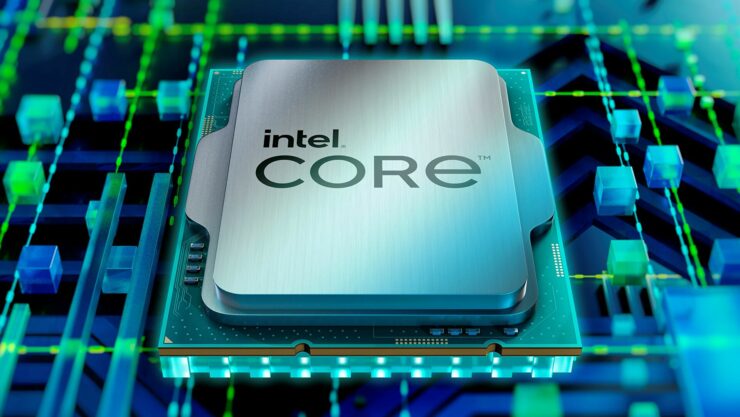
Integrated graphics cards are common on AMD and Intel processors, but AMD has also launched an interesting chip called “APU”, which puts independent CPU and GPU on the same chip, often providing more powerful graphics performance than ordinary built-in graphics cards.
What is a discrete graphics card?
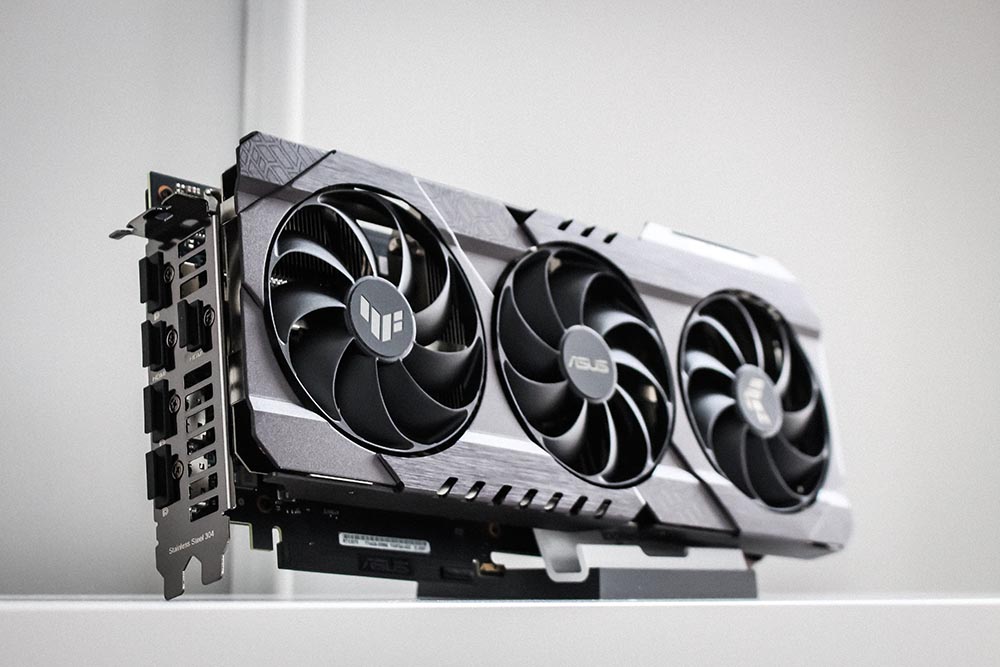
As its name suggests, a discrete graphics card is a graphics card that is completely independent from other components in the computer. It comes in various sizes. Currently, most modern graphics cards are equipped with two or three fans to help dissipate heat. A discrete graphics card has its own dedicated VRAM and communicates separately with the CPU rather than being attached to it, and it also comes with its own power connection and plugs into the motherboard independently. Some of the latest discrete graphics cards from AMD, Intel, and Nvidia are so large that they can take up up to three slots on a motherboard.
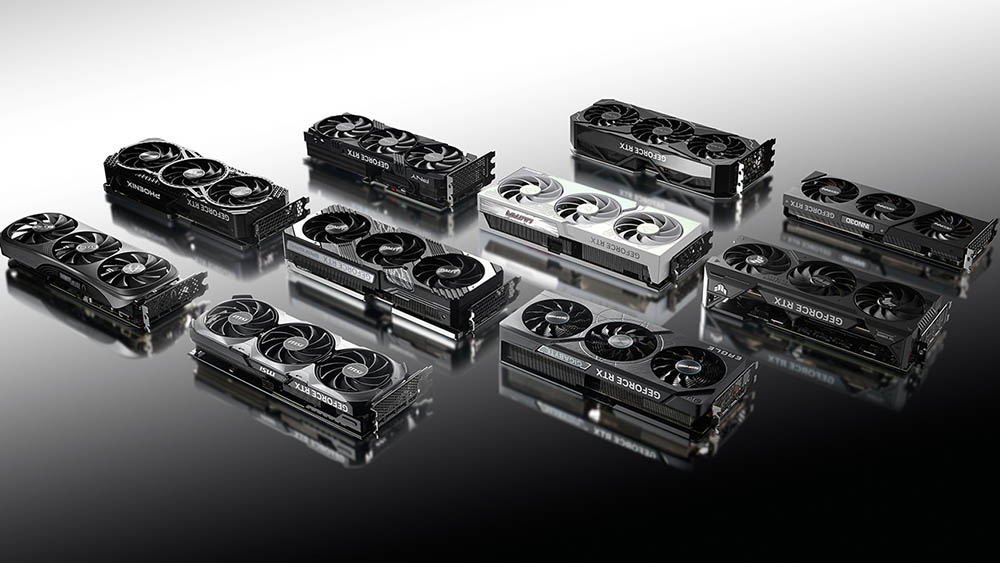
Discrete graphics cards are not only found in desktop computers, but also in laptops. Compared with built-in graphics cards, independent graphics cards can bring stronger graphics computing capabilities. However, in order to control power consumption and heat dissipation according to the size and characteristics of laptops, independent graphics cards for laptops will be slightly inferior to independent graphics cards for desktop computers. However, high-end flagship gaming, e-sports laptops and creator laptops will still be equipped with powerful independent graphics cards to meet usage needs. You’ll often find discrete graphics cards for desktops and laptops with the same name but different specs. For example, Nvidia’s desktop RTX 3080 Ti is more powerful than its laptop counterpart, but it’s still one of the most powerful when compared to other laptop graphics cards.
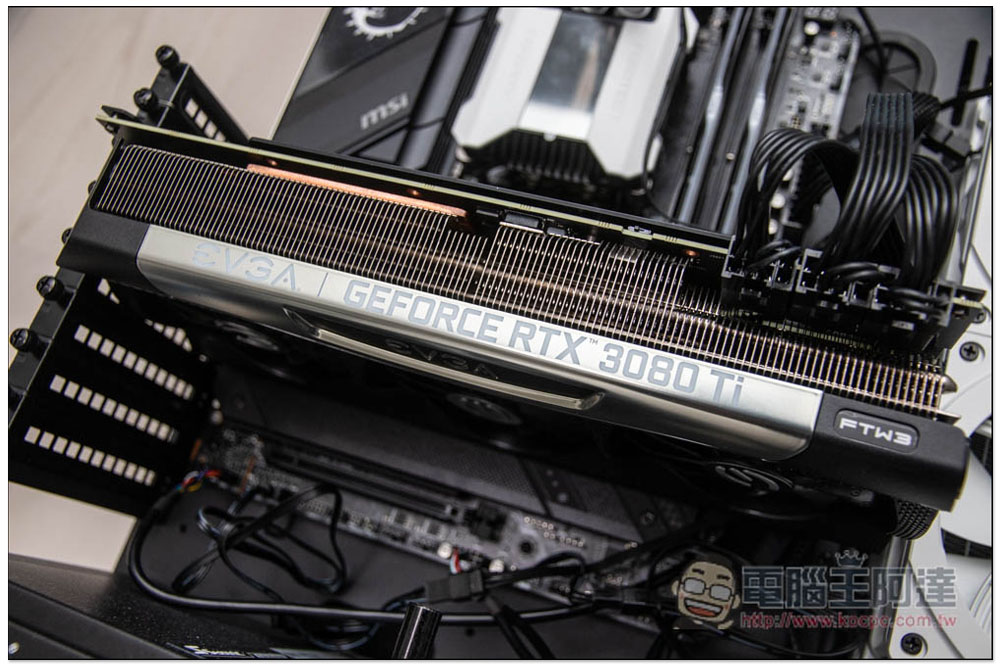
If you are a gamer or want a computer with more powerful graphics capabilities, you can consider a computer equipped with a discrete graphics card as your first choice. While some affordable computers may not be as powerful, even lower-end discrete graphics cards often provide better computing power than built-in graphics cards. The only exception is AMD’s APUs, with the latest models even rivaling some older discrete graphics cards.
Which one does your computer need?
If you’re in the market for a new desktop or laptop, you may be wondering whether you should buy a model that comes with a discrete graphics card or a built-in graphics card. Some people absolutely need a discrete graphics card, but for many users the built-in graphics card is enough. The simplest thing you can do is consider your budget and device usage. The main difference between a discrete graphics card and a built-in graphics card is price and performance. If you need a computer with higher performance, you should consider equipping it with a discrete graphics card as one of your first requirements. But if you want a thin and light laptop with long-lasting battery life, a built-in graphics card is your best choice.
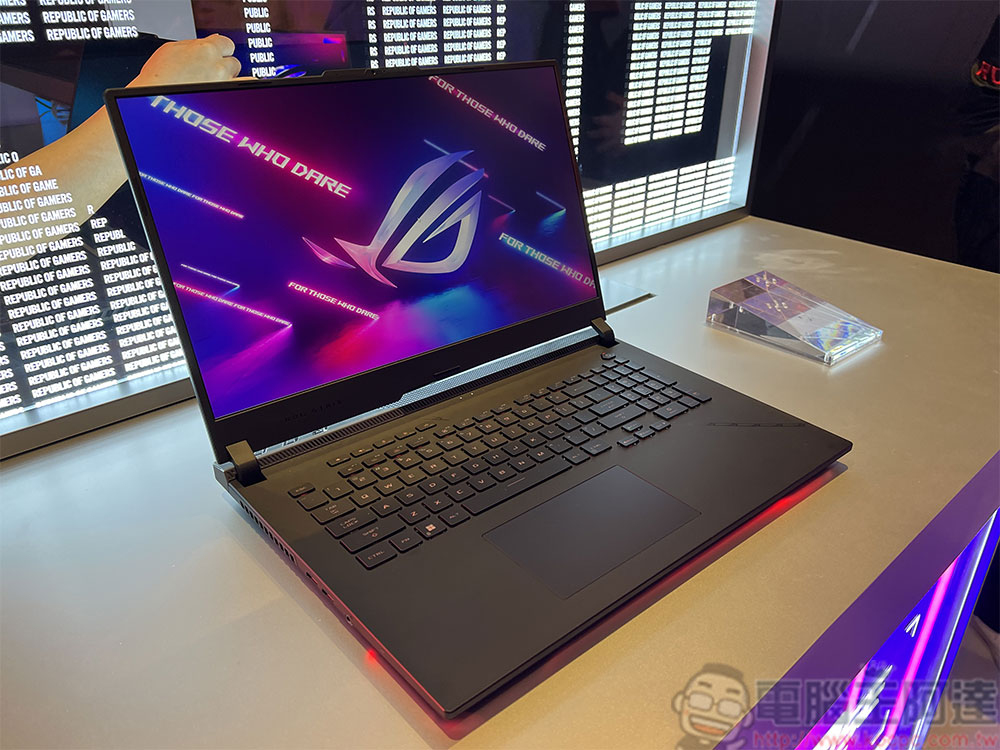
Budget is also a very basic consideration. If you are building a desktop computer with a very limited budget, you can choose a CPU with a built-in graphics card or an AMD APU instead of allocating part of your limited budget to buy an old independent graphics card. Even a low-end discrete graphics card two generations below the latest costs a lot of money, so it would be wiser to put your budget toward a better CPU.
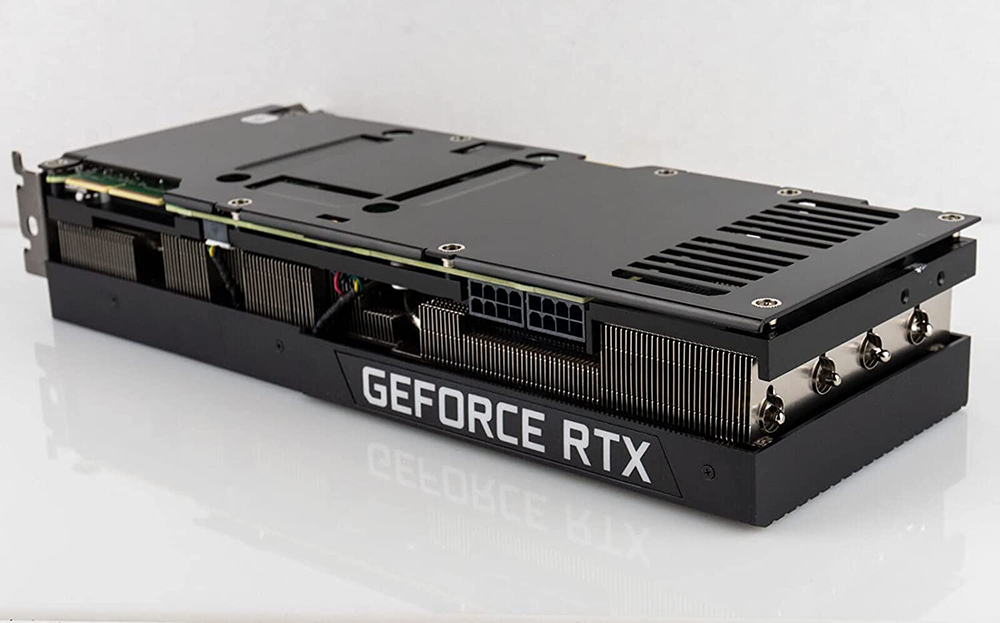
If you are a gamer who always loves to play the latest games such as Elden’s Ring, then you need a high-spec discrete graphics card. Usually the graphics card you buy for gaming purposes depends on the type of games you play. If you play only indie games or old games, you don’t need to buy the latest and most powerful. But if you particularly like AAA masterpieces with exquisite 3D graphics and gorgeous effects, then you must aim for a high-grade graphics card.
If you want to use it at work, it depends on the type of work. If your work project is of a type such as paperwork that does not pay attention to graphics performance, the built-in graphics card will be enough to meet your needs. But if you need to perform professional content creation such as video editing, photo editing, 3D modeling or animation drawing, an excellent high-end independent graphics card can help you process various conversions and operations faster and more efficiently, without spending too much time waiting and lagging.
Source: KOCPC Chinese