


Previously, we have introduced many AI text-to-speech tools, such as:PopPop Free AI Text to Speech、Azure TTS Web、TikTok text-to-speech generator、Luvvoice etc. Although they all support Chinese, the voices they can synthesize are somewhat limited—just those few, and they’re often the same ones you hear in other videos and short clips. The Speech Synthesis introduced in this article is a better choice. Not only is it completely free, but the vast majority of its AI voices can synthesize Chinese, and you can also adjust the speech rate, intonation, volume, quality, and other settings. It can be used without registration.
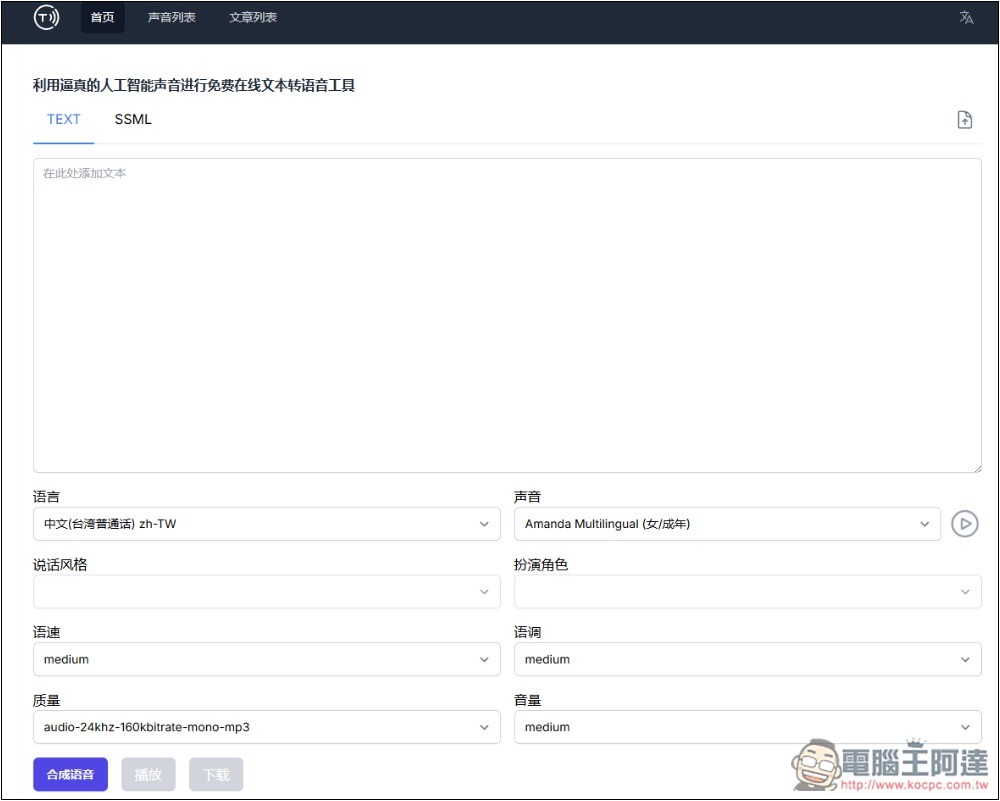
Introduction to a free AI text-to-speech tool that claims to synthesize realistic voices using Speech Synthesis.
Speech Synthesis is an online text-to-speech (TTS) AI tool that boasts the ability to convert text into natural, fluent speech. It supports over 40 languages and hundreds of voice options, and lets you customize intonation, rhythm, and tone to make the voice better match your needs.
After clicking the link above to go to the Speech Synthesis website, you can paste the text you want to convert to speech into the TEXT field. It also supports SSML format, and you can even upload files (there is an upload button on the right). Then start setting the options below:
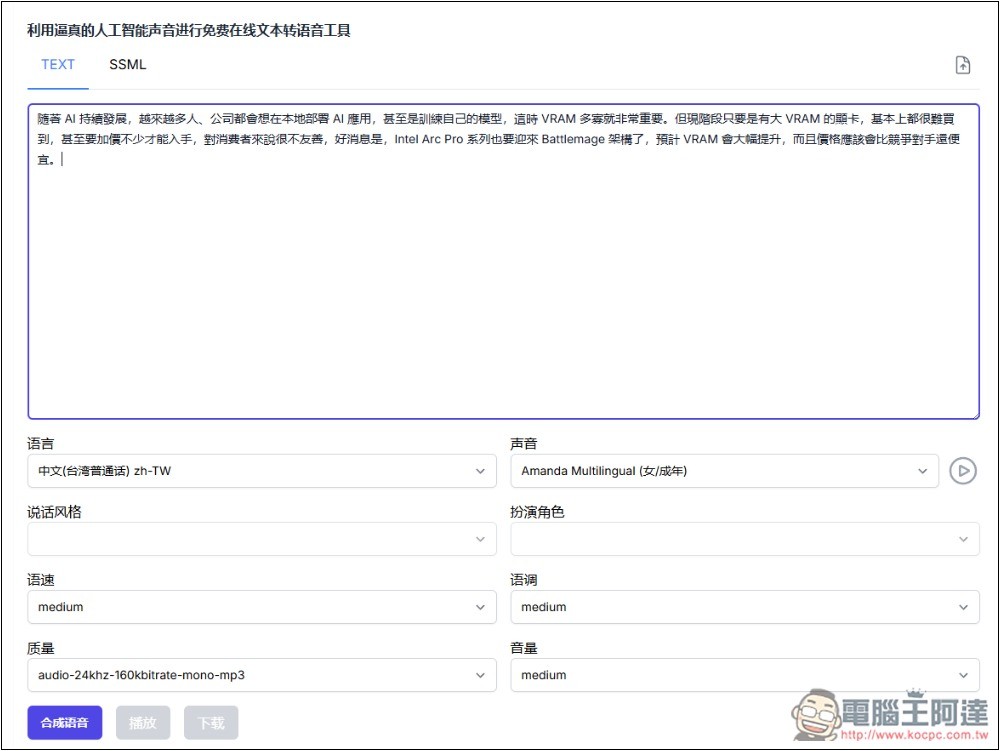
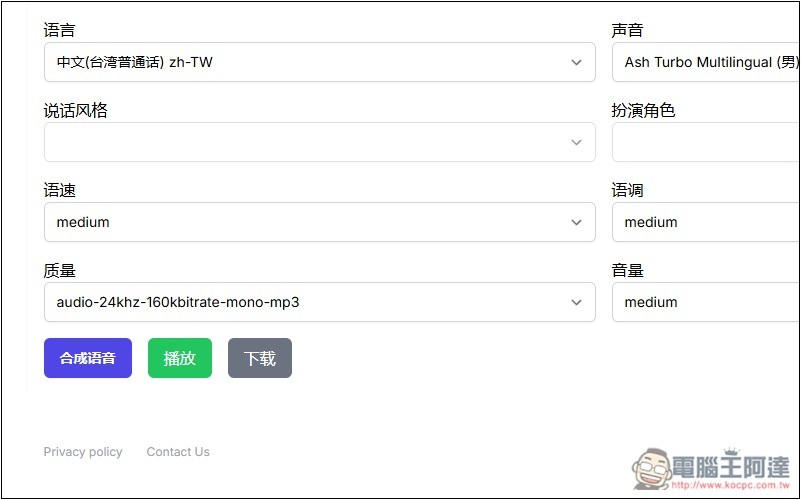
For language, it supports Traditional Chinese for Taiwan, Cantonese for Hong Kong, and many Simplified Chinese variants.
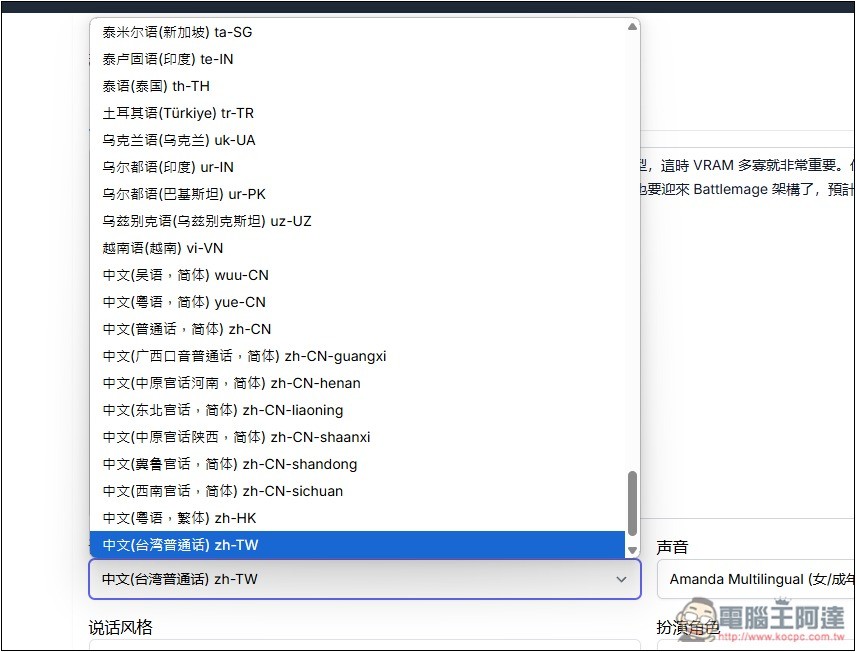
Next is the main point: after selecting Taiwan, unlike other conversion tools, this one has a huge number of voice options to choose from. Even foreign voices are no problem, and many can be previewed first. If you’re satisfied, proceed with synthesis. The voices are also divided into age groups like adult, youth, etc.:
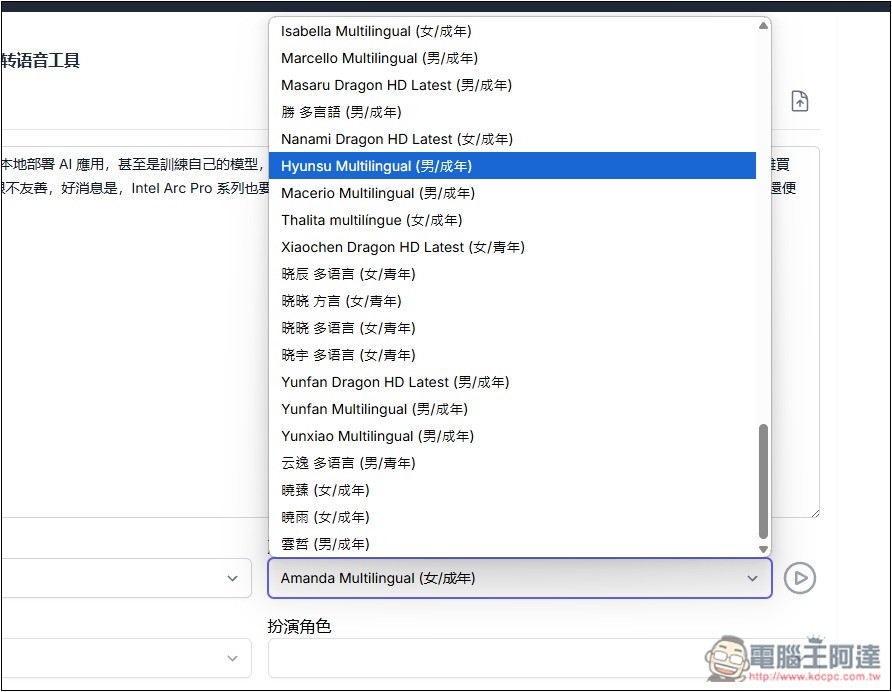
Press the play button next to it to preview. Unfortunately, if you choose a foreign voice, the content will be read in English, not Chinese, so you can’t get a sense of how it sounds in Chinese. However, after my testing, ABC or foreign voices reading Chinese don’t sound too heavy, but there’s still a little bit:
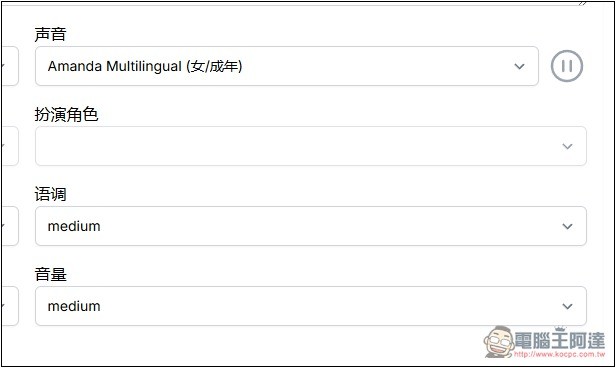
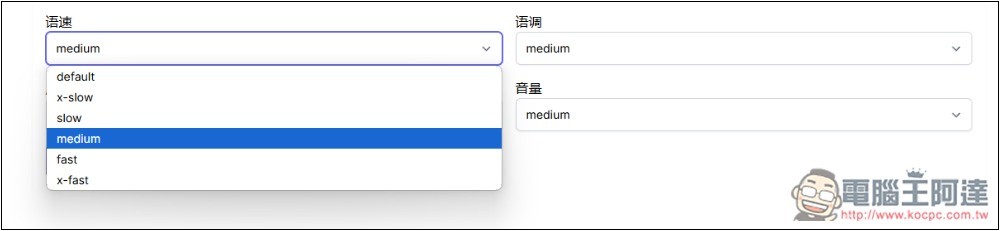
Speech rate, intonation, and volume each have 6 settings to choose from. For example, speech rate has default, x-slow, slow, medium, fast, x-fast, which are differences in speed. If you don’t know what to set, just choose default:
The quality can also be adjusted, which is quite unique — like with MP3 format, you can choose 16khz-128k, 24khz-160k, or 48khz-192k. Below that, there are also riff and raw formats, which other conversion tools don’t have:
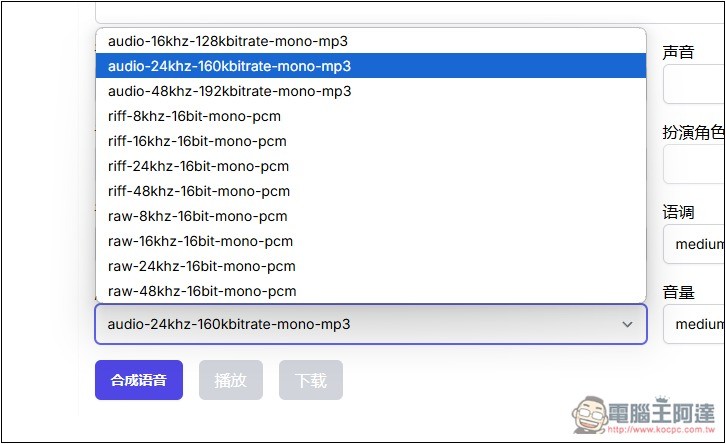
After everything is set up, click Synthesize Voice below to start synthesis:
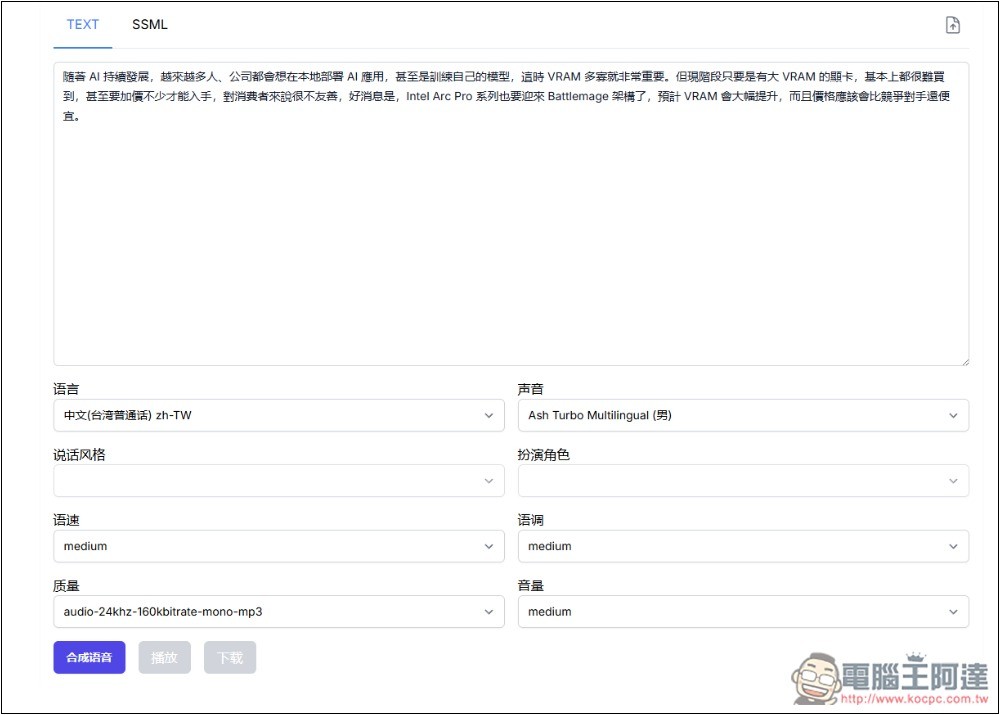
It only takes a few seconds to finish. You’ll know it’s done when the play and download buttons light up. You can play a preview first, and if you’re satisfied, go ahead and download it:
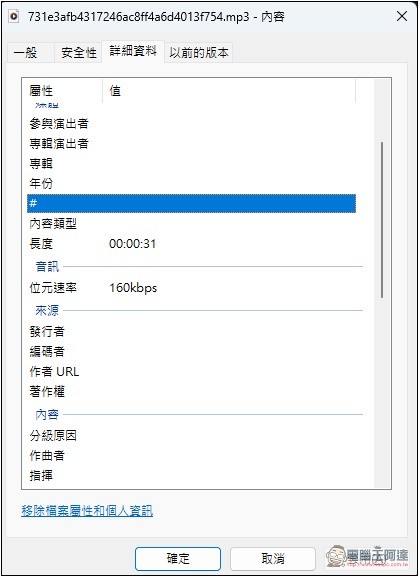
I set it to 24kHz-160k MP3 format, and what was downloaded is indeed like this:
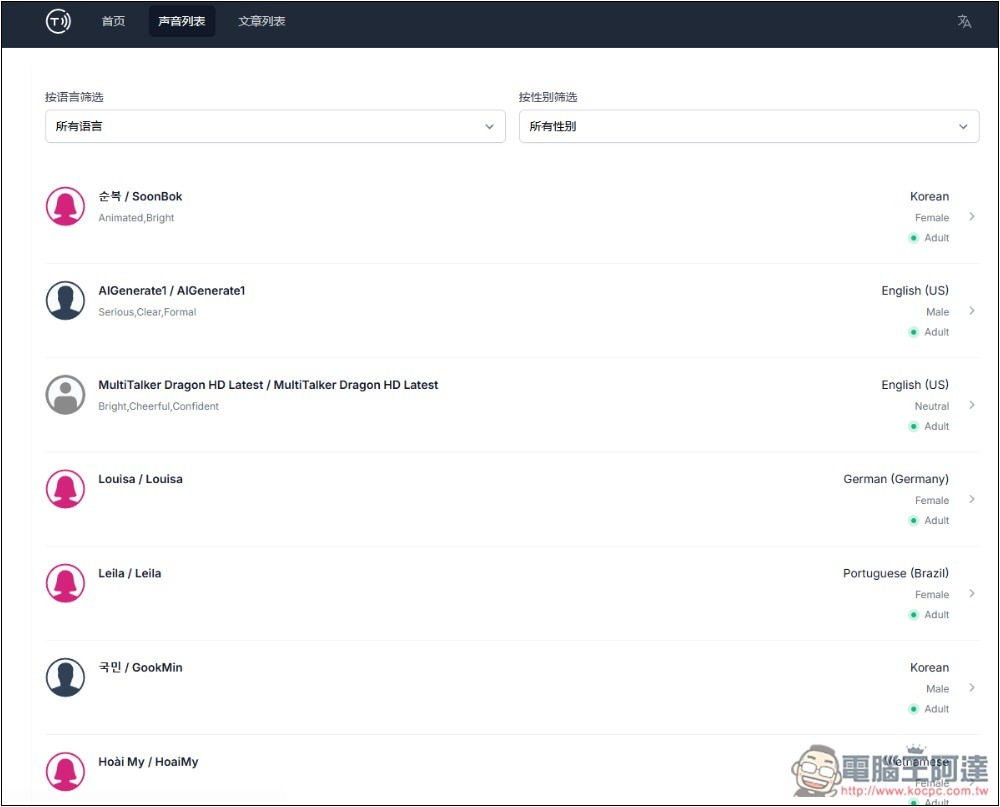
Additionally, in the voice list menu above, you can preview voices in all languages and genders. If you need them, you can find them here:
Another major advantage of Speech Synthesis is that there seems to be no upper limit on text content. I tested over 3,000 characters without any issues; it just takes longer to generate.
Source: KOCPC Chinese