


For people who frequently use AI tools, there are definitely many prompts they want to save for later. Especially since ChatGPT’s image generation capability has improved significantly recently, there are quite a few prompt templates online that can generate all kinds of interesting images. If you primarily use a computer, this article introduces Prompt Sidebar, a very useful prompt template management extension. It not only supports the /p shortcut, allowing you to quickly call up templates in any AI tool, but also has built-in variable input, so each time you use it, you can enter the content you want for the variables in the template. It can be installed on both Chrome and Edge.
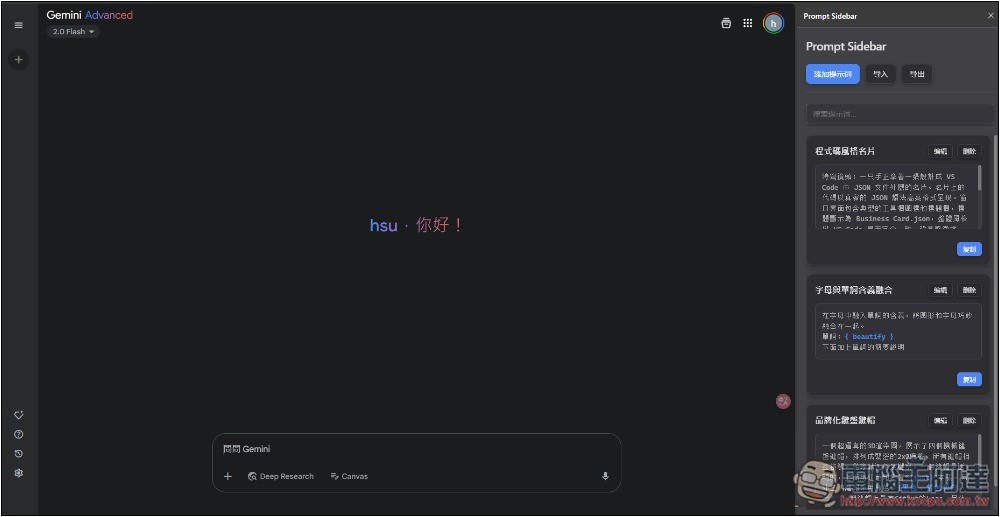
Prompt Sidebar: Introduction and Operation Guide for the Prompt Template Management Extension
Prompt Sidebar is a simple and easy-to-use prompt template management extension. The operation is straightforward, and it includes all the features you need, such as shortcut key invocation + search function, smart variable handling, and import/export. It has a Chinese interface, so you don’t have to worry about not understanding it.
Basically, any browser built on the Chromium core can install it. I’ve tested Chrome, Microsoft Edge, and Arc Browser with no issues.
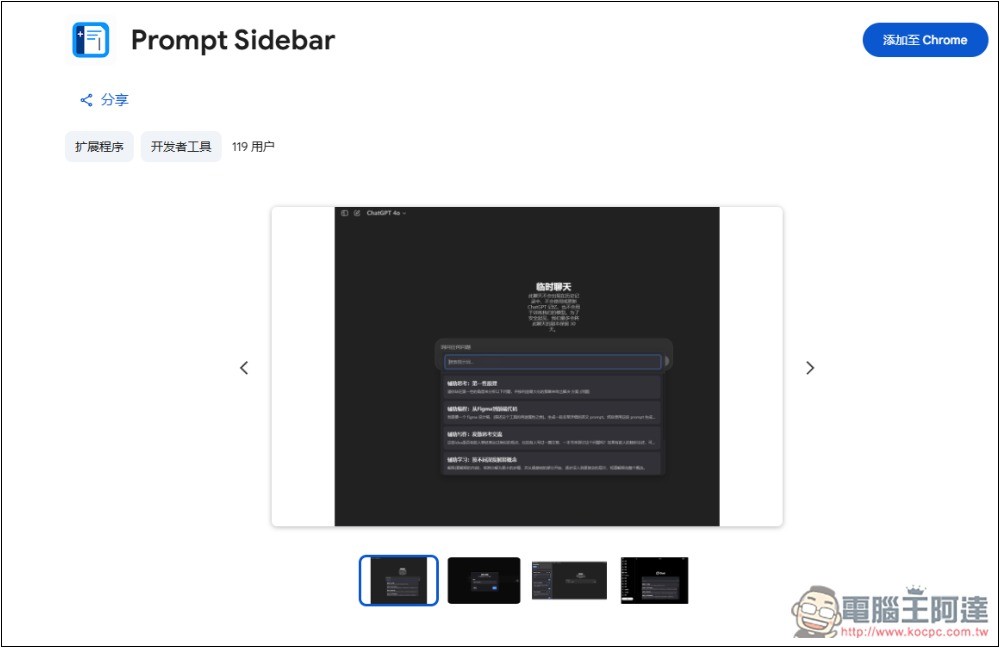
After clicking the link above to go to the Chrome Web Store page, click the “Add to Chrome” button on the right:
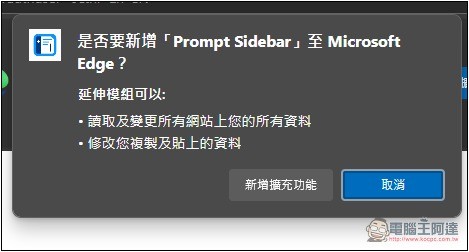
A dialog box will pop up — click “Add extension.”
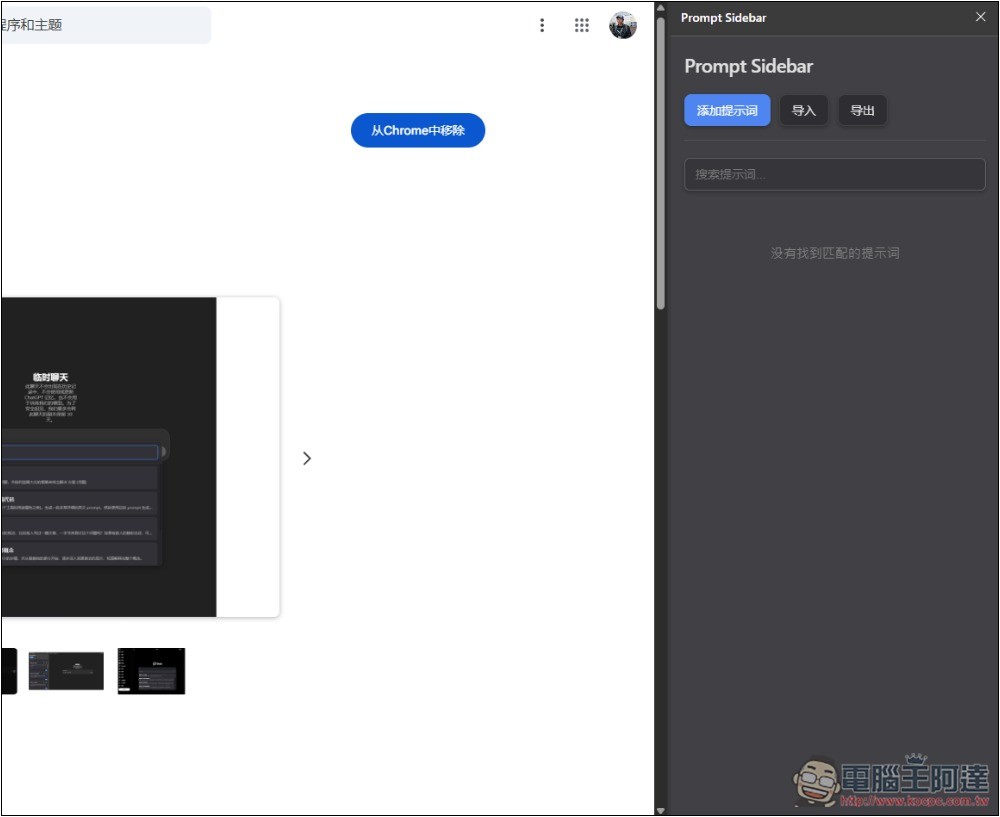
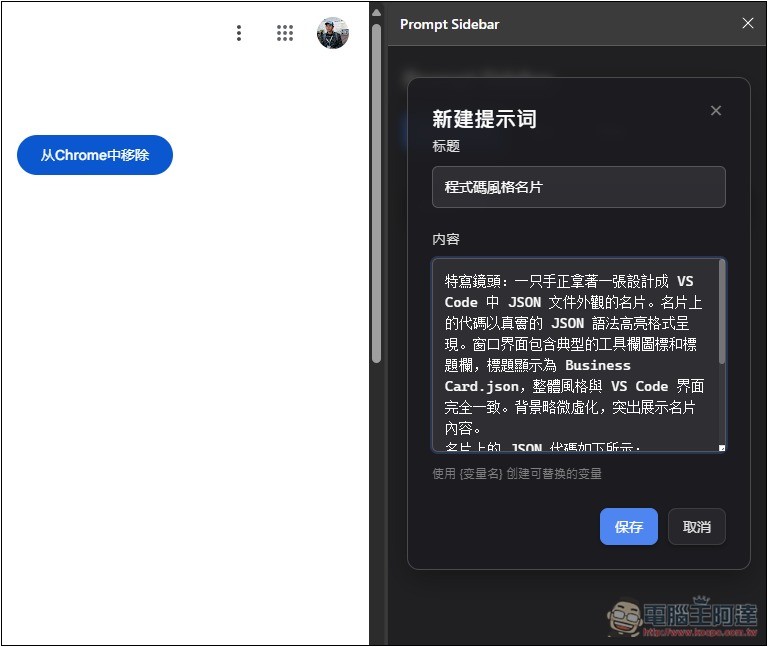
That’s it, installation is complete. Click the Prompt Sidebar extension icon in the upper right corner, and a management interface will appear on the side. Then click “Add Prompt” at the top to enter the prompts you want to save.
For the title, you can choose whatever you want, just a name that’s easy for you to remember. Then input the prompt template into the content. If there are variables (such as names, words, etc.), remember to mark them with {}.
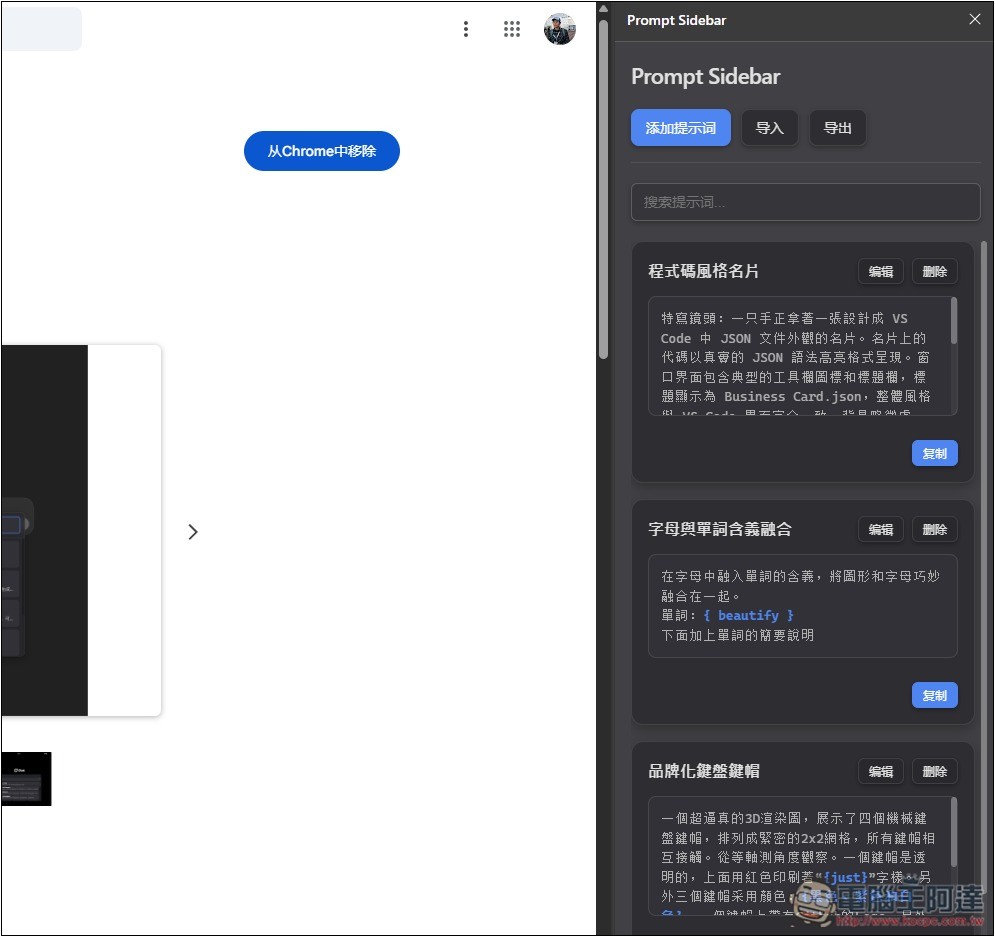
While there’s no folder categorization, there is a search function that covers both titles and prompt content, so it’s easy to find what you’re looking for.
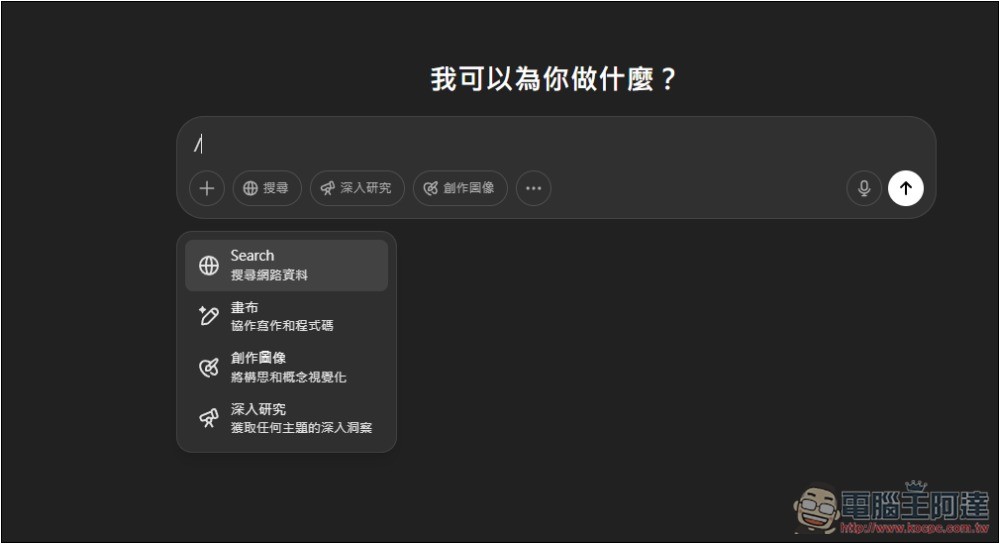
When you need a Prompt template, just enter /p:
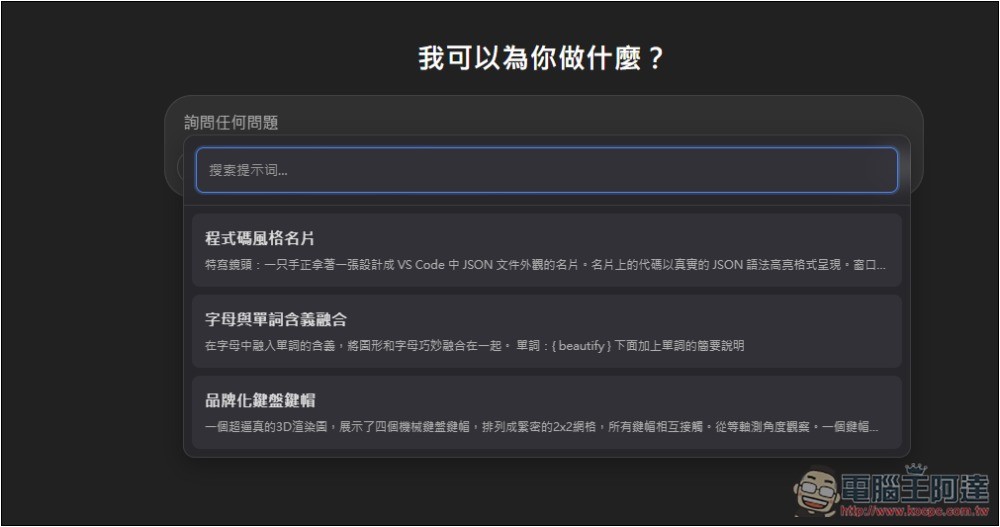
A prompt template menu will pop up on the screen, which also has a search function. Click on the one you want to use:
If variables are set, it will first prompt for input, and the entire template (including the variables you entered) will only be filled into the input box after pressing OK:
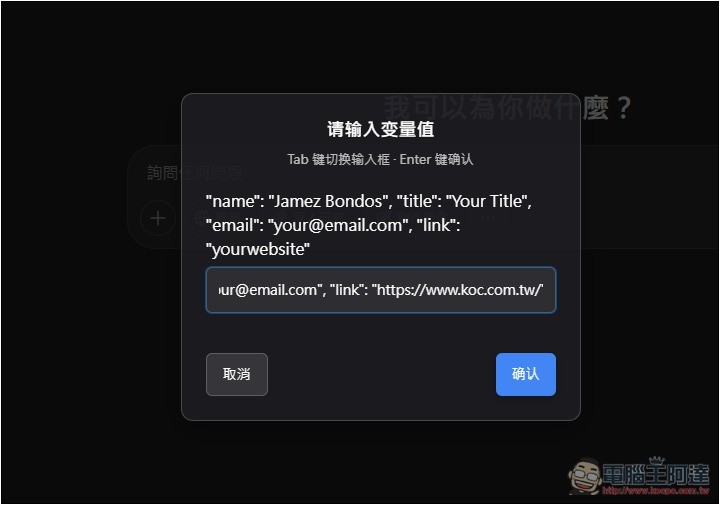
Like this, no need to go looking for it in the sidebar—just call /p directly and use it. Very convenient:
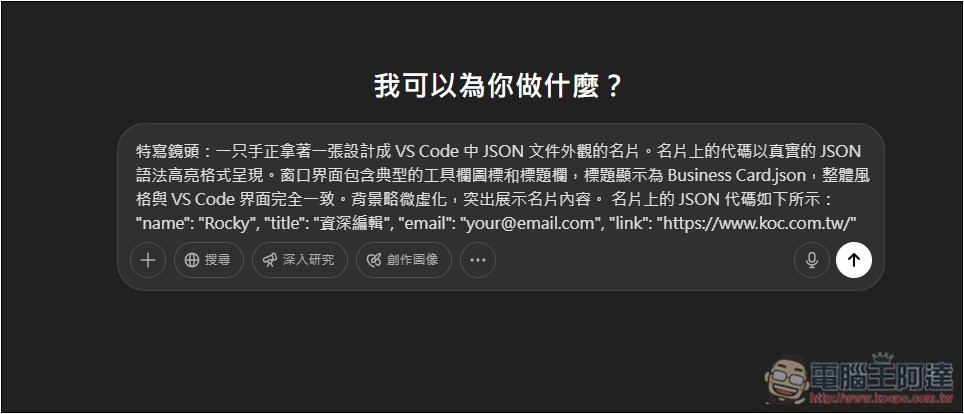
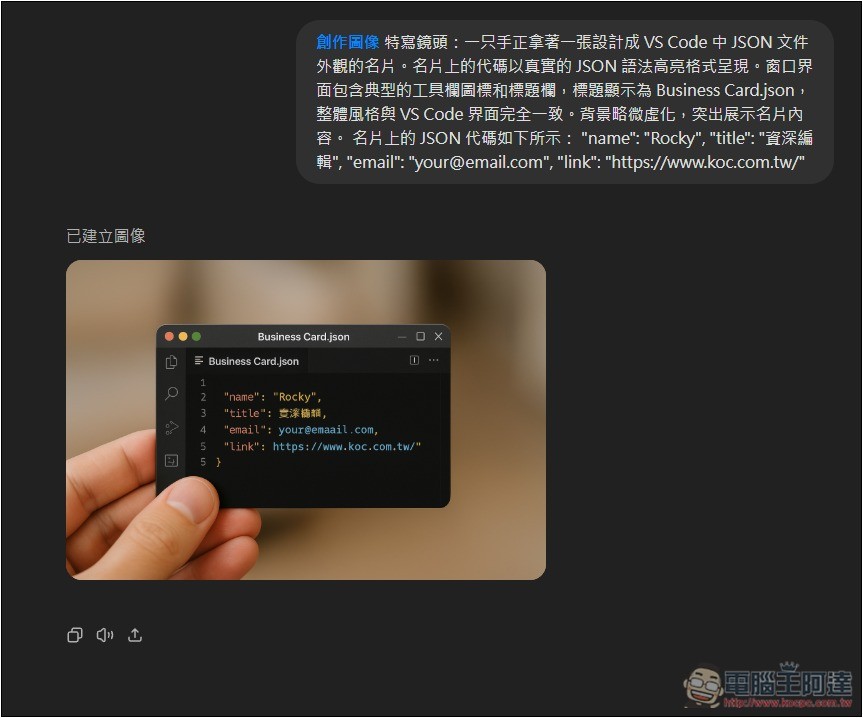
Once you send it, you’ll get the result you want:
I also successfully tested Gemini:
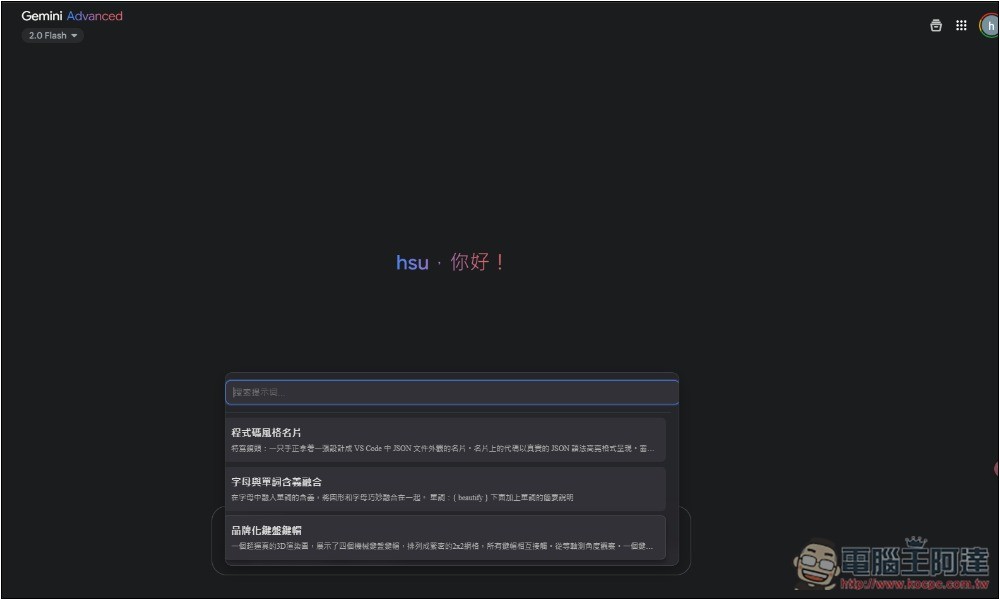
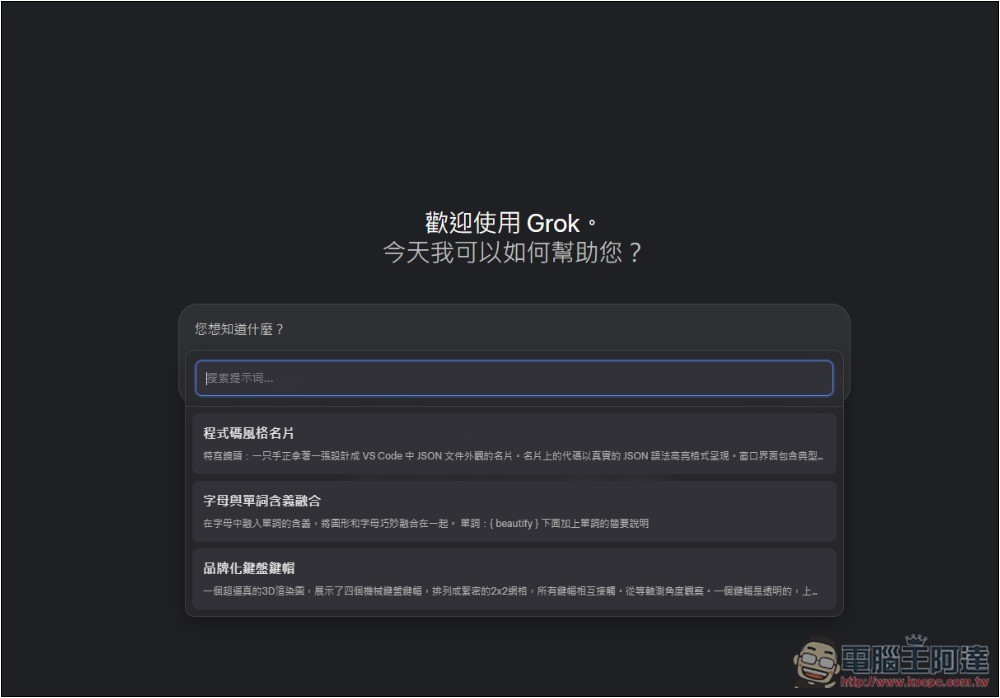
Grok too, you can call it with /p:
Saved prompts can be edited and deleted later on. If needed, you can also export the files to share your entire prompt library with others (they can simply import your file).
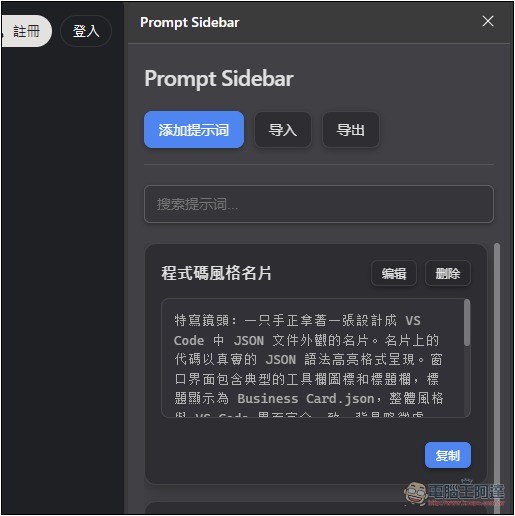
From now on, whenever you come across any good prompts, save them here for easy management and use. It’s also recommended to periodically export and back up to prevent any situation that might cause the entire database to disappear.
I hope thumbnail functionality will be added in the future, so that when saving the Prompt for generated images, a small thumbnail can be included as well.
Source: KOCPC Chinese