


Various social networking sites are not new to modern people. The new sites that appear this time feel very different. Dockhunt focuses on sharing your personal Dock on macOS and getting inspiration from others. It’s basically a social networking site that showcases apps pinned to the Dock, with the ultimate goal of letting you discover new apps from others’ sharing and see who else is using the same apps as you.

Dockhunt is a website that lets you view other people’s MacOS Docks and discover new apps
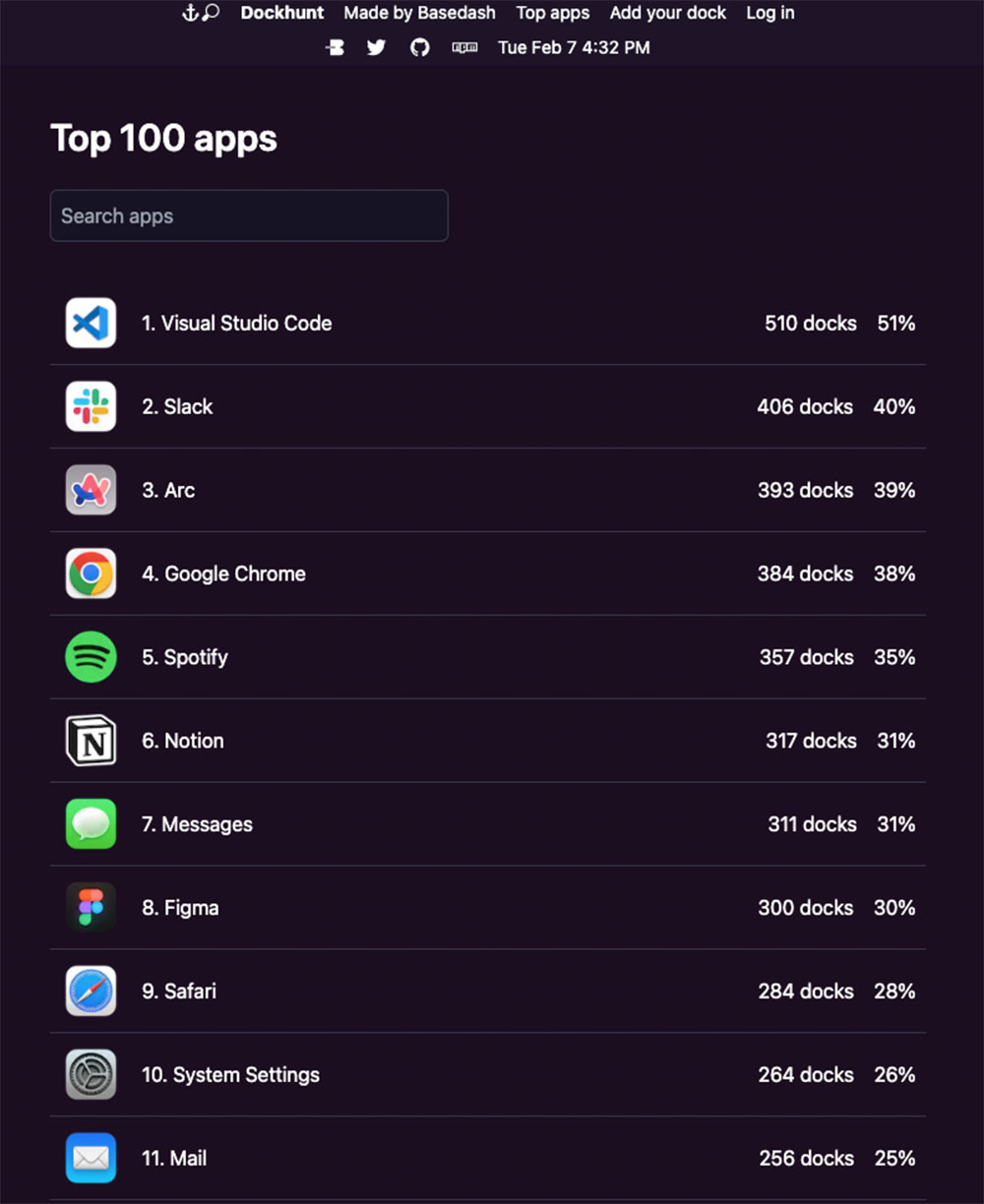
Dockhunt Featuring a simple web interface where you can browse content shared by other Mac users, you can also view a Top apps overview to see which apps are most commonly saved in the Mac Dock by Dockhunt users. Unsurprisingly, apps like Slack, Chrome, Visual Studio Code, and Notion are high on the list.
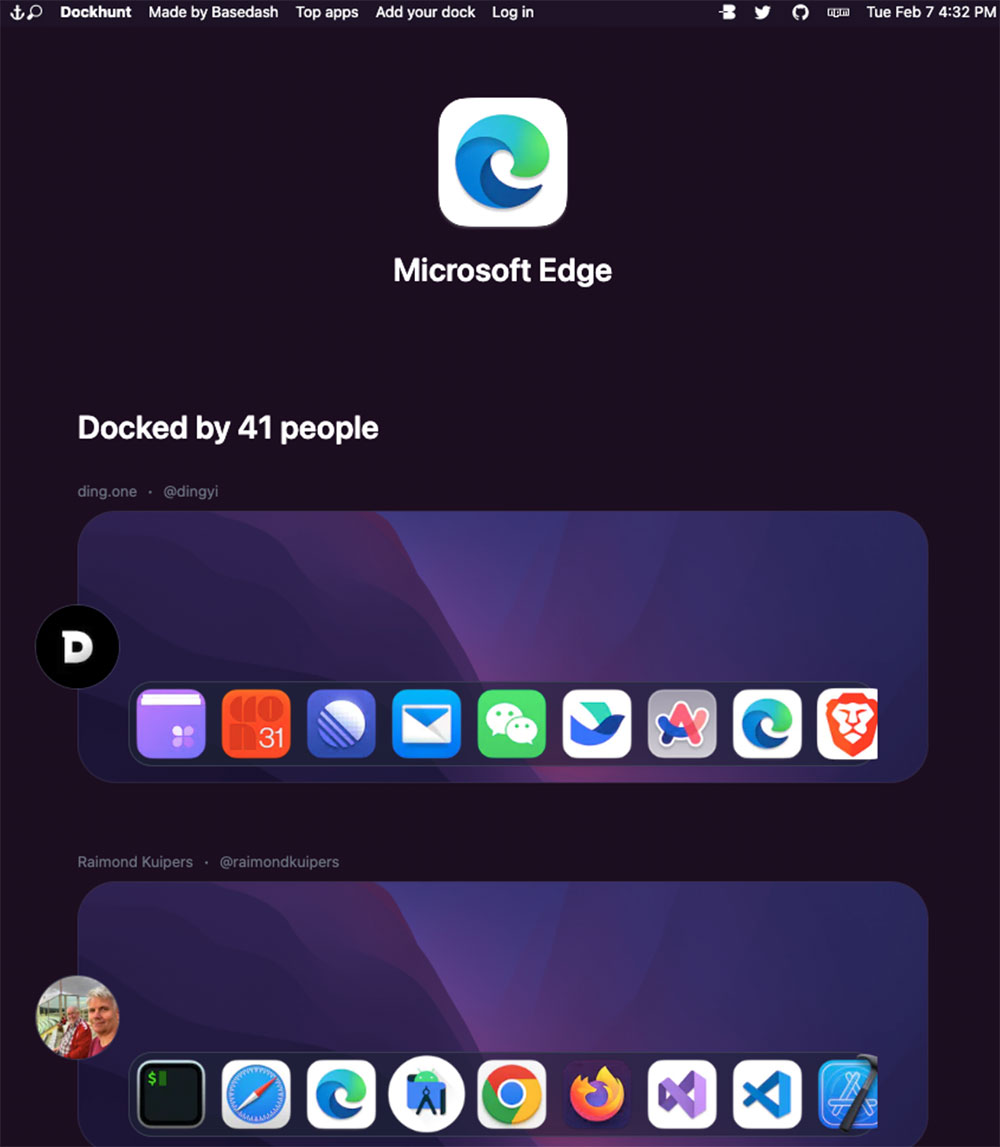
When you browse the Dockhunt website, you can also click on an application displayed on other people’s Docks, and the system will display all other Dockhunt users who have also pinned the application on their Docks.
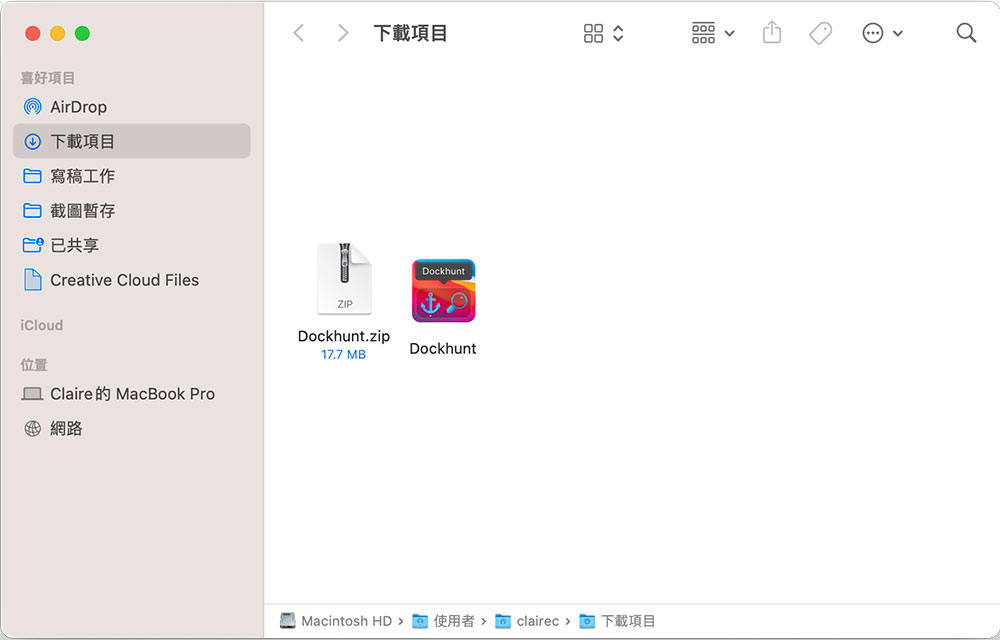
If you also want to share your Dock with everyone, you have two different options. First, you can use it on a computer running macOS 11 Big Sur or aboveDownload the Dockhunt desktop app for Mac, download and unzip it, move it to the application, and then click Execute to automatically upload the Dock to the Dockhunt website. Second, you can also open a terminal on a Mac computer that has Node.js installed and execute the “npx dockhunt” command.
Dockhunt captures “fixed pin selection” items and automatically ignores temporarily recently used applications docked on the far right side of the Dock. All of this is completely open source, you canFind resources on GitHub. Dockhunt is a Twitter application, so you must log in with a Twitter account. After uploading the Dock to Dockhunt, you can share it directly to Twitter.

In addition, I also like to see what apps other people are using and discover some new gadgets or find other helpful tools and apps. What’s interesting is that you can see that some people pin a lot of apps on the Dock, while others try to keep the number of pins as small as possible. This is really interesting, you can play around and see.
Source: KOCPC Chinese