


Nowadays, if you want to transfer data, photos or videos across devices, many people should use social communication software, such as Facebook and LINE. However, such photos and videos will be compressed, and uploading to the cloud space is also troublesome. This article recommends another good option “rDrop”. As long as you are on the same network, you can transfer to each other by opening a browser. The transfer speed is very fast and there is no file size limit.
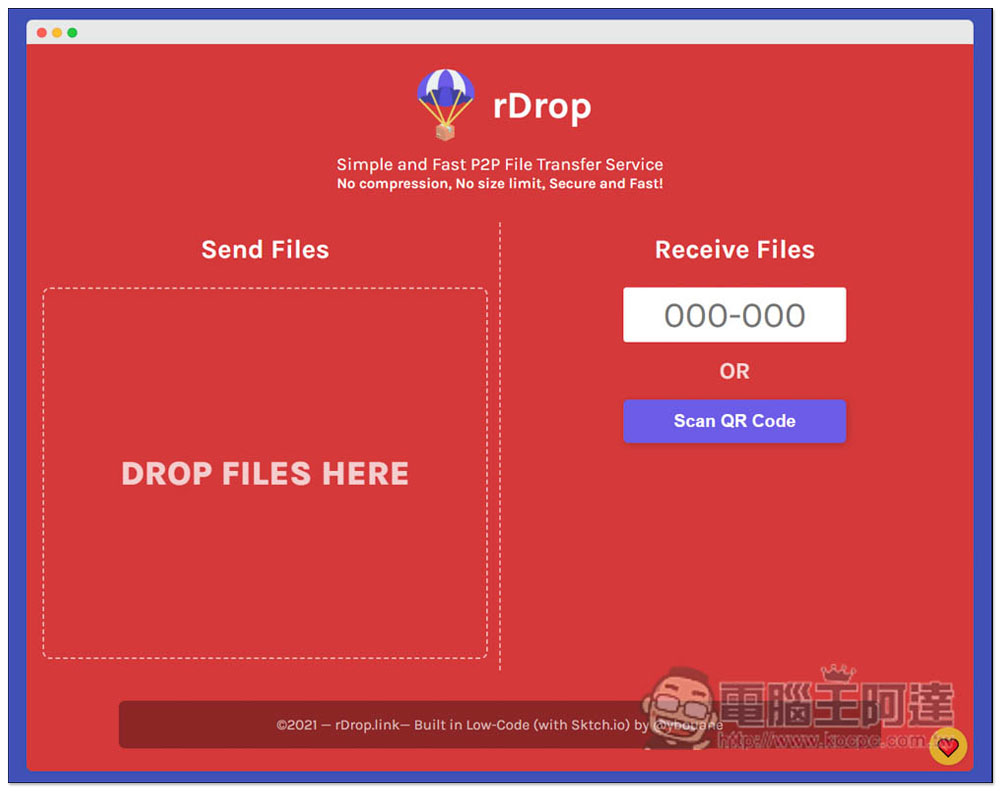
rDrop is a simple and fast cross-device P2P file transfer service with high security, no compression and no file size limit.
rDrop is a P2P file cross-device transfer service. All files are transferred point-to-point, which means there is no need to upload to the website. As long as you have a browser, you can transfer it. There is no restriction on the operating system. It depends on whether you want to transfer Windows to iOS, Android to Mac, or Windows to Windows.
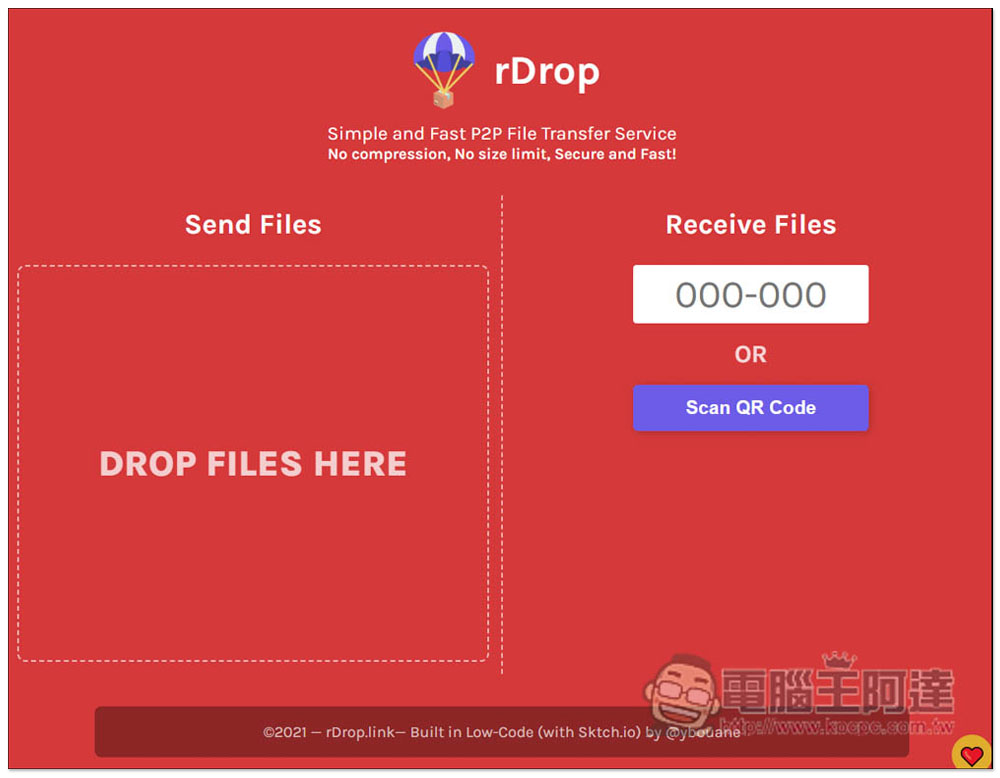
The method of use is very simple. After entering the website, you can drag the files you want to transfer to DROP FILES HERE, or click to select manually:
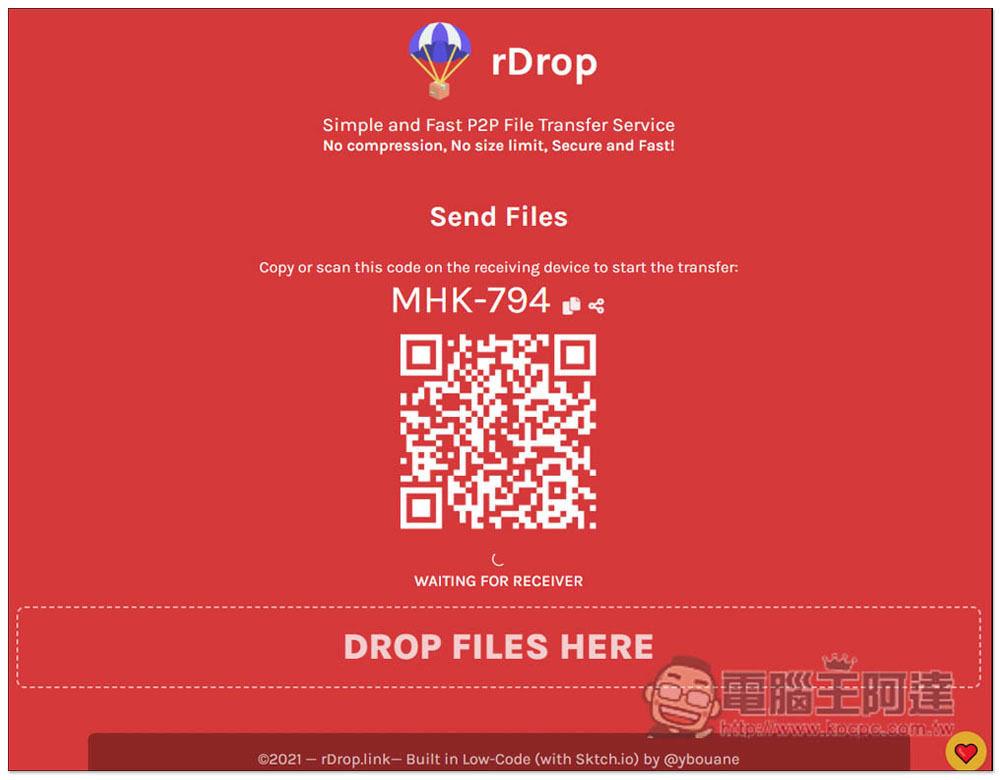
Then you will get the exclusive QR Code and code. It depends on which method you want to use. I will use Windows computer to transfer to iPhone as an example:
After the file is dragged in, a check mark means it is ready for the other end device to download:
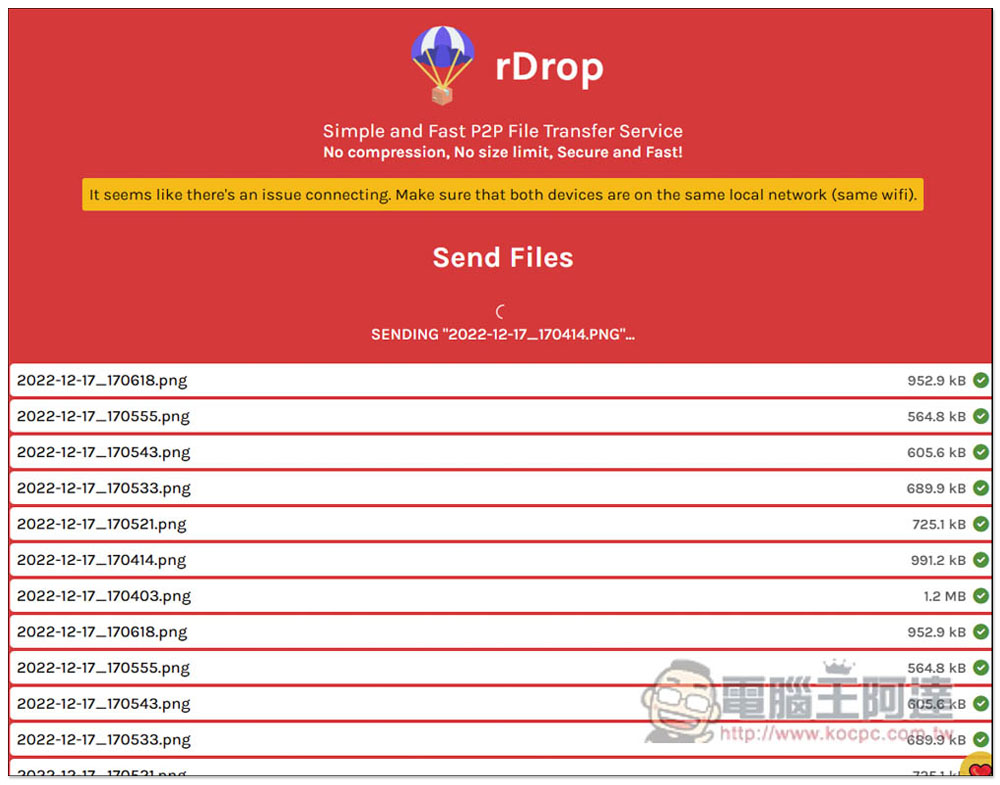
At this time, I took out my iPhone and scanned the QR Code to see these files. If you don’t see it, remember to confirm whether the two devices are on the same Wi-Fi network. A prompt will pop up at the top (It seems like there’s na issue connecting. Make sure that both devices are on the same local network). After confirming that it is correct, click the download icon on the right to download:
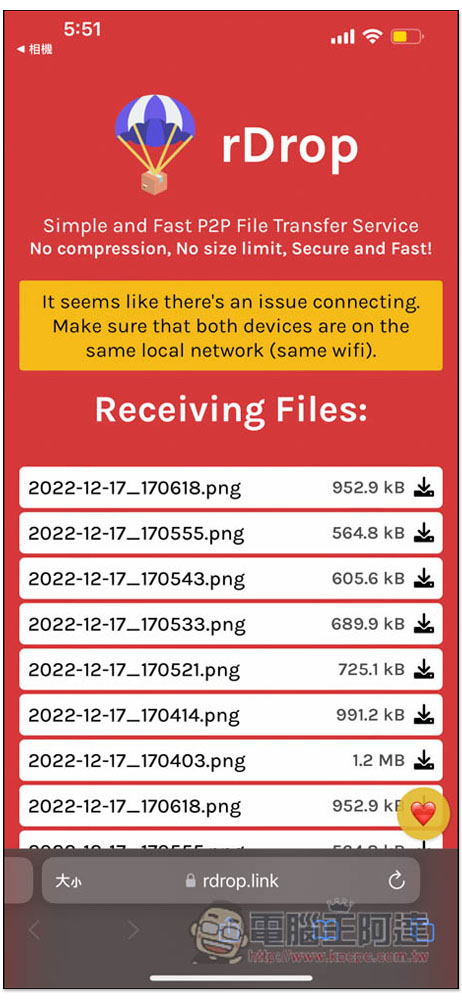
Also remember that this web page must be open on both devices before it can be transferred. If it is turned off, it will disappear.
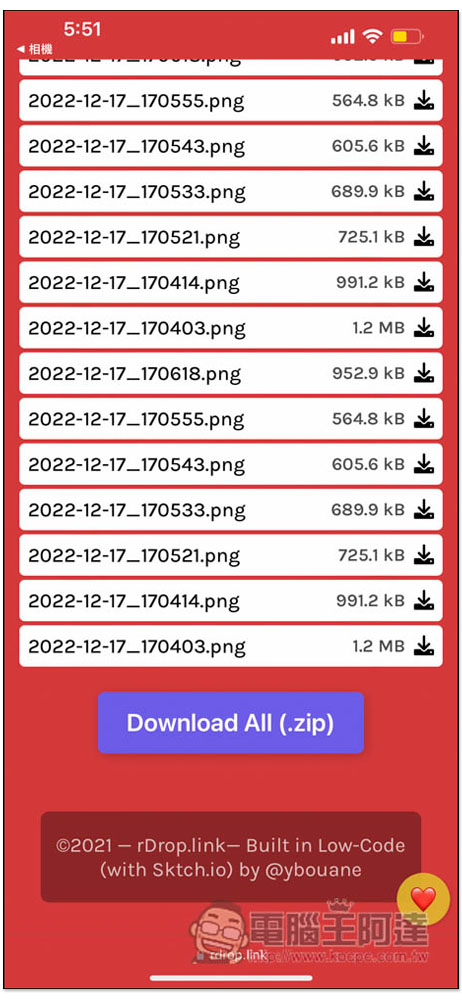
Of course, there is also a one-time packaging function. Slide to the bottom to see the Download All (.zip) function:
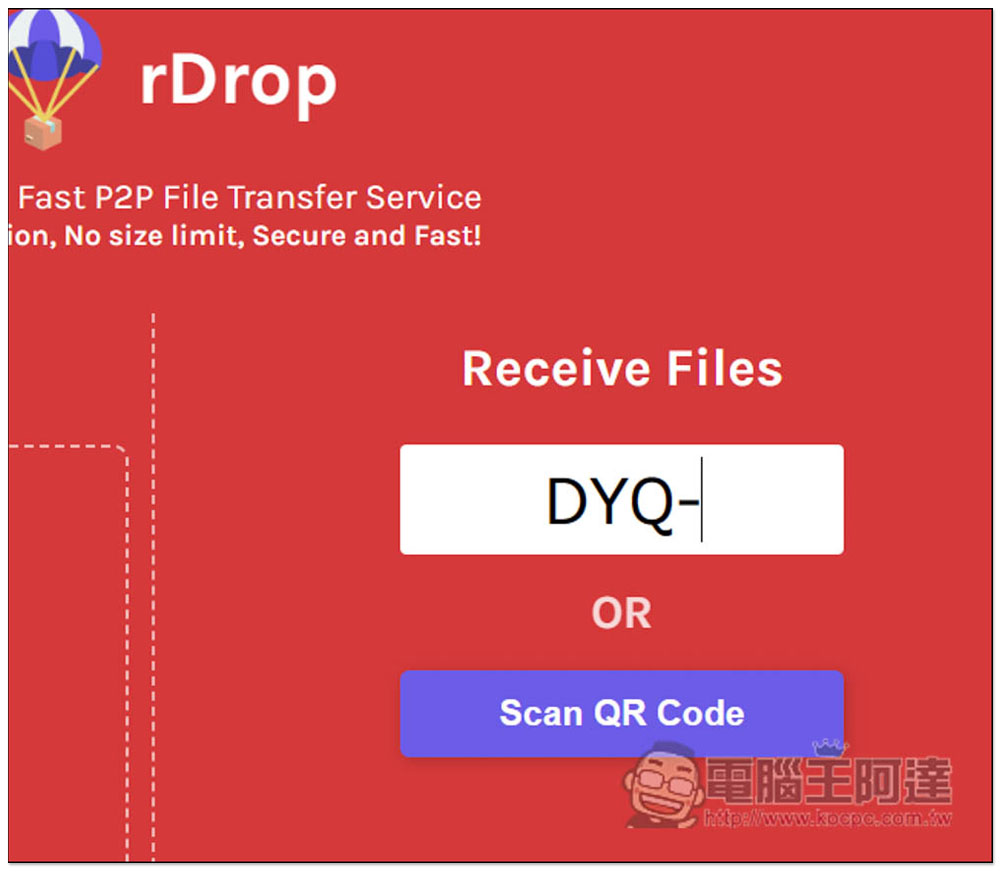
The code is entered in the box below Receive Files on the home page:
Therefore, in the future, if you want to transfer large files, or data that will be compressed such as photos and videos, rDrop is a good choice. The transfer speed is really fast and it can be completed in one go. If you are someone who often needs to transfer videos and music to a mobile phone but don’t want to use transfer software, this one is also good.
After the transfer is completed, if you don’t want to continue using it, just close the browser. The code and QR Code you get are different every time.
In addition to this one, we have also introduced other P2P peer-to-peer transmission services before, such as:ToffeeShare、drop.lol Wait, you can also refer to these to see which one is best for you.
Rhino Shield Startup Discount Code

- RHINOSHIELD Rhino Shield official website purchase:Please click here
(Enter the discount code [CNY2023] to get a $200 discount for purchases over $1,200, and enter [3C-Y23] for a purchase of less than $1,200 to enjoy a 10% discount on the entire order.)
Source: KOCPC Chinese