


Although there are many YouTube download tools on the Internet that have mobile versions that can also be used on Android, compared to apps, the operation of the web version is still relatively unchanged, especially since you have to save the URL for future use. Then you can consider PowerTube – Youtube-dl for Android, a free app. After pasting the YouTube URL, you can download the video or music you want. You can also choose the format and image quality. It is simple and easy to use.
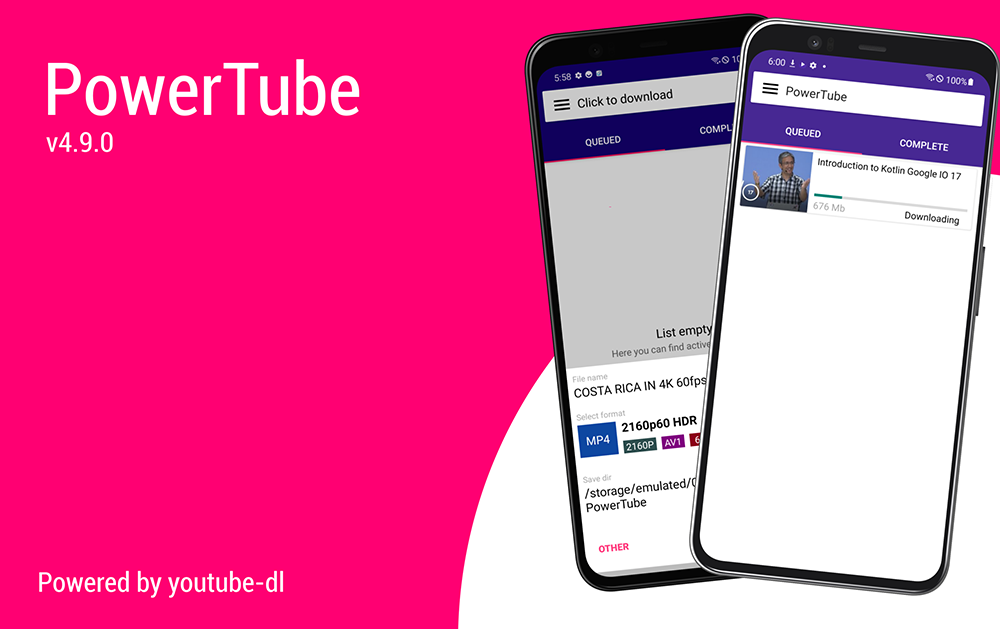
PowerTube – Youtube-dl for Android, a free app to download YouTube videos and music by pasting the URL
Because PowerTube is used to download YouTube, it is not listed on the Play Store. You need to download the APK file and install it manually. After entering the GitHub webpage, you can directly go to Release to download the latest version. There are also download points for 4PDA, XDA, and UpToDown at the bottom of the introduction. It depends on where you want to download.
When you open it for the first time, you will be asked for permission. Remember to allow access to photos, videos, music, and audio on this device before you can download YouTube to your Android device:
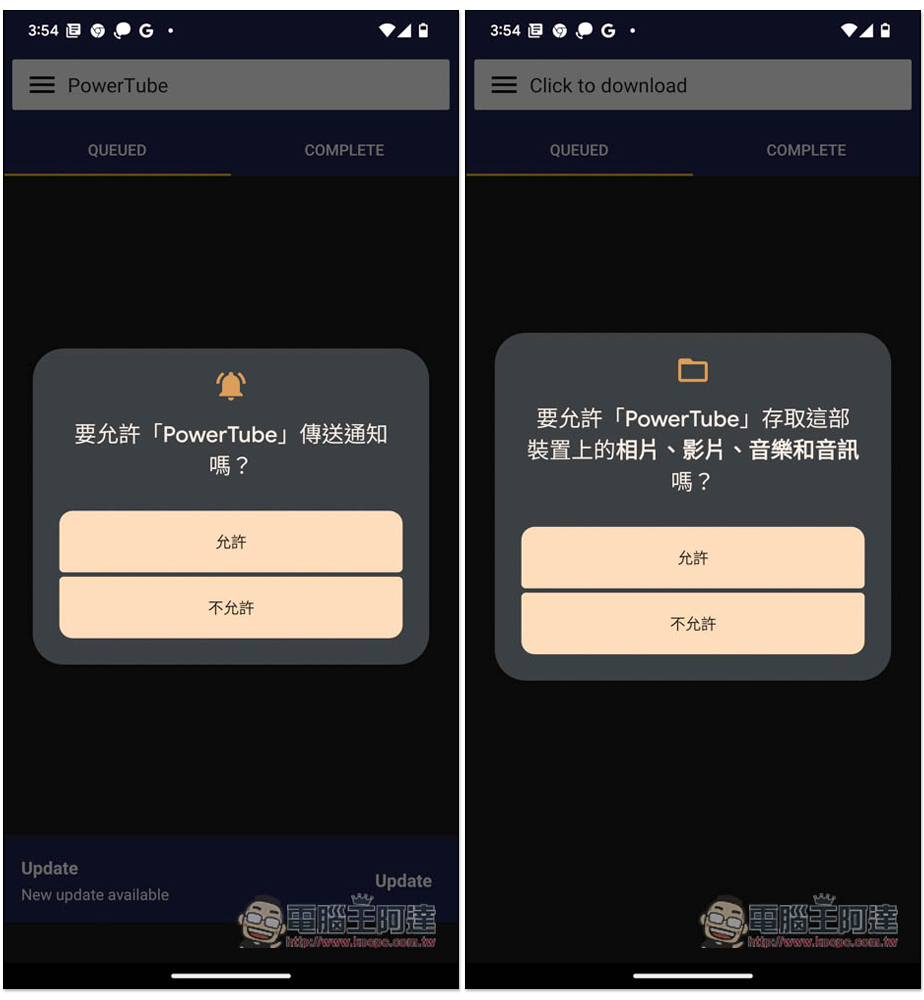
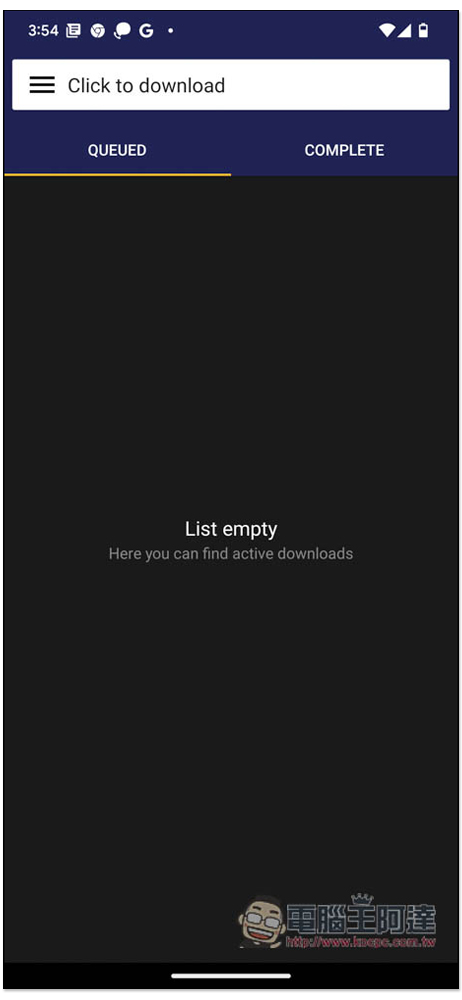
This App does not have any ads. Although it is only in English, the operation is very simple. To enter the homepage, please click Click to download above:
At this time, please open the YouTube App and copy the link of the video you want to download:
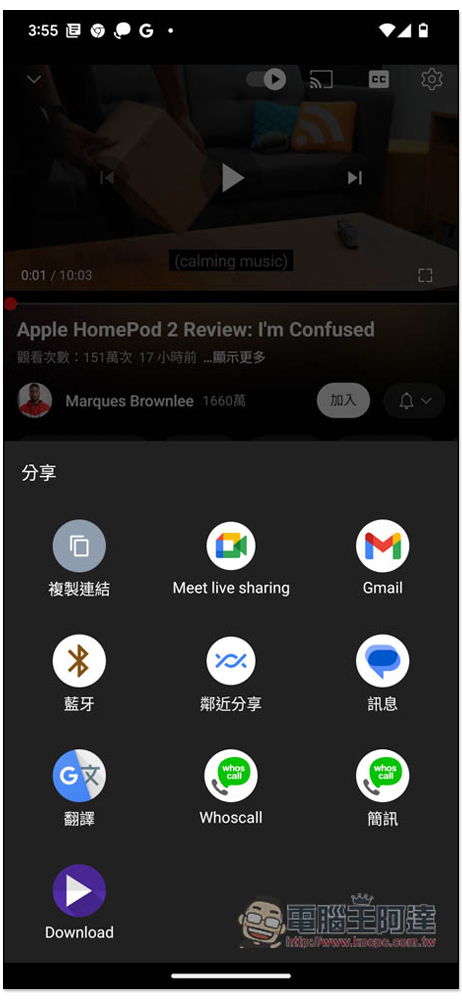
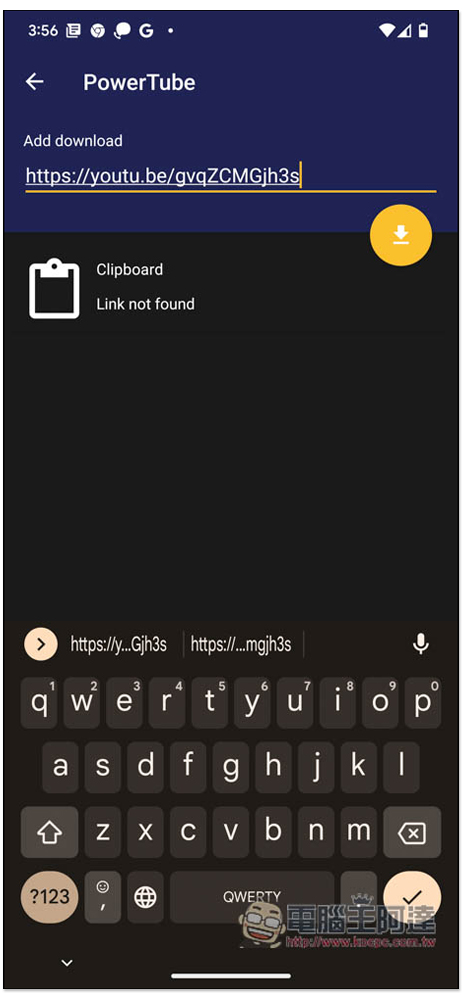
After returning to PowerTube, I pasted it in the top field. The Clipboard function below seems to be broken. It doesn’t show up even after I copy the link, but I can paste it manually. After pasting the link, click the download icon on the right:
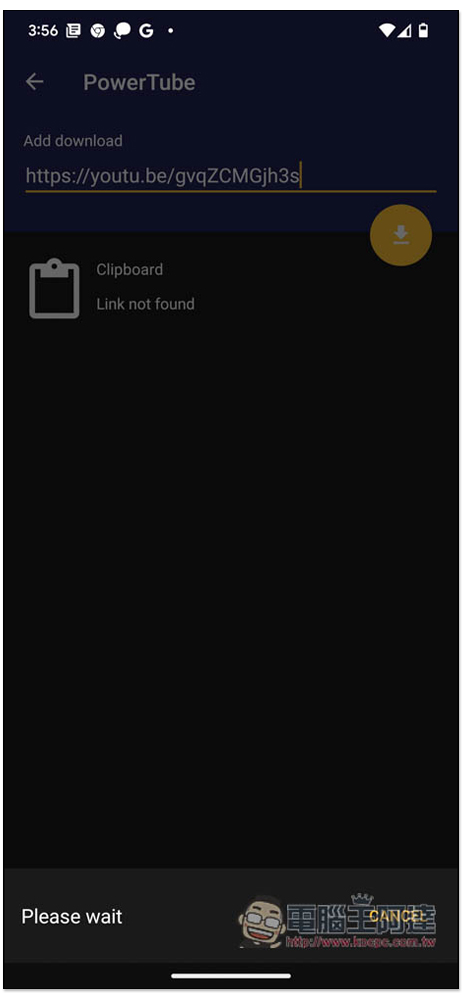
Wait a few seconds:
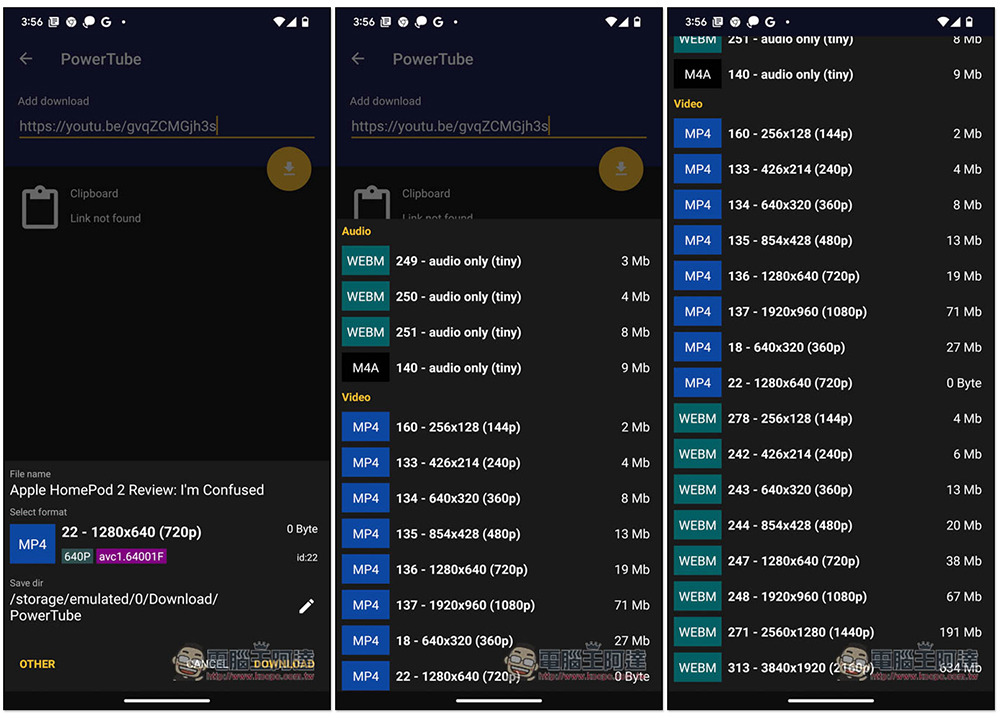
You will find the source of the video. The default format is MP4 format with 1280×640 resolution. If you want to change it to another one, click the icon below Select format. The sound section provides two formats, WEBM and M4A. There are two formats for videos, MP4 and WEBM. Up to 4K quality video (3840×1920) can be downloaded:
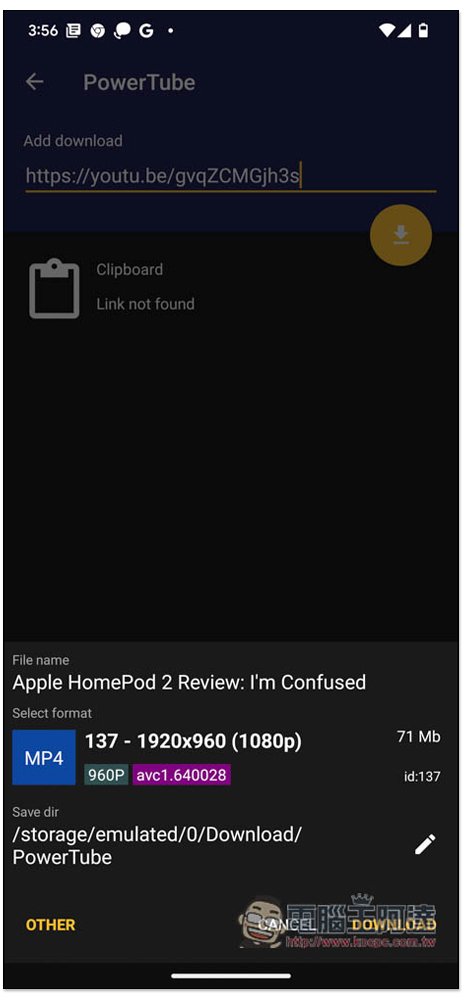
The storage location can also be changed, and the default is the PowerTube folder in the download. If you have no problem, press Download:
The download will start. However, I don’t think the download speed is very fast. Some online tools may be faster than it. For those who need to download a large number of YouTube videos or music, I recommend using online tools or computers:
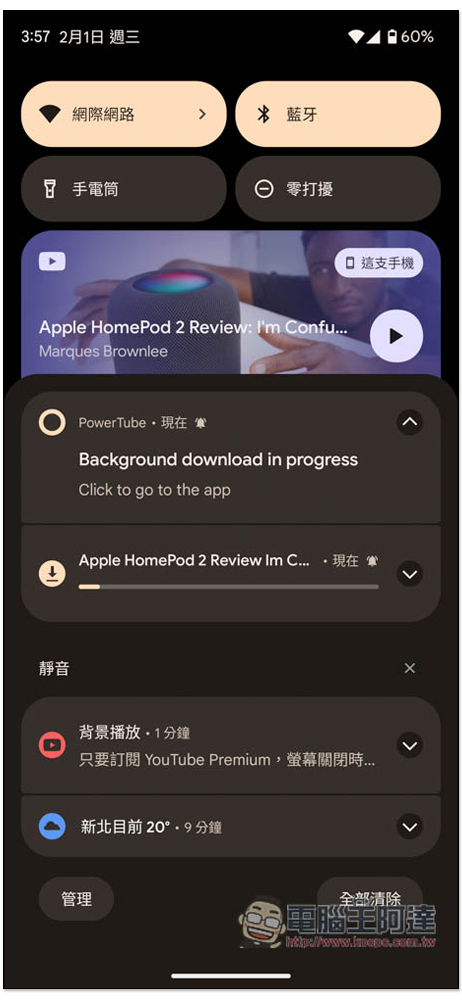
After the download is completed, it will be displayed in the COMPLETE list. Click to watch:
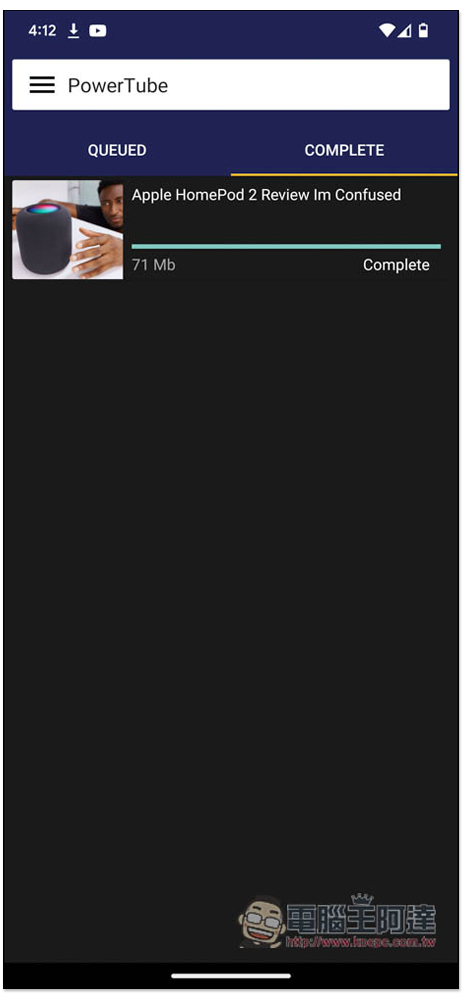
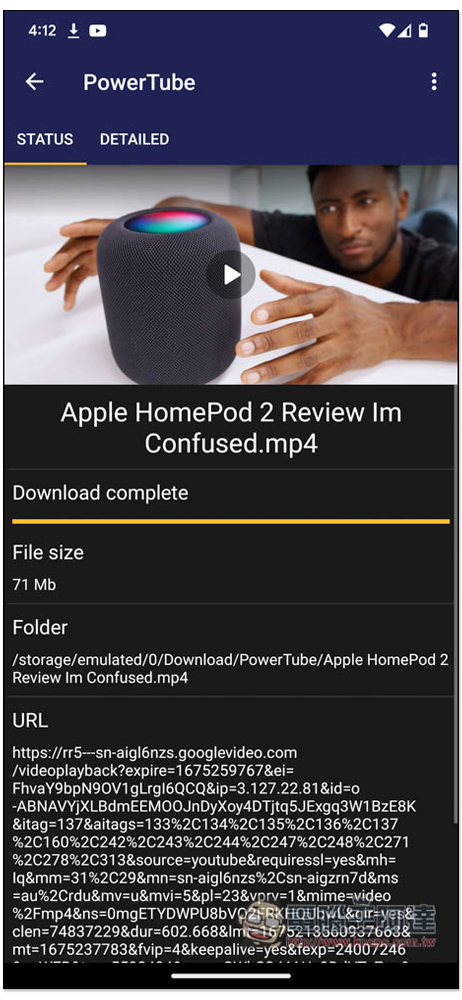
As shown below:
For Android users who often download YouTube, in addition to apps, I also recommend collecting a few more online tools, because these types of tools usually may fail every once in a while, so it is safer, such as the ones we introduced before BTCLOD、Keepvid Video Downloader、INVIDIOUS Waiting is fine.
Source: KOCPC Chinese