


Don’t know what functions you use most often in Android Auto or CarPlay? From the editor’s experience, whether you are using a mobile phone or this type of car system, navigation and music functions should be the most commonly used during driving. Naturally, you will hope that the system can provide a useful and stable experience for these applications. However, recently someone discovered that when using Android Auto to navigate using Google Maps, they actually encountered a troublesome problem in searching for GPS signals that prevented normal navigation – this should be very embarrassing when driving…
Fortunately, some gods have now found a temporary solution. Continue reading Google Maps for Android Auto encounters “GPS Searching” problem and cannot navigate? Try this solution now! Report text.
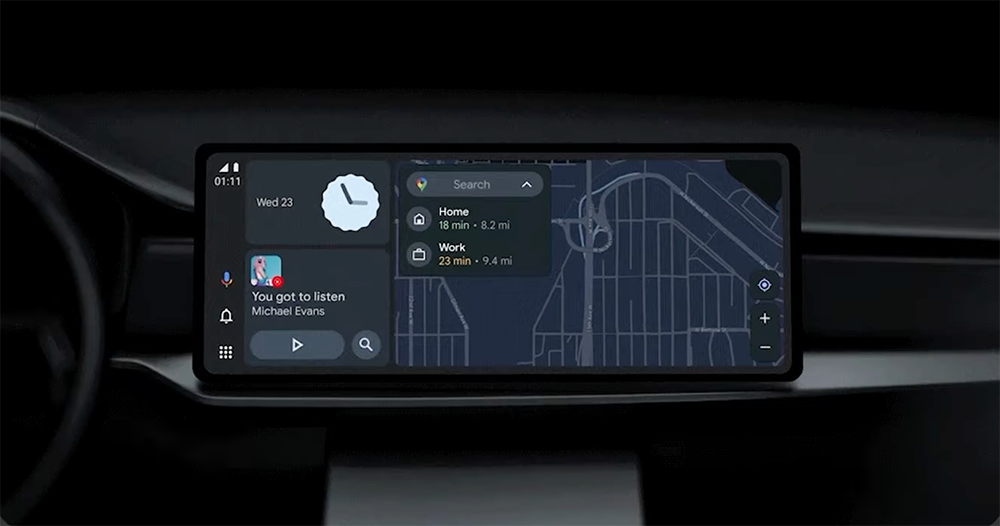
▲Image source: Google
The Android Auto version of Google Maps encounters the “GPS Searching” problem and cannot navigate? Try this solution now!
Although it’s not yet clear whether the issue is caused by a recent update to Google Maps or a strange bug in Android Auto. However, this problem of not being able to use car navigation normally occurred during the Spring Festival when there was a large number of recent travels. Even though it may not be considered a widespread disaster based on the number of reports so far, I believe it would be quite troublesome if it happened.
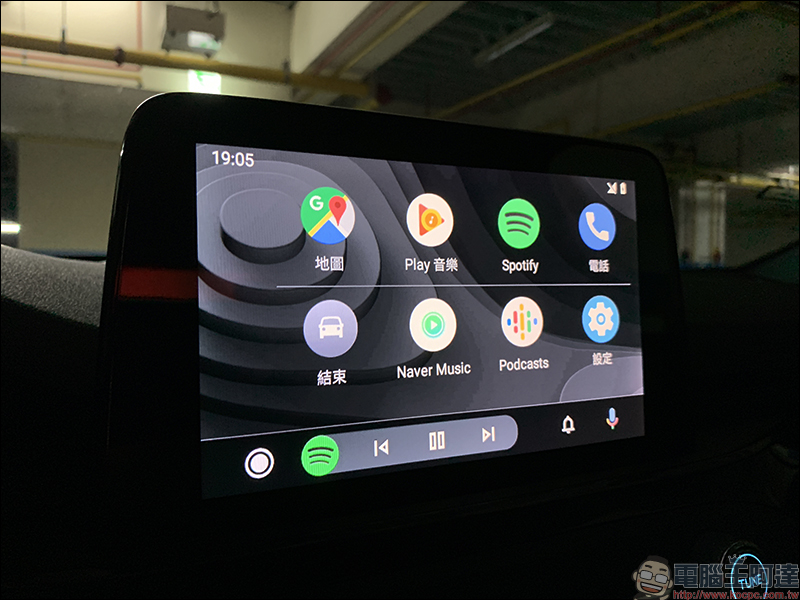
According to the Reddit online forum and the Google Android Auto Help report page, it can be seen that some users have recently reported that they have encountered the troublesome problem of the navigation fix point suddenly getting stuck and displaying the “Searching for GPS” search positioning signal when using Android Auto for navigation. To put it simply, it is an embarrassing situation where the GPS signal is lost halfway through navigation, resulting in the inability to use the Android Auto car to reach the destination.
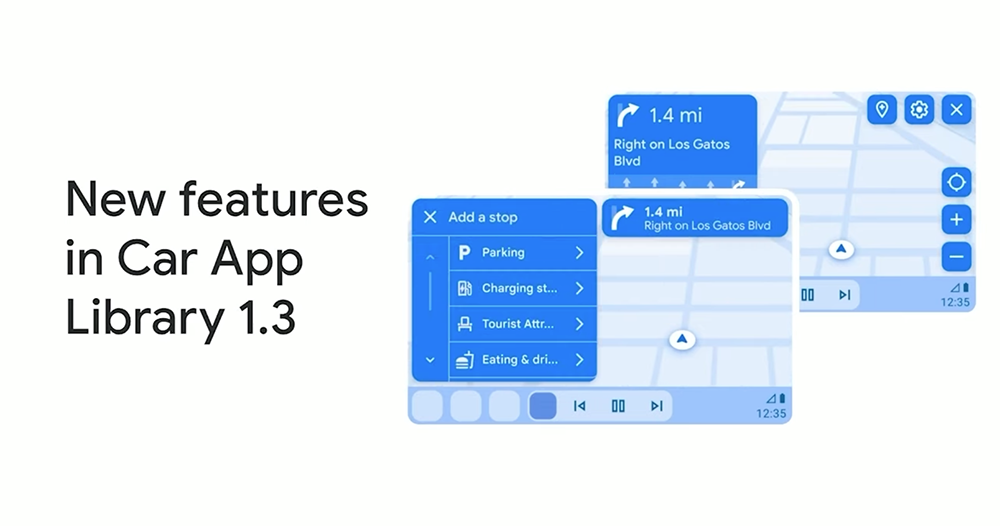
This problem is reported to occur on many different models of Android Auto cars, as well as on many different smartphones. The wonderful thing is that the system version number of either mobile phone or car does not fall into a fixed version. Therefore, except for Google, it may not be possible to identify possible signs of occurrence for the time being.
The best thing is that there is no such problem if you use your phone directly to navigate – after all, if the GPS signal is out of order due to the positioning signal of the Android smart device, neither Android Auto nor the Android phone should be able to use it, right? Therefore, some people pointed the crux of the problem to the issue of system permissions.
Are you also experiencing problems with GPS searches? The temporary solution is as follows
Based on solutions shared by users currently experiencing issues with Android Auto searching for GPS signals and unable to navigate properly. One is to suggest that you can go to the GPS permission option of Google Maps in the Android system settings and select “Always Allow”; someone also shared that you can turn off the “Battery Performance Optimization” function of Google Maps. The shutdown method is as follows:
1. Open the “Settings” application on your phone.
2. Tap “Apps” and then “View all apps” in sequence.
3. Select the desired application and tap “Battery”.
4. Tap “Optimize” under “Manage battery usage.”
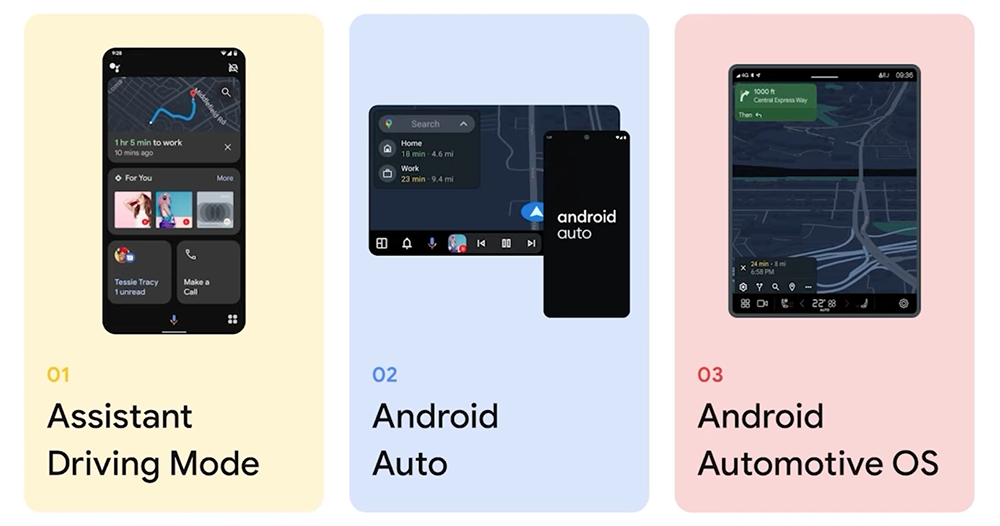
That is to say, although this Android Auto package feels that it will be officially corrected soon, I still can’t help but feel that if the mobile version of Android Auto had not been castrated, it would not be so troublesome… (Is this true?)
Further reading:
NPCs come to life? Some people have tried to use ChatGPT AI in RPG games or even write programs.
Source: KOCPC Chinese