


For iPhone, iPad and even Mac users, I believe that as long as they have made extensive use of the iCloud cloud drive service, they will find that Apple’s experience in integrating cloud file functions across the entire ecosystem is truly something you can’t go back to. Although storing data in the cloud does have its risks, this function also has the benefit of being able to evolve with service functions and even gain new and thoughtful features. This is also difficult to obtain with traditional hard disk local backup.
Recently, we discovered that the data backup function provided by the iCloud service not only has a “delete within 30 days” trash can recovery function similar to the photo service, but also has another layer of “data recovery” Buffer that can be used to save data that you accidentally deleted due to a crash. Continue reading Want to rescue iCloud Drive files accidentally deleted from iPhone? Want to find data backed up by the app? This may be your life-saving tip! Report text.
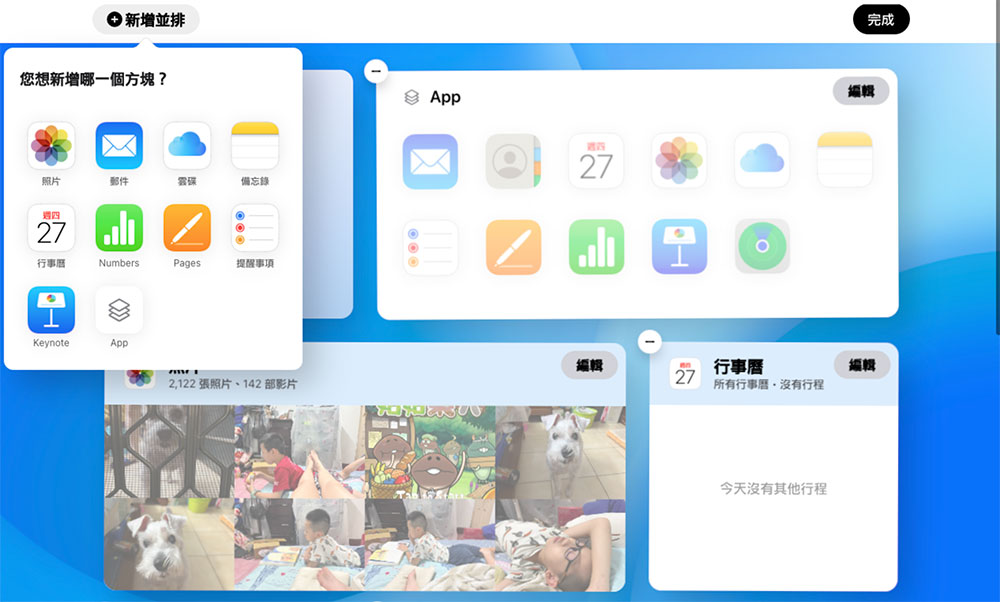
Want to rescue iCloud drive files accidentally deleted from iPhone? Want to find data backed up by the app? This may be your life-saving tip!
Although many people may be hesitant to put files on the cloud. In fact, when such services fail, you will indeed suffer heavy losses if you do not make local backups regularly. But perhaps because of this common suspicion, Apple seems to have a backup function that can save data that is accidentally deleted, including calendars, contacts, bookmarks, and even general cloud hard drive files, as well as staged backup data of each app.
In fact, this “Data recovery” function, maybe you have seen it before. But in the new iCloud web version (see more:Apple’s new iCloud Beta website is open for experience, with a redesigned new layout for more convenient operations), Apple has brought it, which was originally hidden deep, to a place where it is easier to find – but the options are at the bottom, and you may have to swipe a little to see the options at the bottom. Since it is a web version, it can be viewed and used on Mac and iPad, and even Windows:
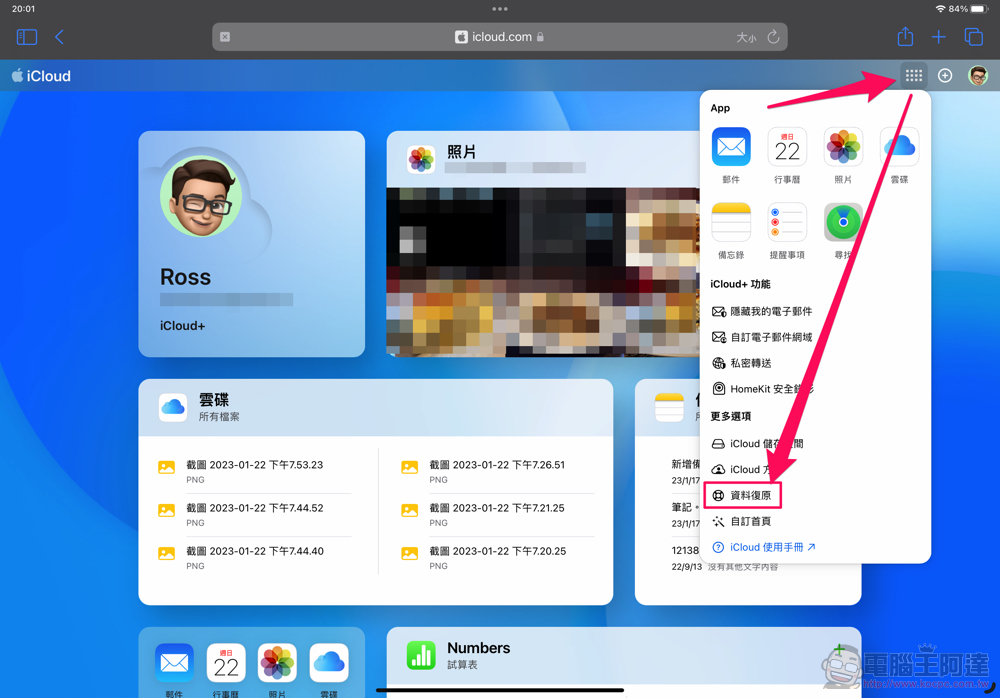
This feature will “restore files deleted from iCloud Drive and other apps in the last 30 days, or restore older versions of calendars, contacts, or Safari bookmarks and reading lists.” ” The function page is simply divided into four items – conceptually, I actually think there are two types, one is a bit like the version backup and recovery function of services such as Pages or applications, and the other is simple file recovery:

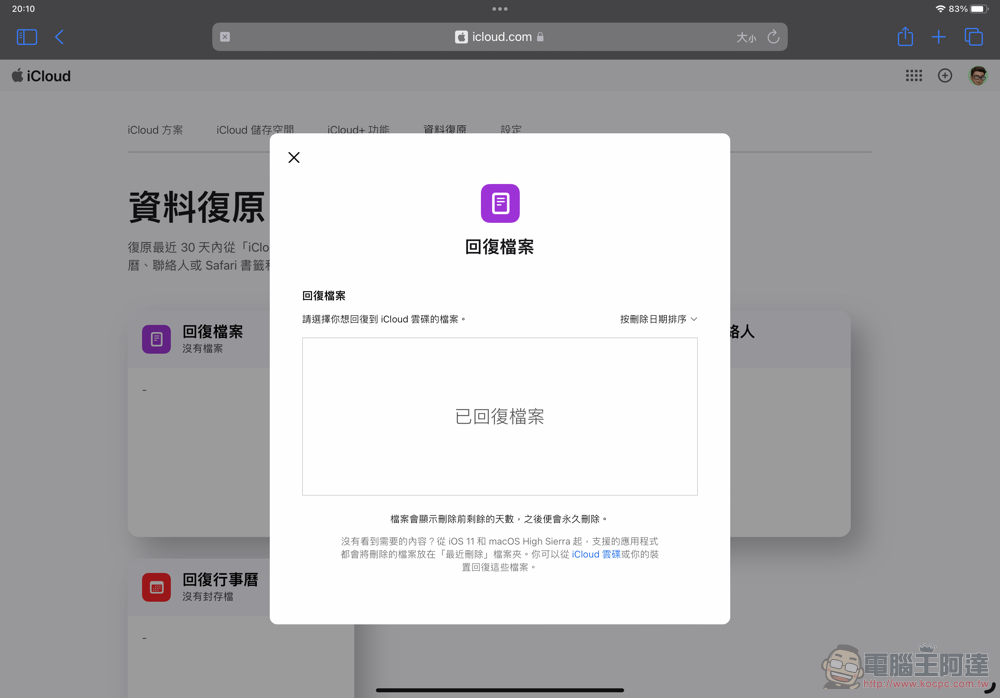
Basically, contacts, bookmarks and calendars are all based on the concept of version backup, but the files are more diverse because the data is mixed into the App’s backup files. Clicking “Reply File” will launch a pop-up data recovery interface:
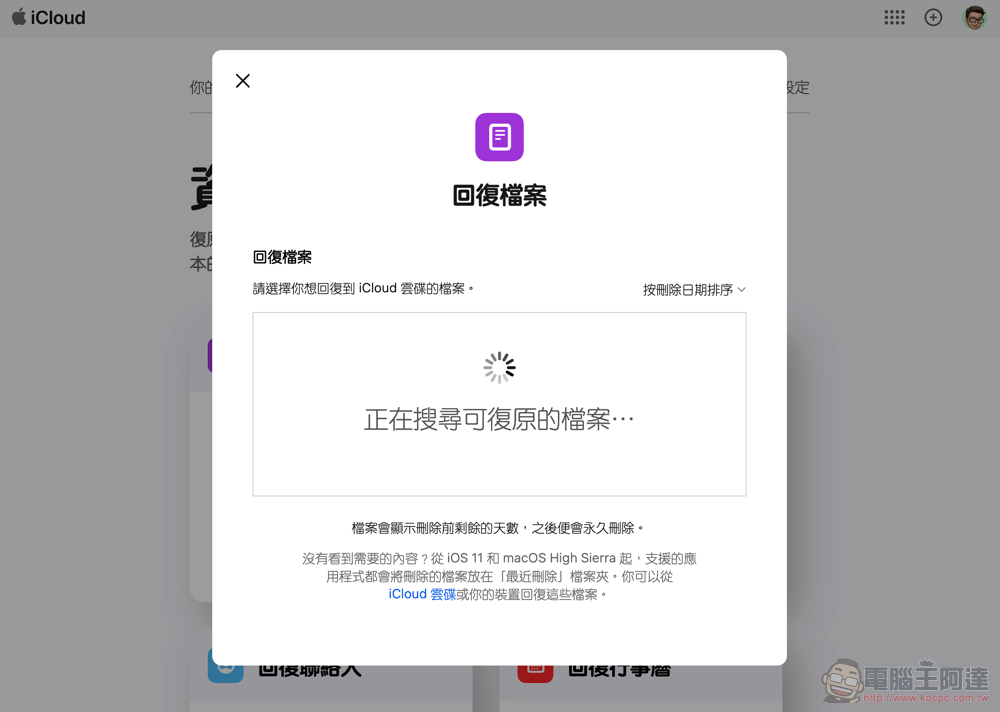
After the search is completed, you can see files that were previously in the Files app on your iPhone or iPad, as well as files that may have been deleted when using iCloud Drive directly on macOS. What’s wonderful is that the periodic backup data of some apps can also be seen here. If you want to restore or “truly permanently delete”, you can select “Delete | Reply” in the lower right corner after checking the box to complete – as far as the app is concerned, theoretically speaking, you can restore the data status before a certain date through here:
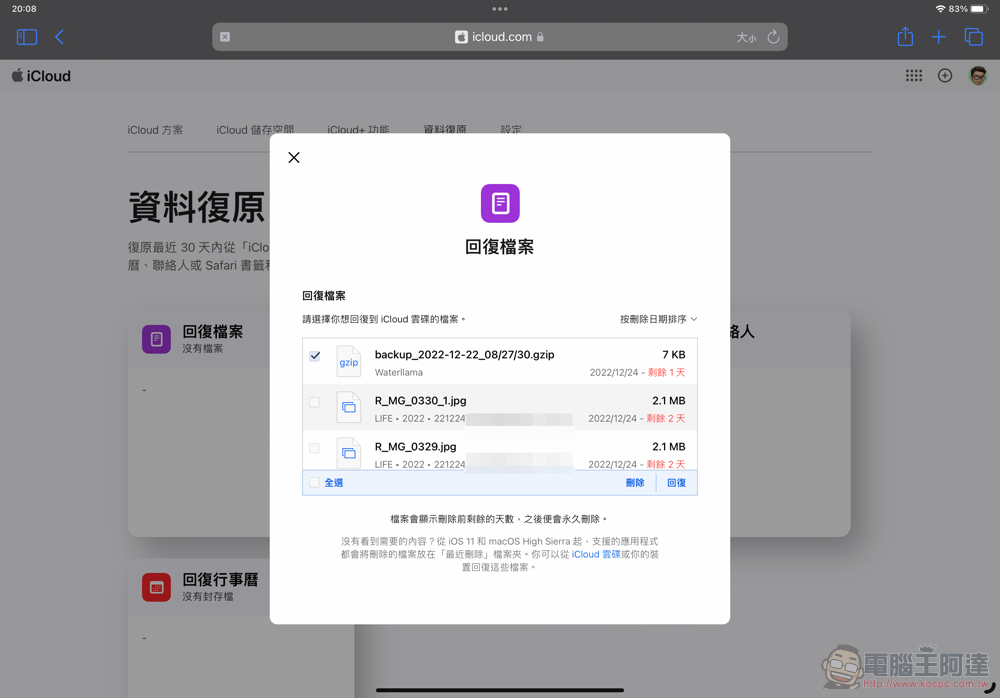
And the reason why it is said to be “true permanent deletion” is because the Files app on iPhone and iPad actually has a “Recently Deleted” mechanism that is somewhat similar to the trash can on the desktop system. Files will be permanently deleted after being retained there for 30 days. However, what is interesting is that the author found that files after emptying the trash on macOS with iCloud disk integration enabled seem to remain in this backup function.
In short, if you accidentally press delete when using the Apple ecosystem, in addition to feeling extremely regretful, I would suggest that you consider taking a look at the data recovery function of iCloud. You might have a chance to recover files that you thought were gone forever.
Further reading:

Source: KOCPC Chinese