


Nowadays, it seems that every application provides some kind of subscription service. After paying a fee, you can enjoy full functions, advanced options, etc., and the payment will be deducted from the payment method you set on time every month, so that you can continue to use it. There are some small details that some consumers have not noticed. When you no longer need to use it, uninstall the application to free up space. But have you confirmed whether you have canceled the subscription?
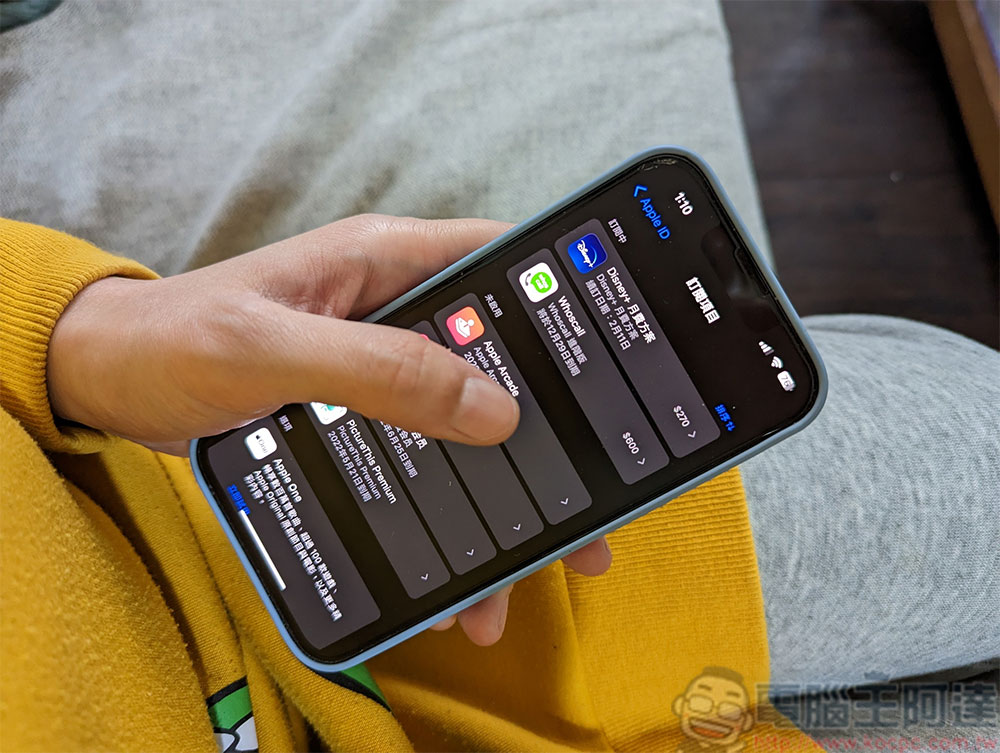
Still getting charged after uninstalling the app? Please be sure to unsubscribe
Many apps are switching from single purchases to subscriptions, largely because users tend to forget about this. The monthly fee of US$0.99 (approximately NT$30) seems quite cheap. When you subscribe, you must feel that the fee is so low that it is not worth mentioning. However, as time goes by, the monthly charge makes users gradually forget that they are paying for this service that they may not use.
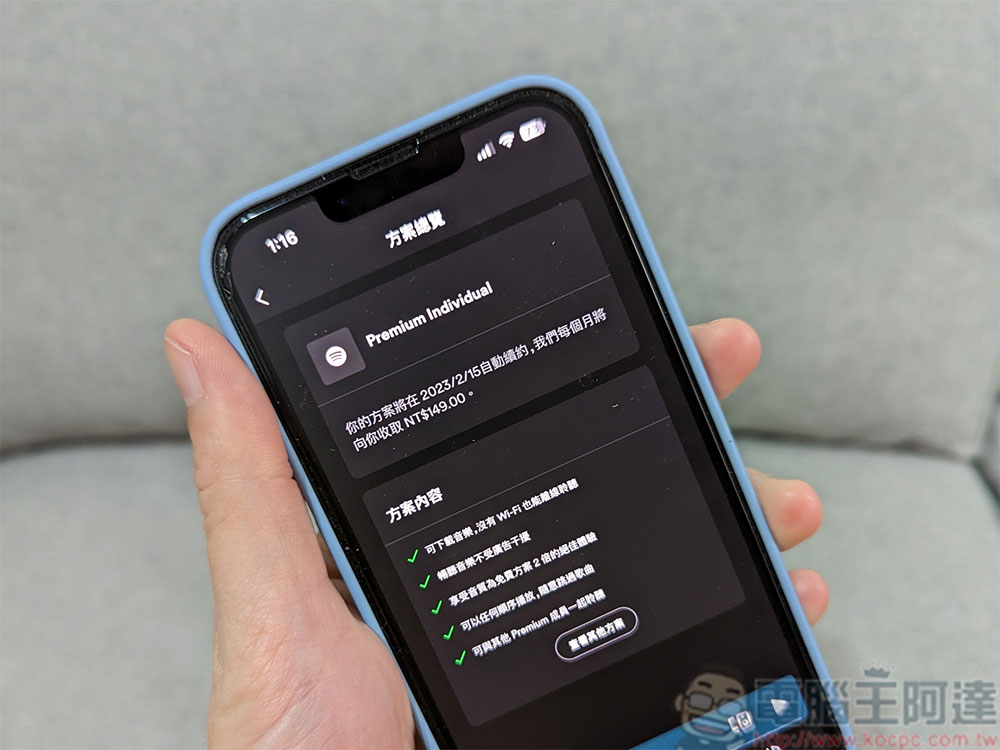
Let’s make it clear here that there is nothing wrong with the app subscription system itself. Developers put a lot of effort and work into the app, and the fees are indeed justified. For most developers, $0.99 per user is not a recipe for long-term success, it only really makes sense as a developer if you continue to use the app.
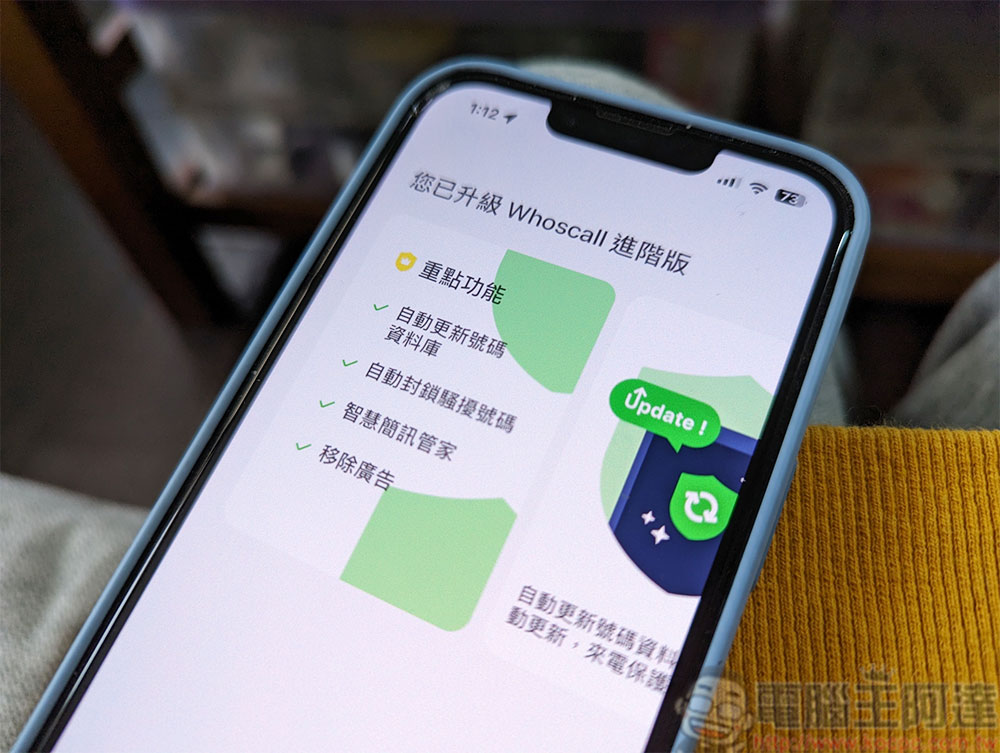
That being said, canceling a subscription is often more tedious than subscribing, and you do need to take extra steps to cancel. If you think you can cancel your subscription by simply uninstalling the app, you are totally wrong! In fact, uninstalling an app just deletes the app from your phone. Even if it no longer exists on your phone, you still have to continue to pay it once a month. In other words, all the money you forgot to cancel the subscription is wasted.
Unsubscribe? Let me teach you how to do it
Both Android and iOS have settings for users to cancel subscriptions:
- iOS users
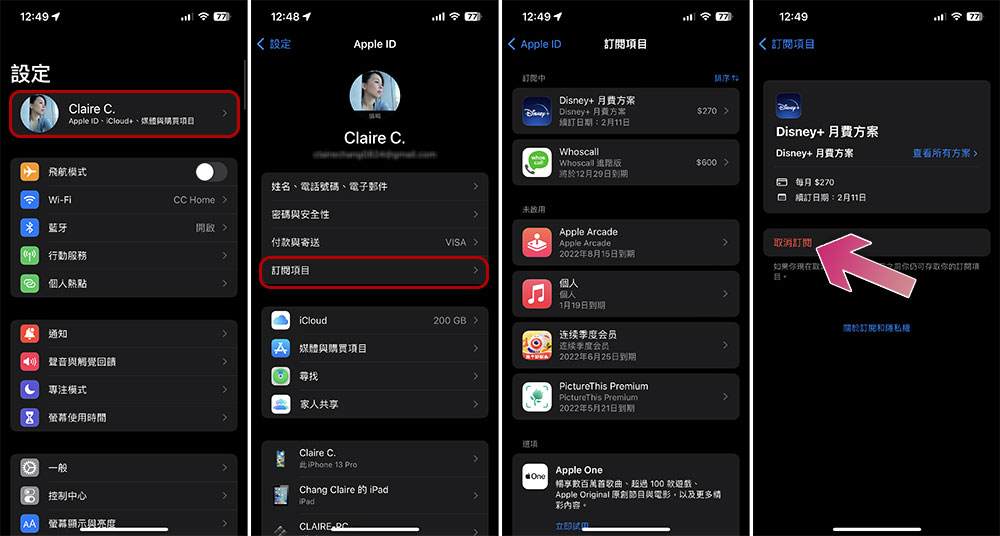
Go to “Settings” and click the top avatar, then go to “Subscription Items” to view each subscribed app, and cancel the subscription here.
- Android users
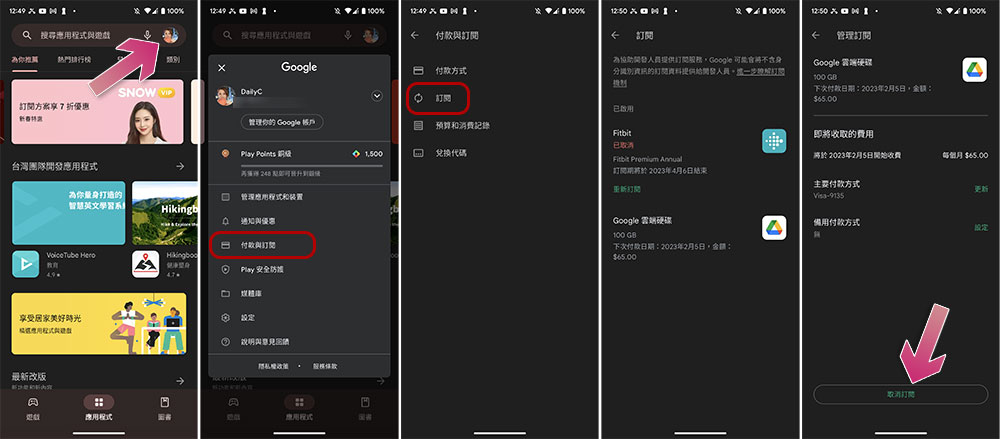
Open the Google Play Store app, click the avatar in the upper right corner, select “Payment & Subscriptions”, click “Subscriptions” in the menu, and then cancel from the inner page of each item you want to cancel.
- Subscribe from the official website of individual applications
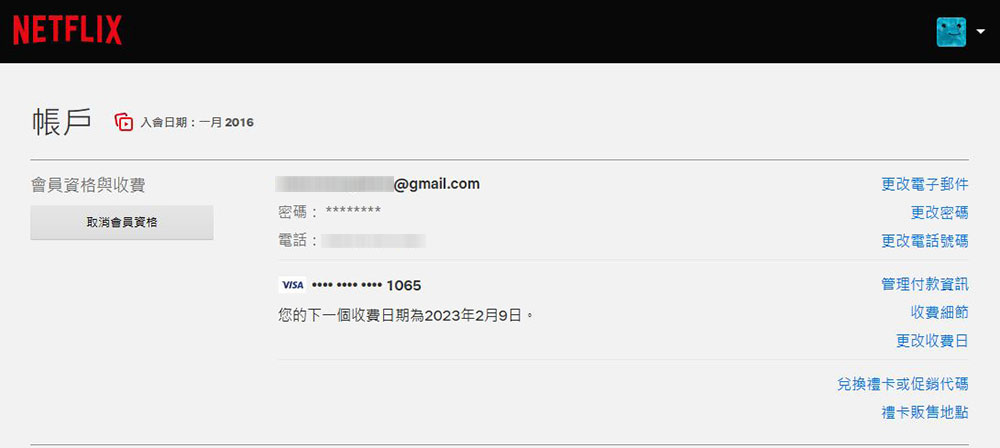
For some apps, the subscription method is from the official website of the service, such as Netflix, Amazon Prime, etc. In this case, you have to go back to the app’s website to cancel the subscription.
The above author has listed the most common situations when you subscribe to services, including the cancellation methods of in-app subscriptions and official app website subscriptions. Everyone must ensure that these app subscriptions that are no longer used, no longer used, or no longer needed are actually canceled, so as to avoid you continuing to pay for them in the future.
Source: KOCPC Chinese